Breadcrumbs screen examples
Breadcrumbs screen design examples from SaaS apps. Explore how apps show the path to the current location. Look at breadcrumb placement, parent labels, and the relationship between the navigation trail and…
Explore the examples

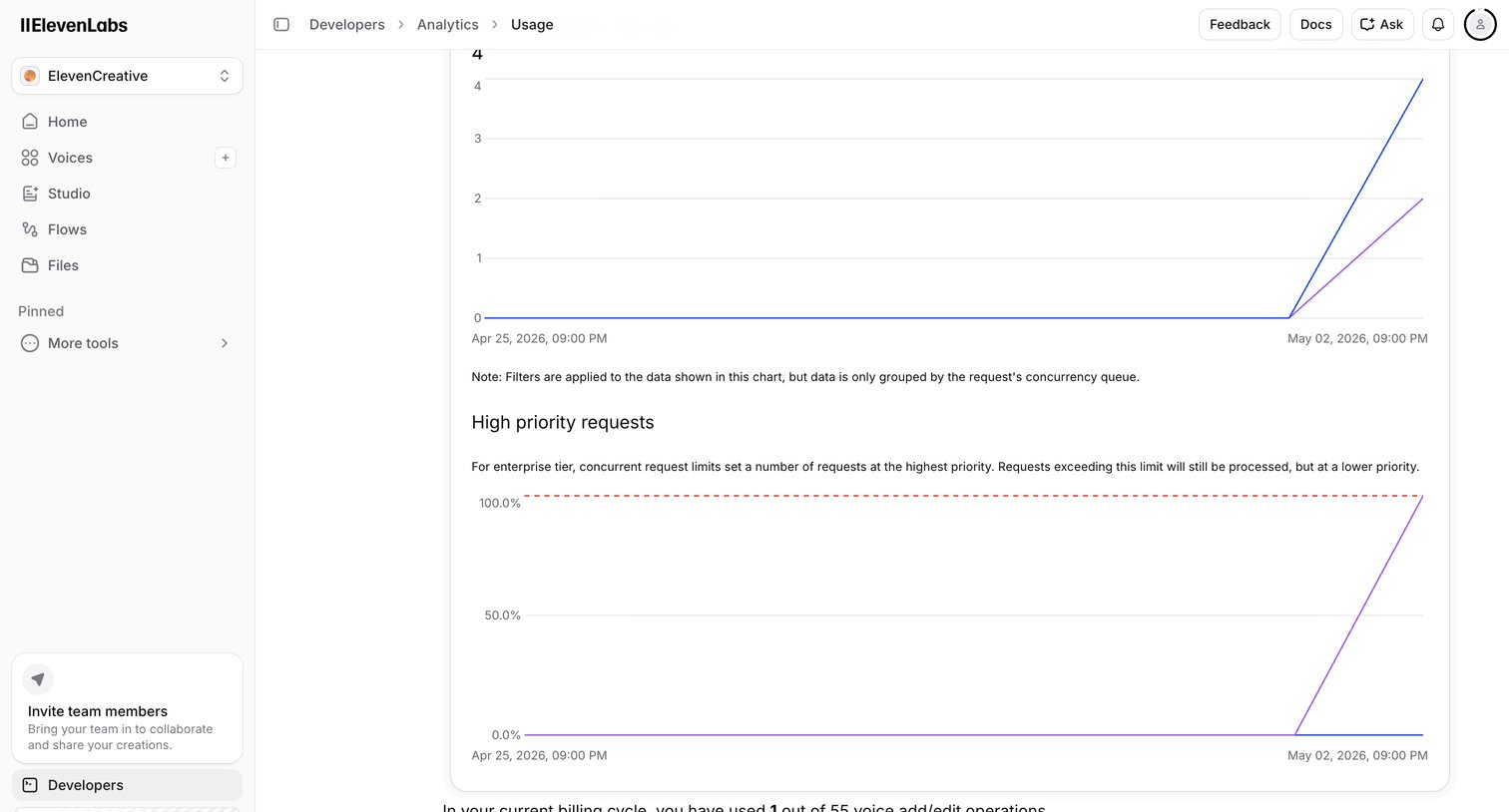

Dashboard tracking developer API usage, showing concurrent request limits and high priority request volume over time.
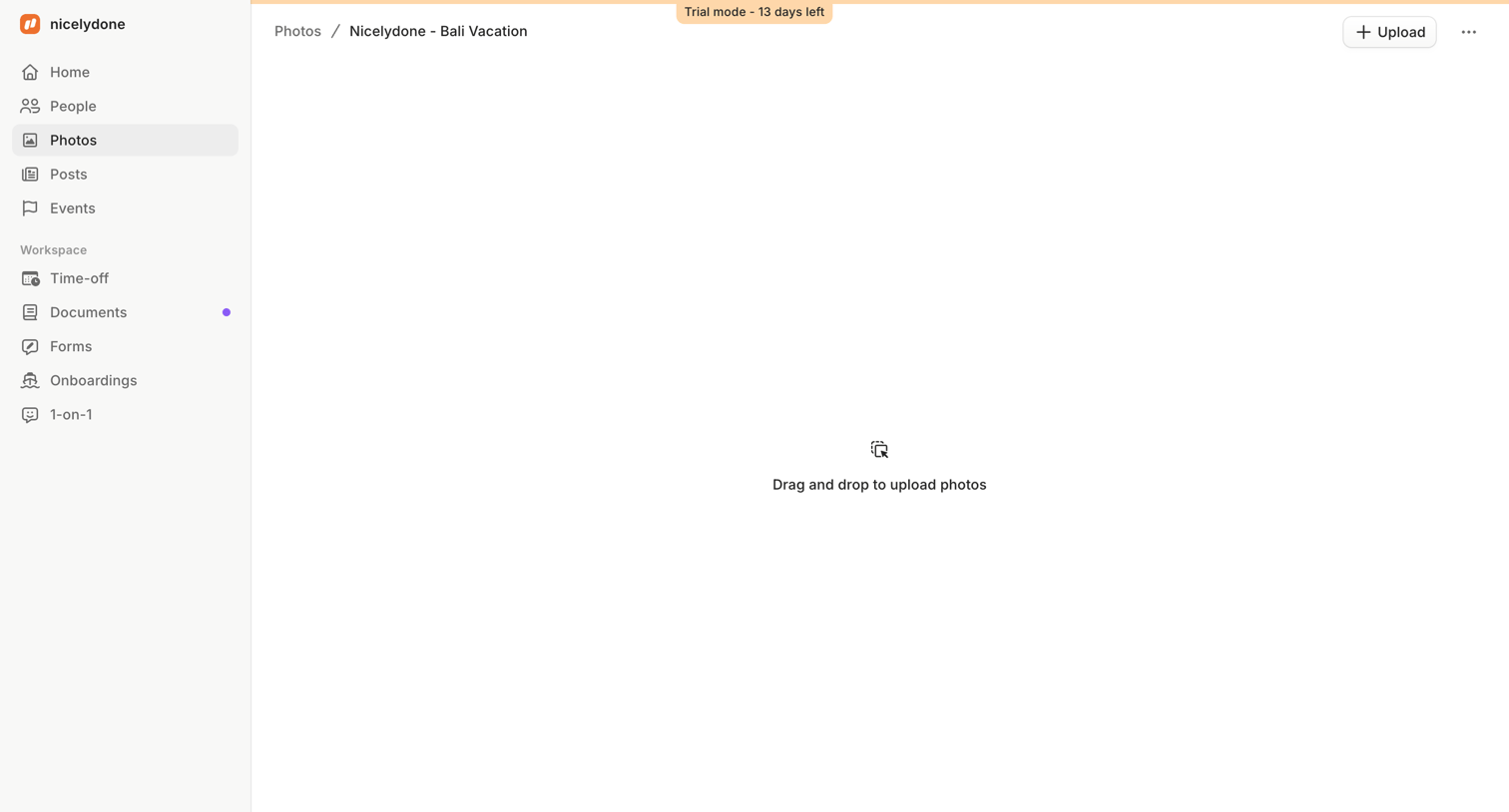

Detail page for a specific photo album showing an empty state with a drag-and-drop upload prompt.

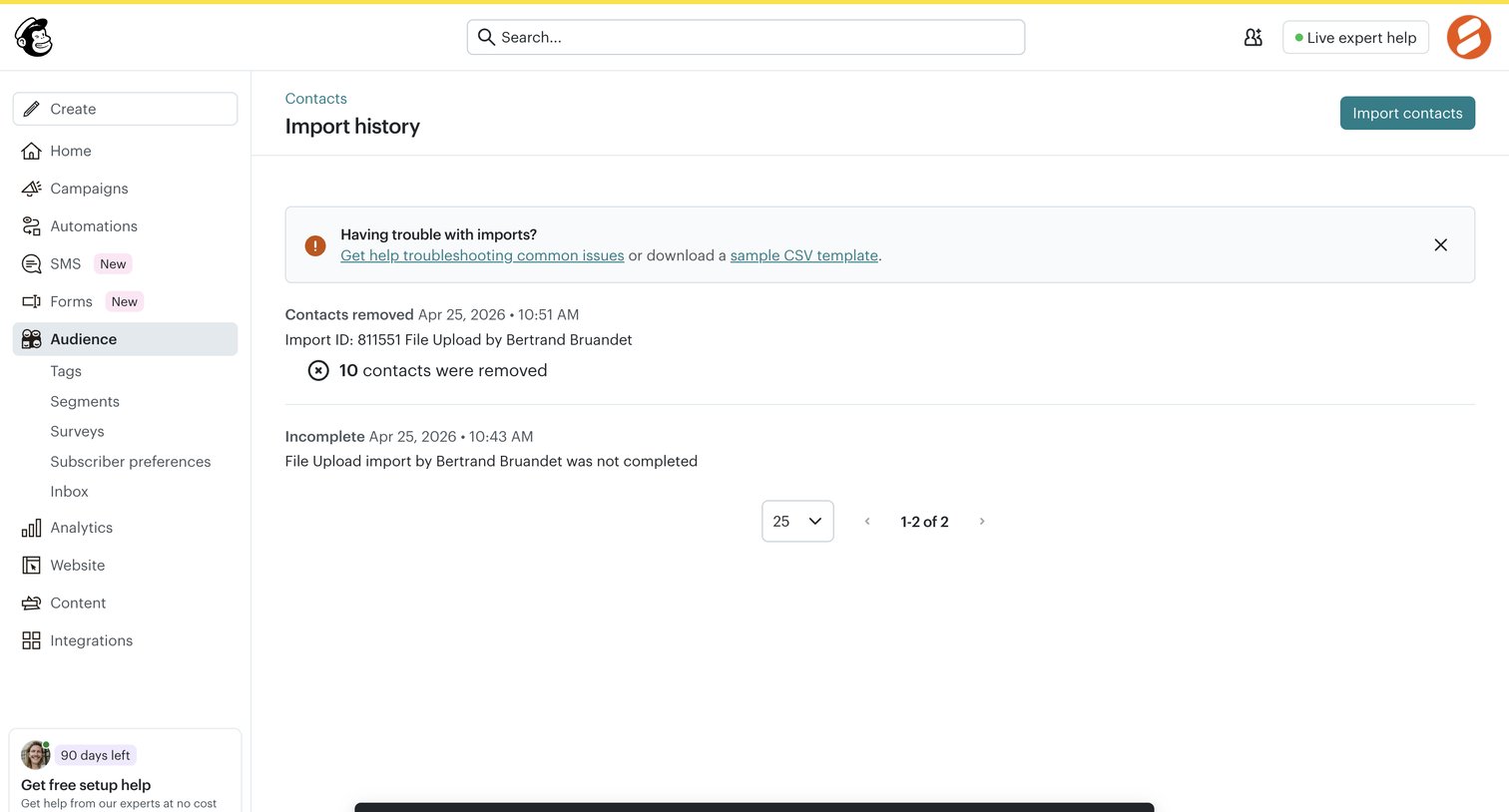

List view where the user reviews the status of past contact imports, monitors an ongoing undo process via a toast notification, and can initiate a new import.
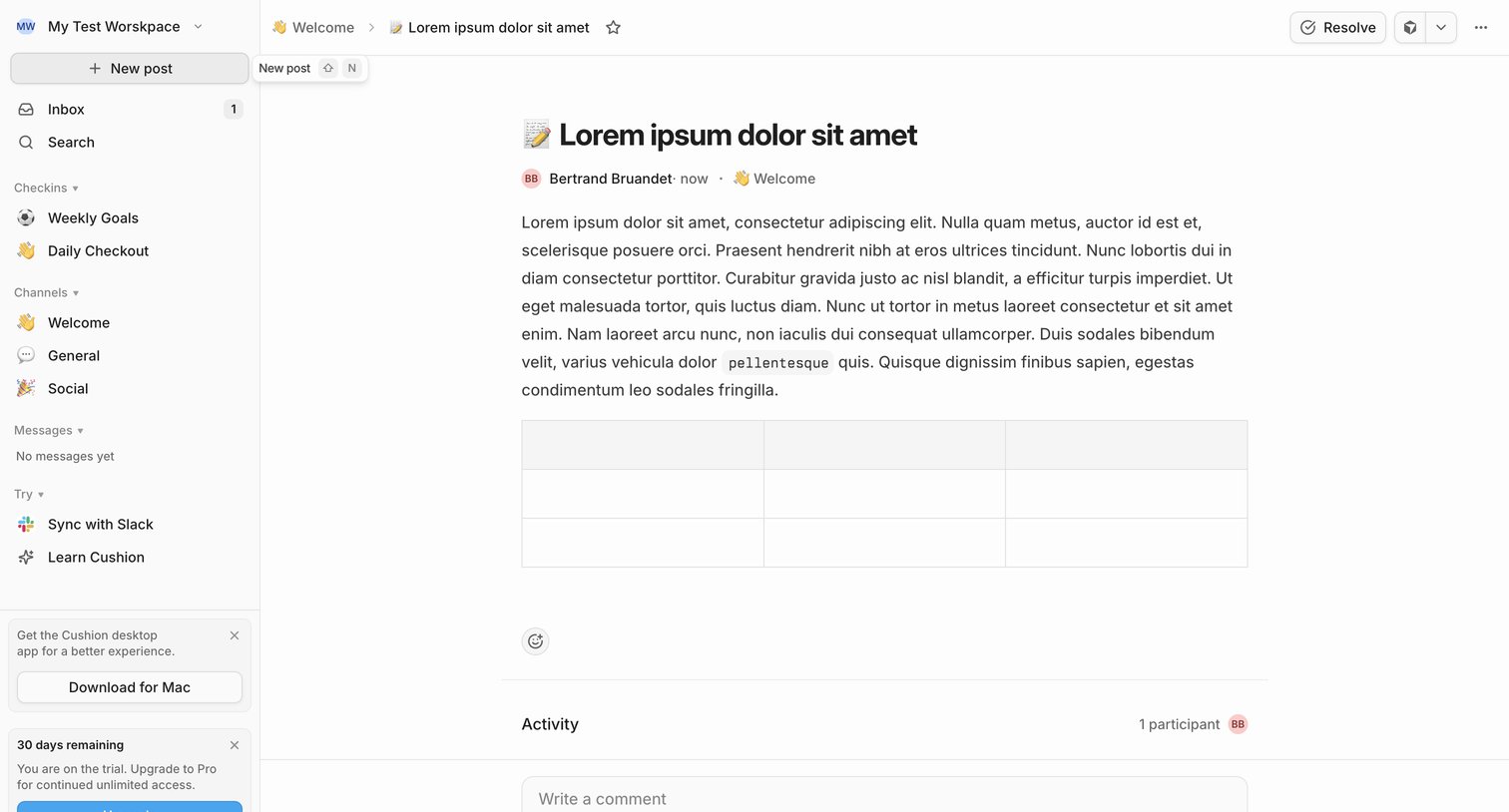

Detail page where a user reads a team update in the Welcome channel, views activity participants, and can write a comment or resolve the post.
![Linear - NIC-277 [BE] Save user preferences screen](https://assets.nicelydone.club/cdn-cgi/image/g=top,w=1512,h=814,f=webp,fit=cover/https://assets.nicelydone.club/f/aa9d61ce-09fd-47f8-b111-0f8f8431163c.png)


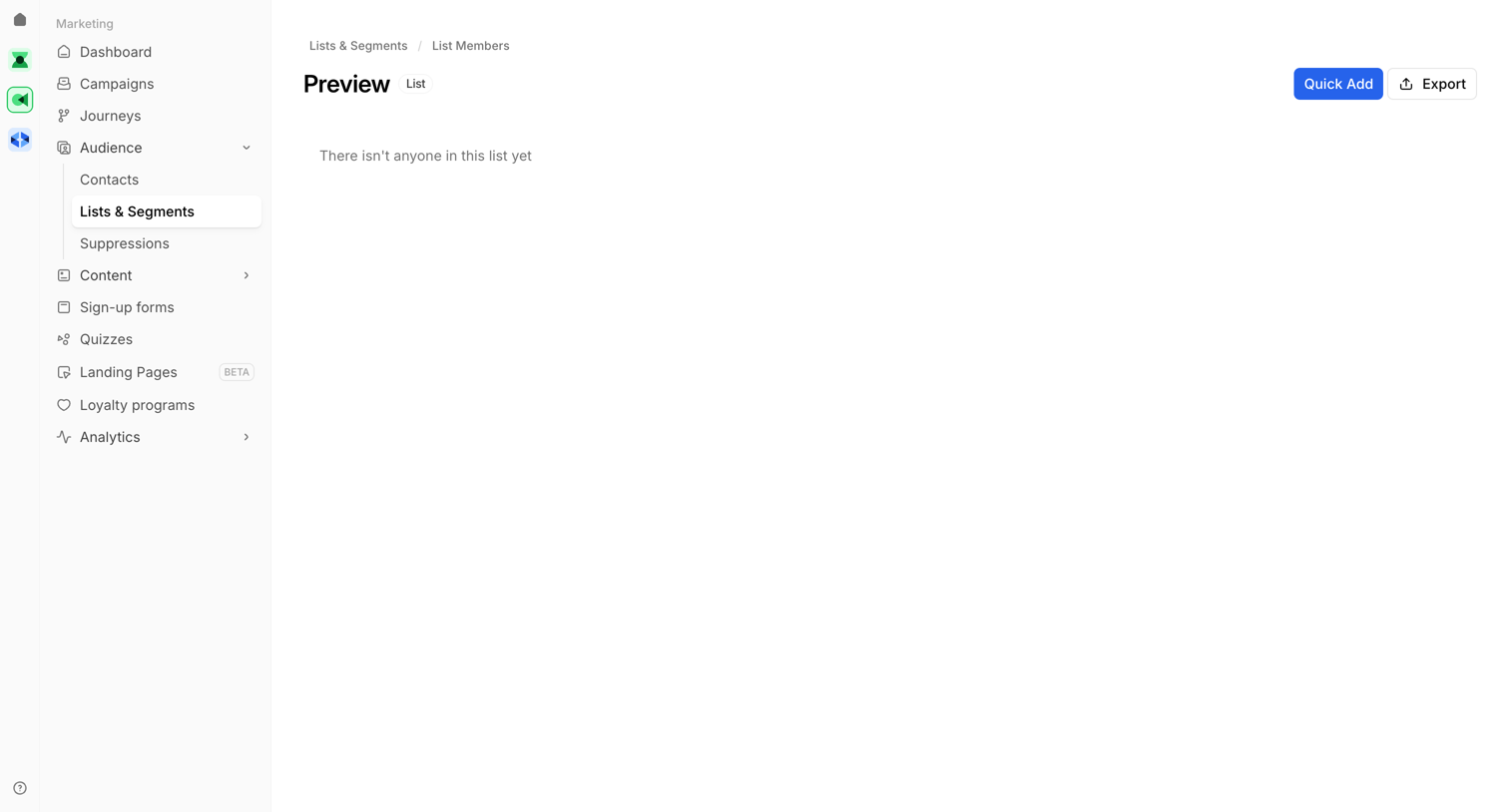

List view showing an empty preview of list members with options to quick add or export.
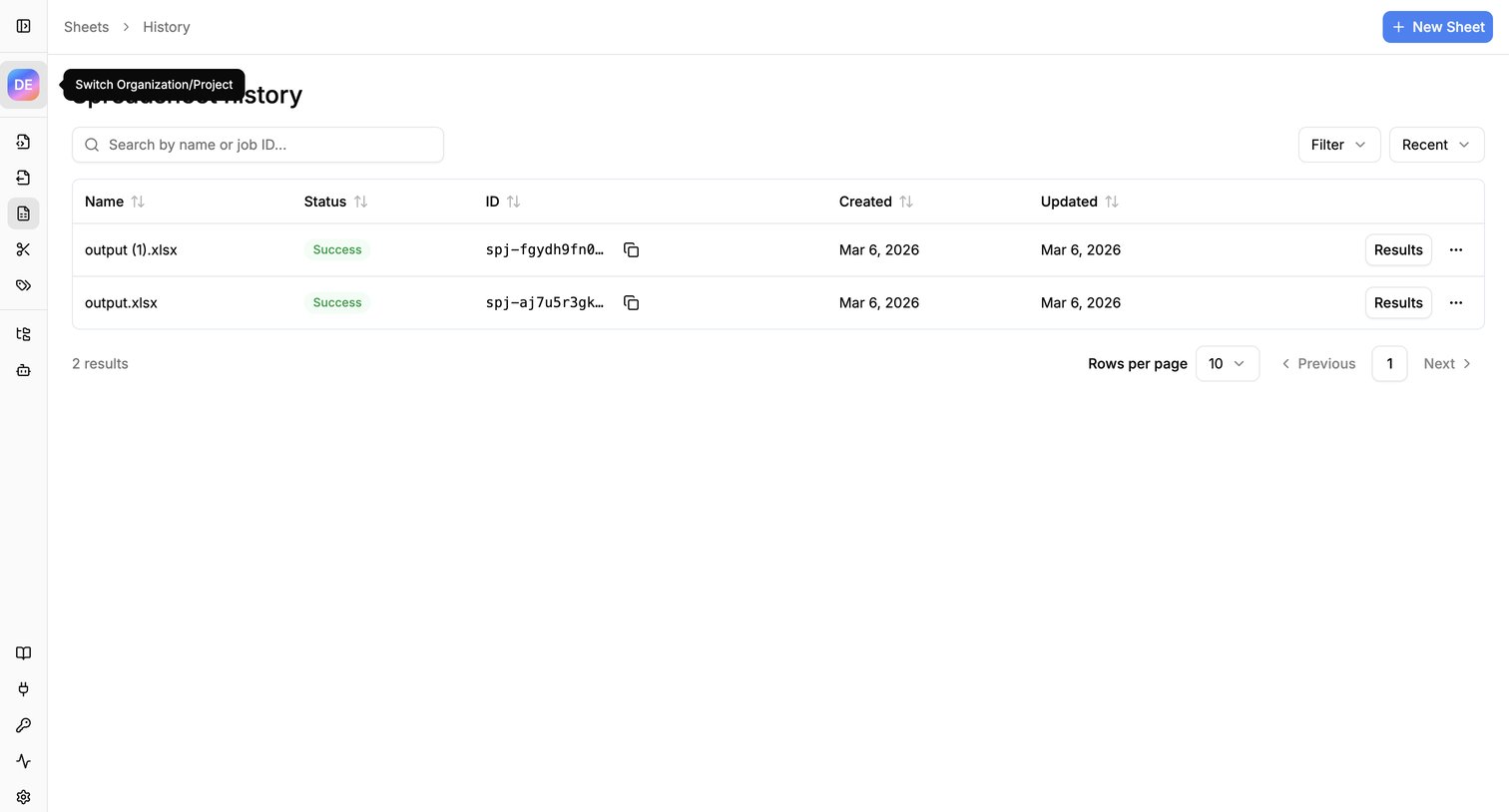

List view showing the history of generated spreadsheets with their status, IDs, and creation dates.
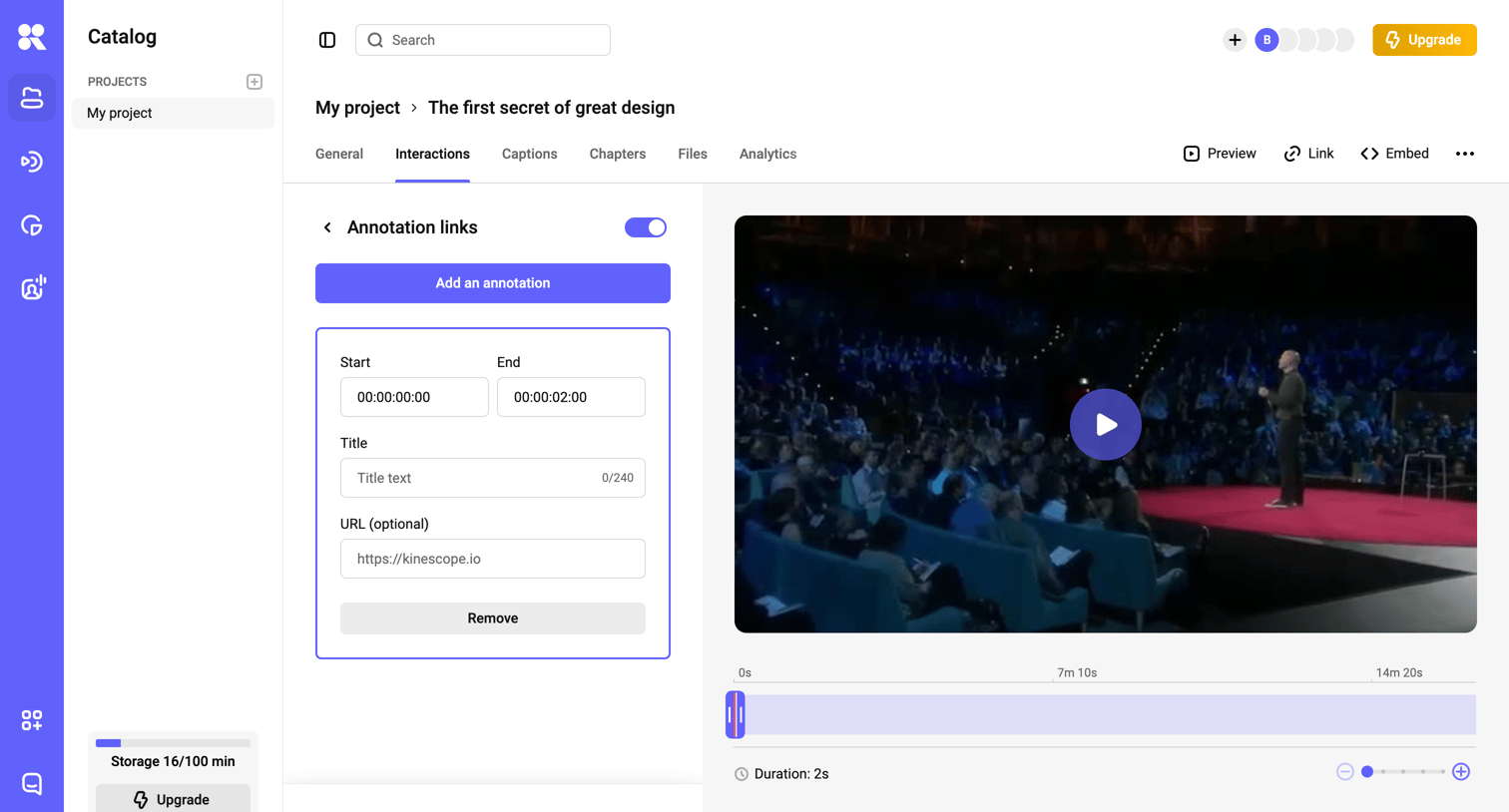

Detail page where the user adds and edits interactive annotation links on a video timeline.
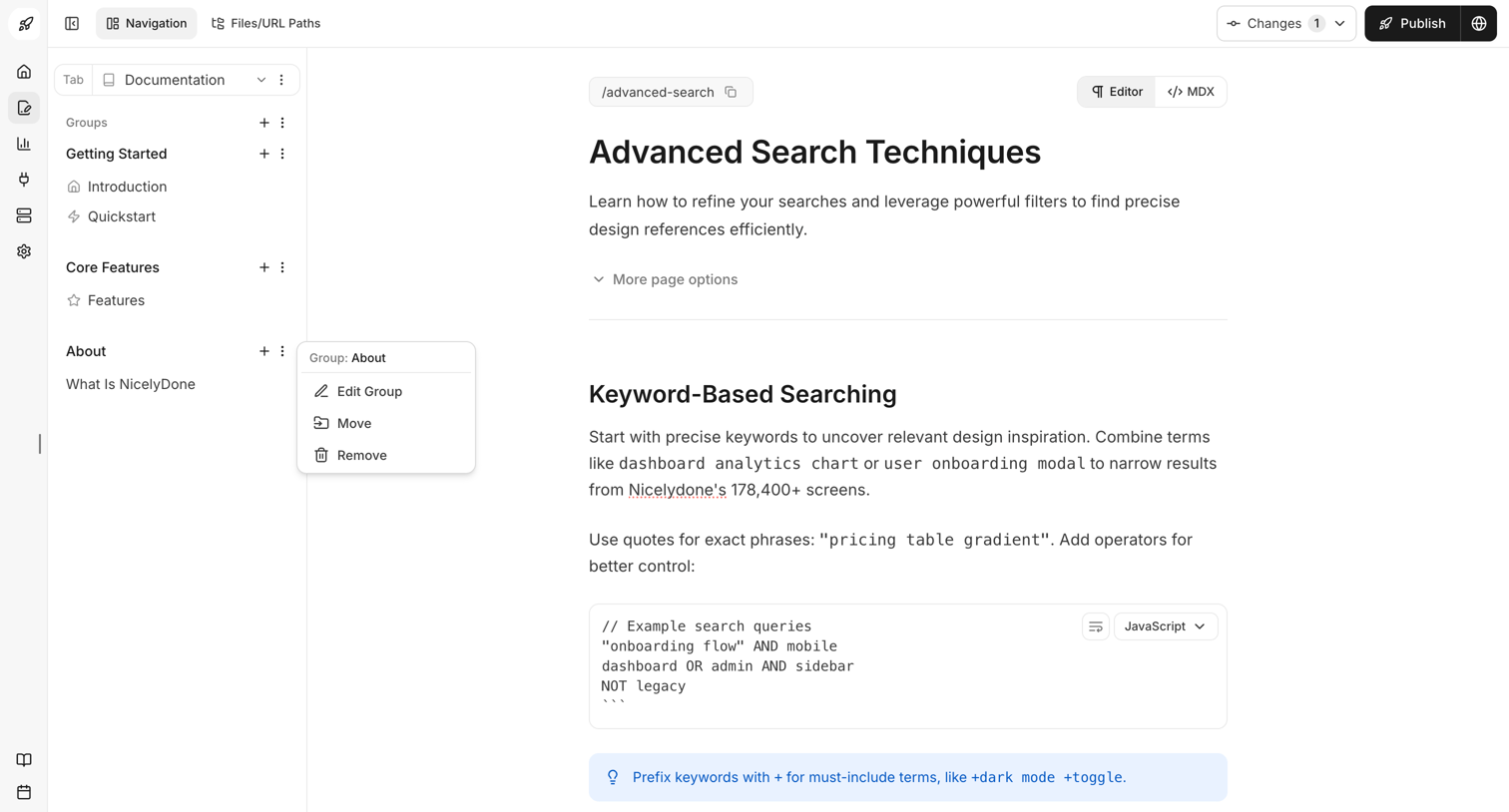

Content editor where the user writes and formats documentation pages, manages navigation groups via a context menu, and can publish changes.
Explore the full SaaS screen library
Upgrade to unlock the full library.
Trusted by the best teams








About Breadcrumbs
Explore how apps show the path to the current location. Look at breadcrumb placement, parent labels, and the relationship between the navigation trail and the page heading.