Skip to content
Documentation.AI logo

Documentation.AI design examples

Explore Documentation.AI UI design examples. AI Documentation & Knowledge

Product screens

Dashboard - Documentation.AI from Documentation.AI
Documentation.AI logo
Documentation.AI

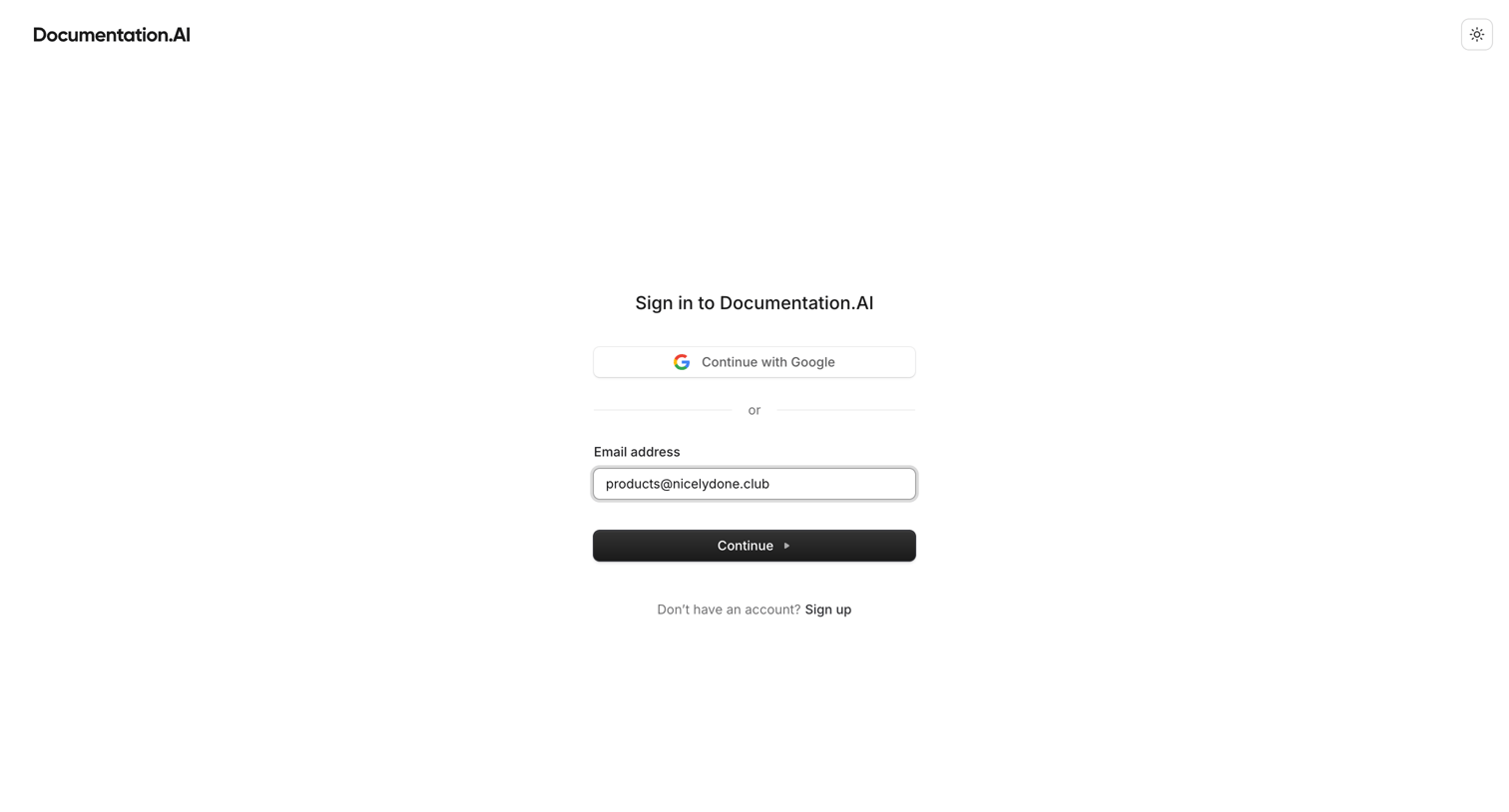
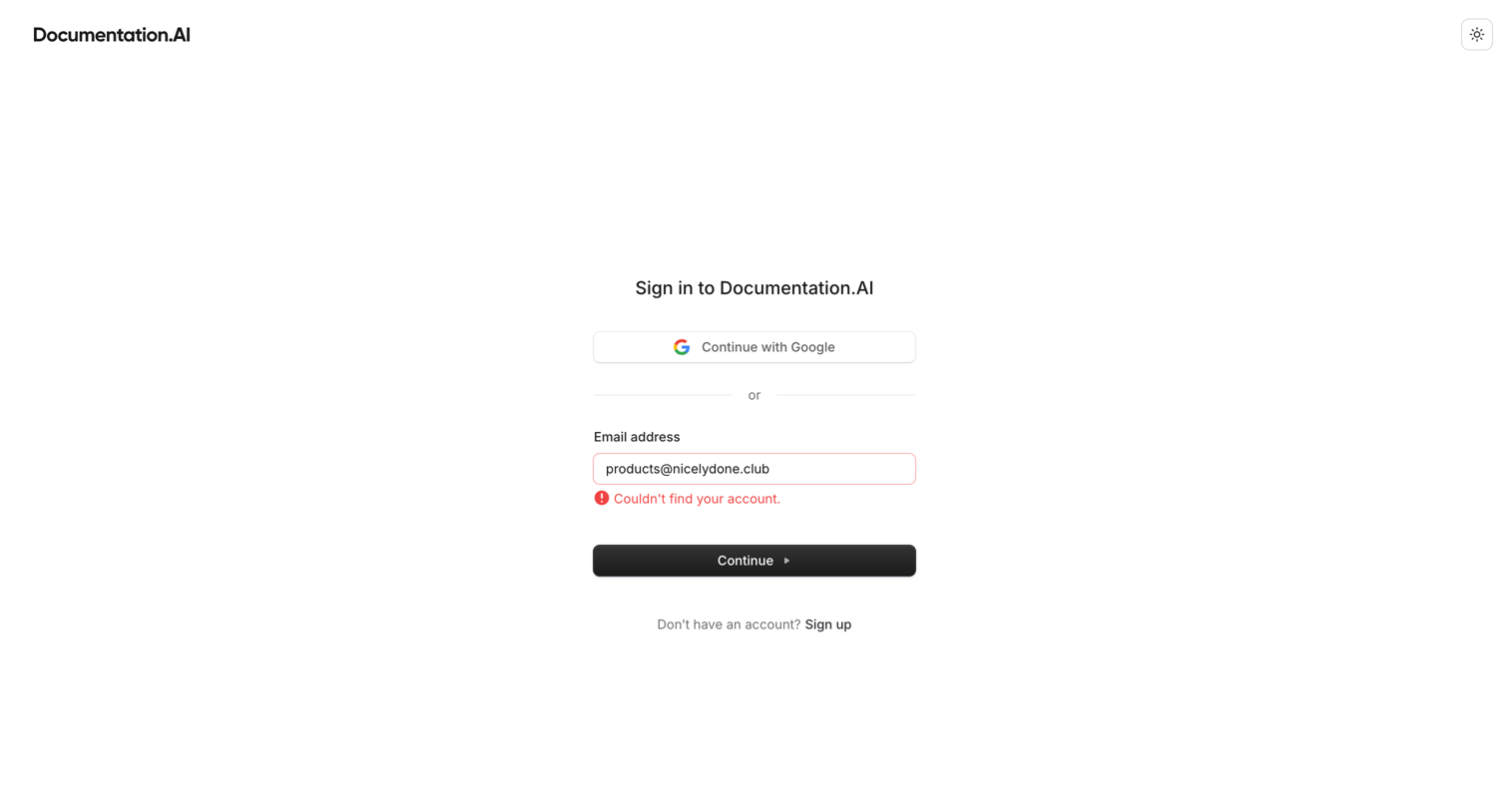
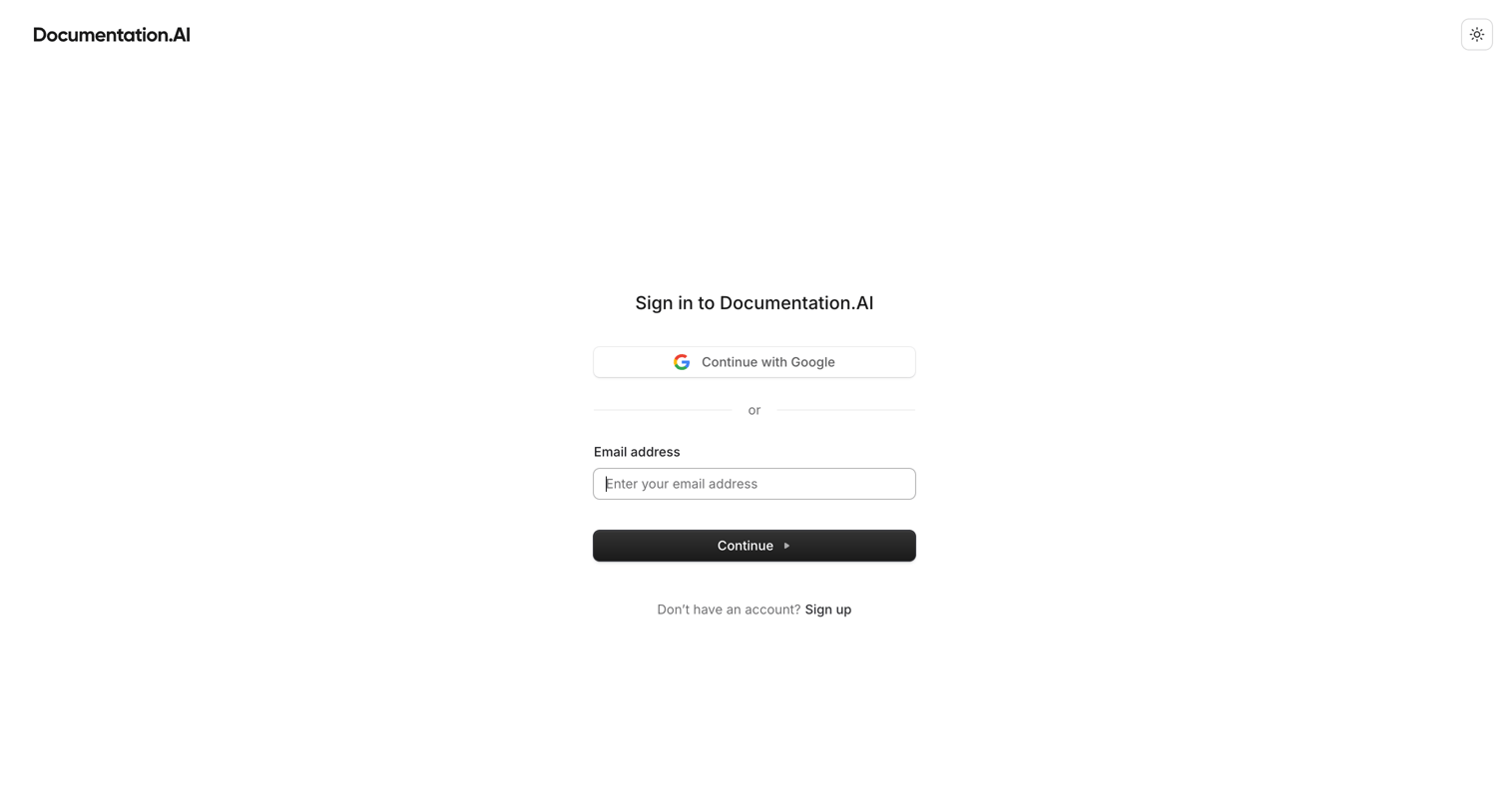
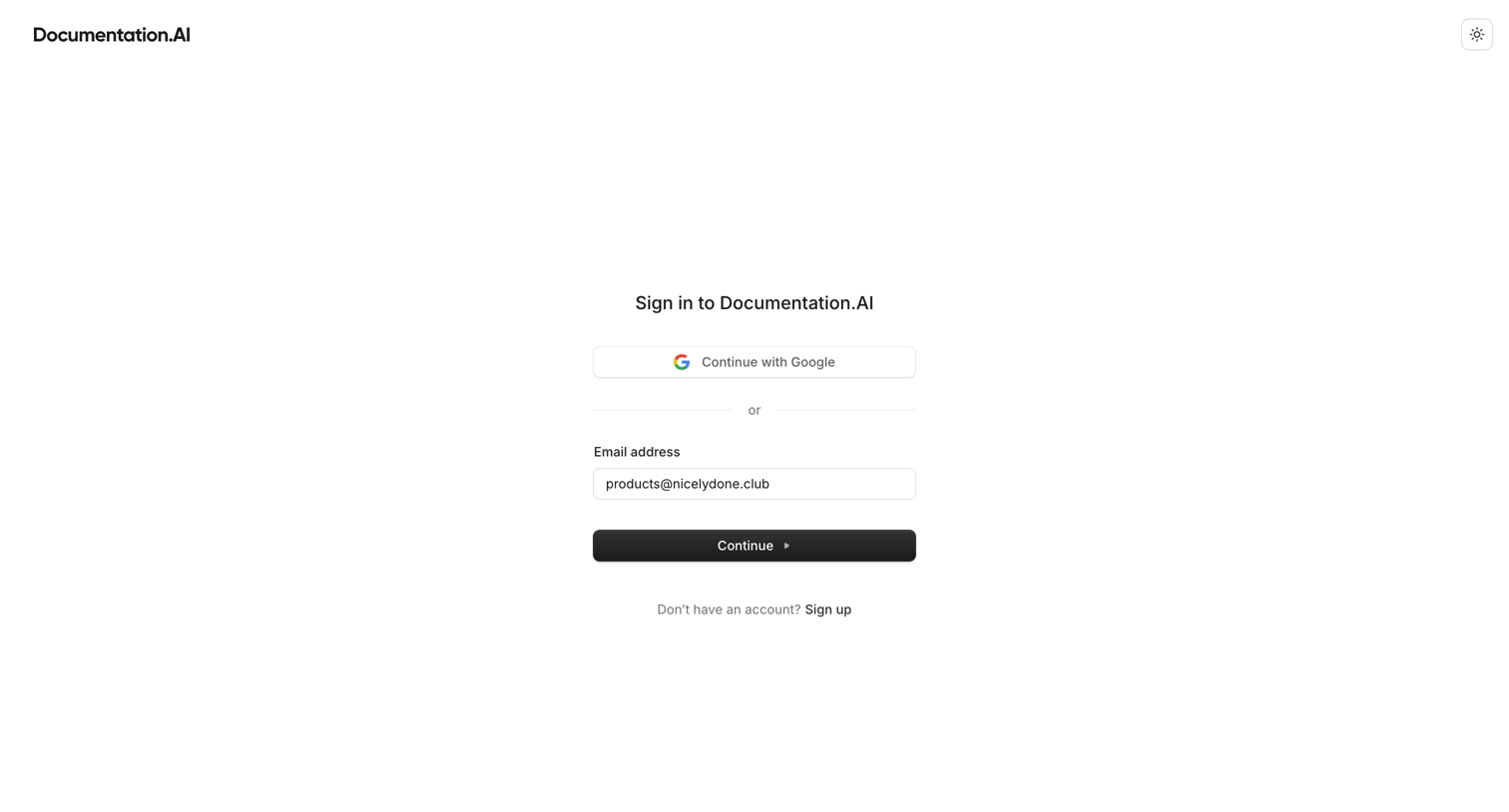
Sign-in screen where the user authenticates with Google or enters their email address to continue.
Dashboard - Documentation.AI from Documentation.AI
Documentation.AI logo
Documentation.AI

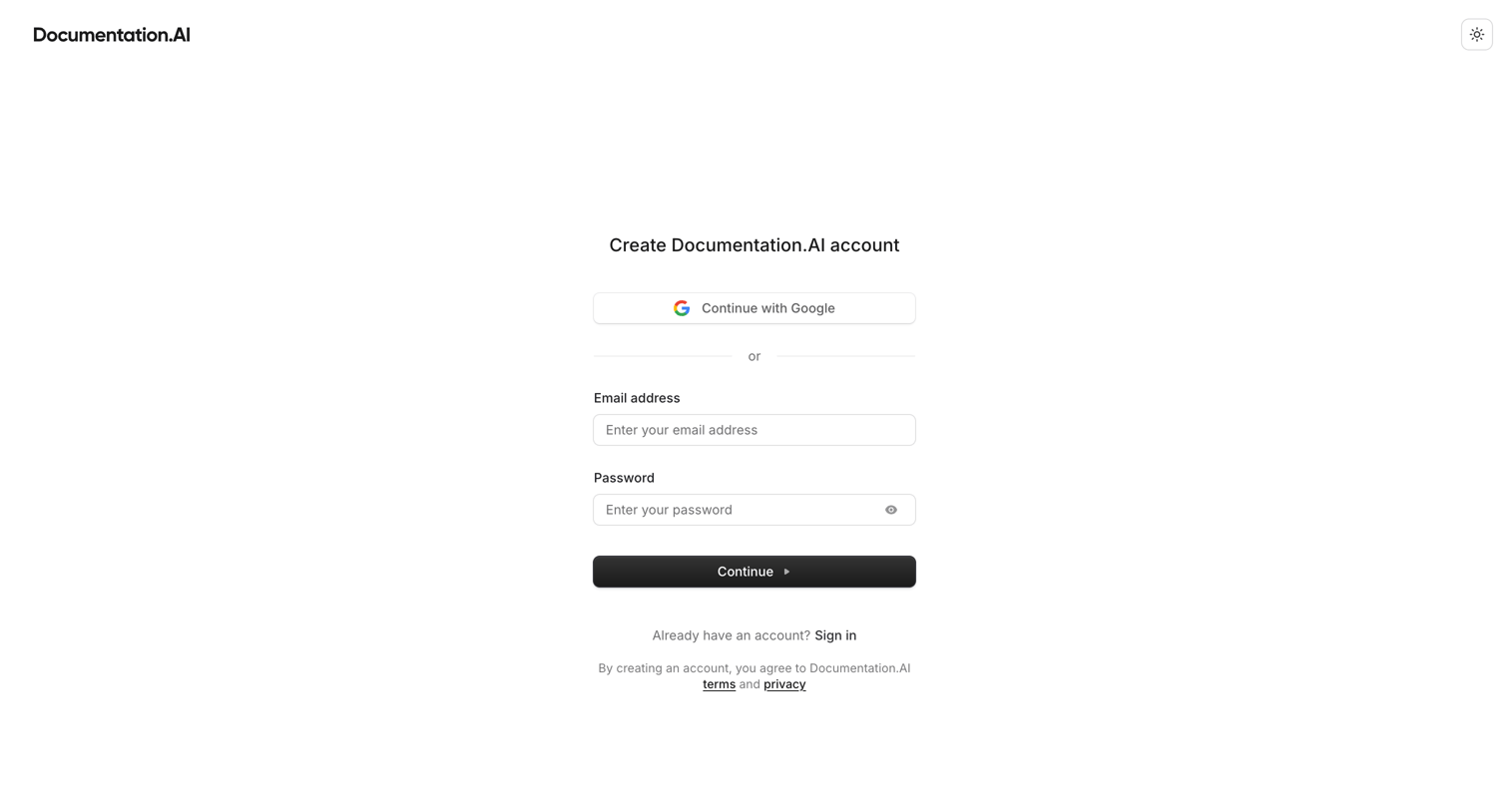
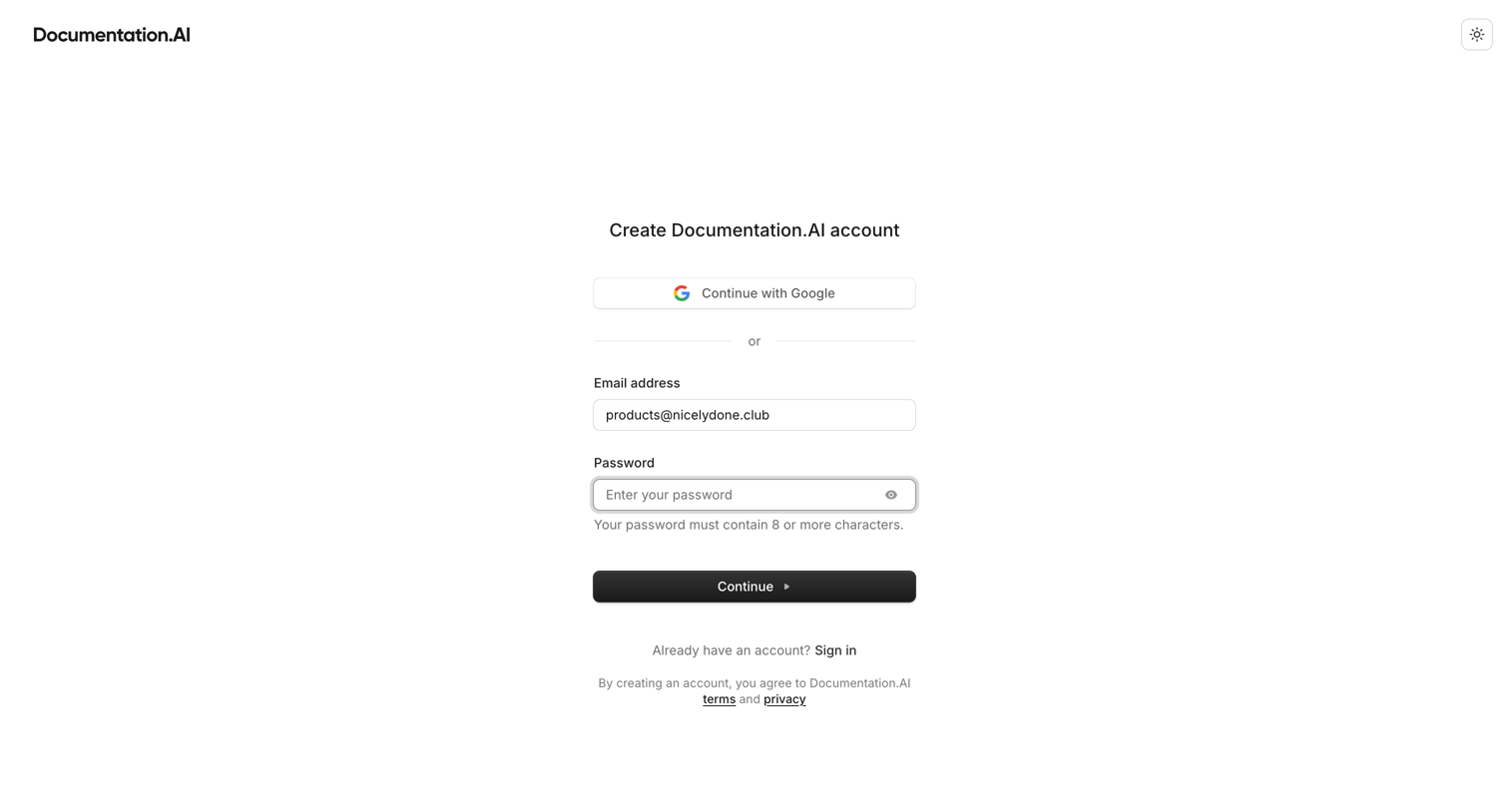
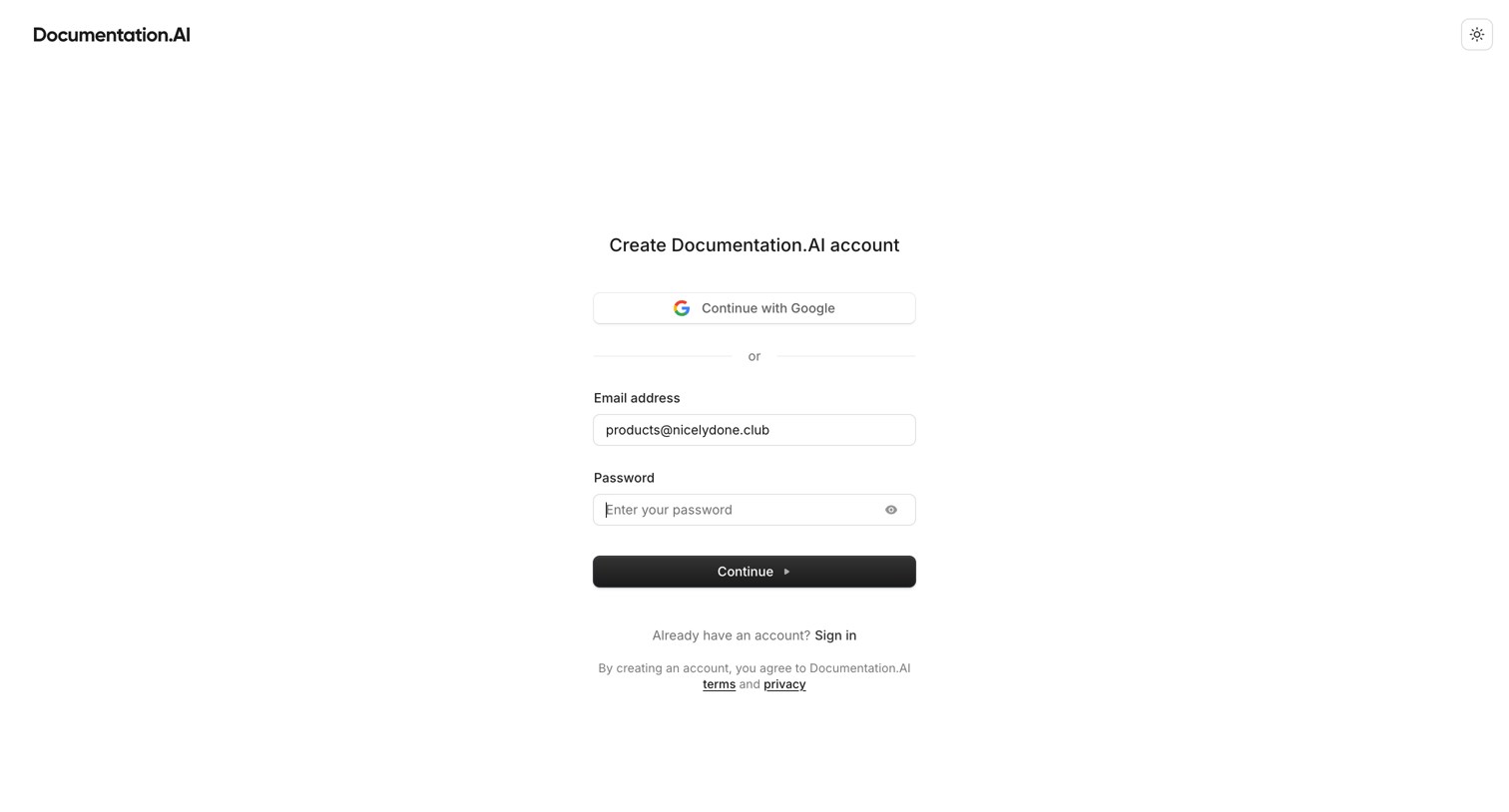
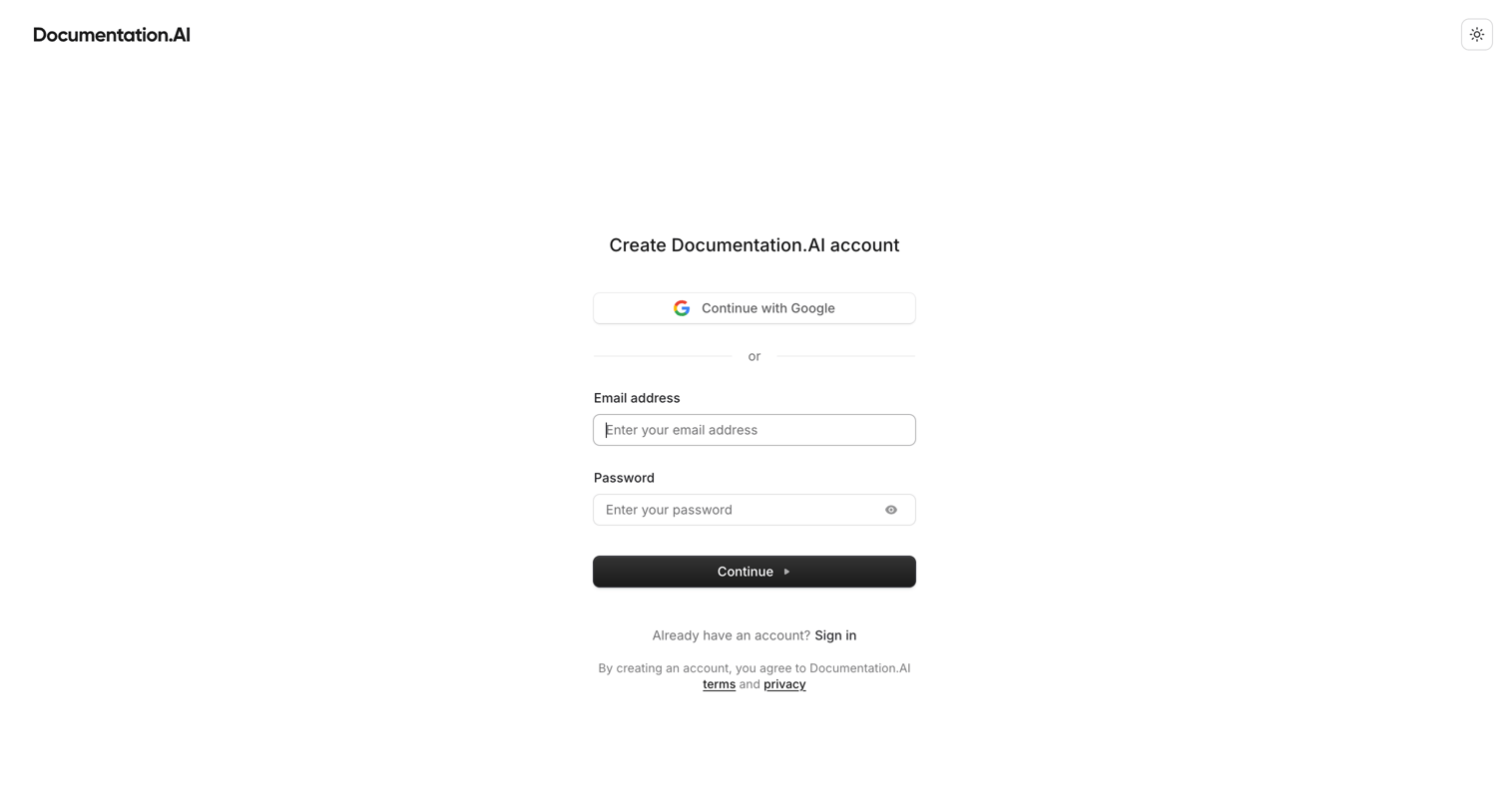
Signup screen where the user creates an account using Google OAuth or an email and password.
Dashboard - Documentation.AI from Documentation.AI
Documentation.AI logo
Documentation.AI

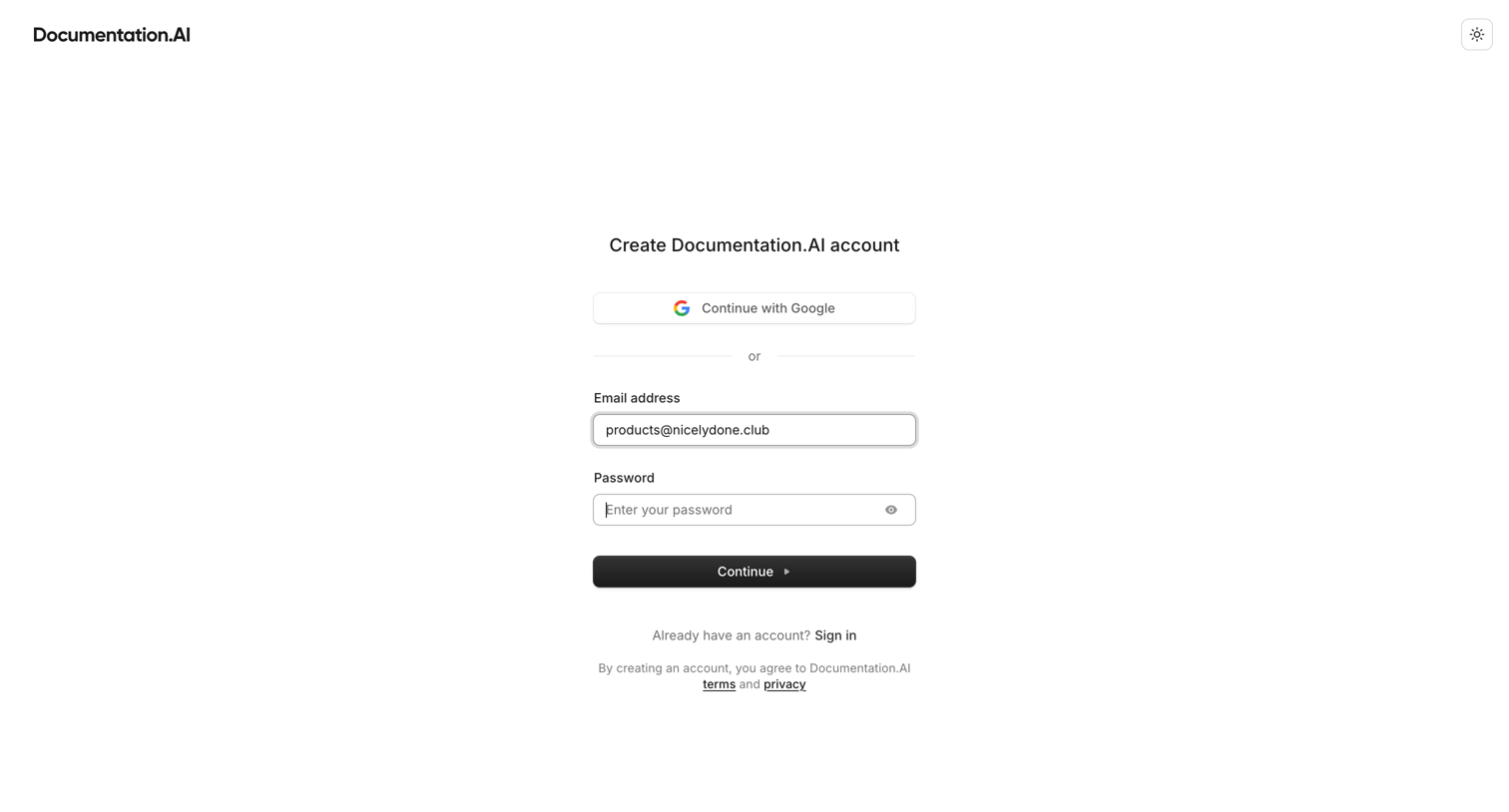
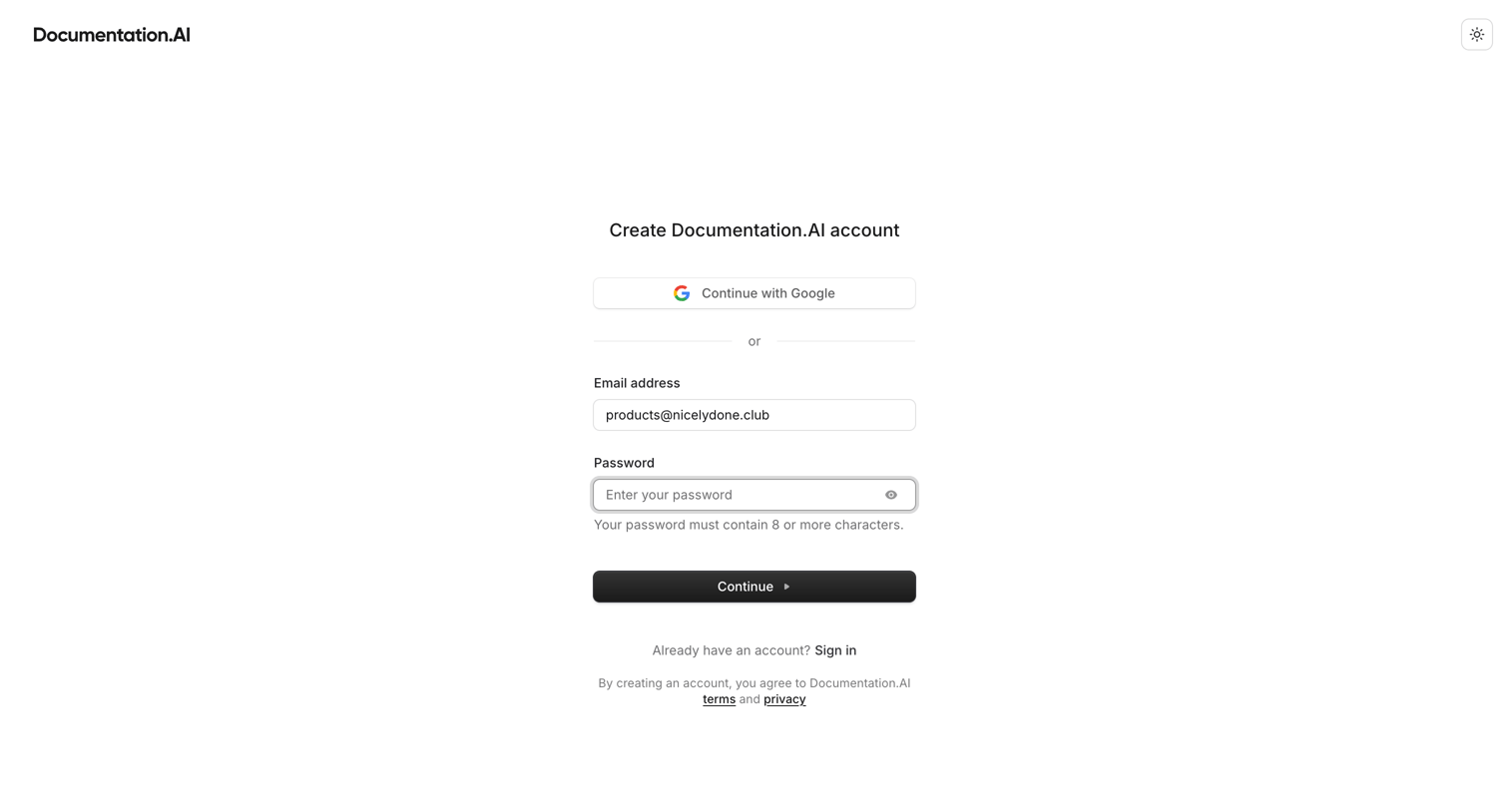
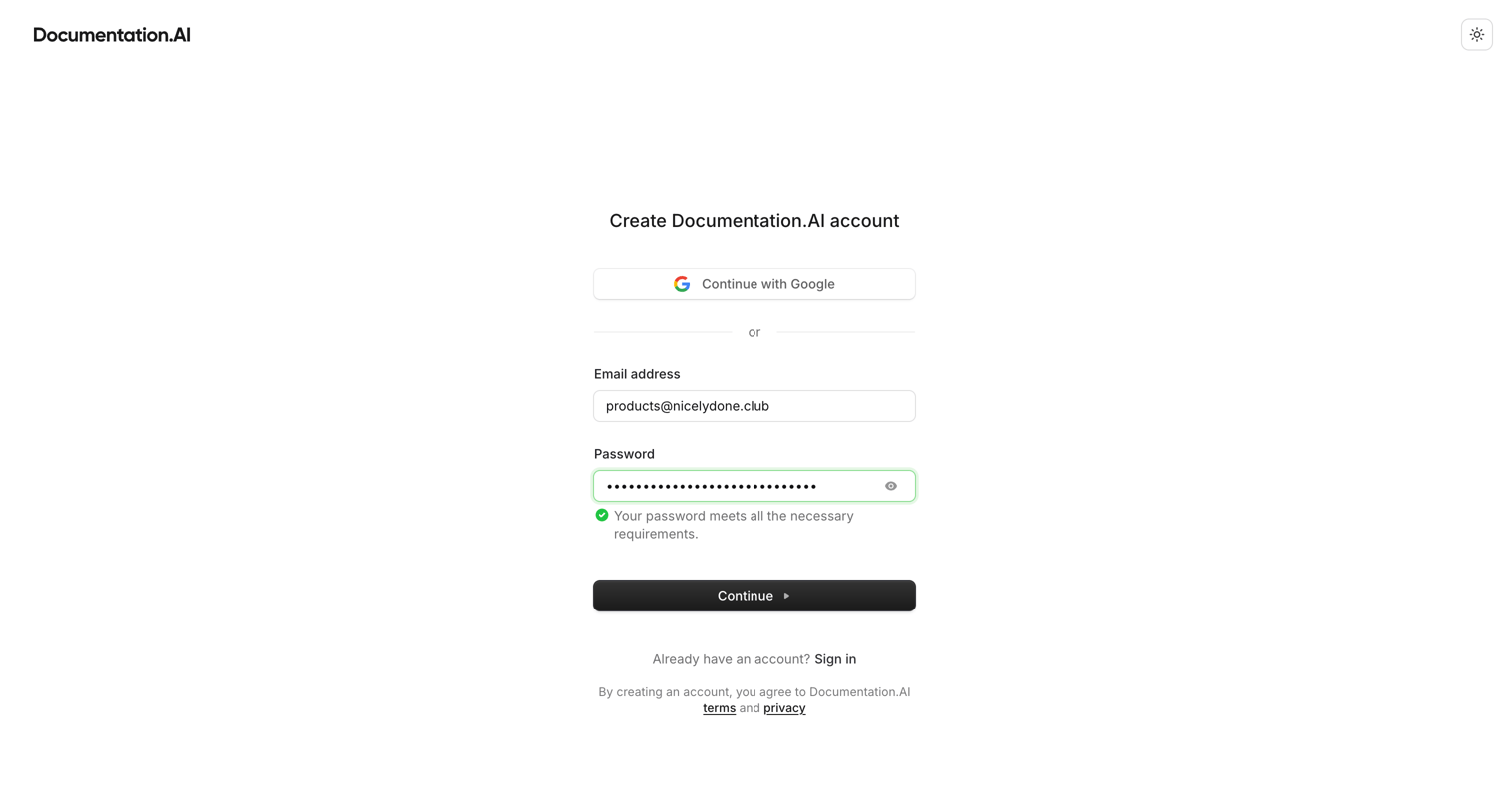
Signup screen where the user enters their email and password, with a password requirement validation message visible, or opts to continue with Google.

Dashboard - Documentation.AI from Documentation.AI
Documentation.AI logo
Documentation.AI

Verification screen where the user enters a 6-digit code sent to their email to complete account creation.

Dashboard - Documentation.AI from Documentation.AI
Documentation.AI logo
Documentation.AI

Onboarding step where the user confirms their company or brand name to set up their documentation site.

Dashboard - Documentation.AI from Documentation.AI
Documentation.AI logo
Documentation.AI

Onboarding step where the user enters their website URL to let the AI generate starter documentation, with options to write a description instead or skip.

Dashboard - Documentation.AI from Documentation.AI
Documentation.AI logo
Documentation.AI

Onboarding step where the user chooses between a Quick Setup web editor or a Developer Flow with GitHub integration to initialize their documentation.

Dashboard - Documentation.AI from Documentation.AI
Documentation.AI logo
Documentation.AI

Onboarding step where the user chooses between a quick web editor setup and a GitHub-connected developer flow for their documentation.

Dashboard - Documentation.AI from Documentation.AI
Documentation.AI logo
Documentation.AI

Onboarding step where the system displays a loading state while generating the user's starter documentation.

Dashboard - Documentation.AI from Documentation.AI
Documentation.AI logo
Documentation.AI

Success screen where the user can copy their newly generated documentation site URL, visit the live site, or proceed to their dashboard.

Dashboard - Documentation.AI from Documentation.AI
Documentation.AI logo
Documentation.AI

Dashboard for a documentation project showing live status, recent deployments, and a prompt to sync with a Git repository.

Introduction to Nicelydone - Nicelydone from Documentation.AI
Documentation.AI logo
Documentation.AI

Documentation article introducing Nicelydone, featuring an overview, key features, target audience tabs, a quick start guide with code snippets, and helpfulness feedback.

Browse the full SaaS app library

Explore real SaaS apps with their product screens, marketing screens, flows, and components.

Trusted by the best teams

More from Documentation.AI