Documentation.AI UI components examples
Browse Documentation.AI UI component design examples. Preview individual interface elements and explore related component categories. AI Documentation & Knowledge
Explore the examples
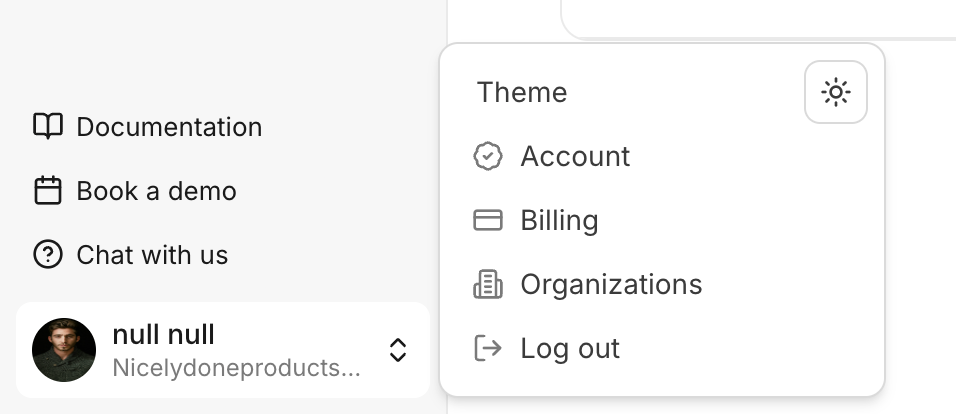

A user interface displaying a sidebar navigation with a user profile section and an open popover menu for account settings and actions.

A section displaying the current billing plan with an option to upgrade.
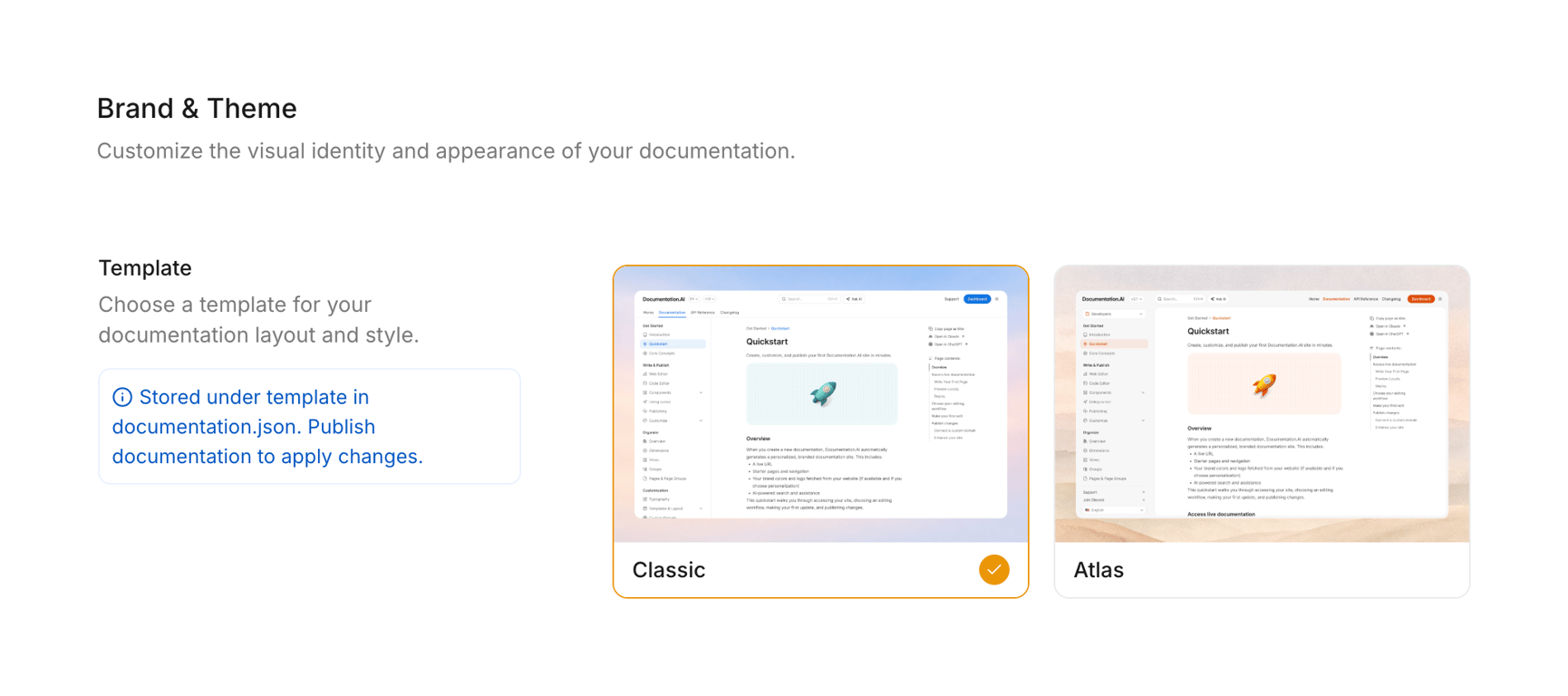
A settings page for documentation branding and theme, showcasing two template options: Classic and Atlas, with a selected state for the Classic template.
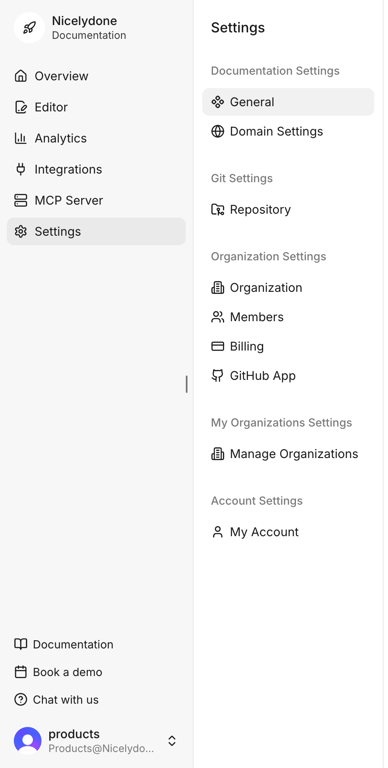
A settings page for a documentation platform with a left navigation sidebar and main content area.

A segmented control with two options, 'Overview' and 'Feedback', where 'Overview' is currently selected.
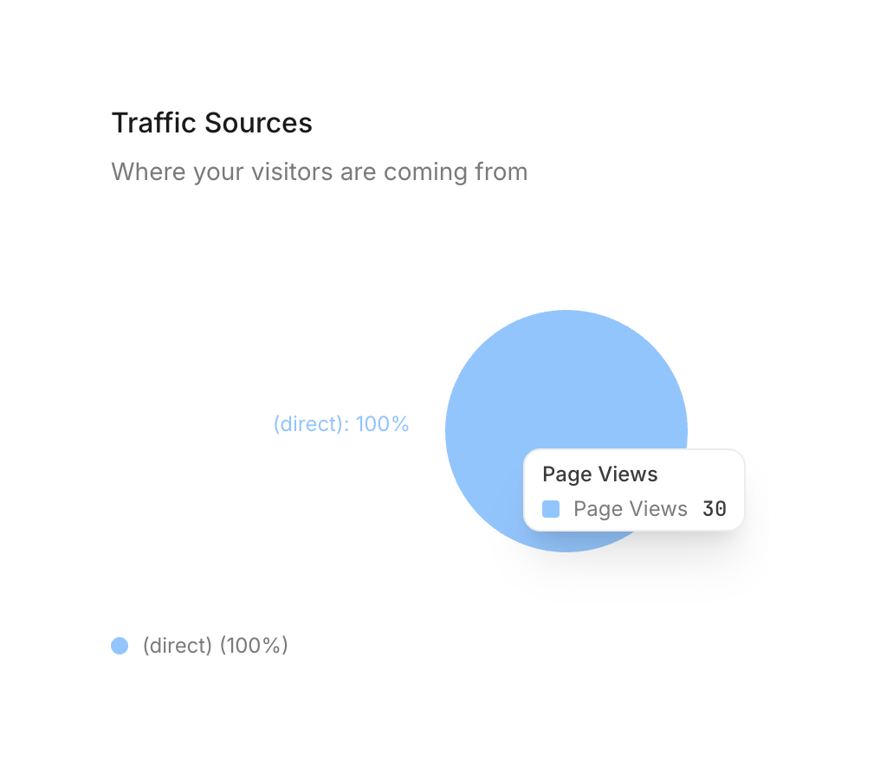
A dashboard widget displaying website traffic sources with a pie chart and a tooltip showing page views.
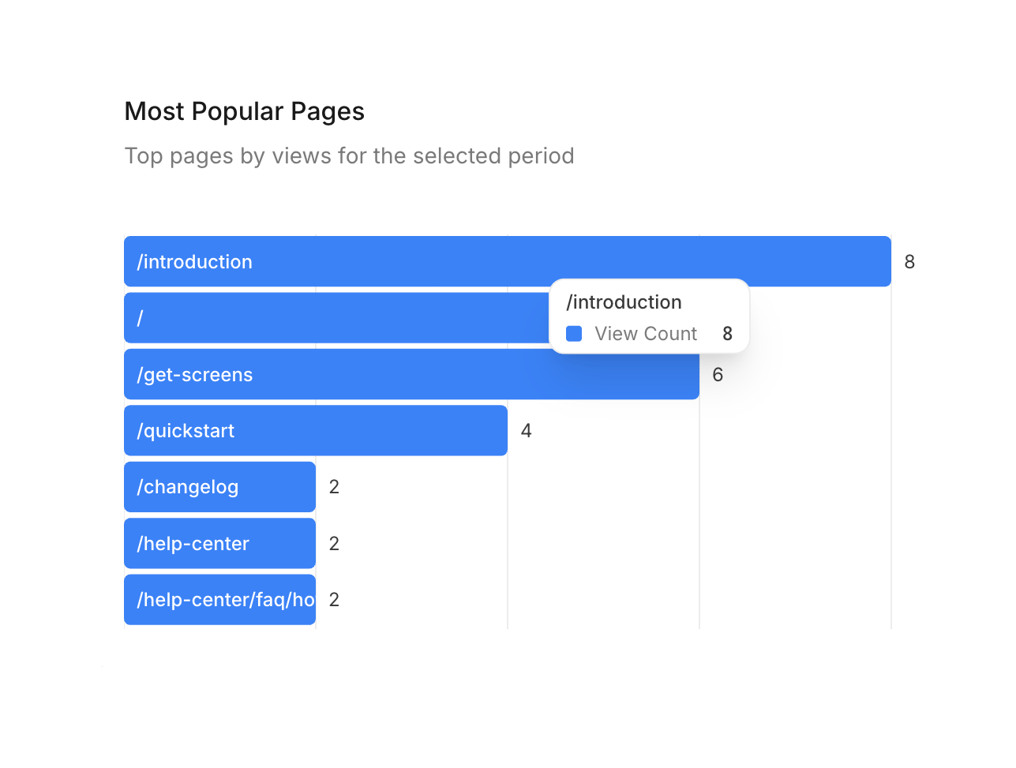
A horizontal bar chart displaying the most popular pages by view count, with a tooltip showing details on hover.
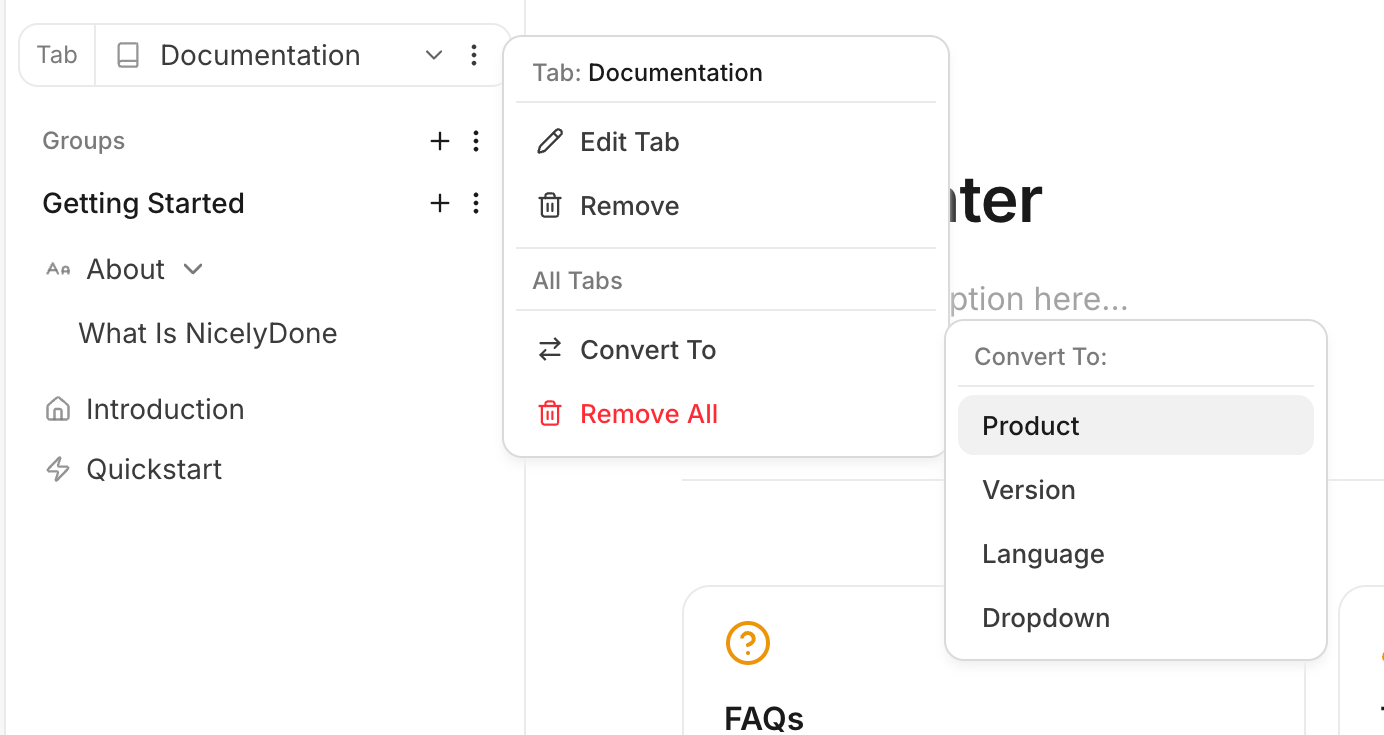
A user interface showing a sidebar navigation with nested items and two cascading context menus for managing and converting a "Documentation" tab.
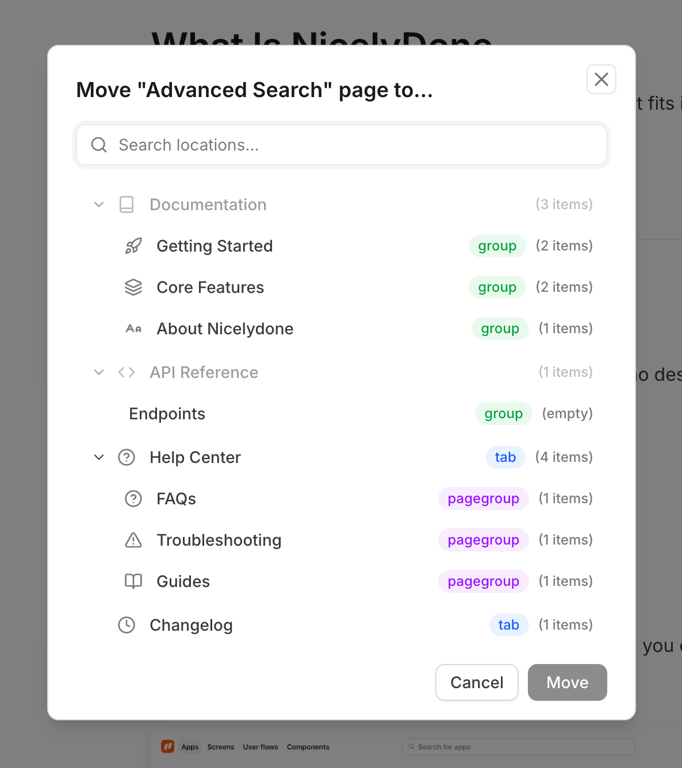
A modal dialog for moving a page within a hierarchical structure, featuring a search bar and a tree-like navigation.
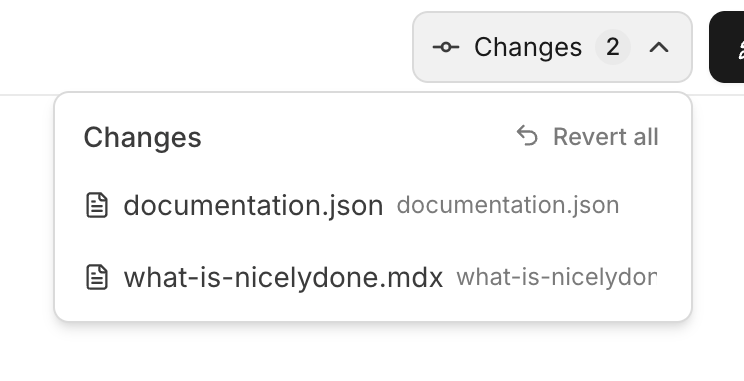
A dropdown menu displaying a list of changed files with an option to revert all changes.
Browse the full component library
Browse the full UI component library.
Trusted by the best teams







