Tabs screen examples
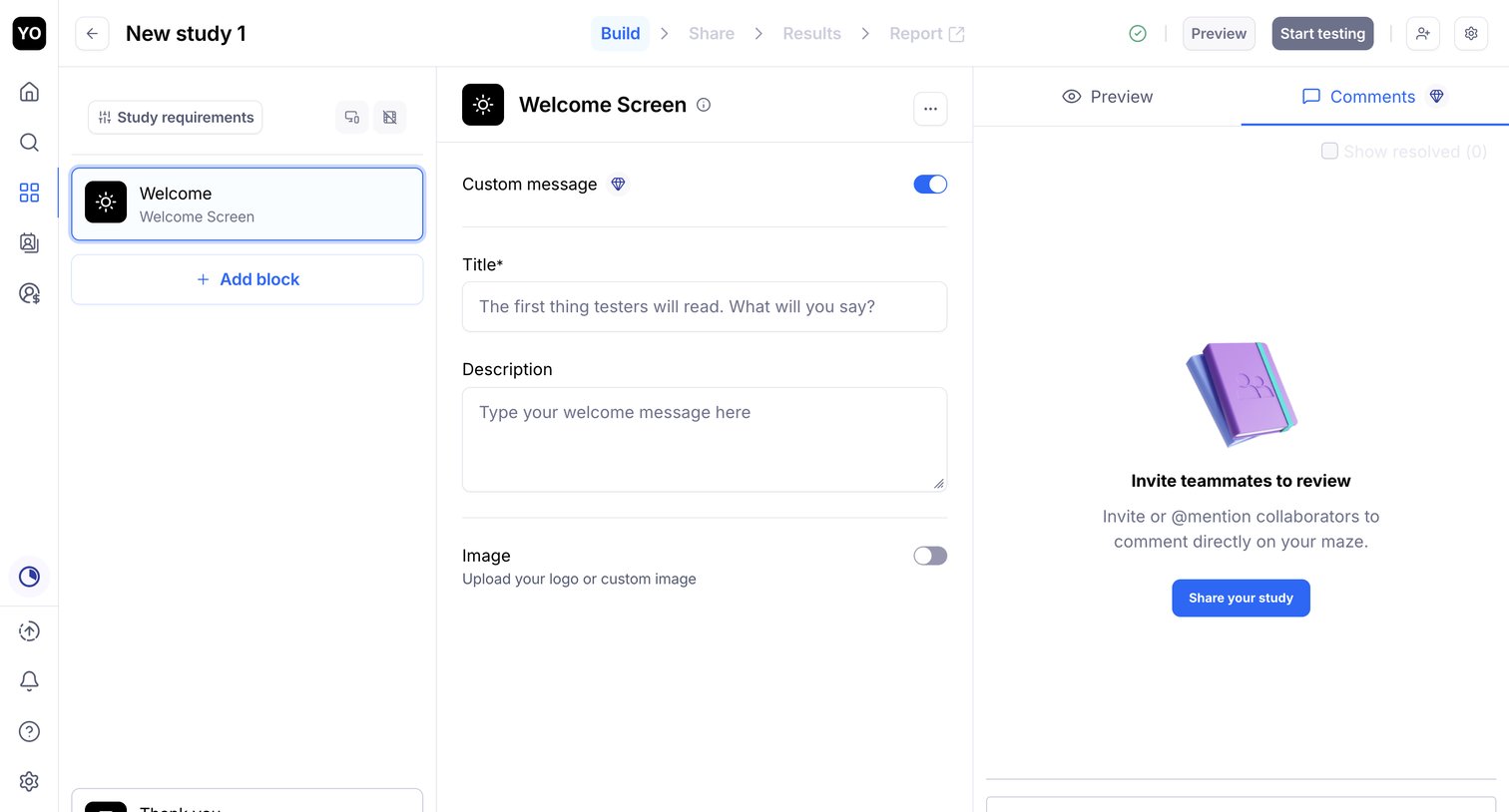
Tabs screen design examples from SaaS apps. See how apps divide related content into separate views. Explore how tab labels, selected states, and placement connect each view with the wider page structure.
Explore the examples
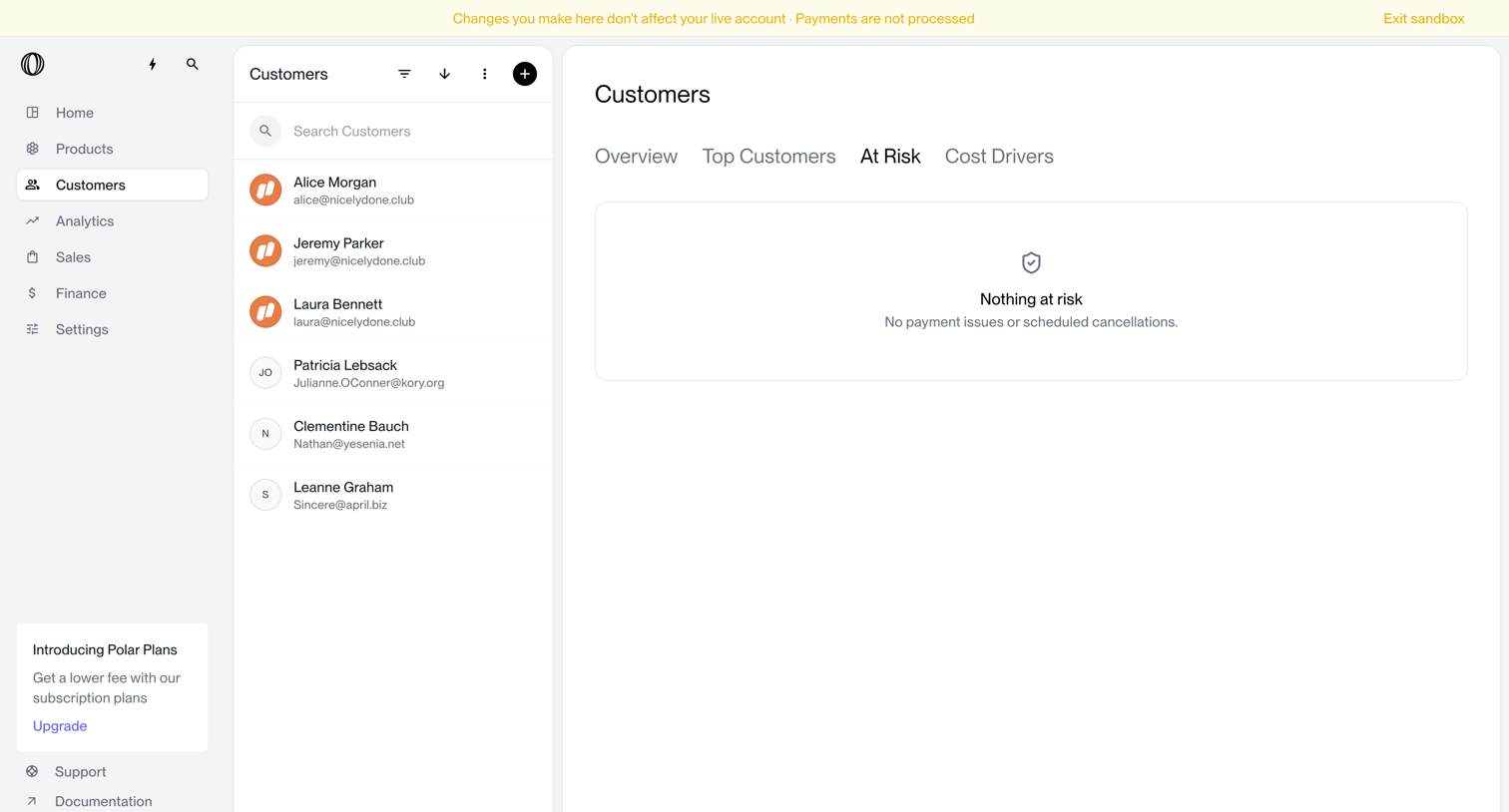

List view of customers showing an empty state for the 'At Risk' tab, indicating no current payment issues or scheduled cancellations.

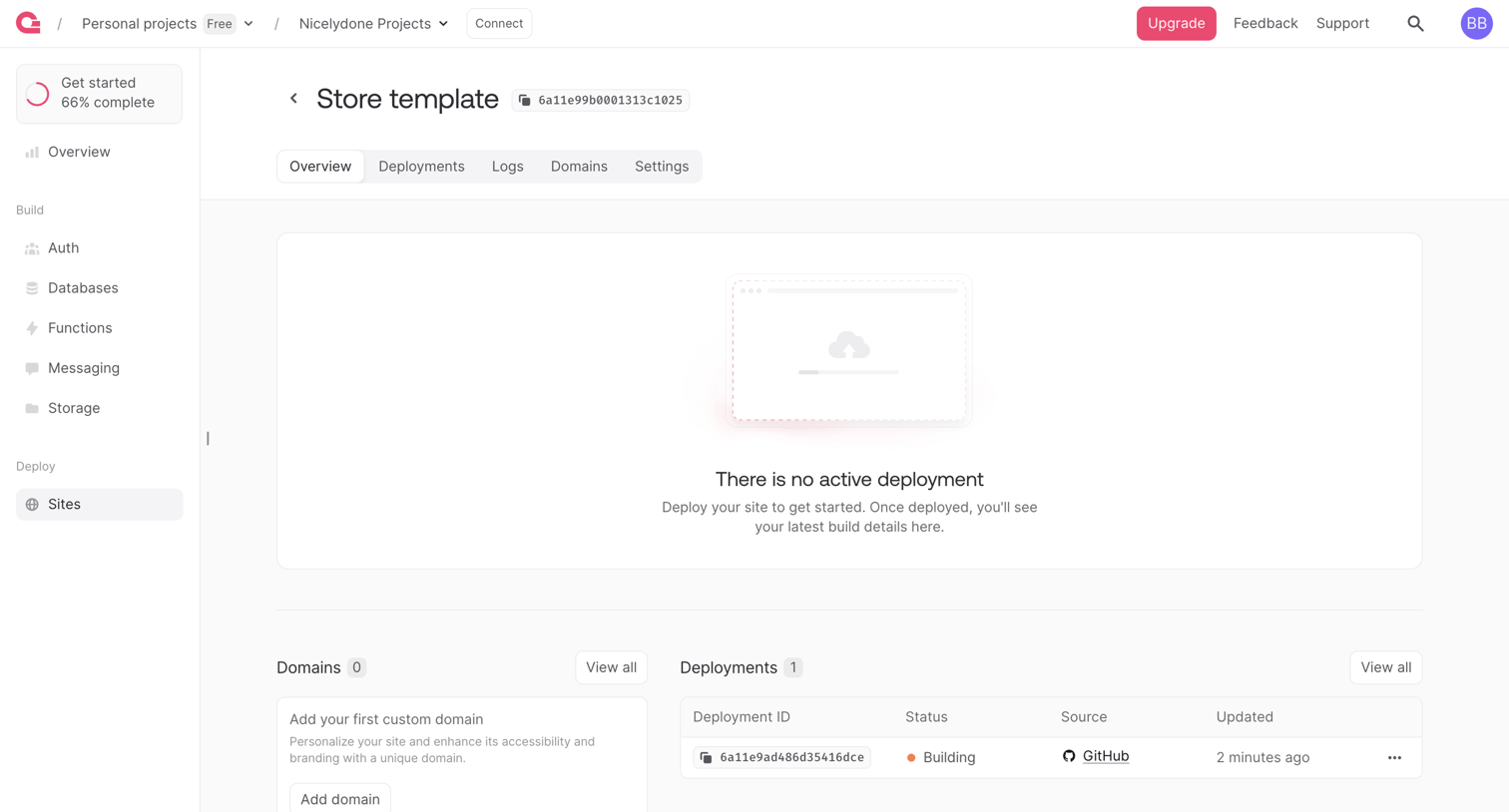

Detail page for a specific site project showing an empty active deployment state alongside pending deployments and domain configuration options.
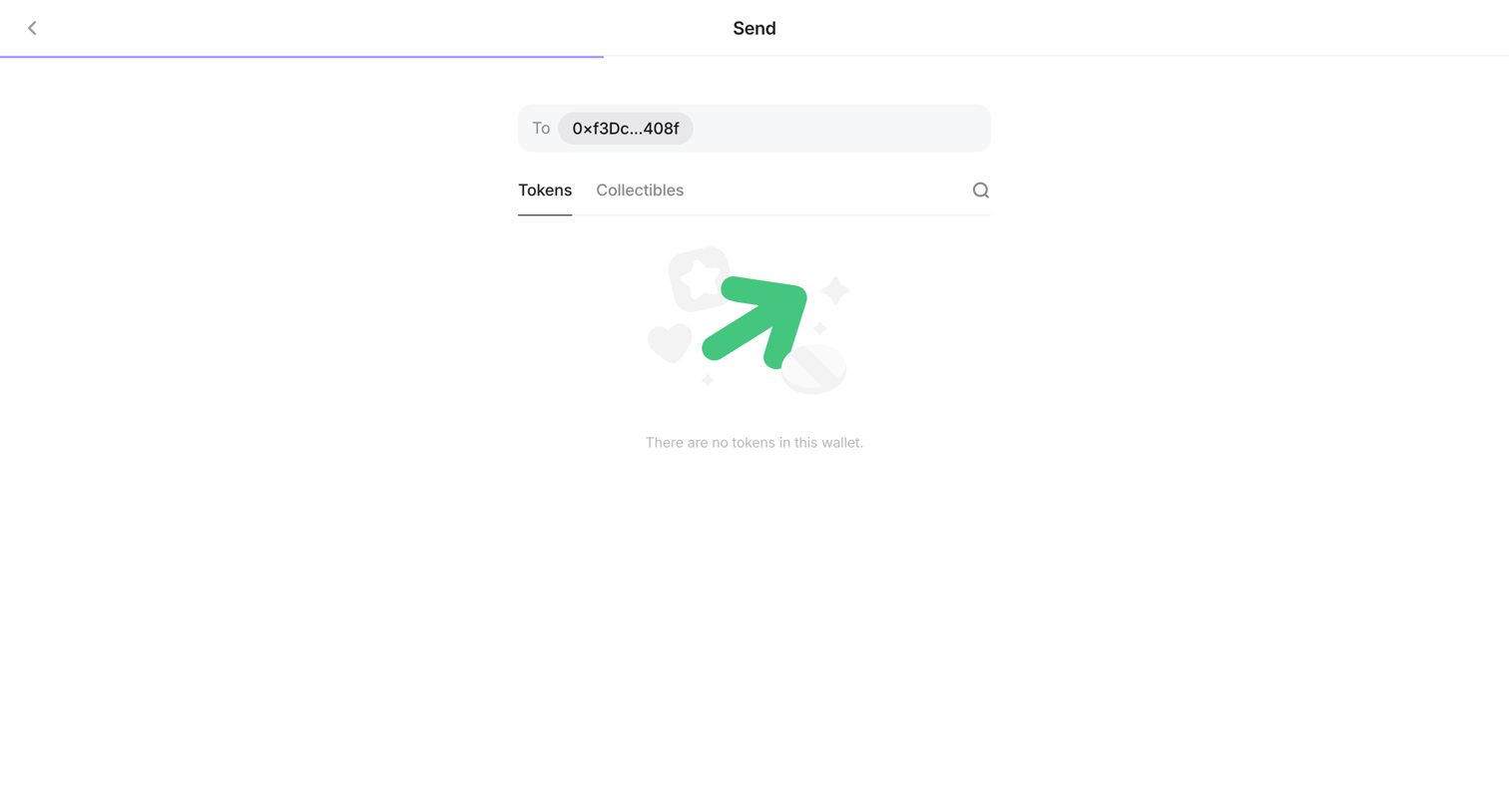

Wizard step where the user selects a token or collectible to send to a specified wallet address, currently showing an empty state.
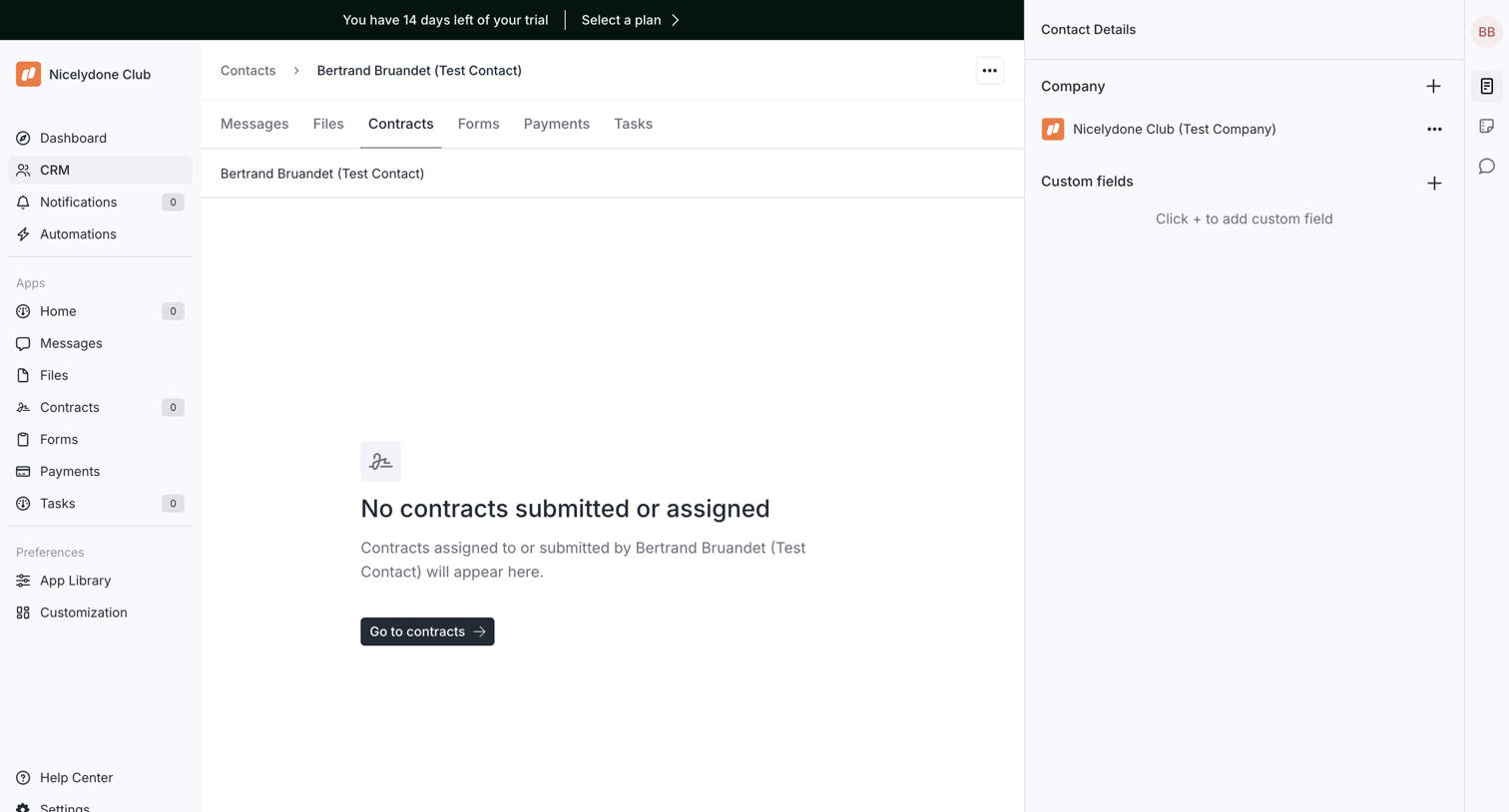

Detail page for a CRM contact where the contracts tab is currently empty, prompting the user to navigate to the main contracts view.
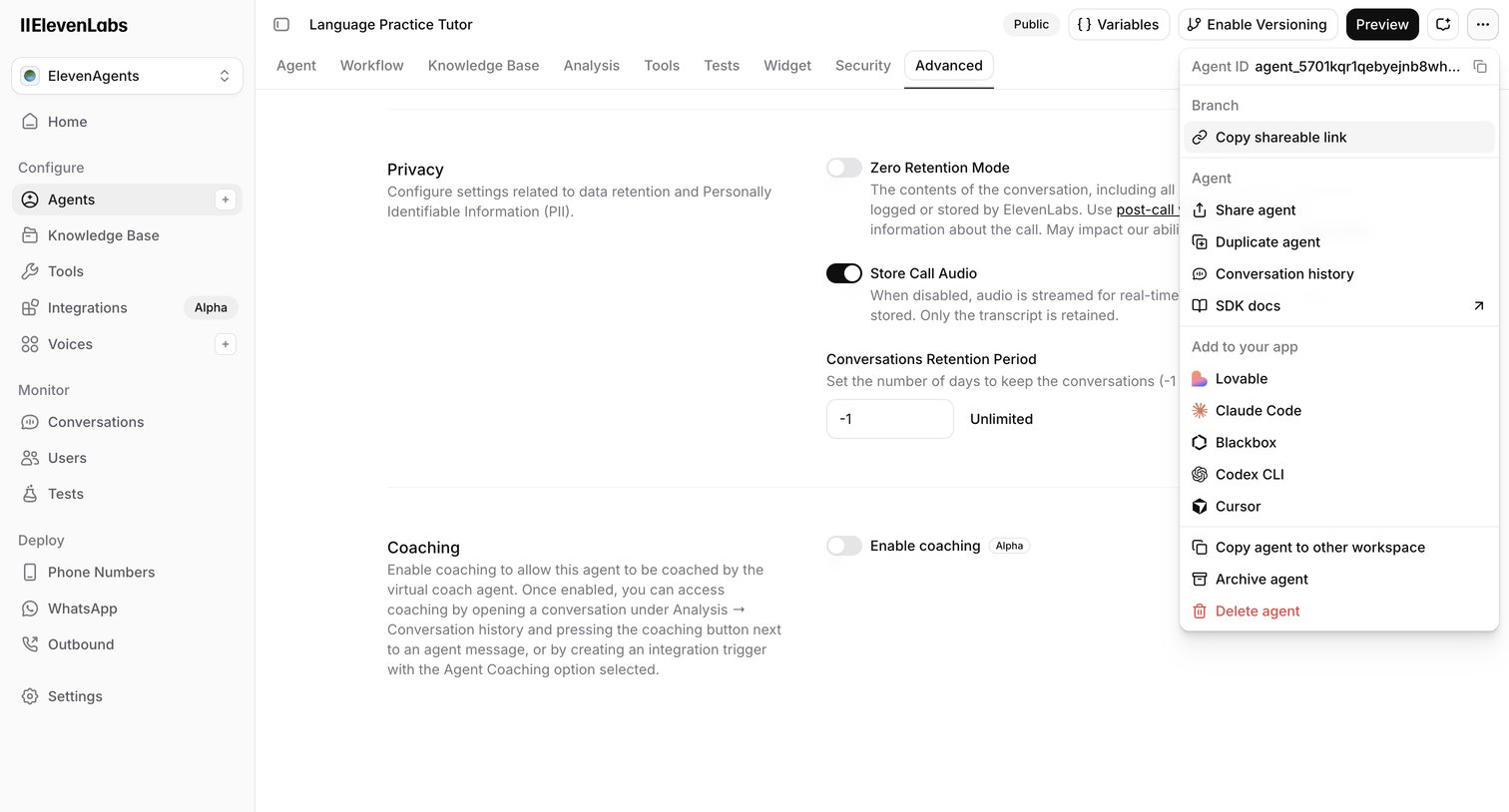

Settings page where the user configures advanced privacy, data retention, and coaching options for an AI language practice tutor.
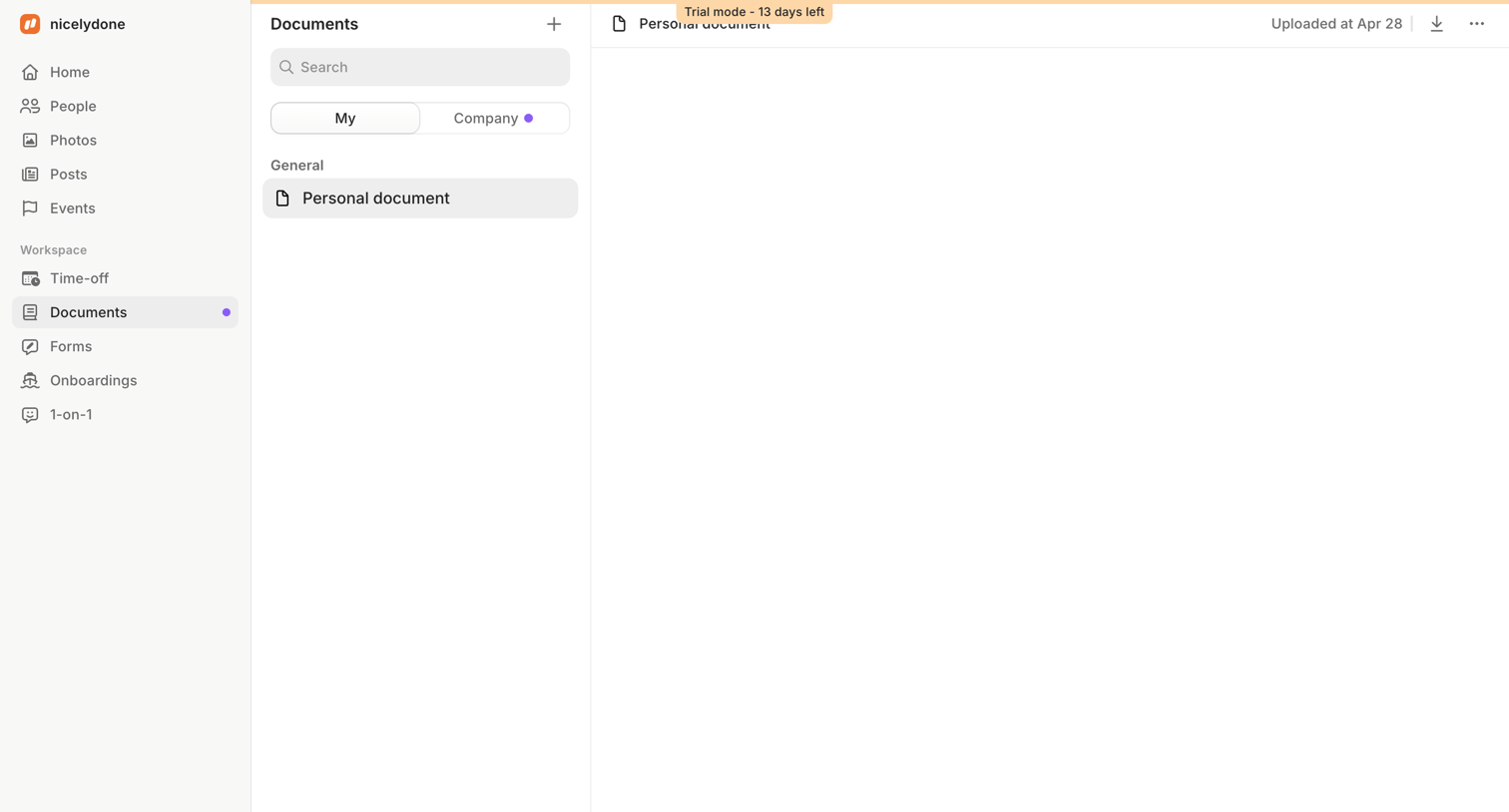

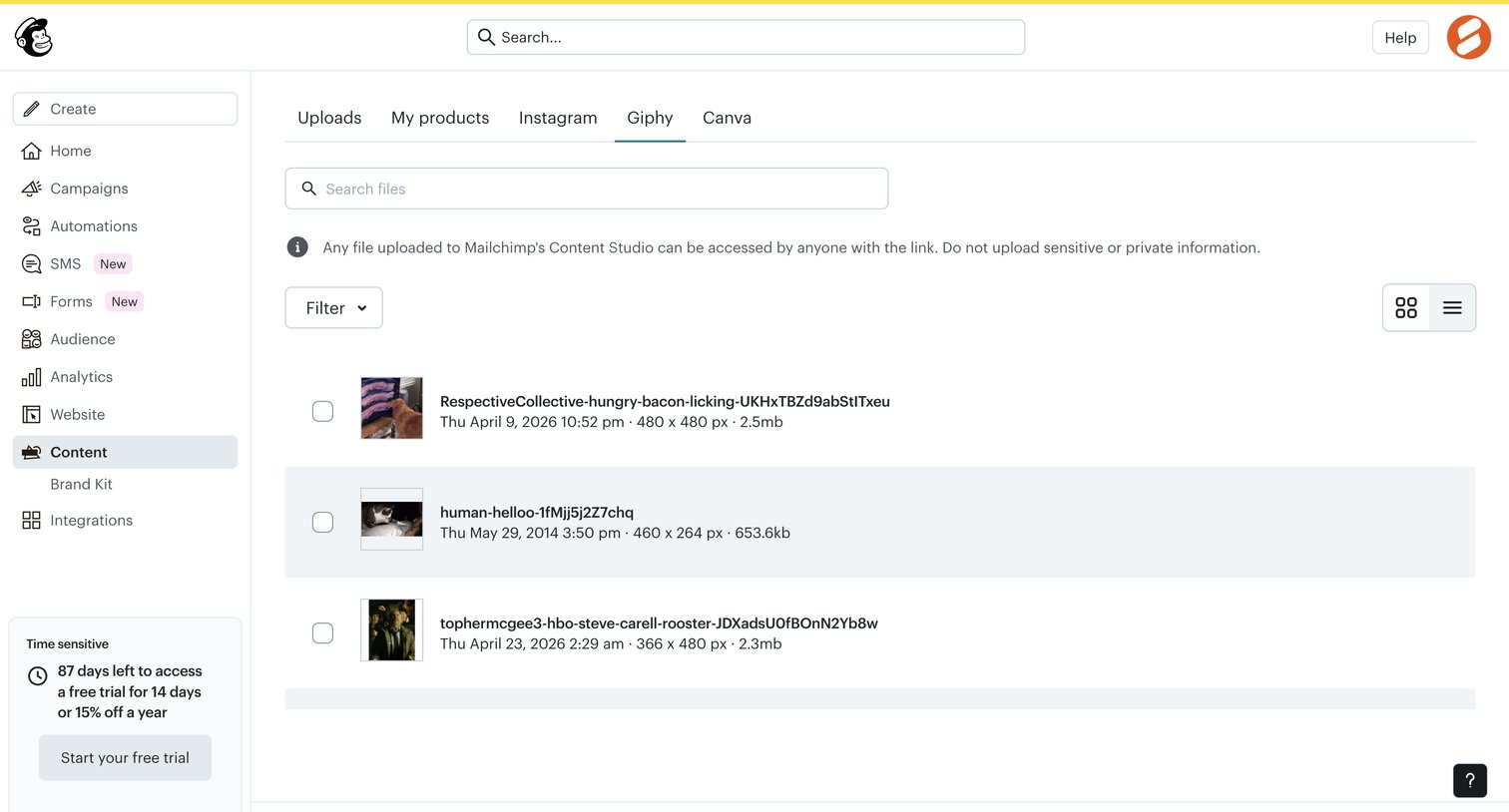
Detail page where the user views a selected personal document from their list, with options to search files and switch between personal and company scopes.


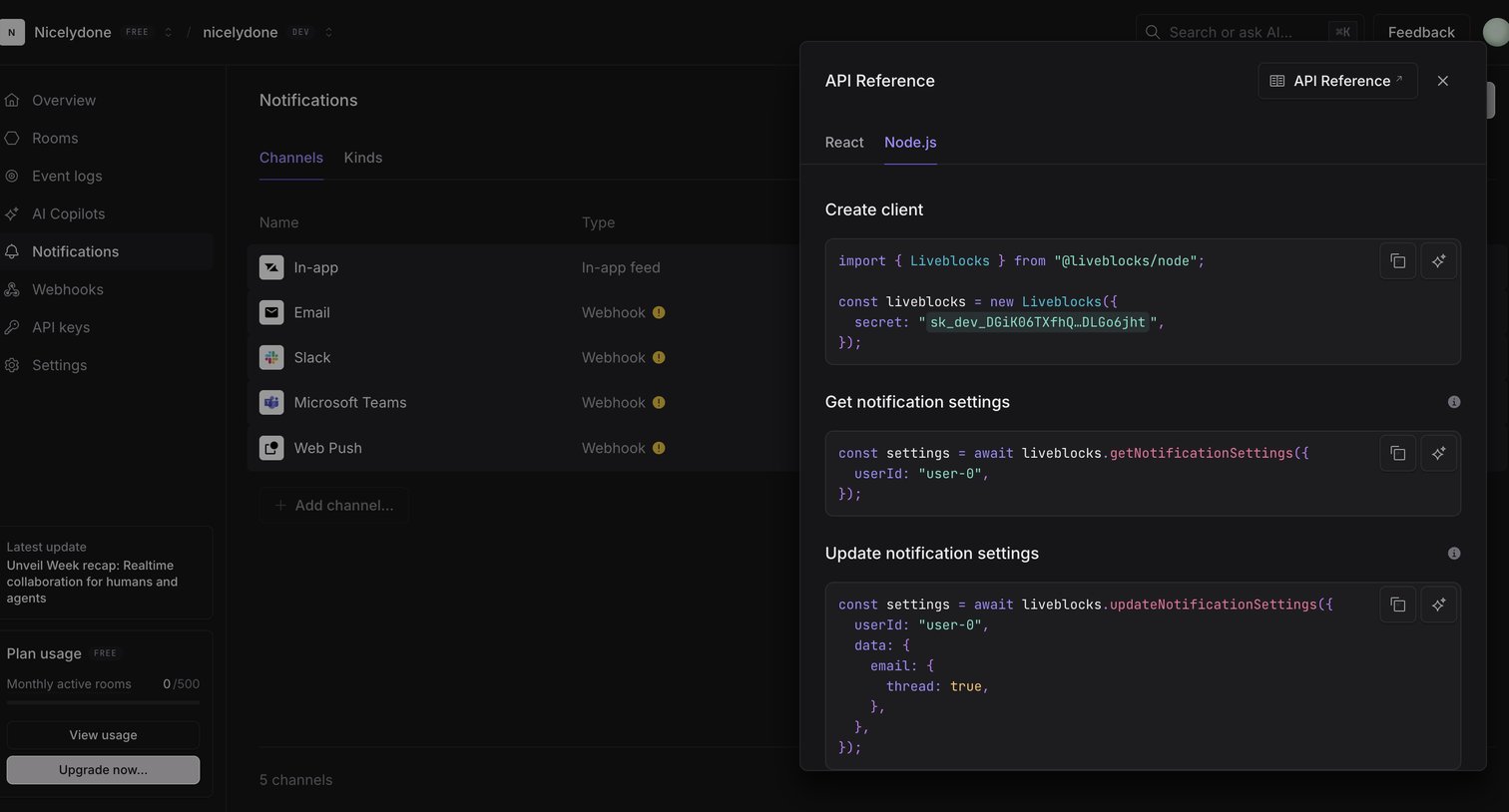

Settings page where the user manages notification channels like Email and Slack, with a side drawer showing the Node.js API reference for updating notification settings.

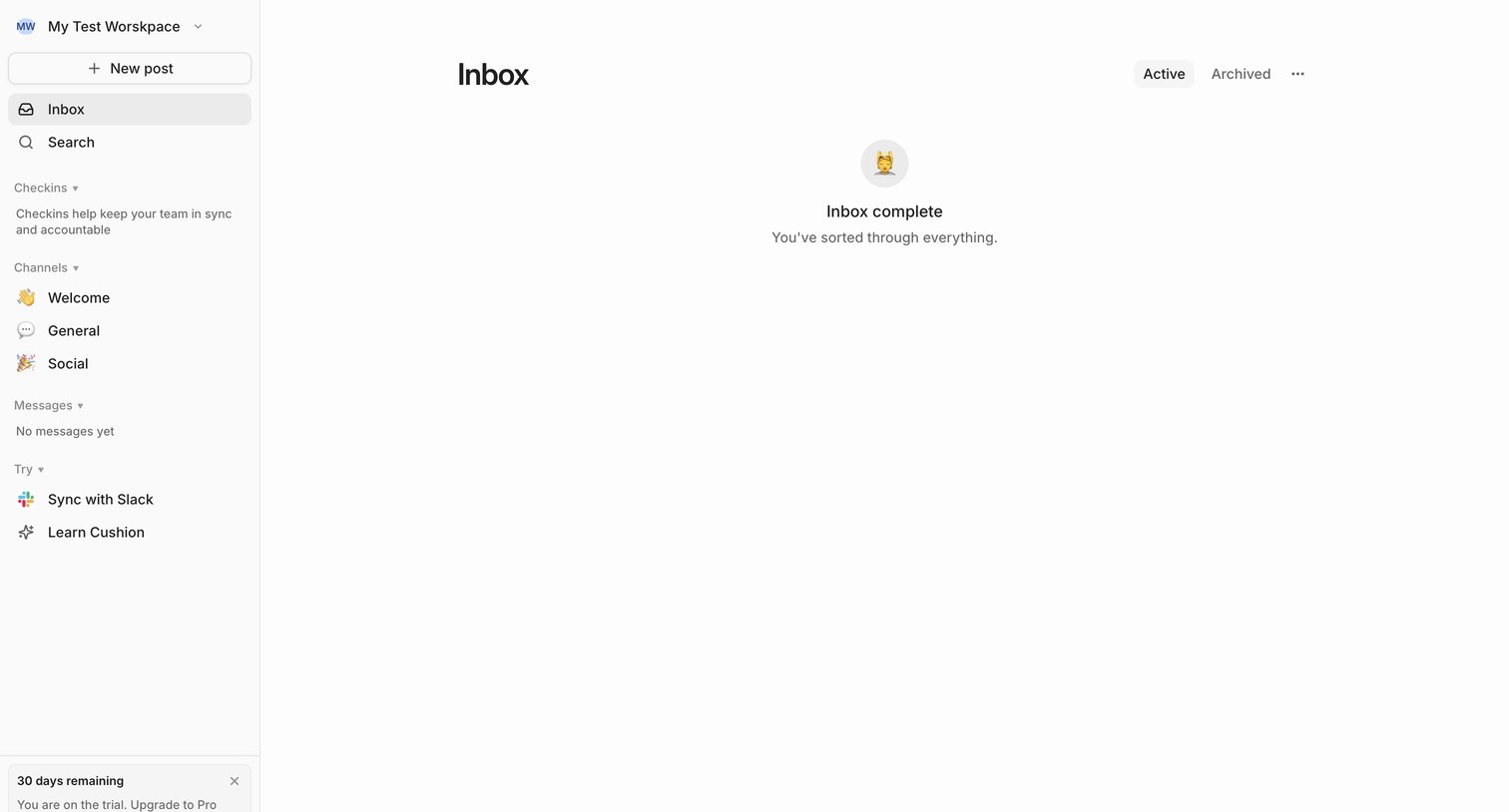

App inbox view where the user has cleared all their active messages and reached inbox zero.
Explore the full SaaS screen library
Upgrade to unlock the full library.
Trusted by the best teams








About Tabs
See how apps divide related content into separate views. Explore how tab labels, selected states, and placement connect each view with the wider page structure.