Skip to content

Twenty design examples

Explore Twenty UI design examples. The #1 Open-Source CRM

Product screens

Twenty - Sign in or Create an account screen
Twenty logo
Twenty

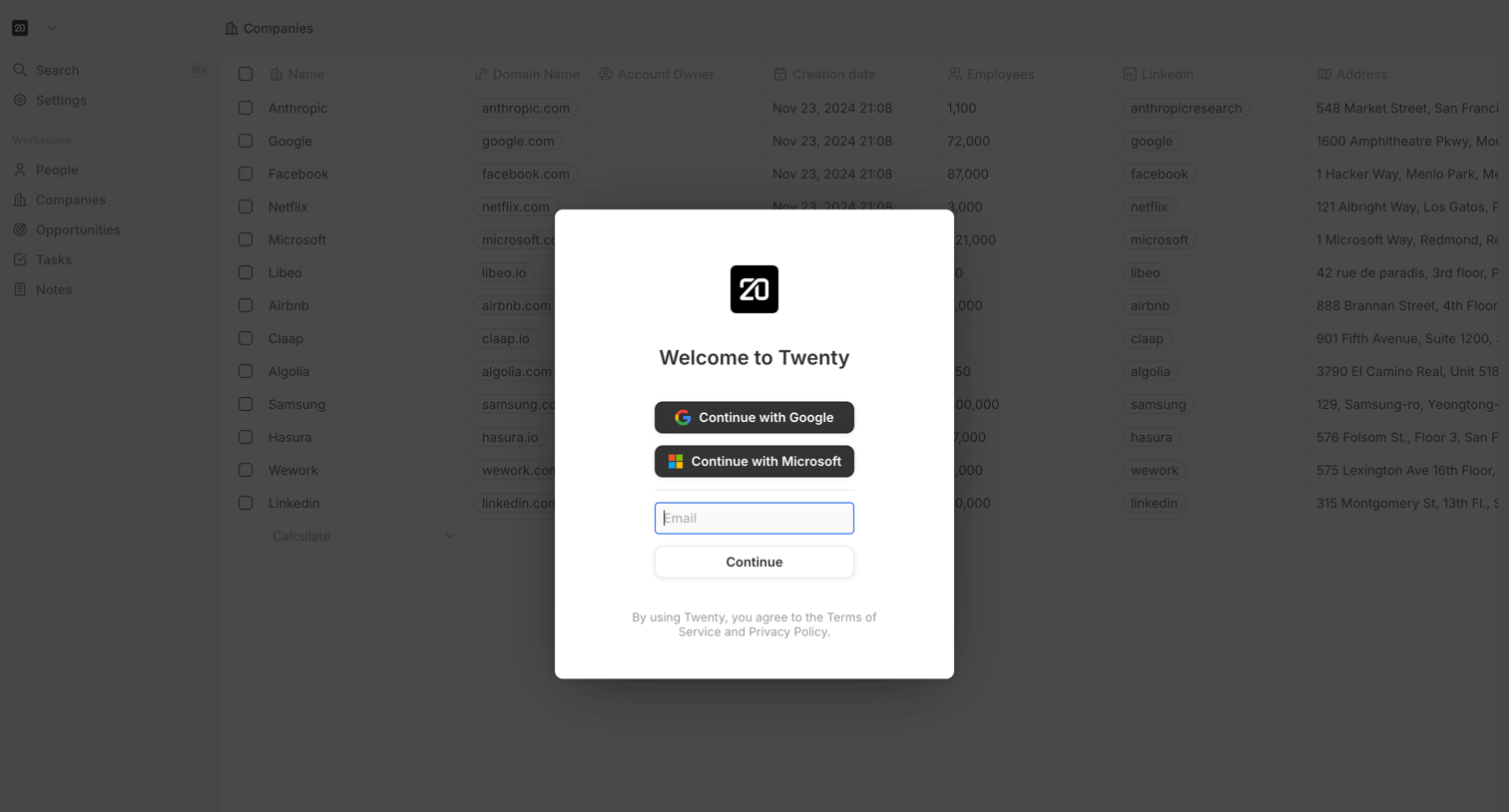
Authentication modal where the user can sign up or log in using Google, Microsoft, or email, displayed over a dimmed CRM companies data table.

Twenty - Sign in or Create an account screen
Twenty logo
Twenty

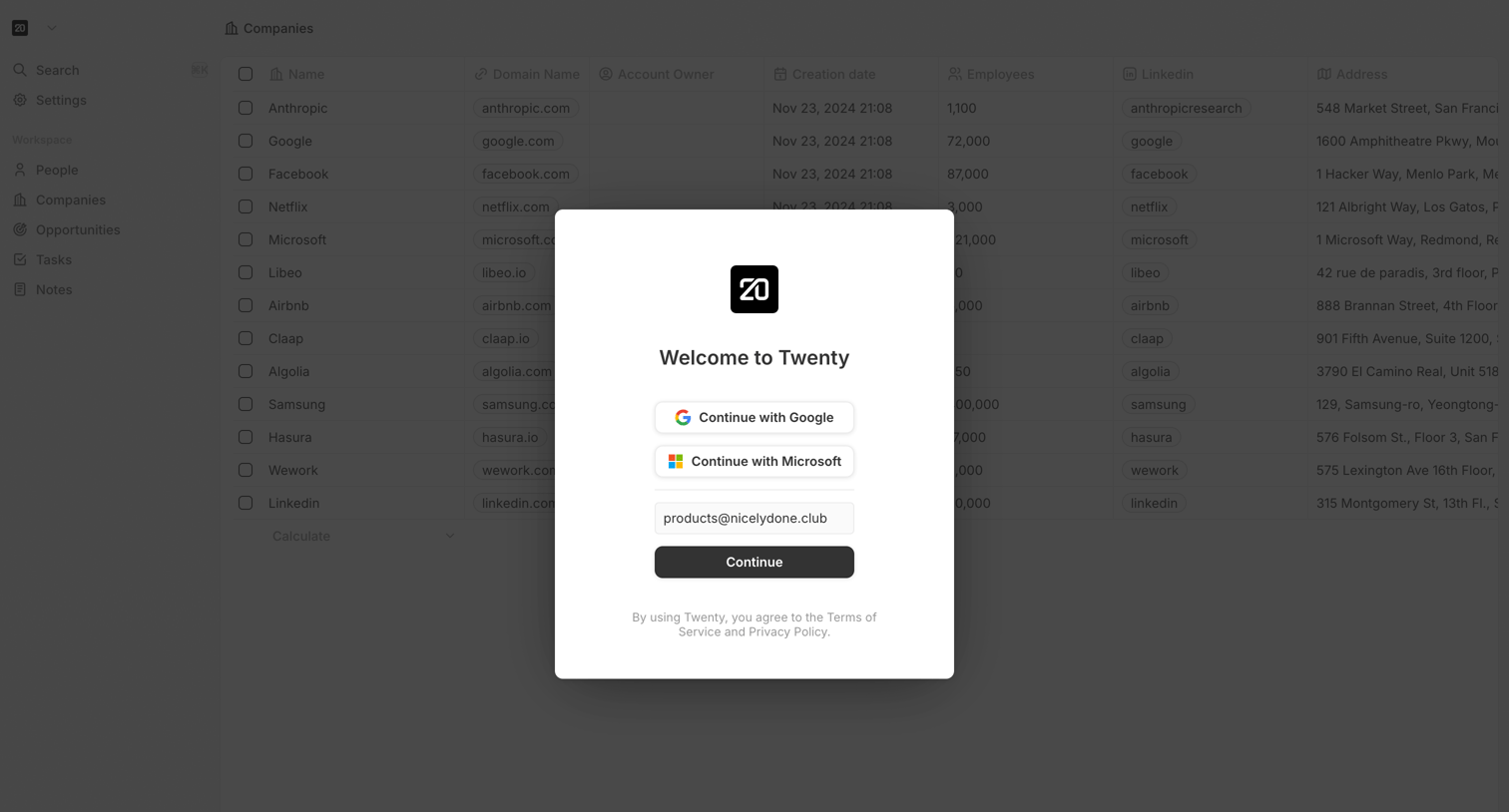
Sign-in screen where the user authenticates with Google, Microsoft, or an email address over a dimmed application background.

Twenty - Sign in or Create an account screen
Twenty logo
Twenty

Sign-in screen where the user authenticates with Google, Microsoft, or email via a centered modal over the application.

Twenty - Sign in or Create an account screen
Twenty logo
Twenty

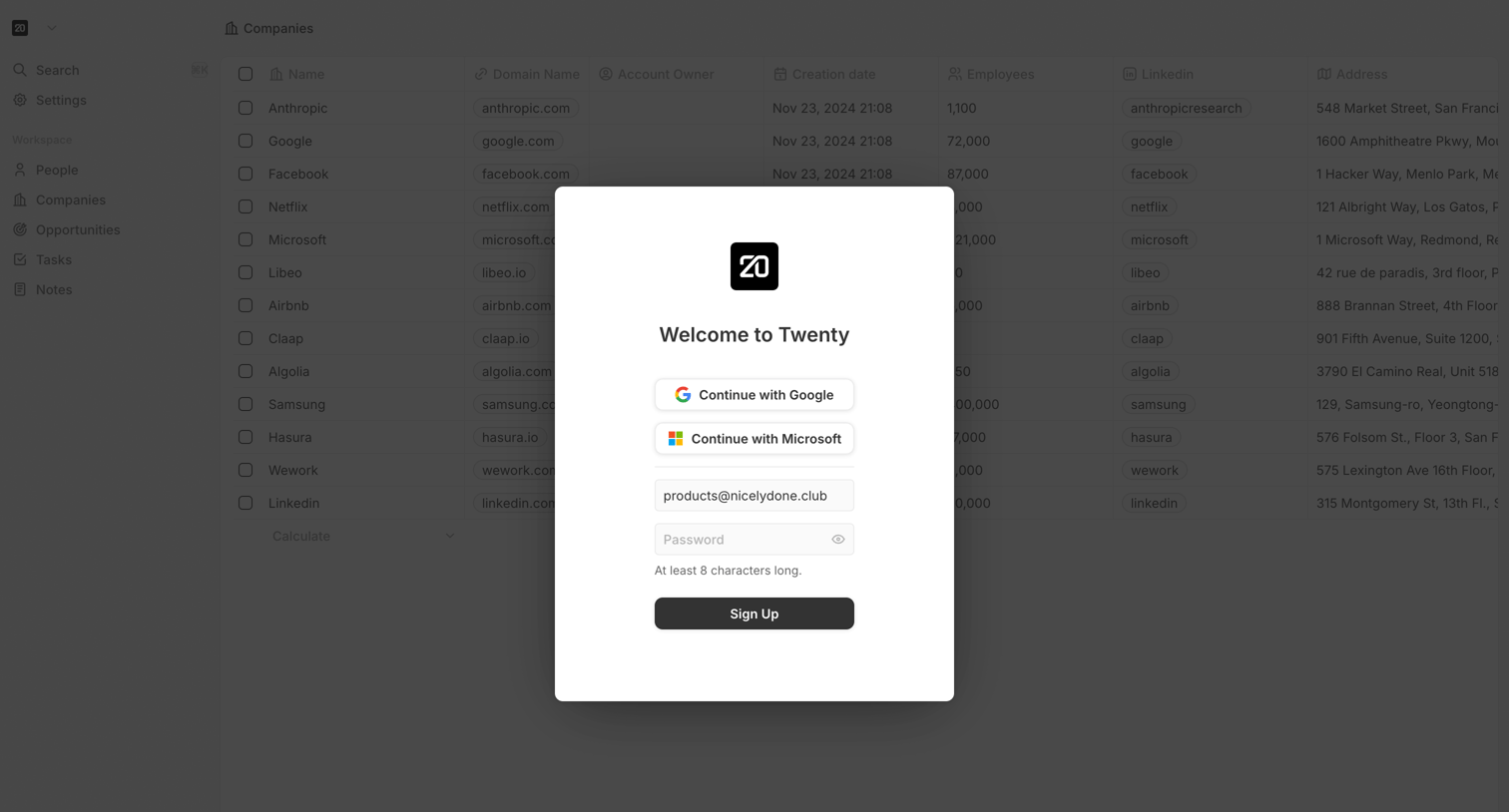
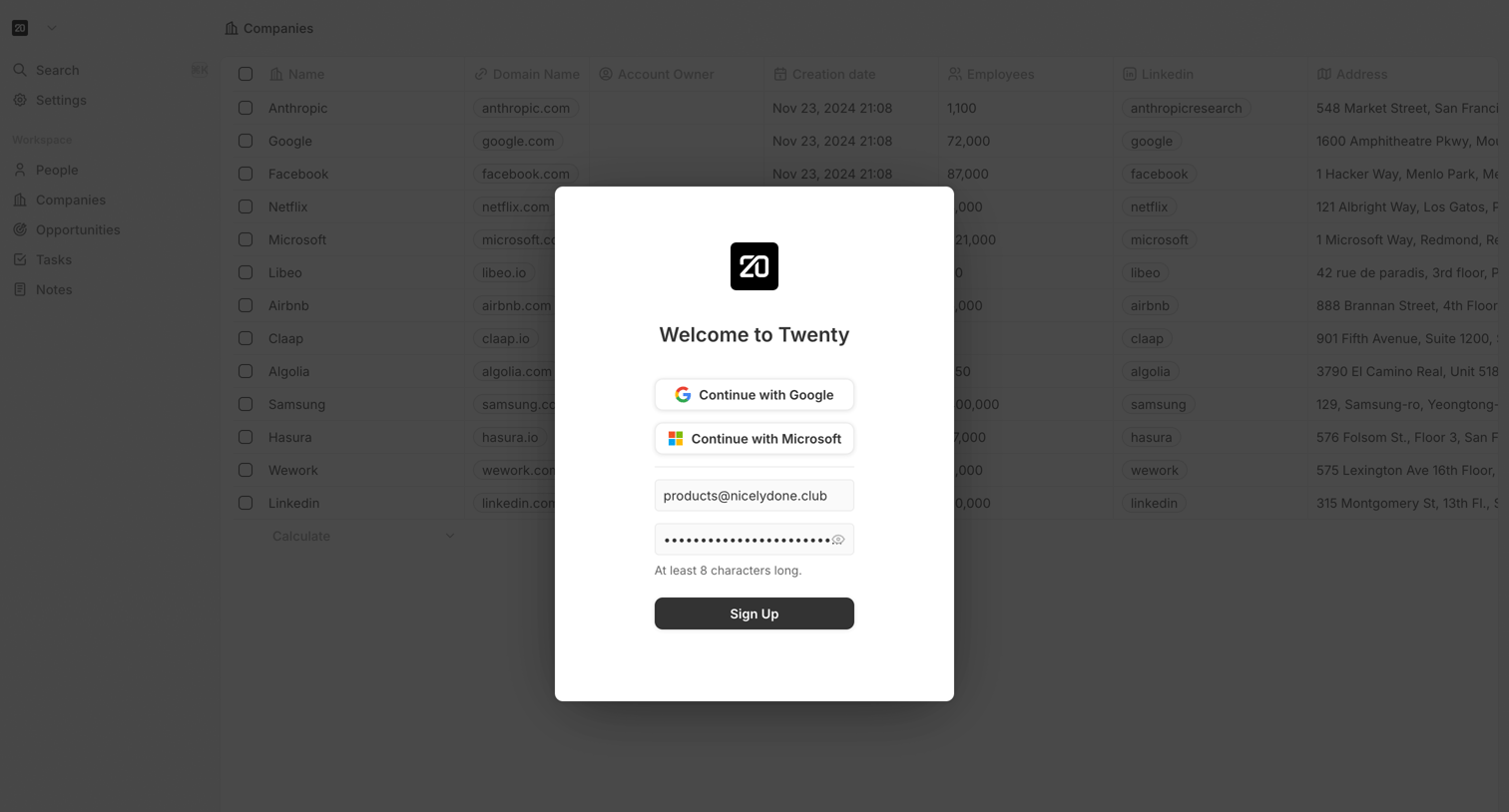
Signup screen where the user can create an account using Google, Microsoft, or email and password, displayed as a modal over a companies data table.
Twenty - Sign in or Create an account screen
Twenty logo
Twenty

Signup modal where the user can create an account using Google, Microsoft, or an email and password, overlaid on the main application.
Twenty screen
Twenty logo
Twenty

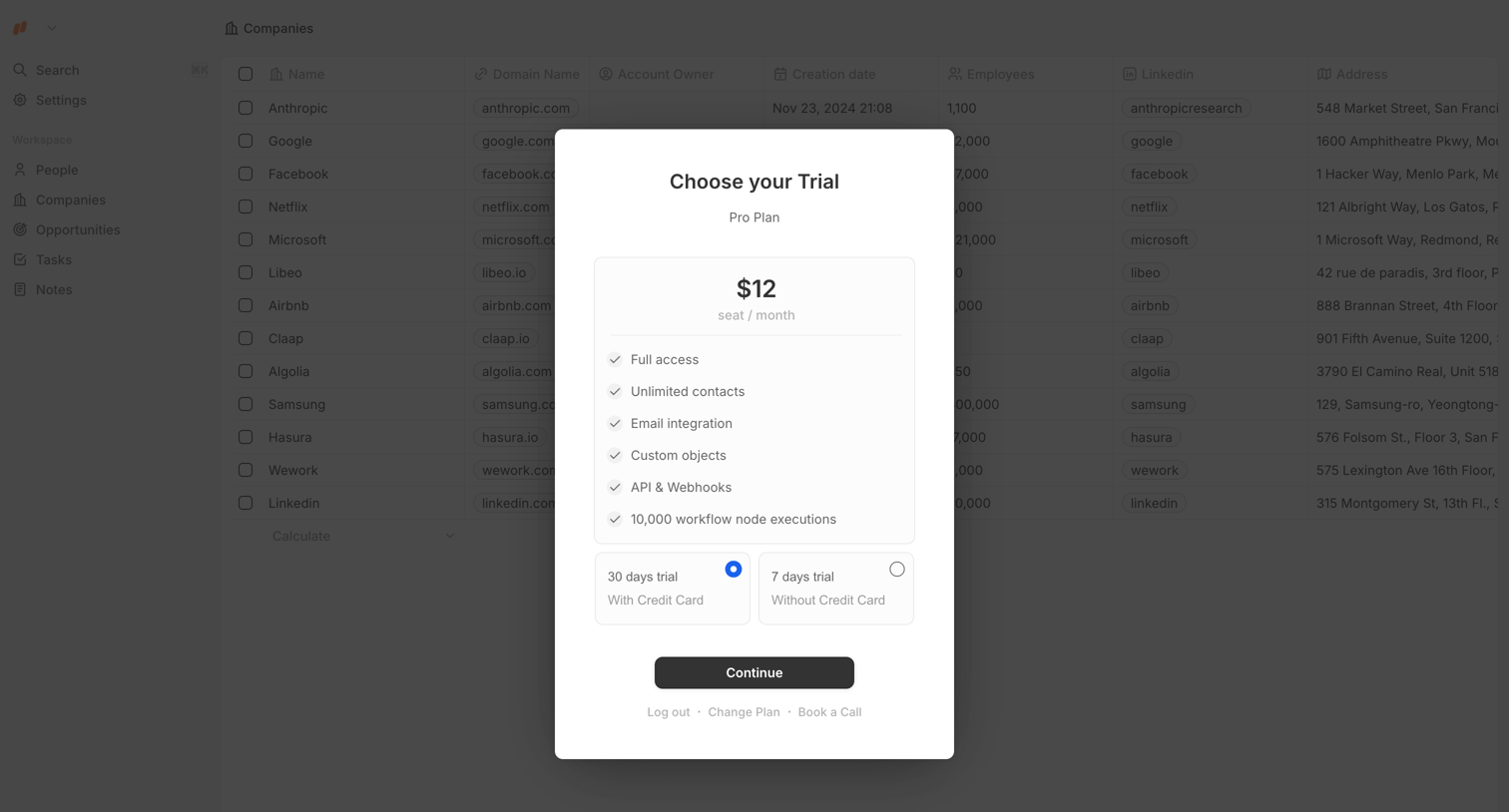
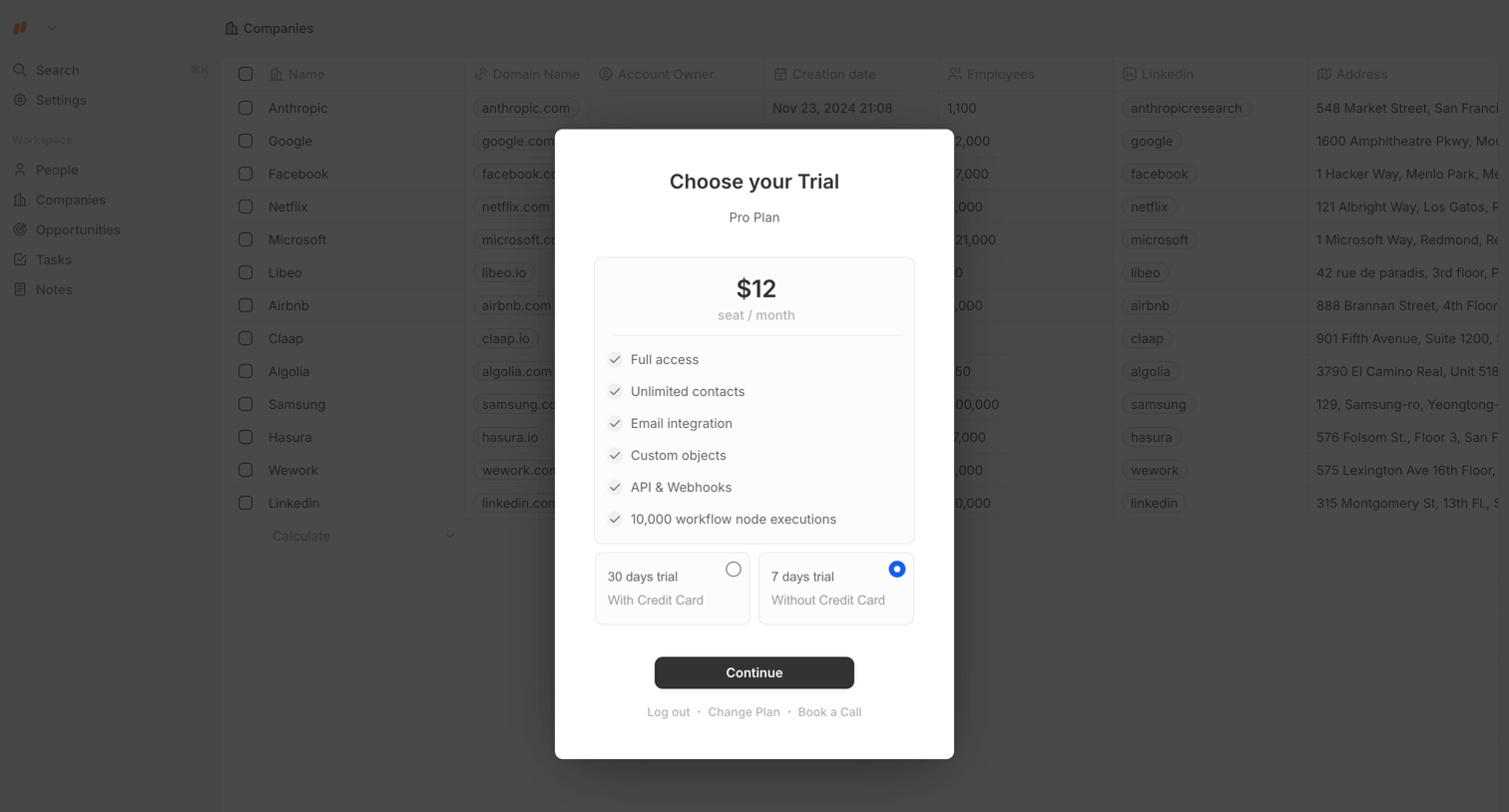
Paywall modal where the user selects between a 30-day trial with a credit card or a 7-day trial without one to access the Pro Plan.

Twenty screen
Twenty logo
Twenty

Paywall modal where the user must choose between a 30-day trial with a credit card or a 7-day trial without one to access the Pro Plan.

Twenty - Twenty.com screen
Twenty logo
Twenty

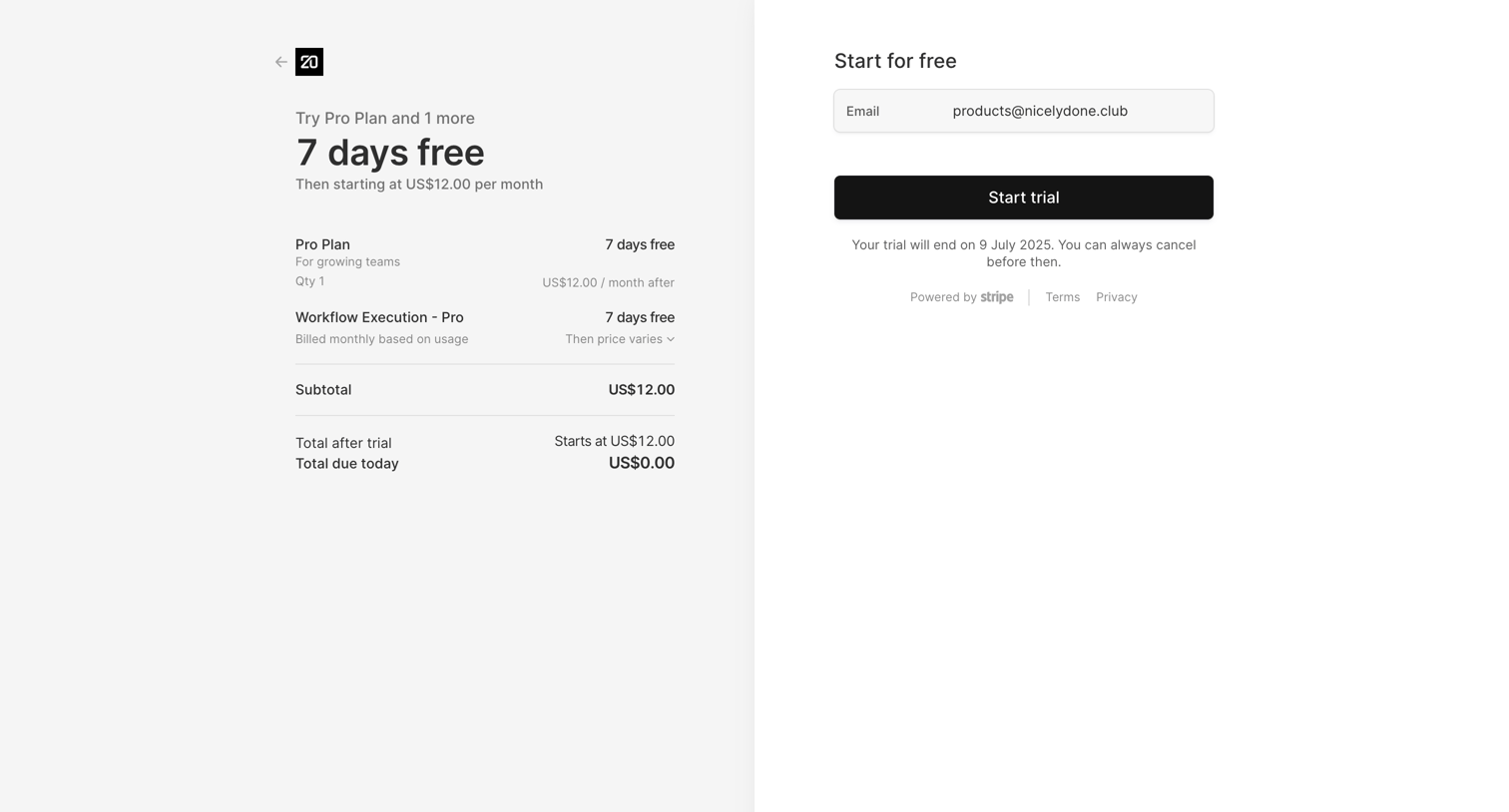
Checkout page where the user activates a 7-day free trial for a Pro Plan by confirming their pre-filled email address.

Twenty - Create Workspace screen
Twenty logo
Twenty

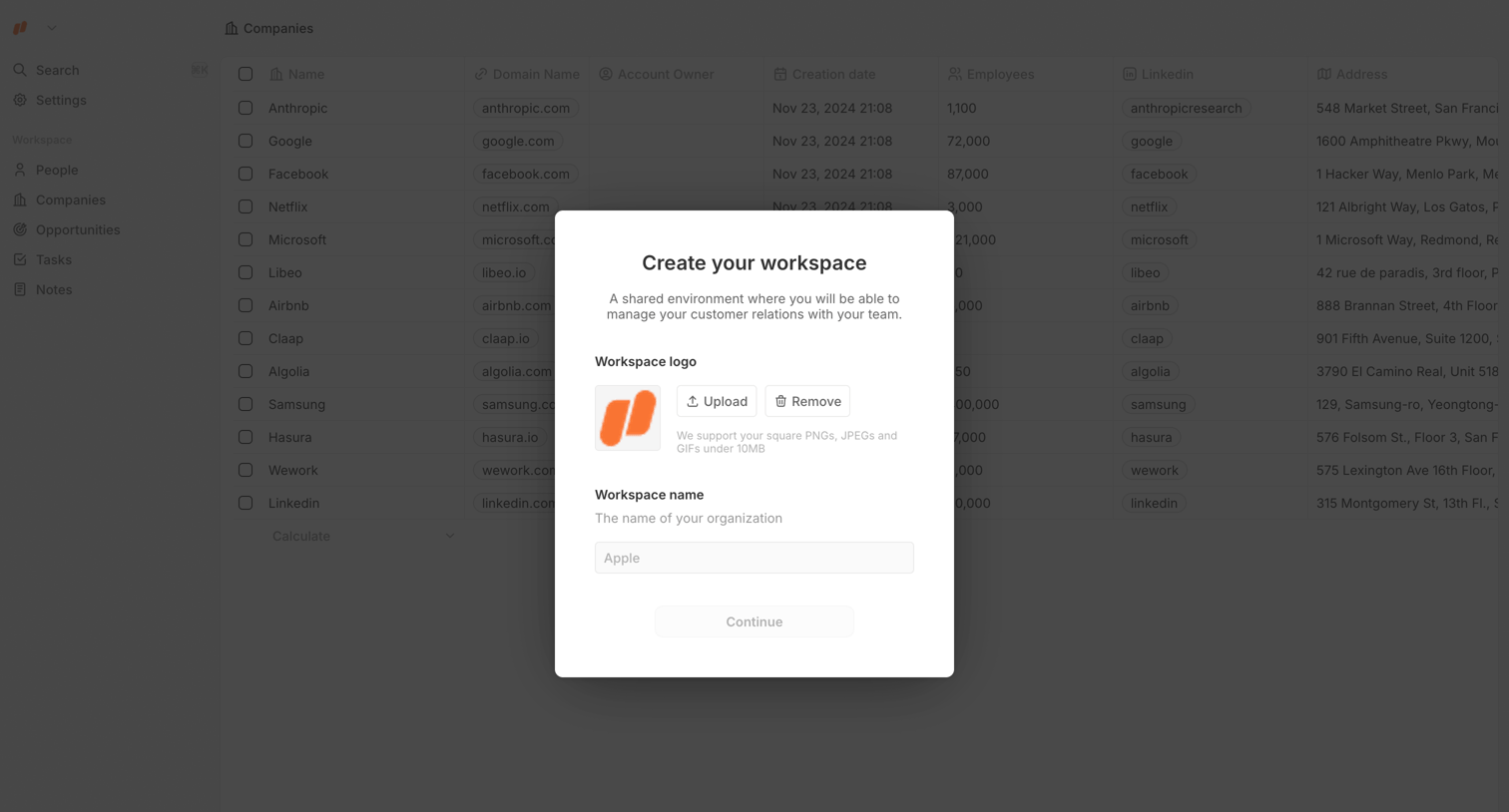
Onboarding modal where the user sets up their new workspace by uploading a logo and entering an organization name.
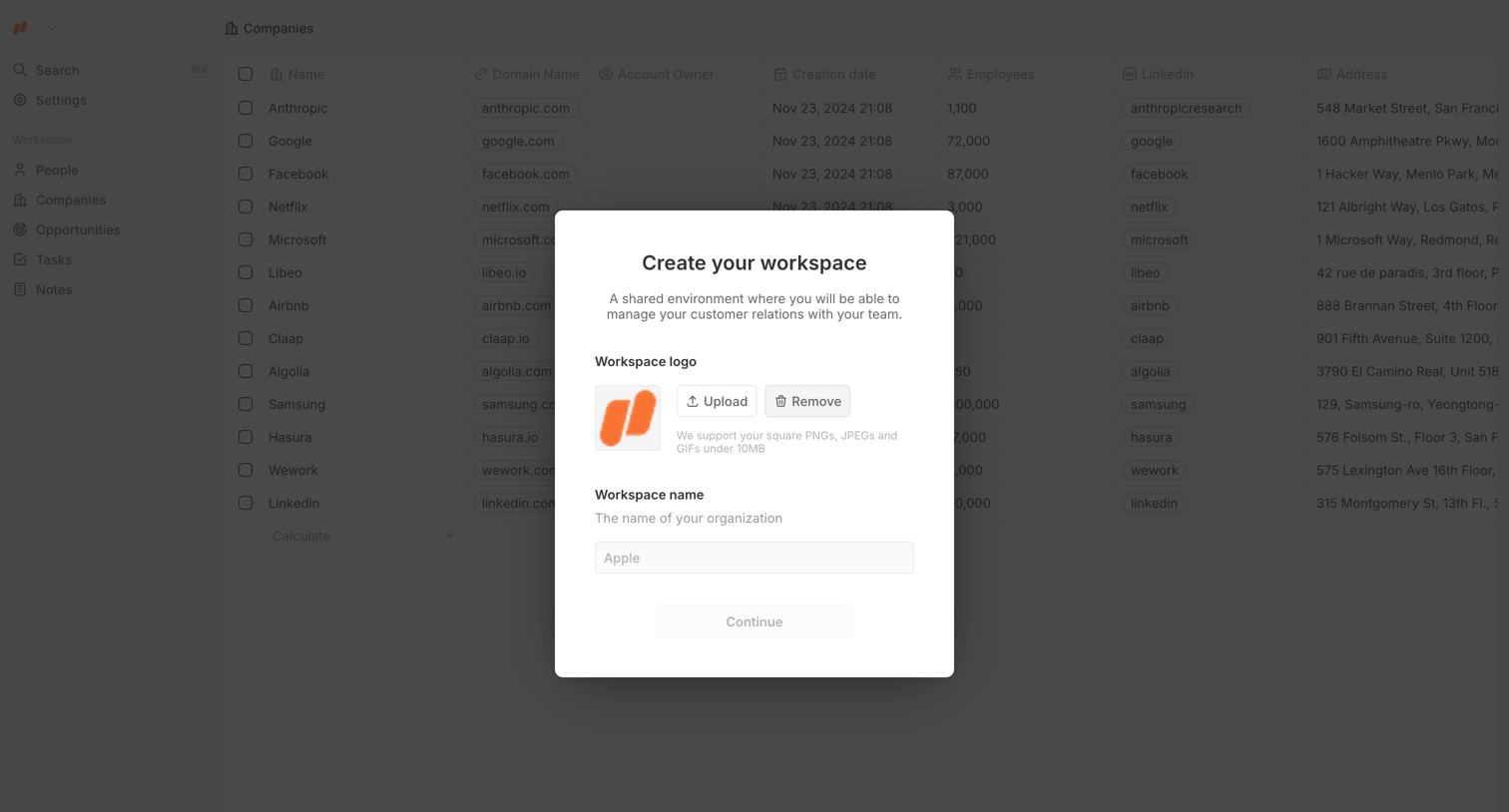
Twenty - Create Workspace screen
Twenty logo
Twenty

Onboarding screen where the user sets up their new workspace by uploading a logo and entering an organization name.
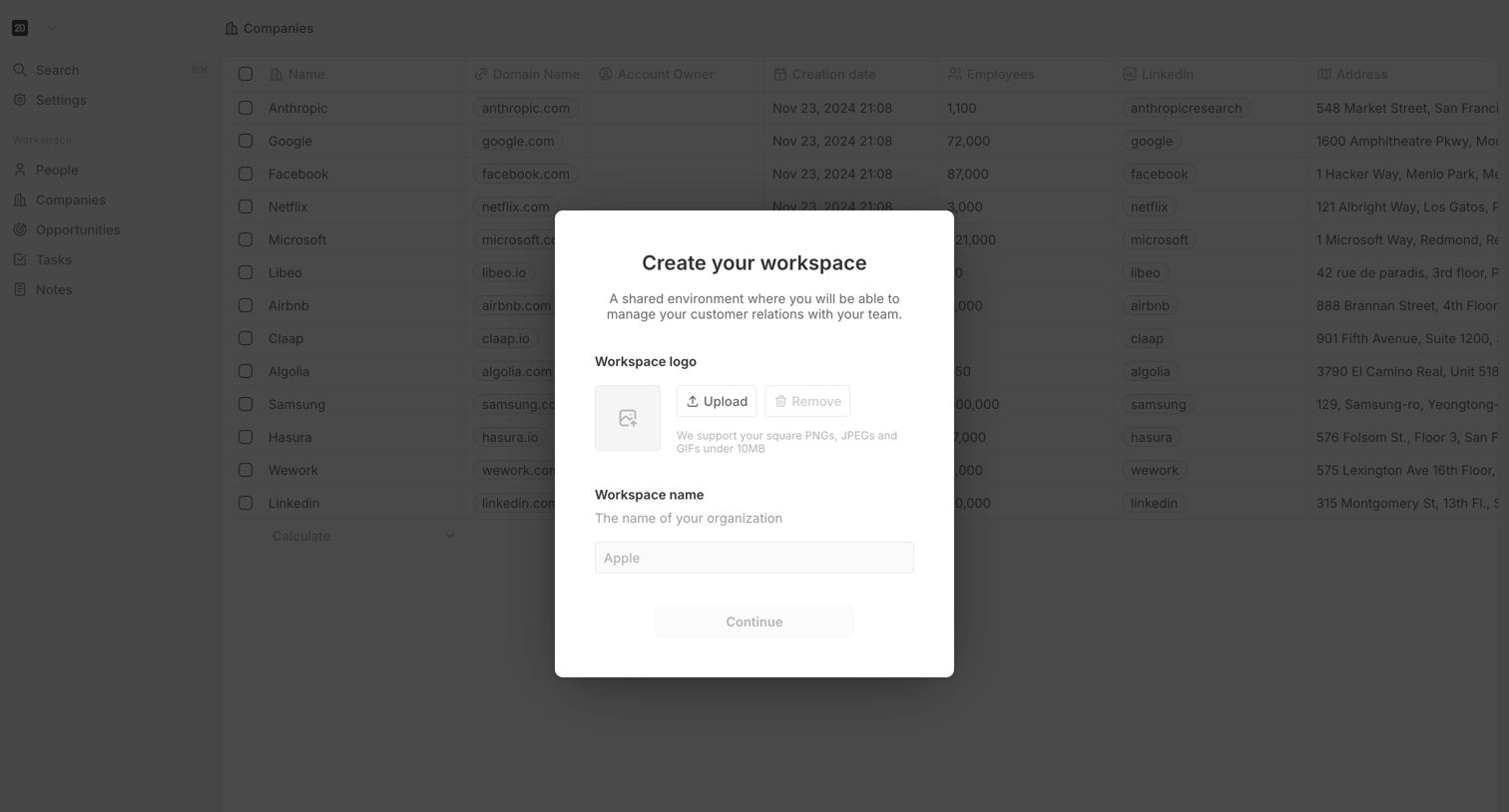
Twenty - Create Workspace screen
Twenty logo
Twenty

Onboarding step where the user names their new workspace and uploads an organization logo before continuing.
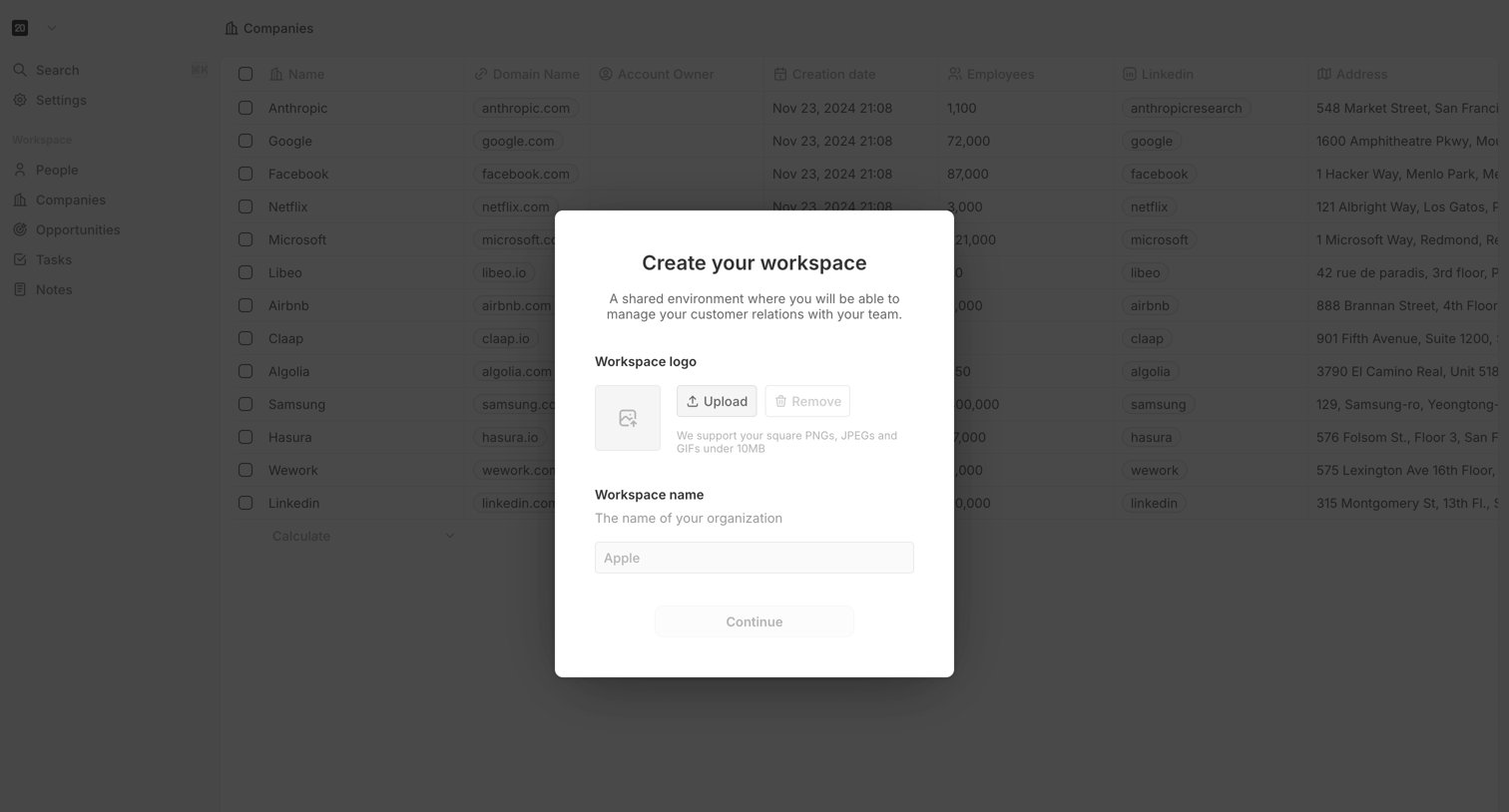
Twenty - Create Workspace screen
Twenty logo
Twenty

Modal where the user sets up a new workspace by uploading a company logo and entering their organization name.

Browse the full SaaS app library

Explore real SaaS apps with their product screens, marketing screens, flows, and components.

Trusted by the best teams