Amie UI components examples
Browse Amie UI component design examples. Preview individual interface elements and explore related component categories. The joyful productivity app
Explore the examples
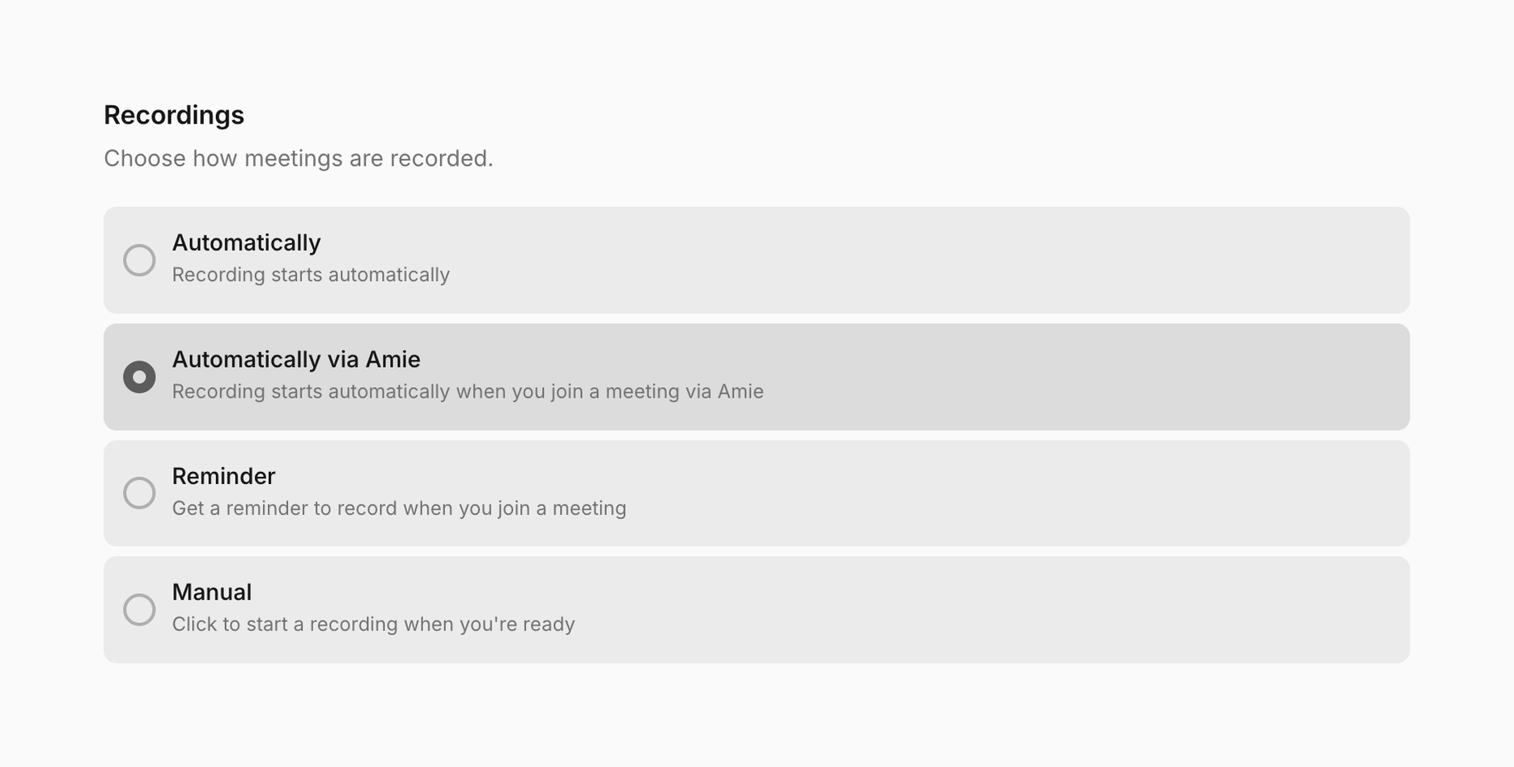

A settings interface for configuring meeting recording preferences with multiple radio button options.
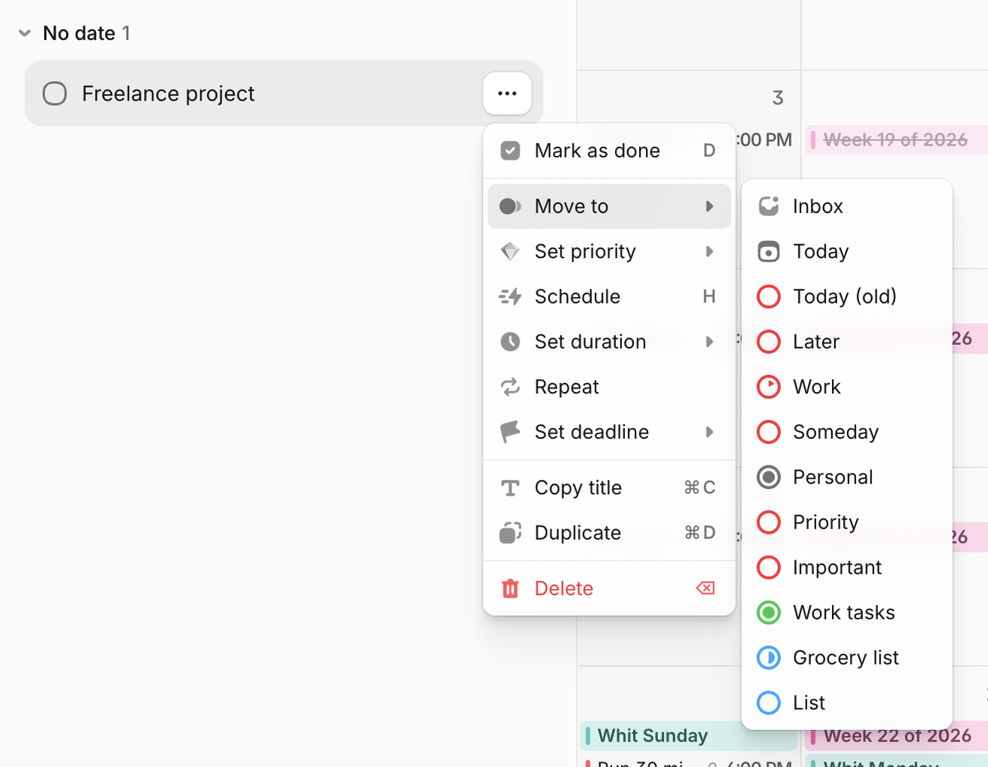
A task management interface displaying a task item with an open context menu and a nested submenu for moving the task to different categories.
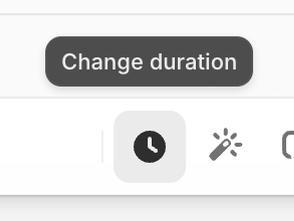
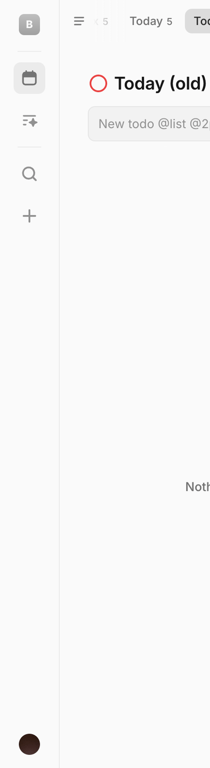
A minimalist task management application interface featuring a sidebar navigation and a main content area for task display and input.

A chat input field with action icons and a notification chip for a new changelog.
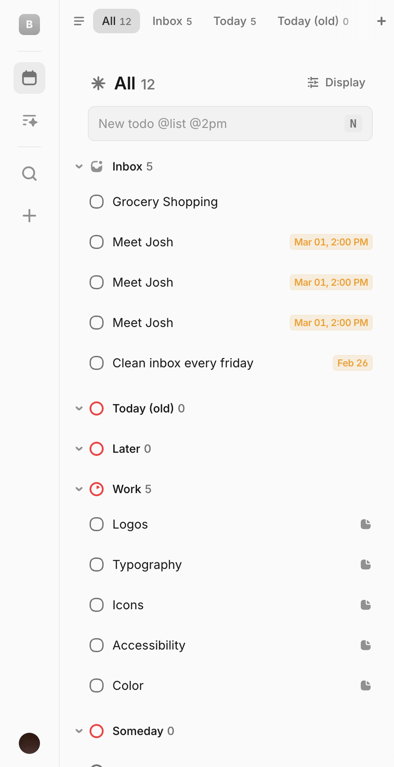
A task management application interface featuring a sidebar navigation, a tabbed header for task categories, and a main content area displaying a list of tasks with checkboxes and due dates.

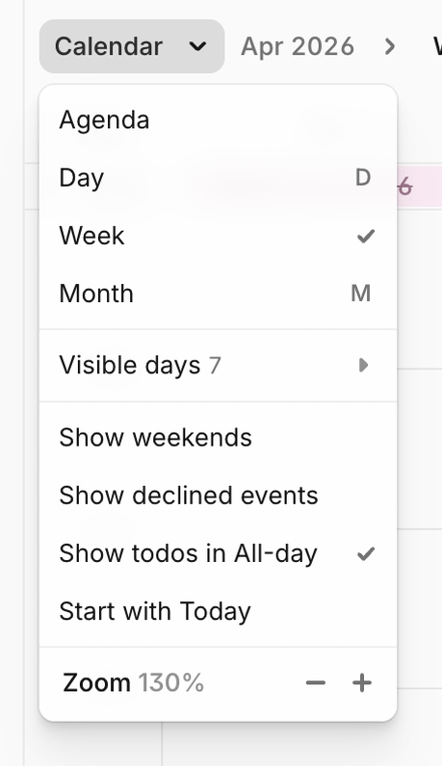
A web application header featuring navigation for email and calendar, with date selection and action buttons.
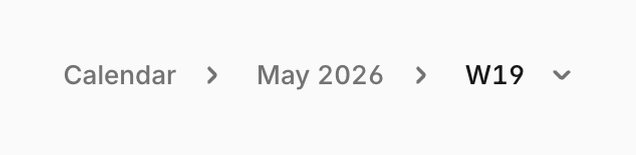
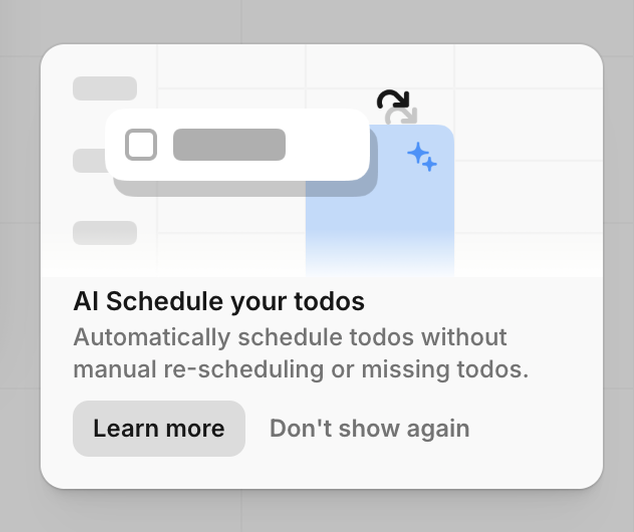
Browse the full component library
Browse the full UI component library.
Trusted by the best teams







