Timeline & history UI examples
Timeline & history UI design examples from SaaS apps. Explore how interfaces display changes or events in sequence. Look at how time labels, event details, and visual connectors structure a compact history…
Explore the examples
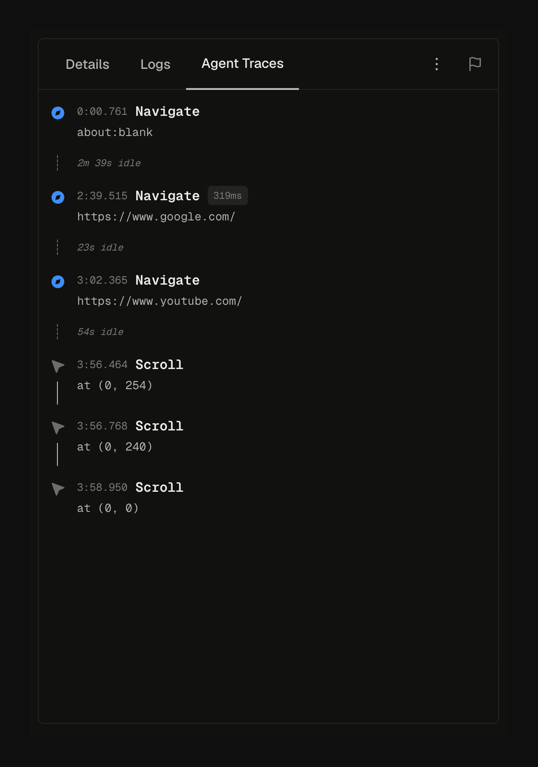

A user interface displaying a chronological log of agent traces, including navigation events to different URLs and scroll actions, organized under a tabbed navigation system.
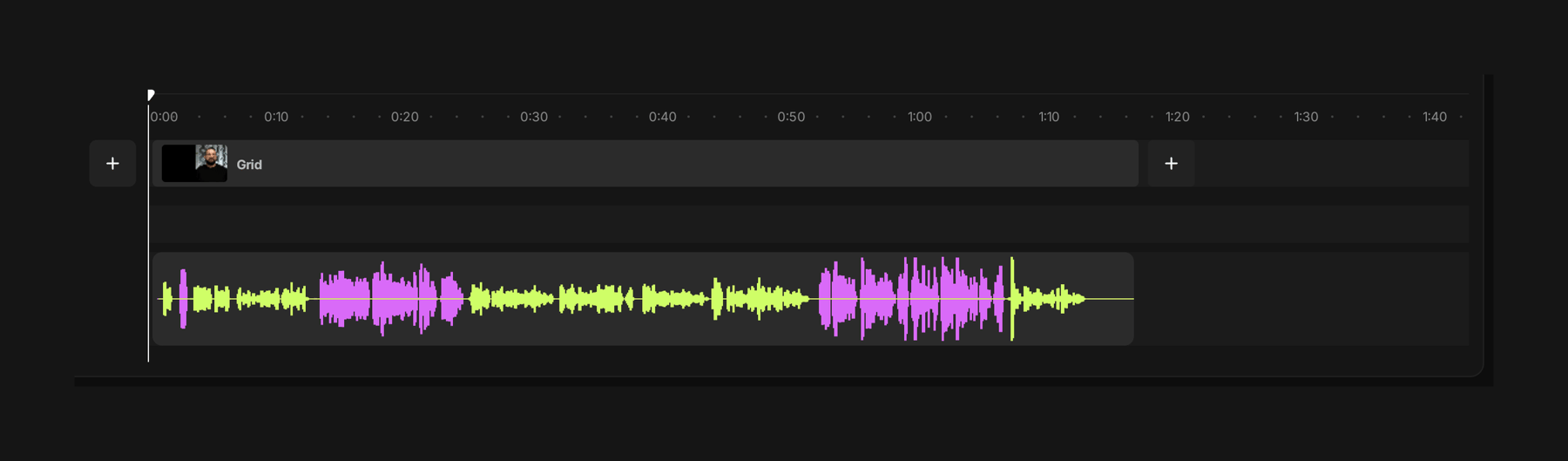

An audio editing interface displaying a waveform on a timeline.
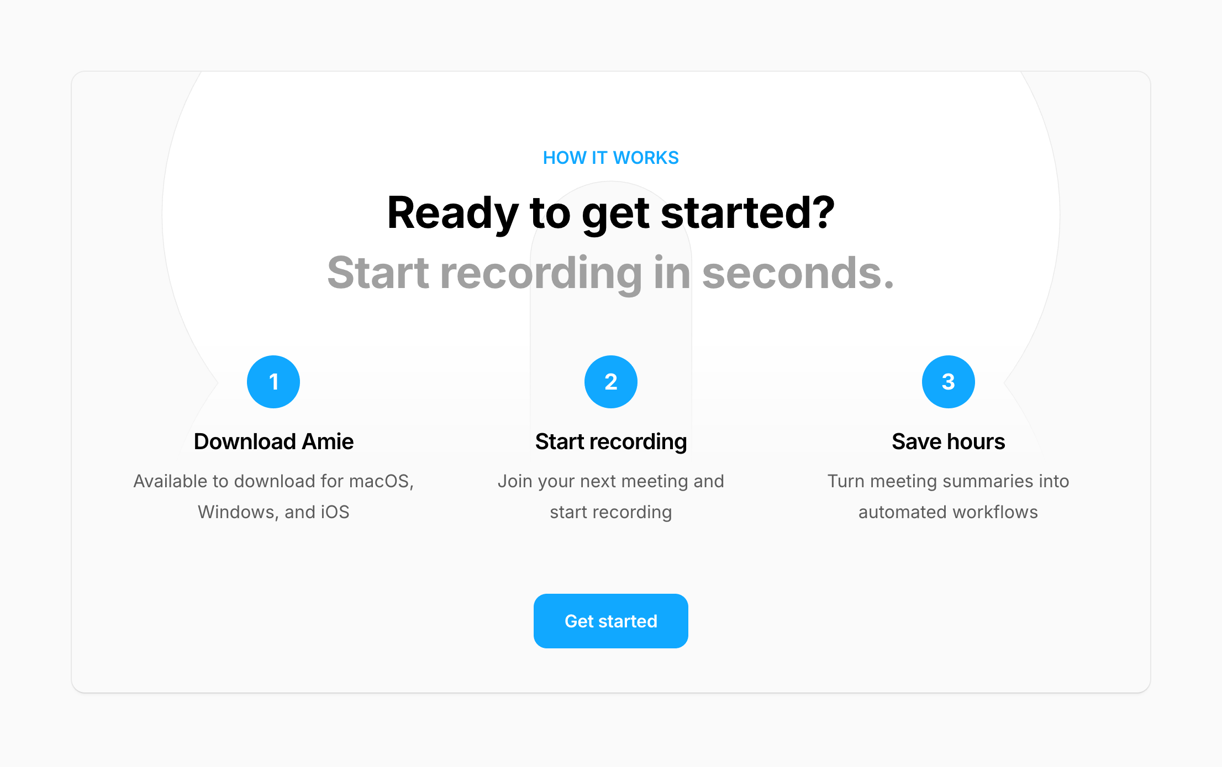

A 'how it works' section explaining three steps to use a product, with a call to action button.
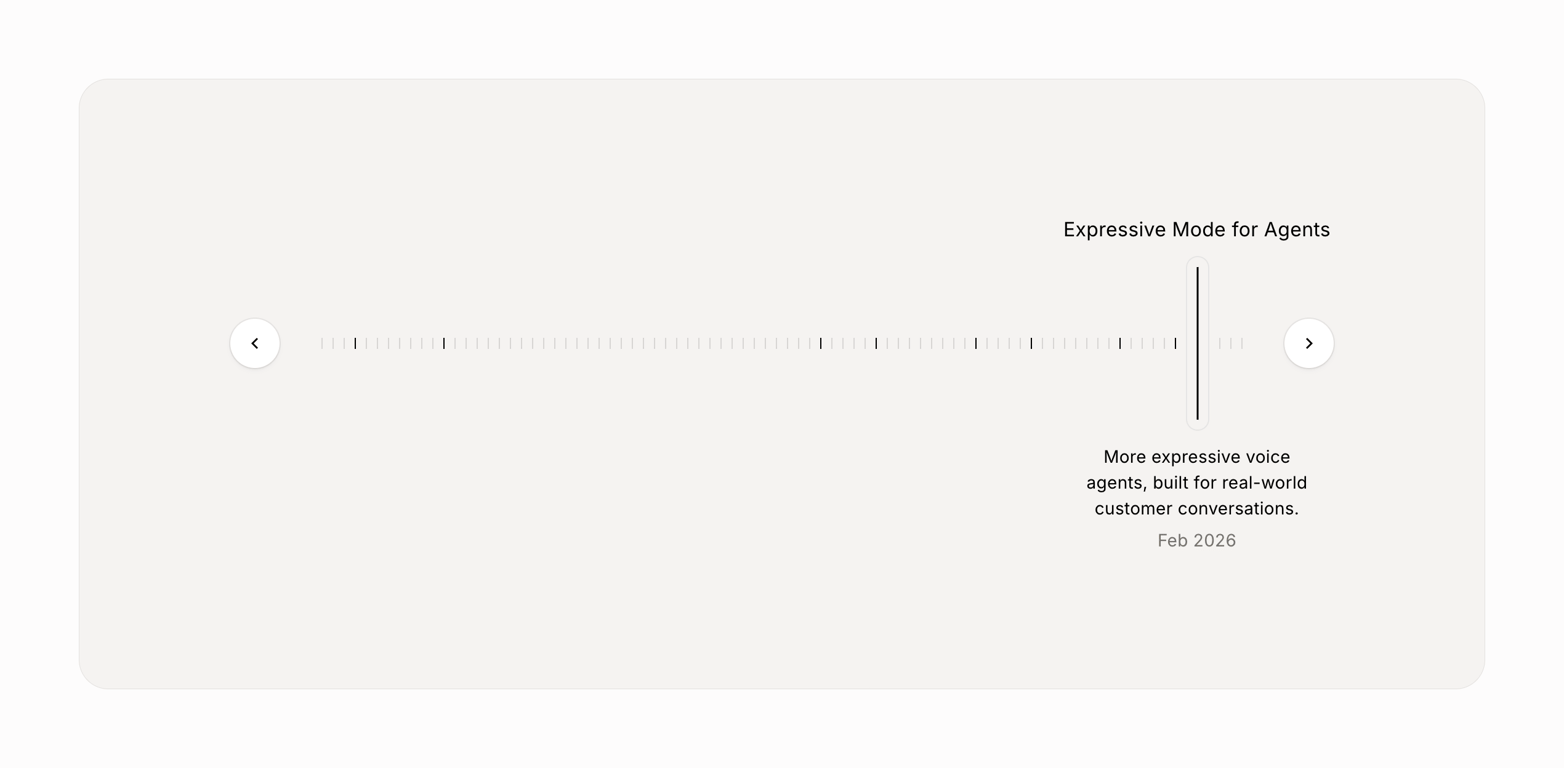

A product feature highlight displayed within a timeline or carousel component.
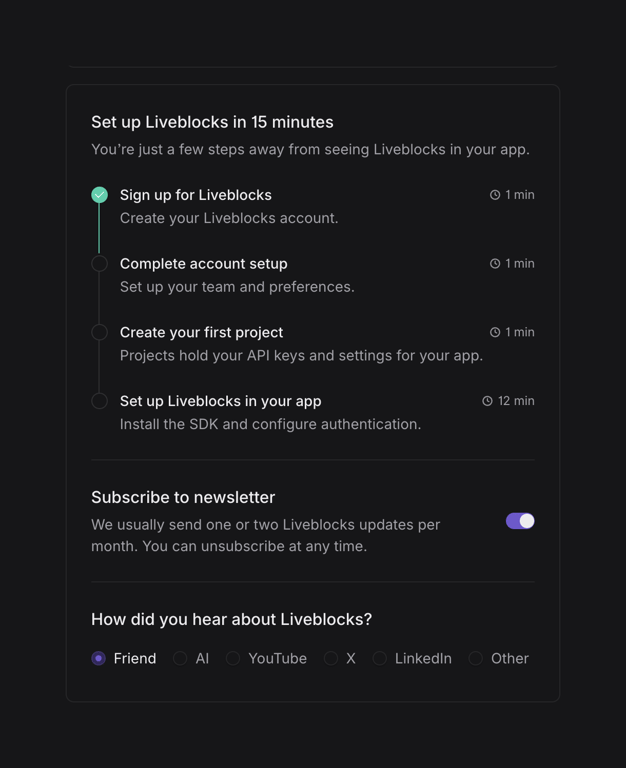

A setup and preference configuration interface for a software application.


A project management interface featuring a timeline view with options for filtering, sorting, and adding new projects.
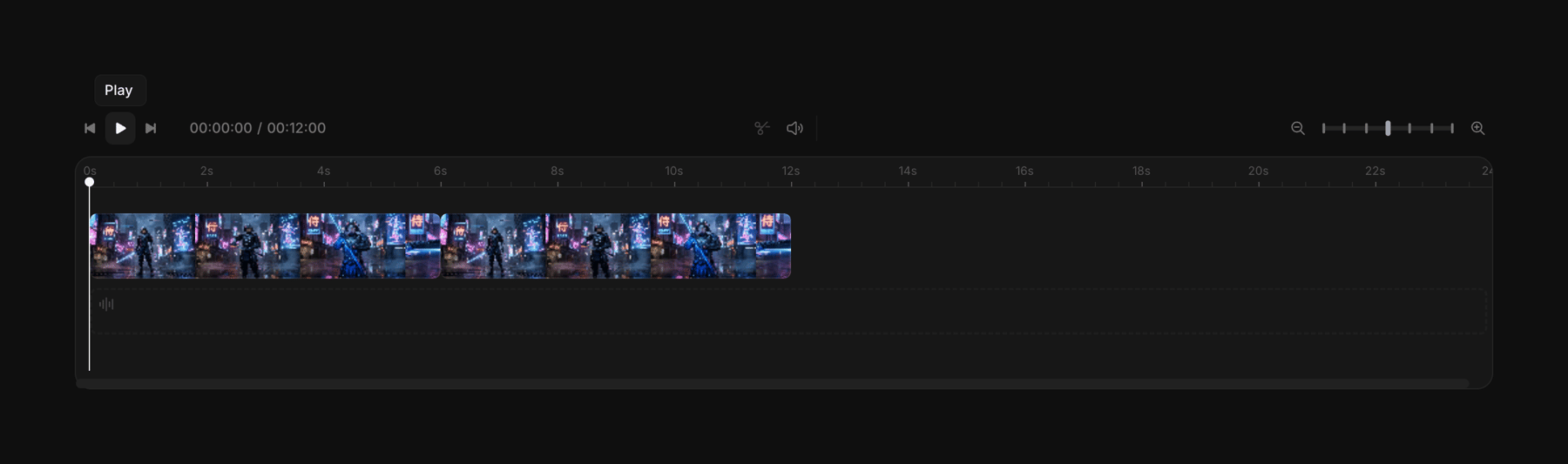

A video editing interface featuring a timeline, playback controls, and an audio waveform display.
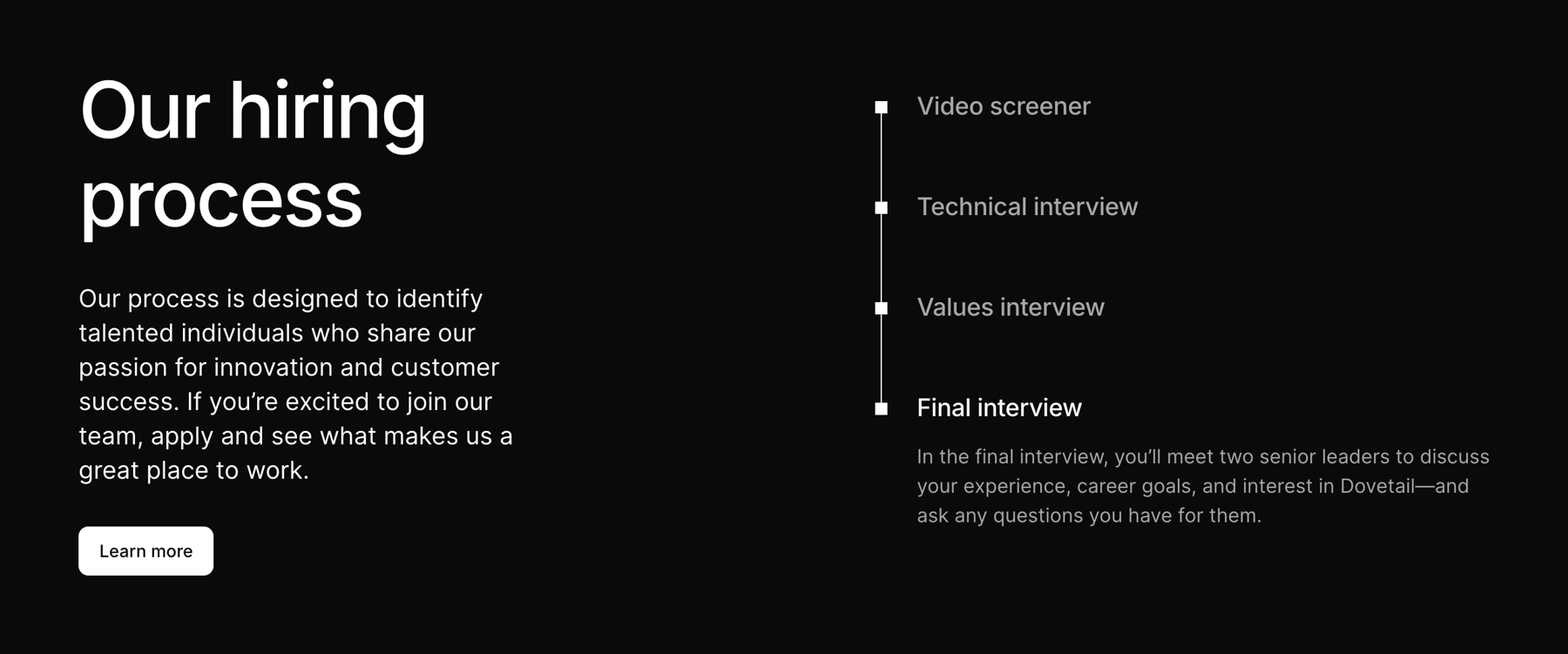

A section outlining a company's hiring process with a step-by-step timeline and a call to action button.
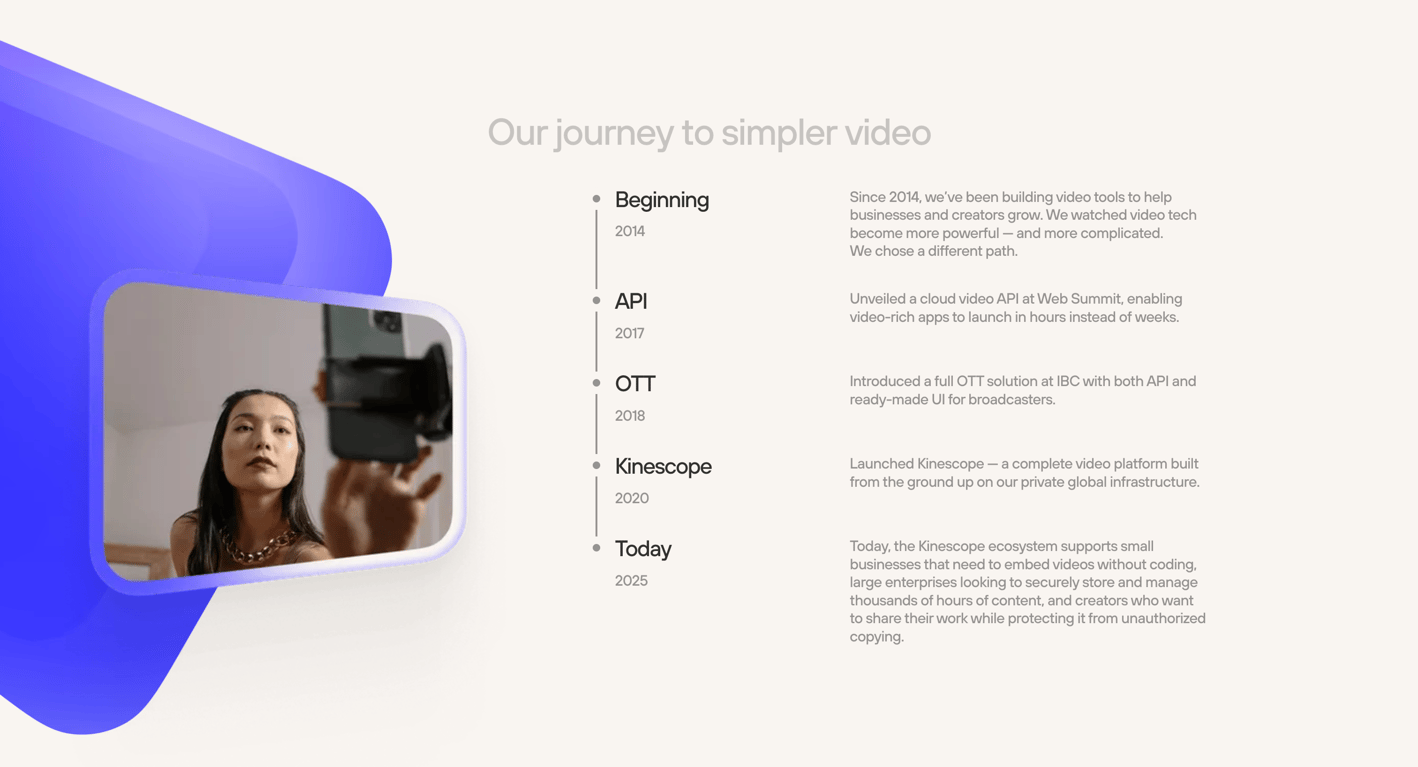

A webpage displaying a company's journey in video technology through a timeline, featuring an image of a person using a mobile device.
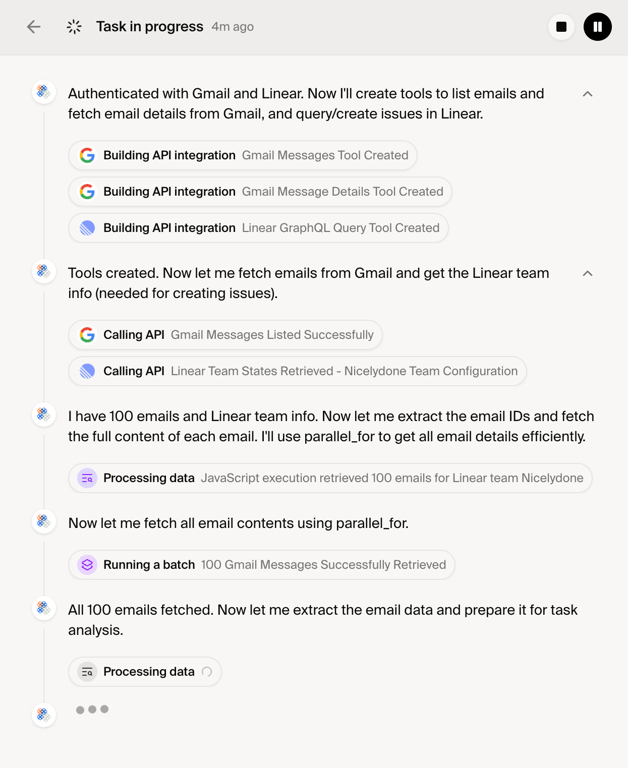

A user interface displaying the step-by-step progress of an automated task involving API integrations and data processing.
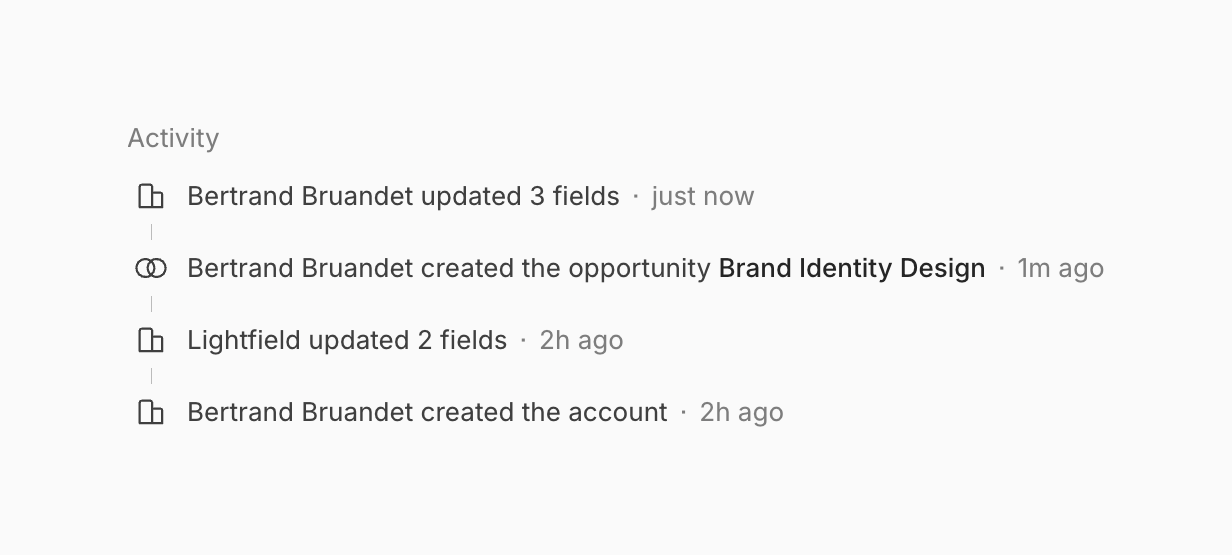

A chronological list of user activities with associated icons and timestamps.
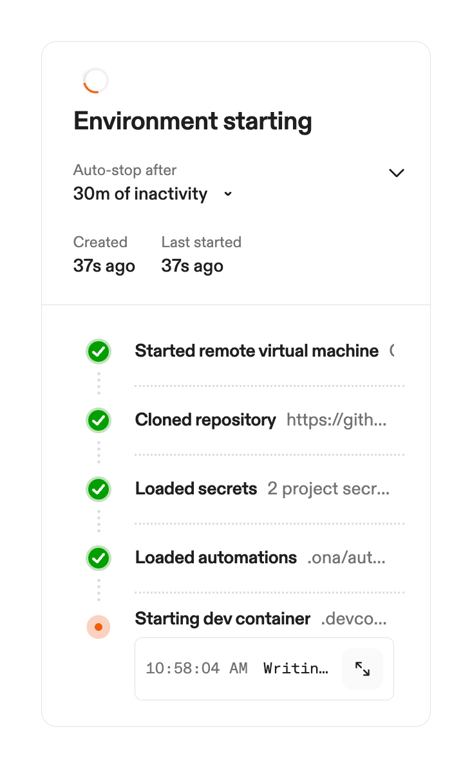

A status card displaying the progress of an environment starting process, including configuration details and a step-by-step timeline.
Browse the full component library
See 143 more Components.
Trusted by the best teams








About Timeline & history
Explore how interfaces display changes or events in sequence. Look at how time labels, event details, and visual connectors structure a compact history component.