Campsite design examples
Explore Campsite UI design examples. The home for your team’s work in progress
Product screens
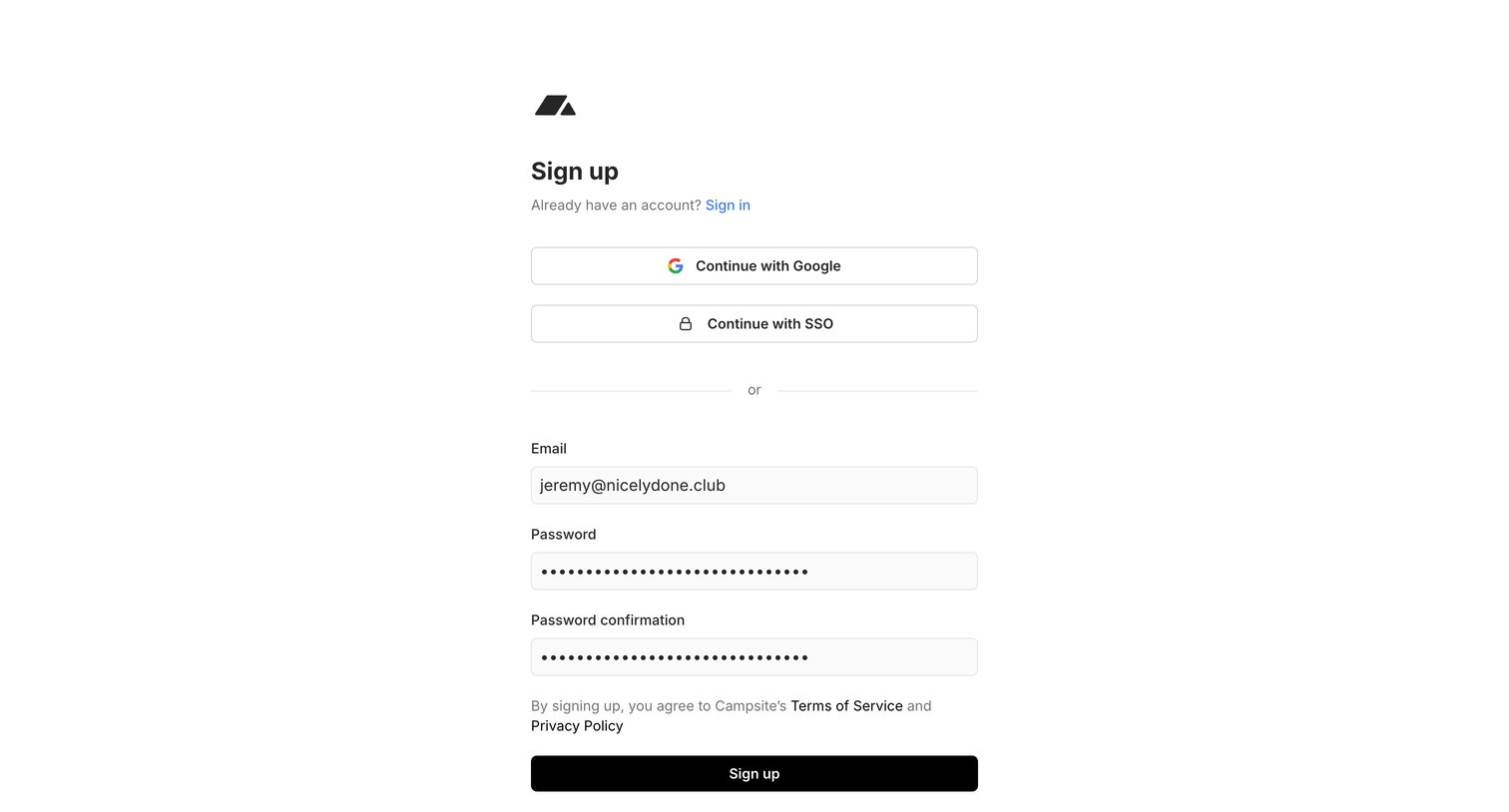
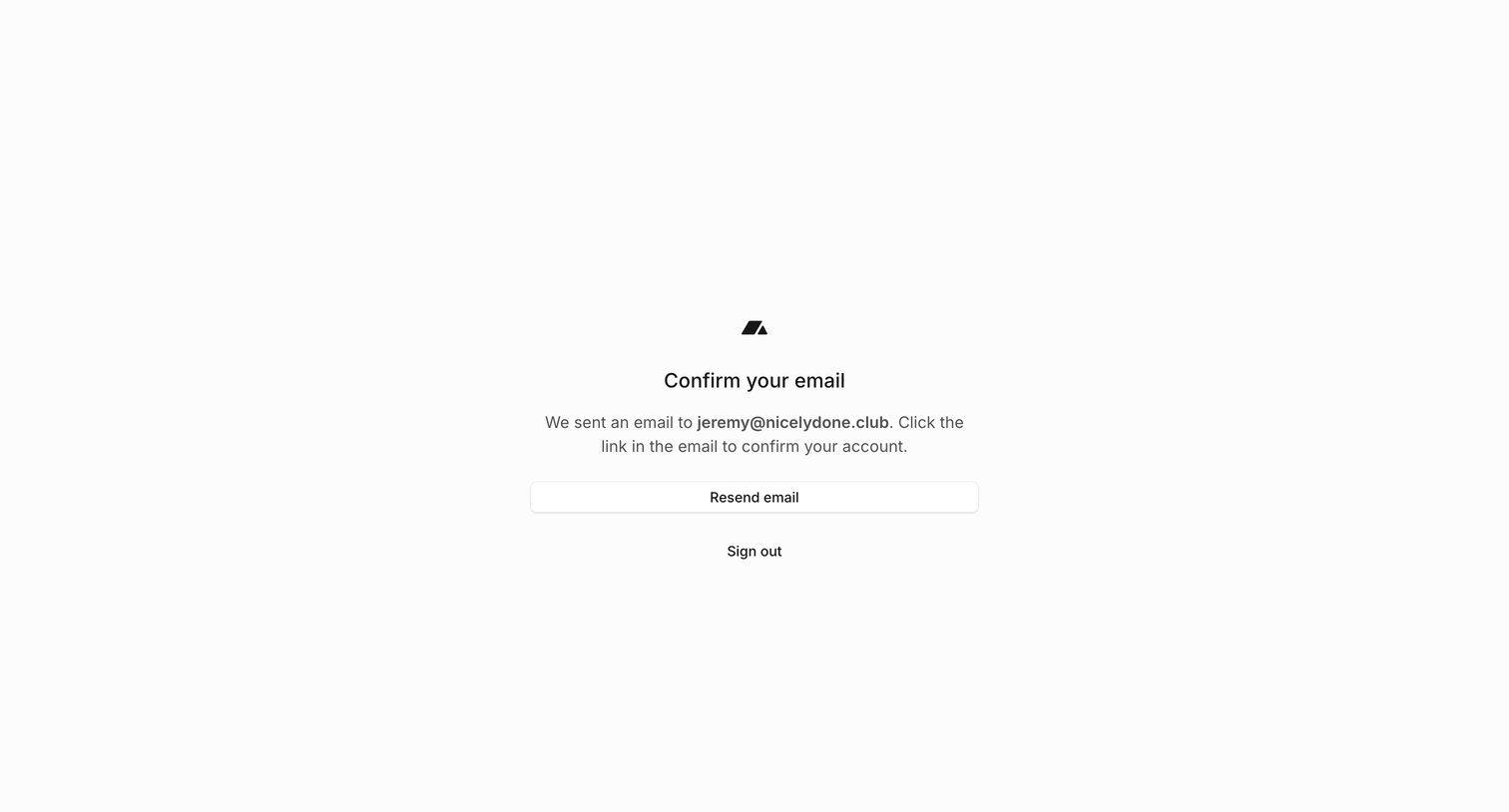

Auth screen where the user is prompted to check their inbox to confirm their email address, with options to resend the link or sign out.
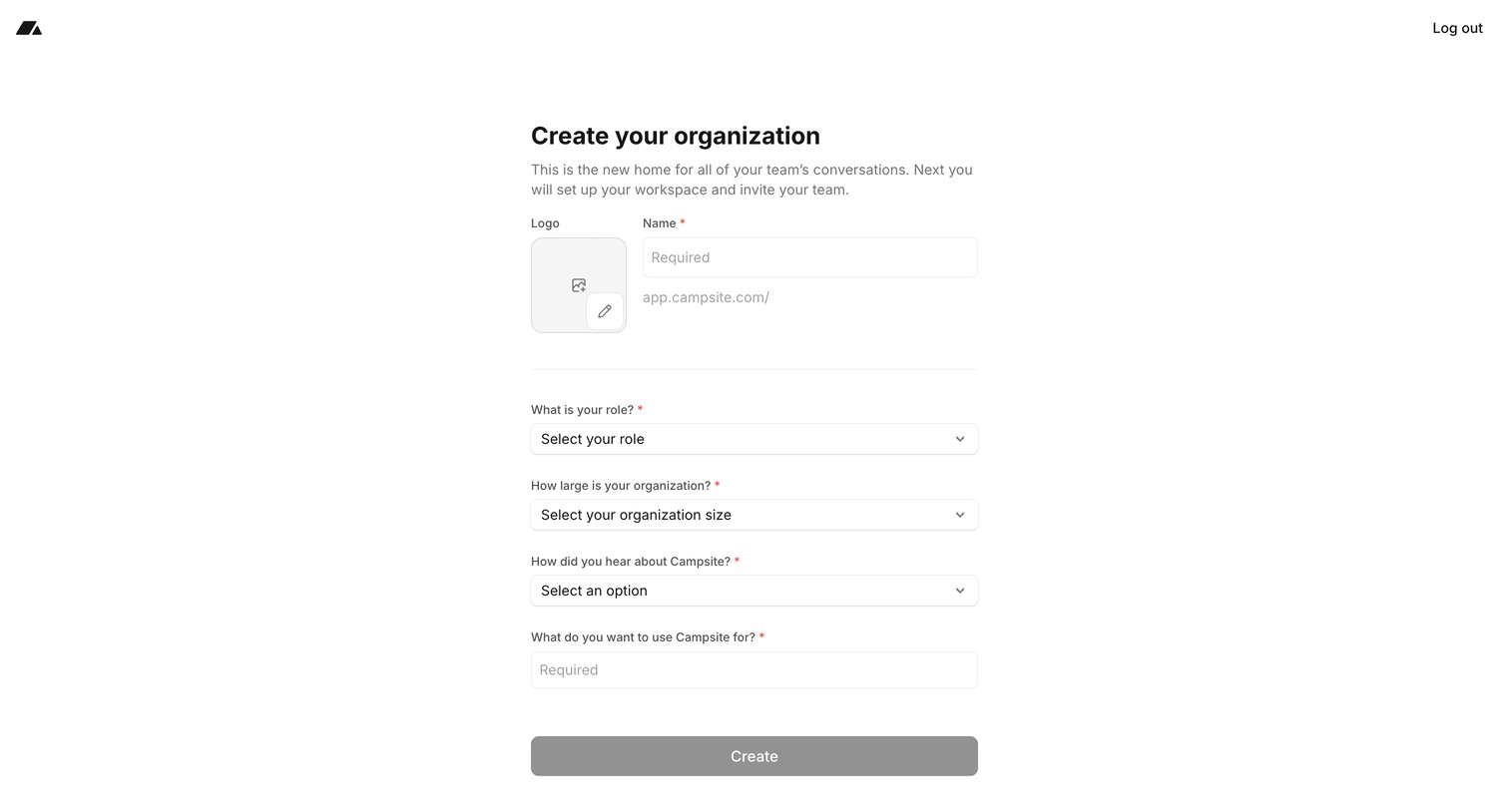
Onboarding step where the user names their organization, uploads a logo, and answers profiling questions about their role and team size.
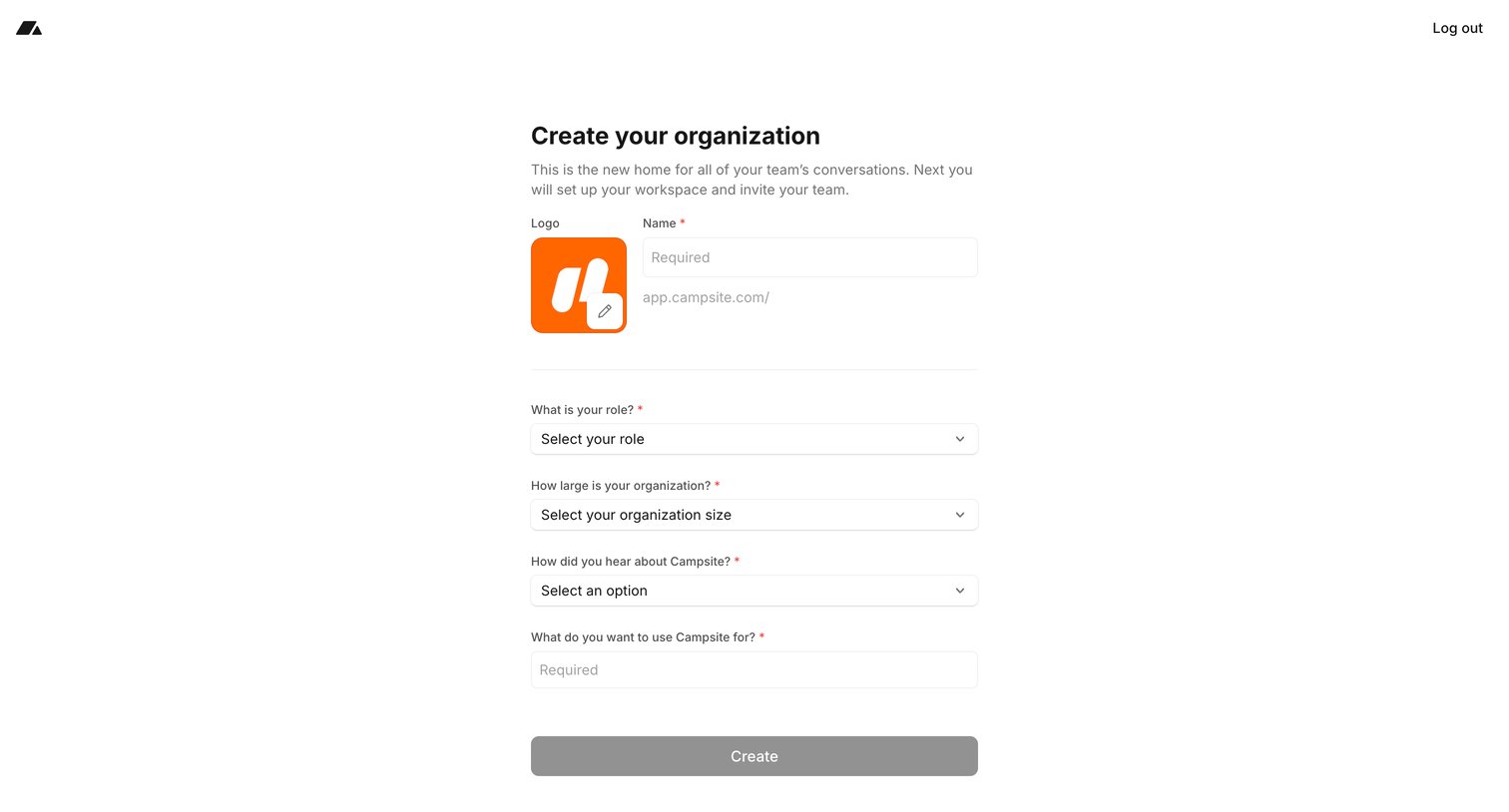
Onboarding step where the user creates their organization by providing a name, uploading a logo, and answering profiling questions like role and company size.
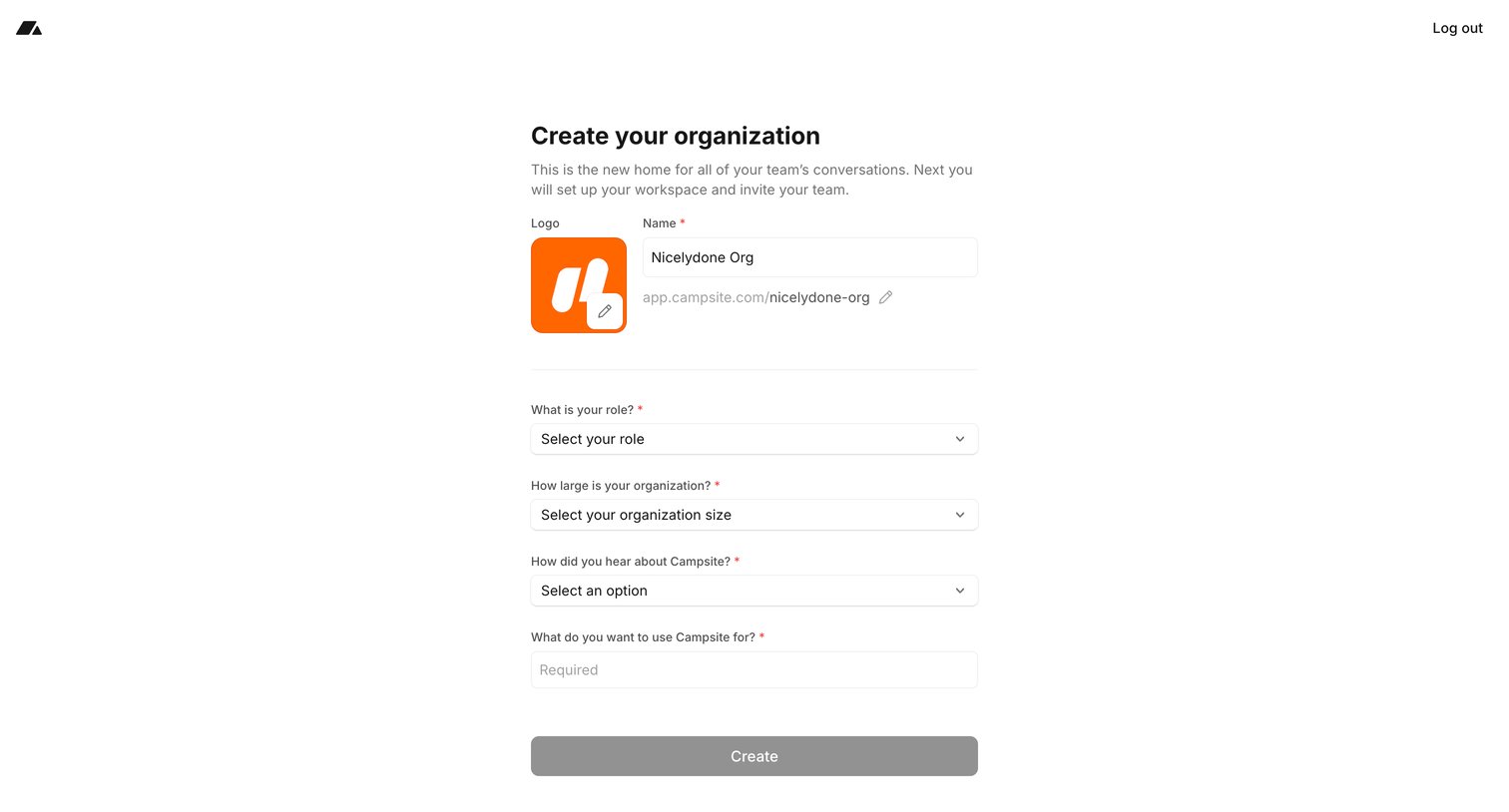
Onboarding step where the user names their organization, sets a custom URL slug, and answers profiling questions about their role and company size.
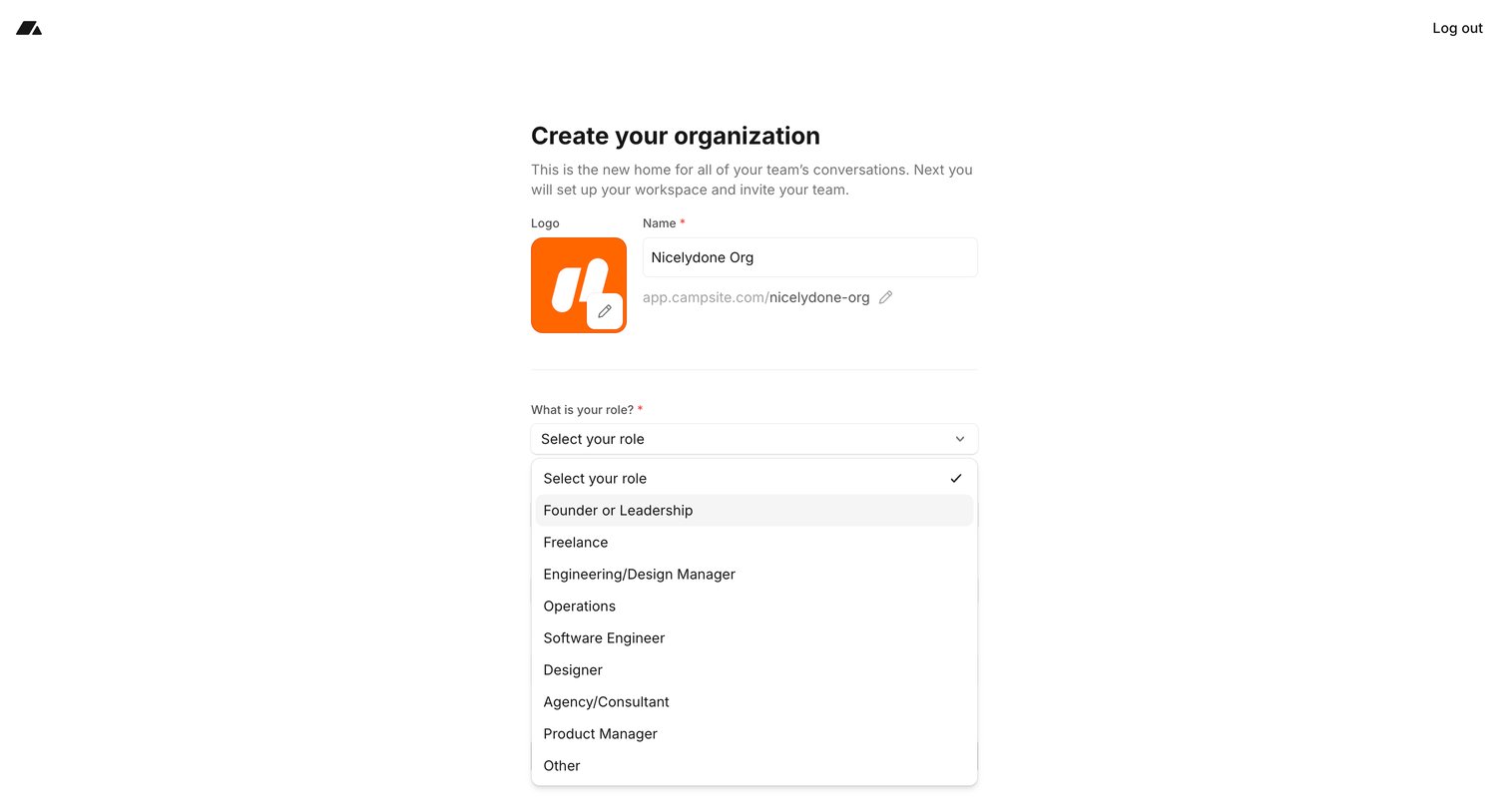
Onboarding step where the user names their new organization, sets a custom workspace URL, and selects their role from a dropdown.
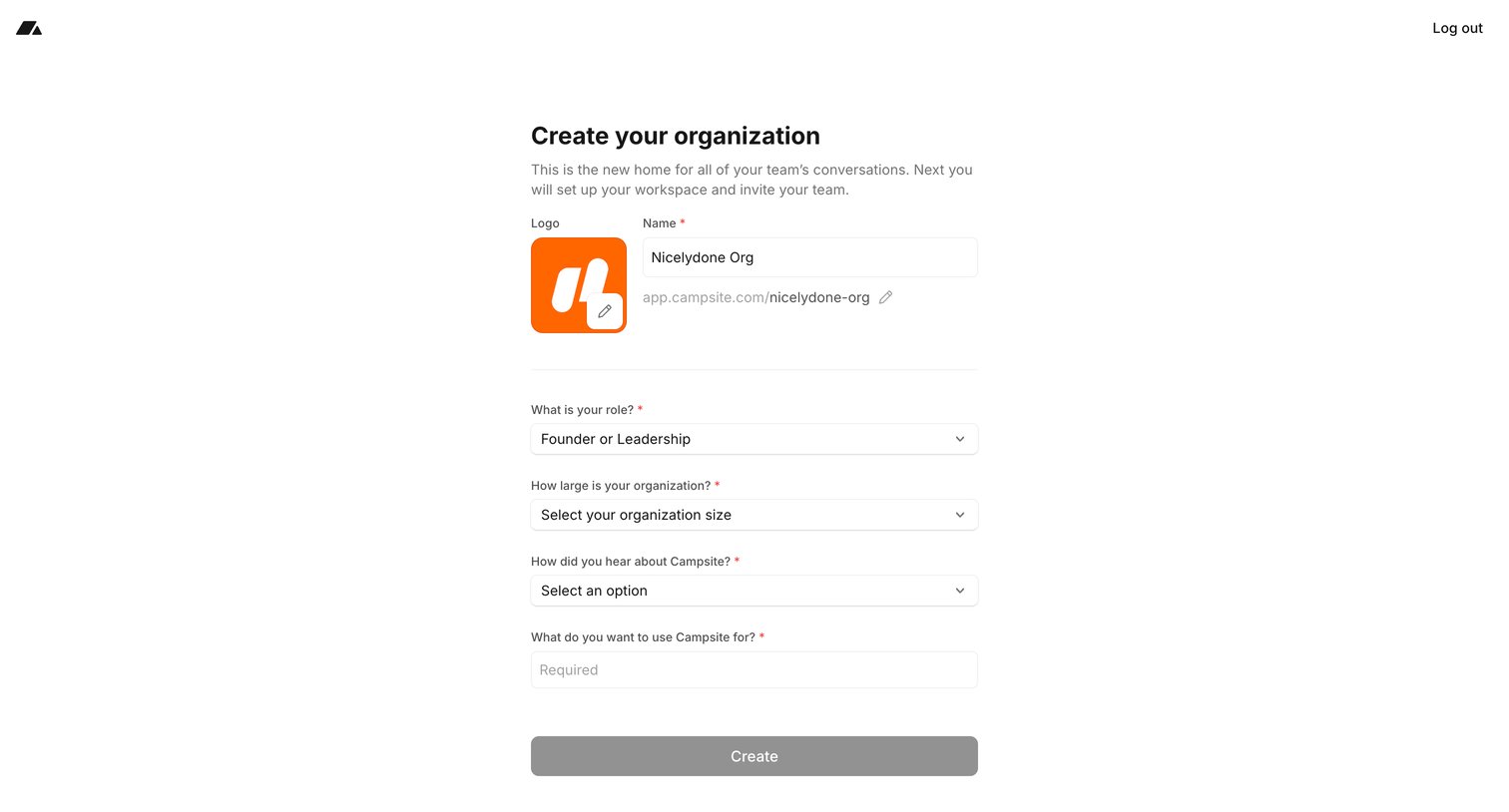
Onboarding step where the user names their first workspace, uploads a logo, and provides details like their role and organization size.
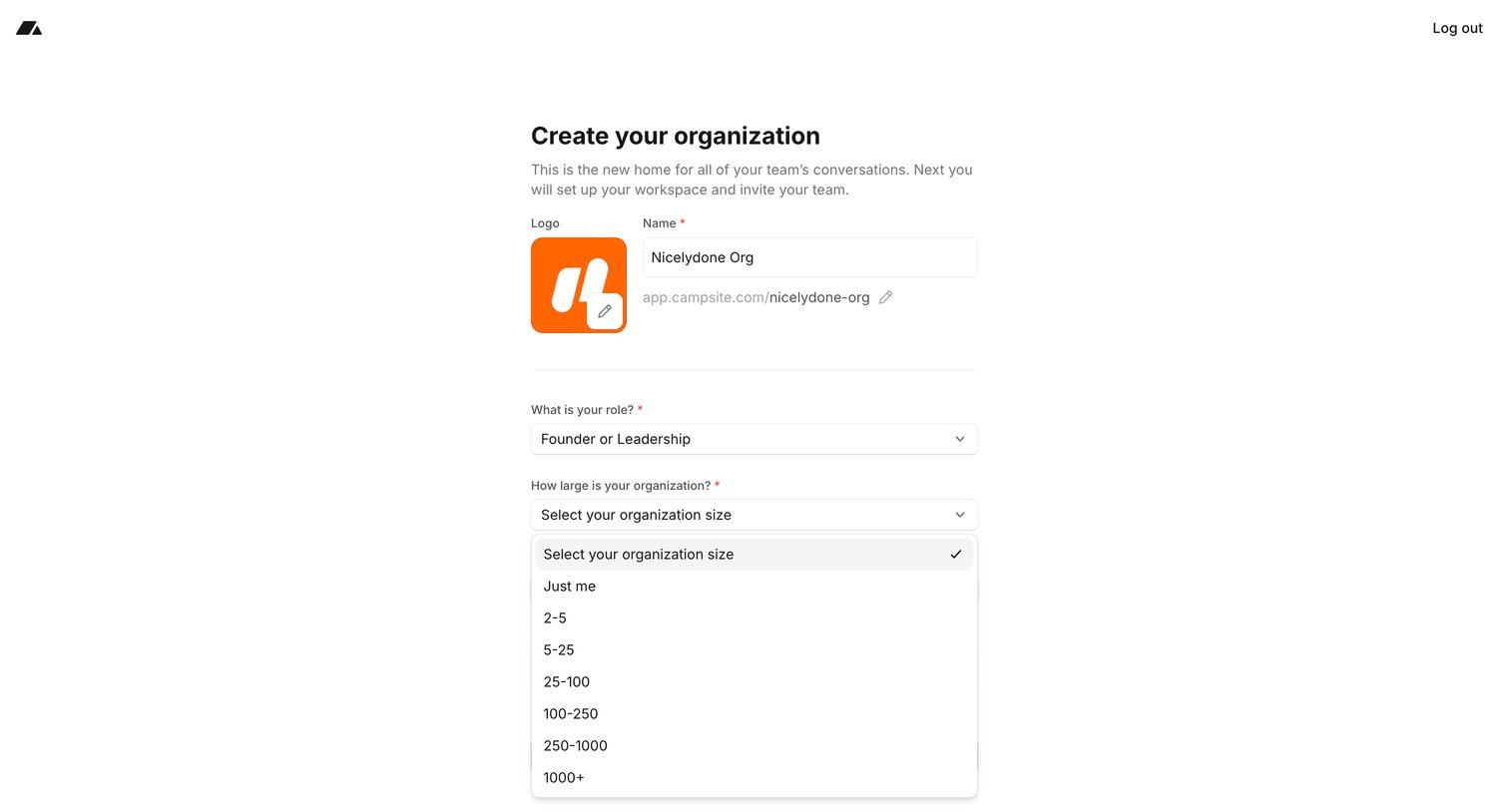
Onboarding step where the user creates their organization by uploading a logo, naming the workspace, and selecting their role and company size.
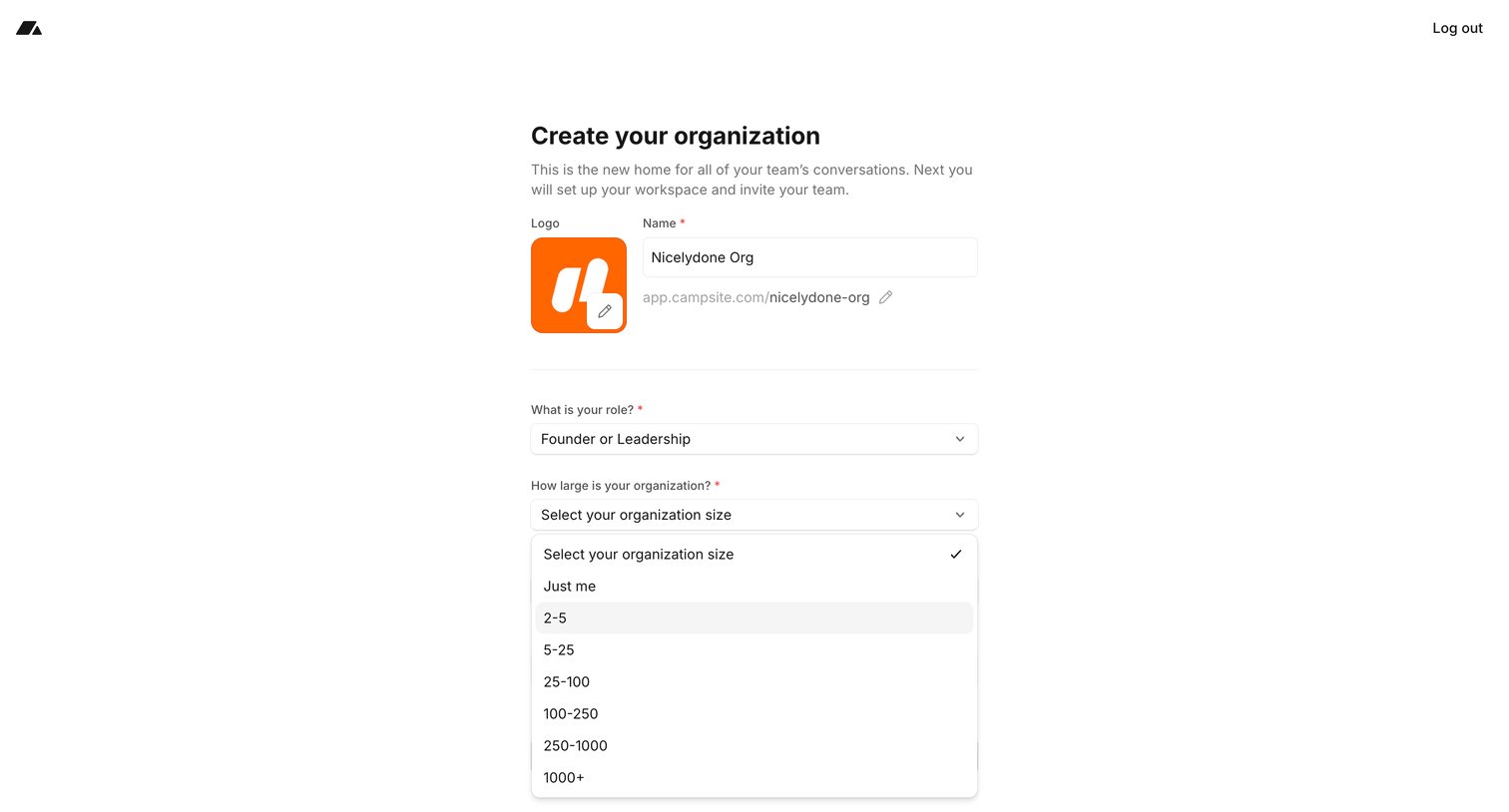
Onboarding step where the user creates their organization by providing a name, uploading a logo, and selecting their role and company size.
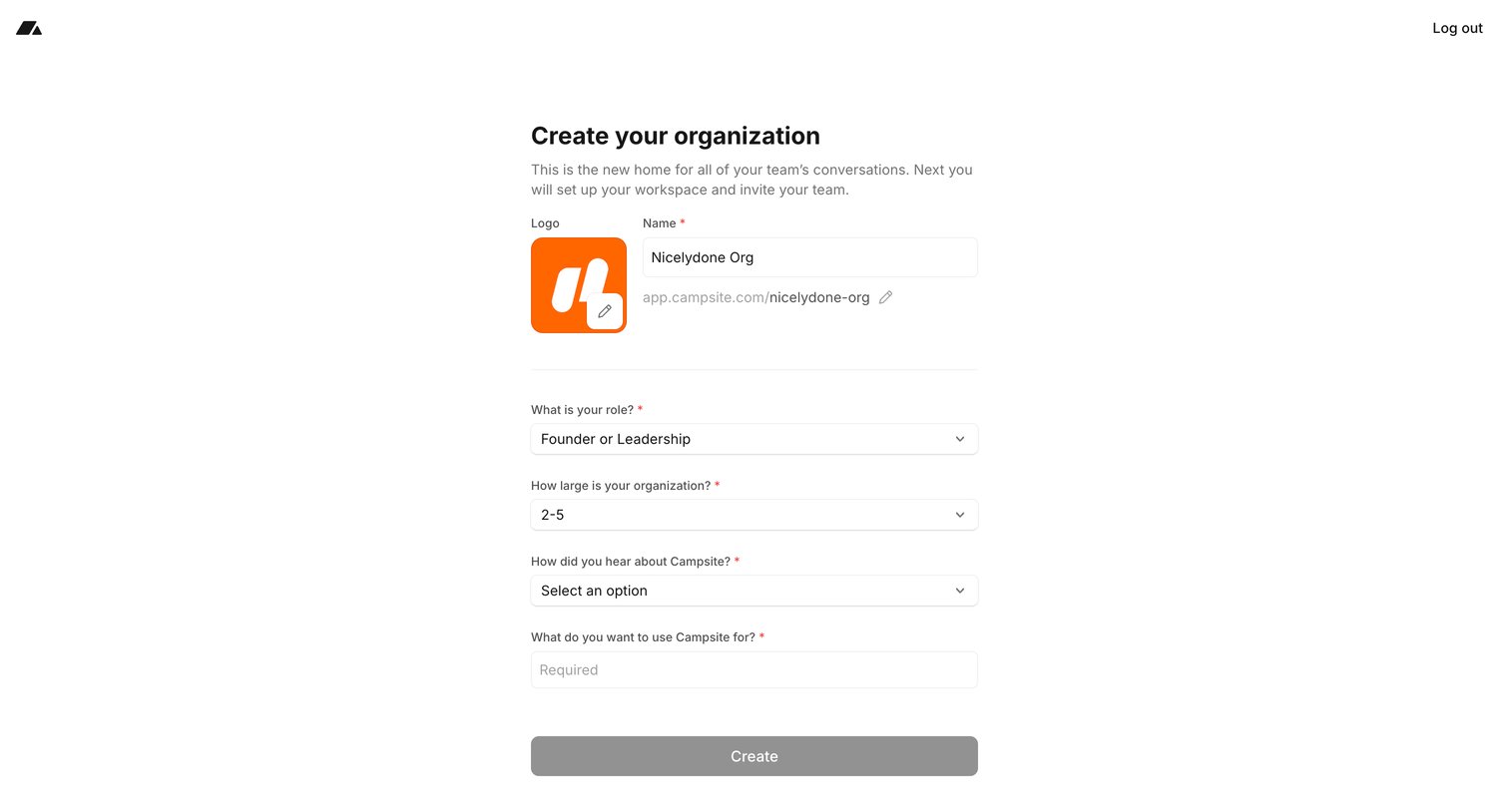
Onboarding step where the user names their organization, sets a custom workspace URL, and provides profiling details like role and company size.
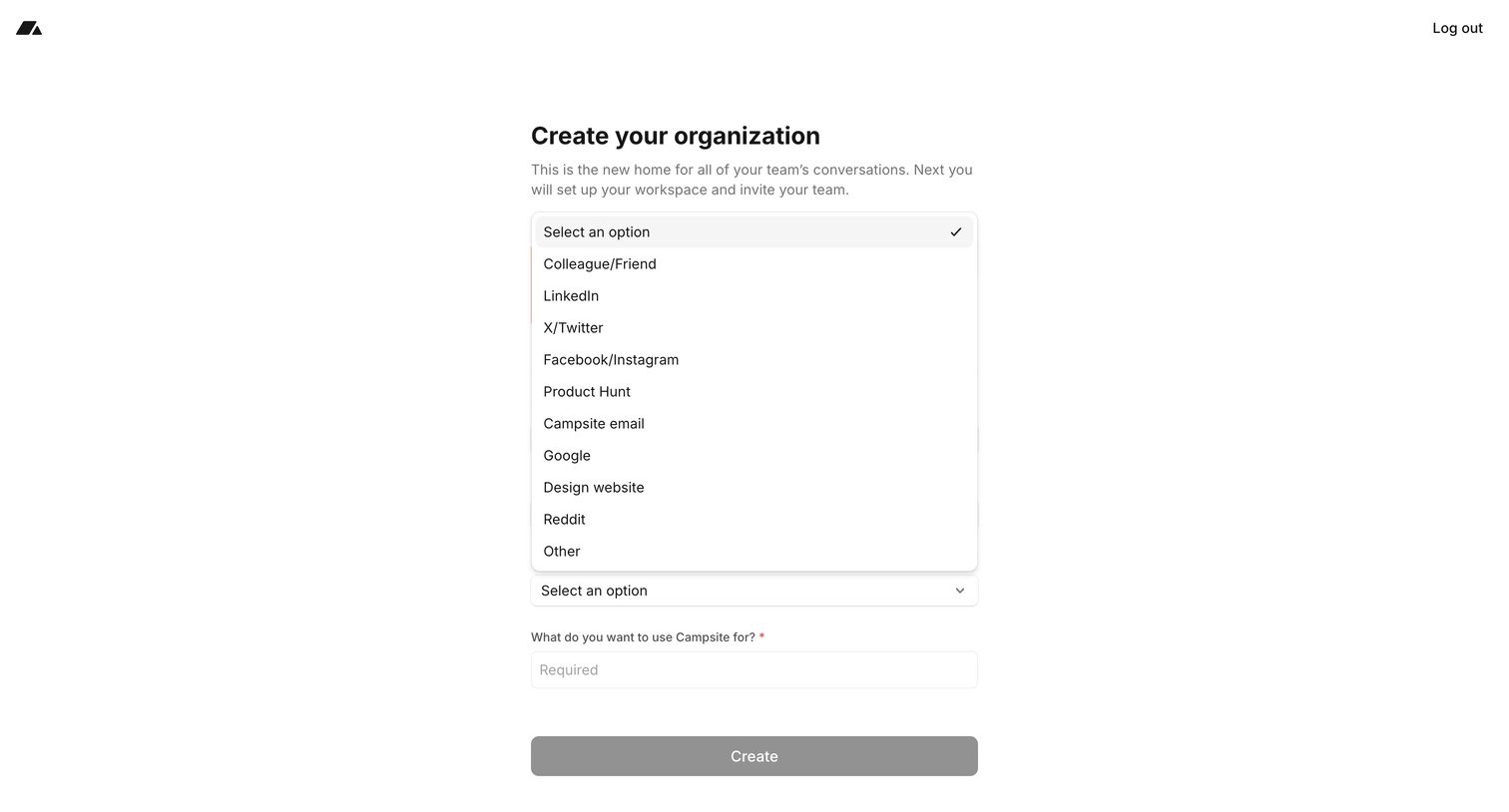
Onboarding step where the user creates their organization by answering how they heard about the product and what they intend to use it for.
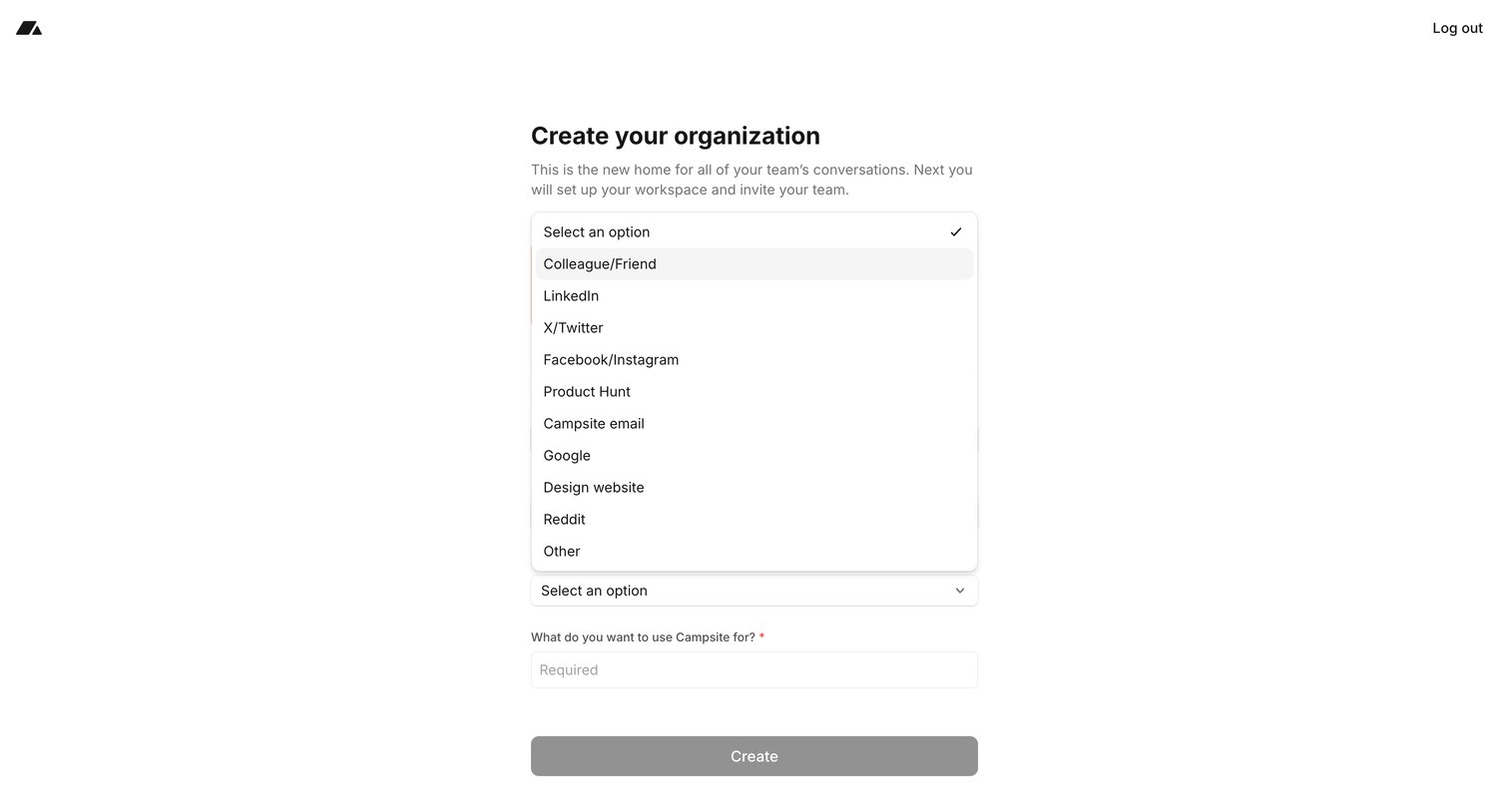
Onboarding step where the user creates their organization by selecting an attribution source from a dropdown and stating their intended use case.
Browse the full SaaS app library
Explore real SaaS apps with their product screens, marketing screens, flows, and components.
Trusted by the best teams







