Livekit design examples
Explore Livekit UI design examples. Build voice, video, and physical AI
Product screens

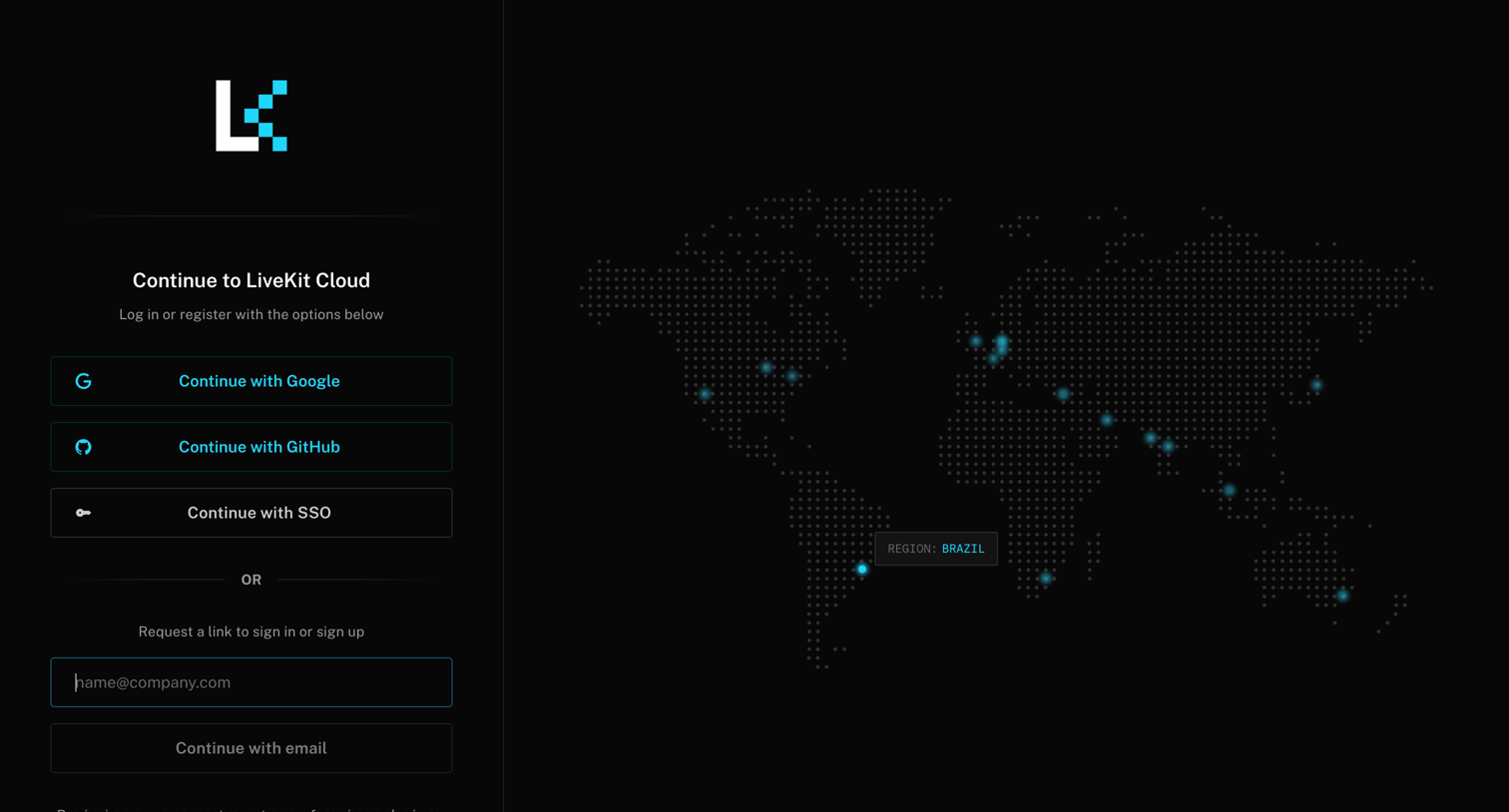
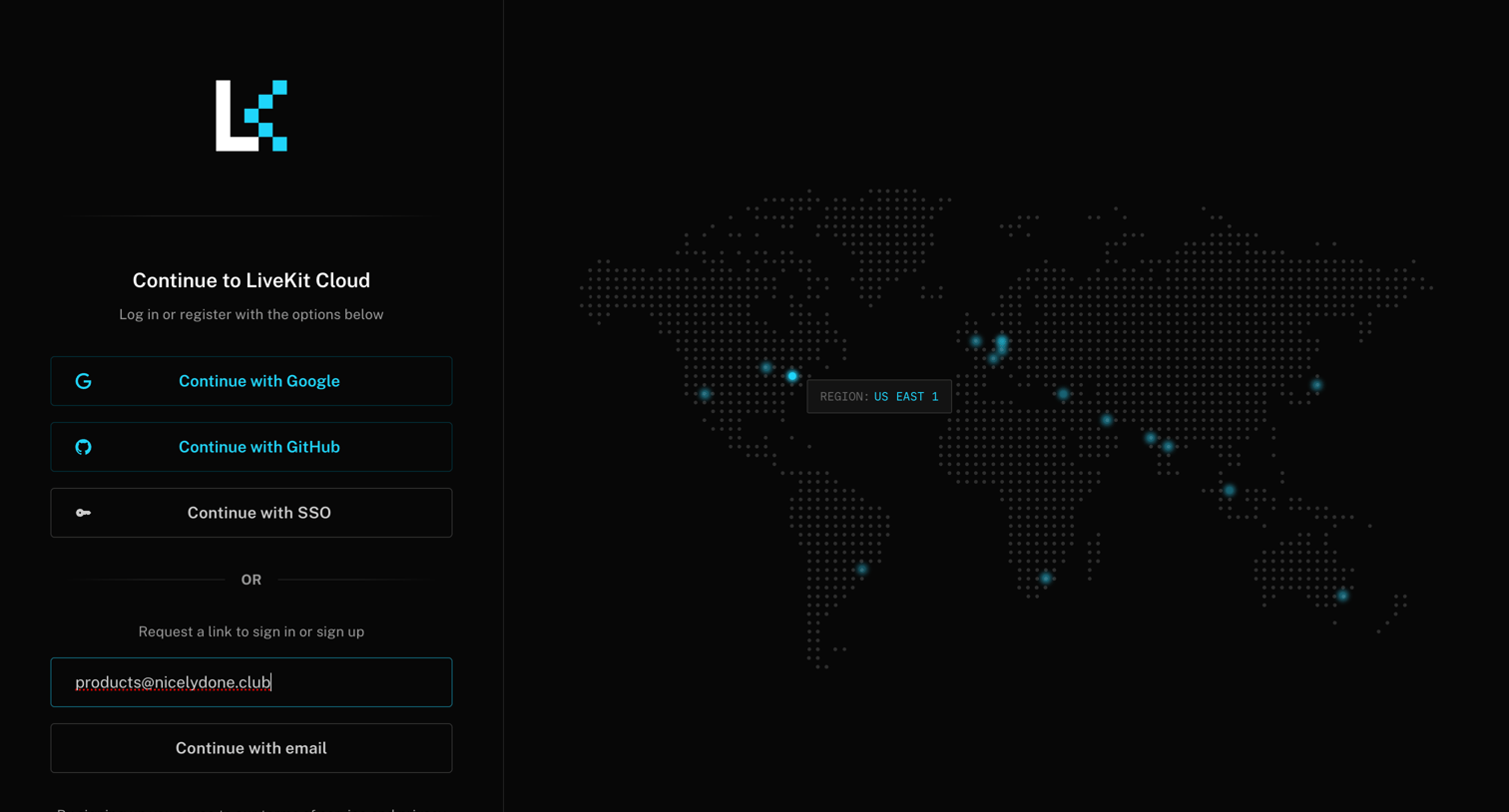
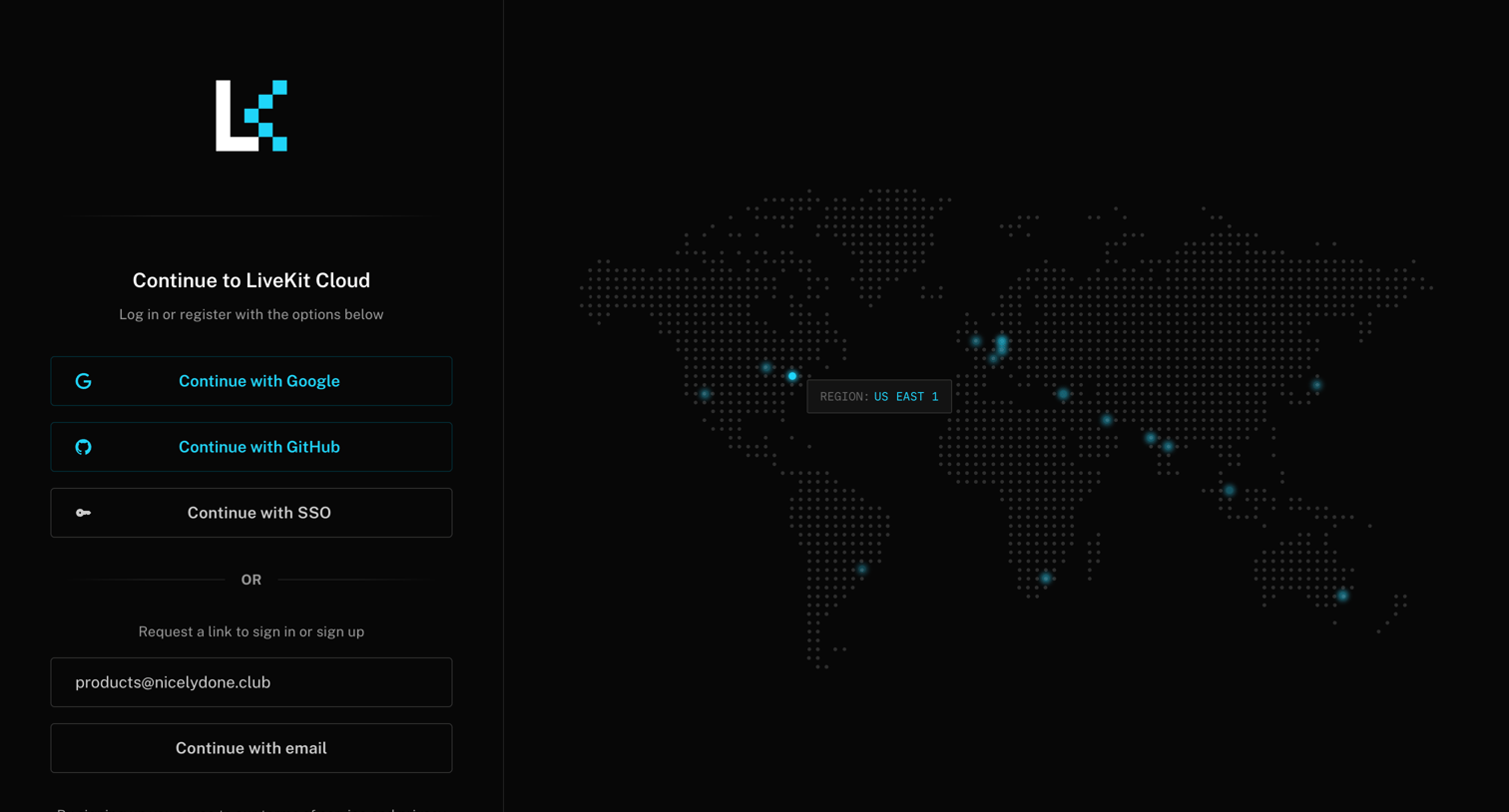
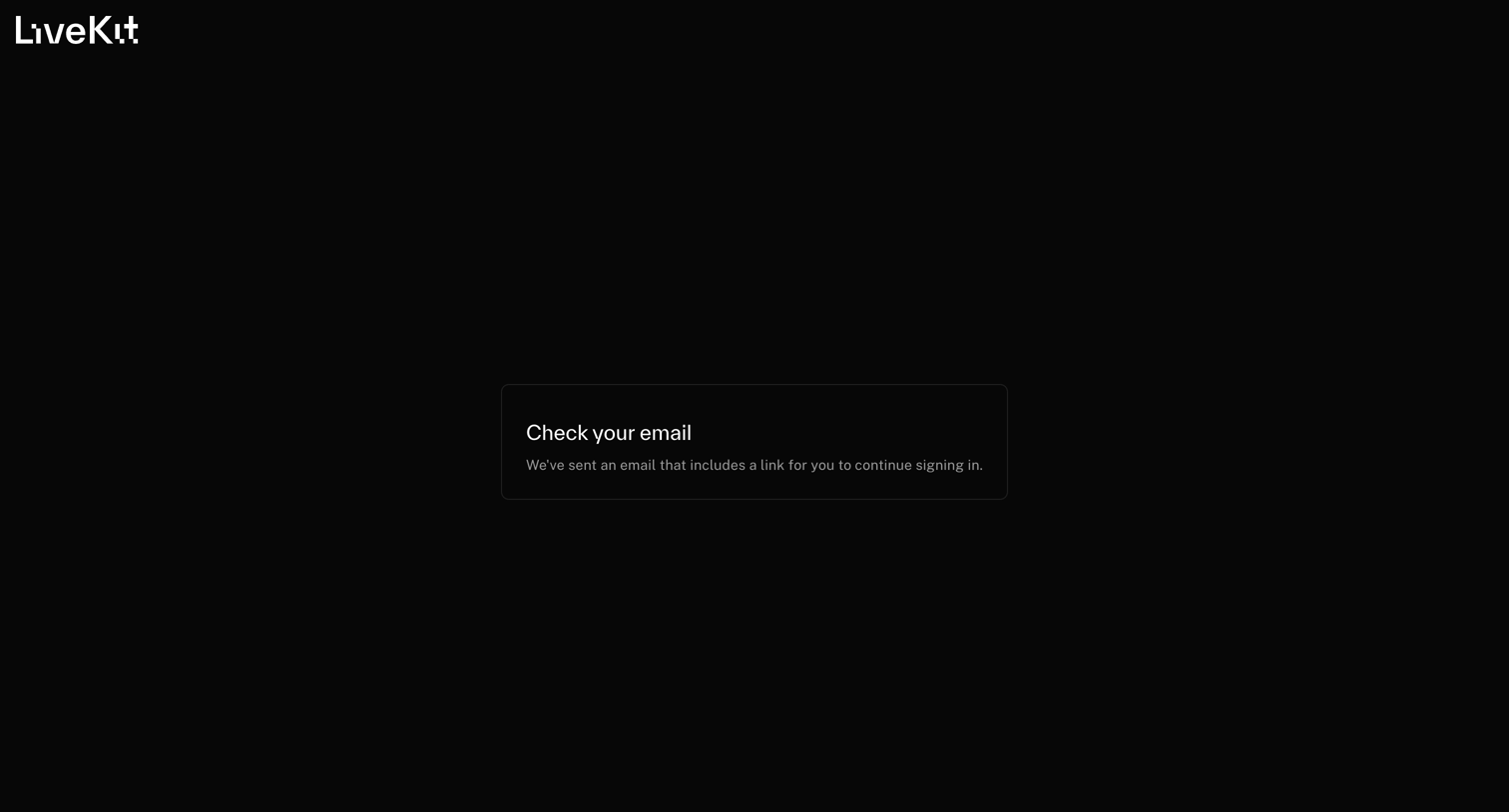

Verification screen where the user is prompted to check their email for a magic link to continue signing in.
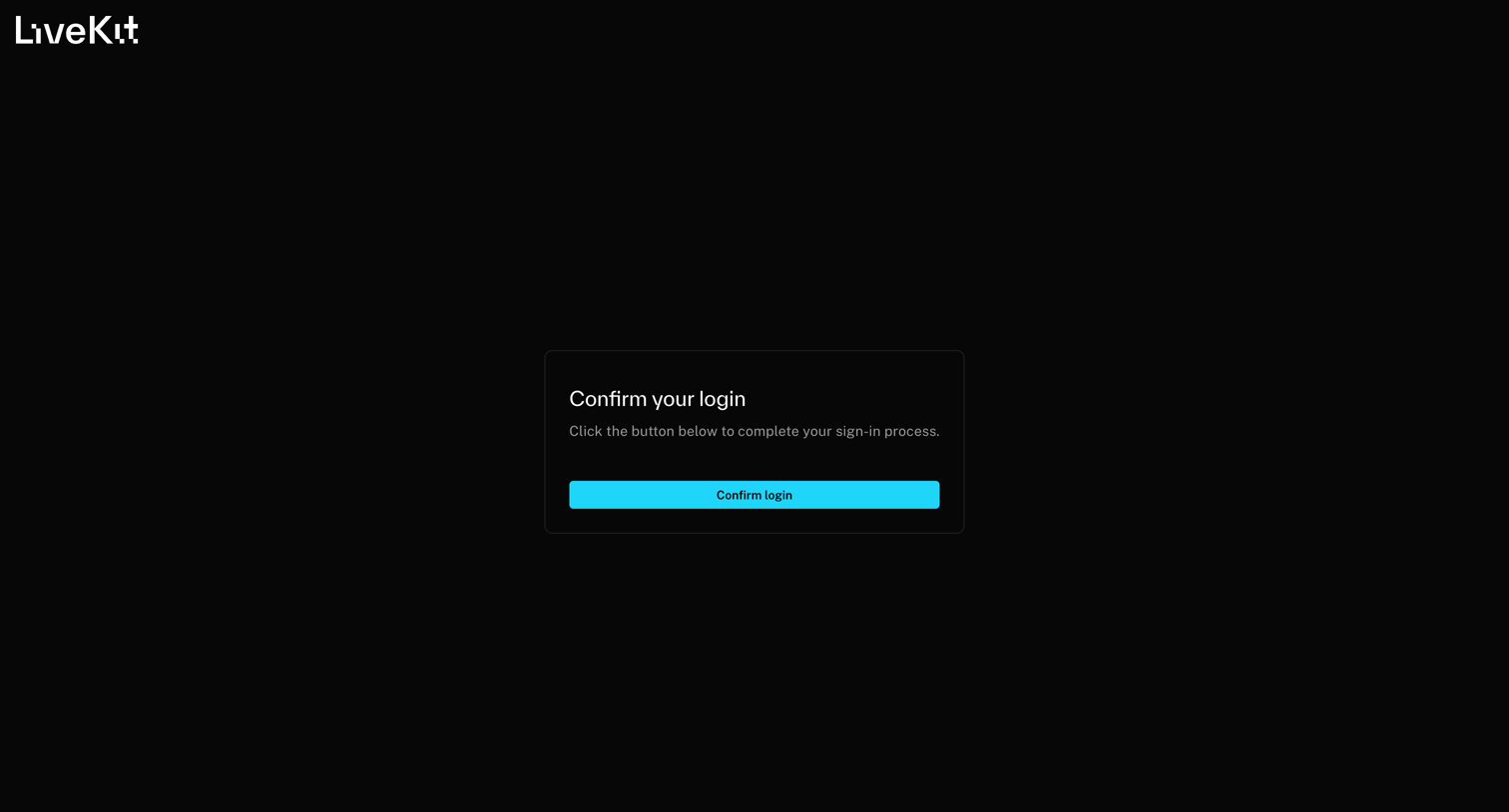
Verification screen where the user must click a button to complete their sign-in process after following a magic link.
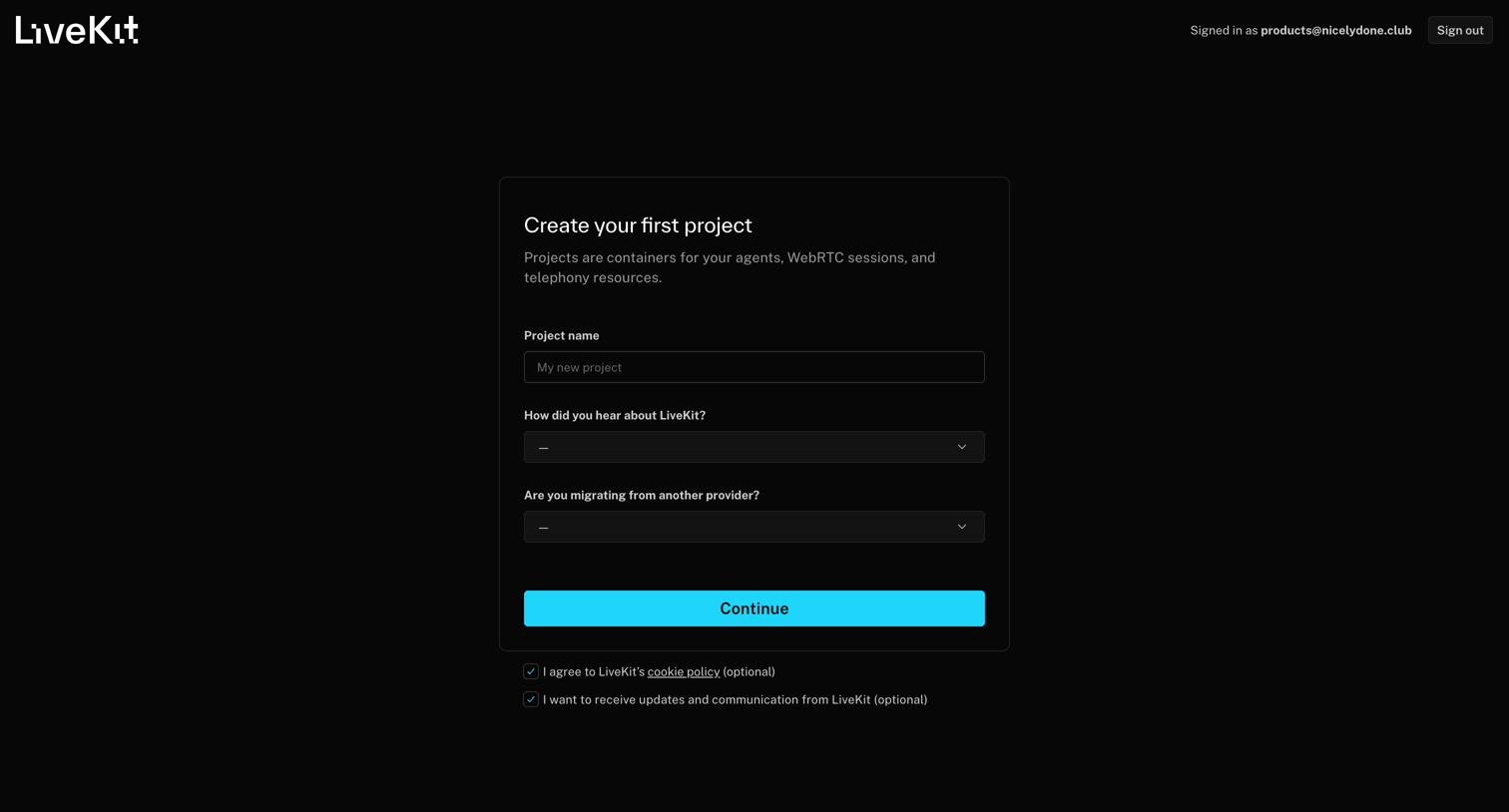
Onboarding step where the user creates their first project by naming it, indicating how they heard about LiveKit, and specifying if they are migrating from another provider.
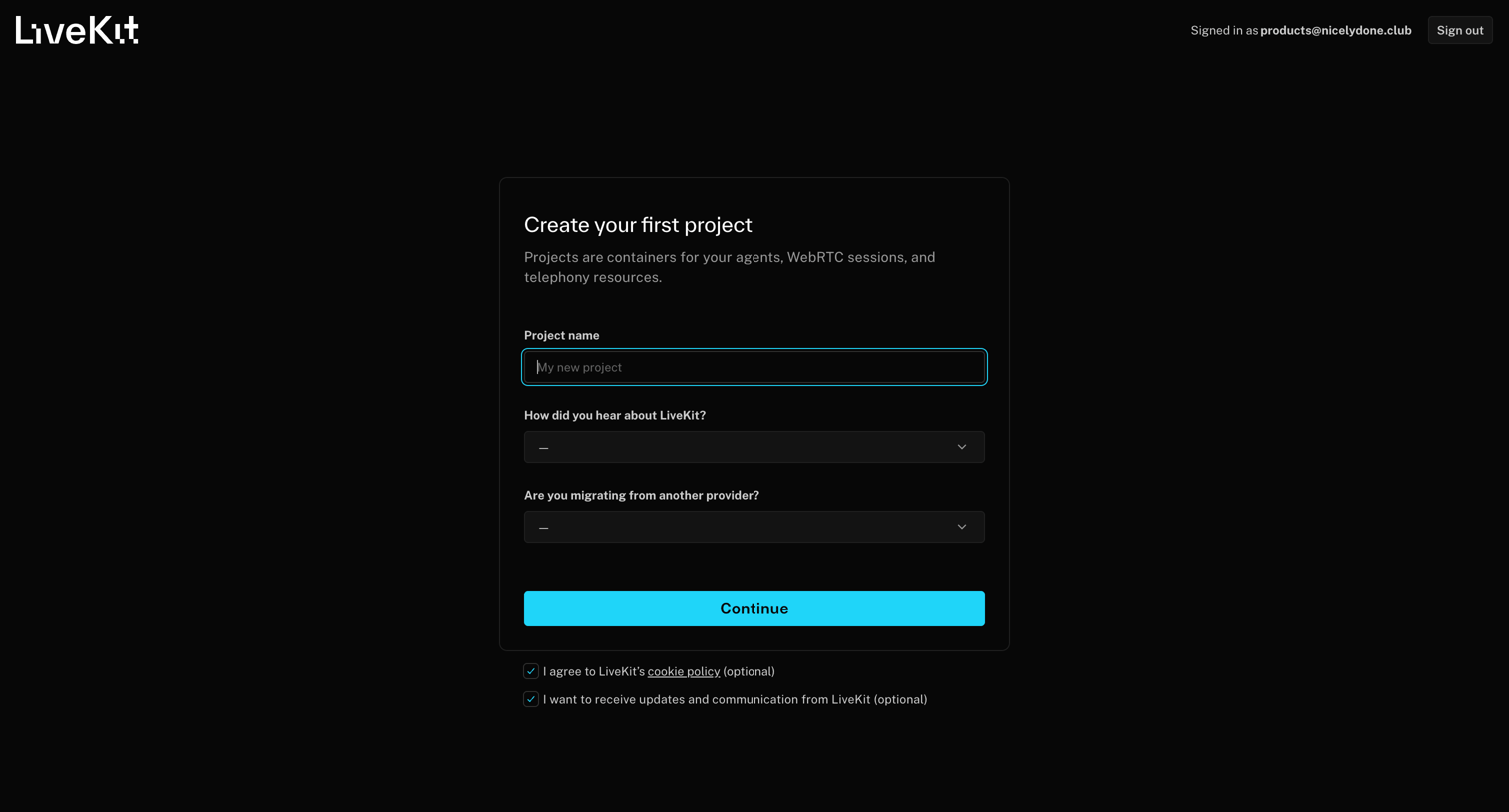
Onboarding step where the user creates their first project by entering a name, attribution source, and agreeing to policies.
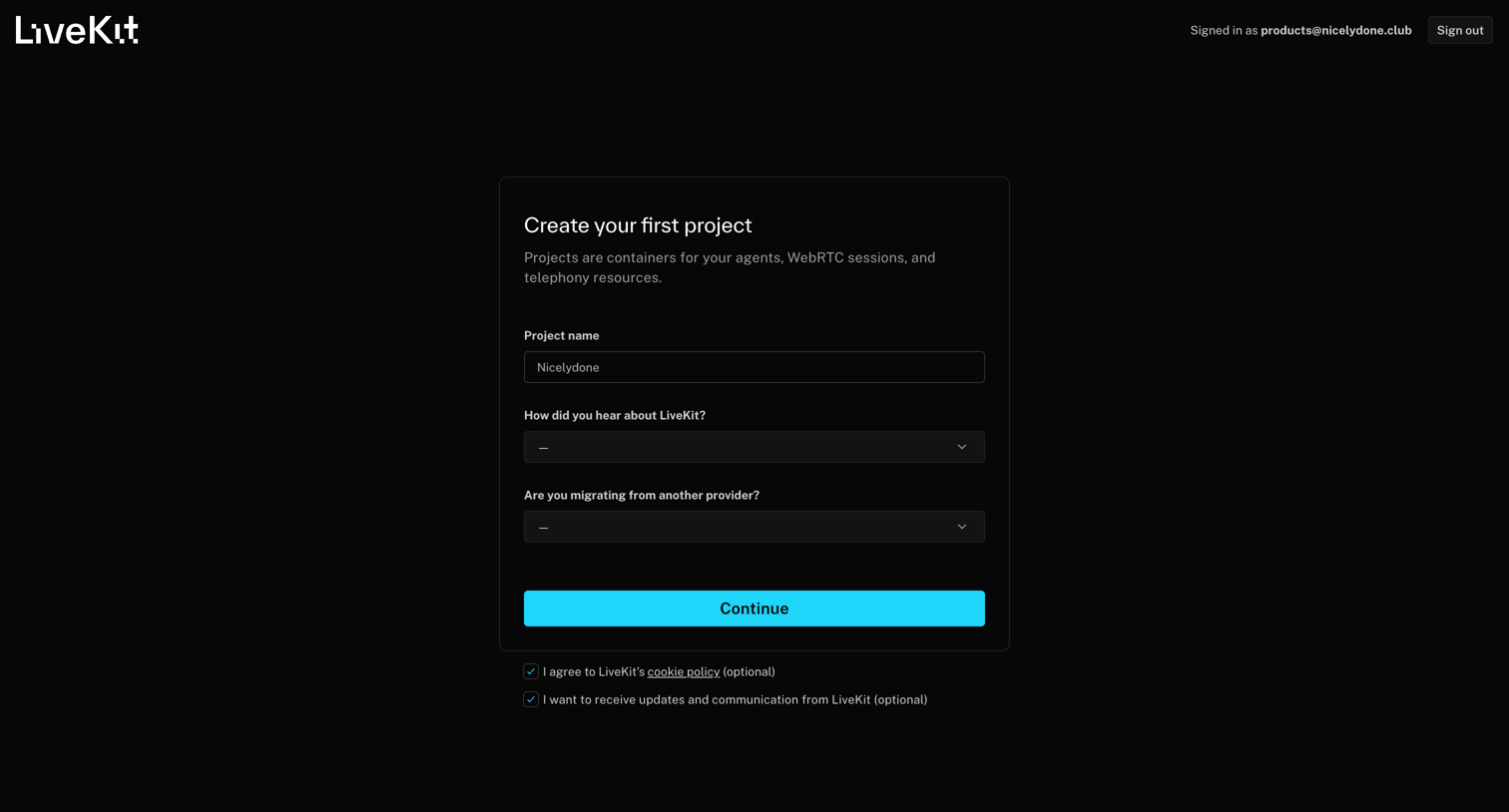
Onboarding screen where the user creates their first project by providing a name and answering two quick questions about their background.
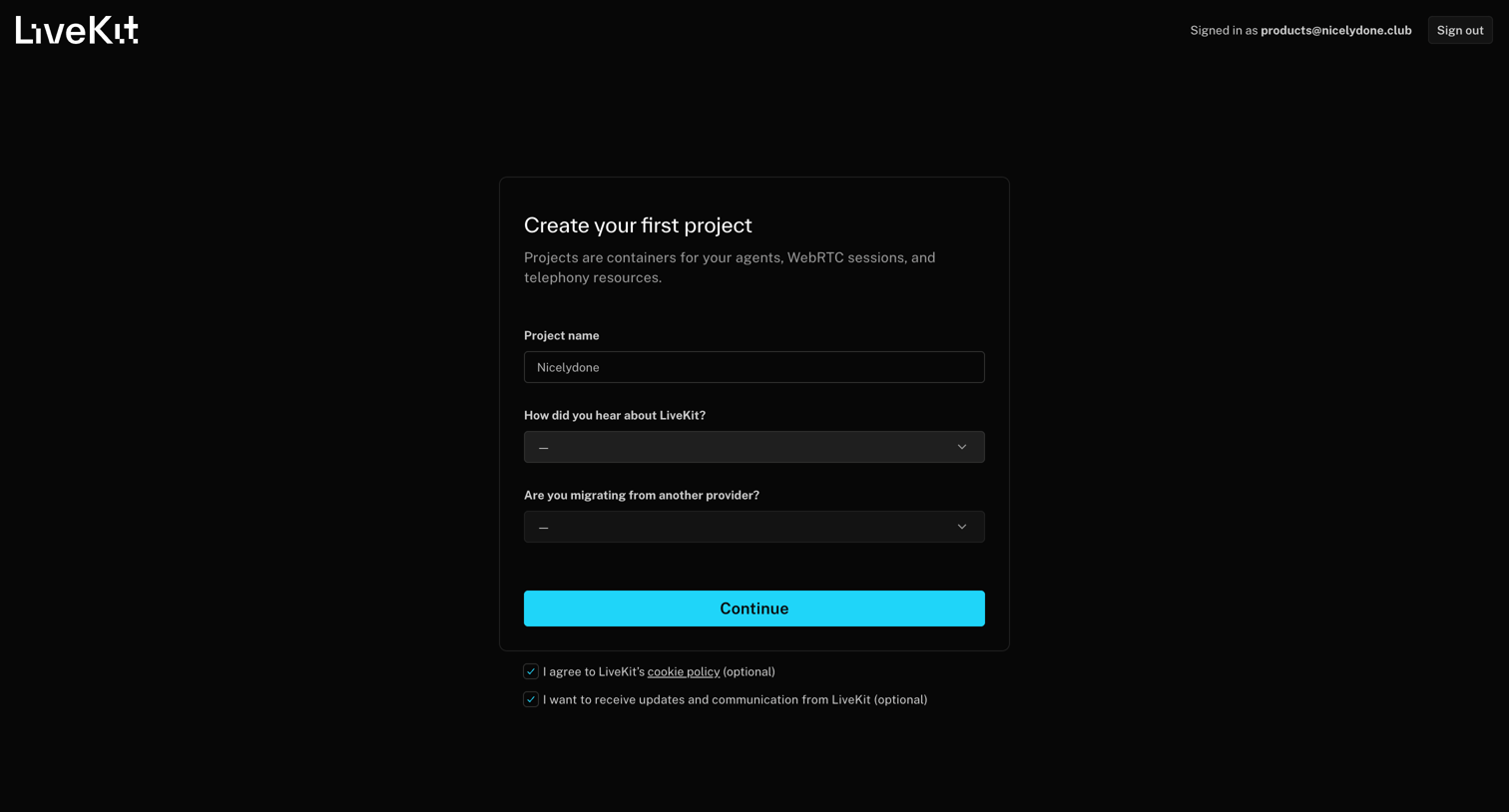
Creation screen where the user names their first project, answers attribution questions, and agrees to terms before continuing.
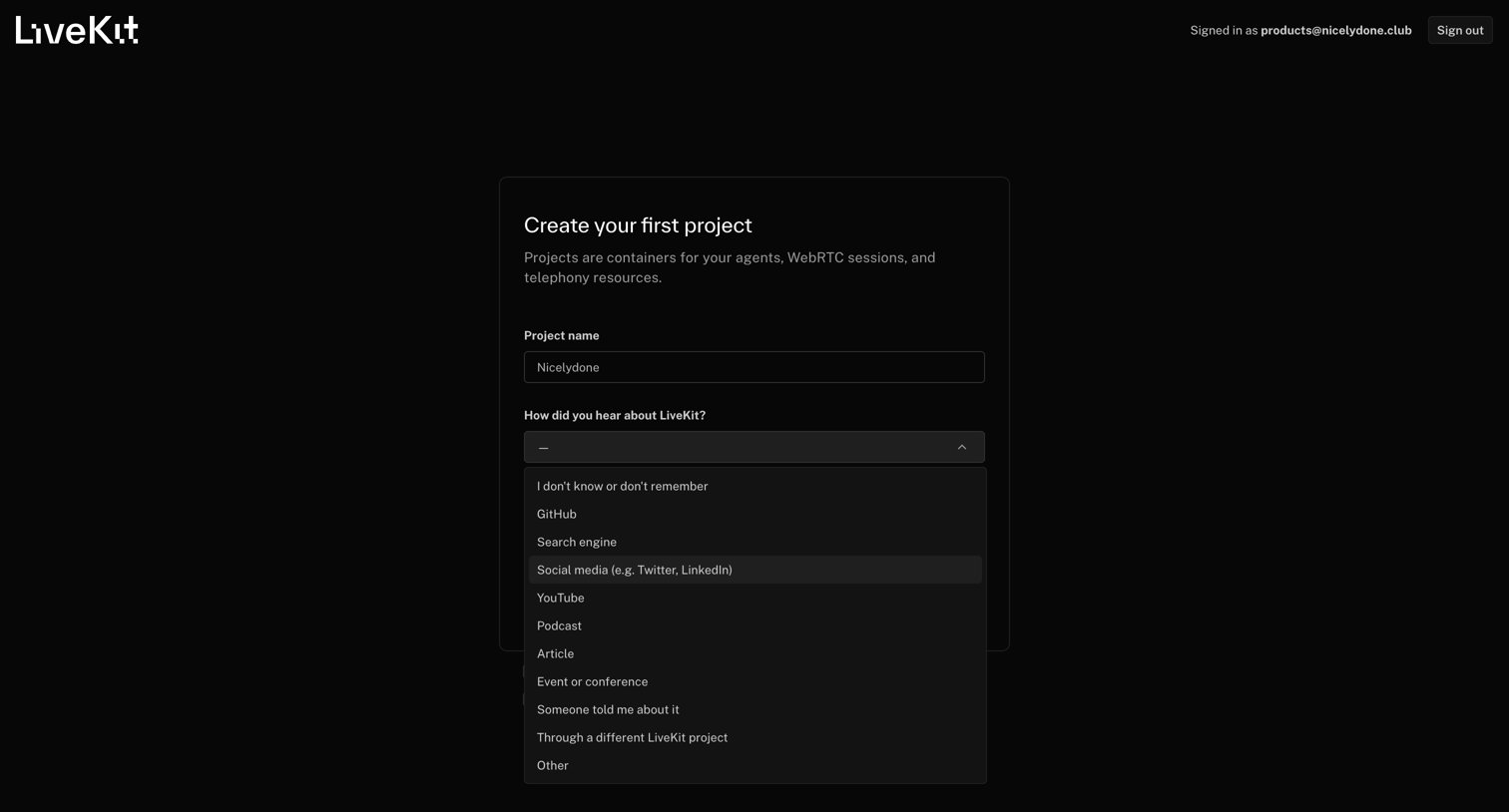
Onboarding step where the user creates their first project by providing a name and selecting an attribution source from an open dropdown menu.
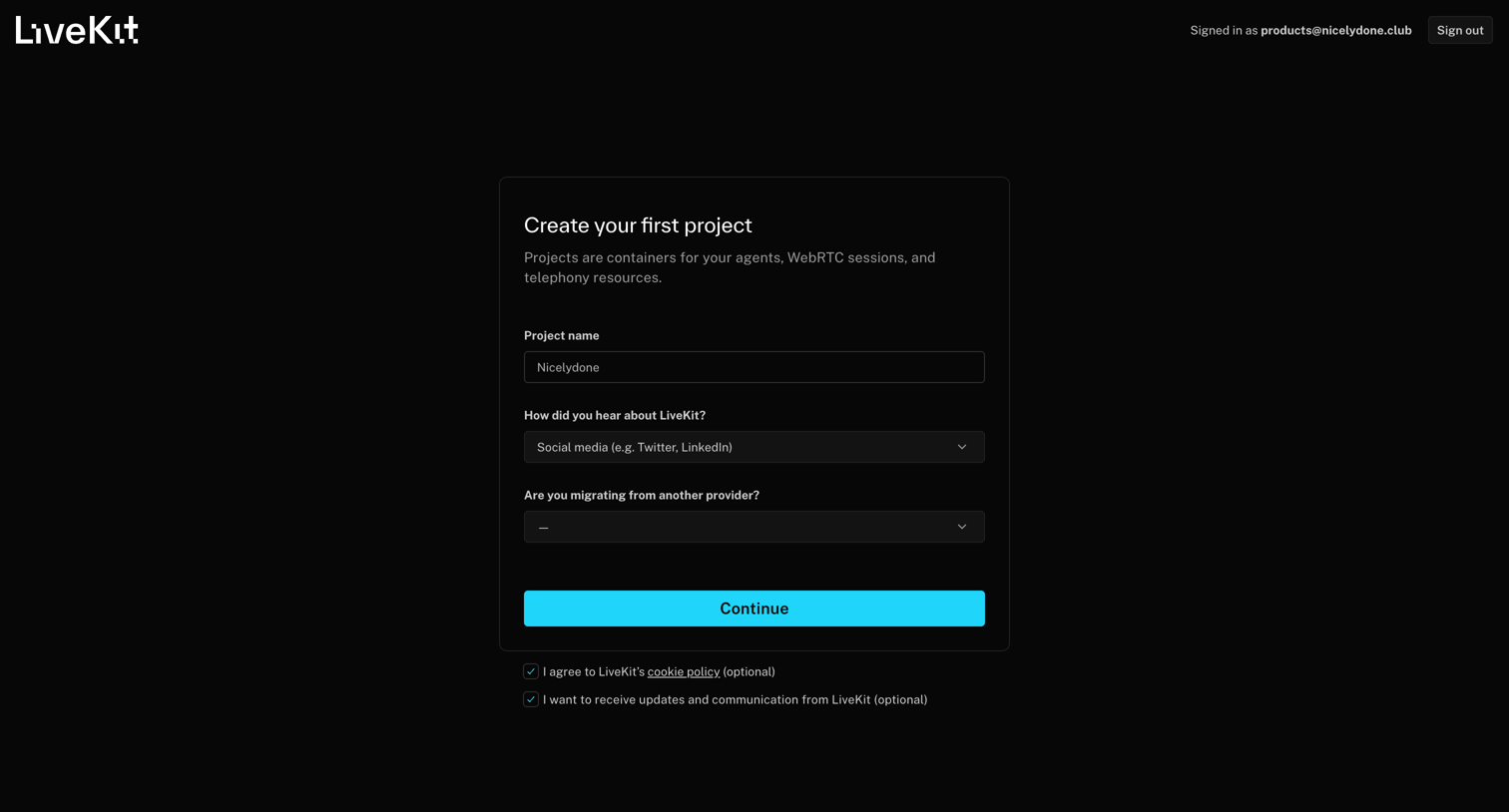
App screen where the user creates their first project by providing a name and answering two onboarding questions before continuing.
Browse the full SaaS app library
Explore real SaaS apps with their product screens, marketing screens, flows, and components.
Trusted by the best teams







