Gather design examples
Explore Gather UI design examples. People + knowledge. All in one place
Product screens

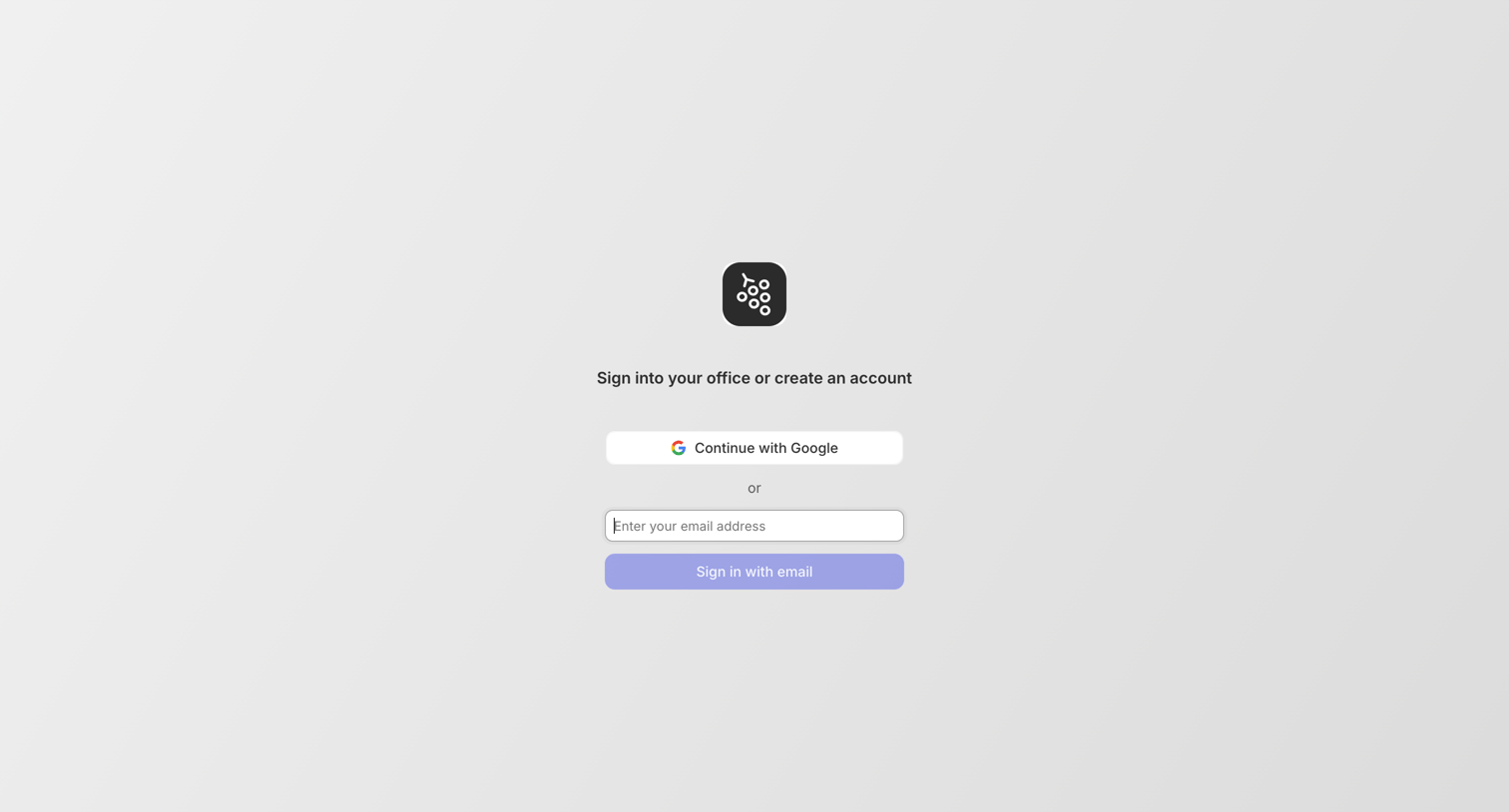
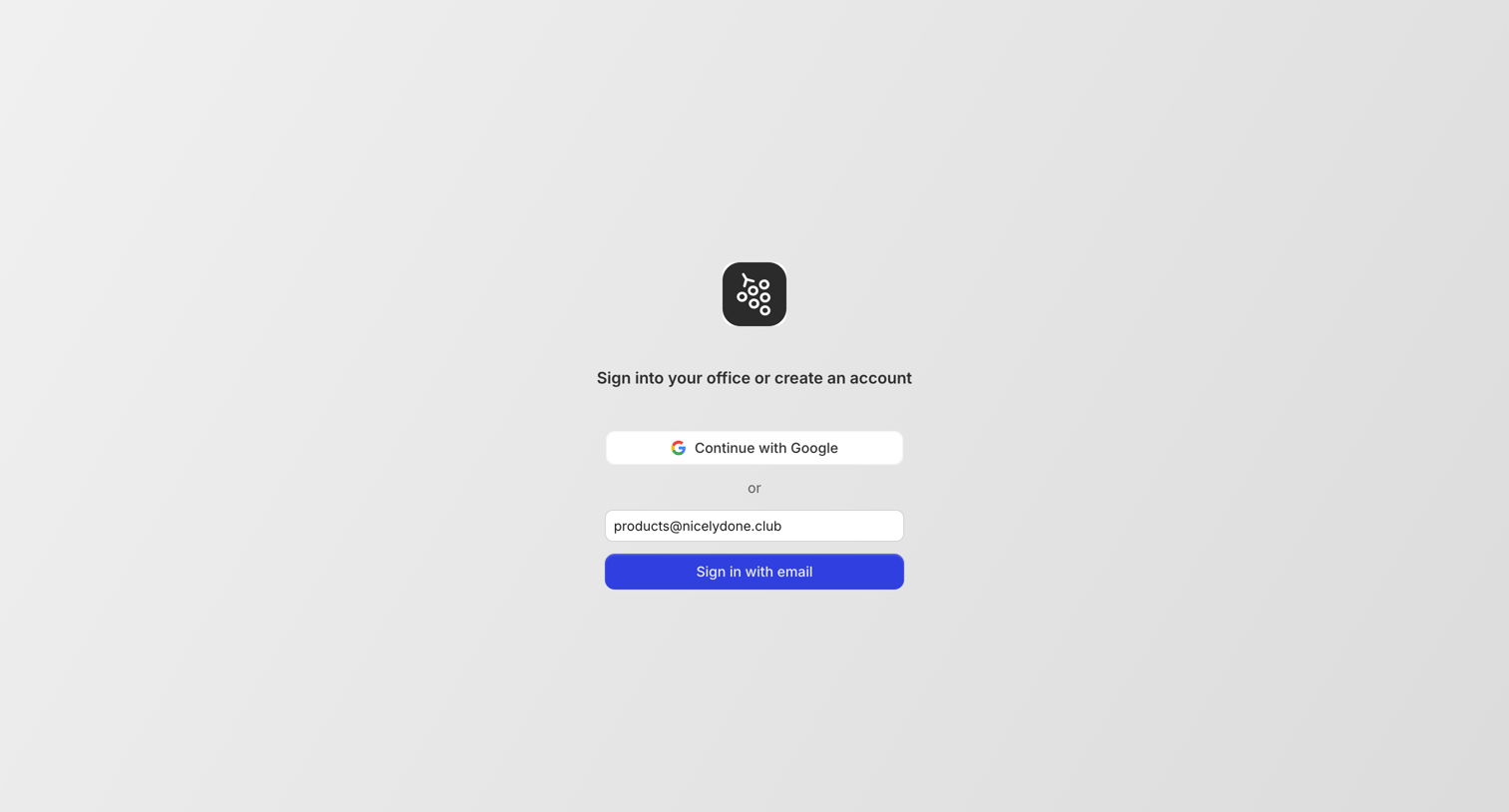
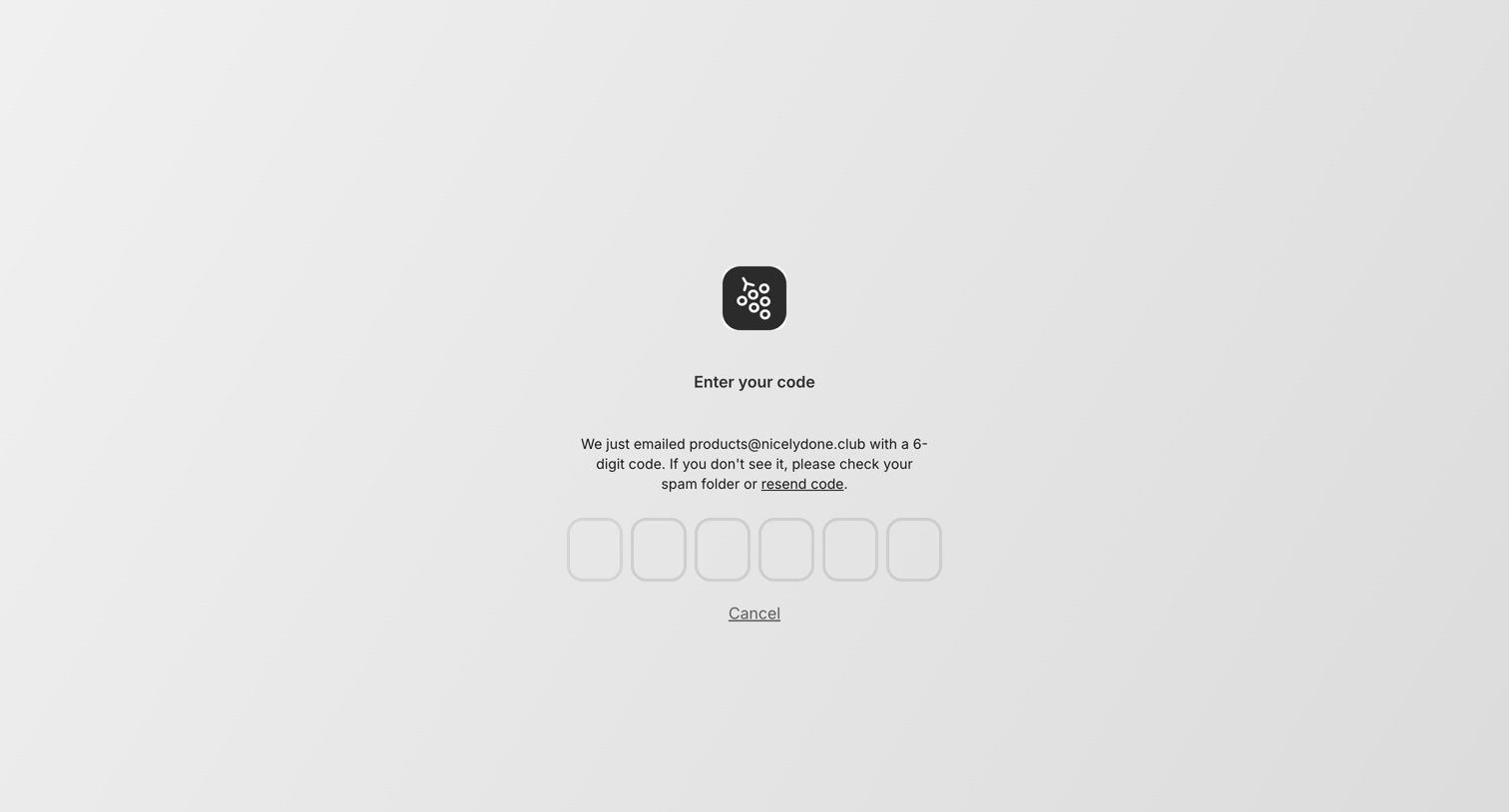

Verification screen where the user enters a 6-digit code sent to their email to complete authentication.
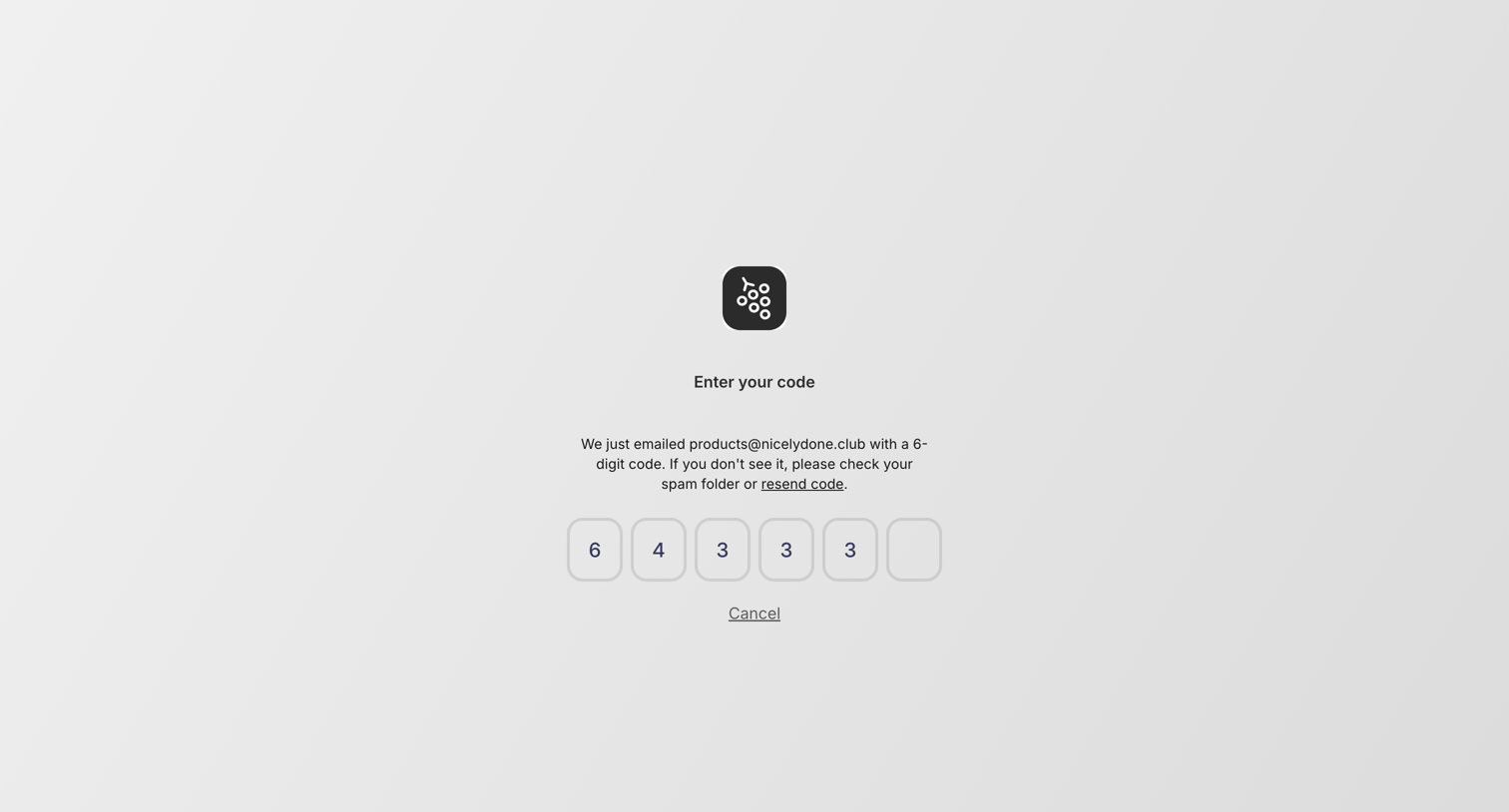
Verification screen where the user enters a 6-digit code sent to their email to authenticate.
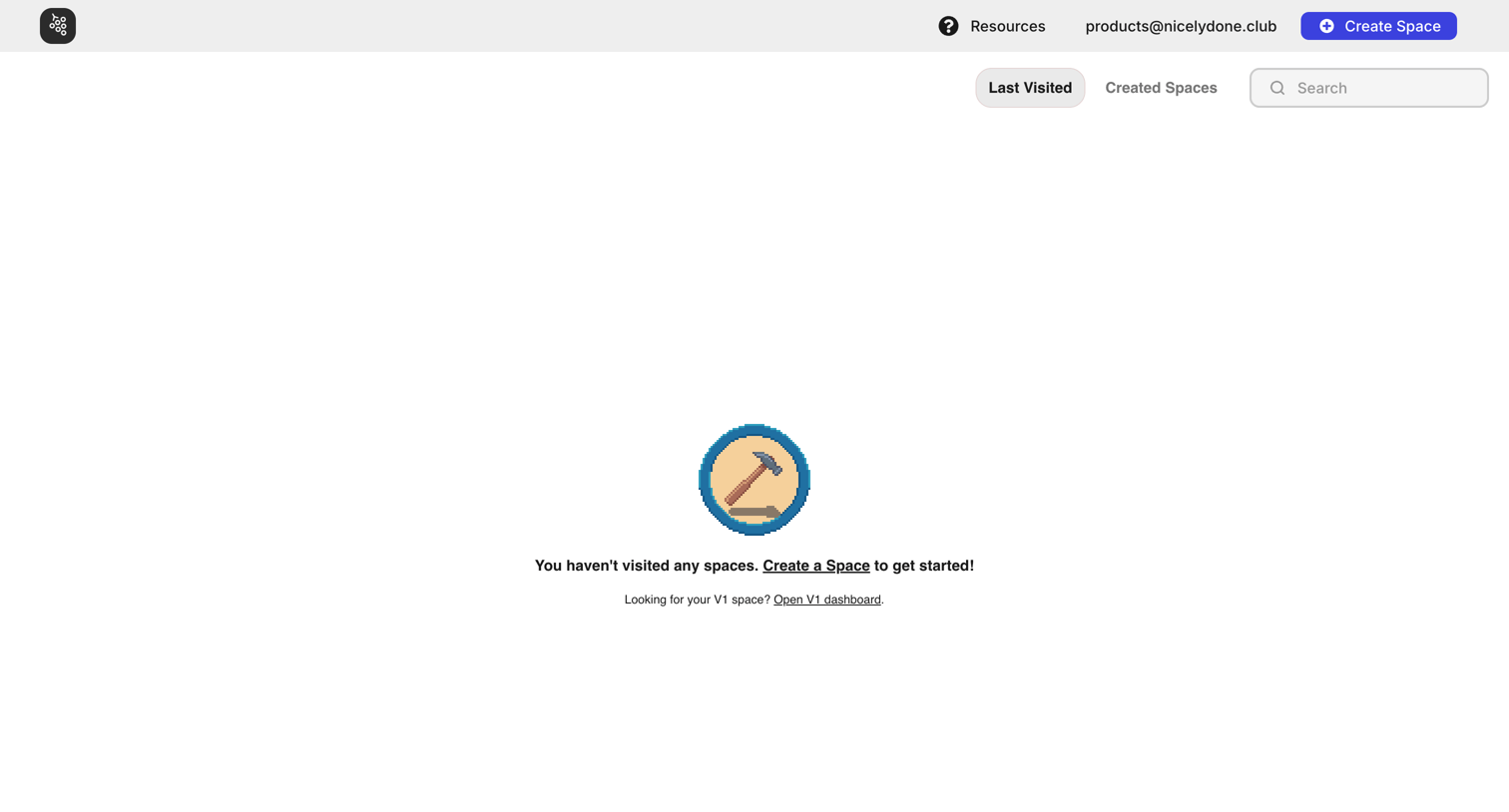
Home screen where the user is prompted to create their first virtual space because their visited list is empty.
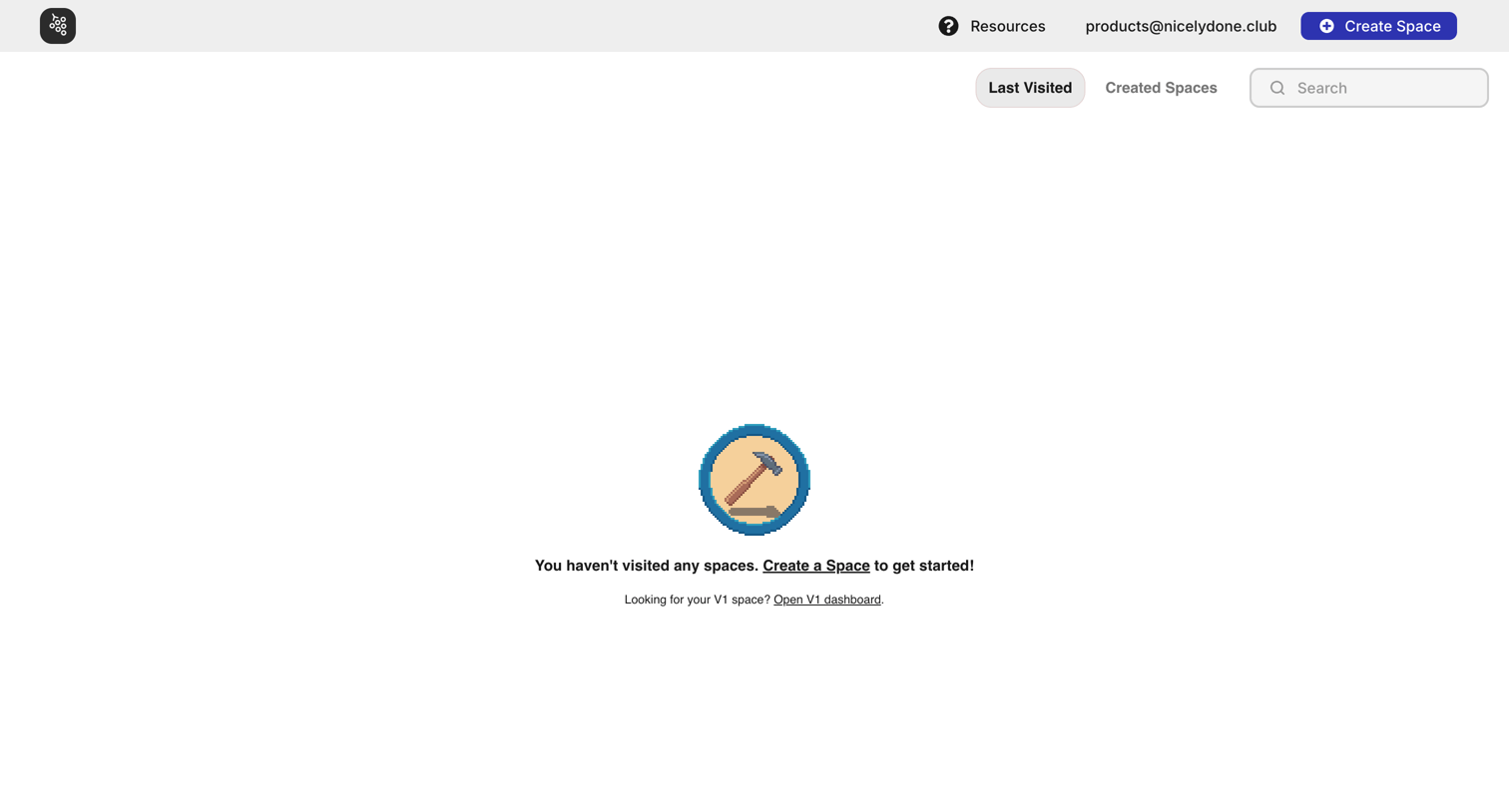
Home page in an empty state prompting the user to create their first virtual space or search for existing ones.
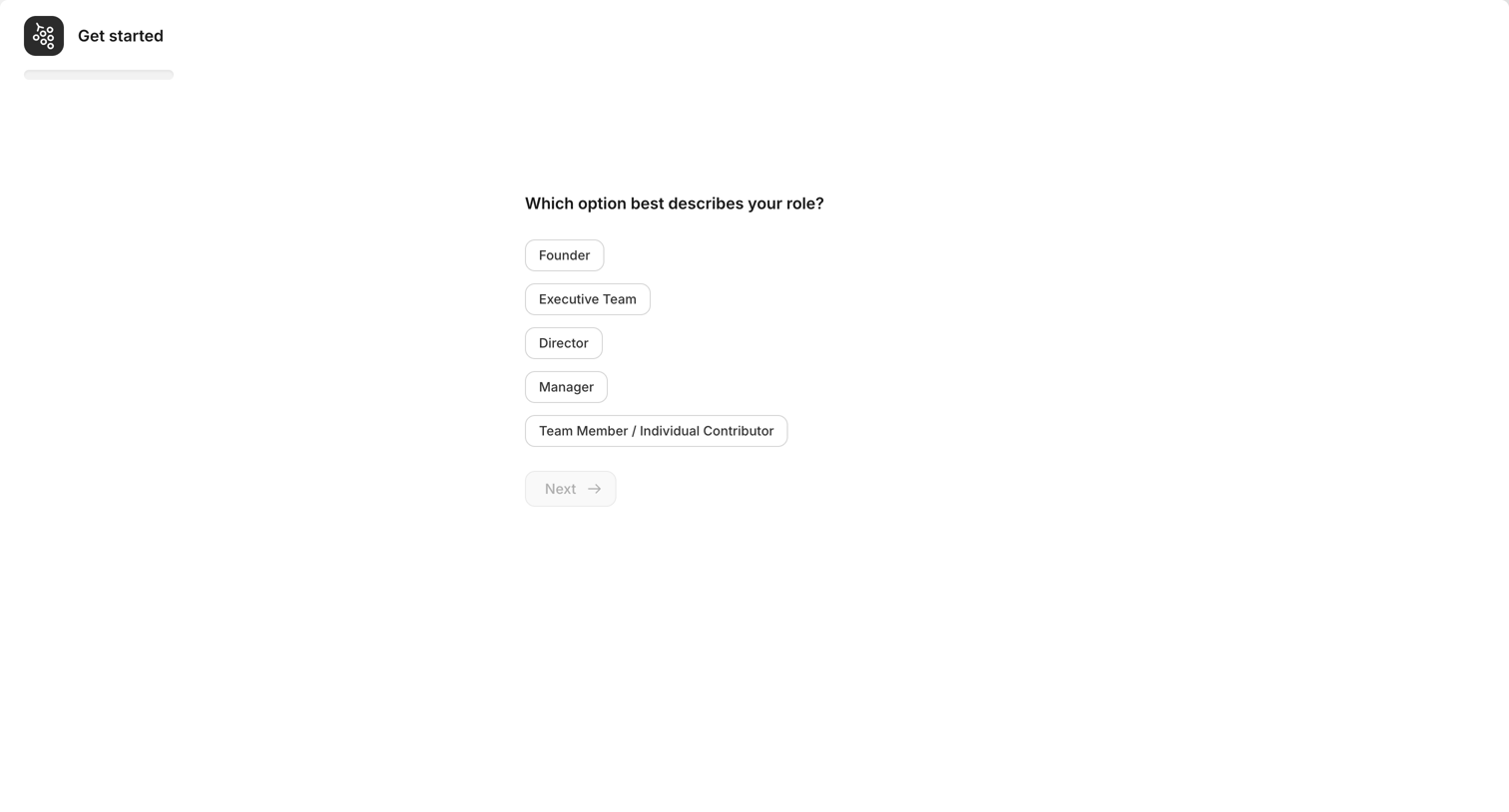
Onboarding step where the user selects their professional role from a vertical list of options to personalize their experience.
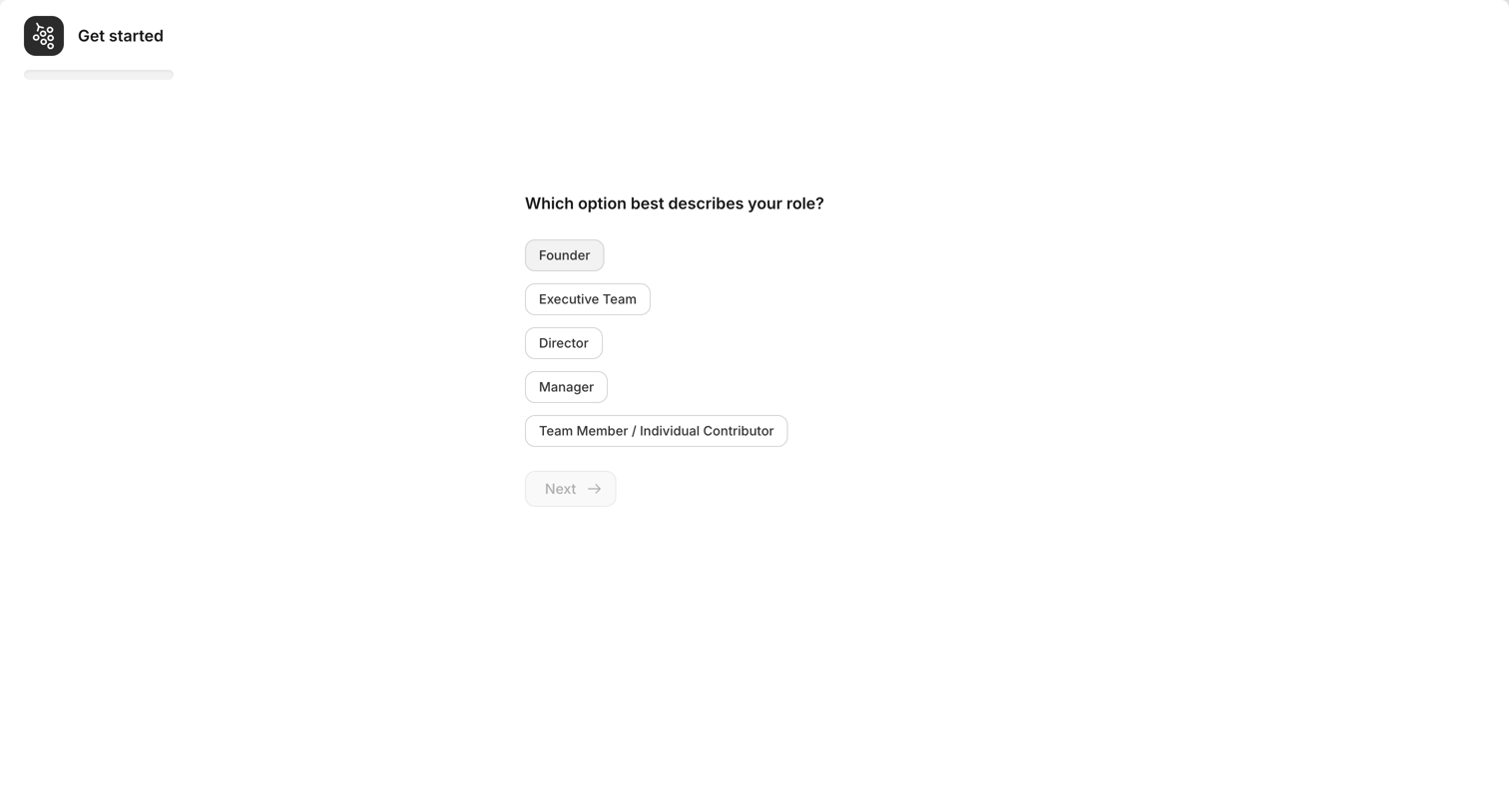
Onboarding step where the user selects their professional role from a list of options to tailor their account setup.
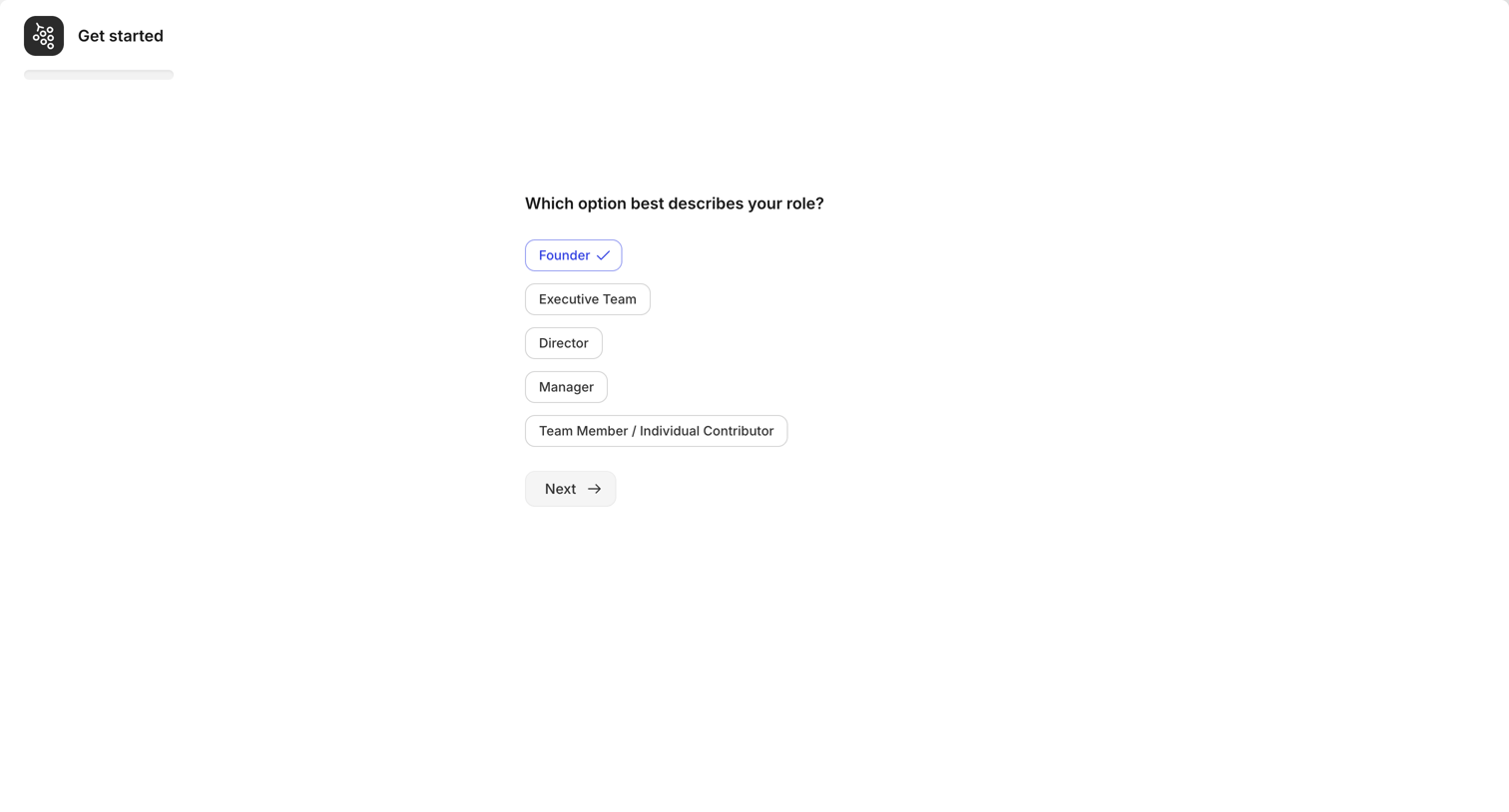
Onboarding step where the user selects their role from a list of options like Founder, Executive Team, or Manager to personalize their experience.
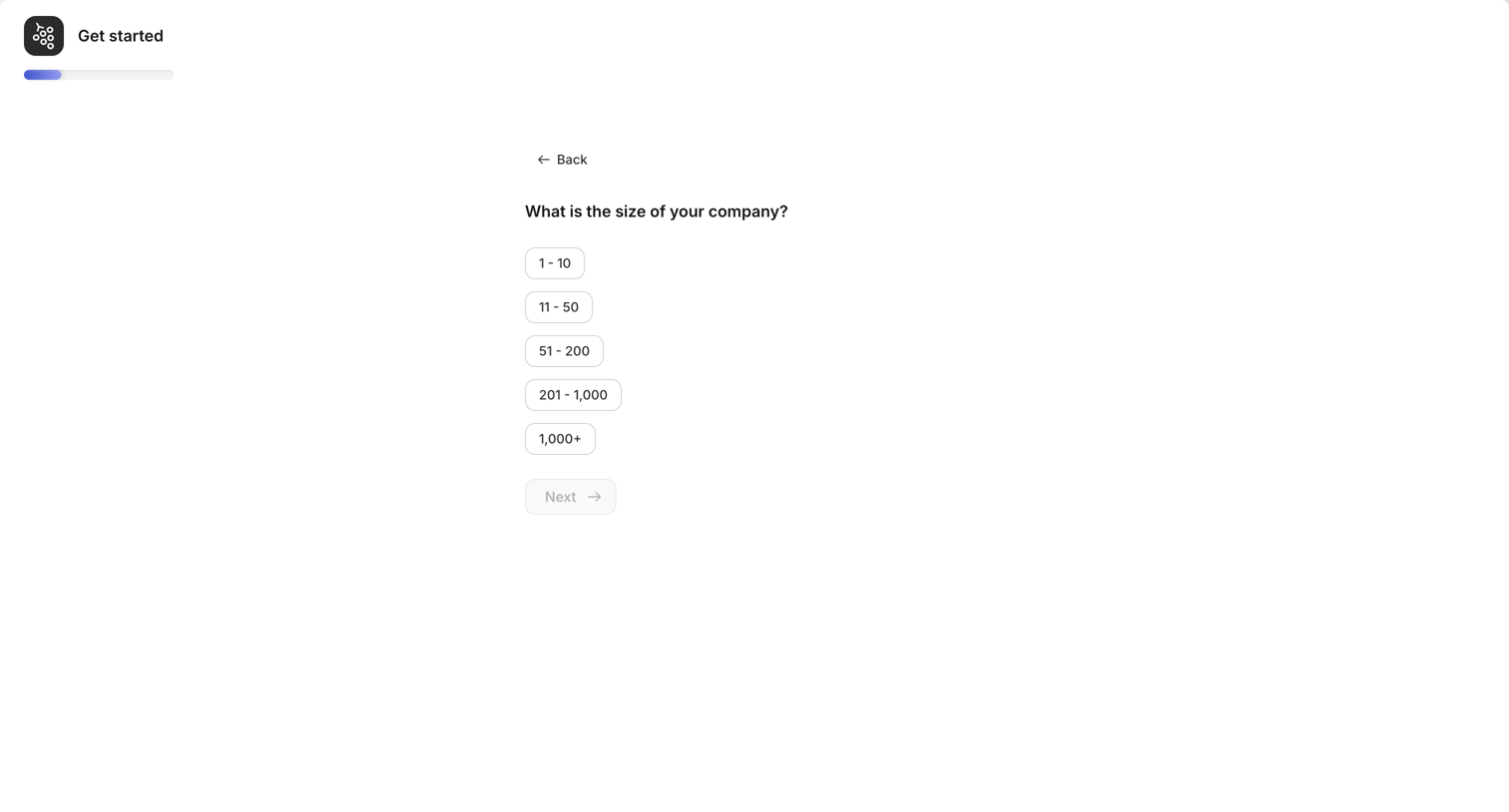
Onboarding step where the user selects their company size from a list of ranges to progress through the setup flow.
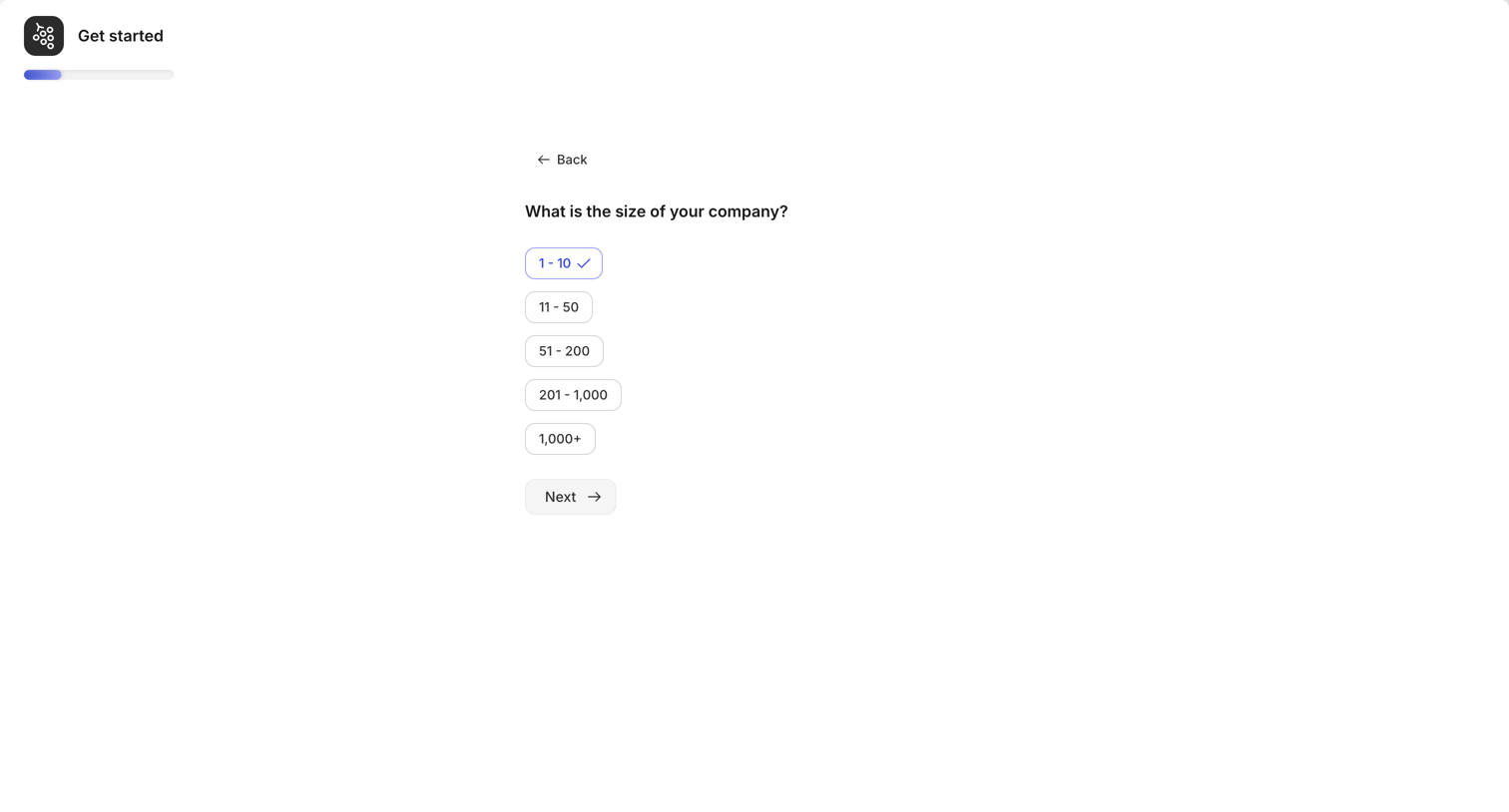
Onboarding step where the user selects their company size from a list of pill-shaped options.
Browse the full SaaS app library
Explore real SaaS apps with their product screens, marketing screens, flows, and components.
Trusted by the best teams







