Kajabi design examples
Explore Kajabi UI design examples. Where Creators Build Businesses
Product screens
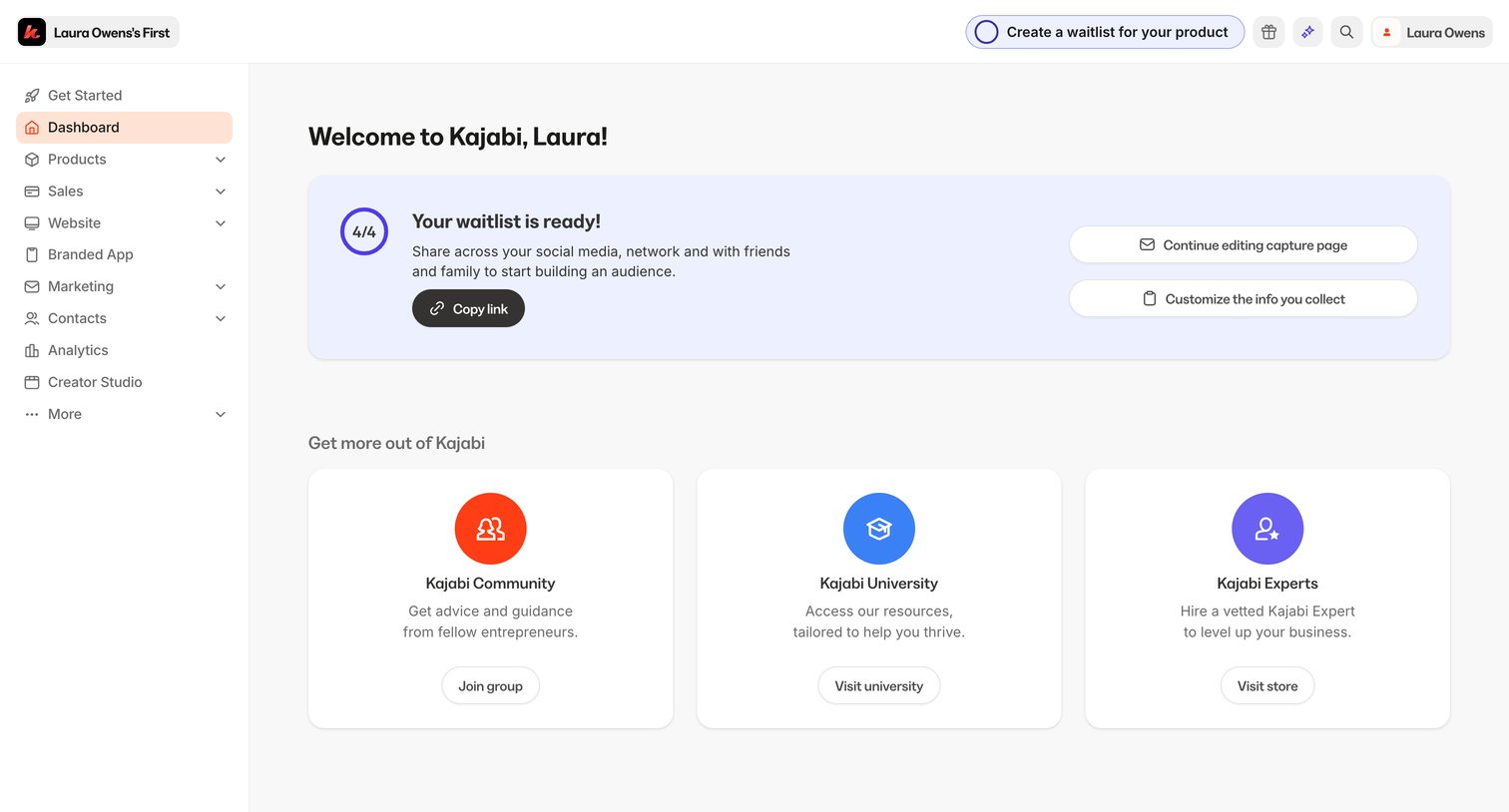

Dashboard where a new user is welcomed, sees their waitlist setup progress, and can access community and educational resources.
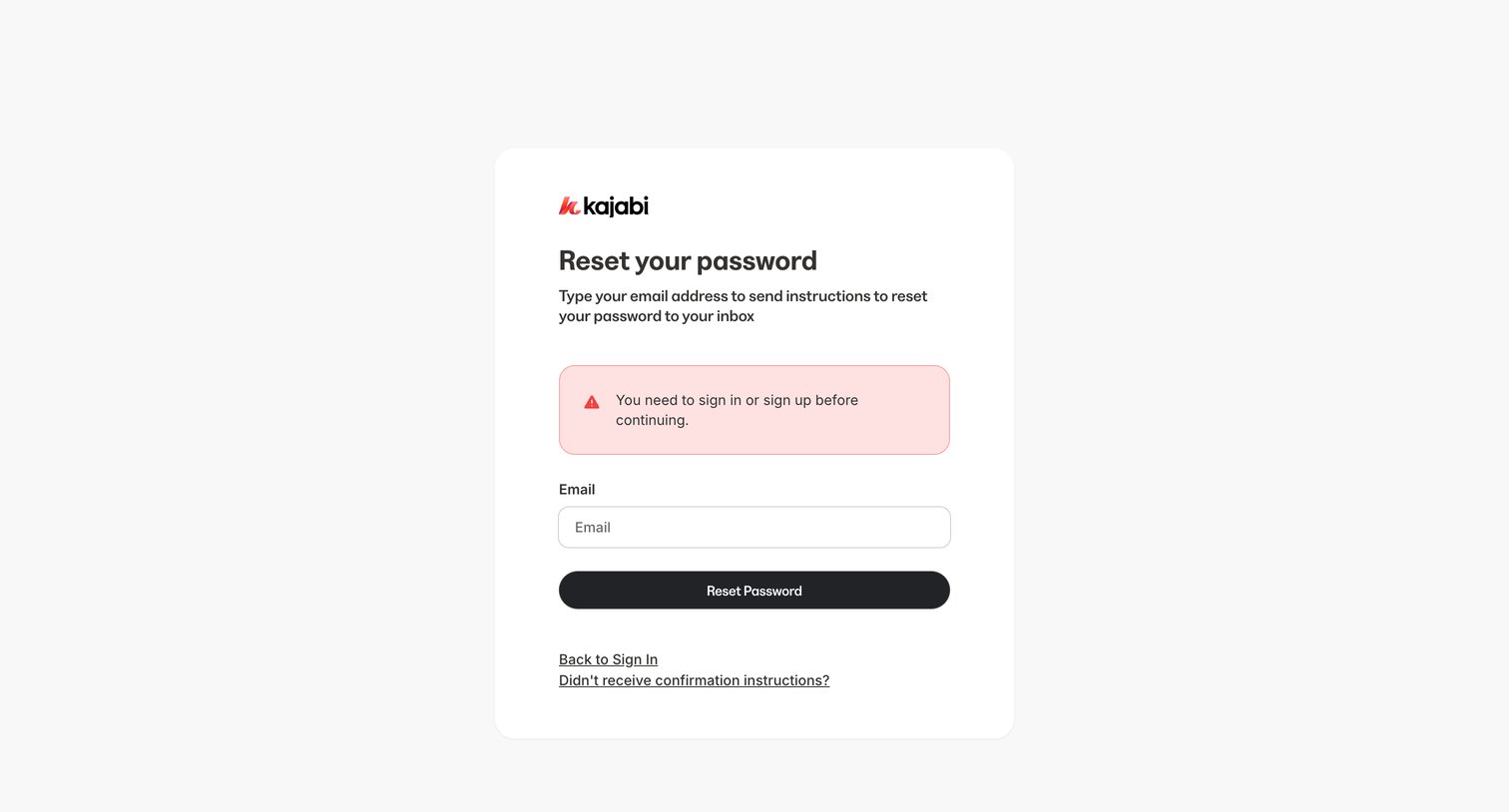
Password recovery screen where the user enters their email to receive reset instructions, currently displaying an authentication error alert.
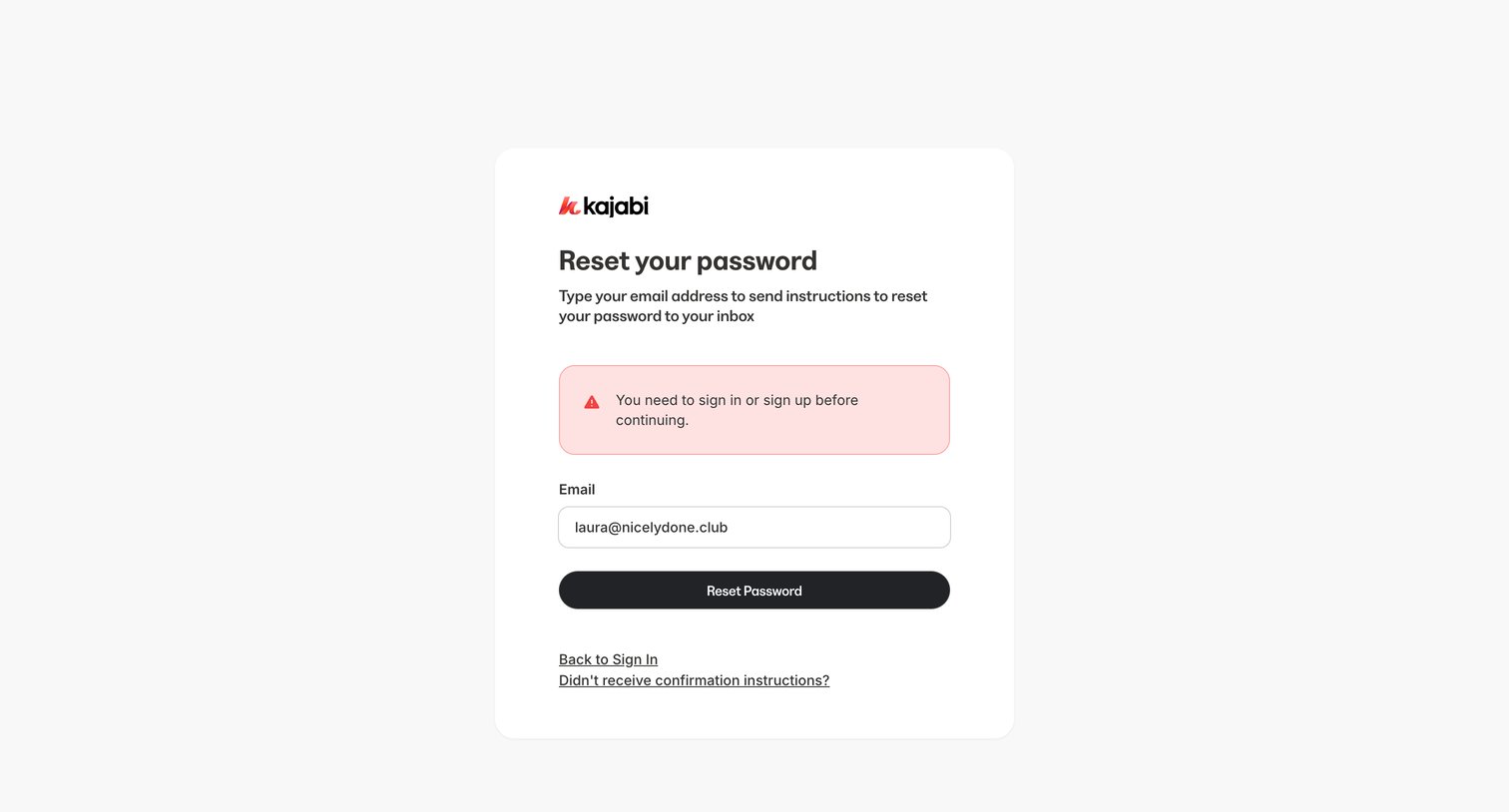
Password recovery screen where the user enters their email to receive reset instructions, currently showing an error alert about needing to sign in or sign up first.
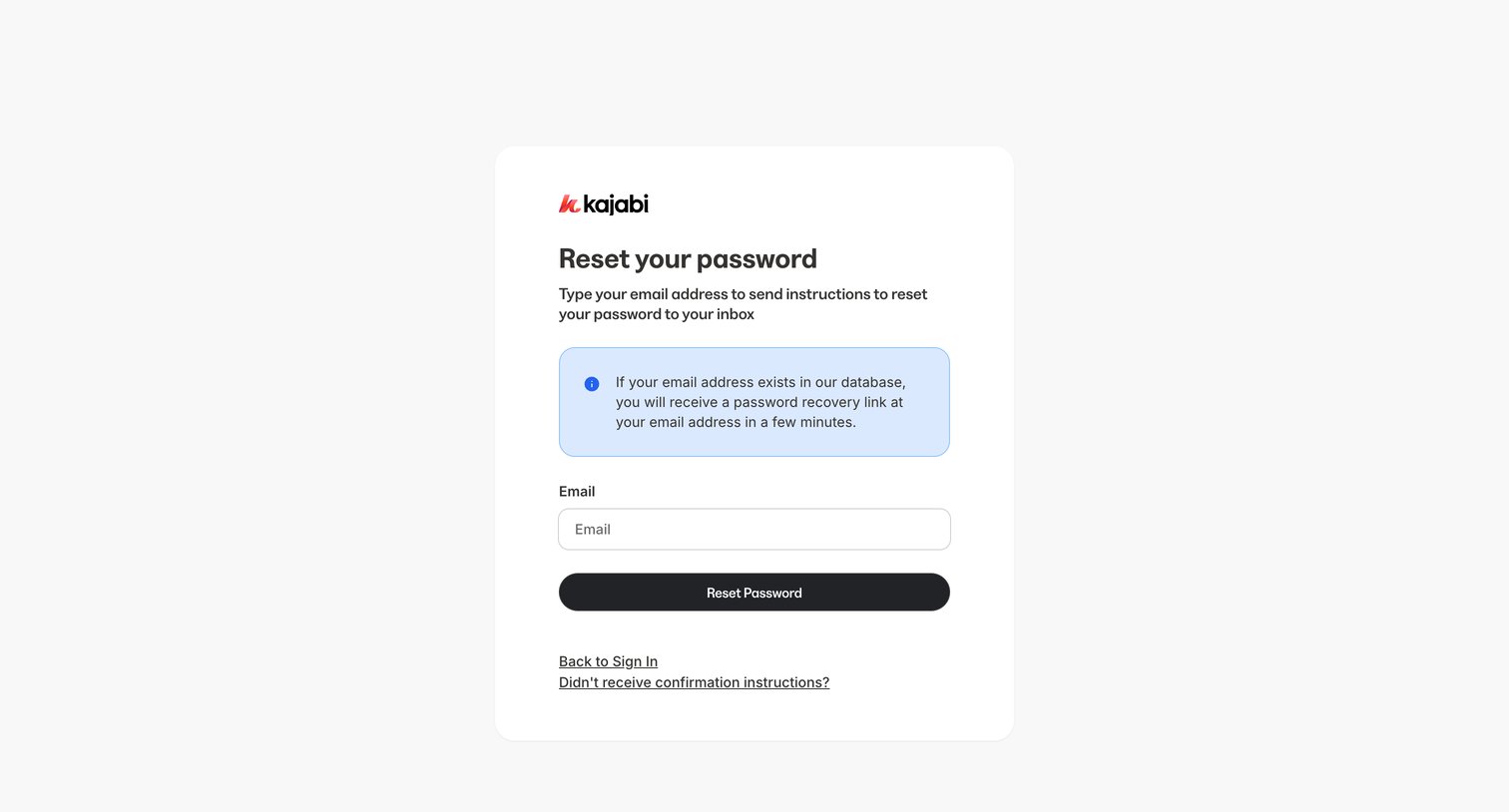
Password recovery screen where the user enters their email address to receive reset instructions, featuring an informational alert about the process.
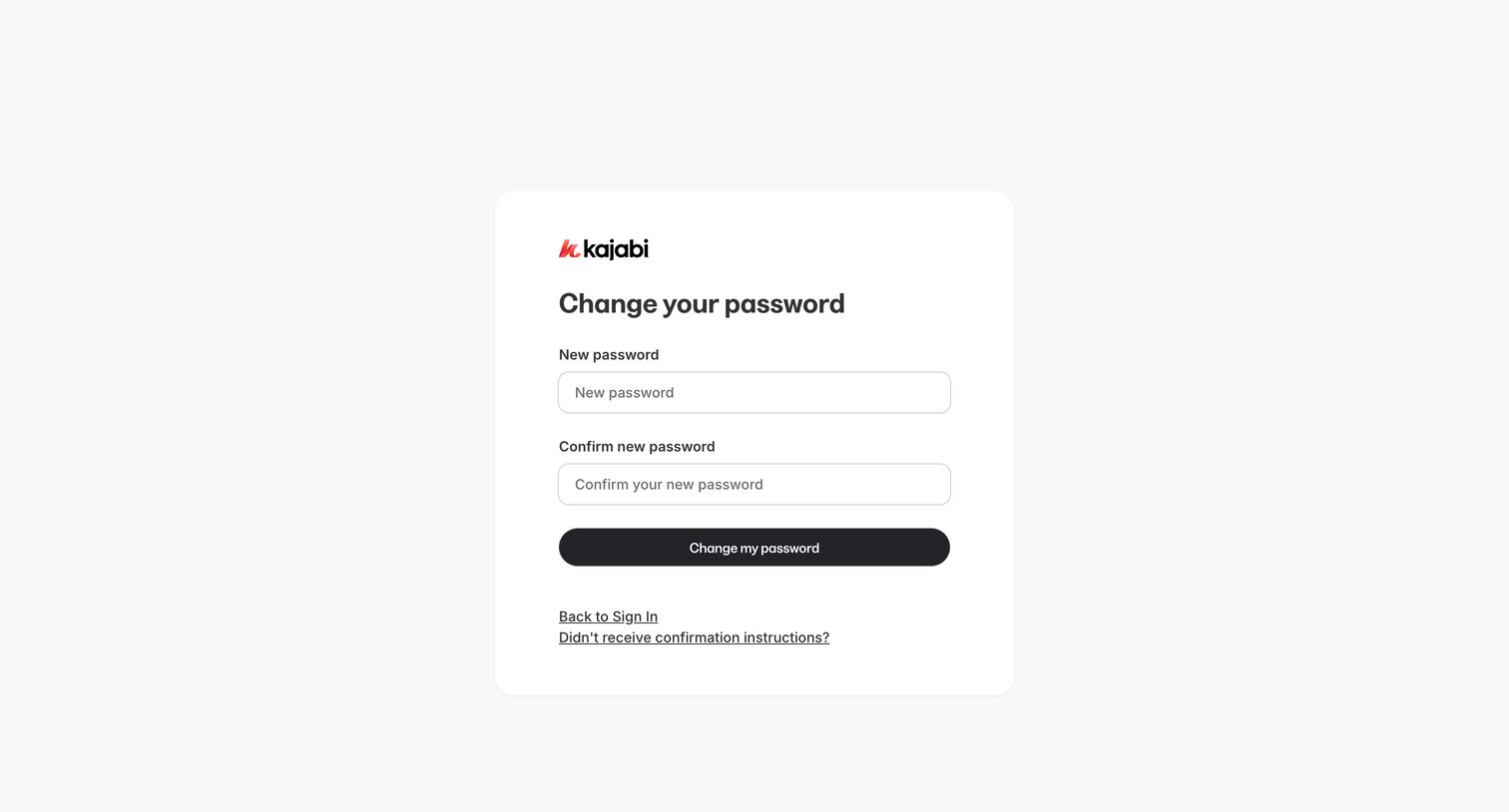
Password recovery screen where the user enters and confirms a new password to regain access to their account.
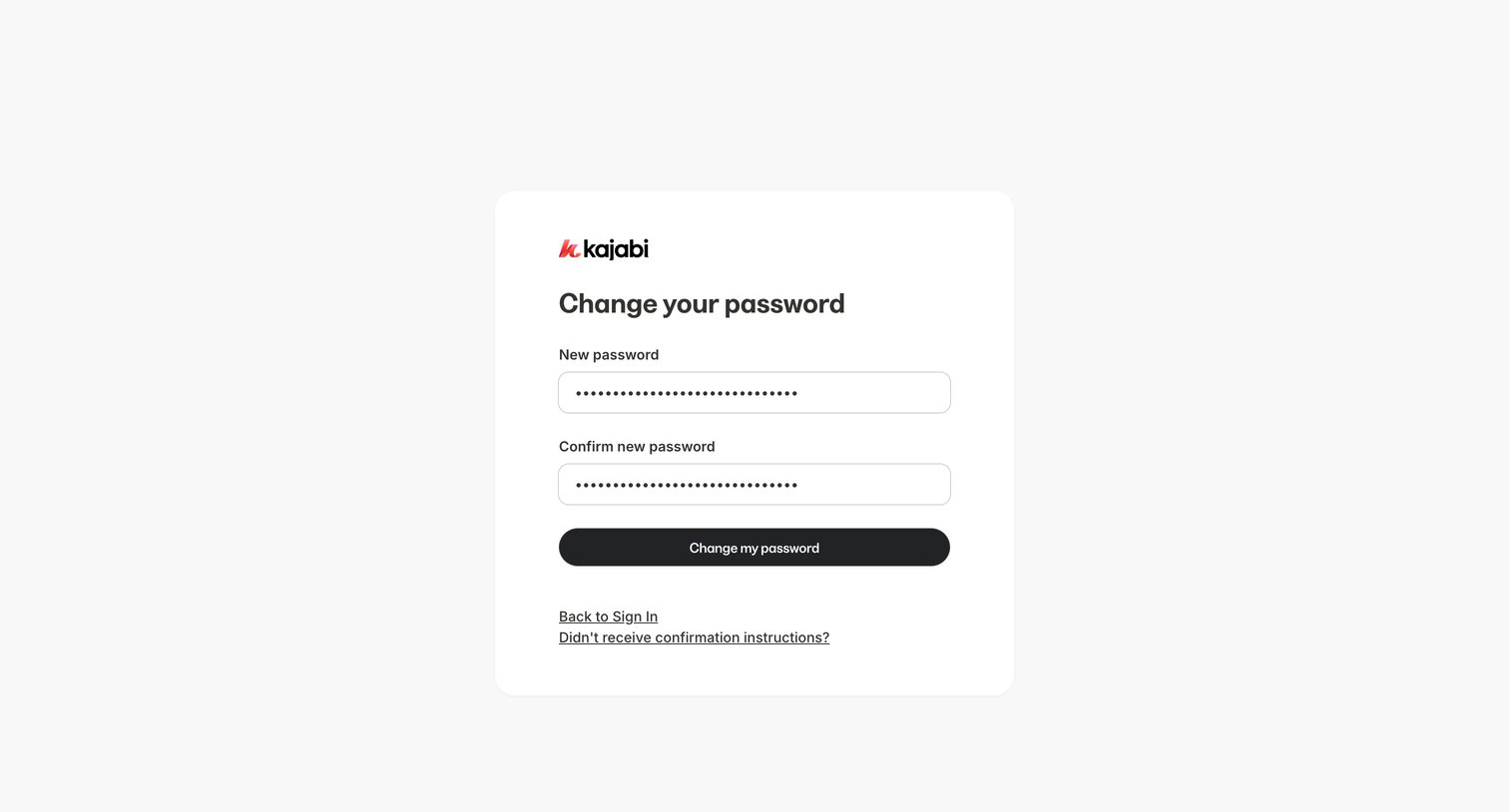
Password recovery screen where the user enters and confirms a new password to regain access to their account.
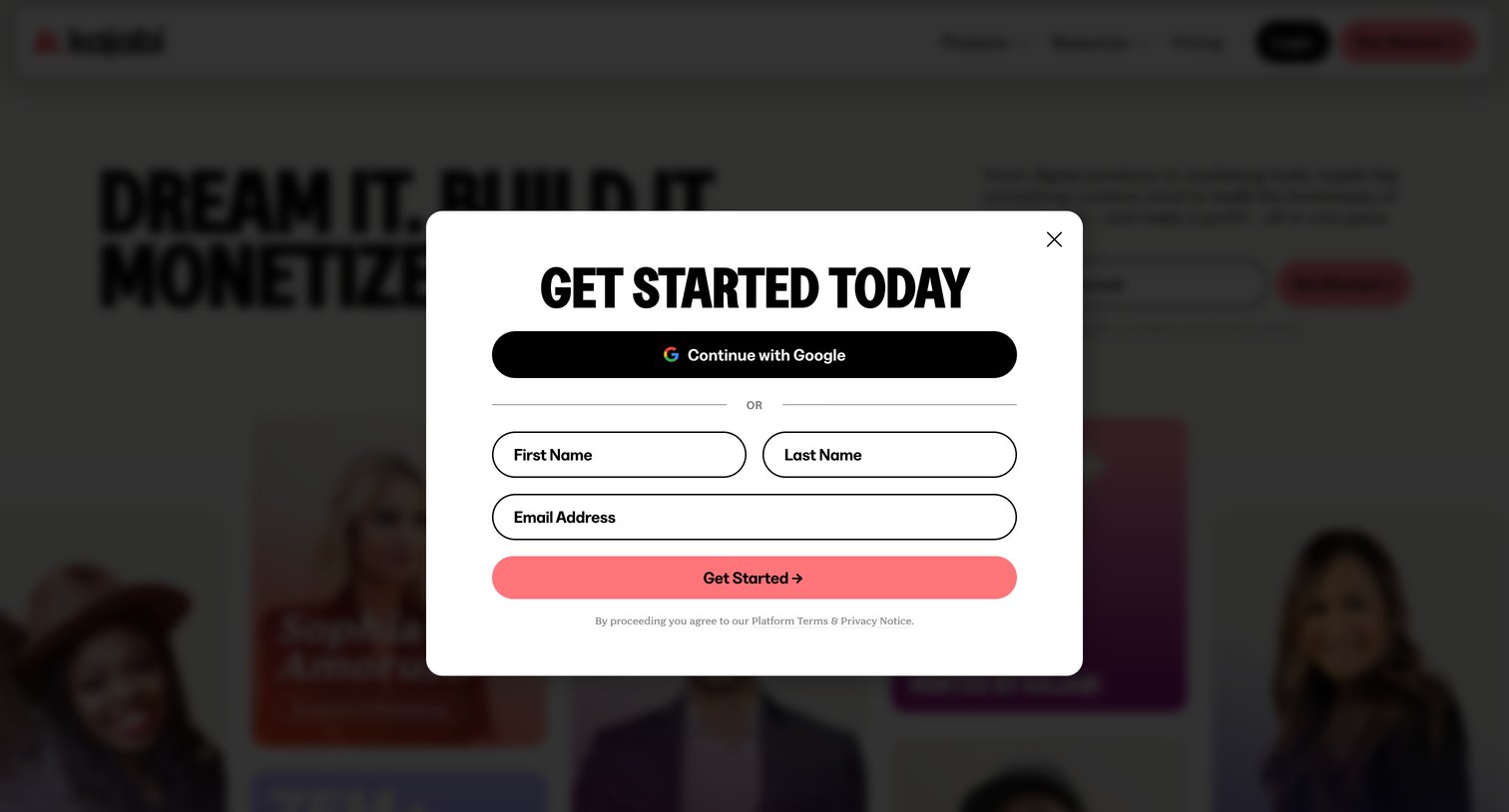
Landing page where the user is prompted to sign up via a modal using Google OAuth or by entering their first name, last name, and email address.
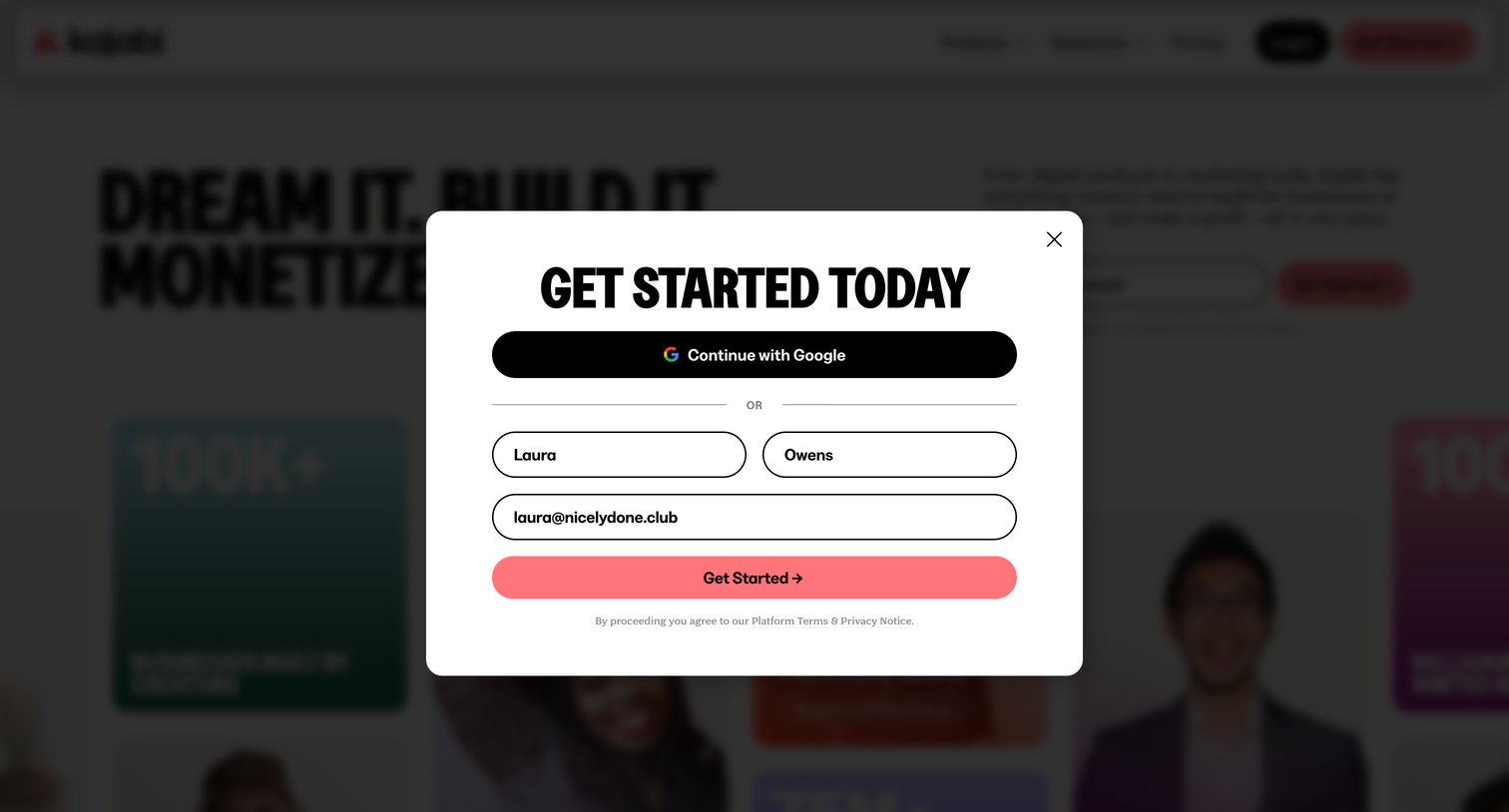
Signup modal where the user can create an account using Google or by entering their name and email address.
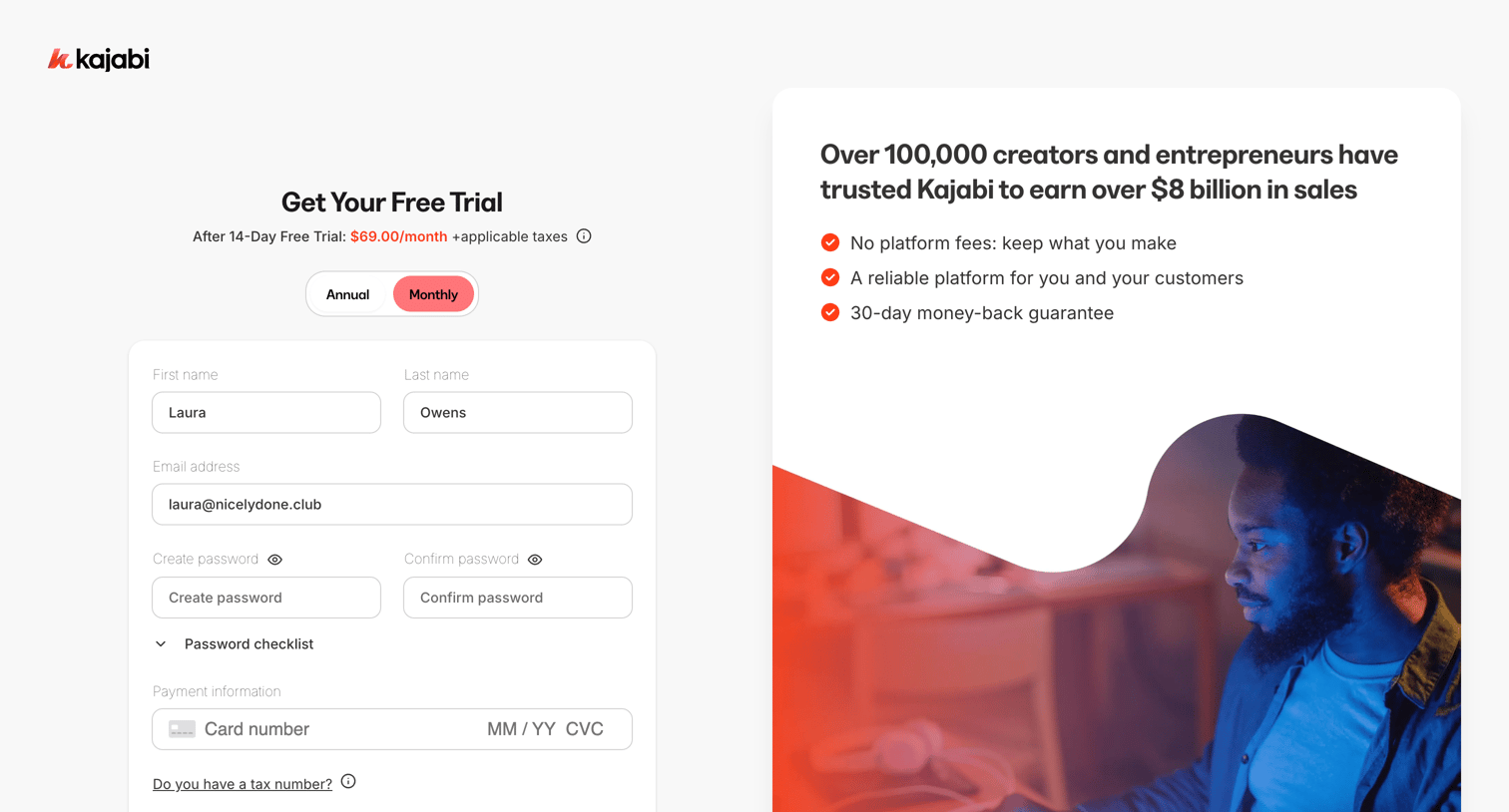
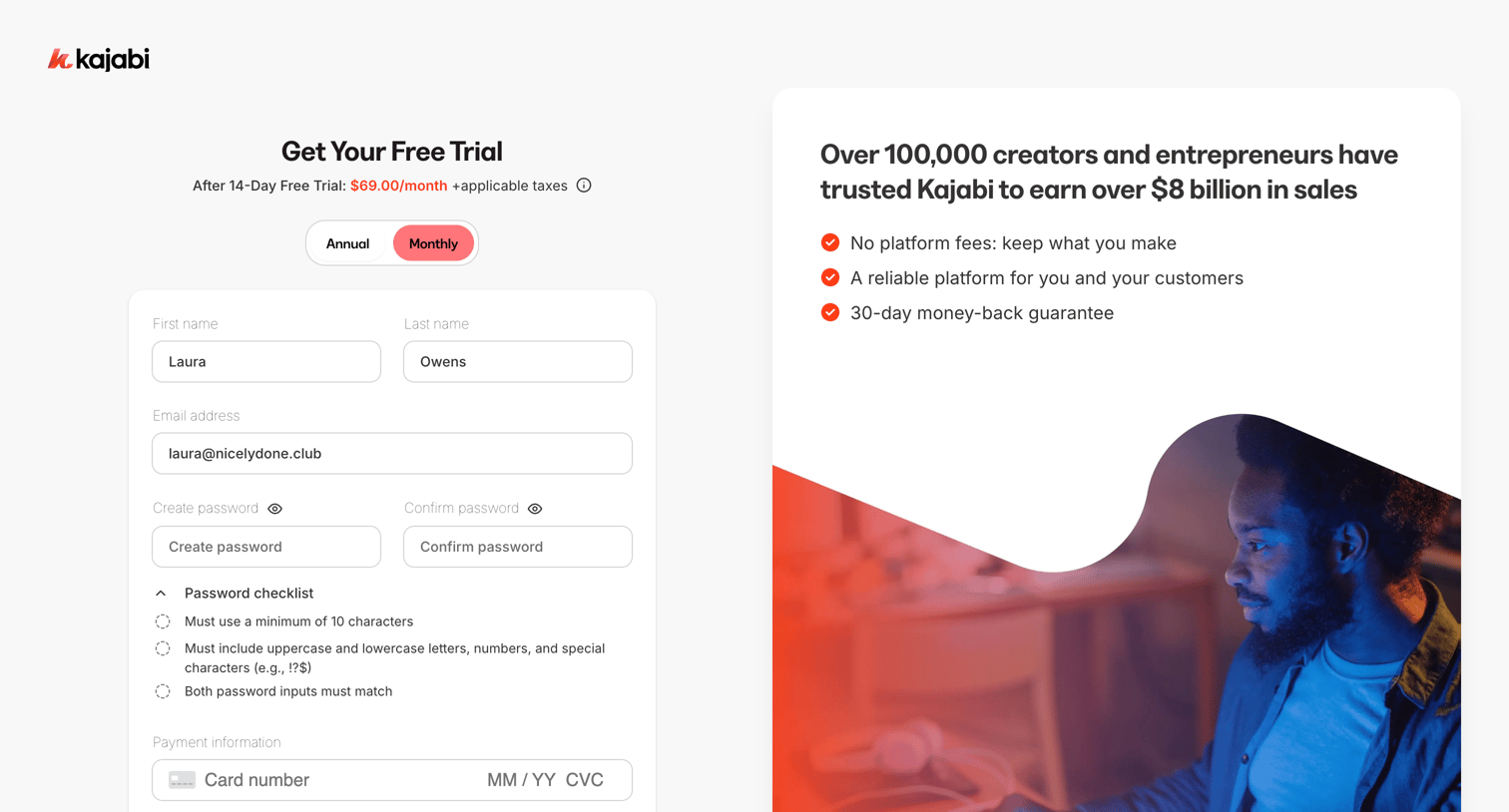
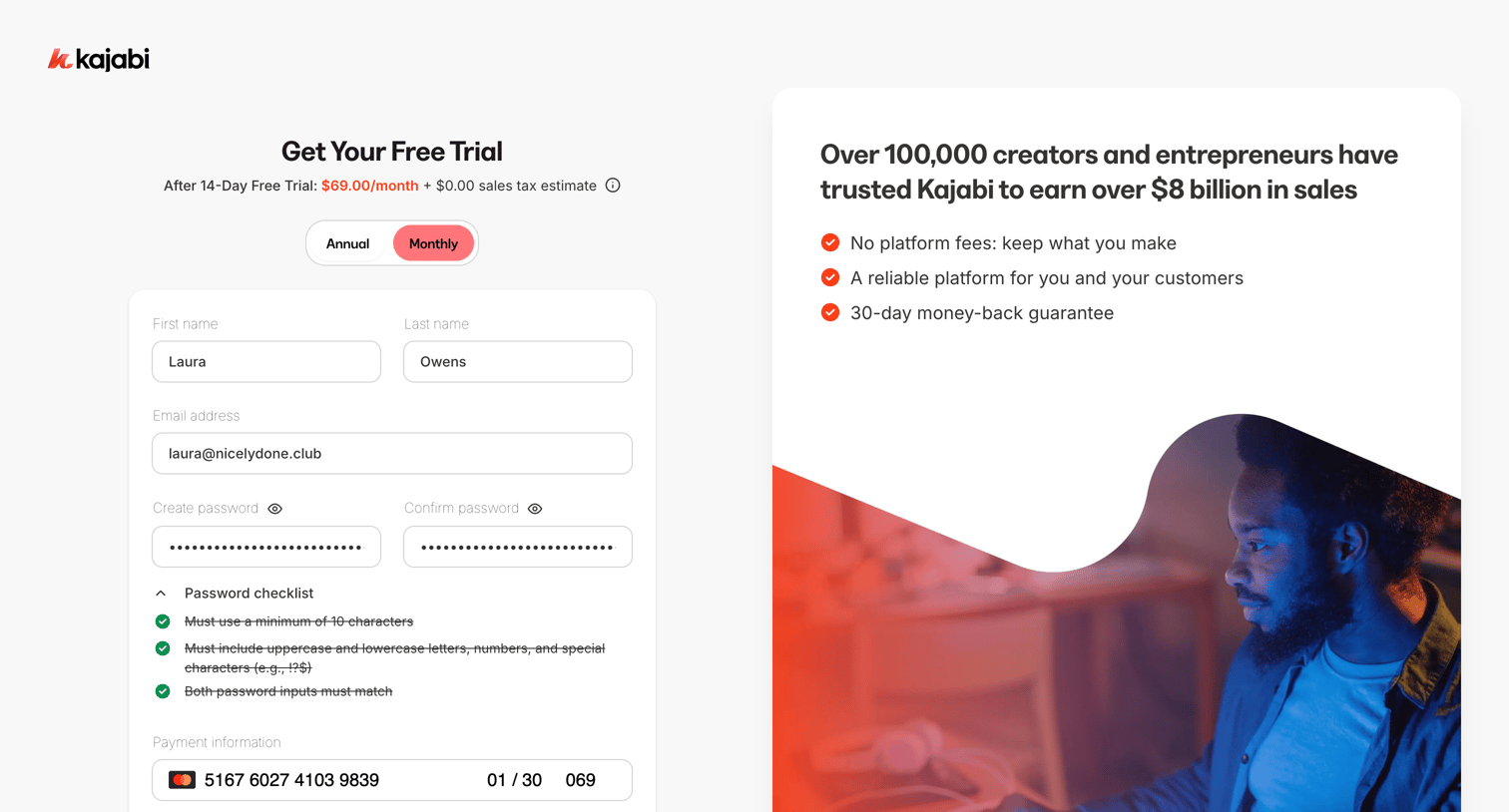
Signup page where the user creates an account with a password and enters credit card details to start a 14-day free trial.
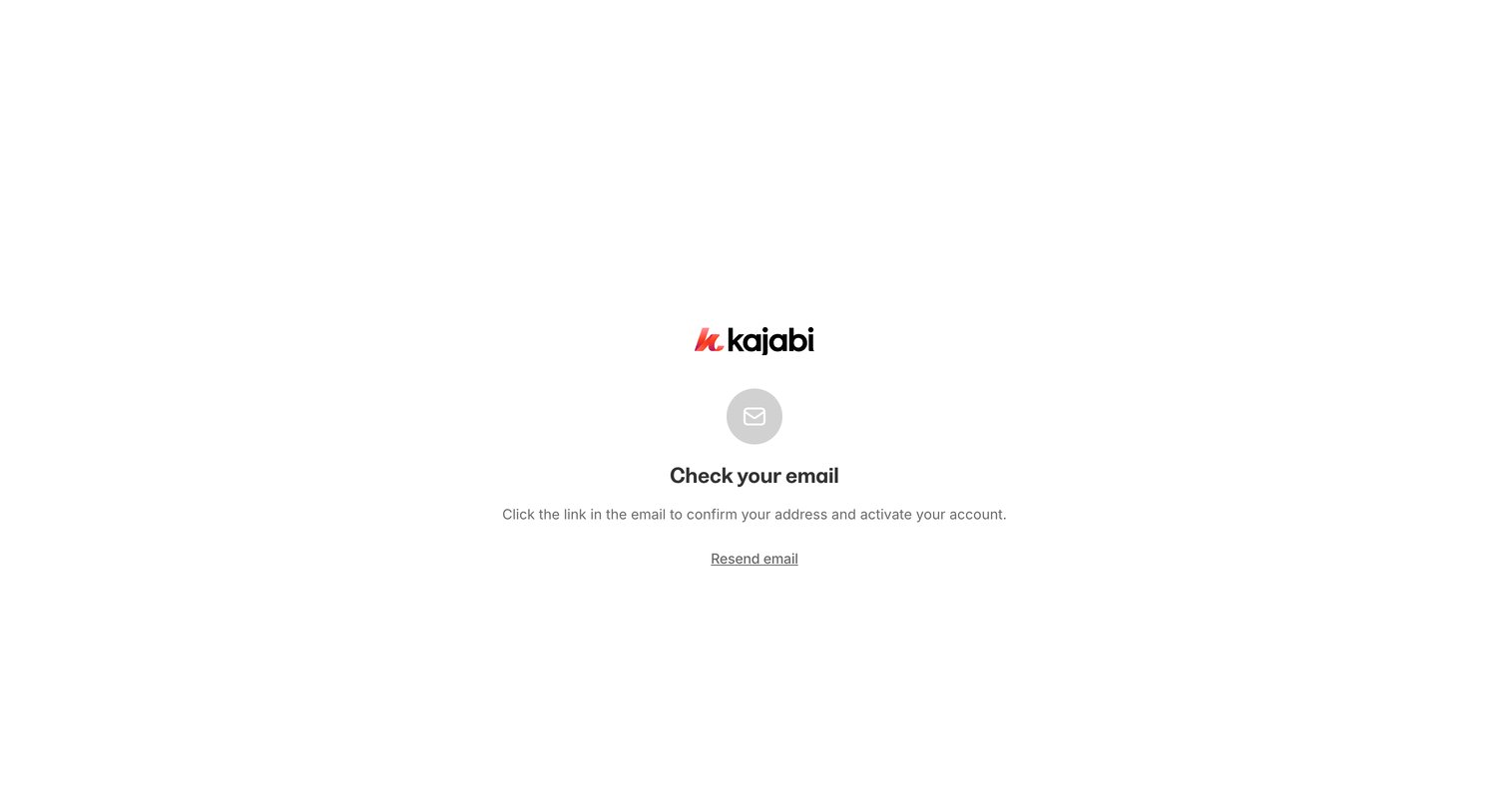
Verification screen where the user is instructed to check their email for a confirmation link to activate their account.
Browse the full SaaS app library
Explore real SaaS apps with their product screens, marketing screens, flows, and components.
Trusted by the best teams







