Favorite screen examples
Favorite screen design examples from SaaS apps. See how apps let people save or mark items for later. Explore how favorite controls communicate their current state and how saved items appear within the…
Explore the examples
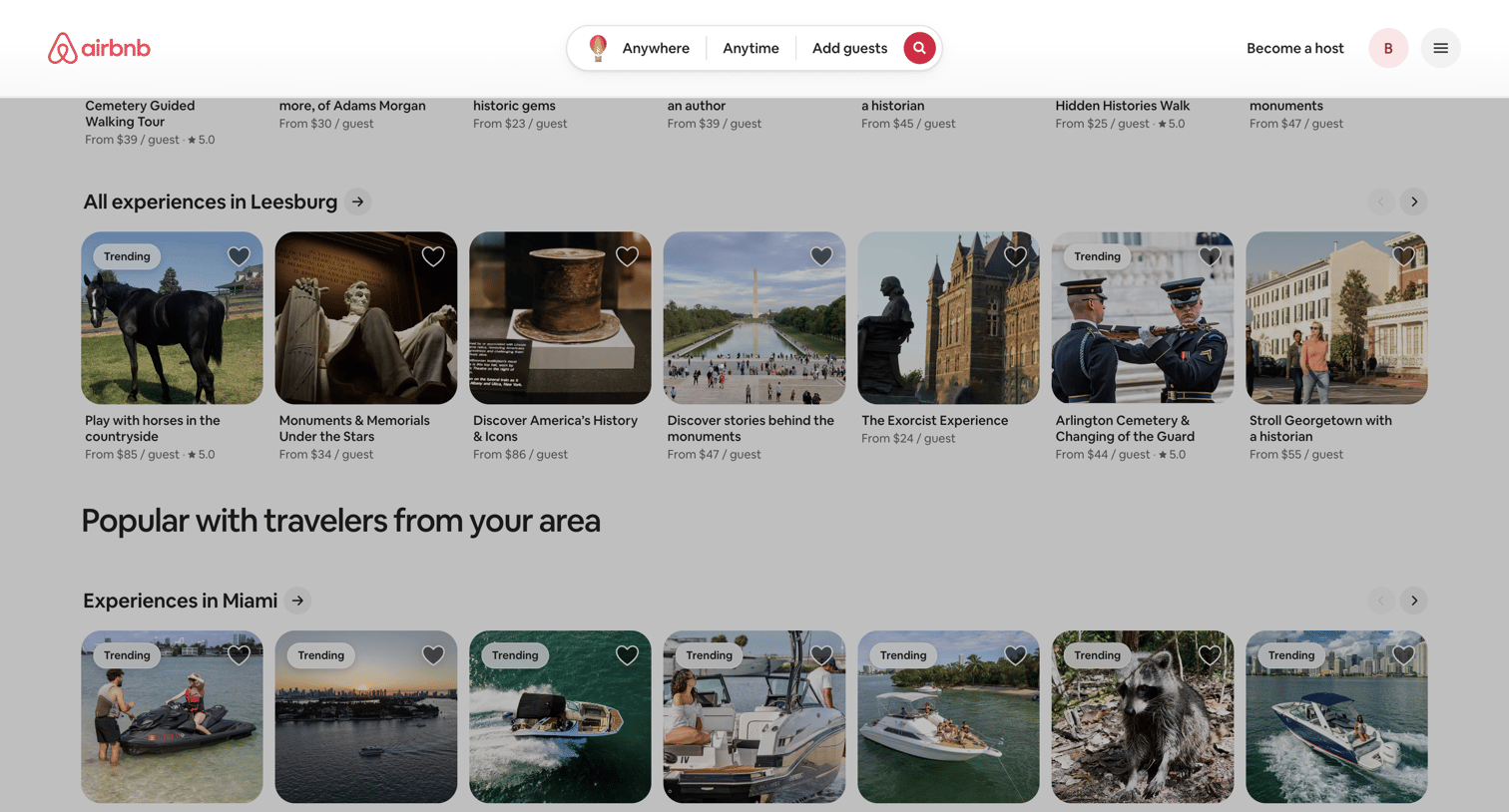

Home page where the user browses trending and popular experiences in locations like Leesburg and Miami via horizontal carousels.
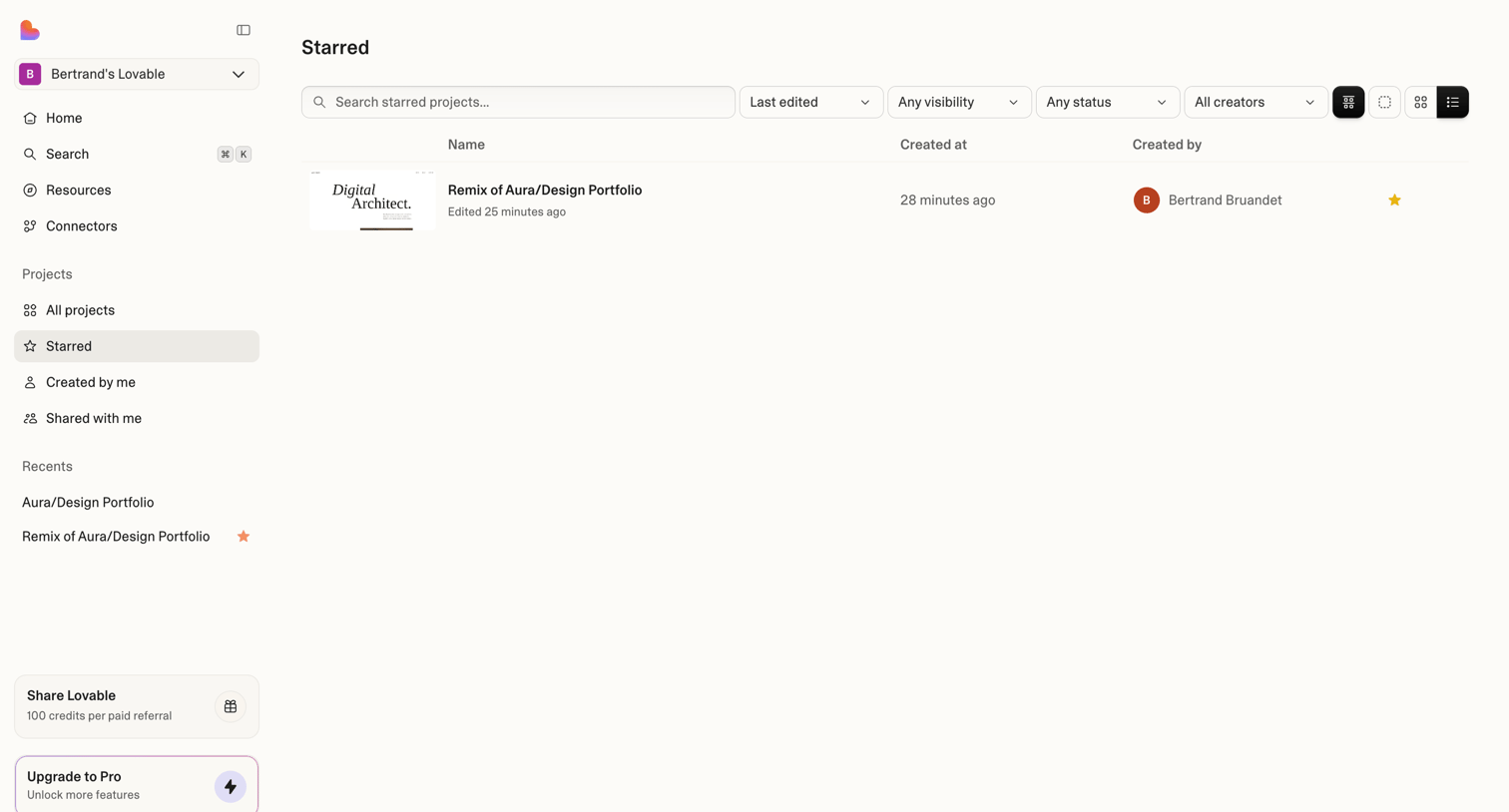

List view where the user can search, filter, and access their favorited projects.
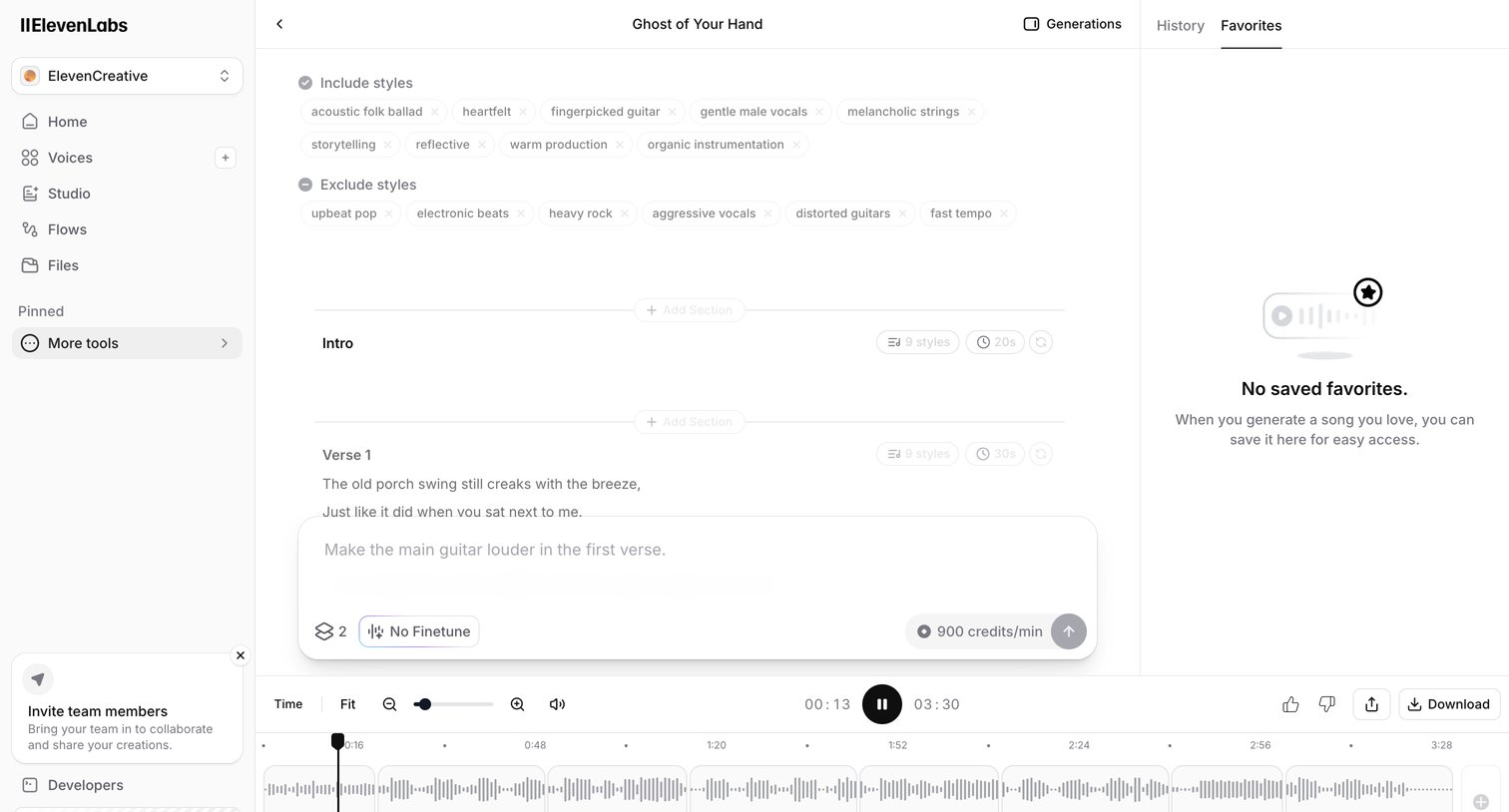

AI audio generation editor where the user configures styles, edits lyrics by section, and prompts for specific musical changes.
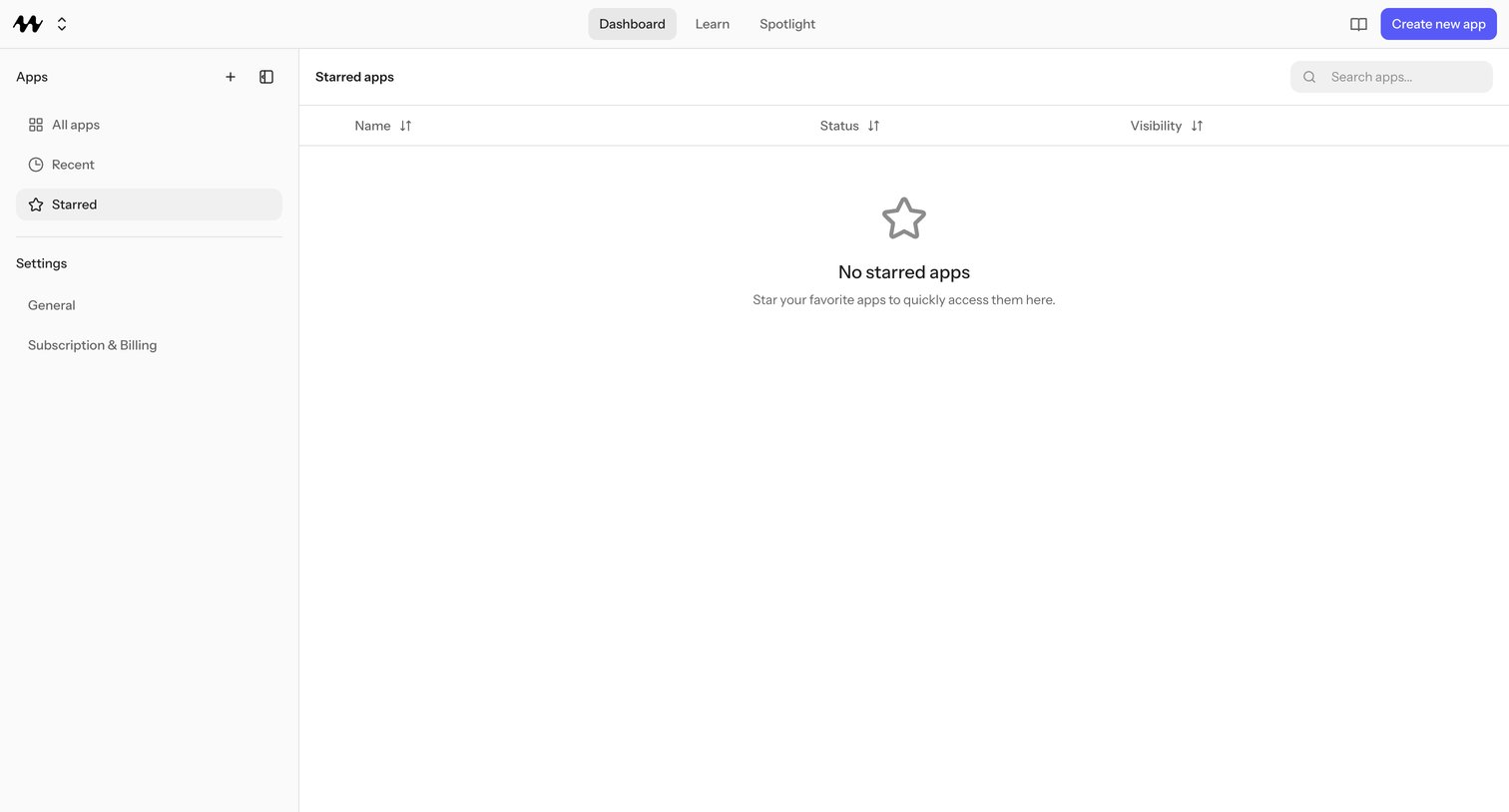

Starred apps view in an app-builder dashboard where the user sees their favorited projects — currently empty with a prompt to star apps for quick access.
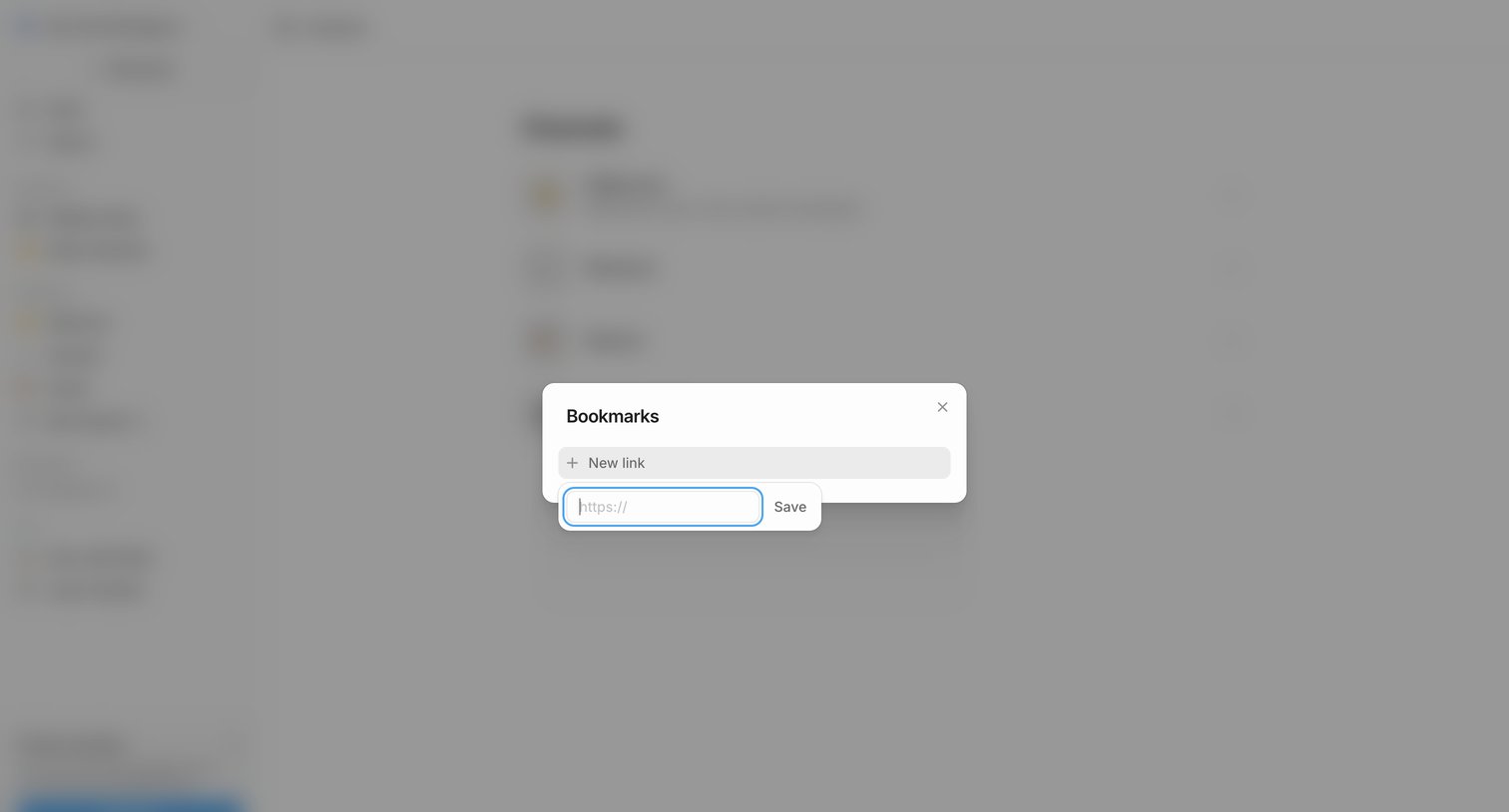

List view where the user adds a new URL to their bookmarks via an inline popover inside a modal.
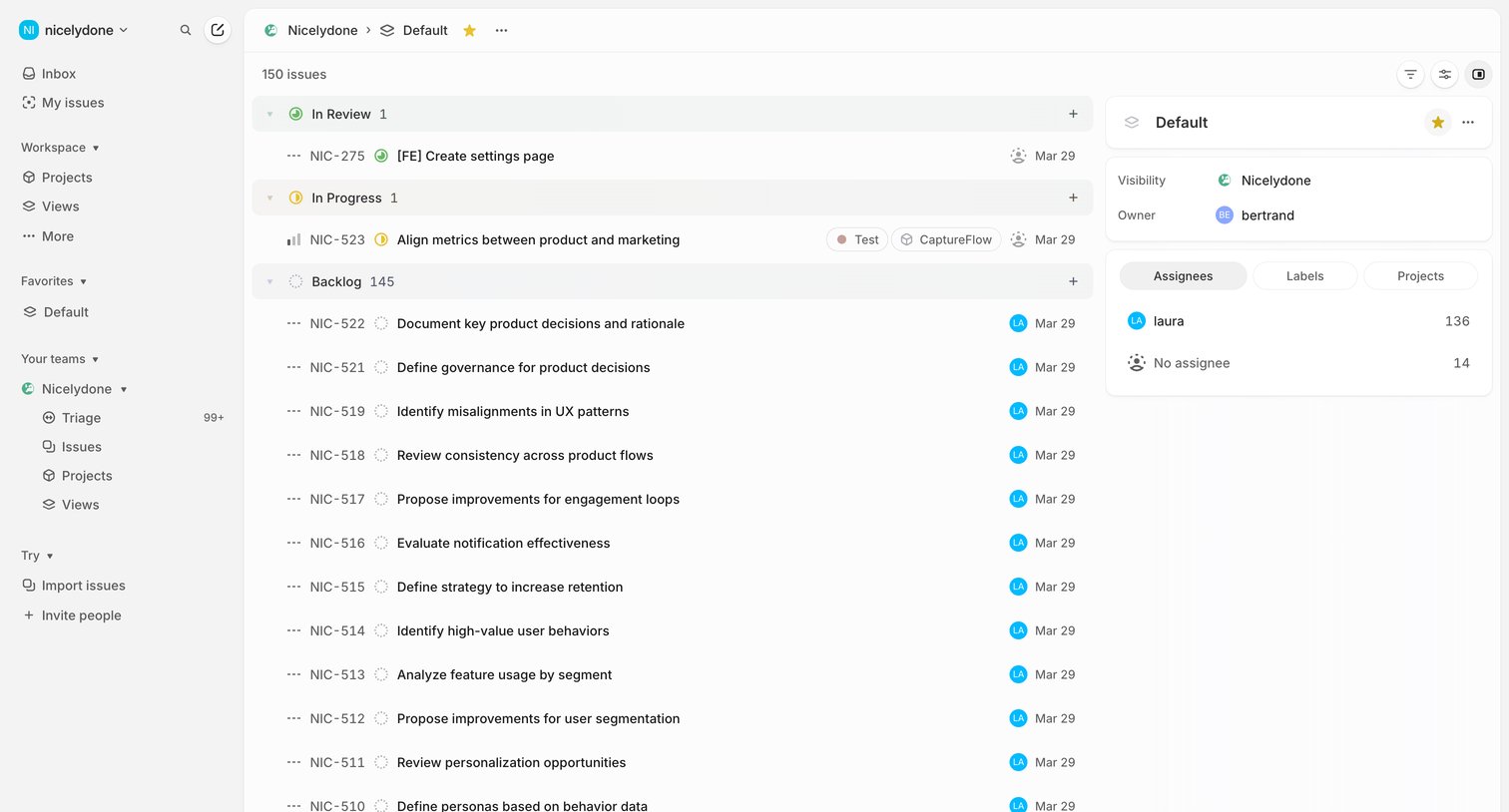

List view where the user manages issues grouped by status like In Review, In Progress, and Backlog, with a side panel showing view details.


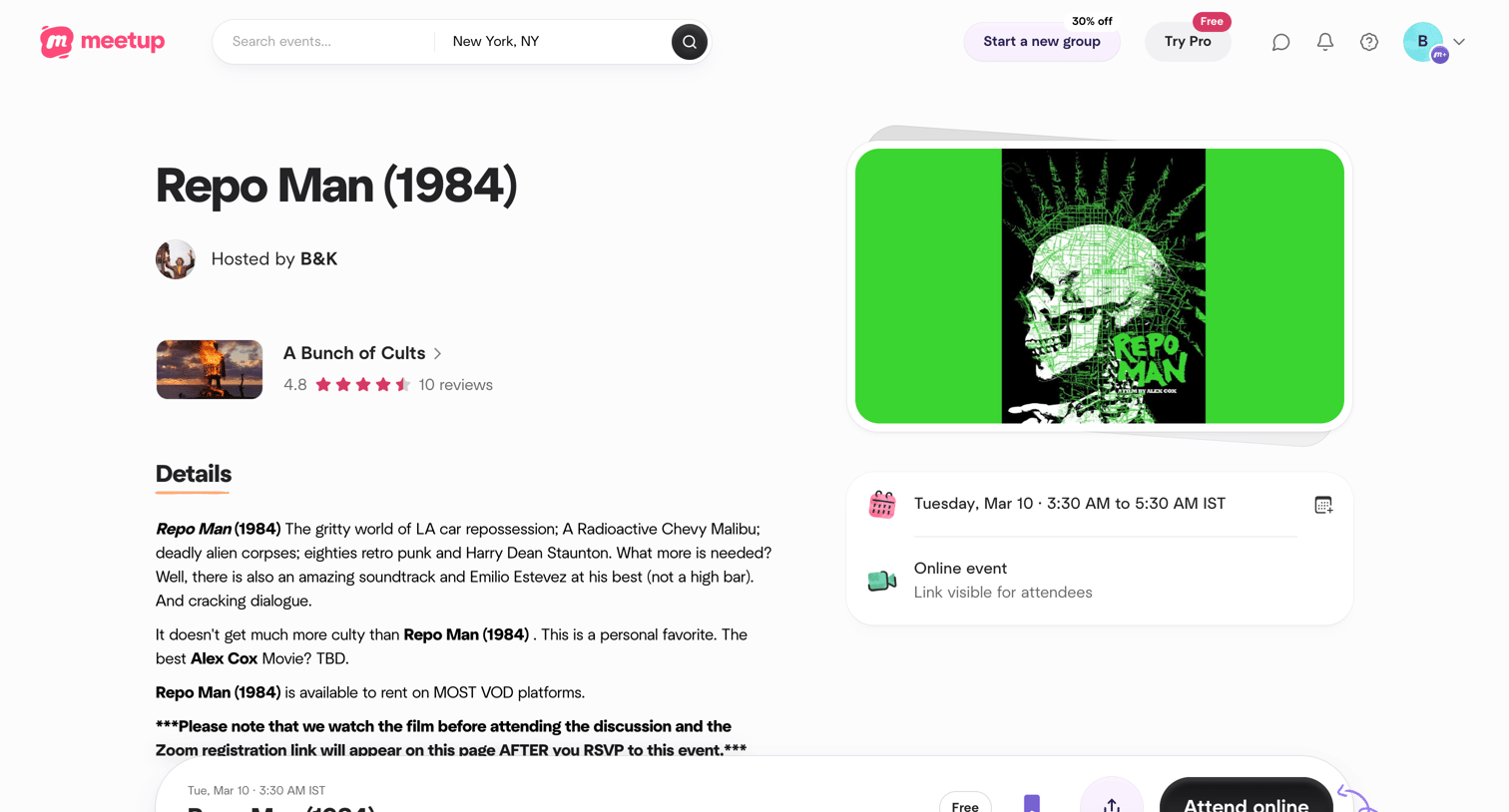

Detail page where the user views information about a movie screening event and can RSVP to attend online.
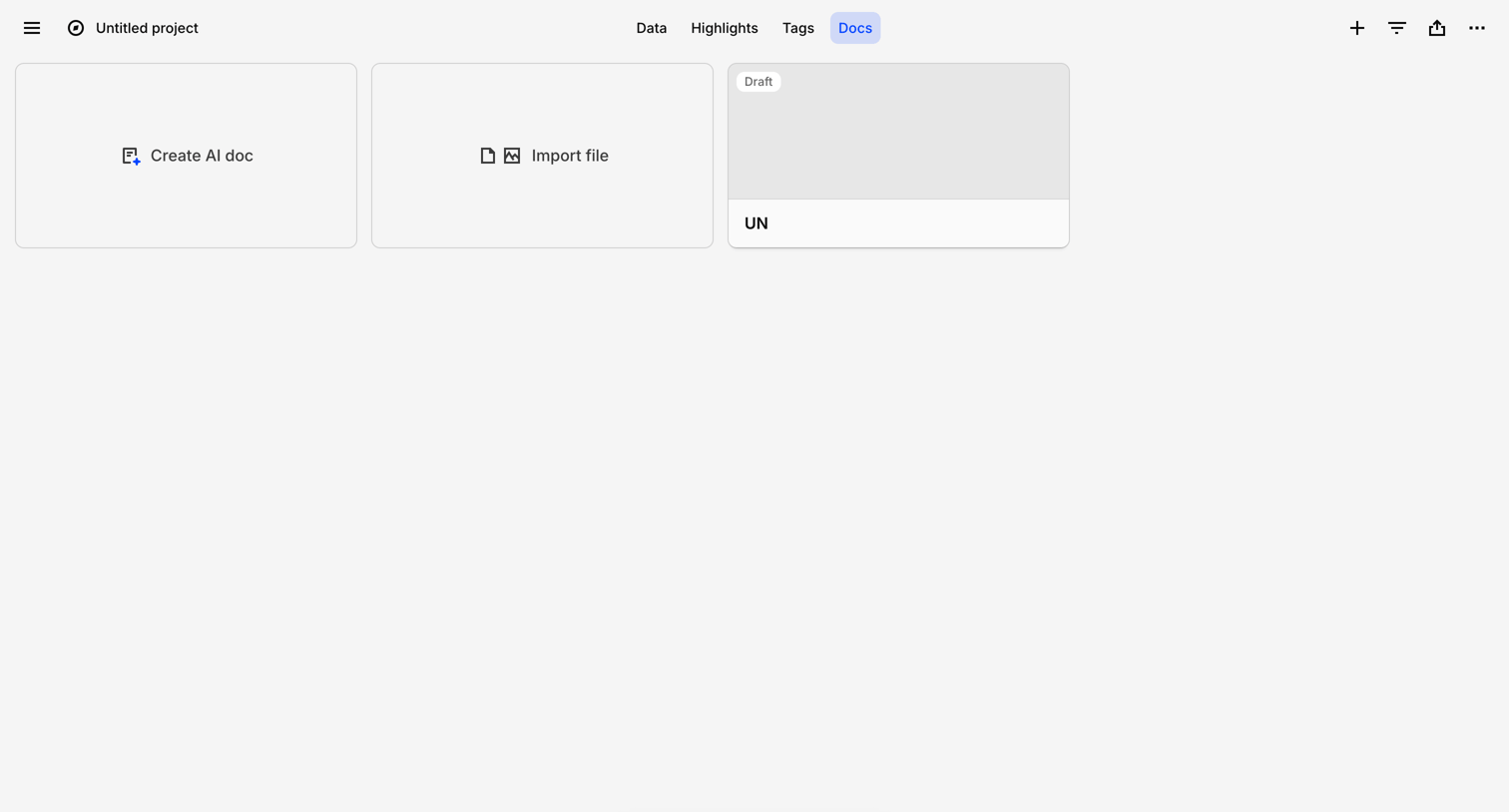

List view where the user can create an AI doc, import files, or access existing draft documents within a project workspace.
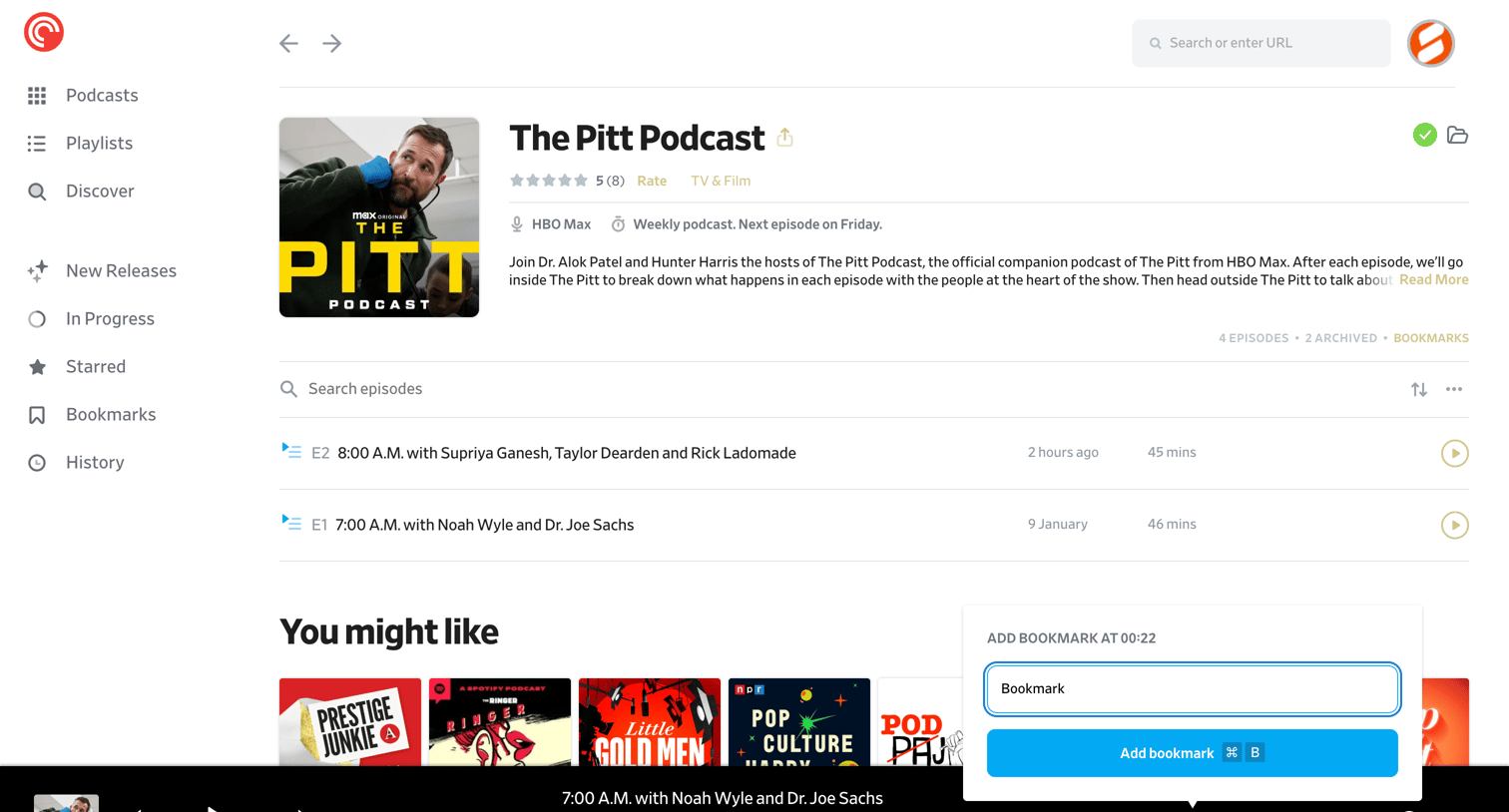

Detail page where the user views a specific podcast's episodes, reads its description, and manages a bookmark via an open popover.
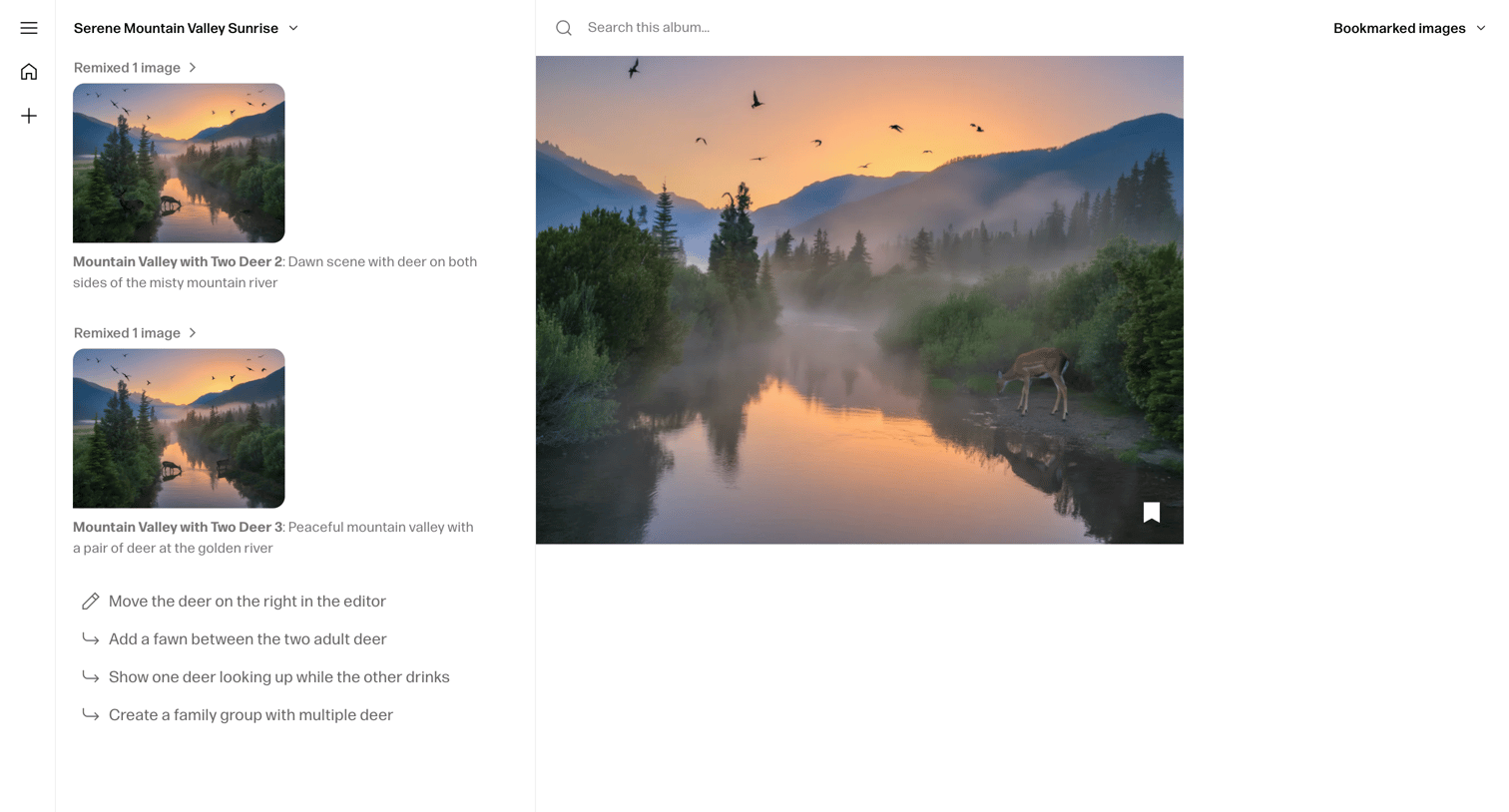

Workspace where the user views a generated image and uses an AI chat sidebar to remix it with natural language prompts.
Explore the full SaaS screen library
Upgrade to unlock the full library.
Trusted by the best teams








About Favorite
See how apps let people save or mark items for later. Explore how favorite controls communicate their current state and how saved items appear within the wider collection.