Audio Player screen examples
Audio Player screen design examples from SaaS apps. Explore how apps organize audio playback within a larger screen. Look at how track details, playback controls, and surrounding content help people choose…
Explore the examples
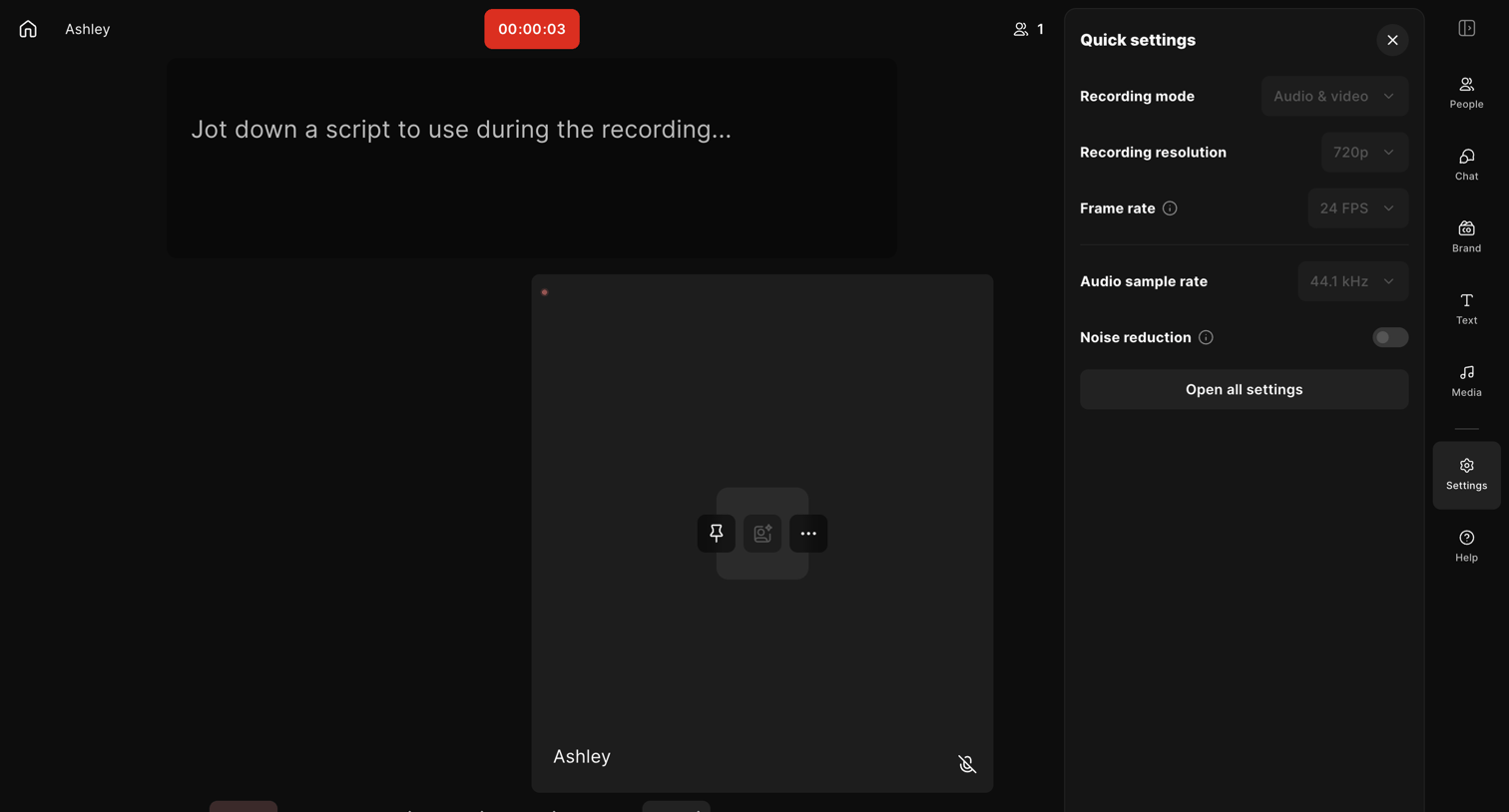

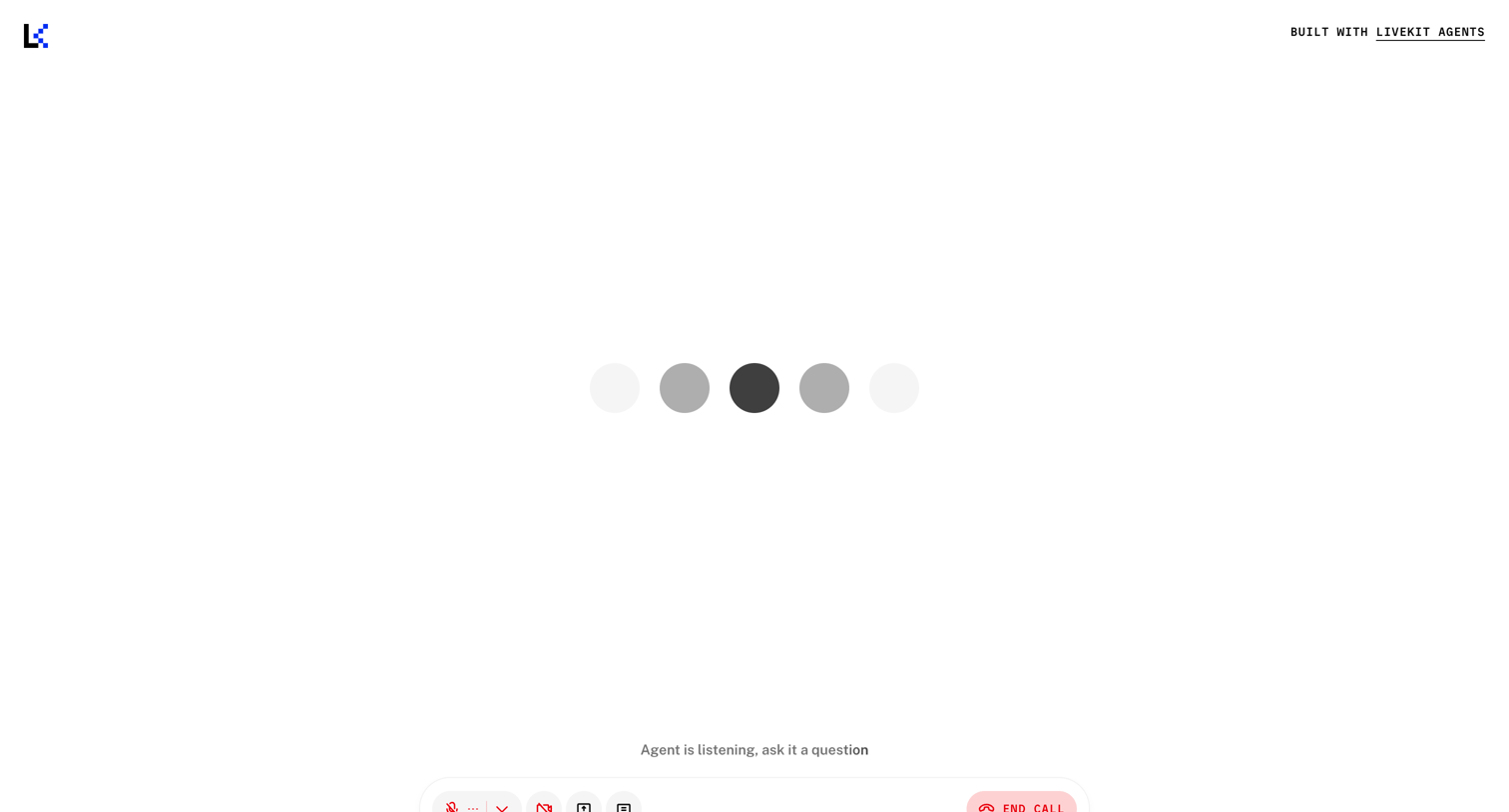
Recording studio interface where the user is actively capturing audio and video, featuring a script scratchpad and a quick settings panel to view recording parameters.
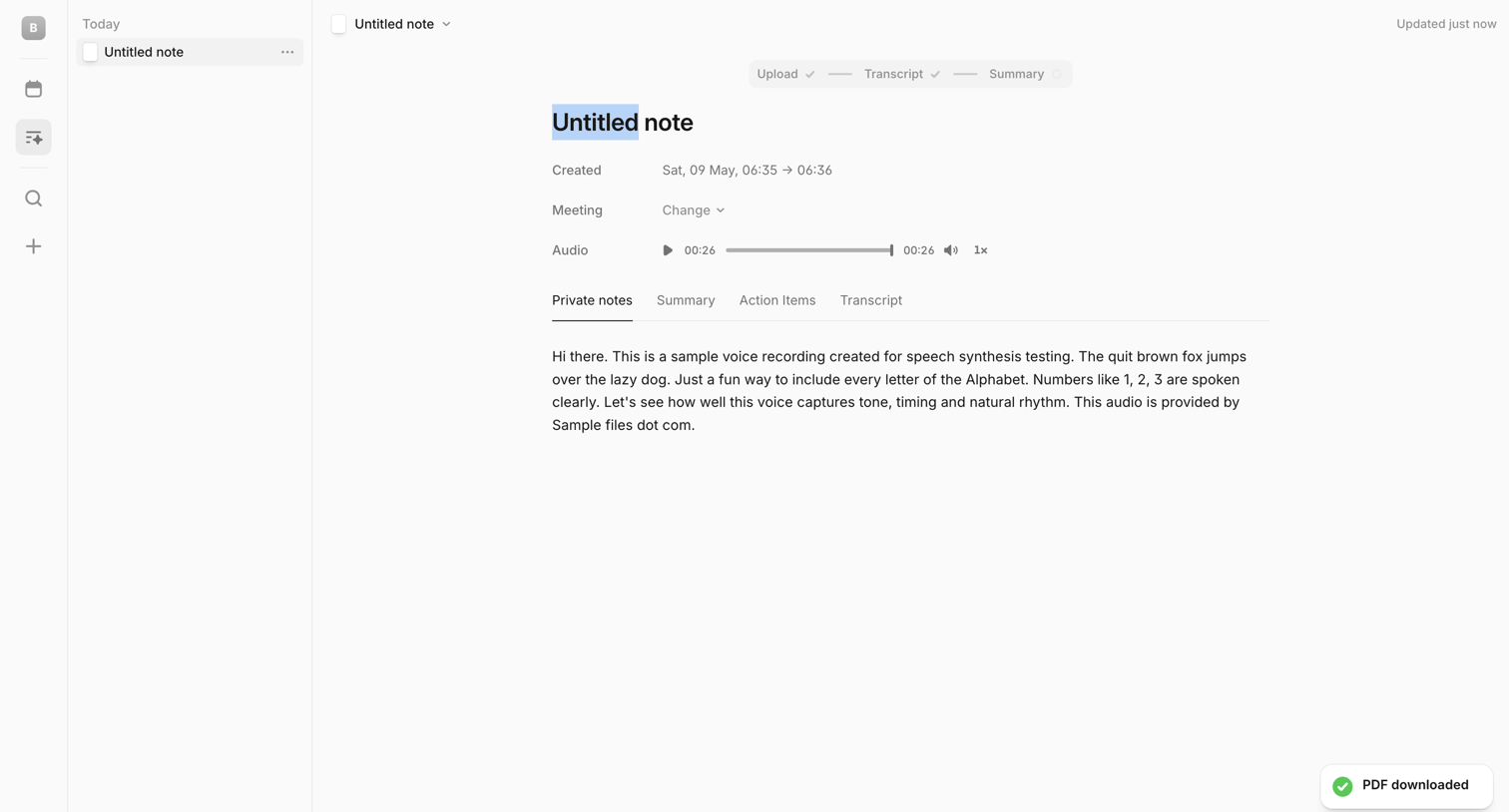

Detail page where the user reviews an audio recording, transcript, and private notes for a specific meeting, with an AI chat composer at the bottom.
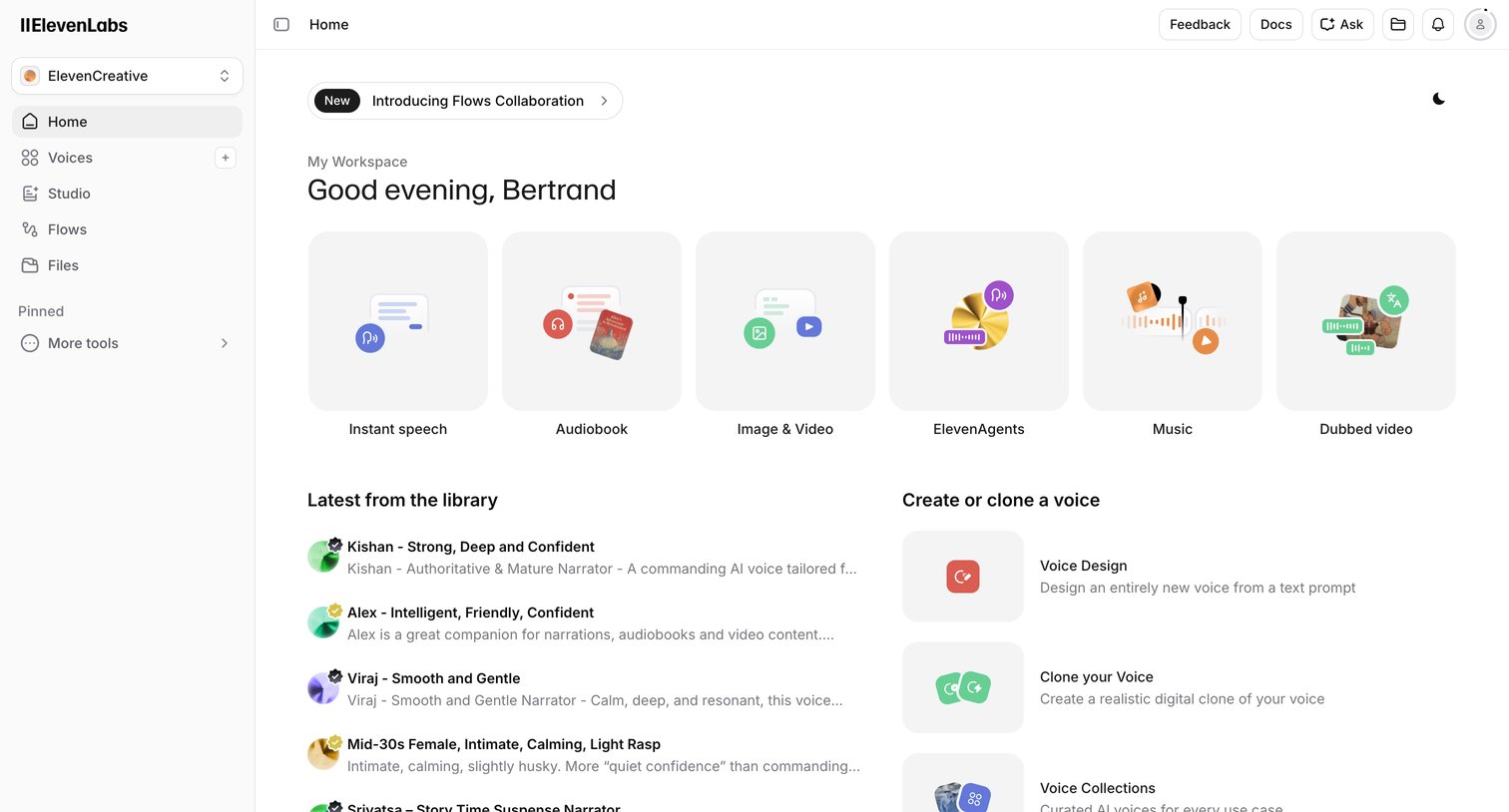

Home screen where the user can start new audio projects like instant speech or audiobooks, browse recent AI voices from the library, and access voice cloning tools.

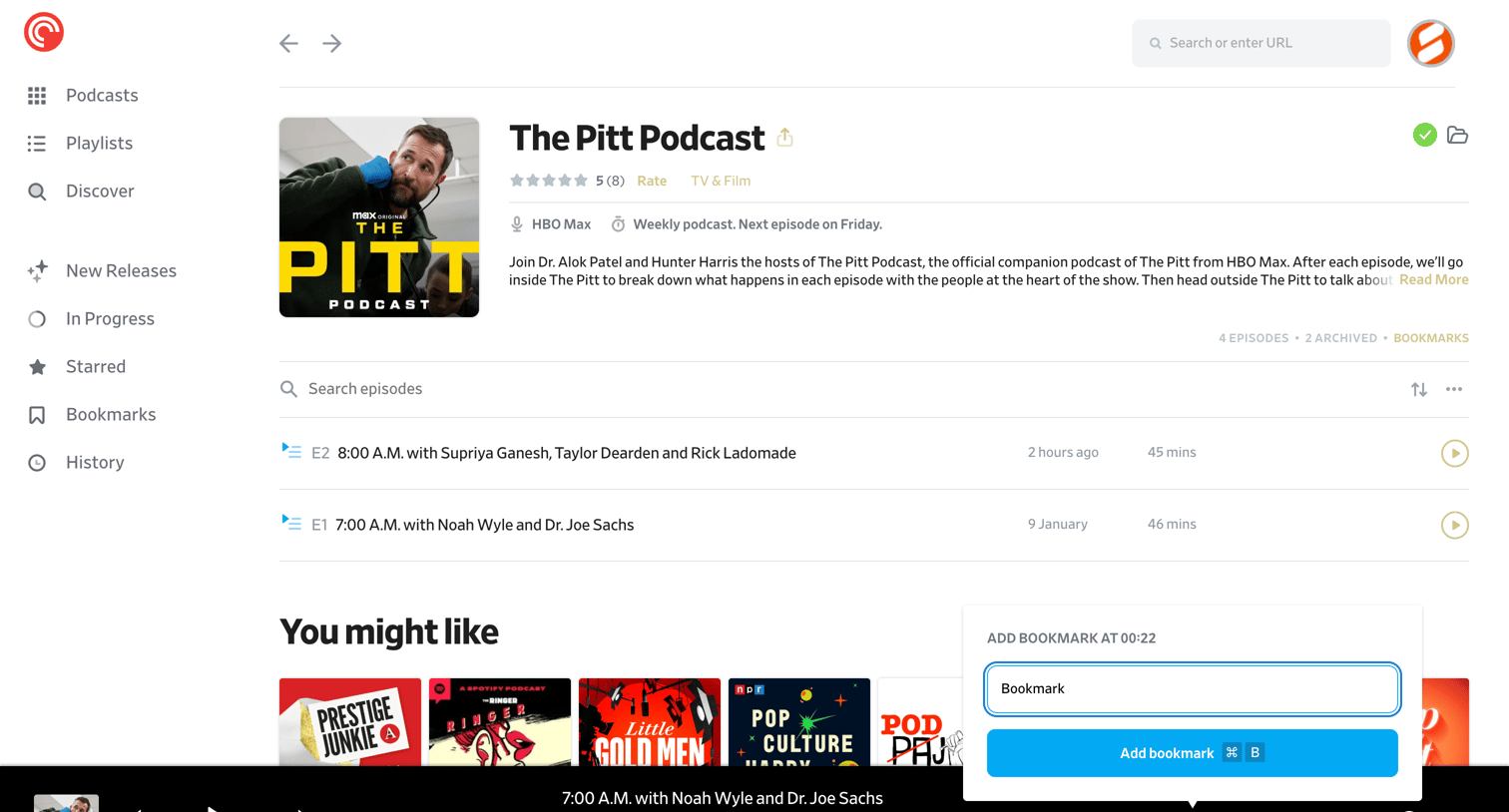

Detail page where the user views a specific podcast's episodes, reads its description, and manages a bookmark via an open popover.
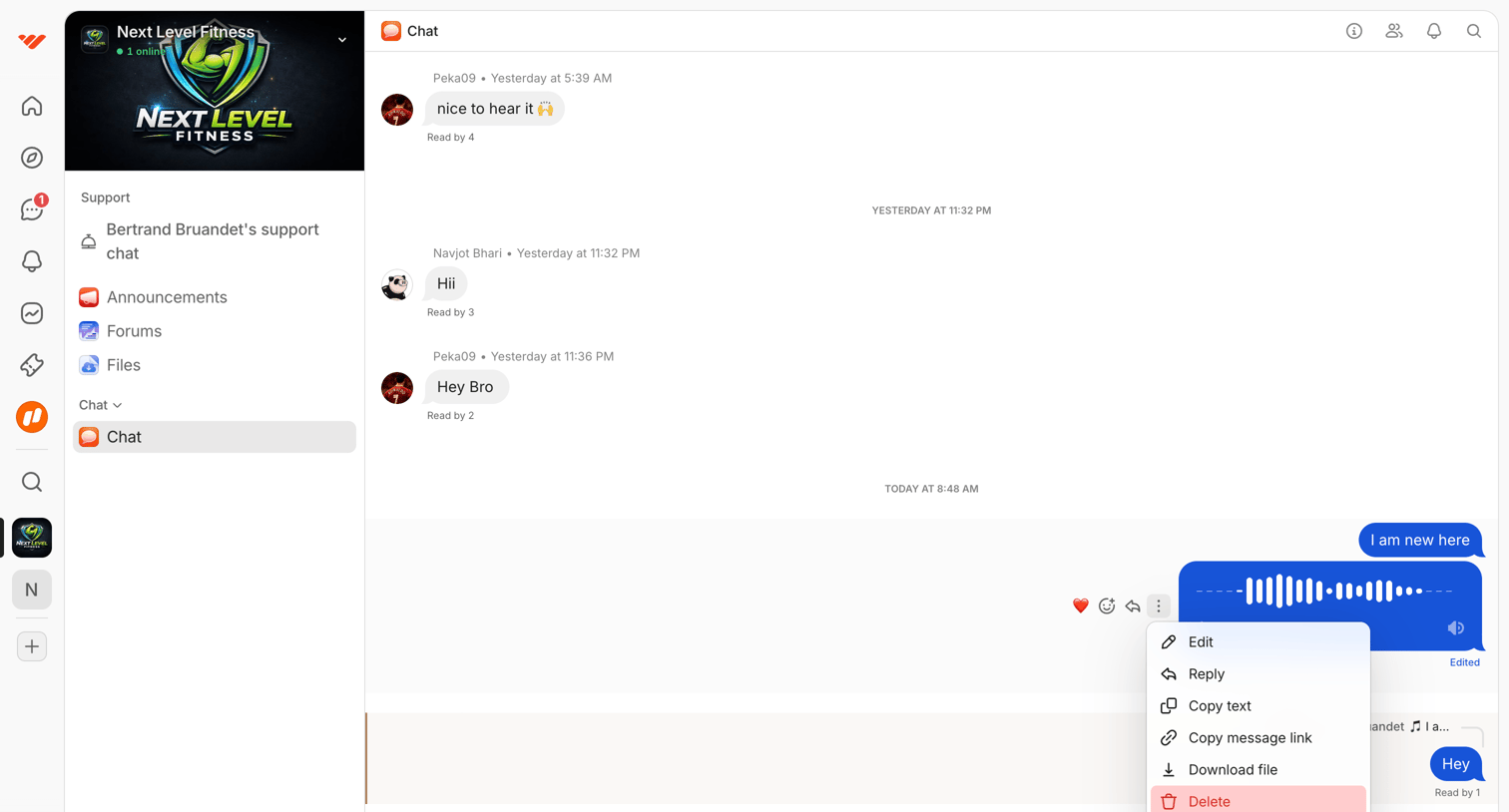

Chat interface where a user is viewing a conversation in a fitness community and has opened a context menu on an audio message to edit, reply, or delete it.
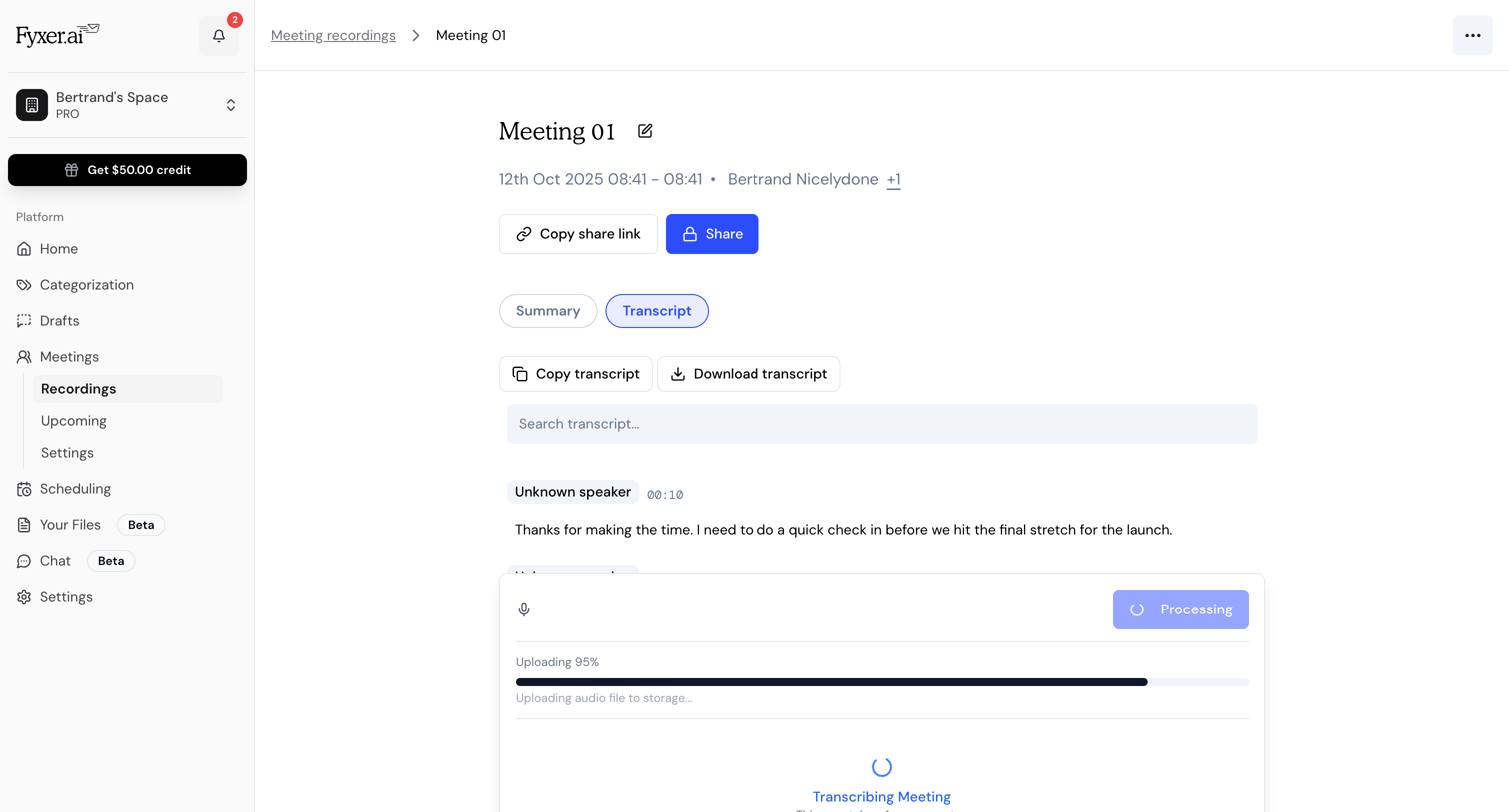

Detail page where the user views a meeting transcript while an audio file is actively uploading and transcribing in a modal overlay.
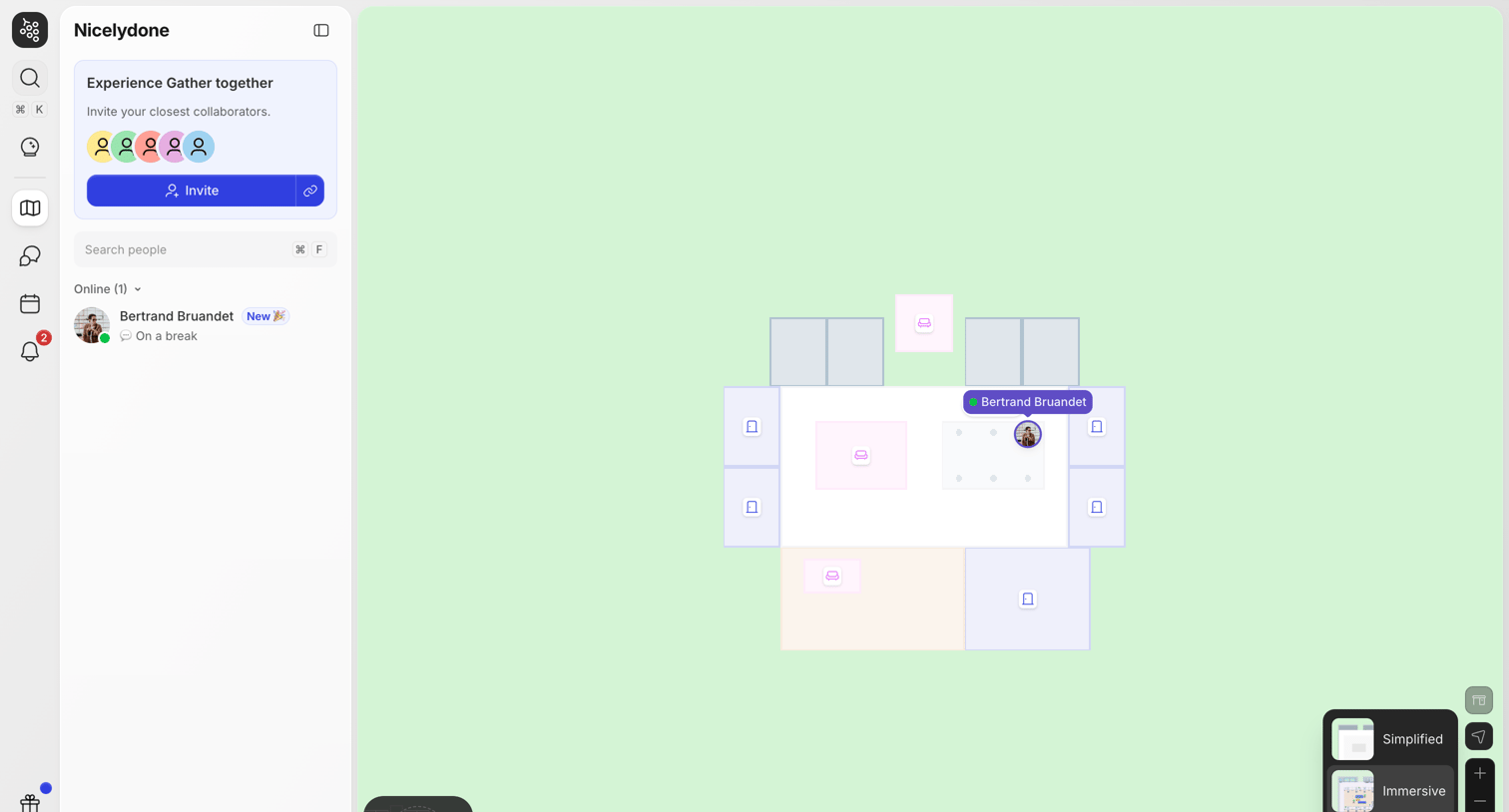

Home screen where the user navigates a 2D virtual office space, views online colleagues in the sidebar, and manages their audio/video presence via a bottom toolbar.


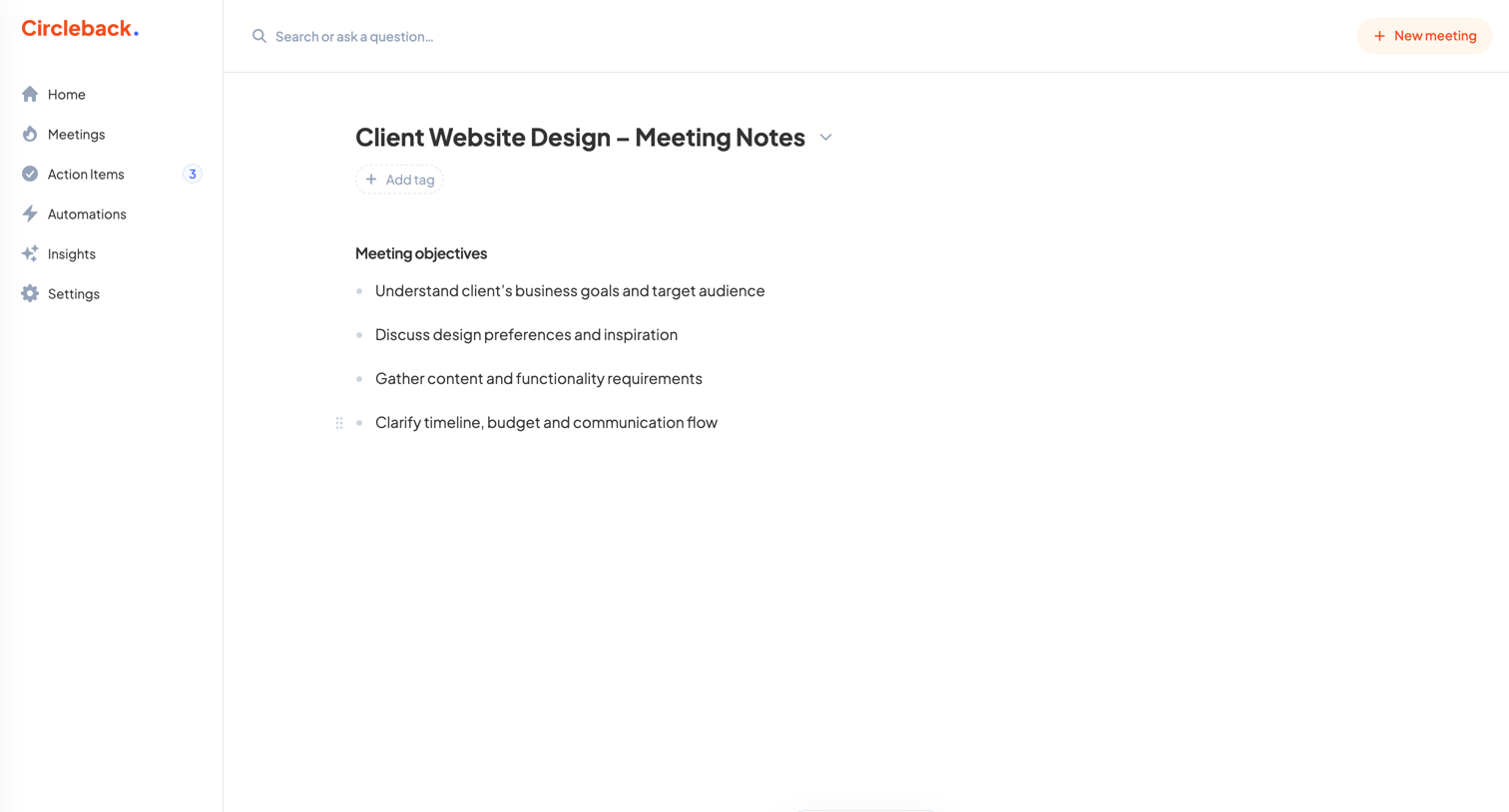

Content editor where the user reviews meeting objectives and can start an audio recording.

Explore the full SaaS screen library
Upgrade to unlock the full library.
Trusted by the best teams








About Audio Player
Explore how apps organize audio playback within a larger screen. Look at how track details, playback controls, and surrounding content help people choose what to listen to next.