Quin design examples
Explore Quin UI design examples. Meet your dream assistant
Product screens


Sign-in screen where the user authenticates with Google, Microsoft, or email, alongside a feature preview showing an AI meeting recap card.
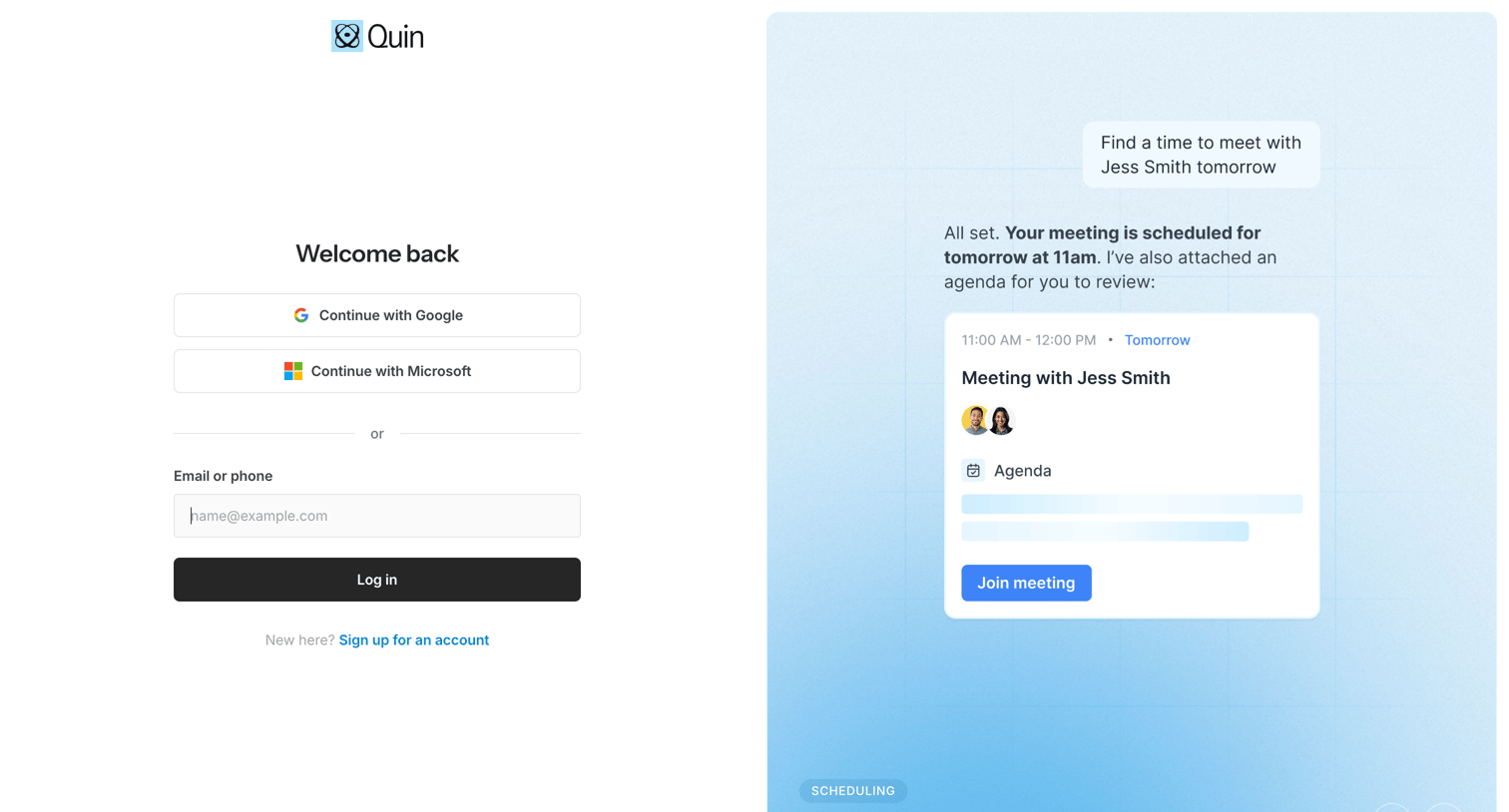
Sign-in screen where the user authenticates with Google, Microsoft, or email, alongside a promotional carousel highlighting AI scheduling features.
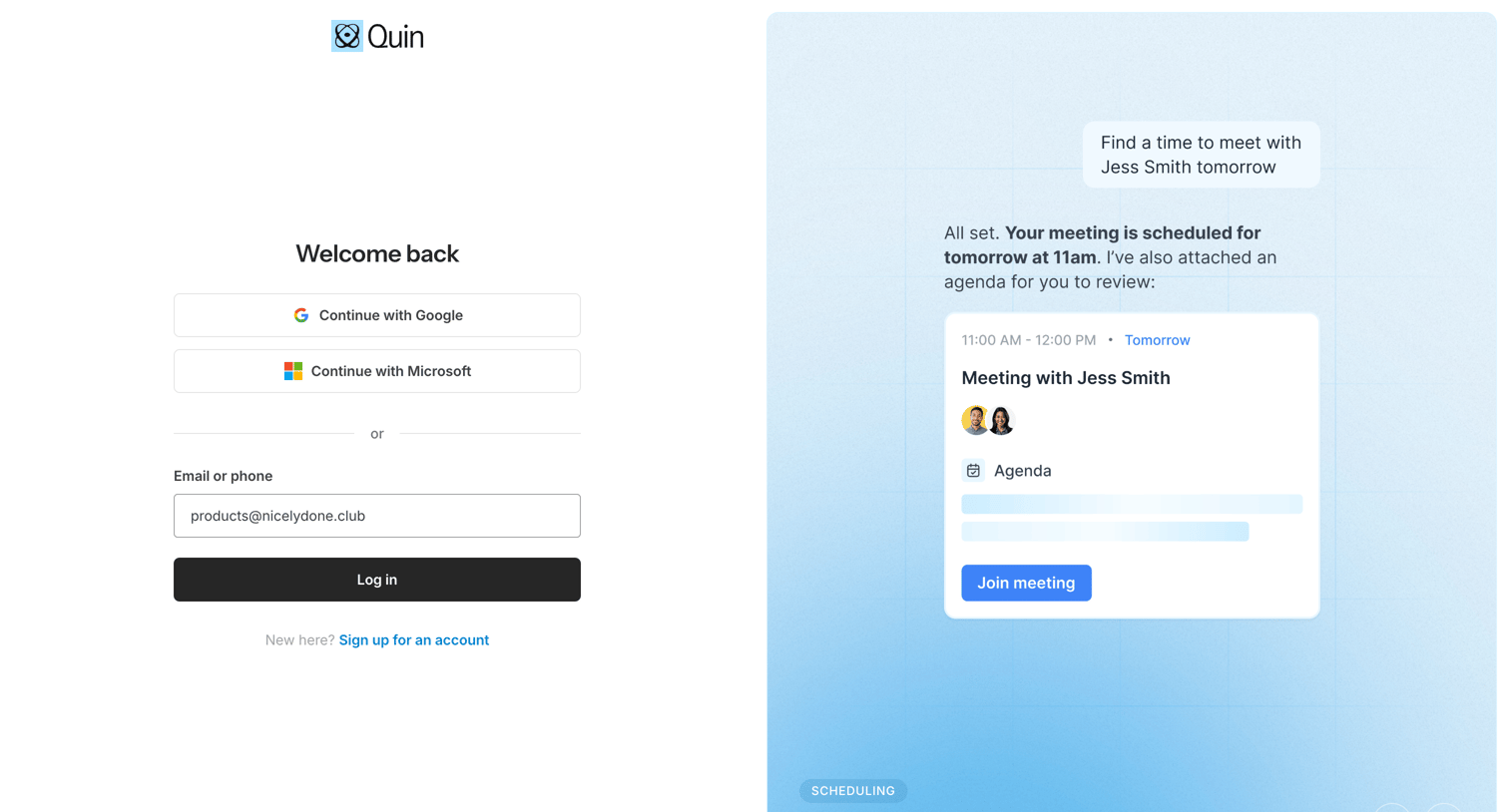
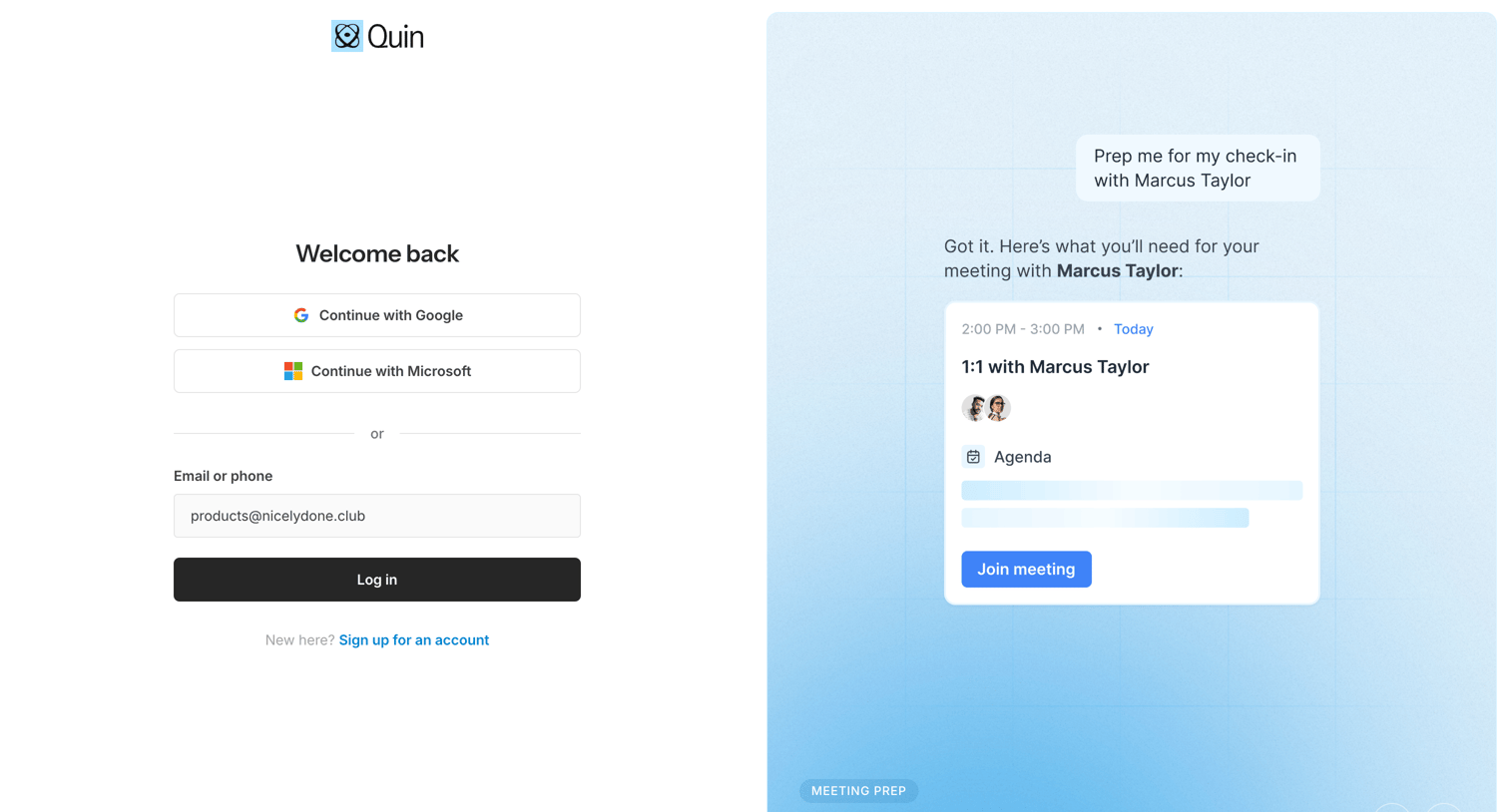
Sign-in screen where the user authenticates via Google, Microsoft, or email, featuring a split-screen layout with a carousel previewing the AI meeting preparation assistant.
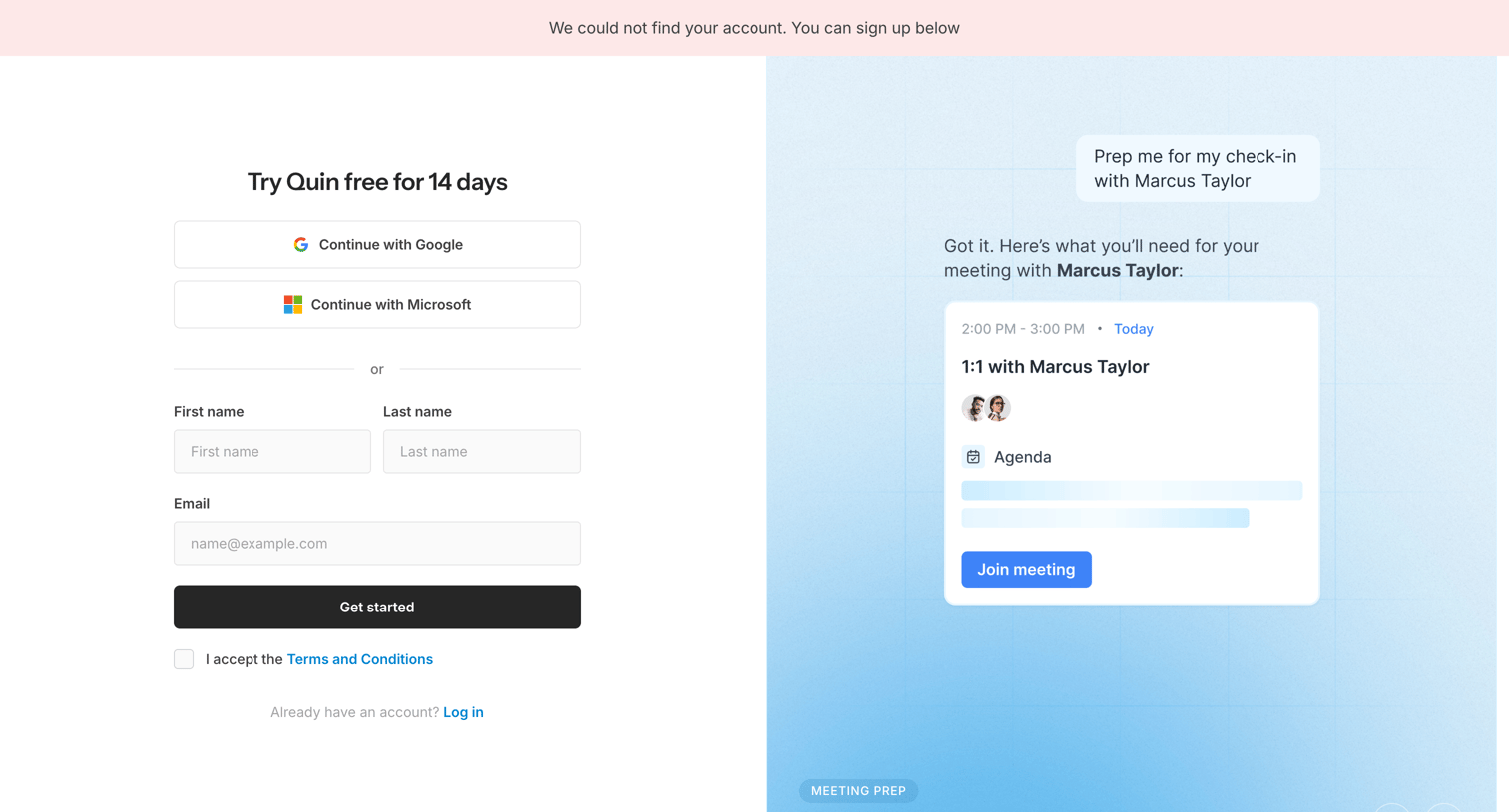
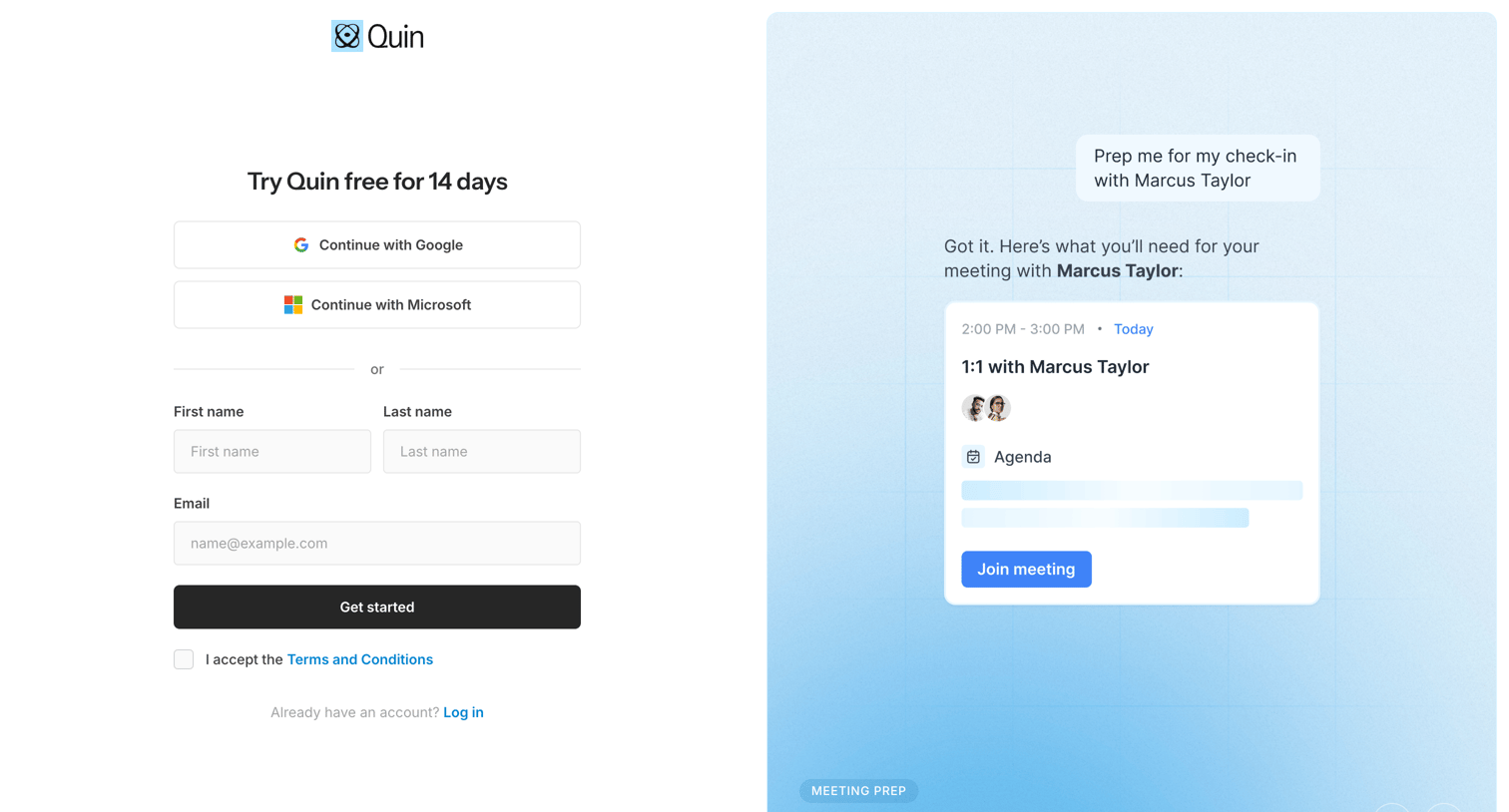
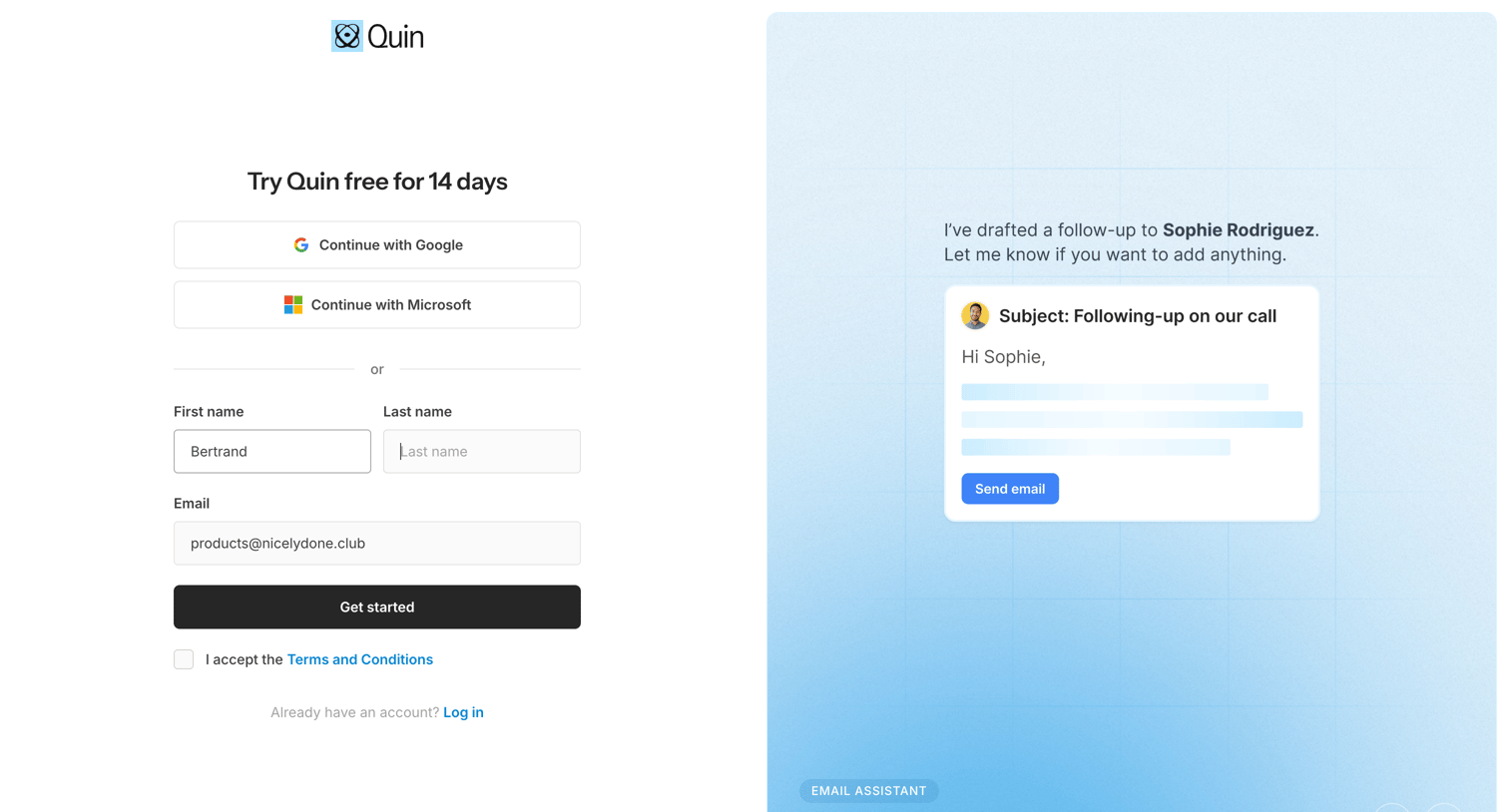
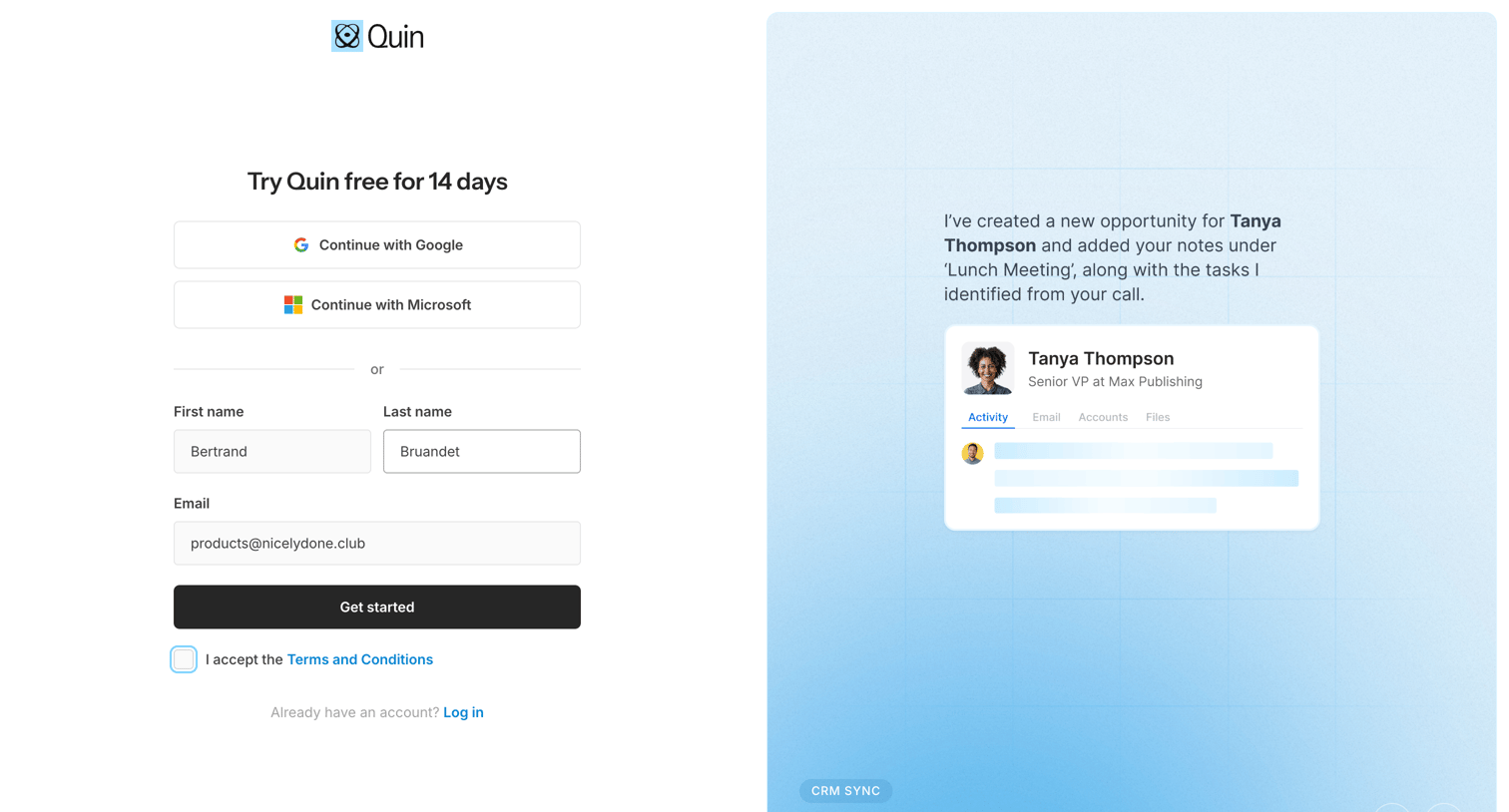
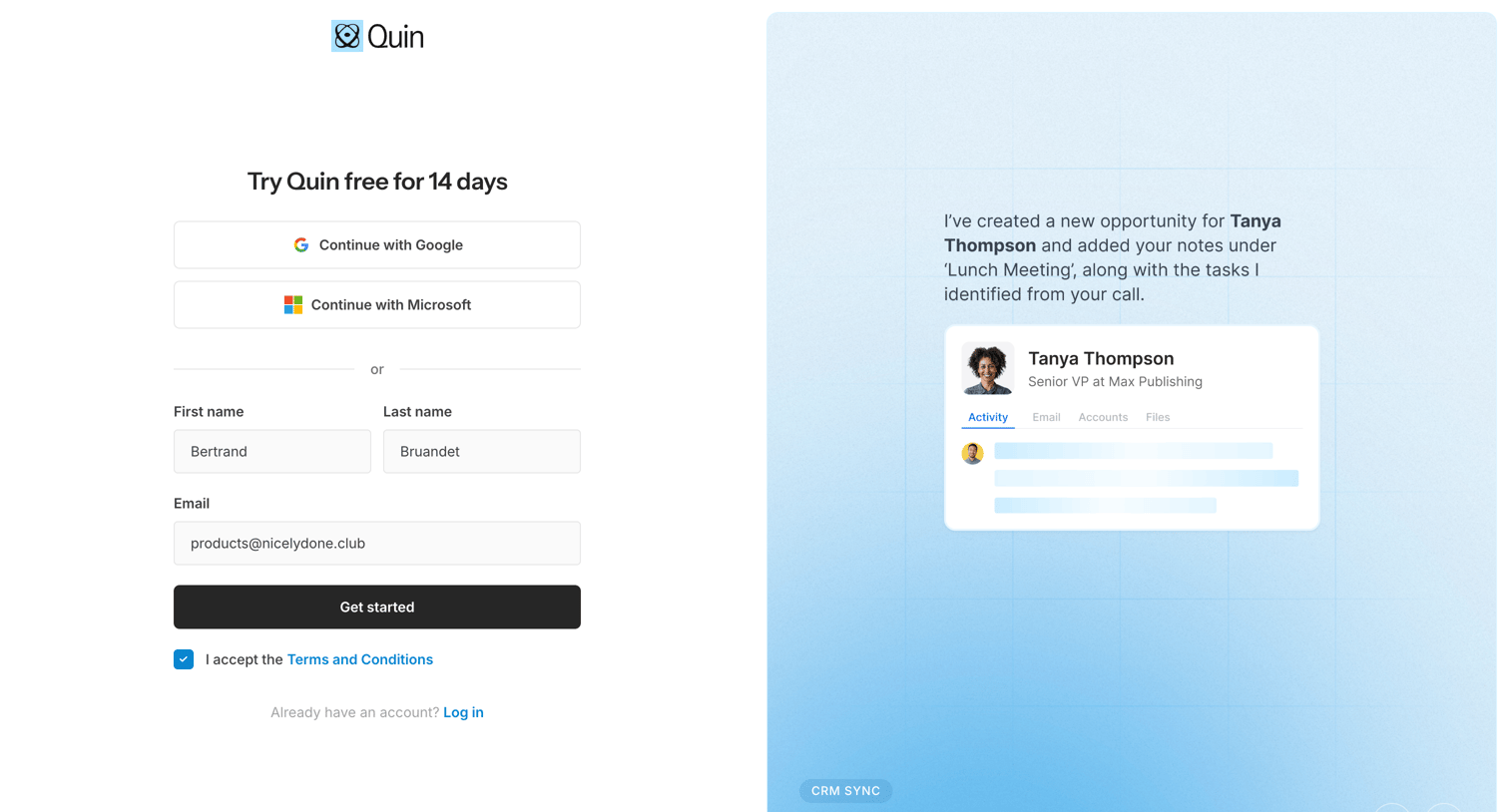
Signup screen where the user can start a 14-day free trial using Google, Microsoft, or email, accompanied by a product feature carousel.
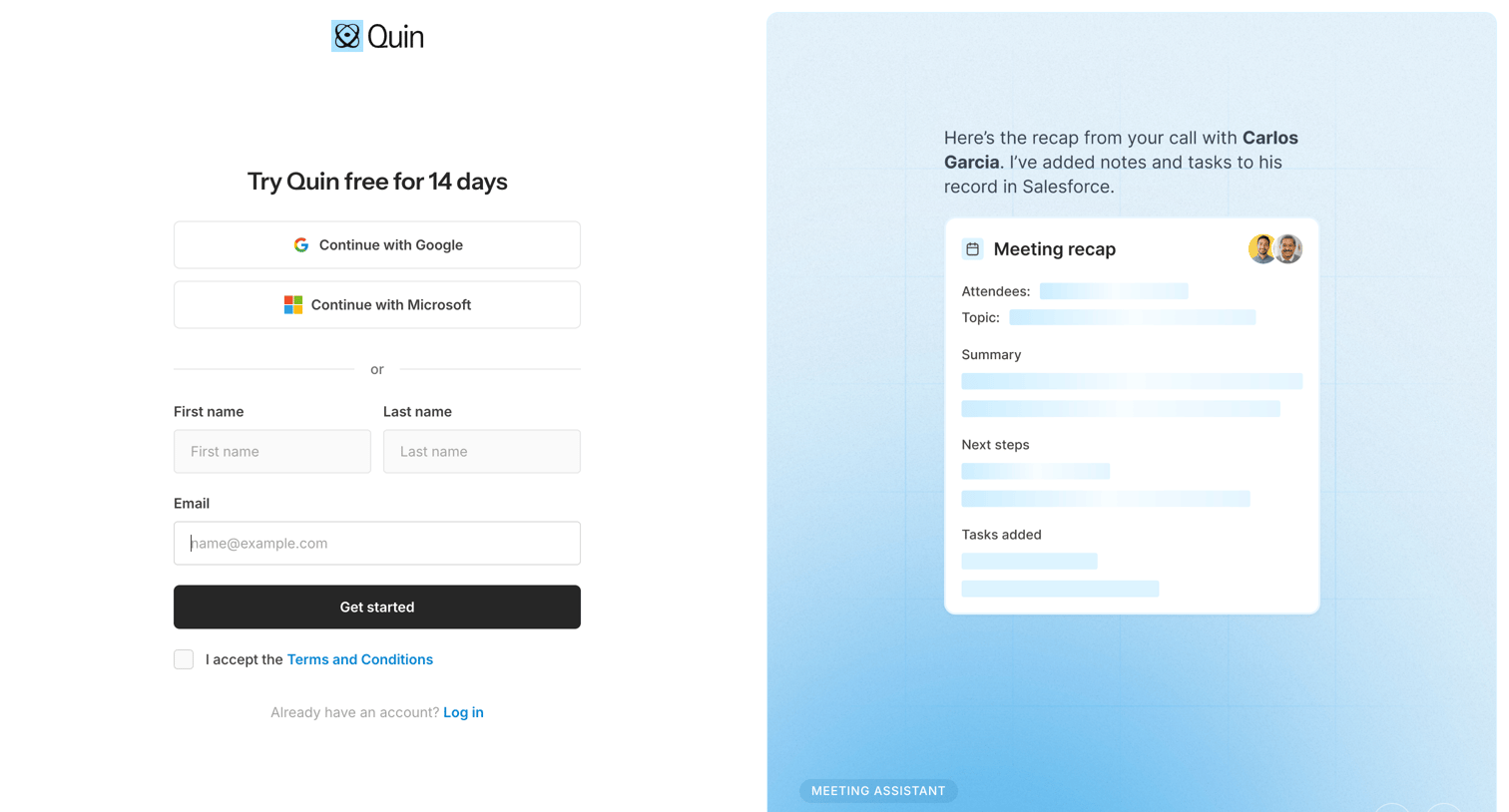
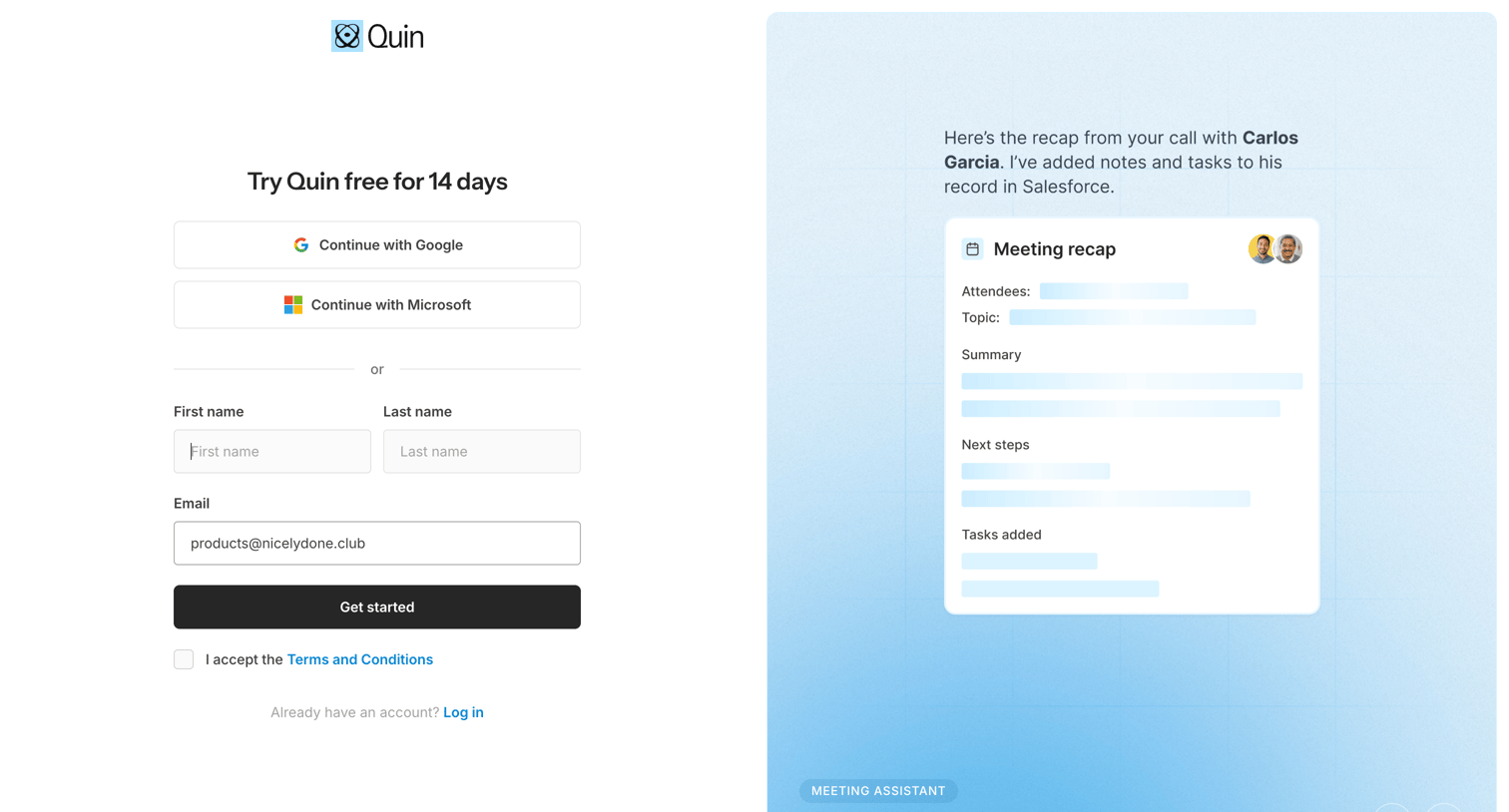
Signup screen where the user can start a 14-day free trial via Google, Microsoft, or email, featuring a preview of the meeting assistant's automated recap.
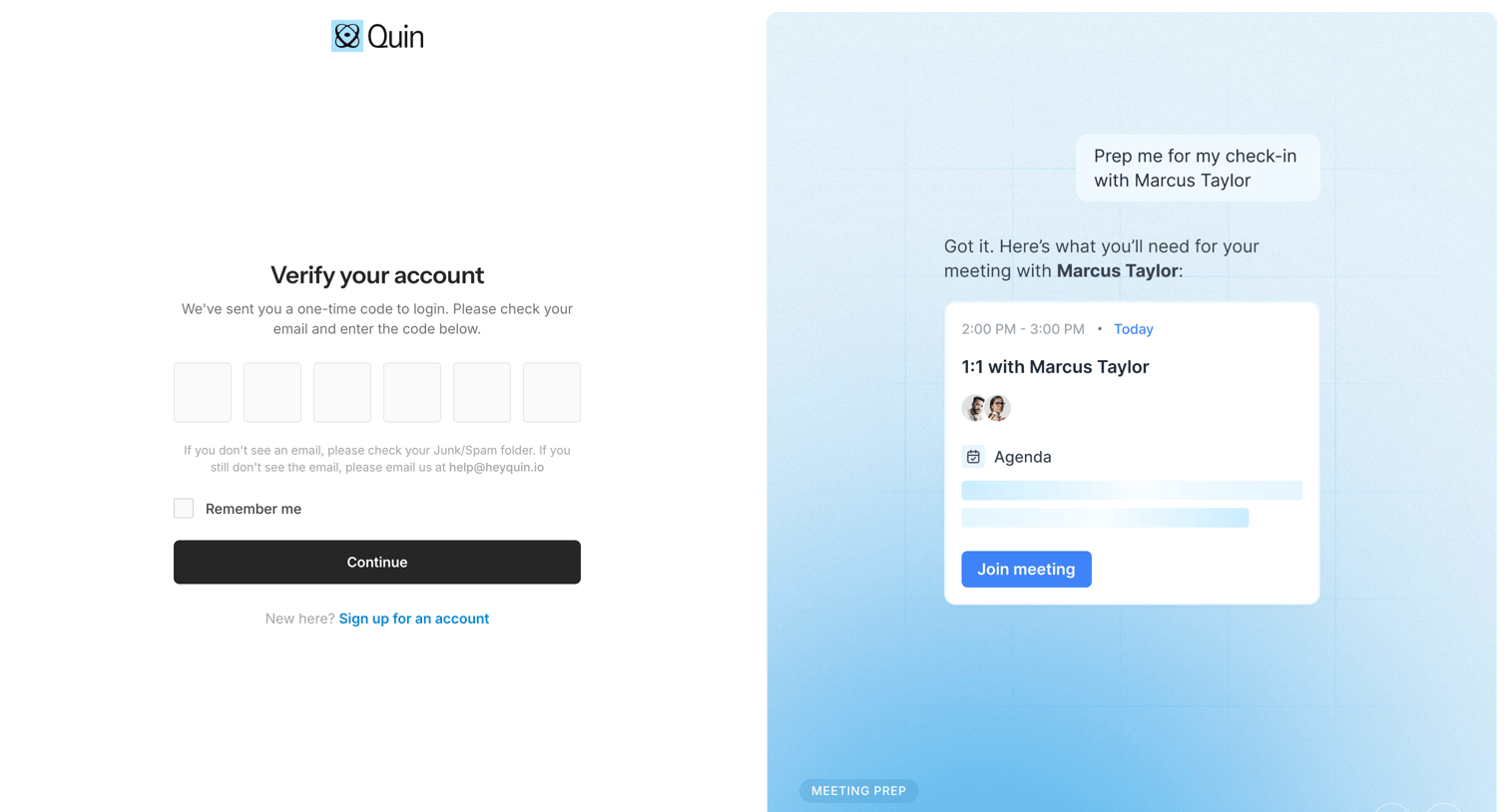
Verification screen where the user enters a 6-digit one-time code sent to their email to log in, alongside a feature carousel highlighting AI meeting prep.
Browse the full SaaS app library
Explore real SaaS apps with their product screens, marketing screens, flows, and components.
Trusted by the best teams







