Quin marketing pages examples
Explore Quin website design examples. Preview marketing pages and browse related SaaS page designs. Meet your dream assistant
Explore the examples
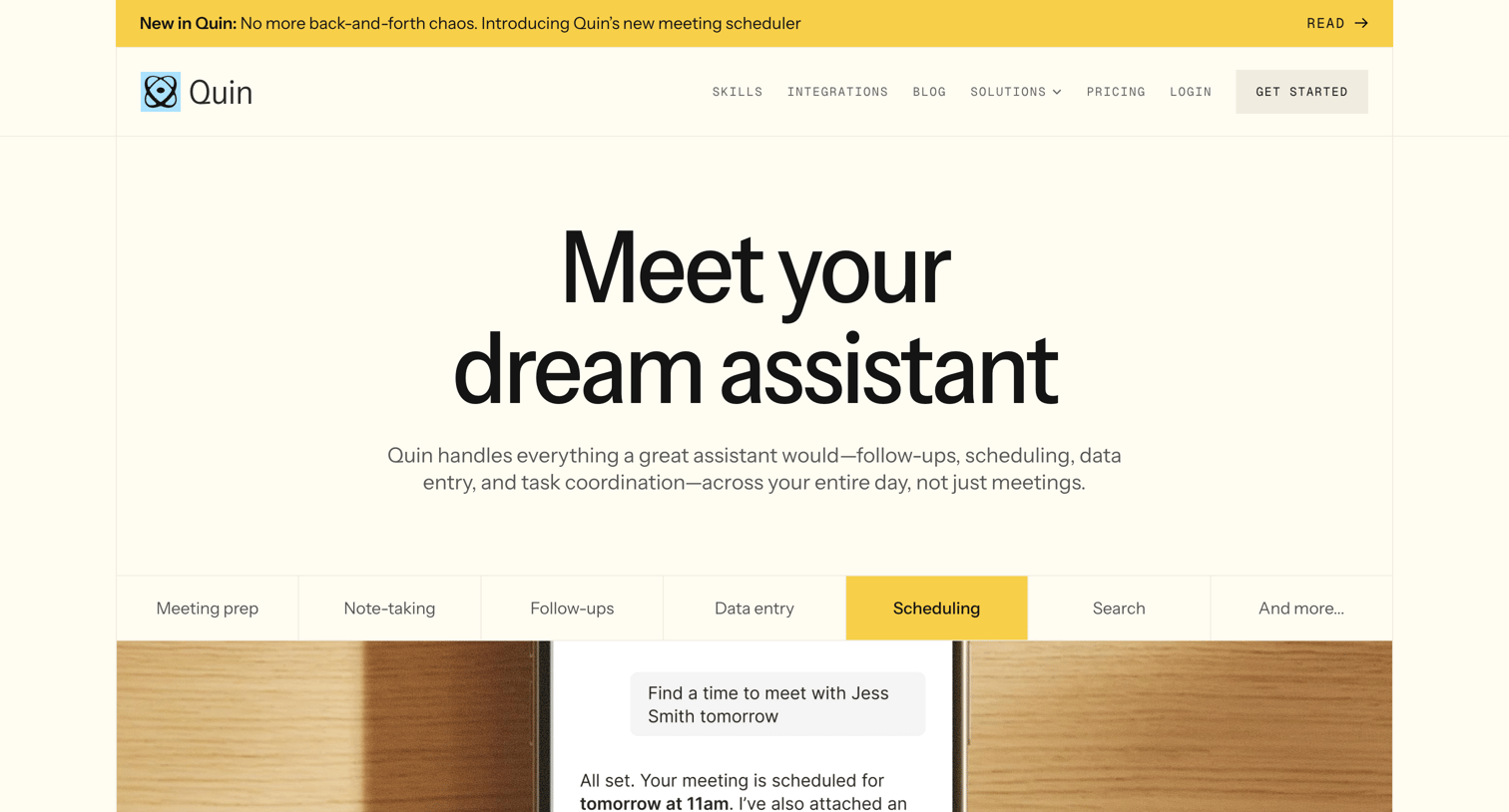

Landing page for an AI assistant product featuring feature breakdowns, integrations, use cases, customer testimonials, and a tiered pricing table.
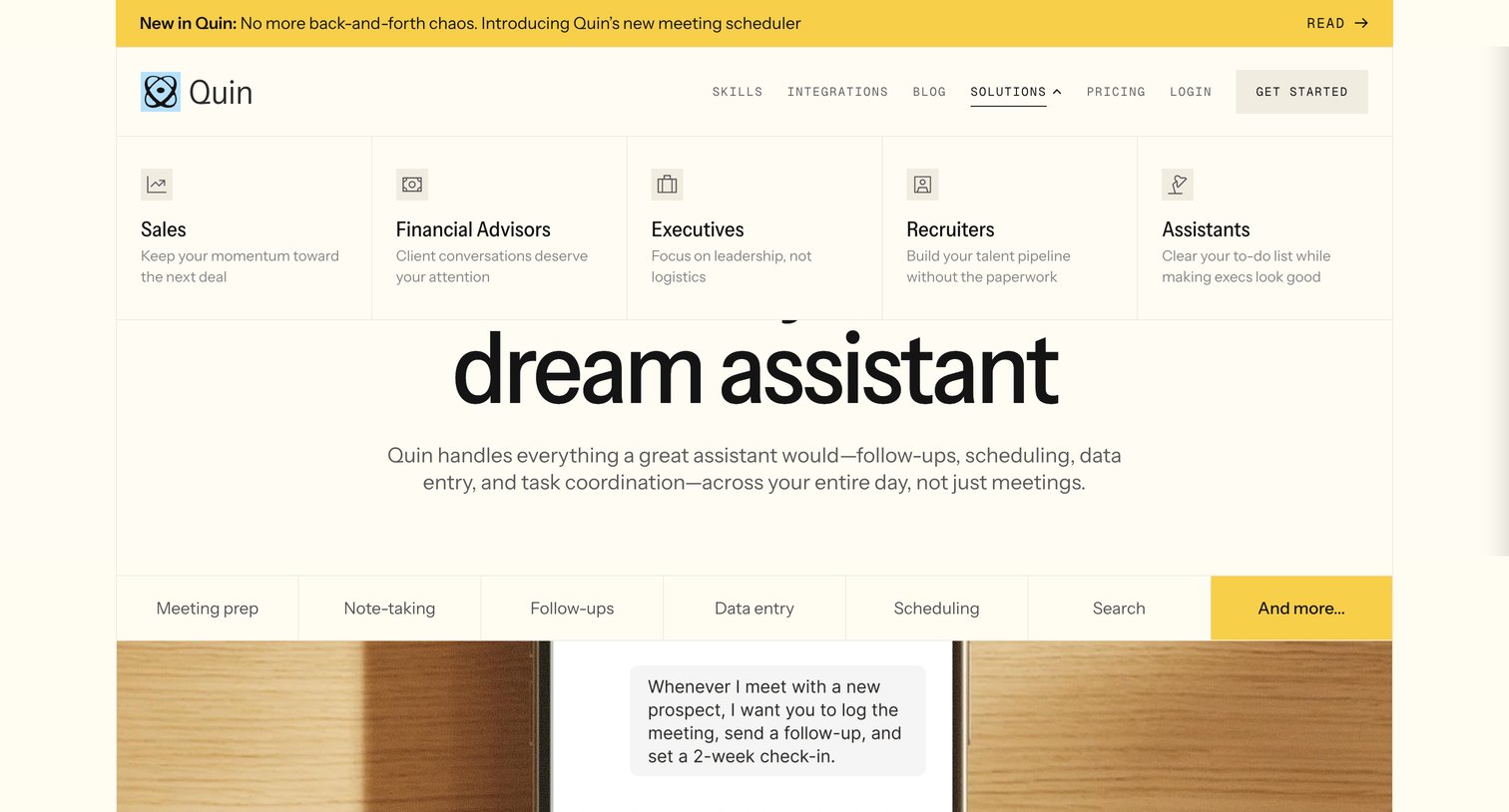
Landing page where the user can explore role-specific solutions like Sales and Executives via an open mega menu, and view core capabilities through a tabbed feature preview.
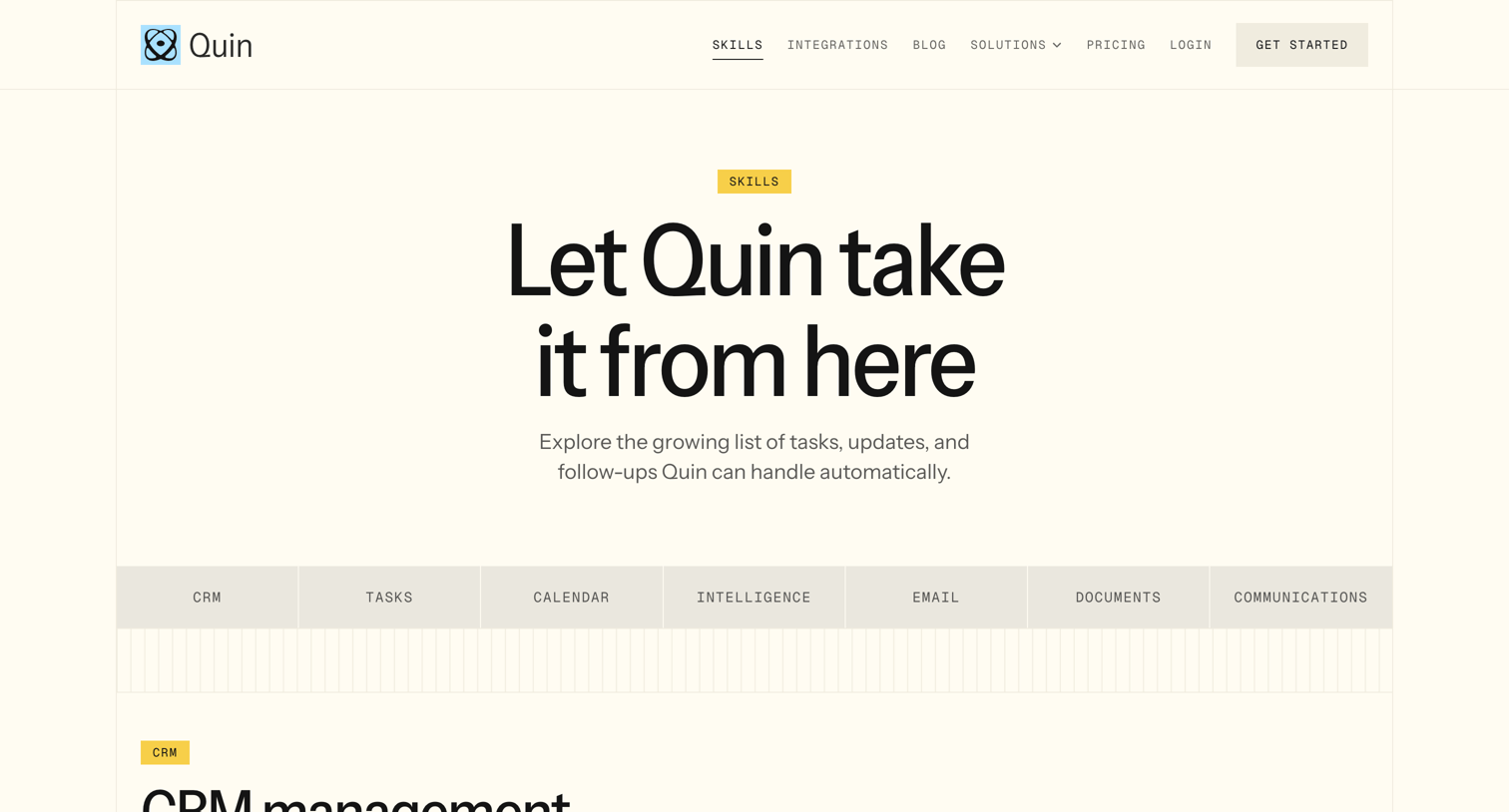
Feature page detailing the specific automated tasks and skills the AI assistant can handle across categories like CRM, calendar, email, and document management.
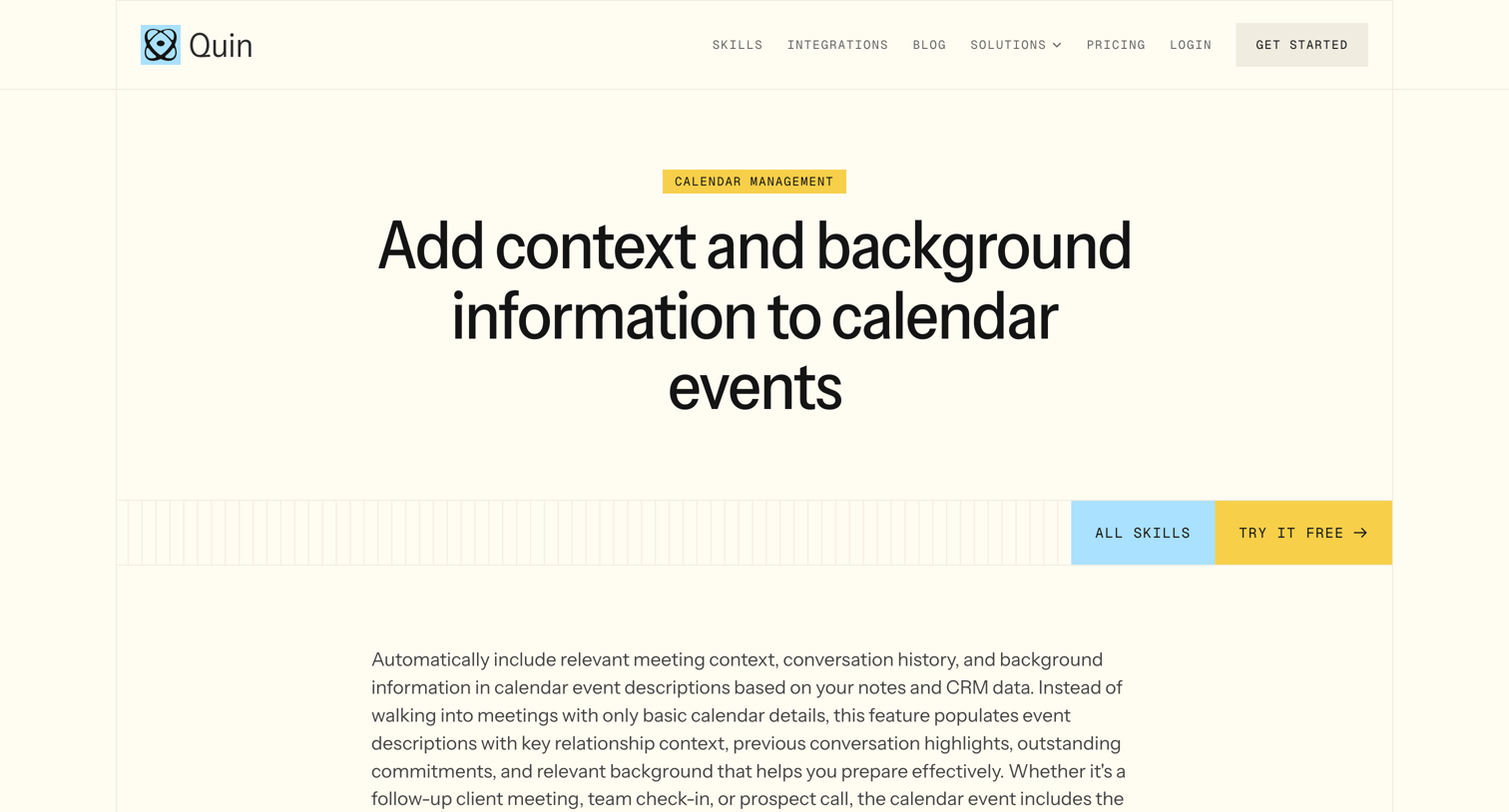
Feature page explaining how the AI assistant automatically enriches calendar events with meeting context and CRM data.
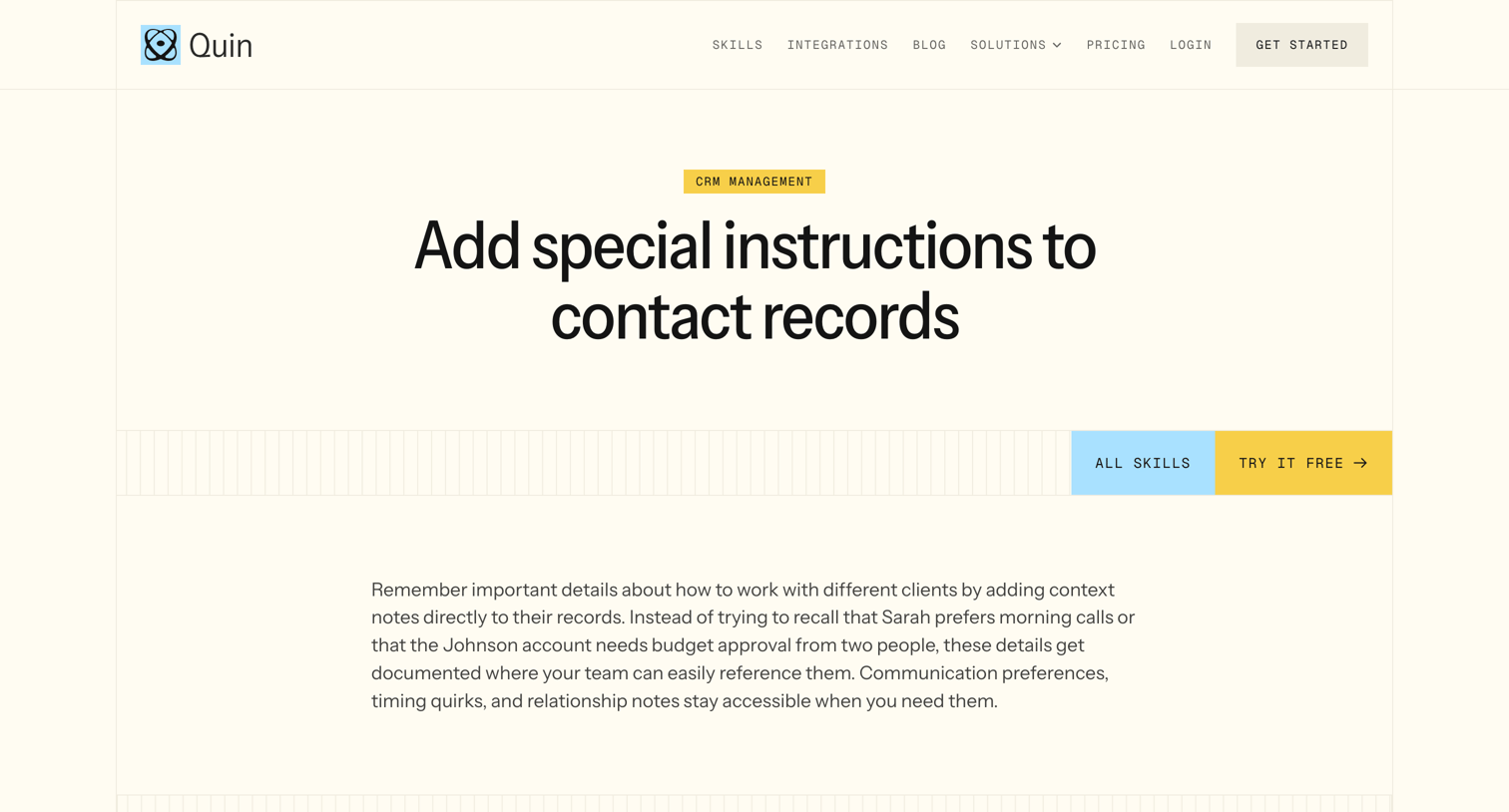
Feature page explaining how the AI assistant can add special instructions and context notes to CRM contact records, with related skills and a call to action to try it free.
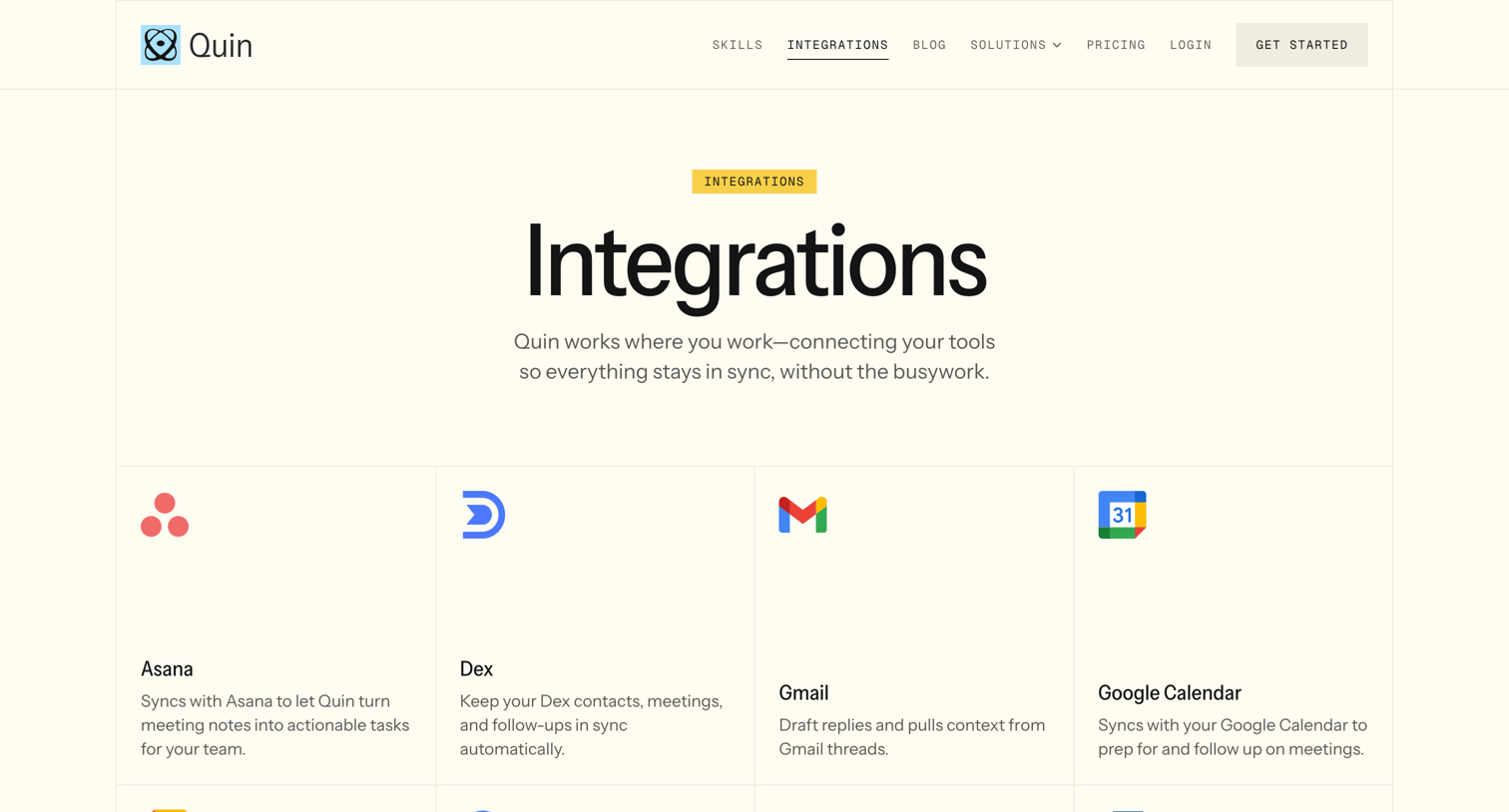
Feature page where the user browses a grid of supported third-party tools like Asana, Gmail, and Salesforce that connect with Quin.
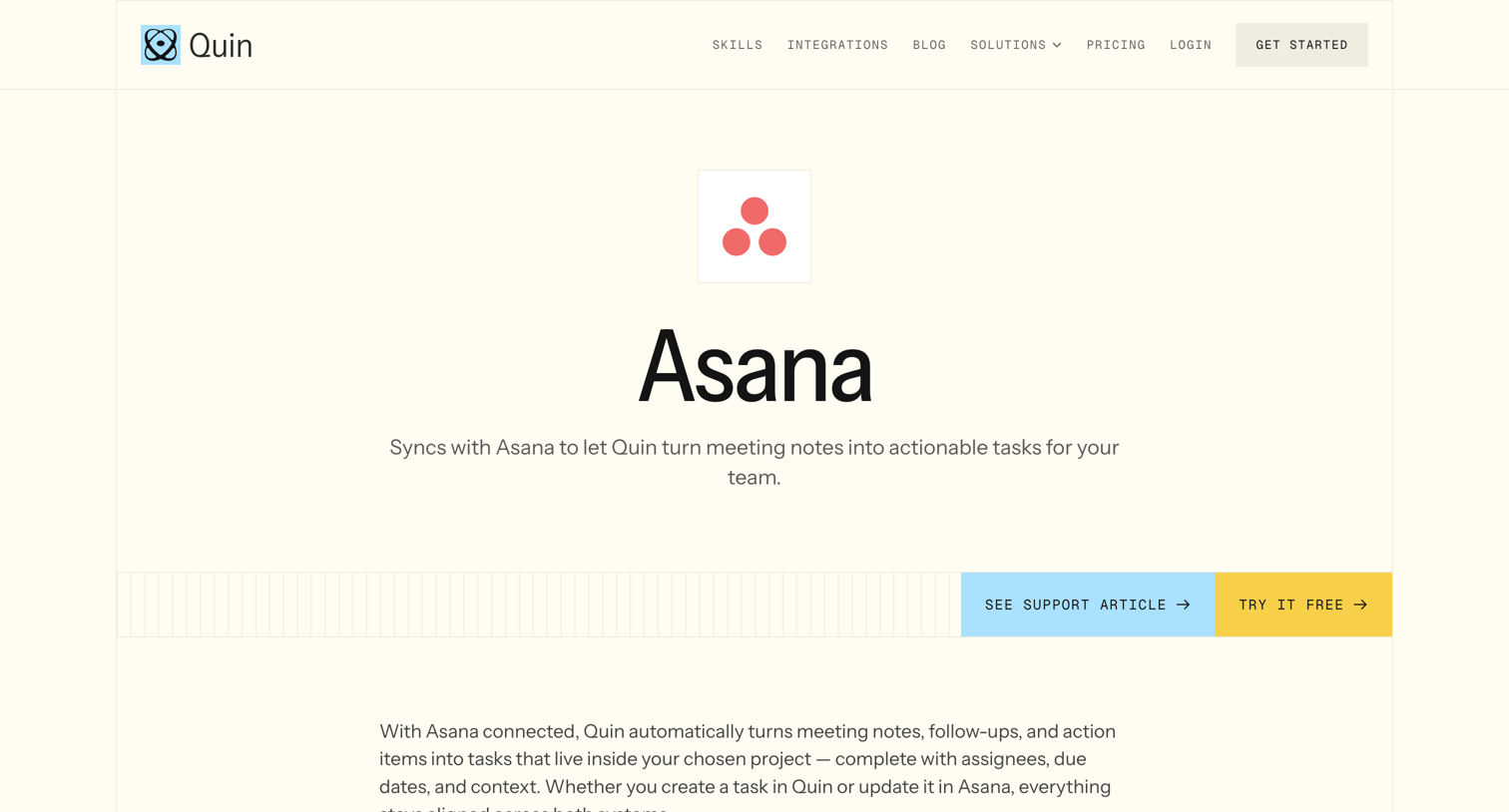
Feature page explaining how the product syncs meeting notes into actionable Asana tasks, highlighting key capabilities and related integrations.
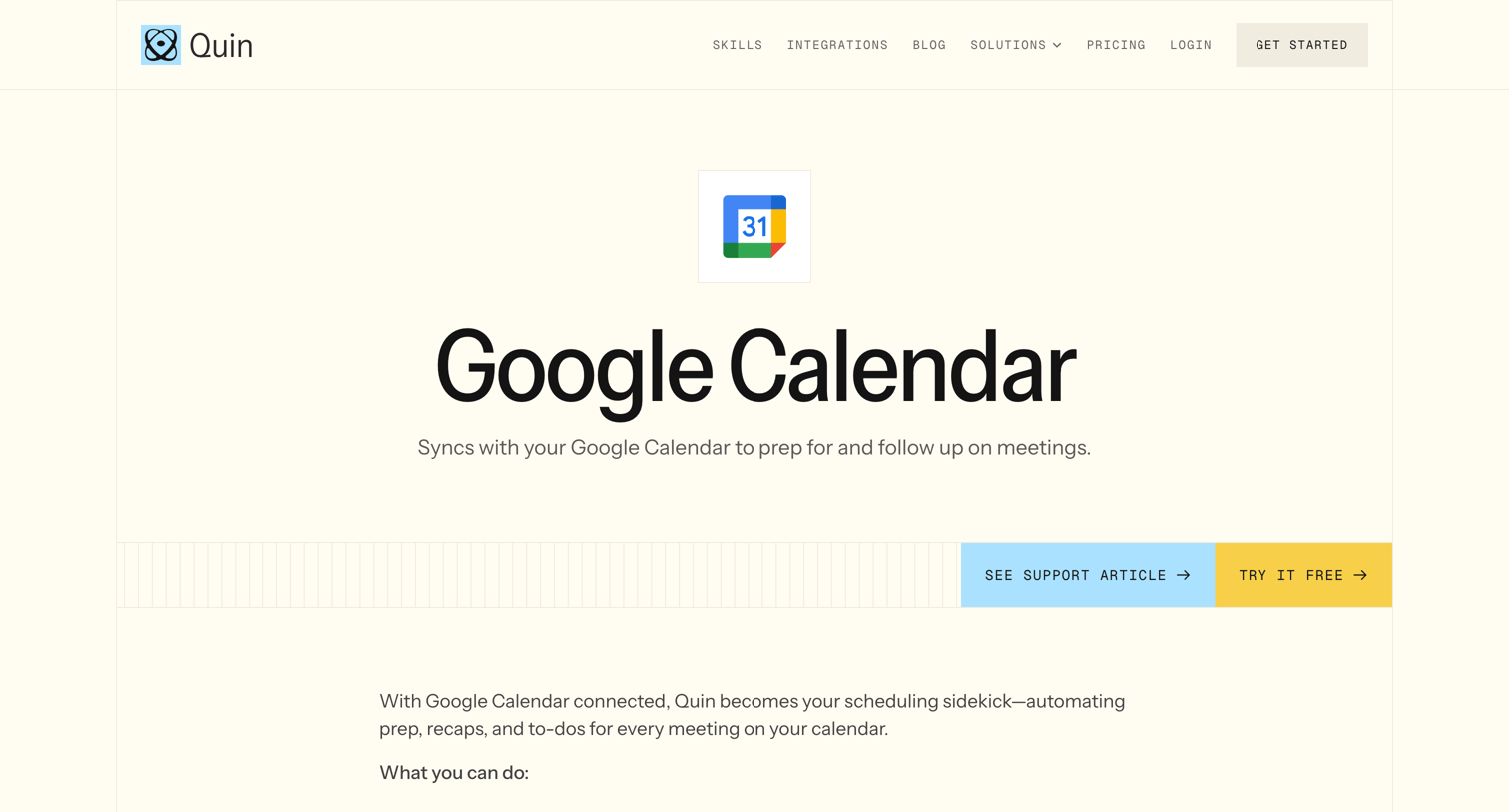
Feature page detailing the Google Calendar integration, outlining automated prep and debrief capabilities alongside related productivity app connections.
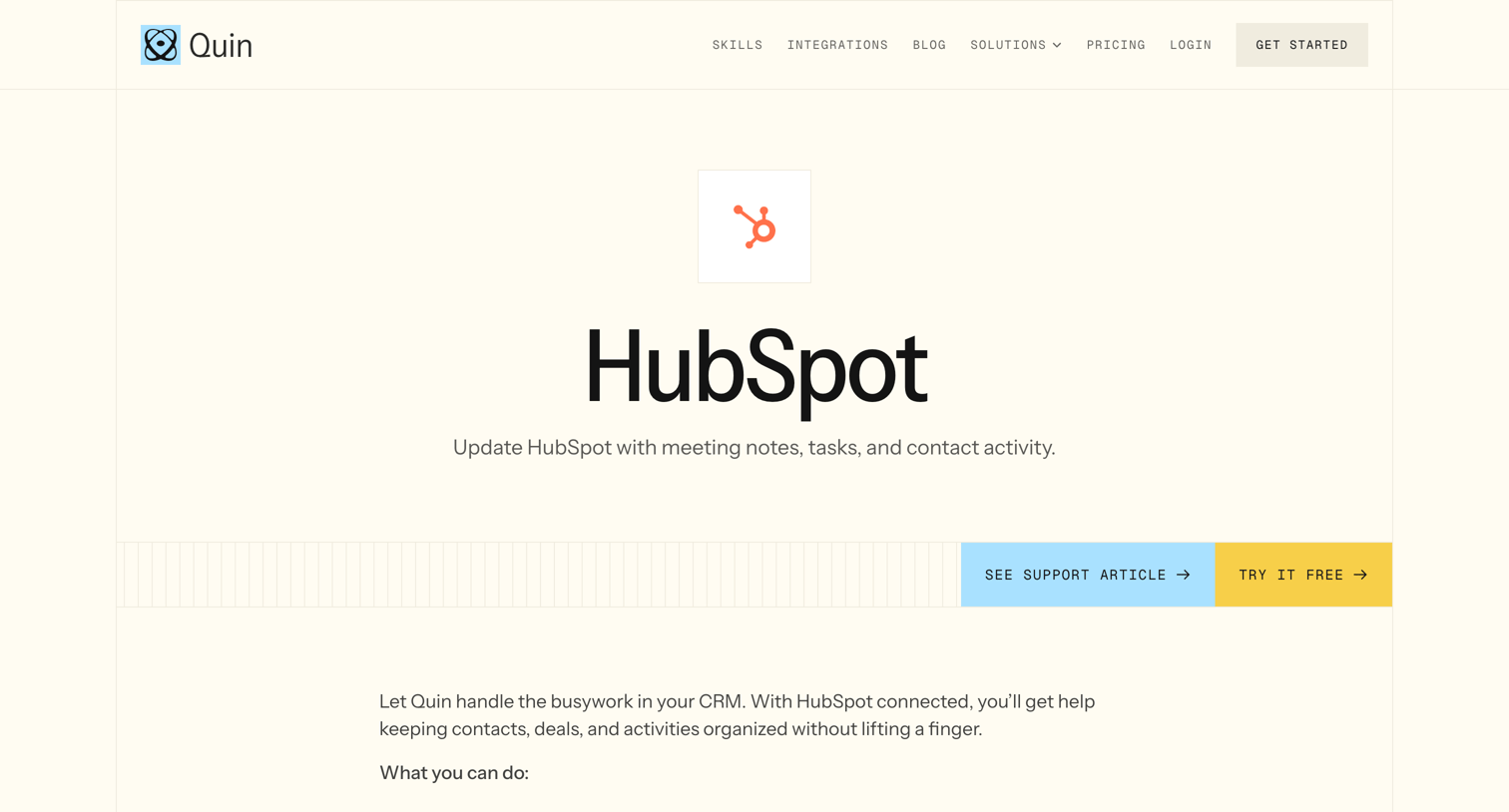
Feature page detailing the HubSpot CRM integration, listing key capabilities like logging calls and updating deals, followed by related integrations and a final call to action.
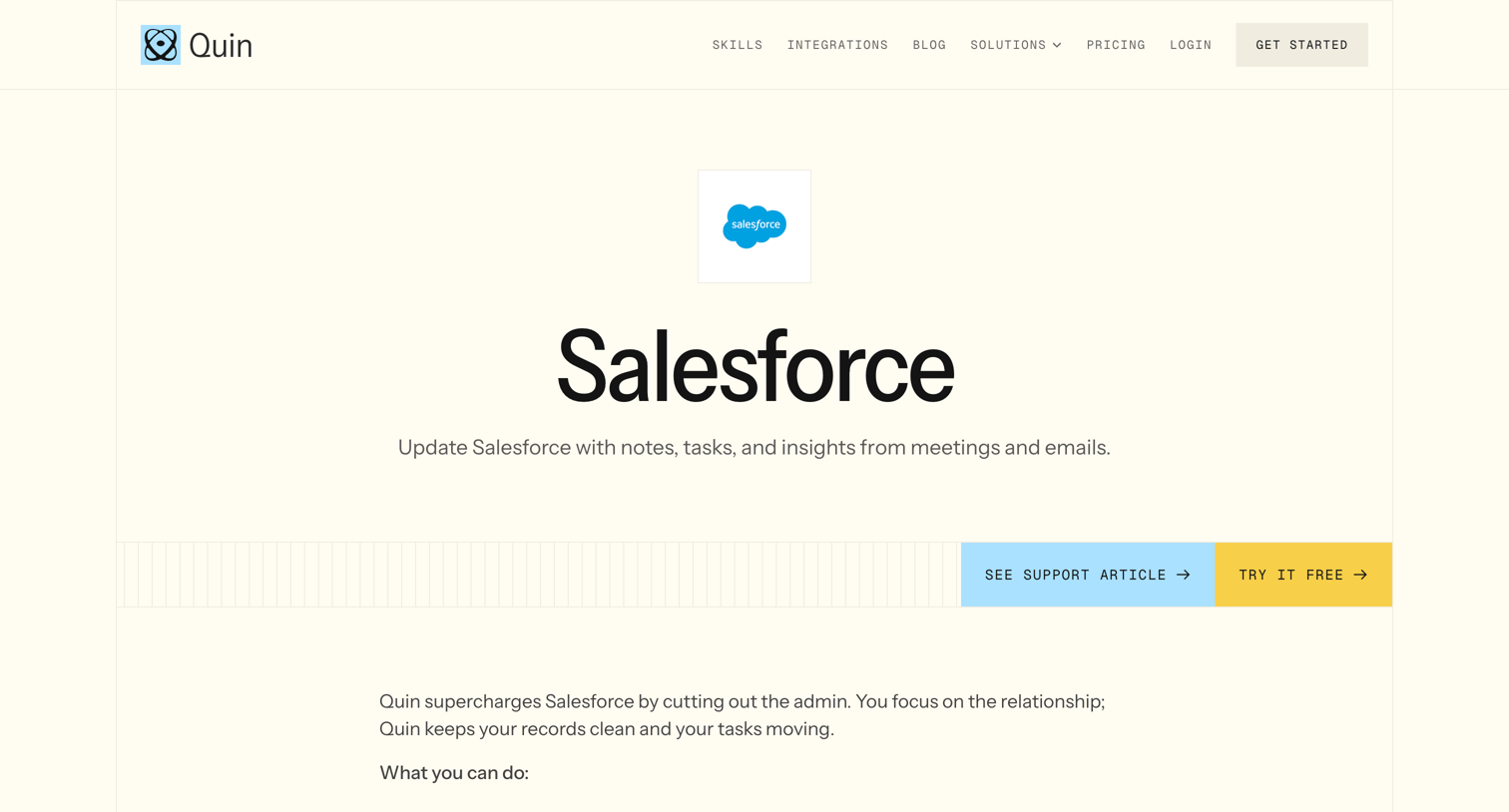
Feature page detailing the Salesforce integration, highlighting automated logging of meetings and emails, followed by related CRM integrations and a final call to action.
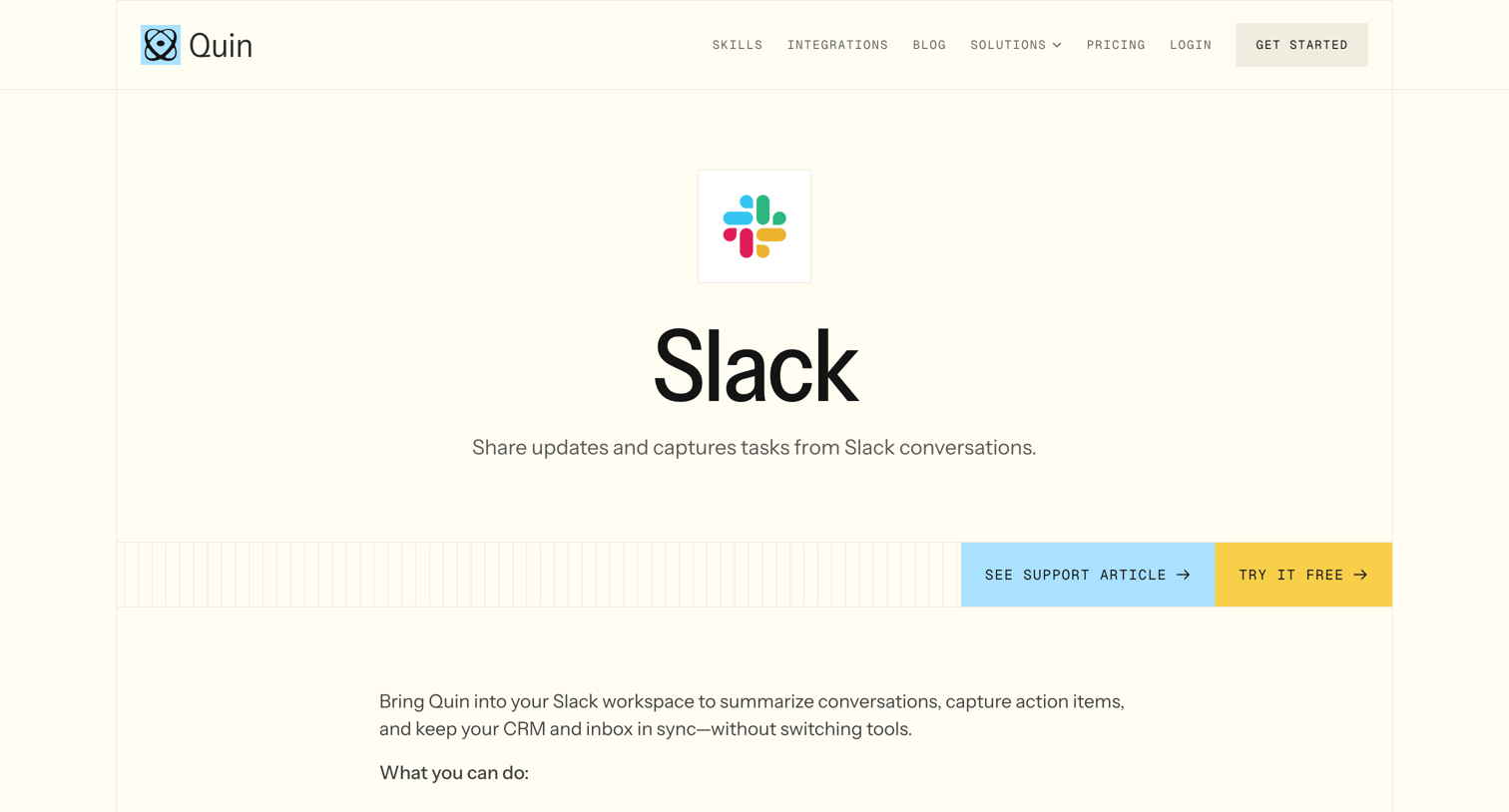
Integration detail page explaining how the product connects with Slack to summarize conversations and capture tasks, featuring a list of capabilities and a grid of related app connections.
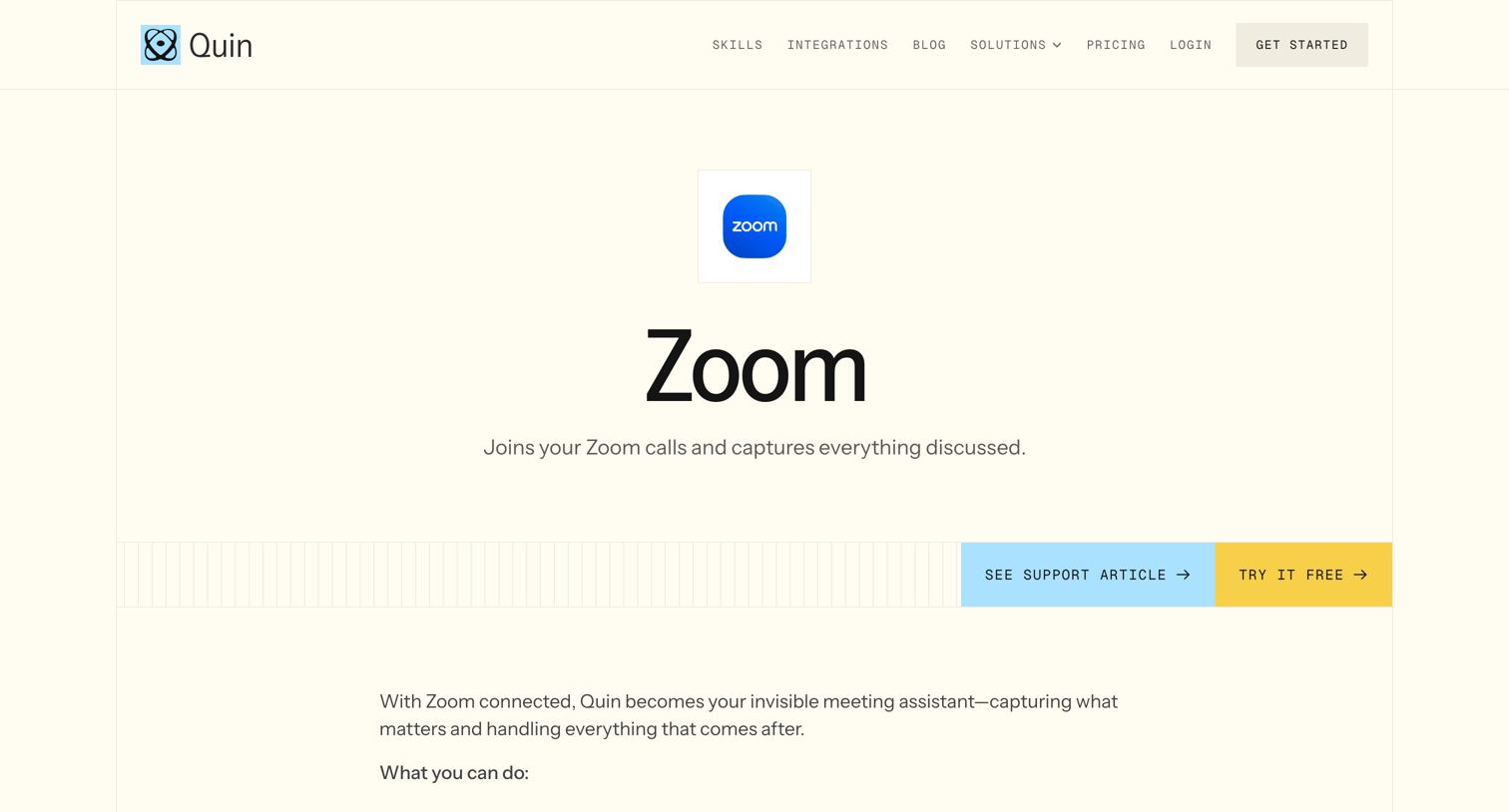
Integration detail page explaining how the product connects with Zoom to auto-join calls, transcribe meetings, and log updates to a CRM.
Explore the full SaaS screen library
Upgrade to unlock the full library.
Trusted by the best teams







