Fyxer design examples
Explore Fyxer UI design examples. AI that writes your email replies
Product screens

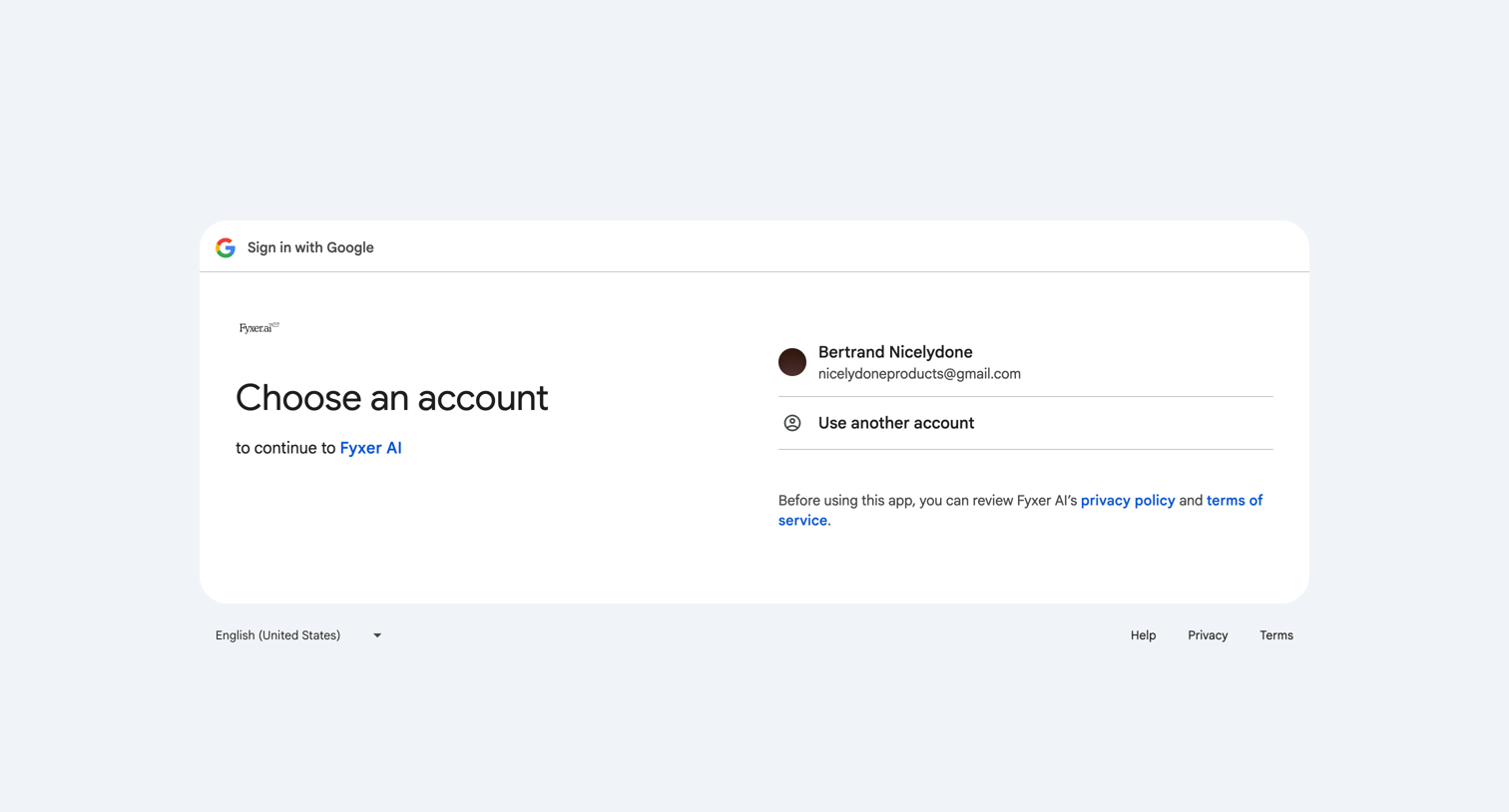
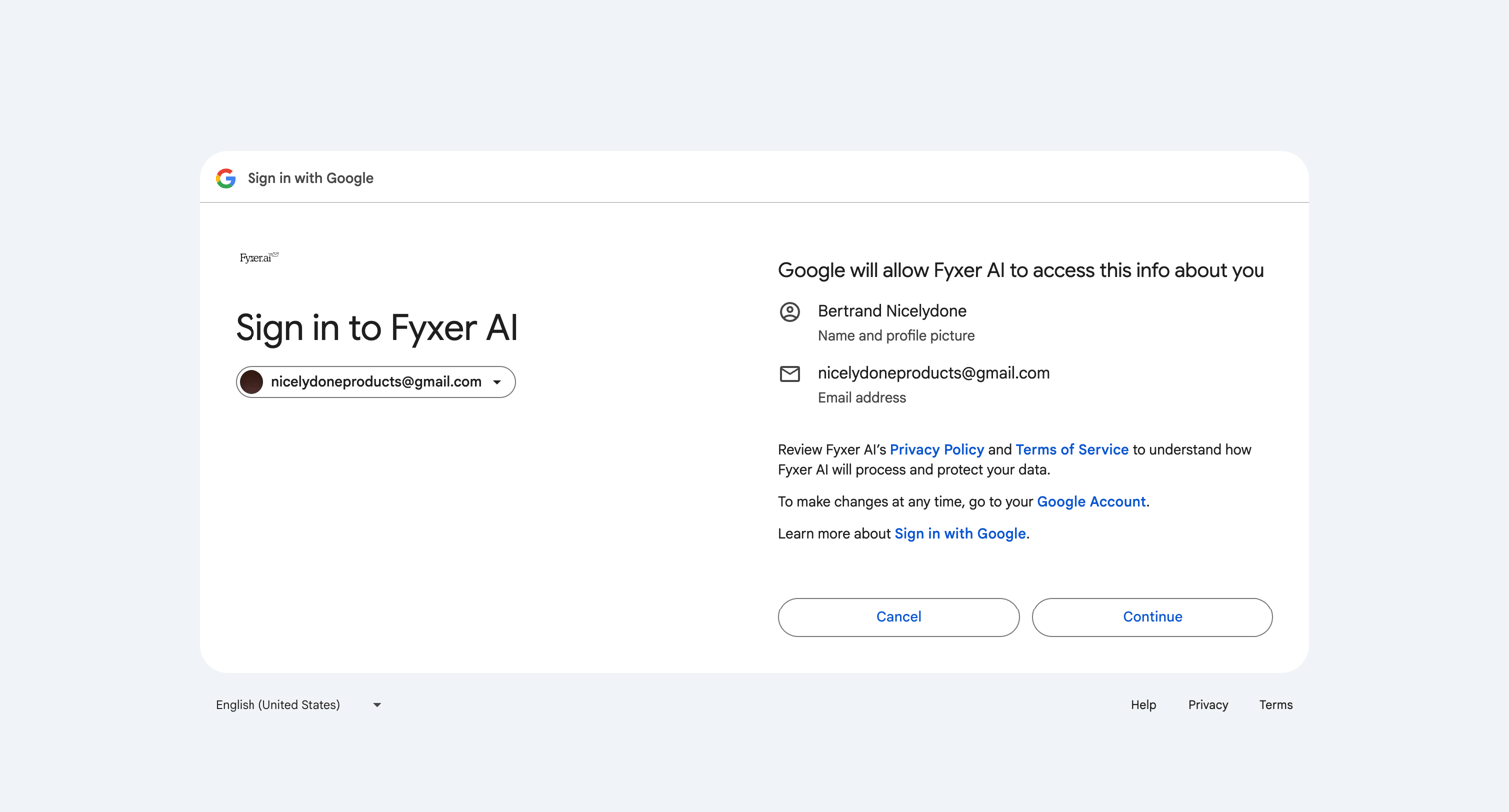

OAuth consent screen where the user grants Fyxer AI access to their Google profile and email address.
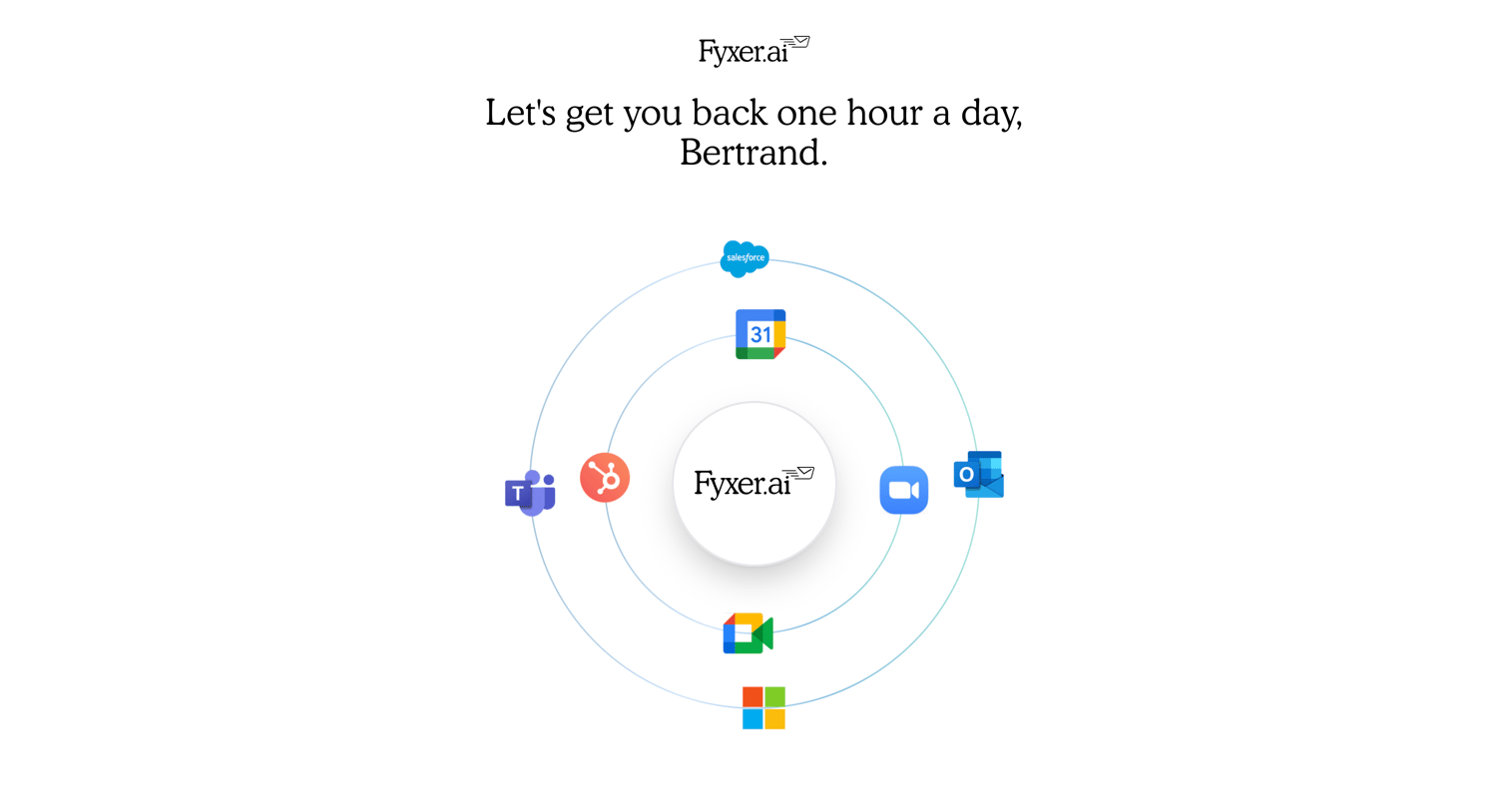
Onboarding welcome screen where the user is greeted by name and prompted to get started, featuring a circular graphic of supported integrations like Salesforce, Google Workspace, and Microsoft Teams.
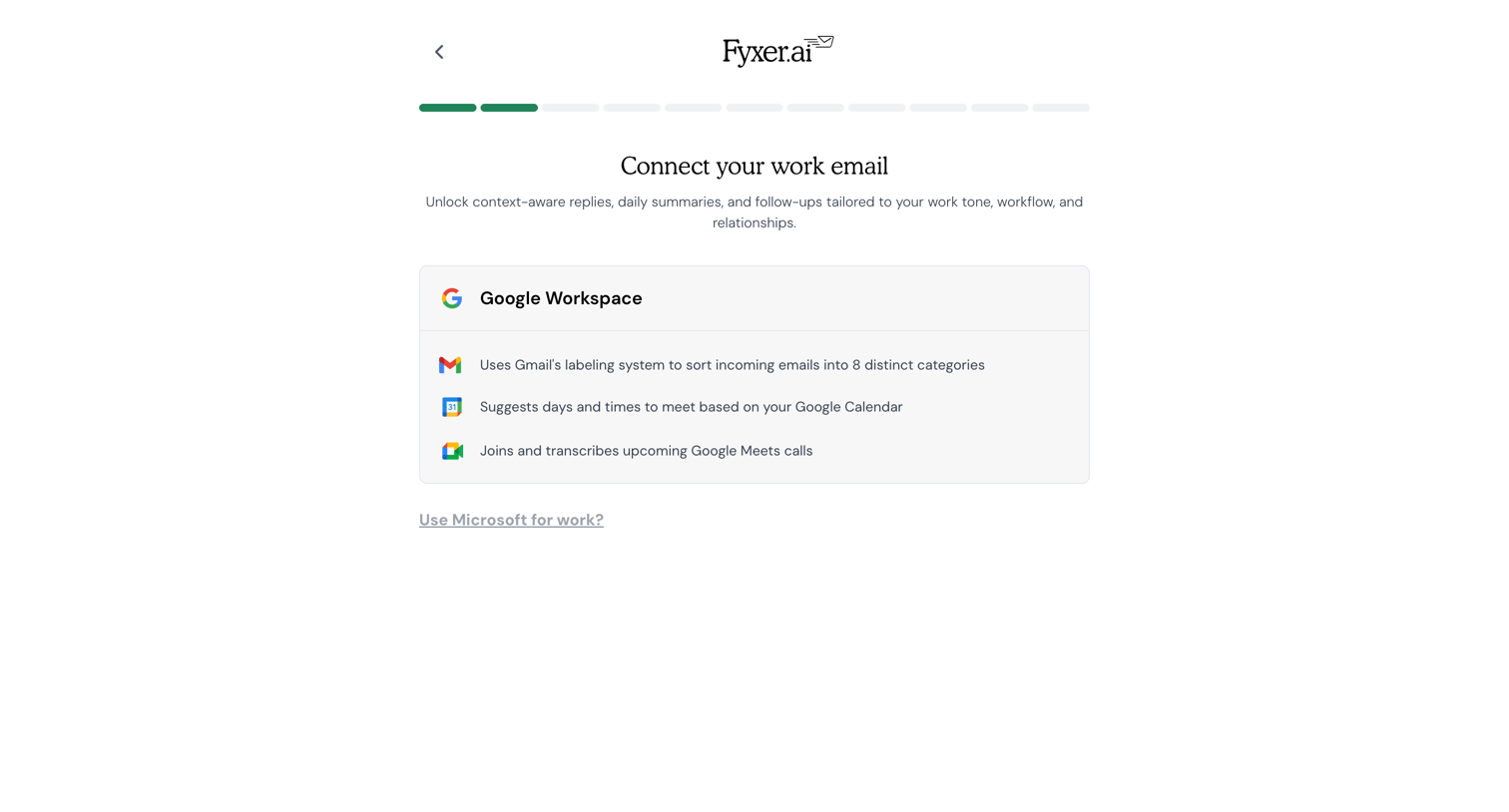
Onboarding step where the user connects their work email by selecting Google Workspace to unlock context-aware AI features.
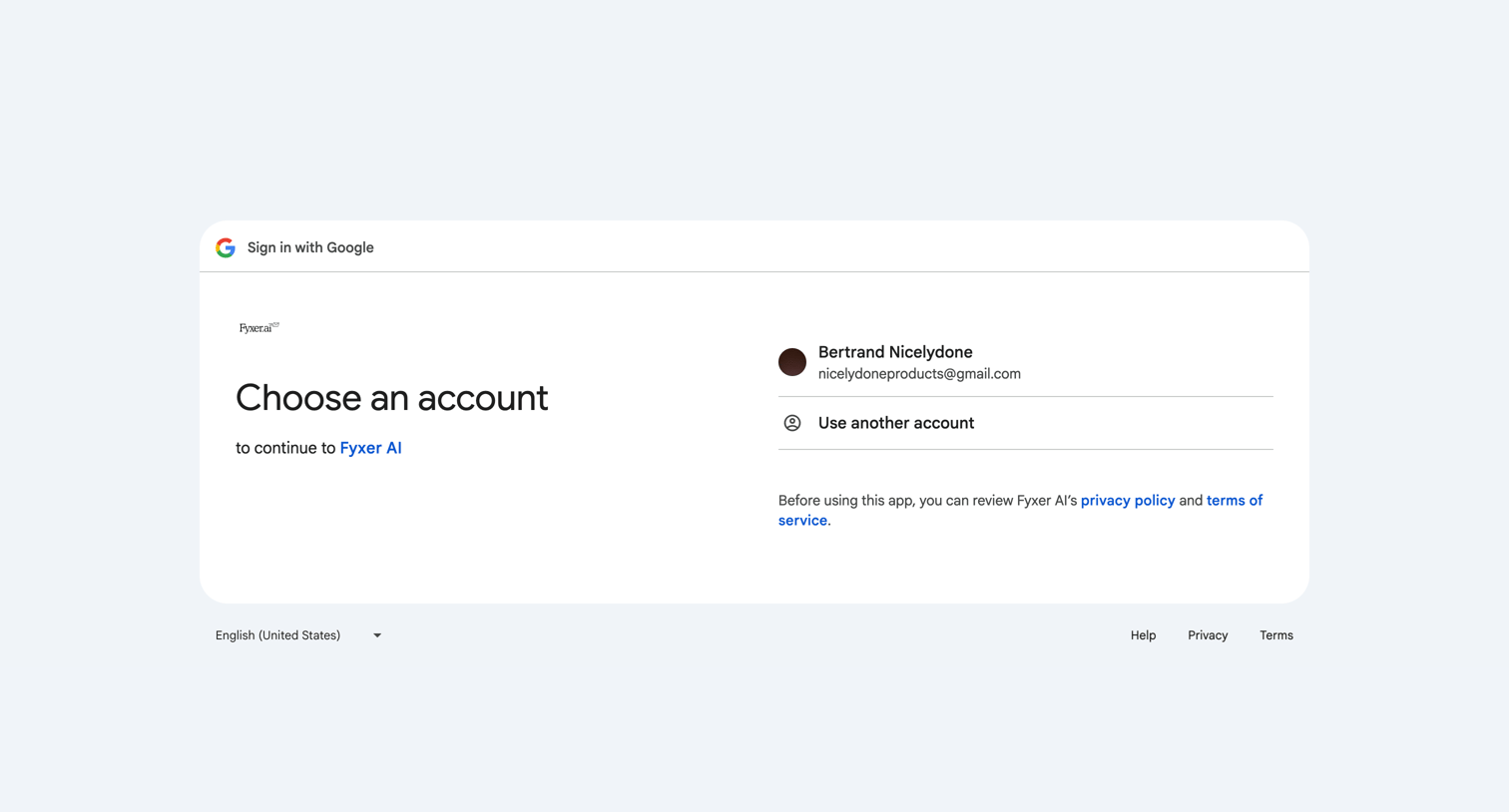
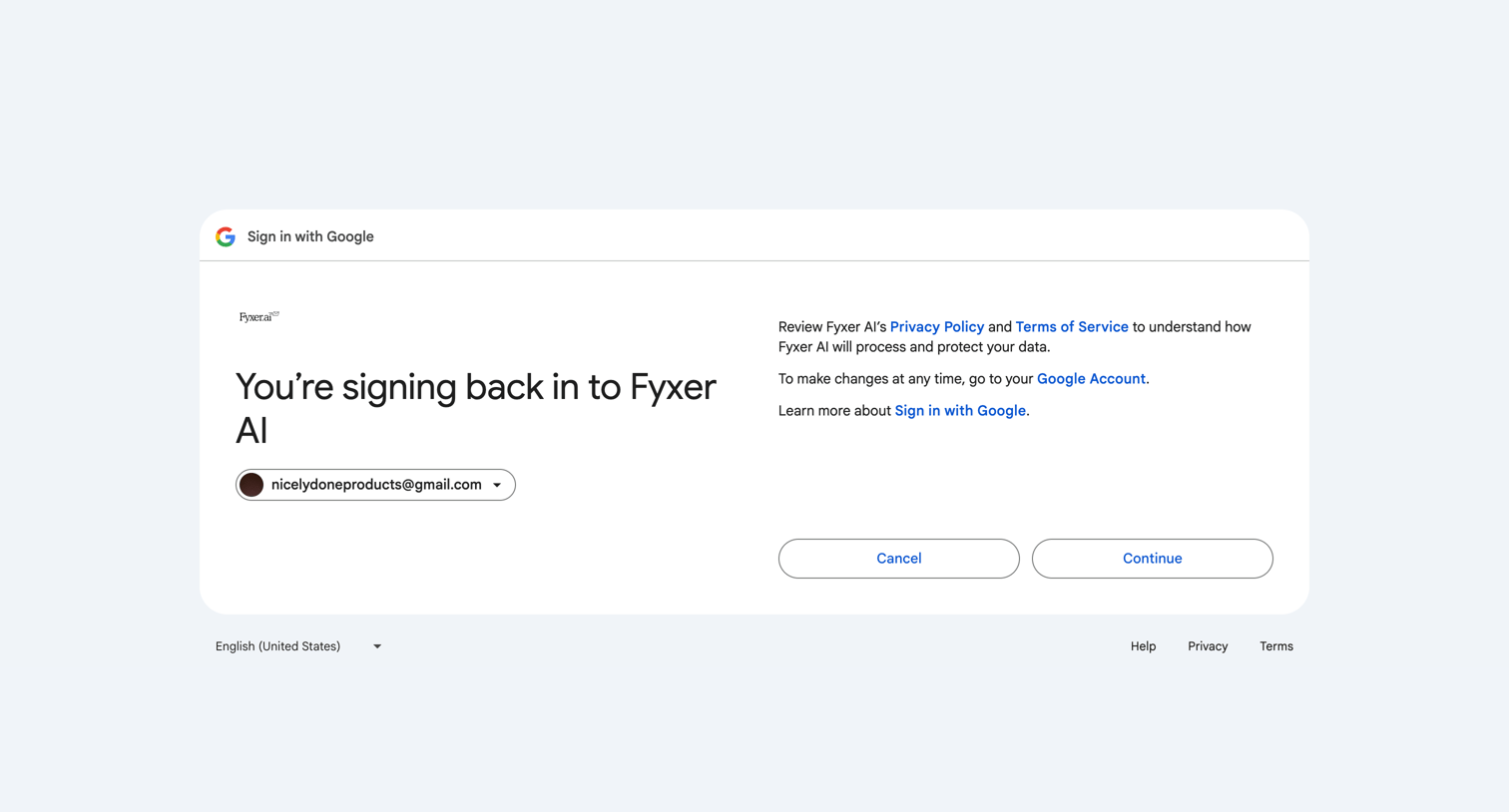
Sign-in screen where the user authorizes Fyxer AI to access their Google account, with options to continue or cancel.
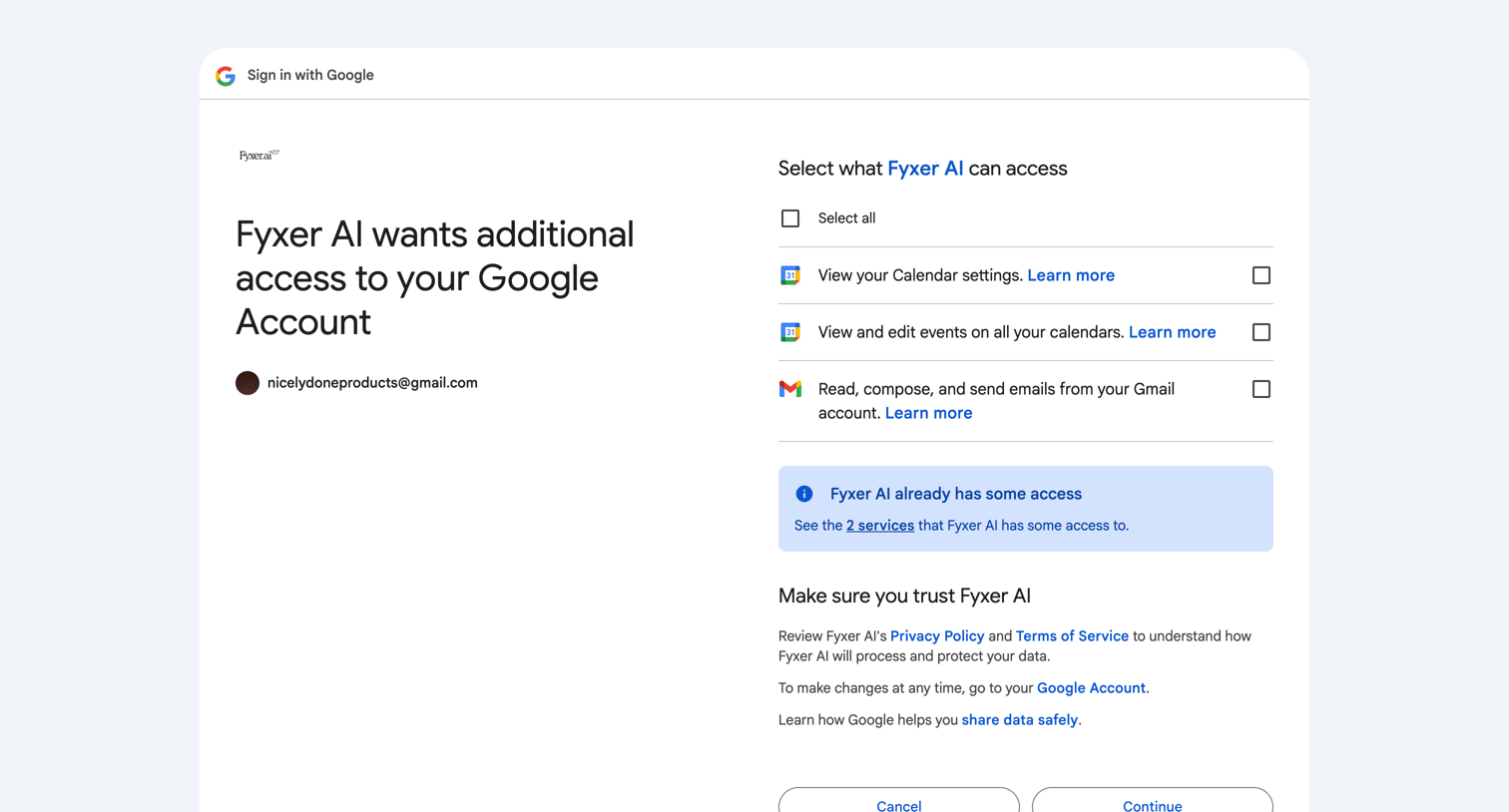
OAuth consent screen where the user reviews and grants Fyxer AI access to their Google Calendar and Gmail data.
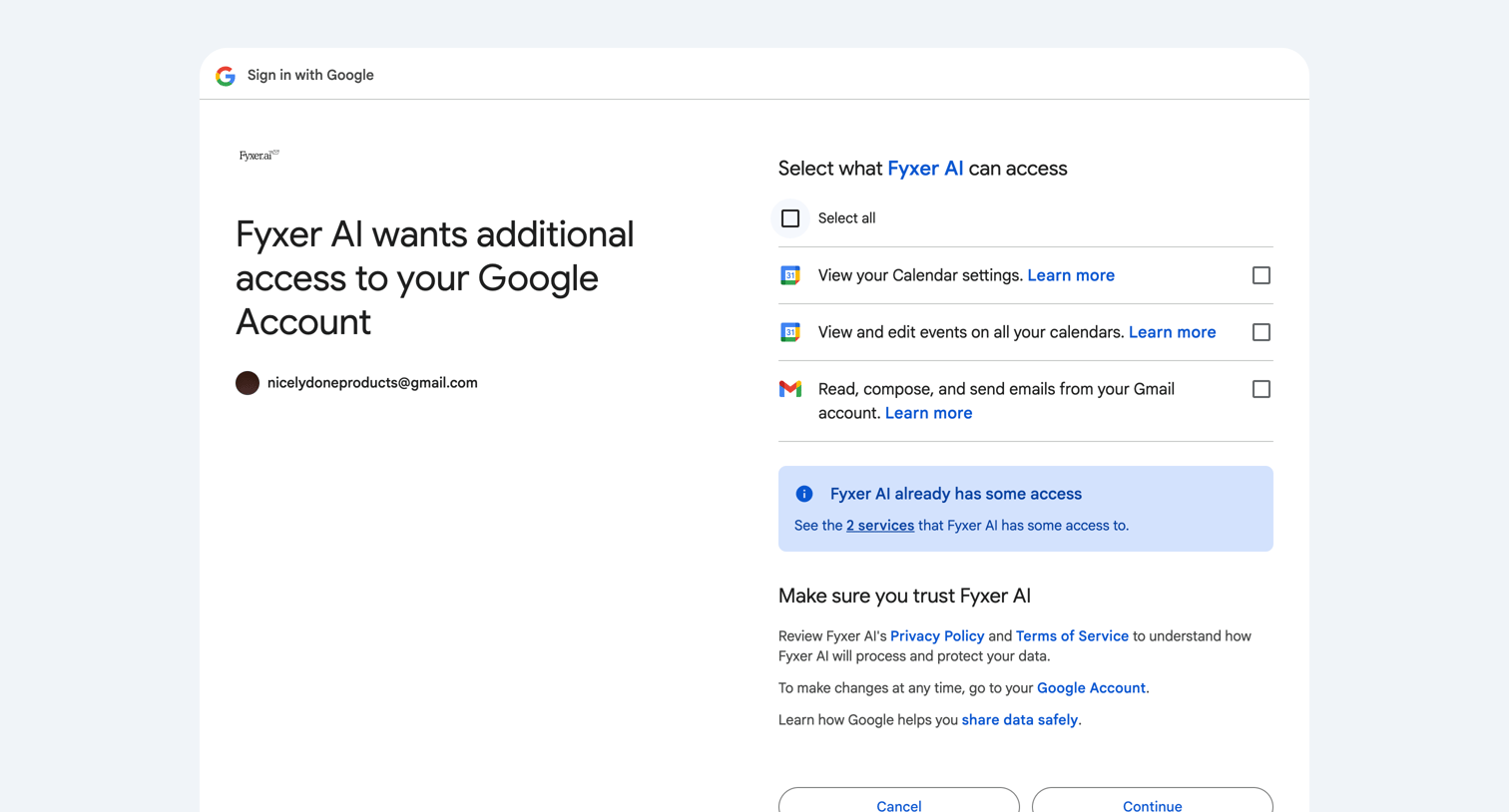
Signin screen where the user selects which Google Account permissions, such as Calendar and Gmail access, to grant to a third-party application.
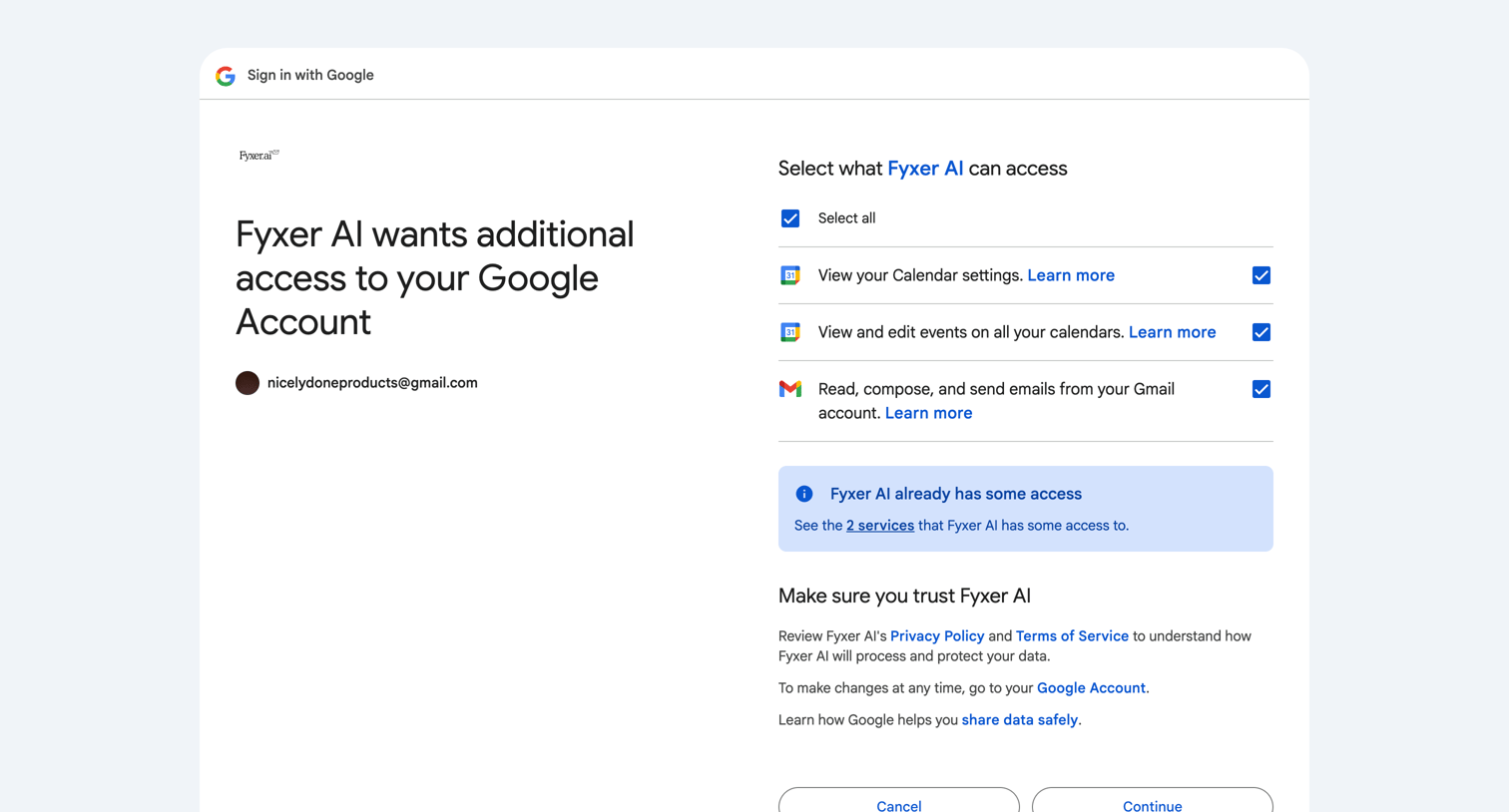
OAuth consent screen where the user reviews and grants Fyxer AI access to read and edit their Google Calendar and Gmail accounts.
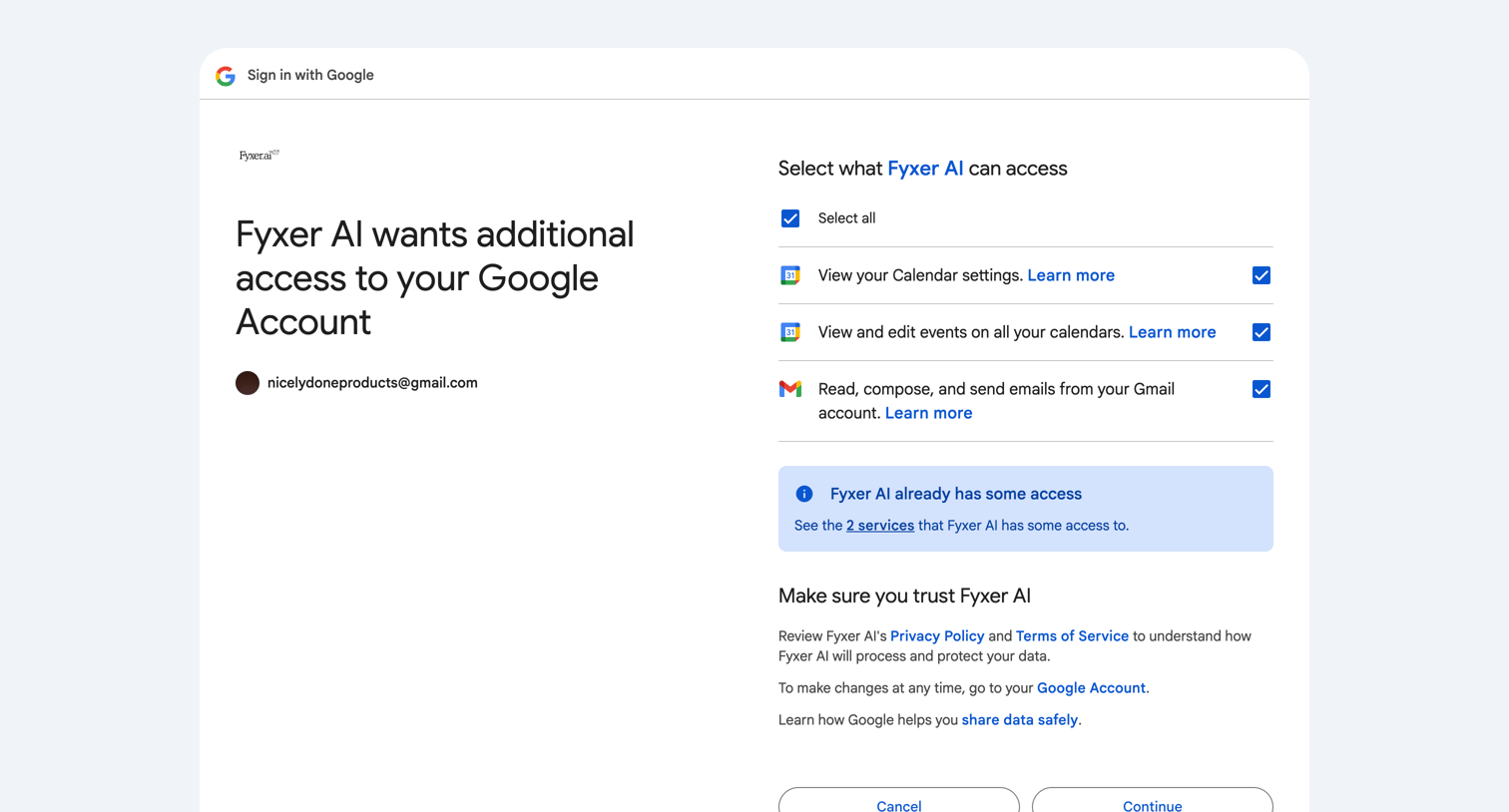
This screen is a Google consent screen, part of an OAuth flow, requesting user permission for 'FyXer AI' to access specific data from their Google Account (Calendar and Gmail). The primary purpose is to allow the user to review and grant or deny these permissions.
Browse the full SaaS app library
Explore real SaaS apps with their product screens, marketing screens, flows, and components.
Trusted by the best teams







