Usage Limit screen examples
Usage Limit screen design examples from SaaS apps. See how SaaS apps explain when an account approaches or reaches an allowance. Explore how limit messages connect current usage with the available options…
Explore the examples
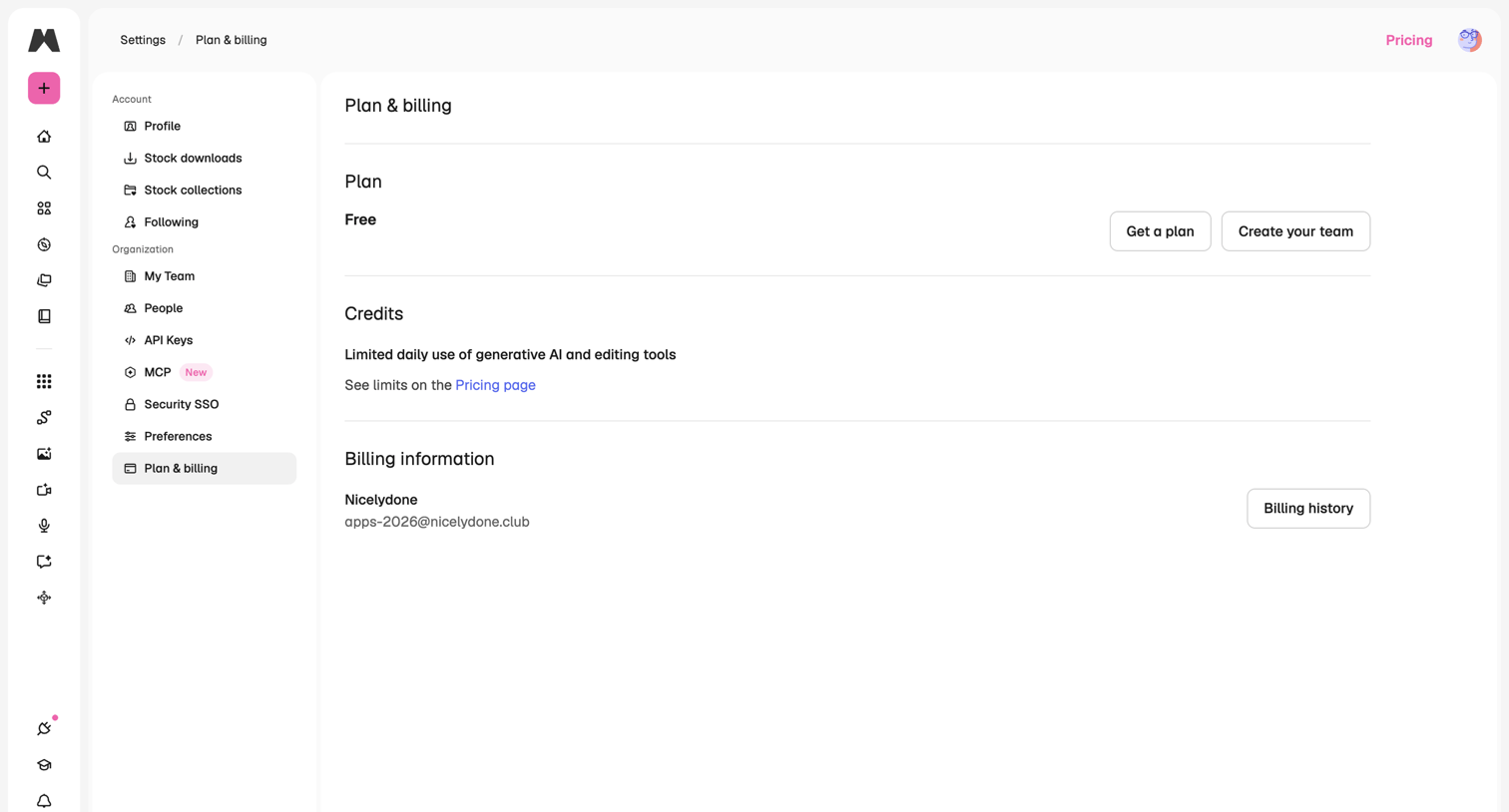

Settings page where the user views their current free plan, daily generative AI limits, and billing information with options to upgrade or create a team.
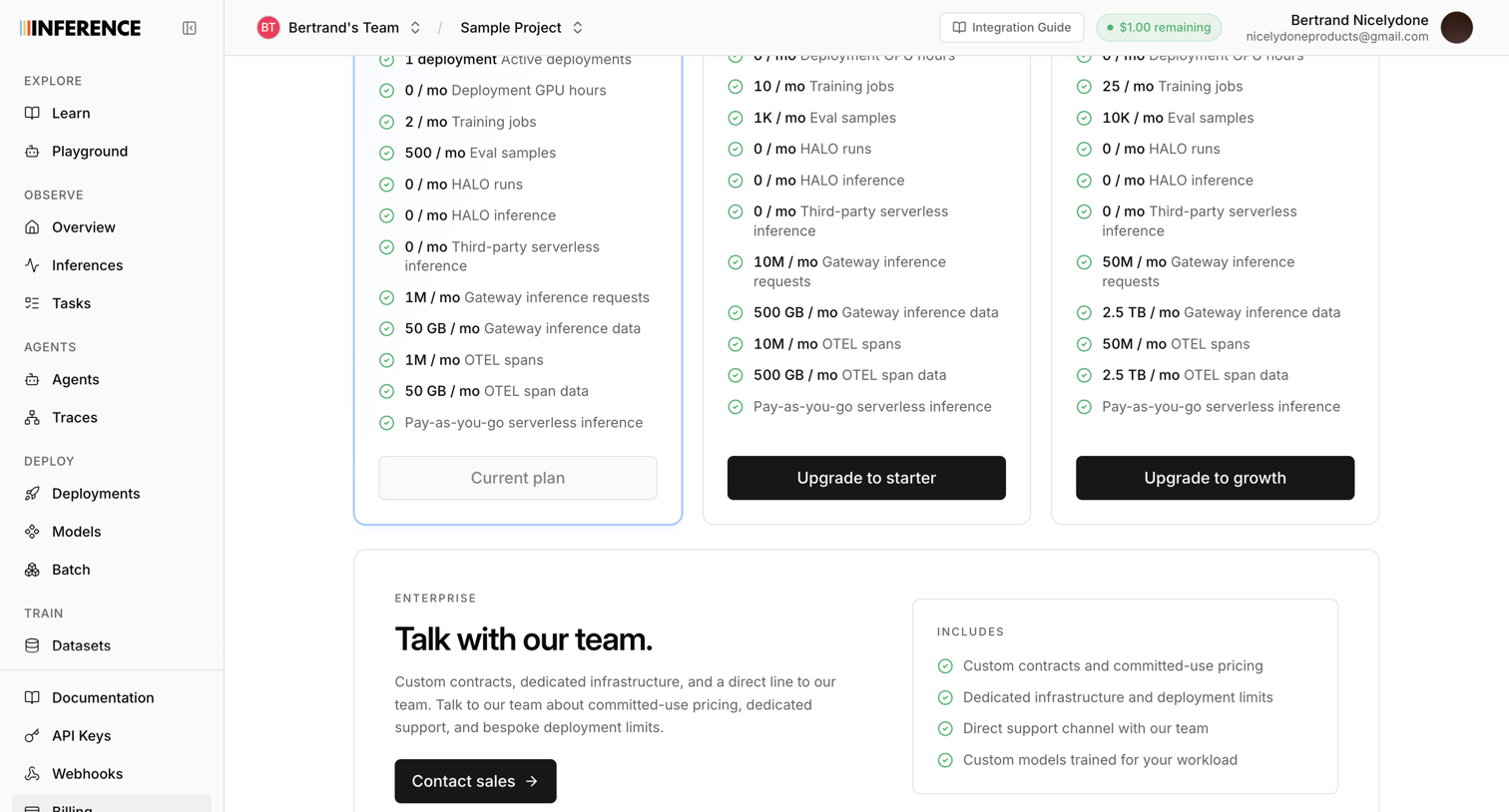

Settings page where the user views their current plan limits and can upgrade to starter, growth, or enterprise tiers.
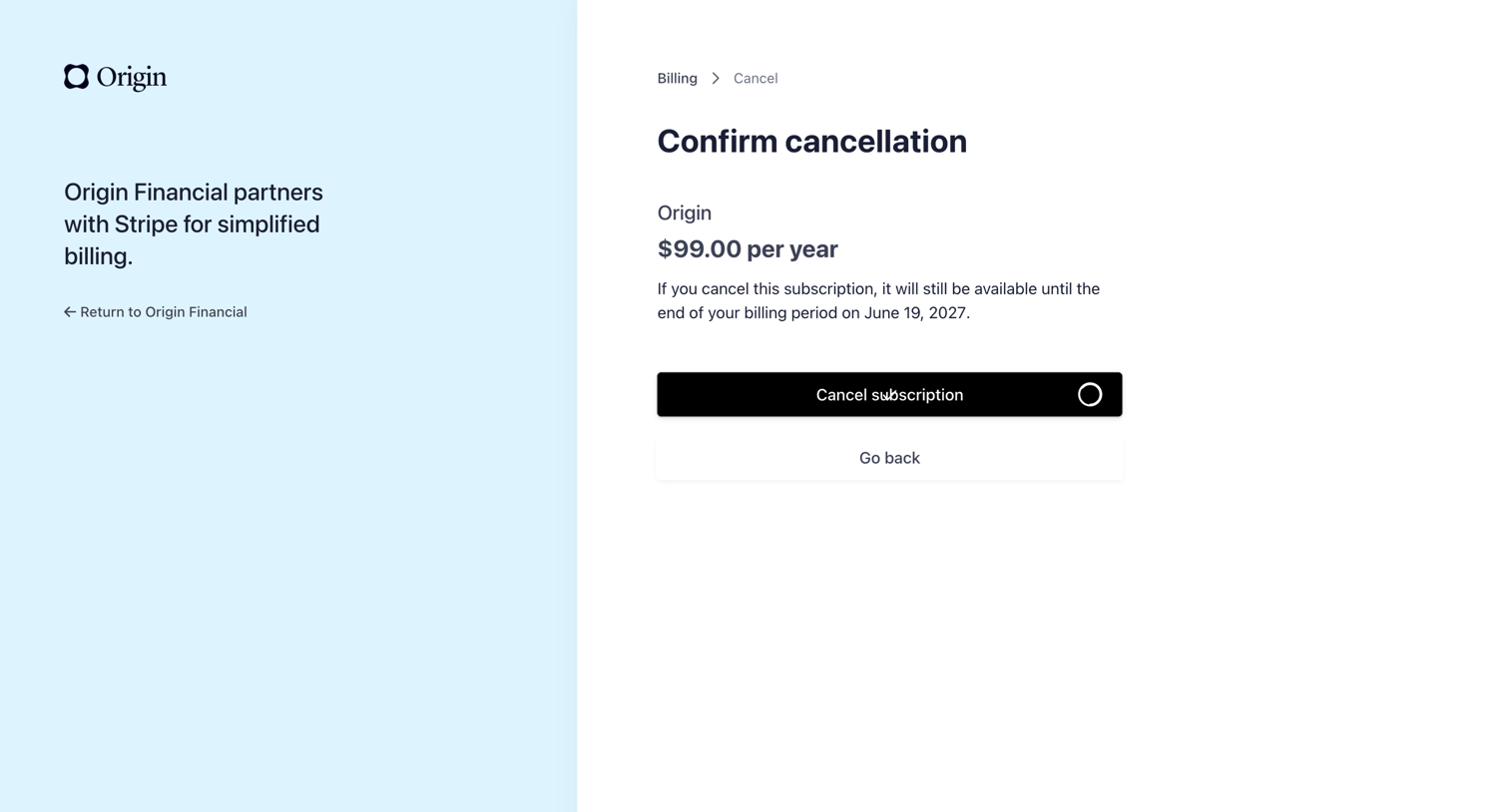

Billing settings screen where the user confirms the cancellation of their $99.00 per year Origin subscription.
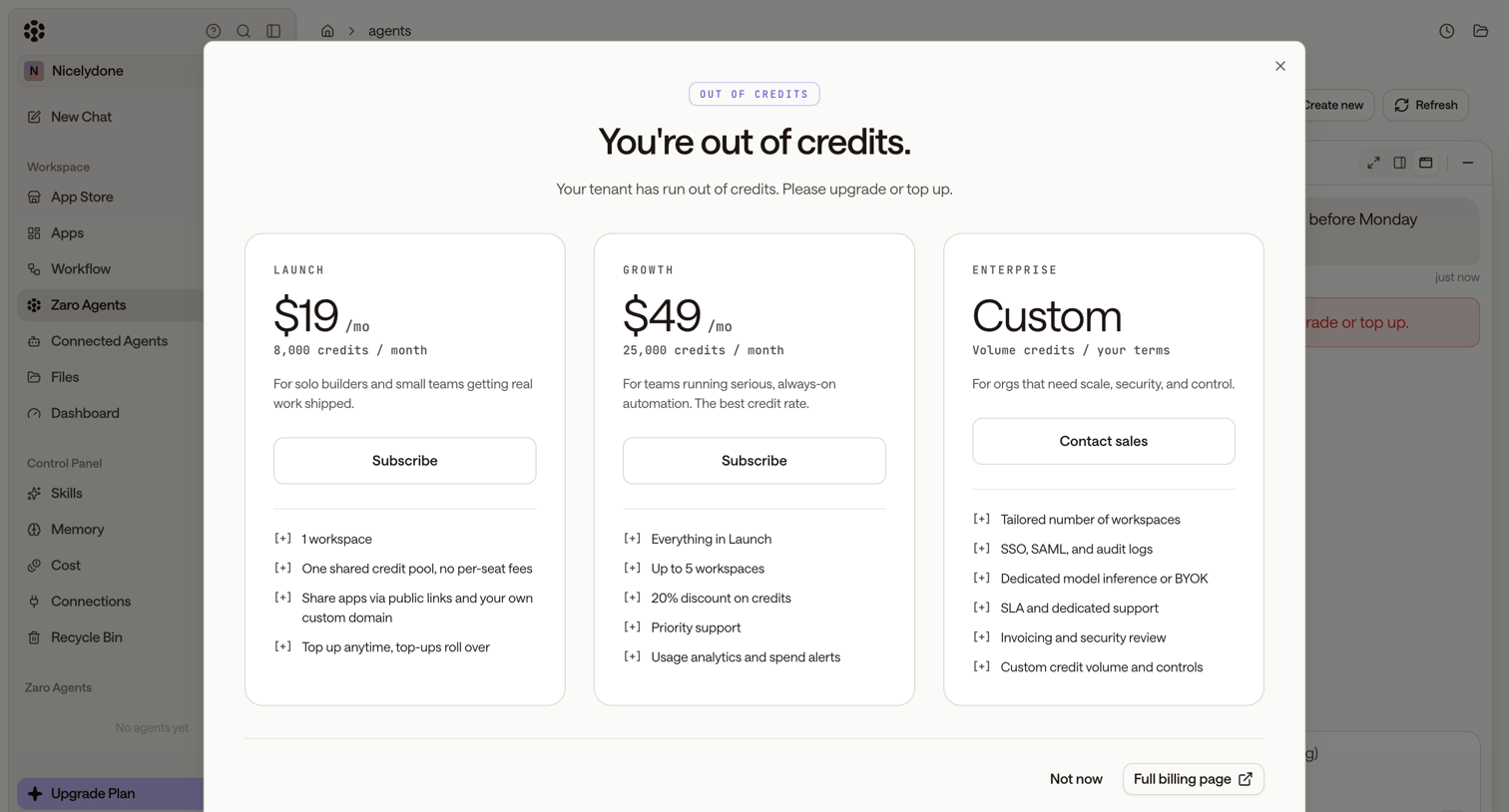

Paywall modal where the user is prompted to upgrade their plan or top up after running out of credits, presenting Launch, Growth, and Enterprise tiers.
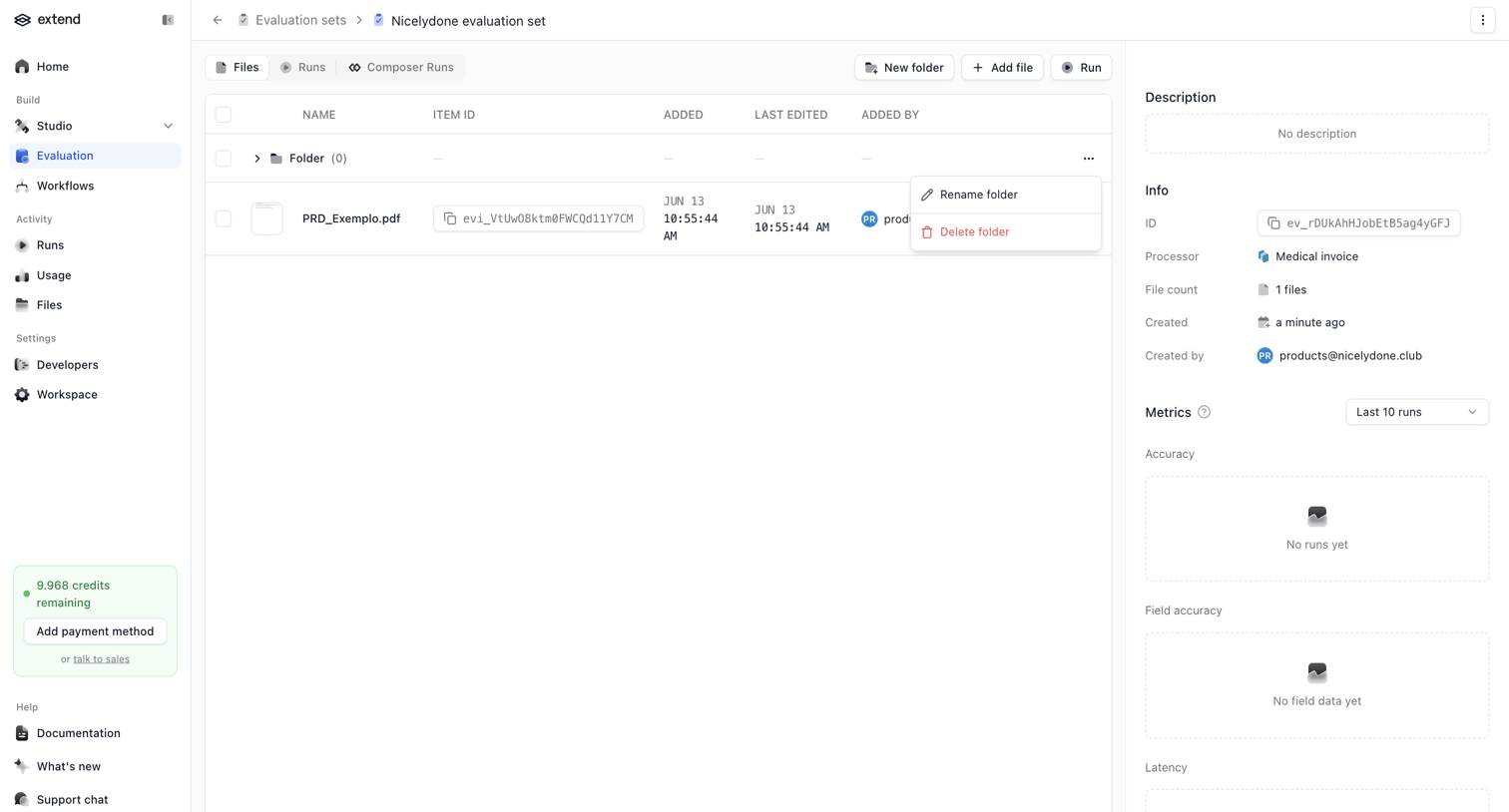

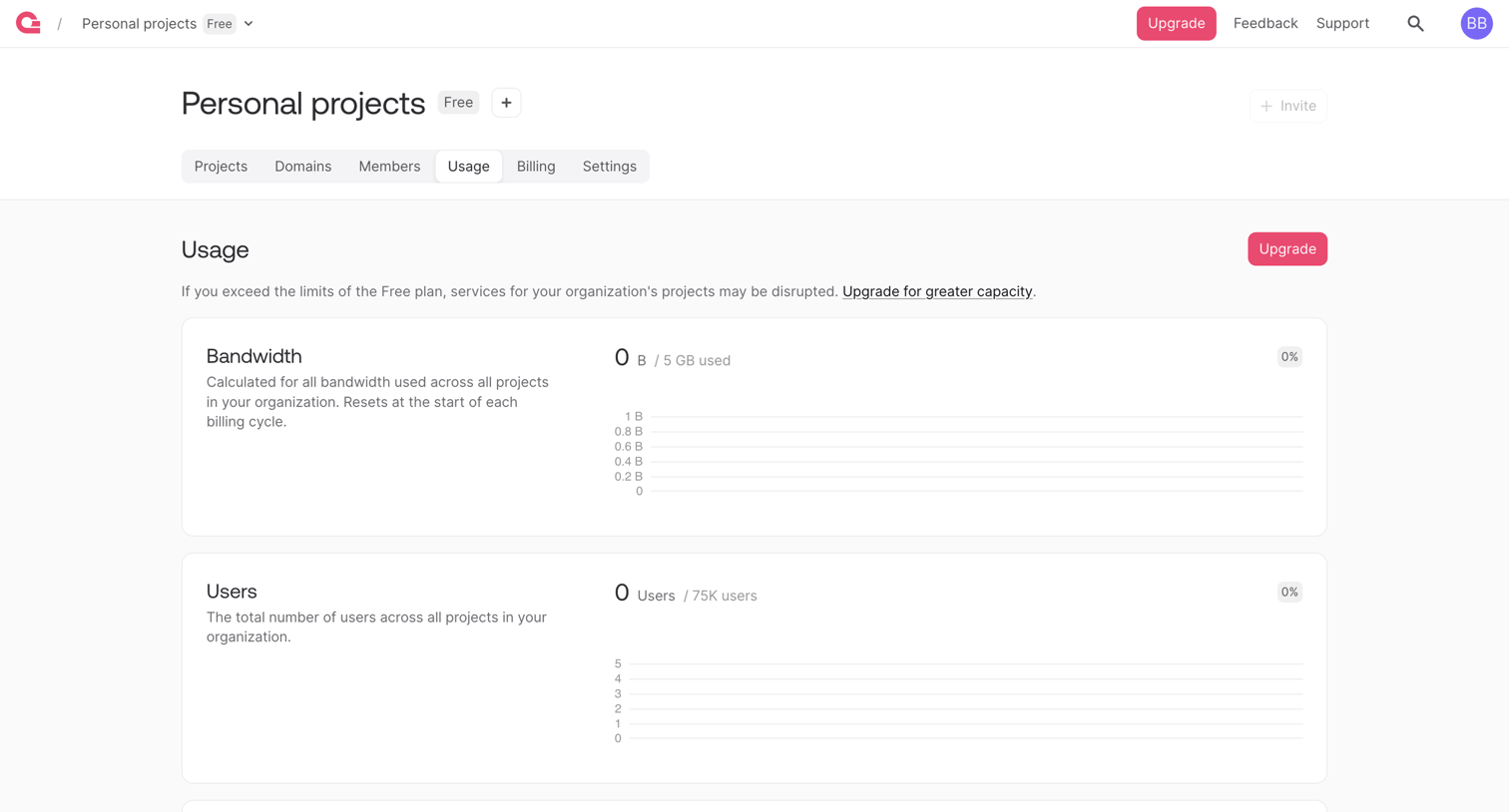

Settings page where the user monitors their organization's bandwidth, users, and database usage against free plan limits.
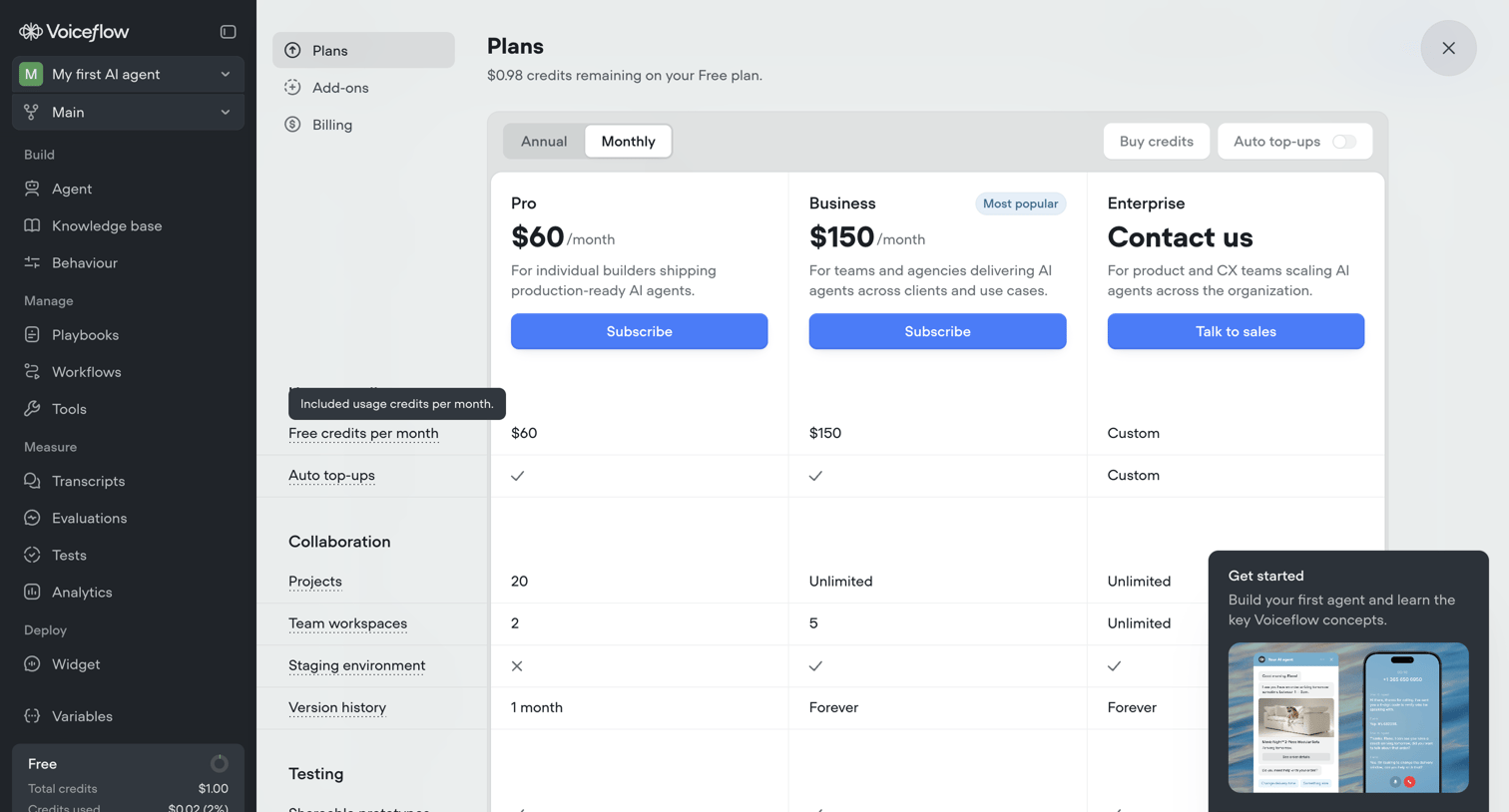

Settings modal where the user compares Pro, Business, and Enterprise plans to upgrade from their Free tier.
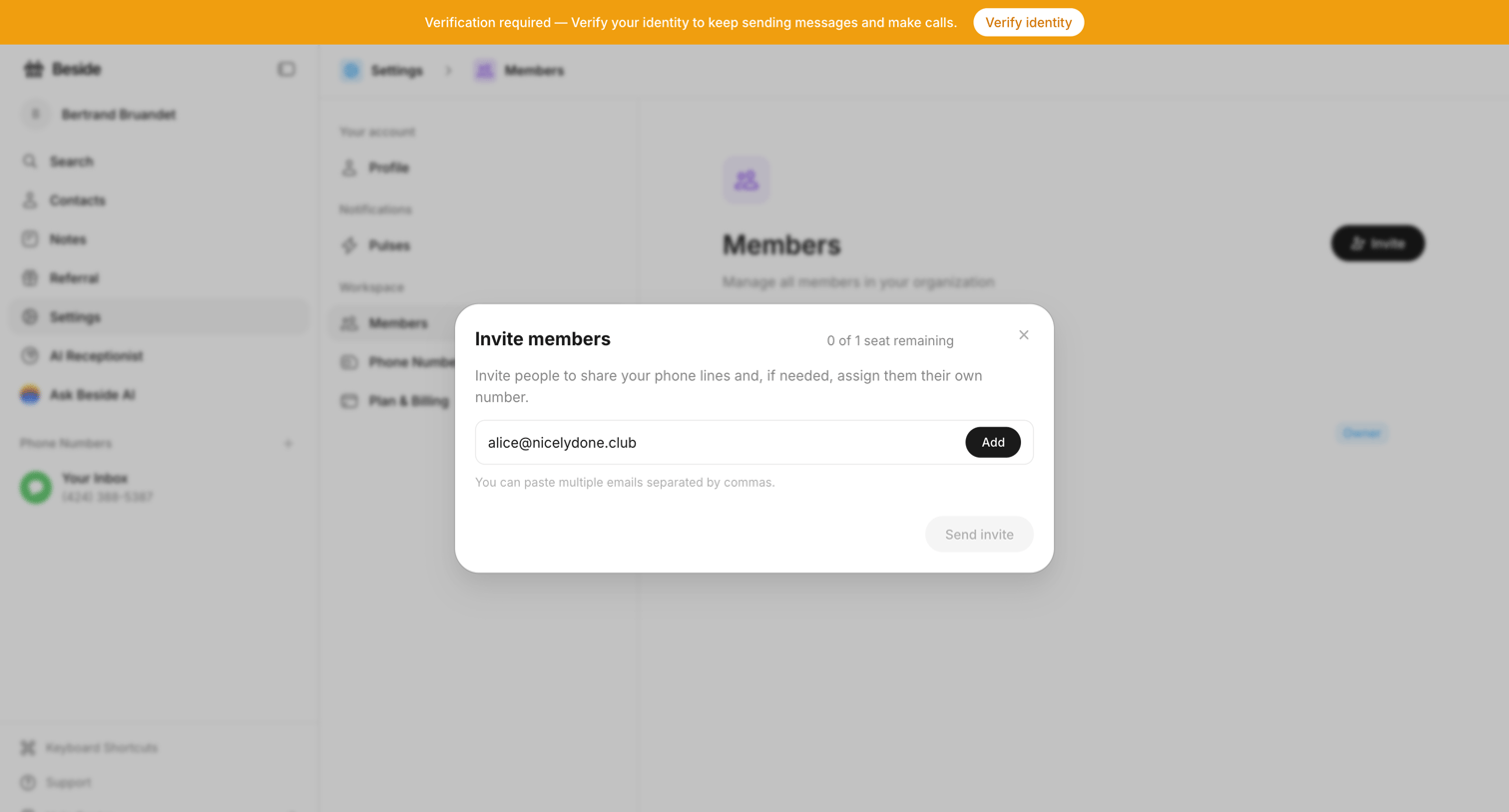

Settings page where the user invites new members by email to share phone lines.
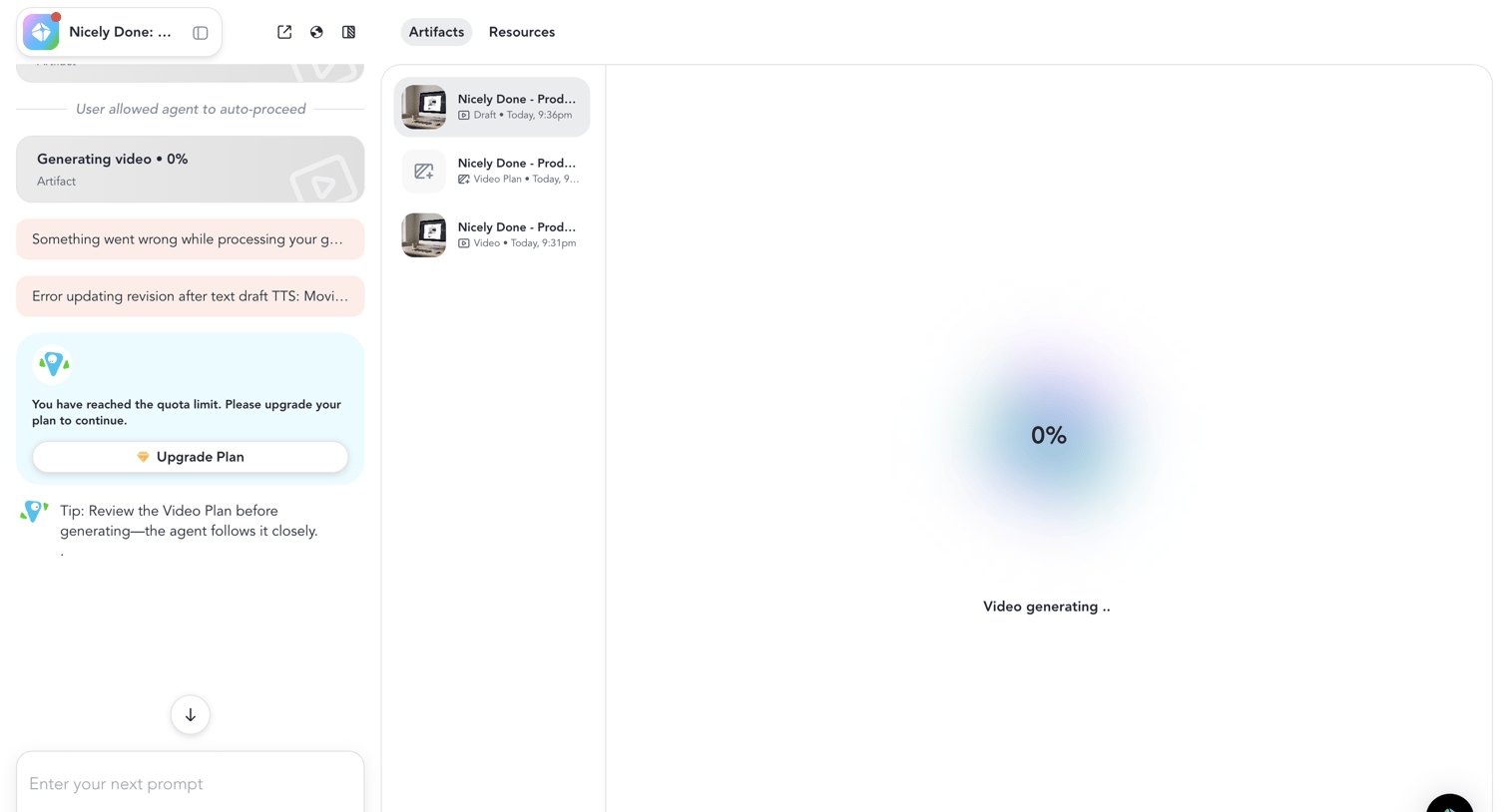

Agent trace view where the user is blocked from generating a video due to reaching their quota limit, alongside error messages and a loading artifact canvas.
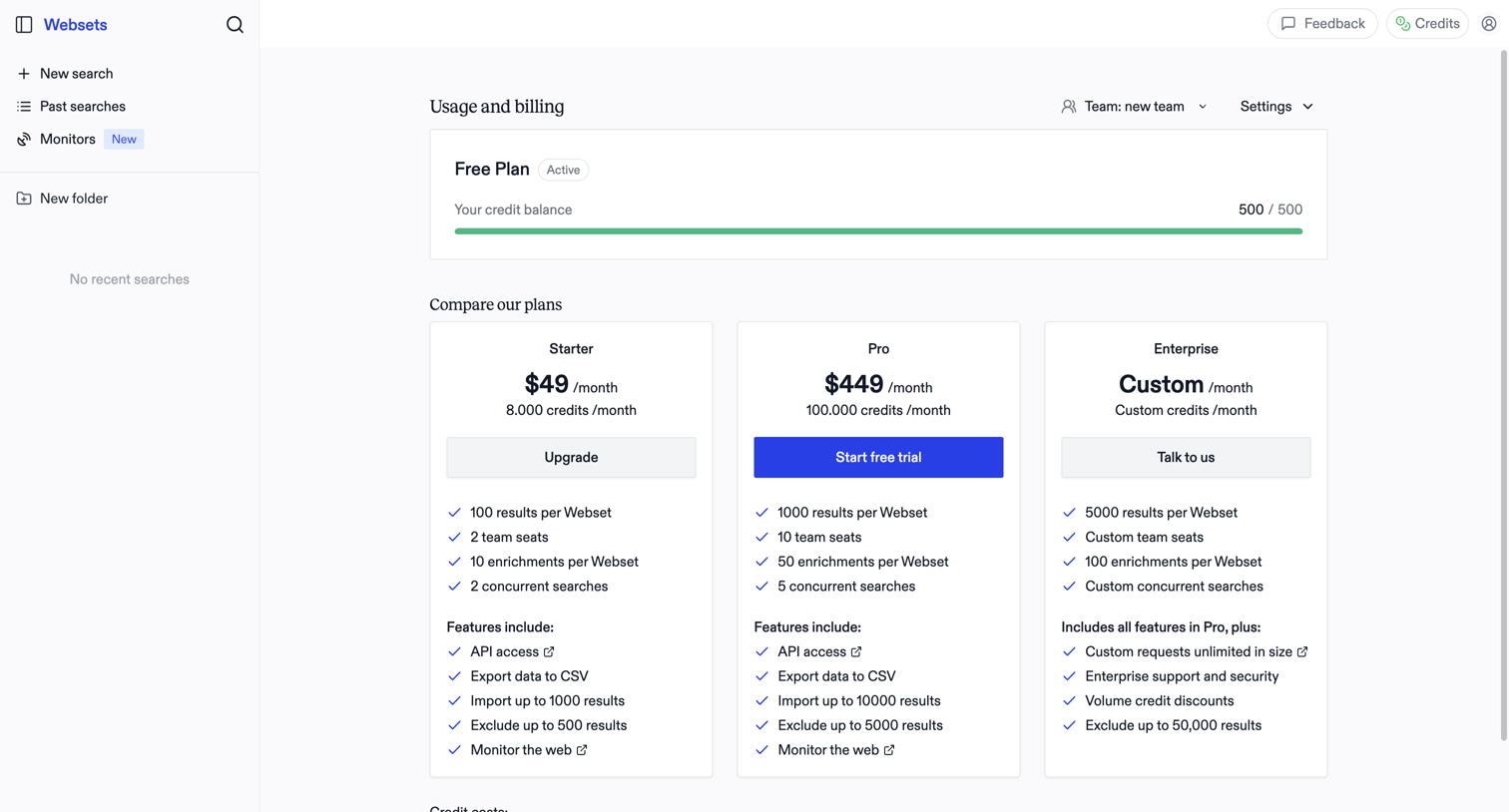

Billing settings page where the user monitors their free plan credit balance and compares paid subscription tiers to upgrade.
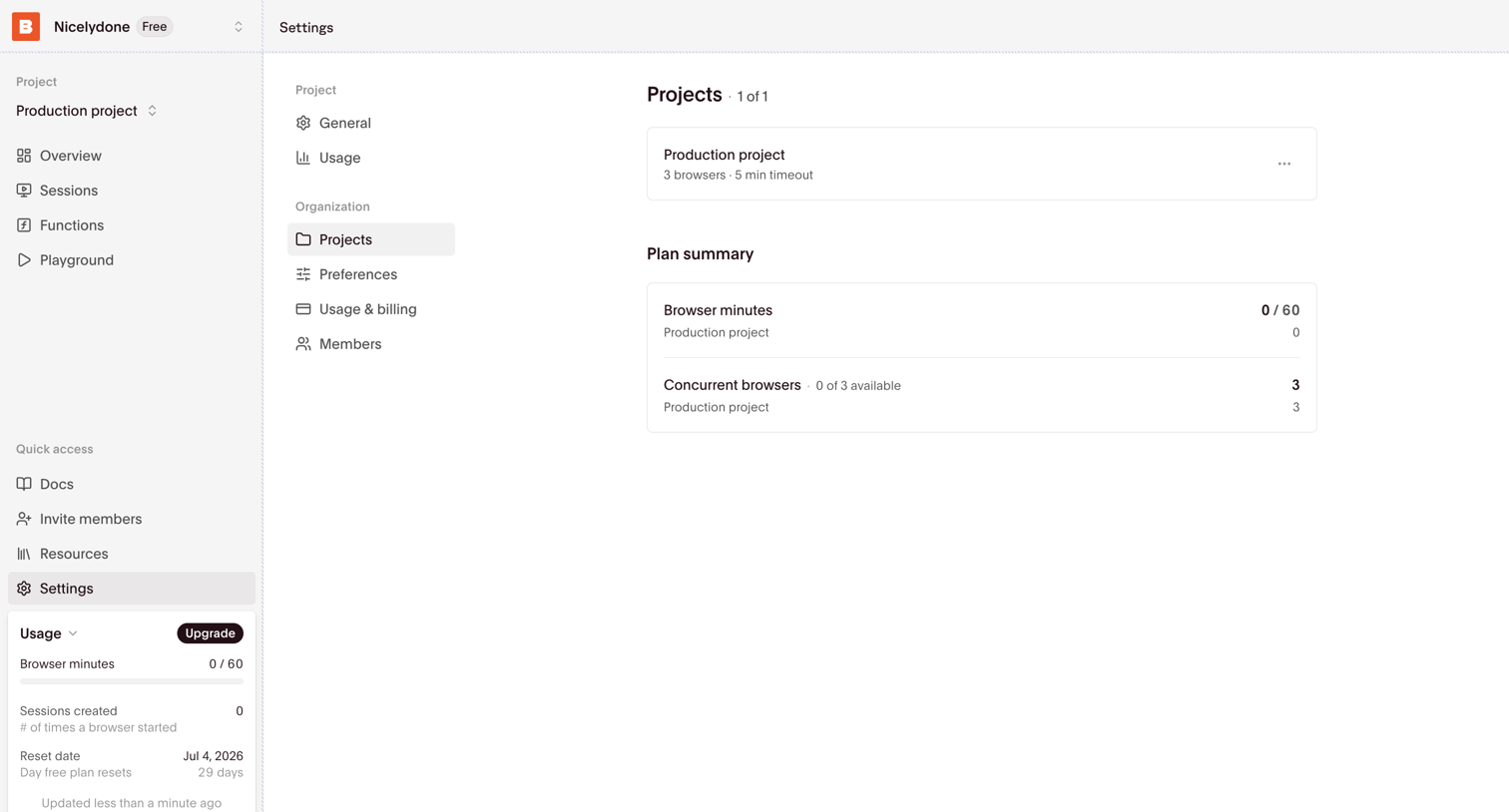

Settings page where the user views their configured projects and a summary of their plan's browser minutes and concurrent browser usage.
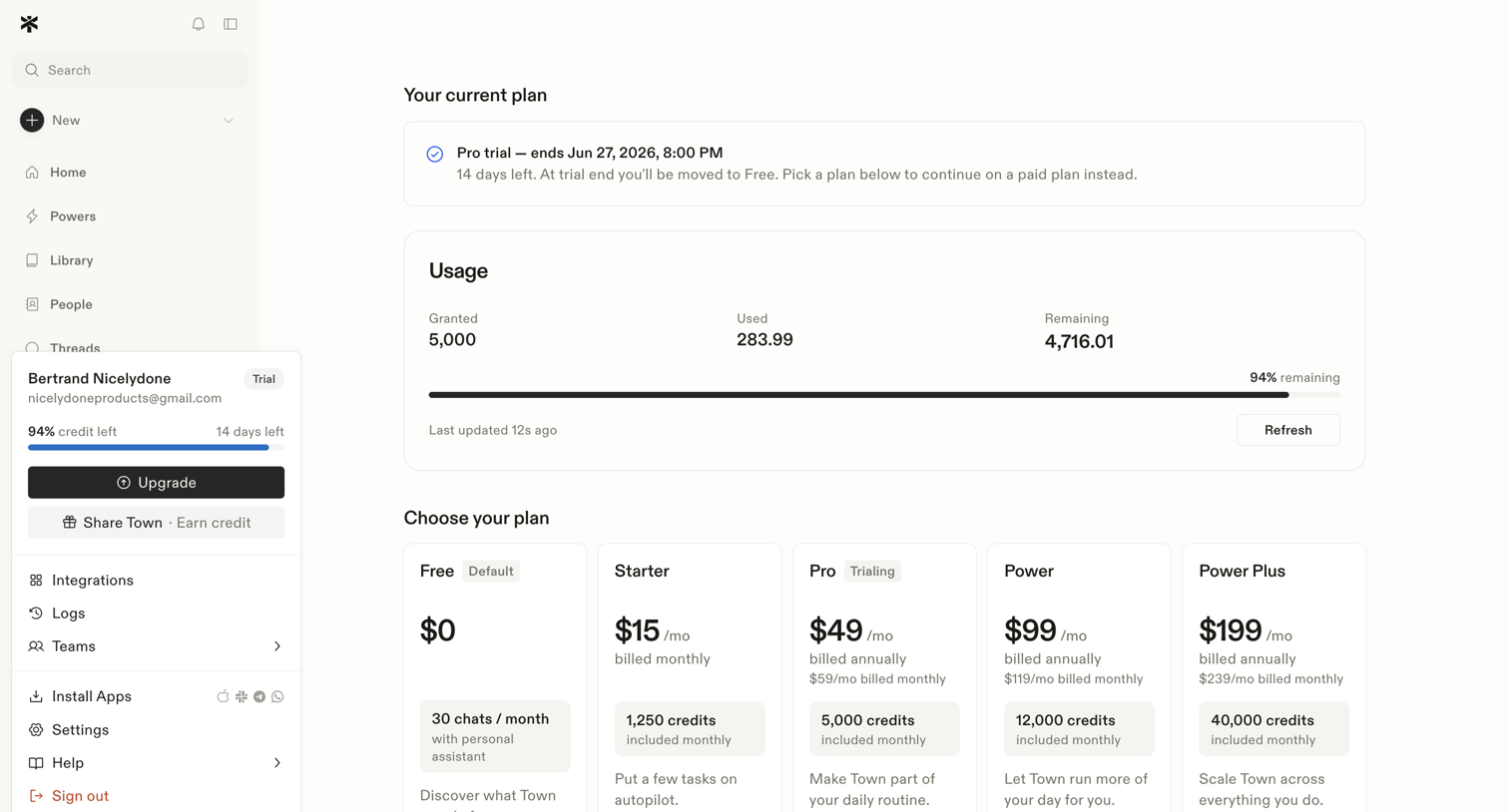

Explore the full SaaS screen library
Upgrade to unlock the full library.
Trusted by the best teams








About Usage Limit
See how SaaS apps explain when an account approaches or reaches an allowance. Explore how limit messages connect current usage with the available options for continuing work.