Skip to content

Chatwoot UI components examples

Browse Chatwoot UI component design examples. Preview individual interface elements and explore related component categories. The modern customer support tool for your business

Explore the examples
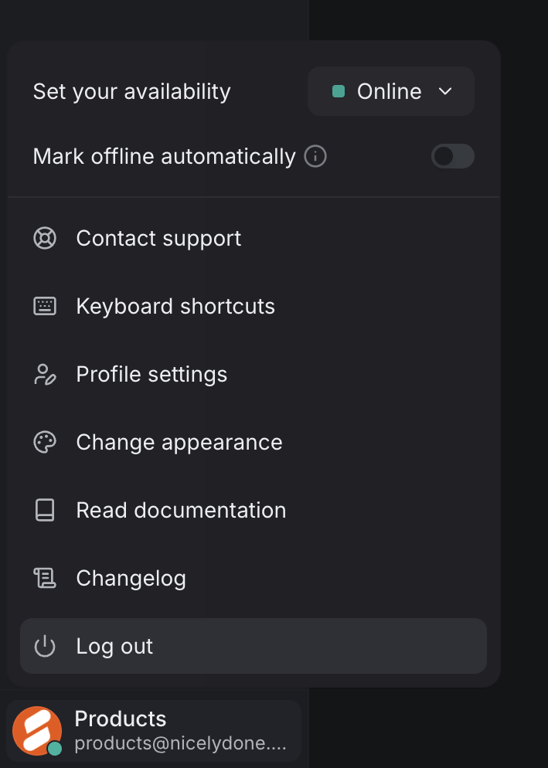
Chatwoot — Dropdown menu component
Chatwoot logo
Chatwoot

A user settings and navigation menu within an application interface.

Chatwoot — Rich text editor component
Chatwoot logo
Chatwoot

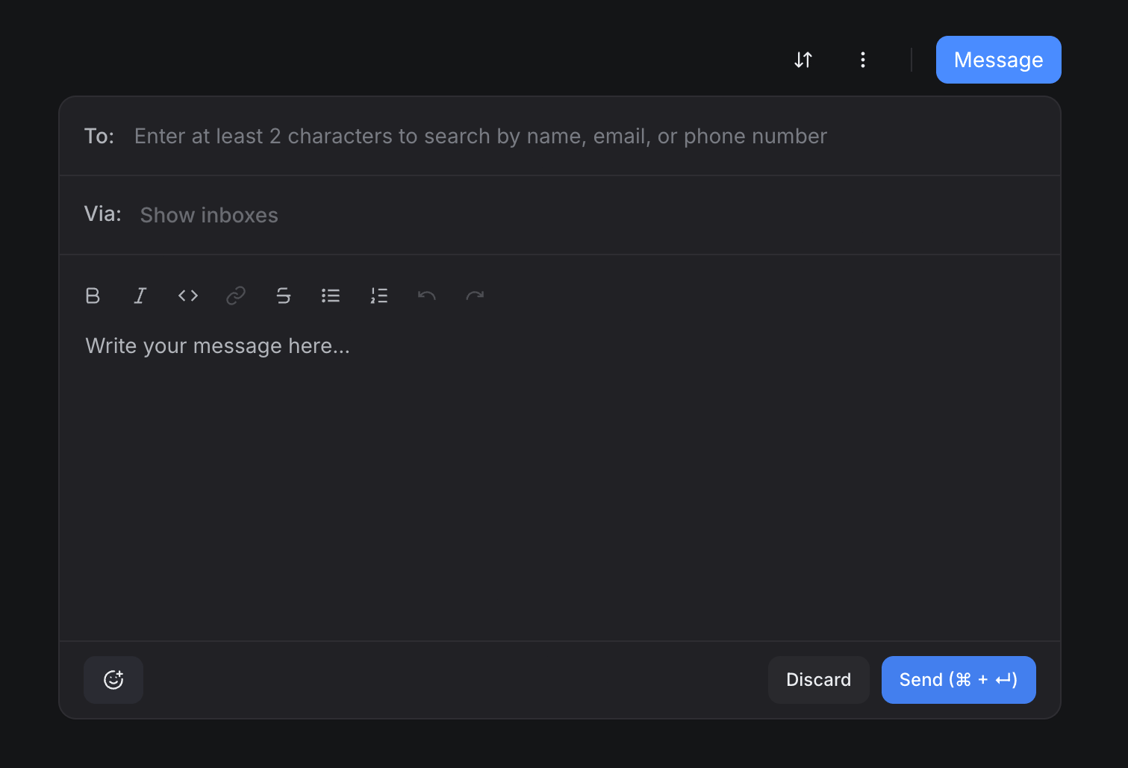
A message composition modal with fields for recipient, sender, and a rich text editor.
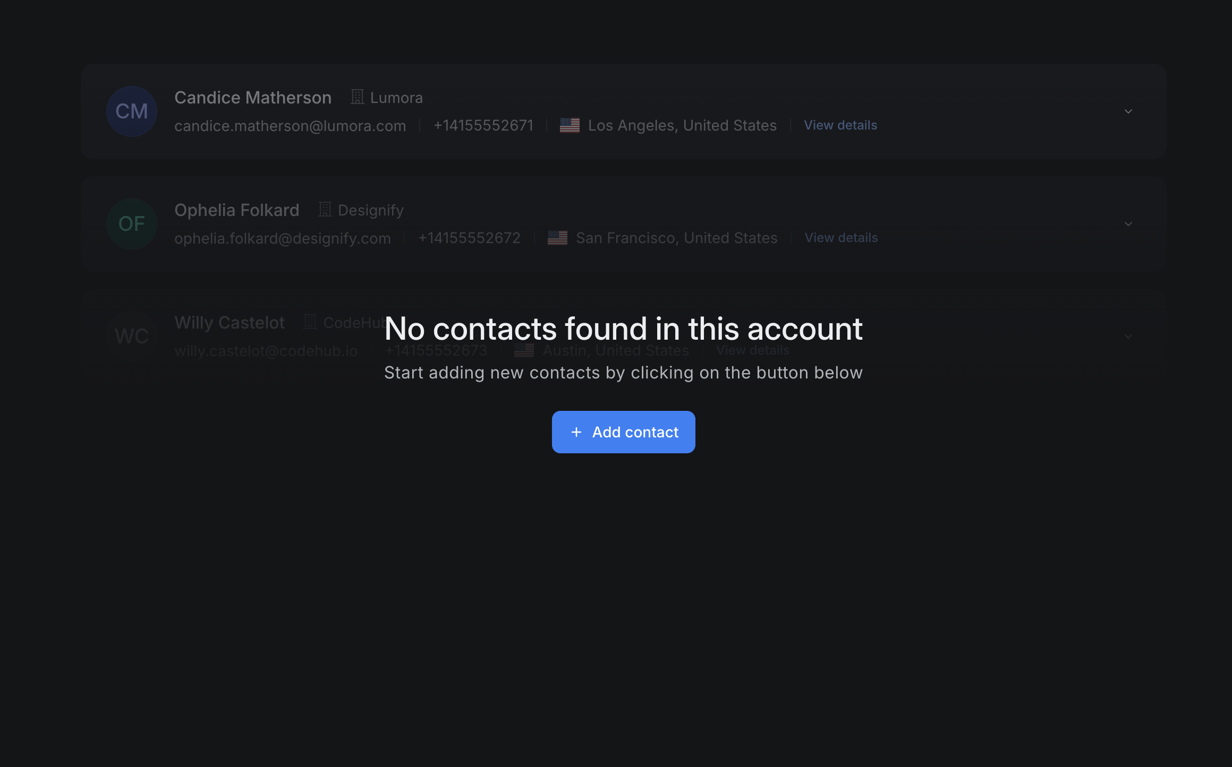
Chatwoot — Empty state component
Chatwoot logo
Chatwoot

A contact management interface displaying a list of contacts and an empty state message with a call to action to add new contacts.
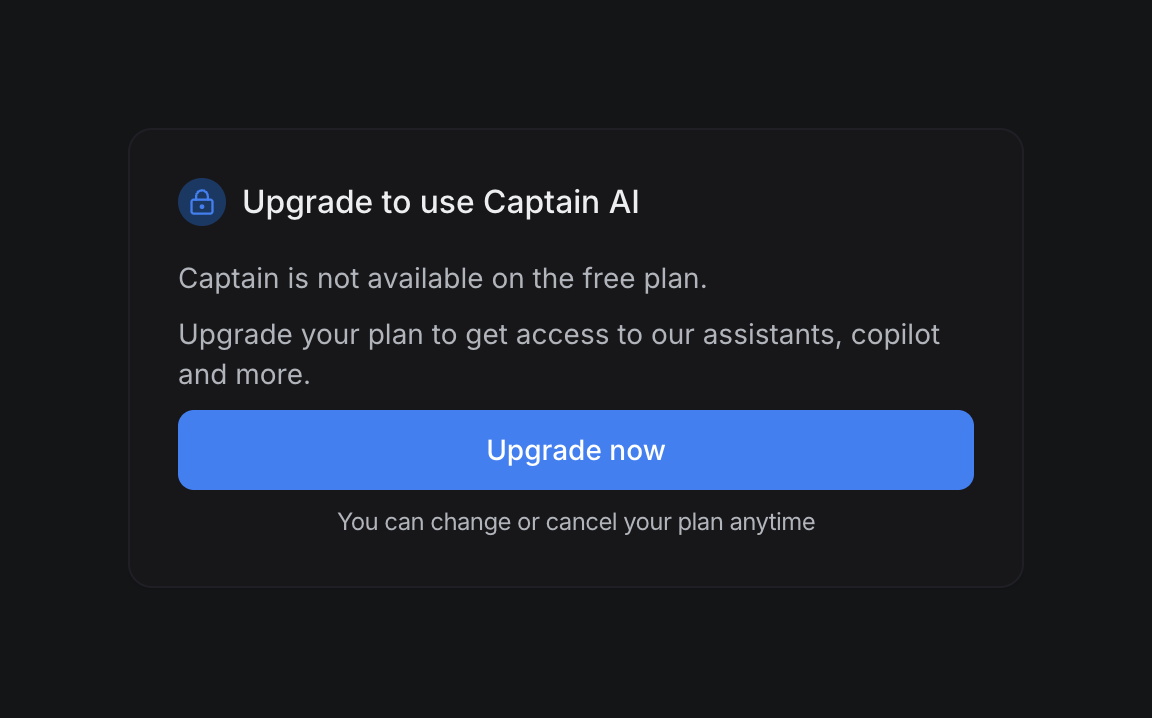
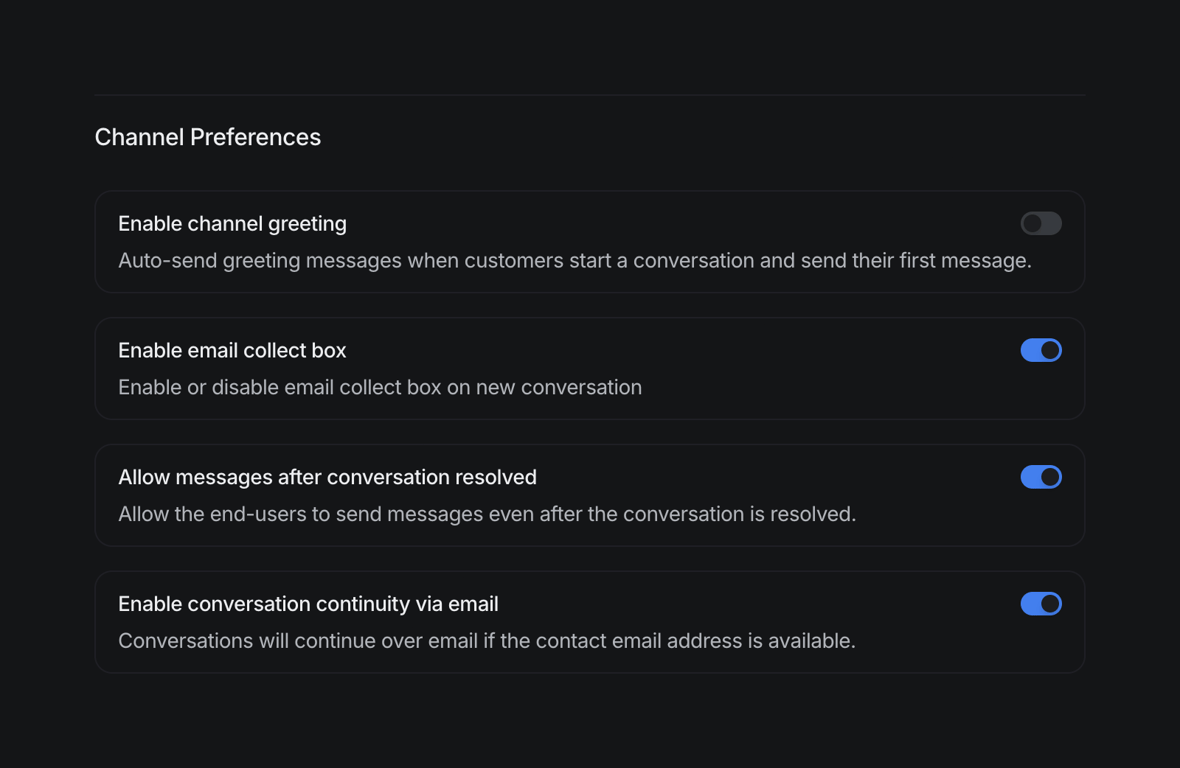
Chatwoot — Toggle/Switch component
Chatwoot logo
Chatwoot

A settings page displaying channel preferences with toggle switches for various communication features.
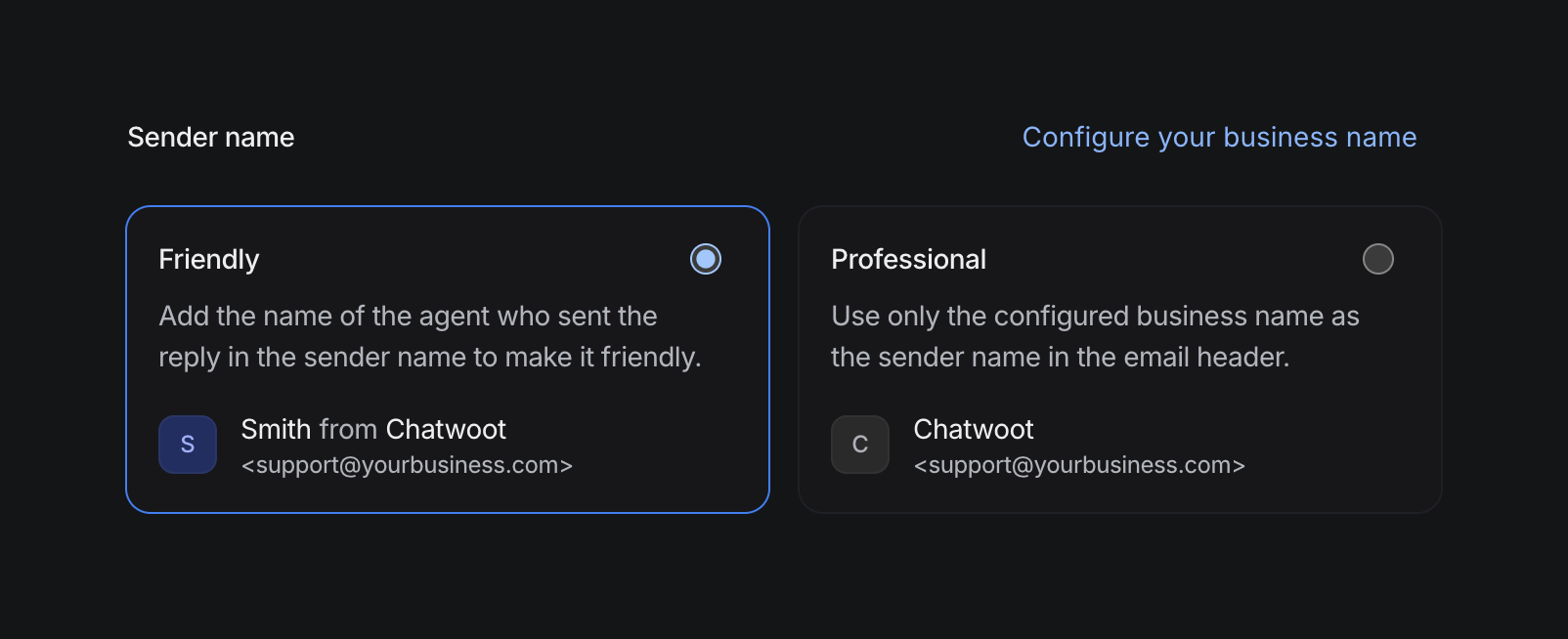
Chatwoot — Radio button component
Chatwoot logo
Chatwoot

User interface for configuring sender name options for business communication.

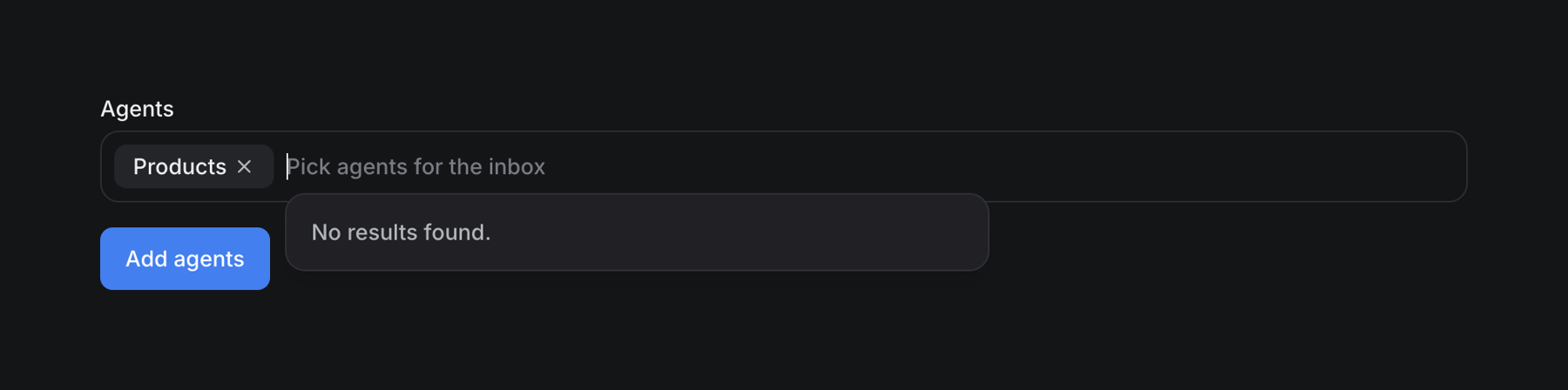
Chatwoot — Input tag component
Chatwoot logo
Chatwoot

An interface for selecting agents with a search input, a selected chip, and a 'no results found' message.

Chatwoot — Stepper component
Chatwoot logo
Chatwoot

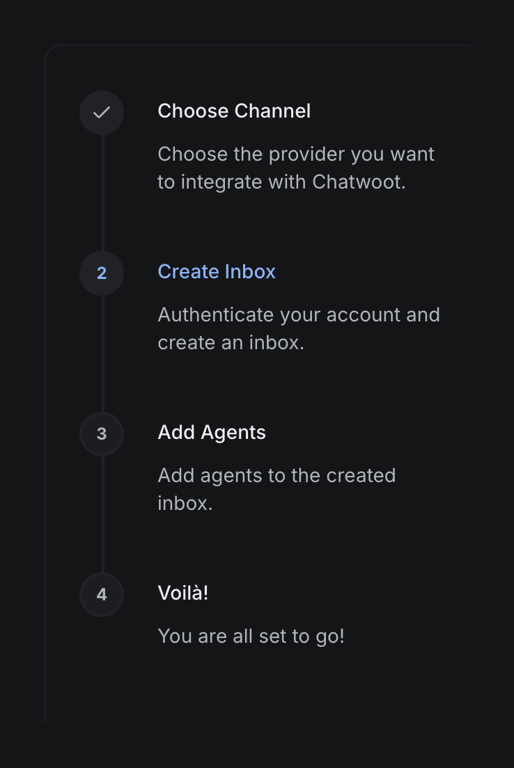
A vertical stepper component guiding the user through a four-step integration and setup process for a communication platform.

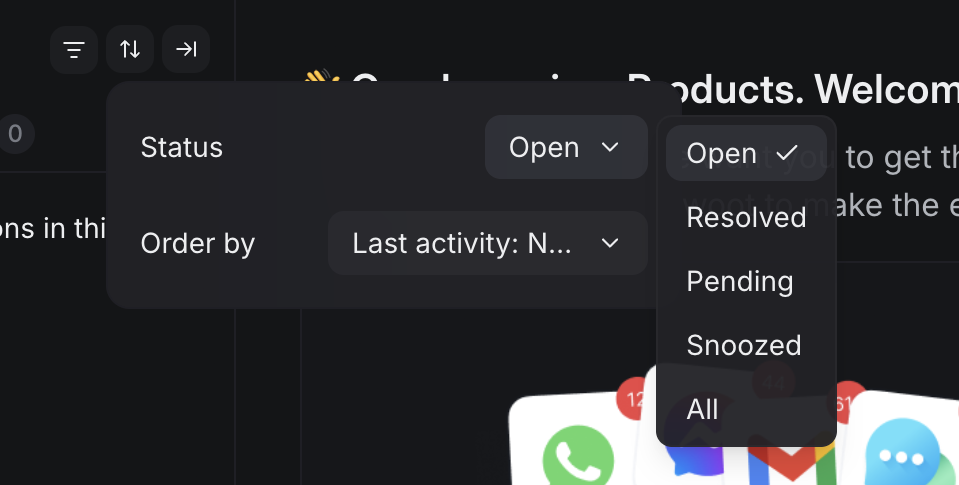
Chatwoot — Dropdown menu component
Chatwoot logo
Chatwoot

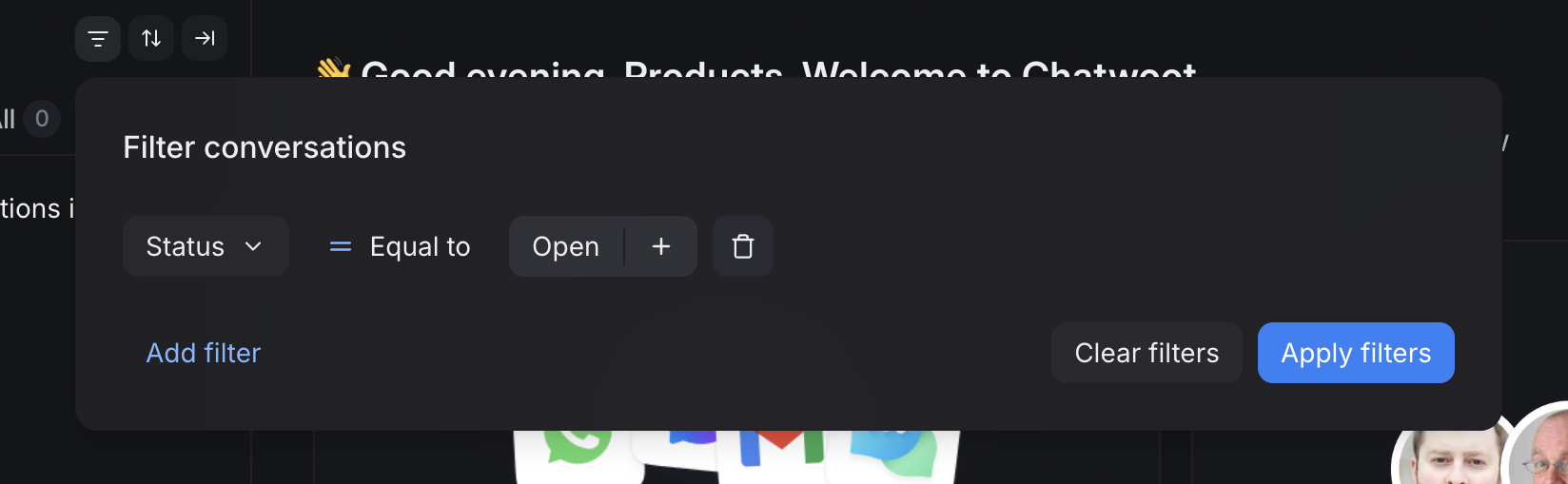
A filter and sort popover with a status selection dropdown menu.

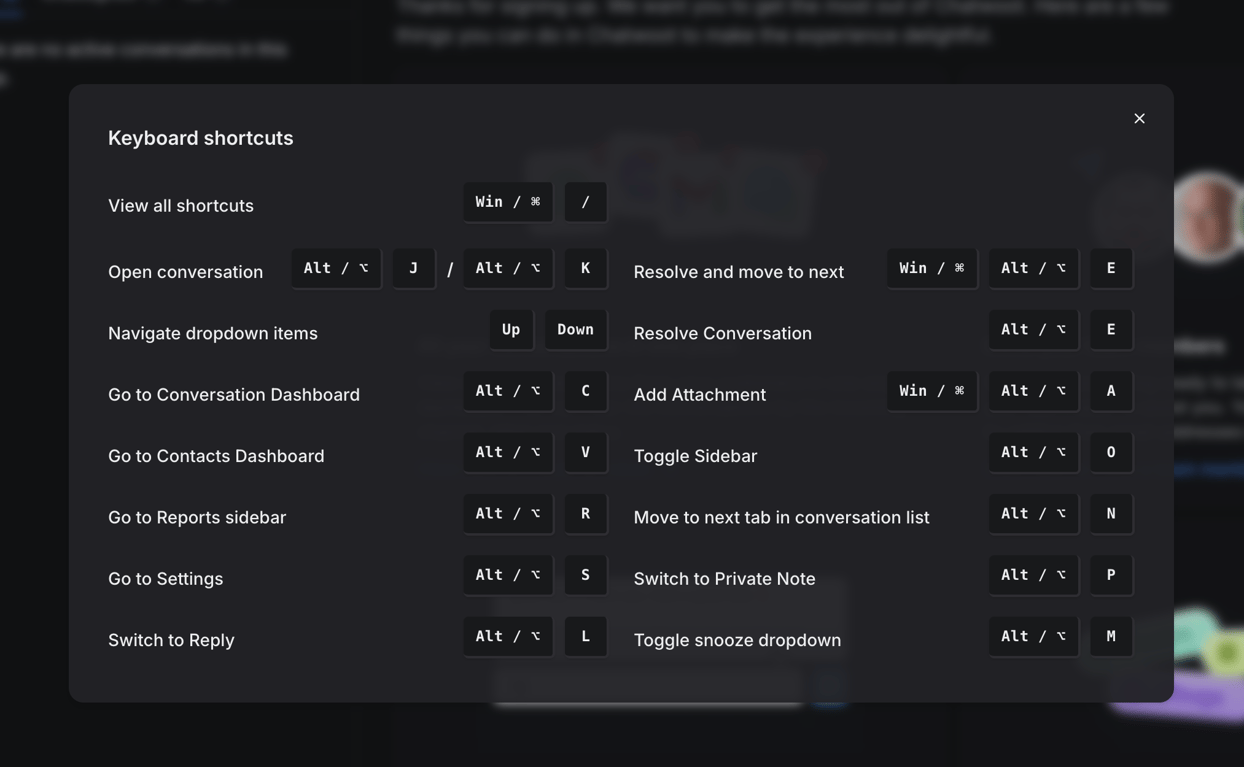
Chatwoot — Modal component
Chatwoot logo
Chatwoot

A modal window displaying a list of keyboard shortcuts for an application.

Browse the full component library

Browse the full UI component library.

Trusted by the best teams