Chatwoot marketing pages examples
Explore Chatwoot website design examples. Preview marketing pages and browse related SaaS page designs. The modern customer support tool for your business
Explore the examples
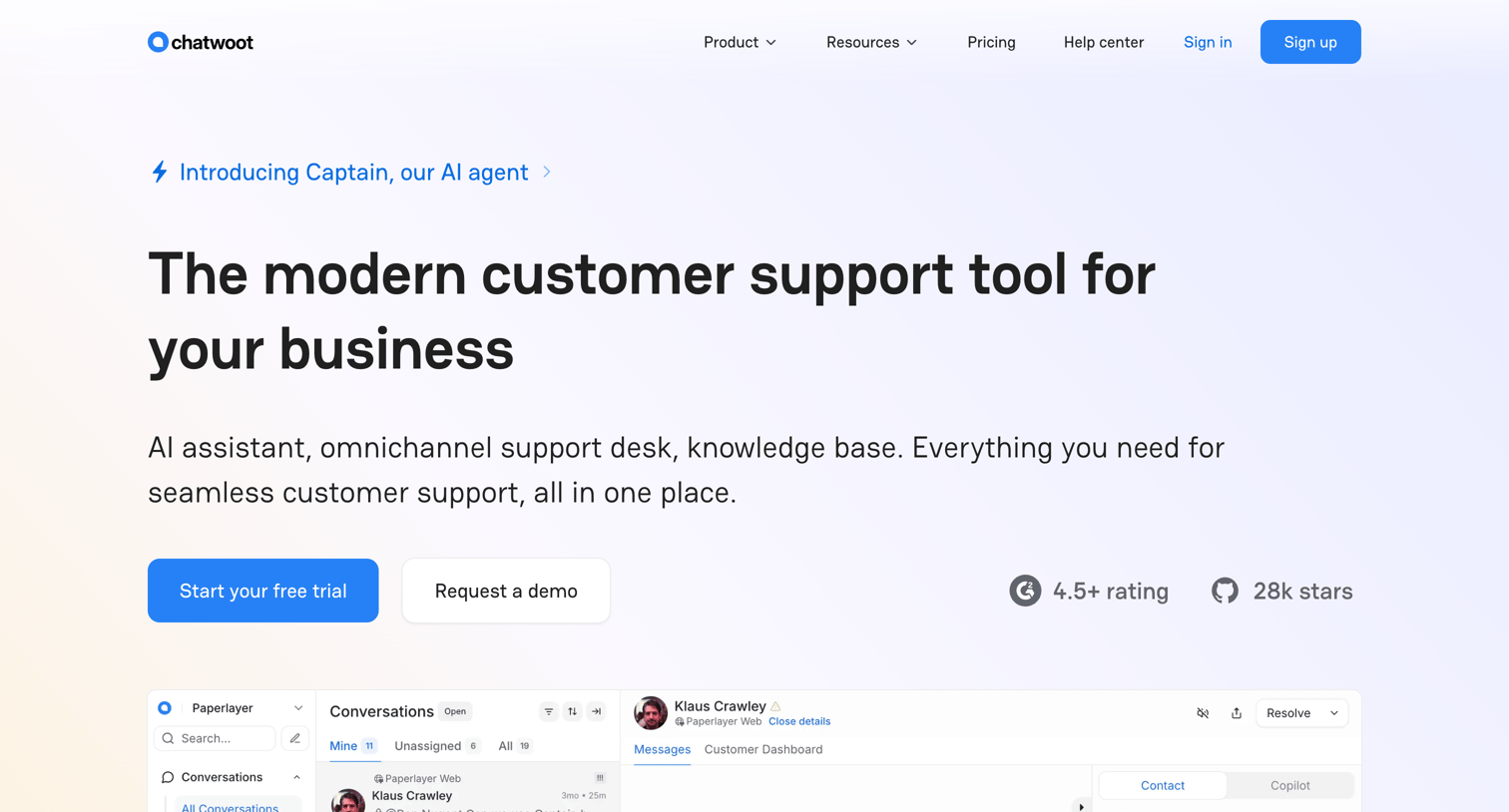

Landing page for an open-source customer support platform highlighting its AI assistant, omnichannel helpdesk, and self-hosted capabilities.
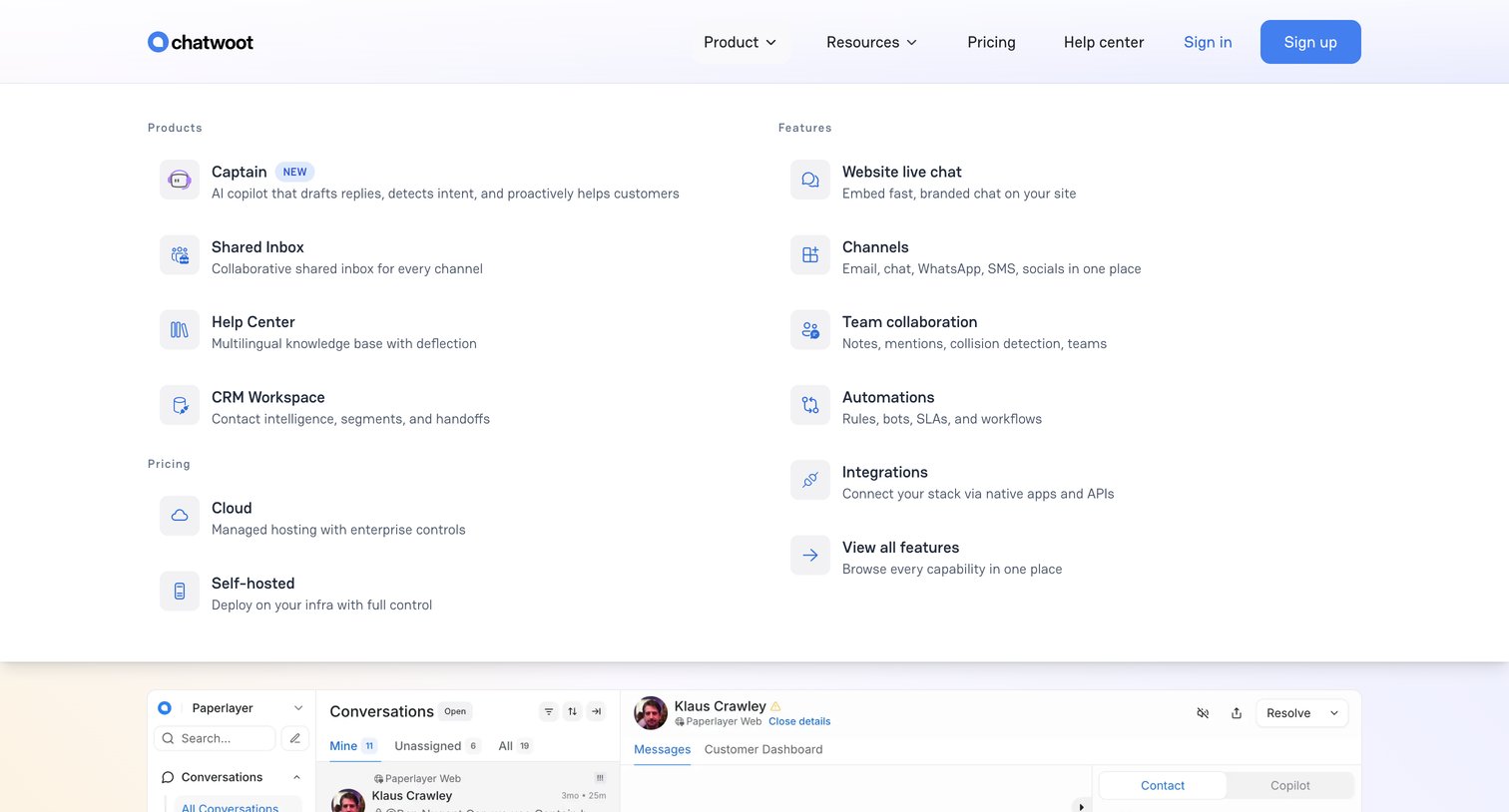
Landing page where the user opens the Product navigation dropdown to reveal links to specific tools like Shared Inbox and CRM Workspace, alongside feature and pricing options.
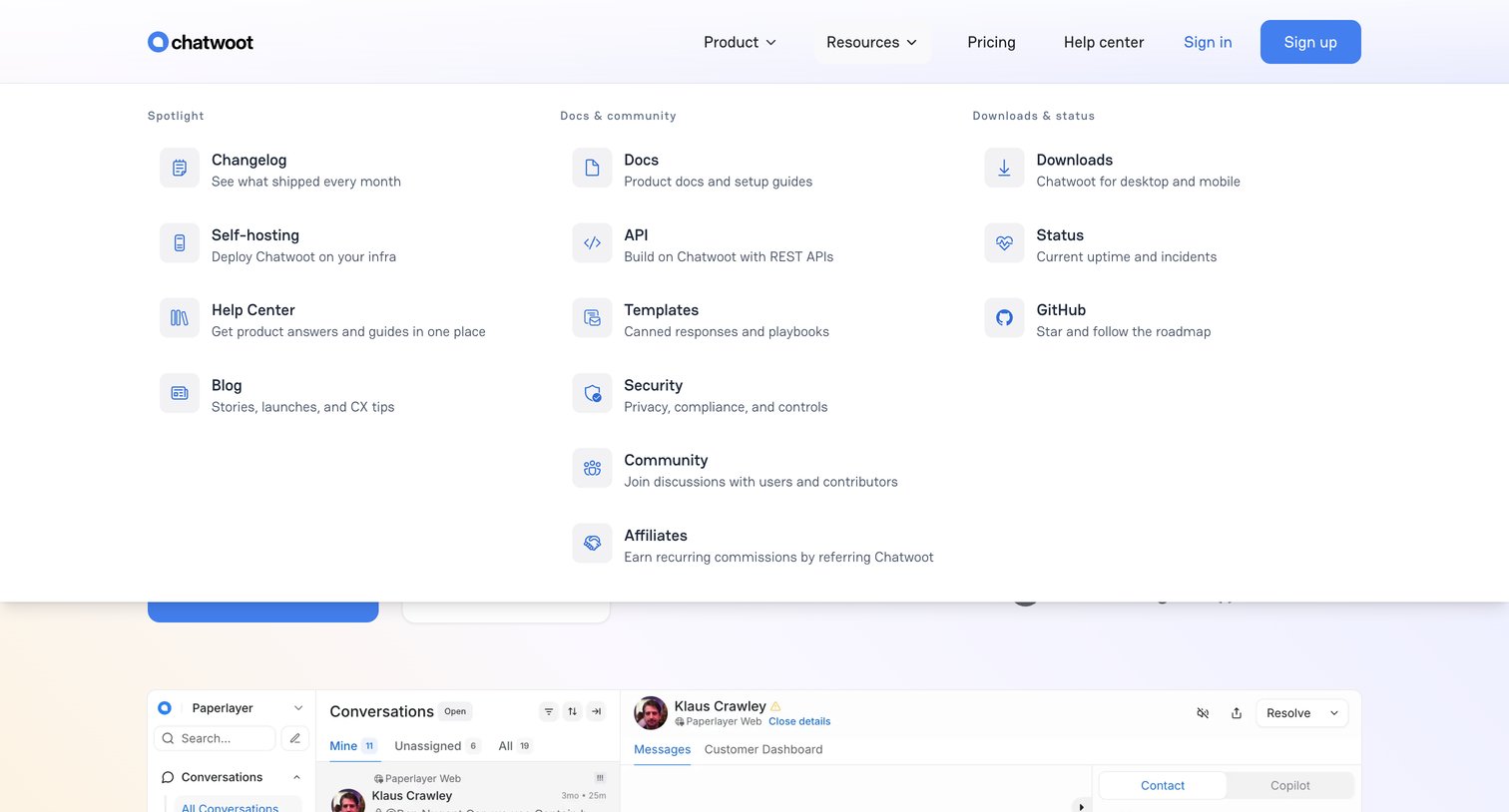
Landing page header with the resources mega menu open, displaying categorized links to documentation, community, and downloads.
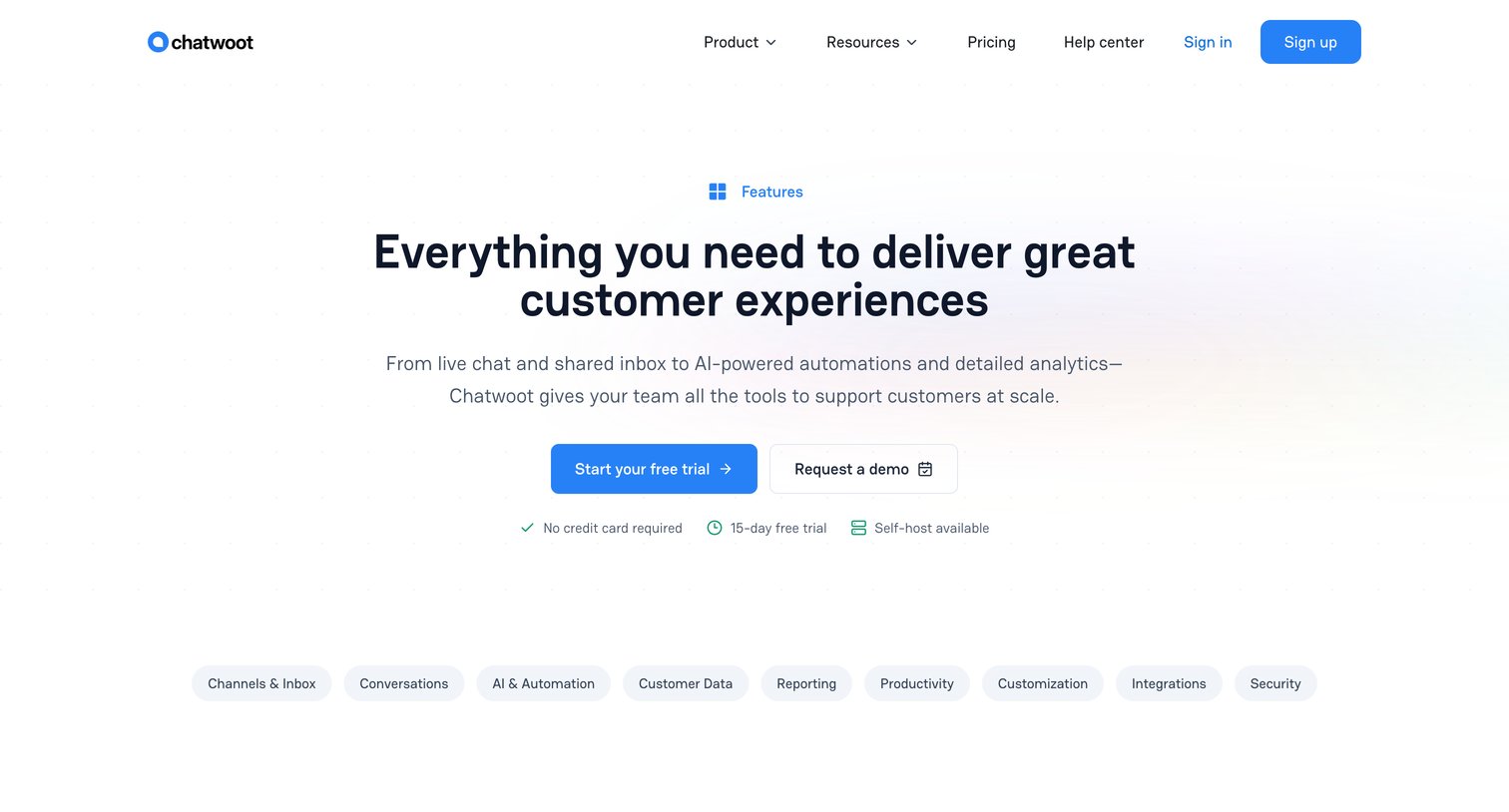
Marketing page detailing the platform's capabilities, organized into categories like channels, automation, and reporting, with a sticky navigation menu for quick jumping.
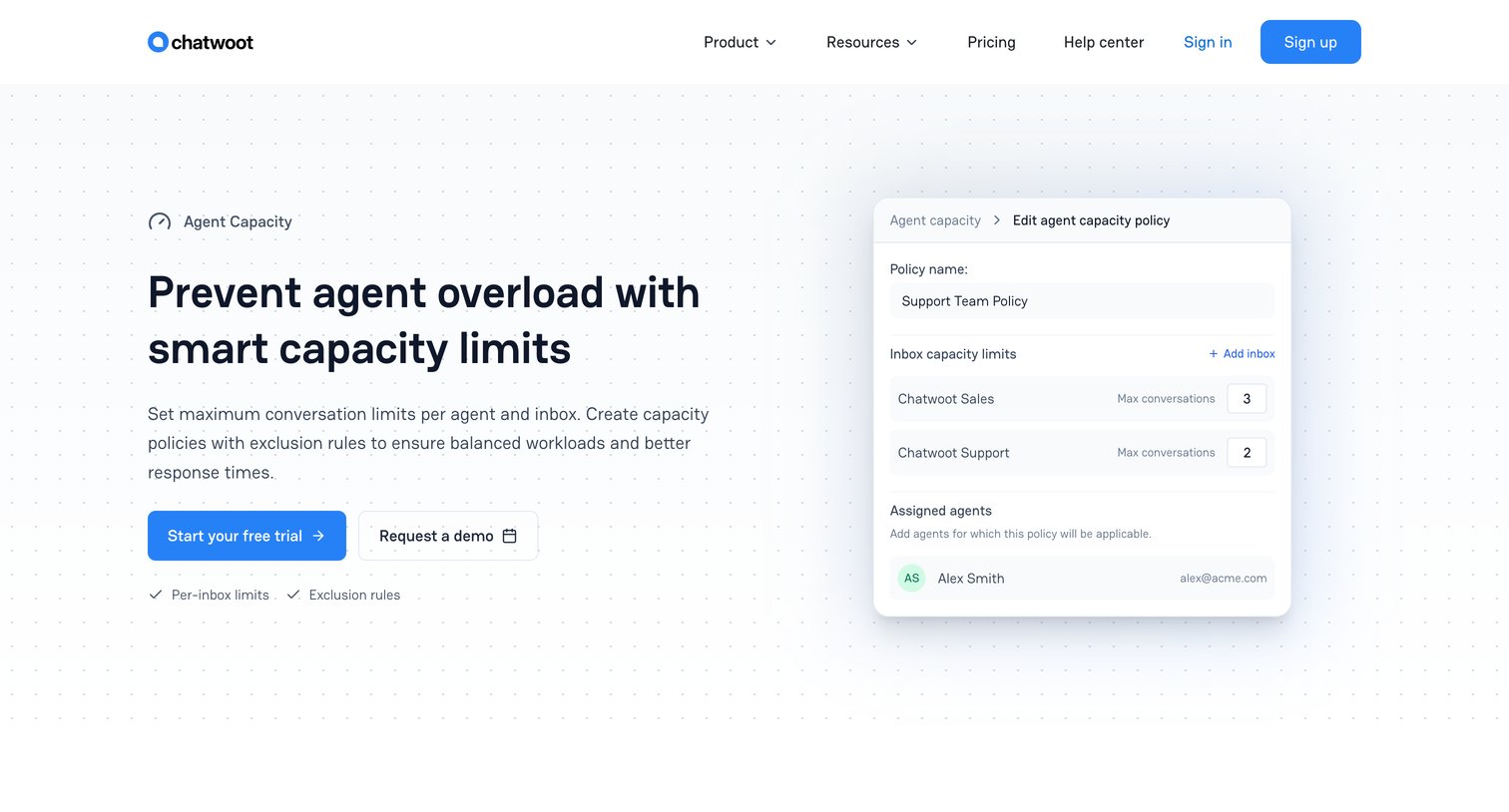
Feature page explaining how to set maximum conversation limits per agent and inbox to prevent support team overload.
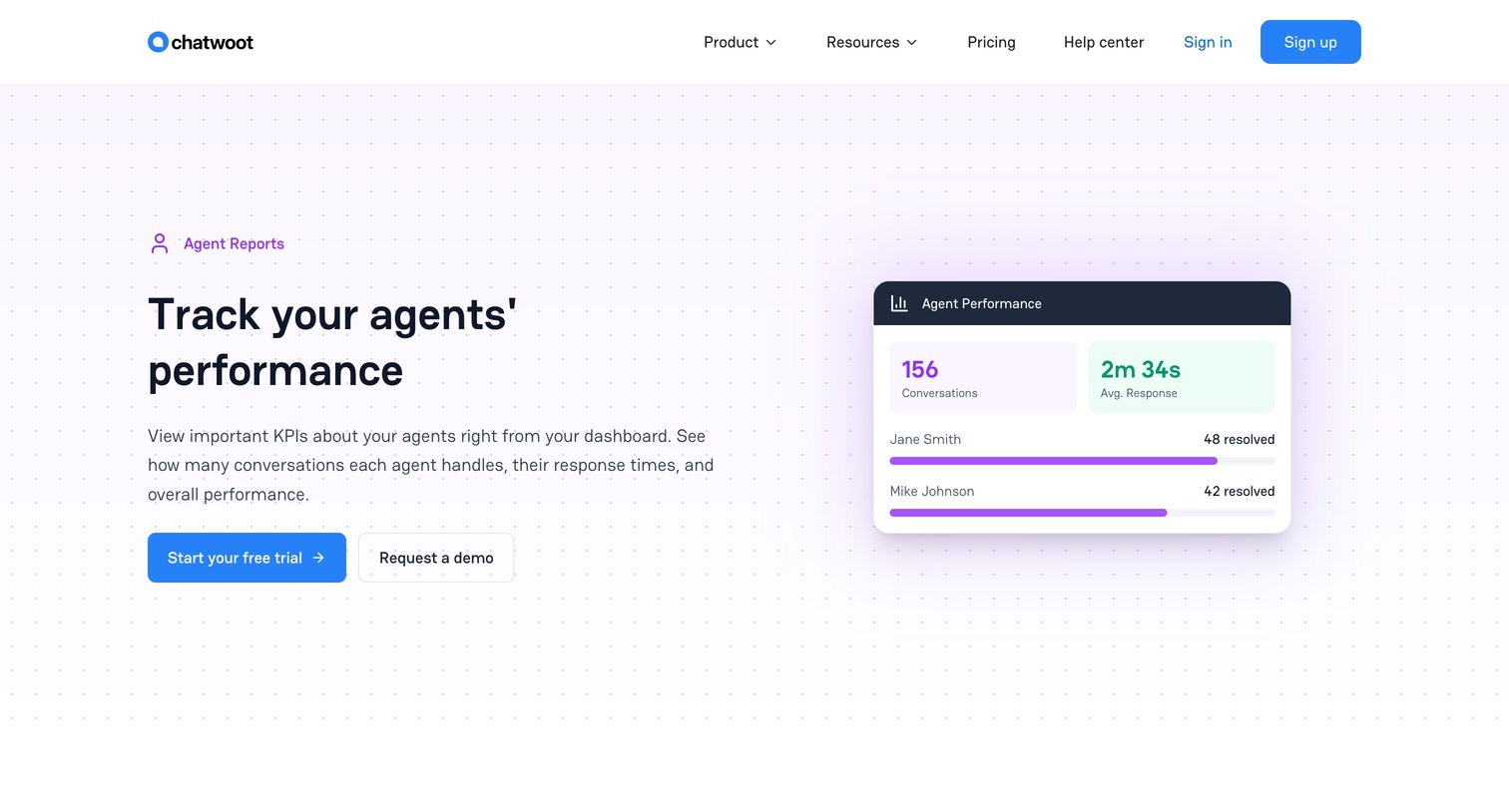
Feature page detailing agent performance reporting capabilities with metrics tracking, response times, and flexible filtering options.
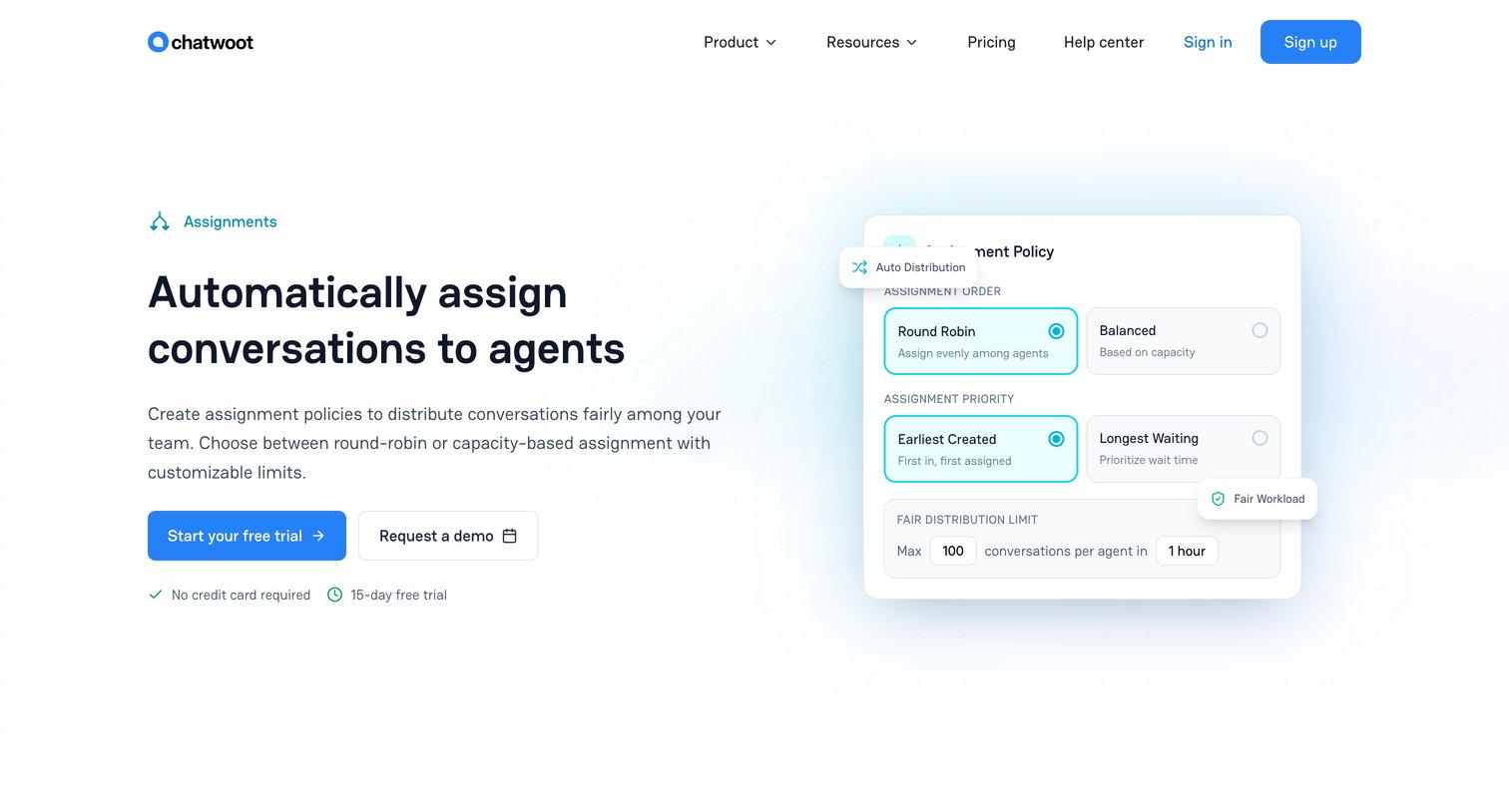
Feature page explaining how to automatically distribute conversations to agents using round-robin, balanced load, and priority rules.
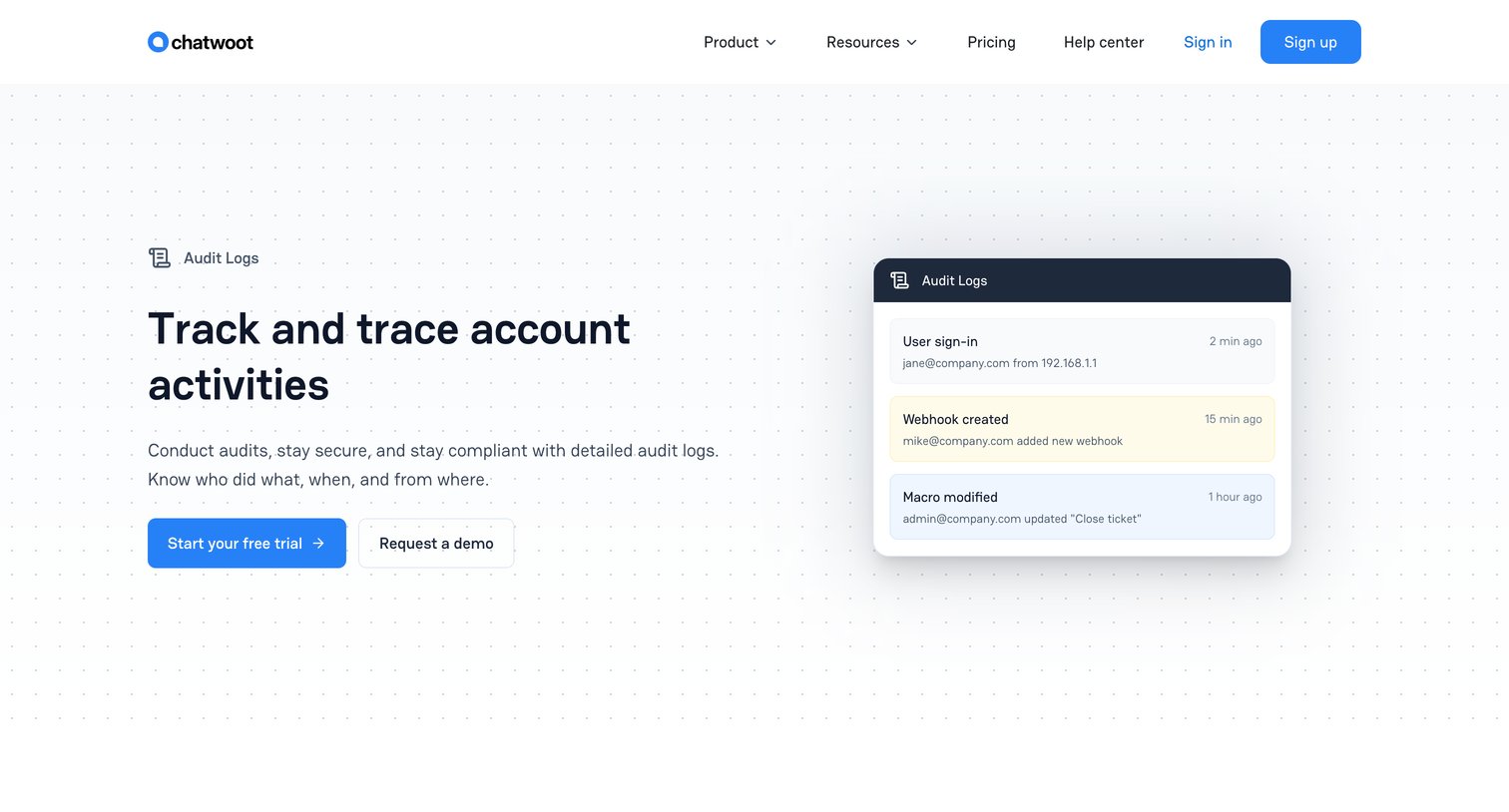
Feature page detailing the audit logs capability, highlighting how teams can track user activities, configuration changes, and security events.
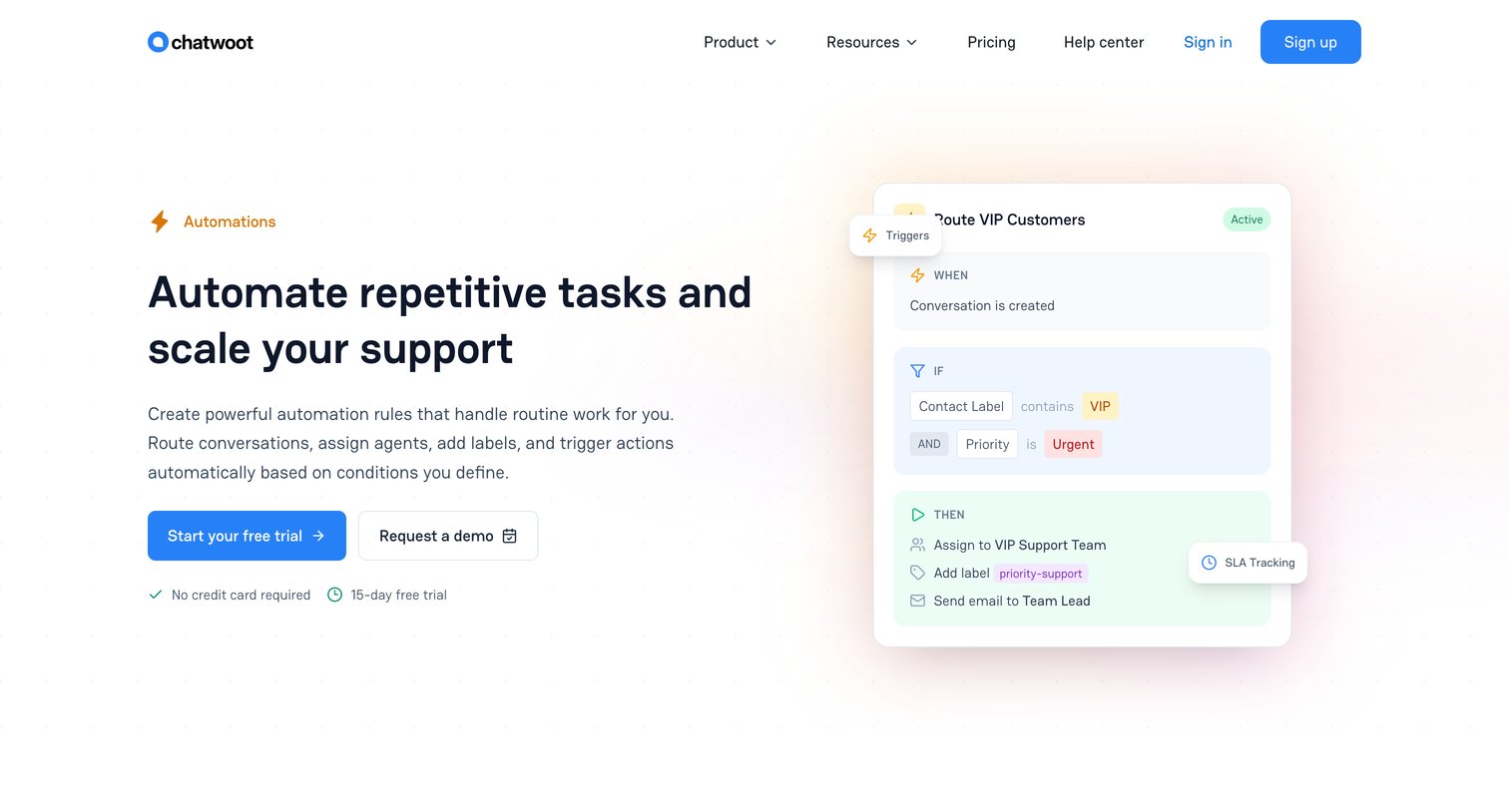
Feature page highlighting customer support automation capabilities like rule-based routing, macros, canned responses, and SLA tracking.
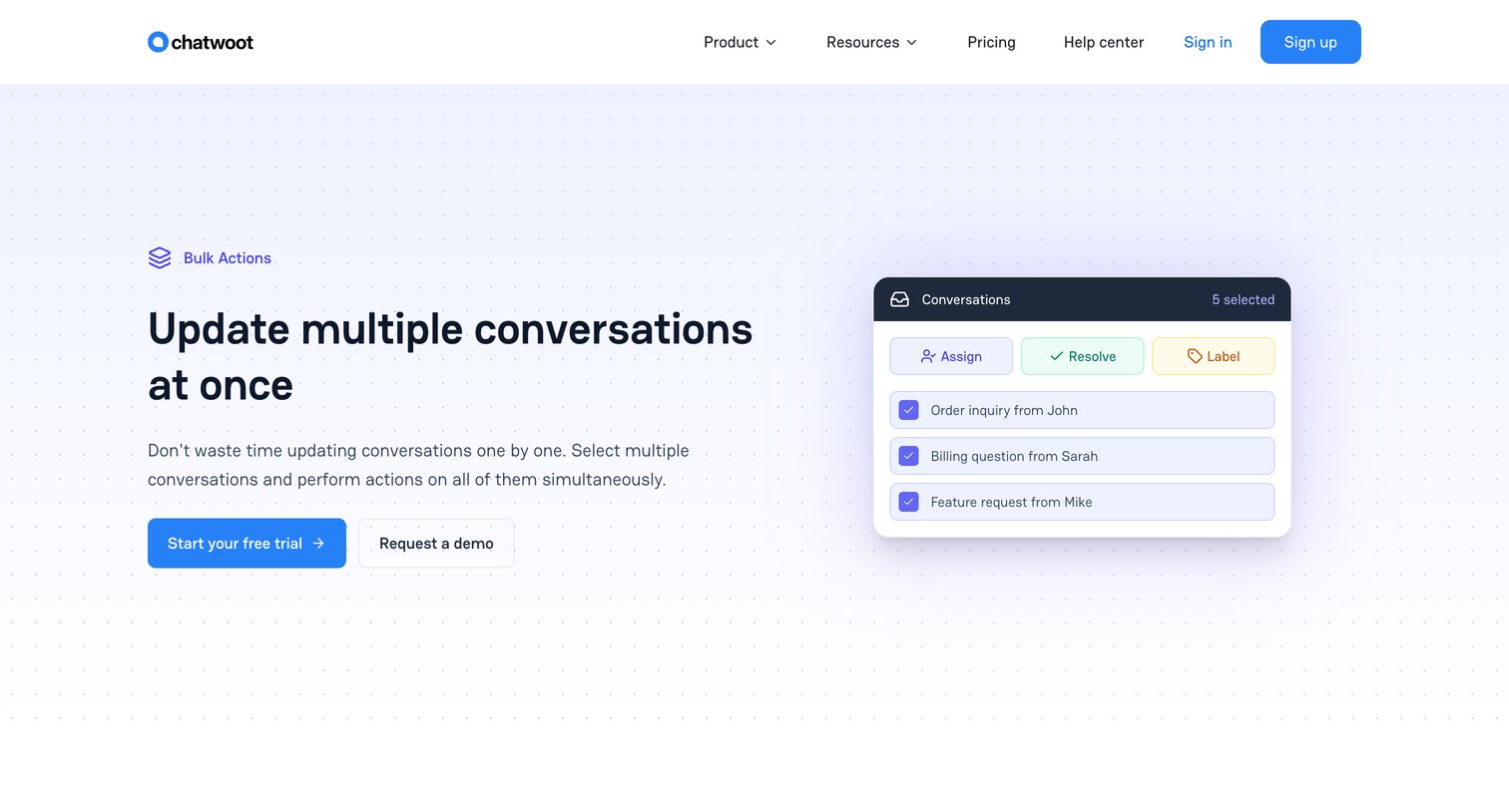
Feature page highlighting the bulk actions capabilities of the inbox, allowing users to select multiple conversations and apply actions like assign, resolve, and label simultaneously.
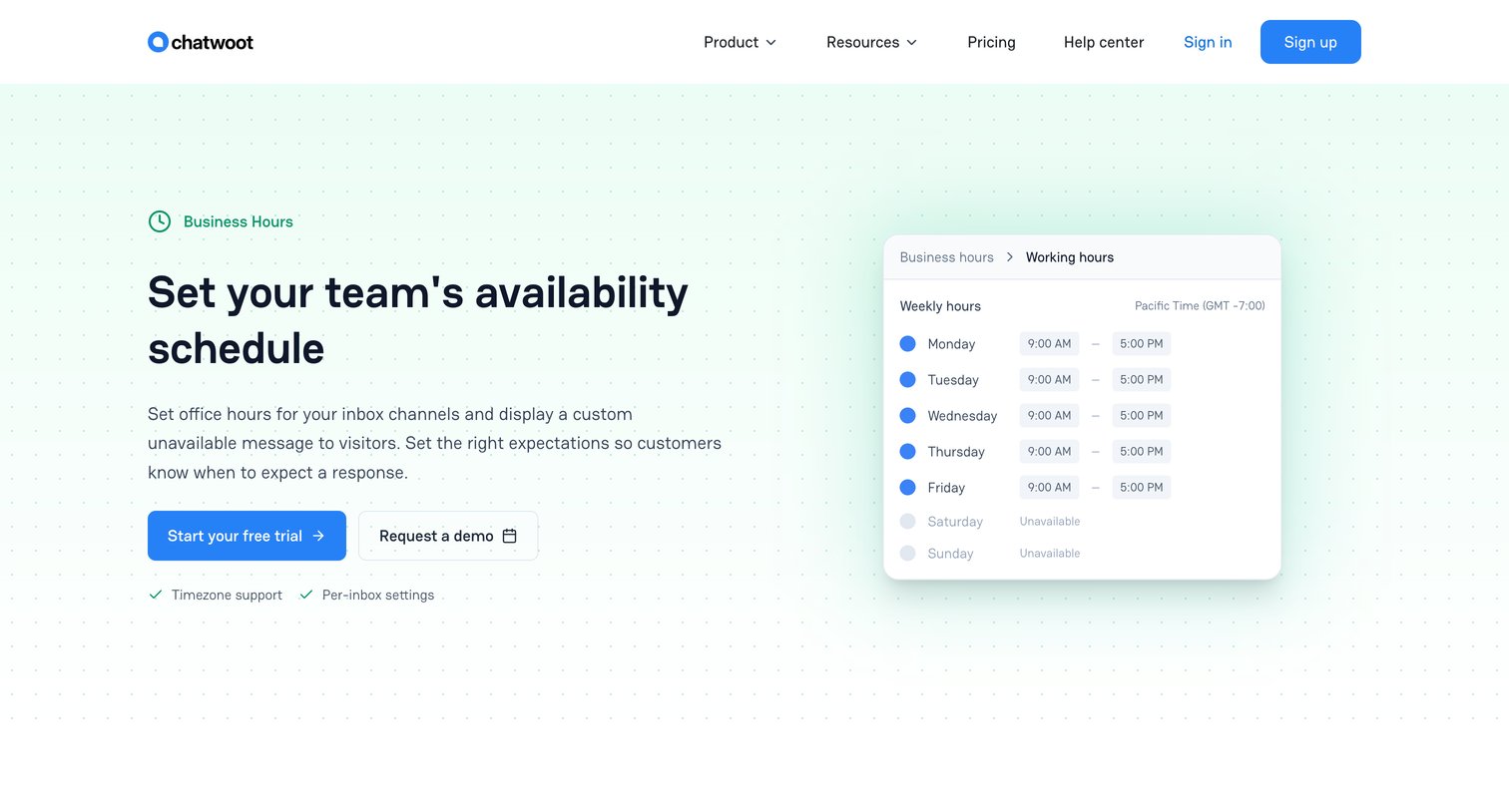
Feature page explaining how teams can set availability schedules, configure weekly hours, and add date overrides or holidays.
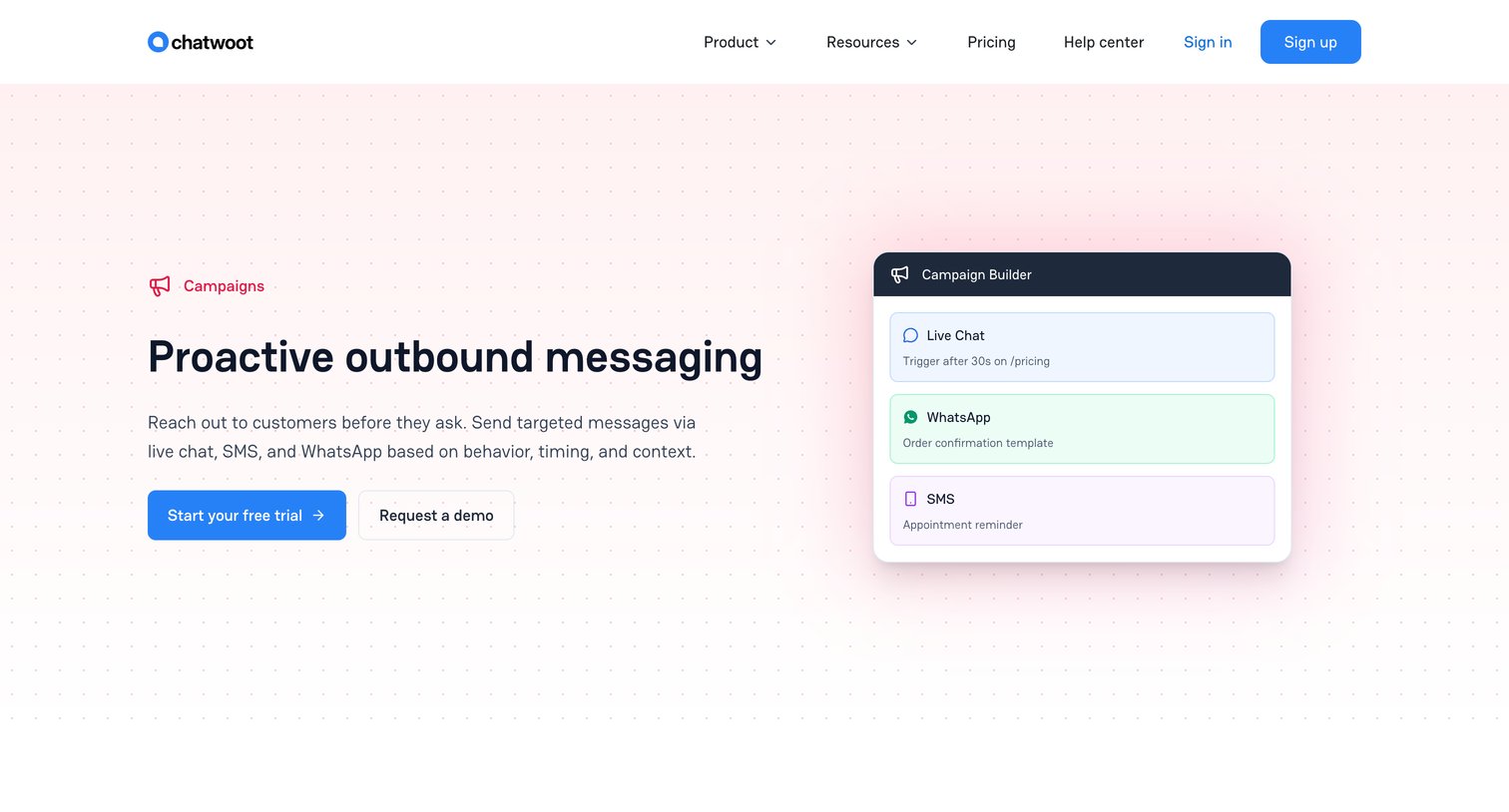
Feature page highlighting proactive outbound messaging campaigns via live chat, WhatsApp, and SMS, with options to start a free trial or request a demo.
Explore the full SaaS screen library
Upgrade to unlock the full library.
Trusted by the best teams







