Select screen examples
Select screen design examples from SaaS apps. See how SaaS apps ask people to choose one or more items. Explore how available options, selected states, and continuation controls make the current choice…
Explore the examples
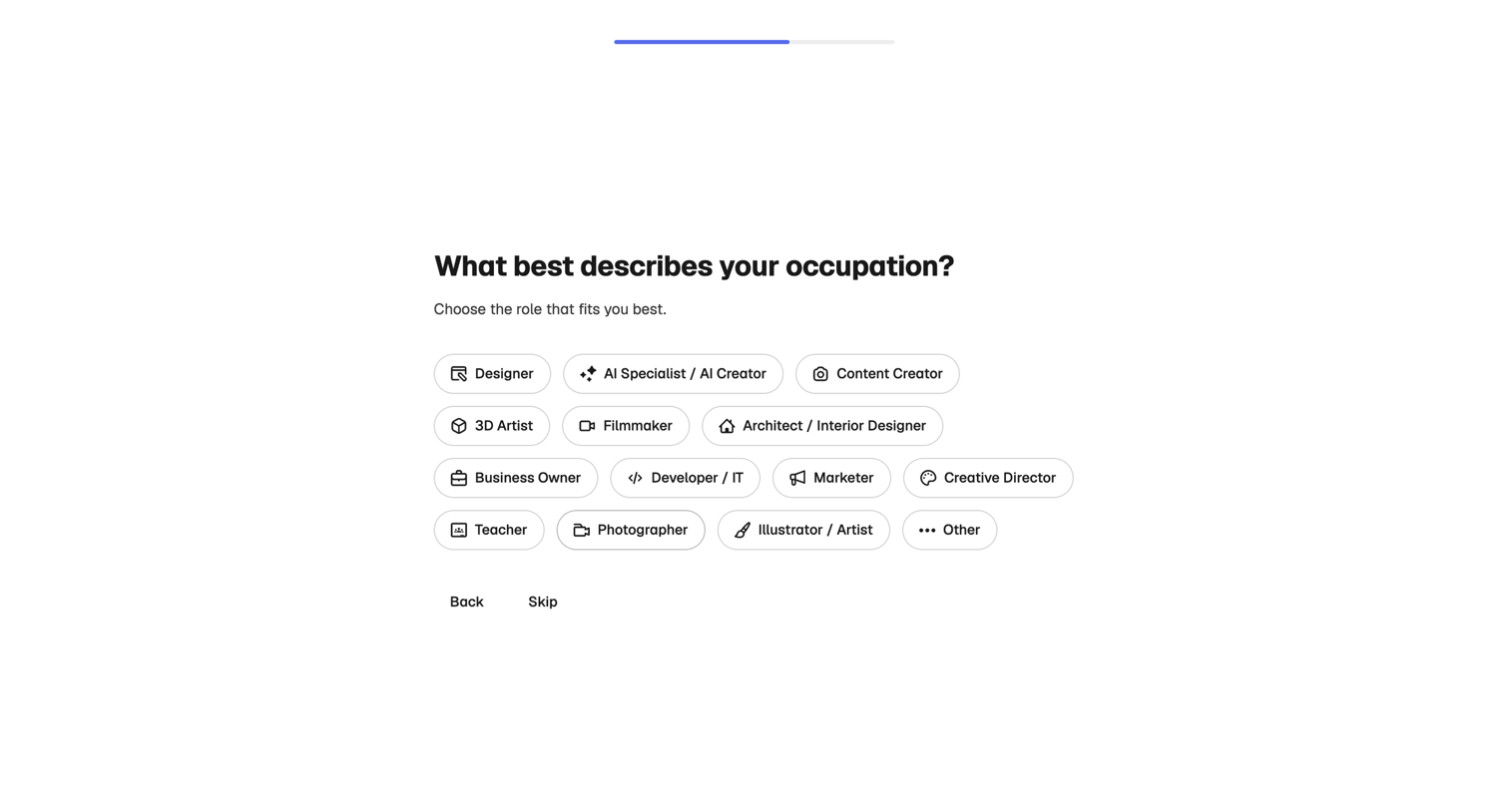

Onboarding step where the user selects their occupation from a grid of options to personalize their account.
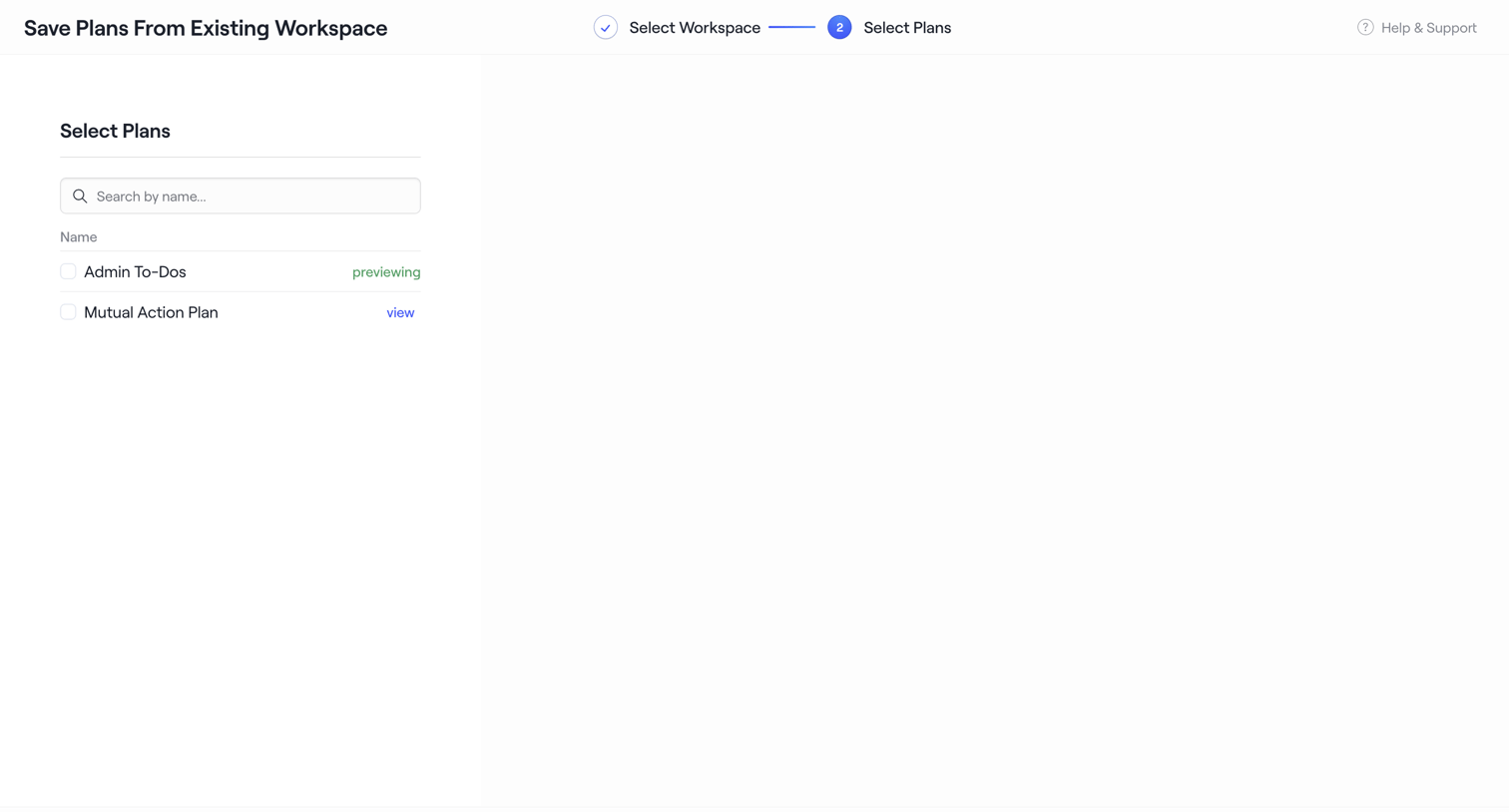

Wizard step where the user selects specific plans from an existing workspace to save as a new template.
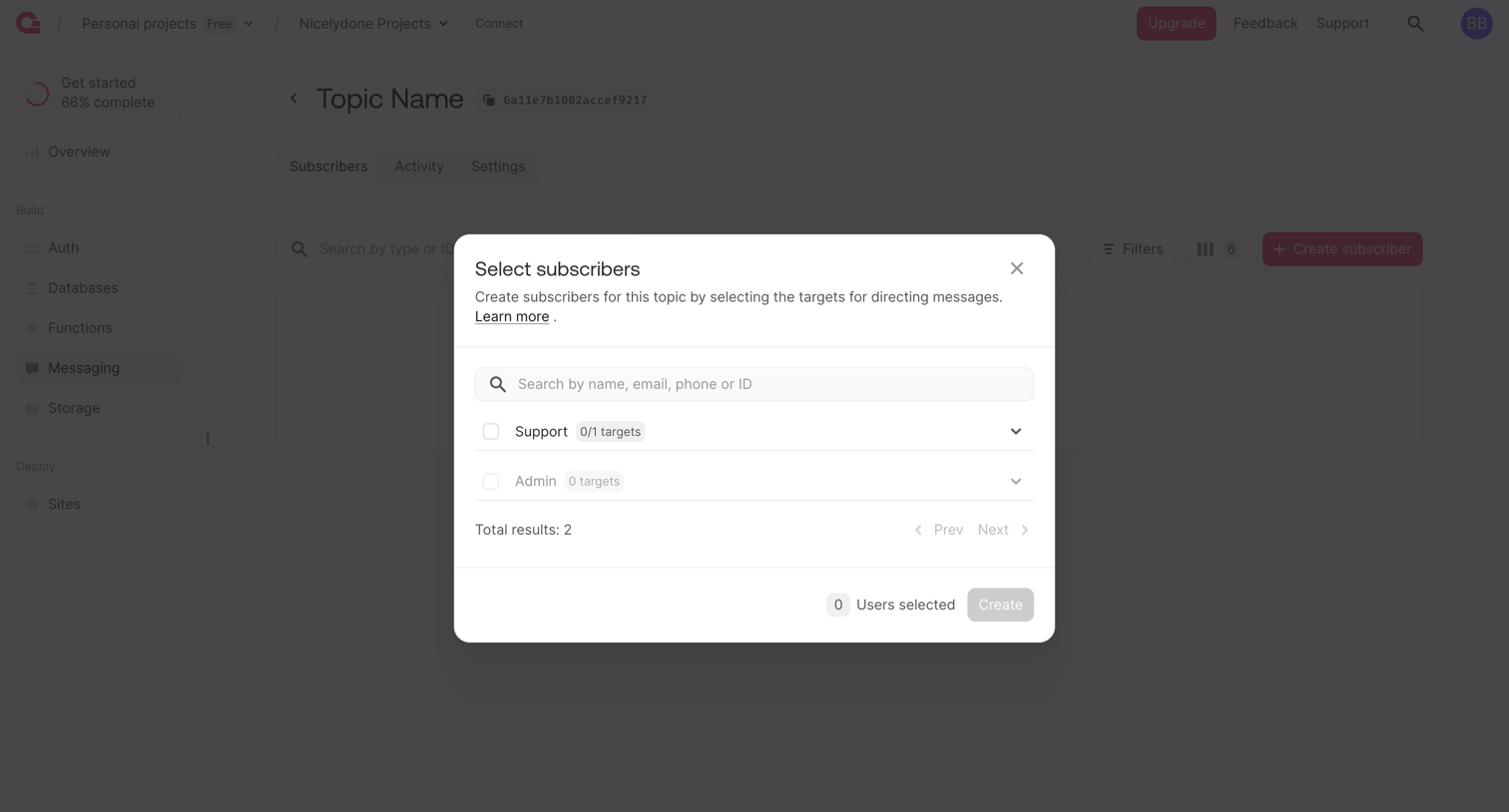

Detail page for a messaging topic where the user selects existing subscribers like Support or Admin from a modal to add them to the topic.
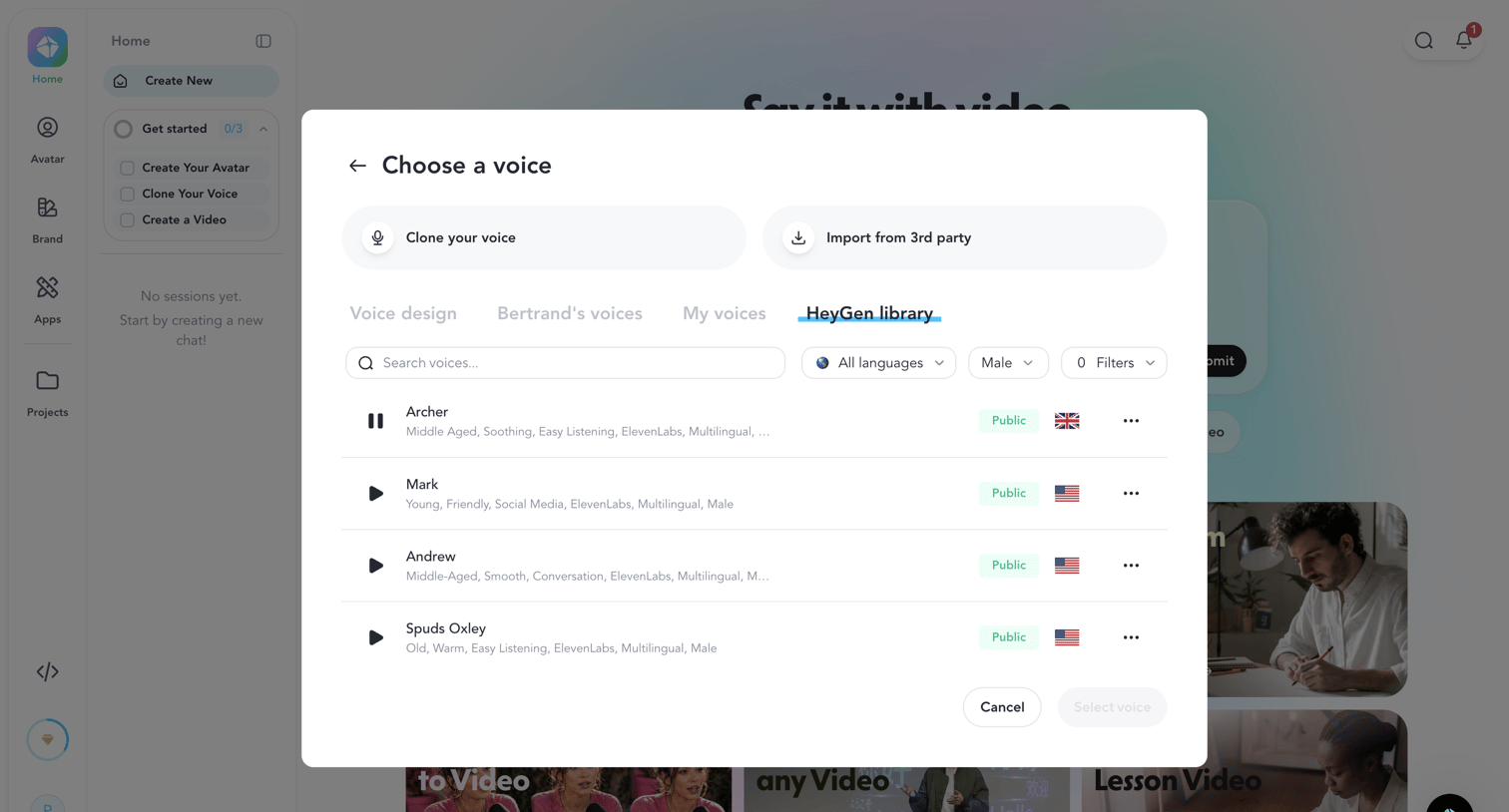

Home dashboard with an open modal where the user searches and selects a voice from the HeyGen library, filtering by language and gender.
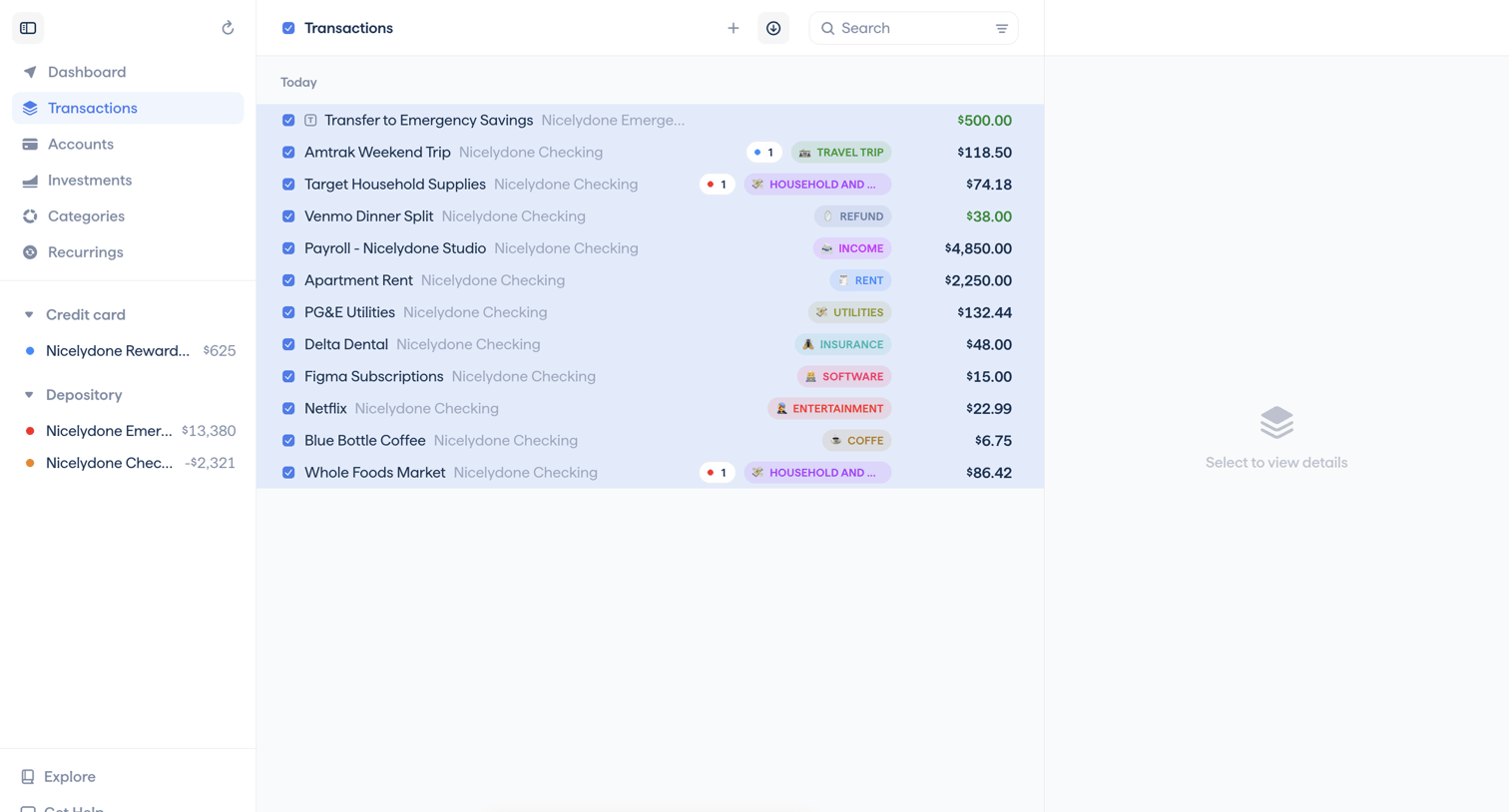

List view where the user manages their recent financial transactions, with a floating bulk action bar active for multiple selected items.
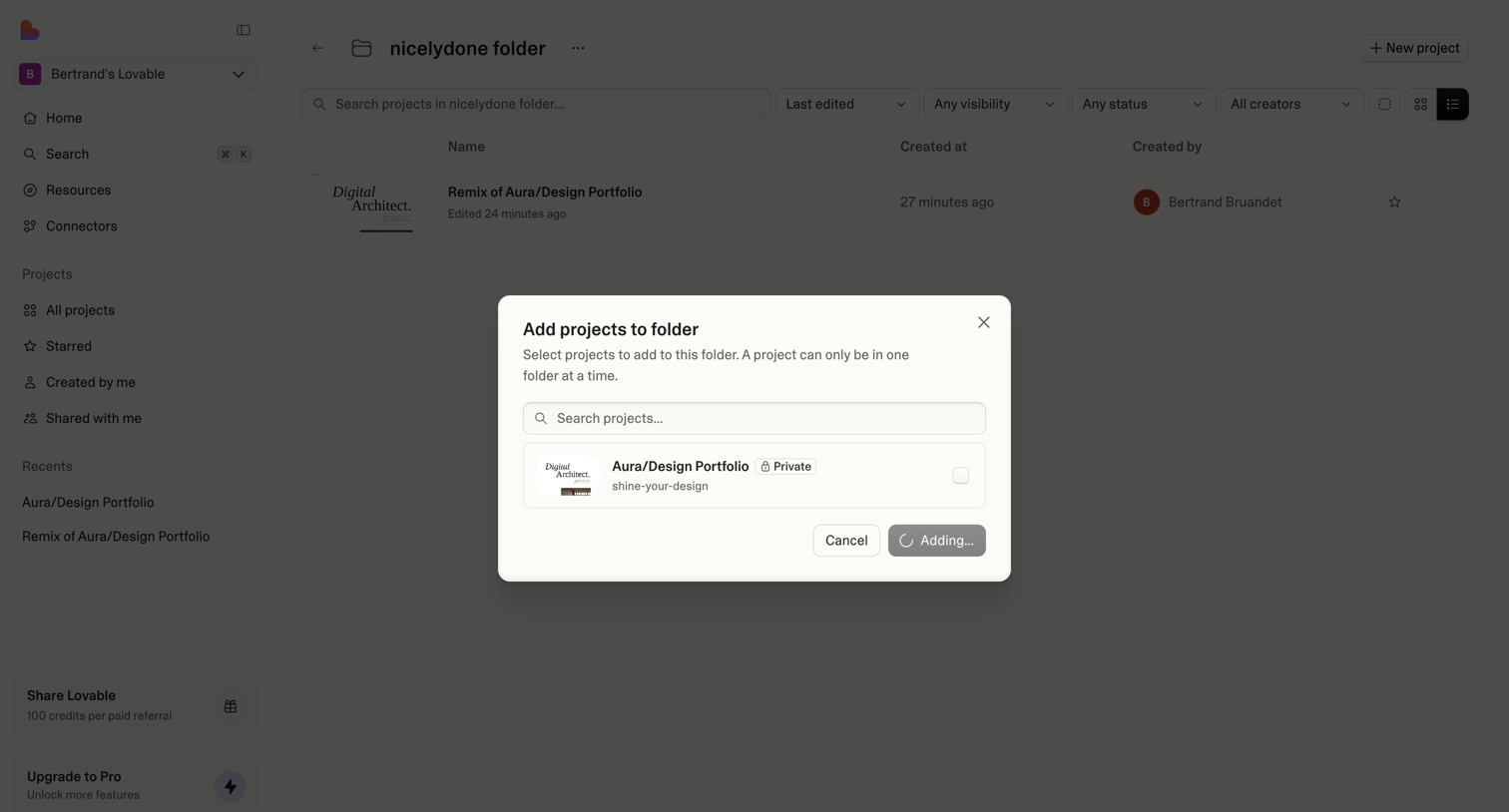

List view where the user searches and selects an existing project from a modal list to add it to the nicelydone folder.
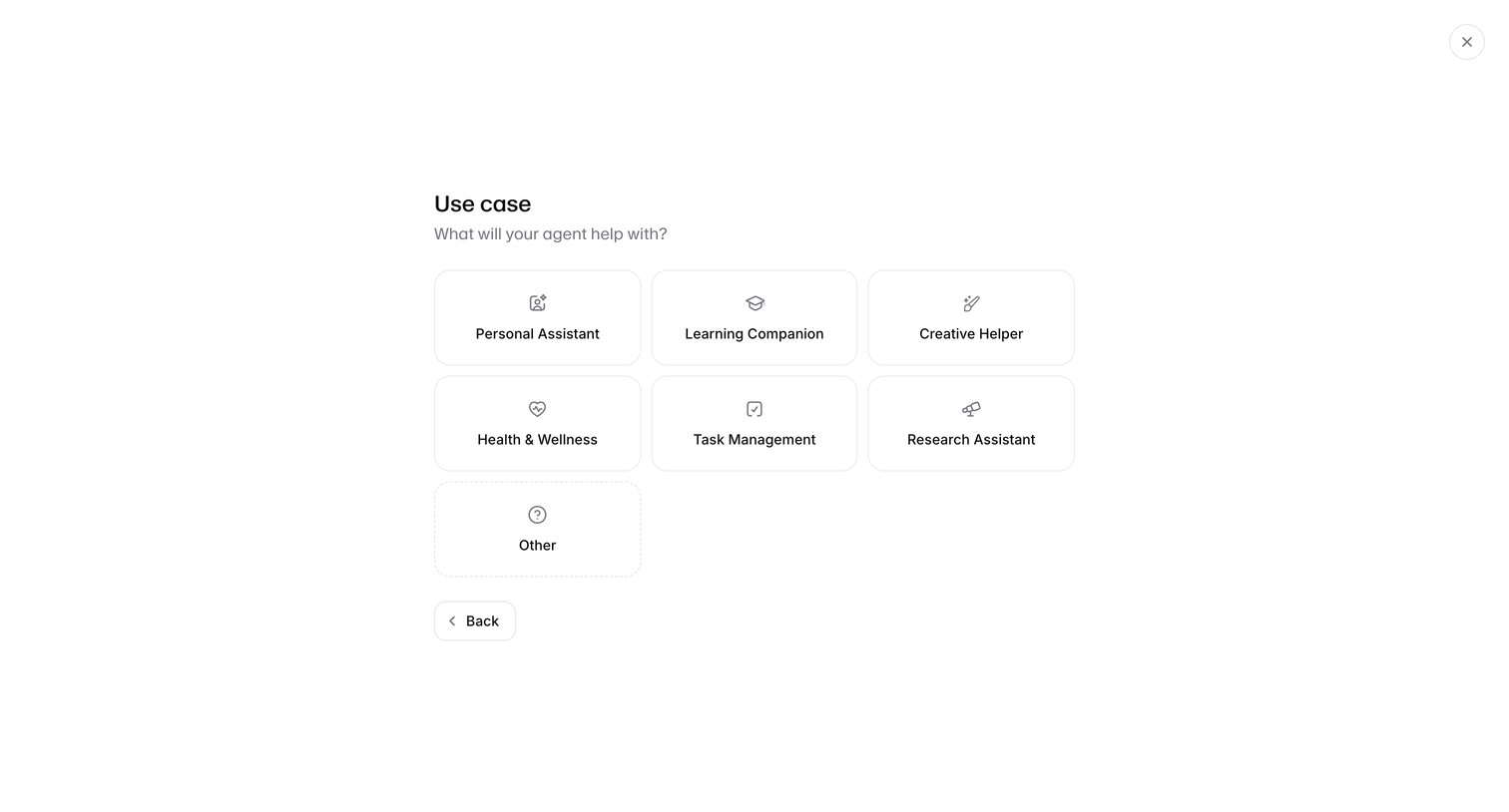

Creation wizard step where the user selects a primary use case for their new AI agent from a grid of options like Personal Assistant or Task Management.
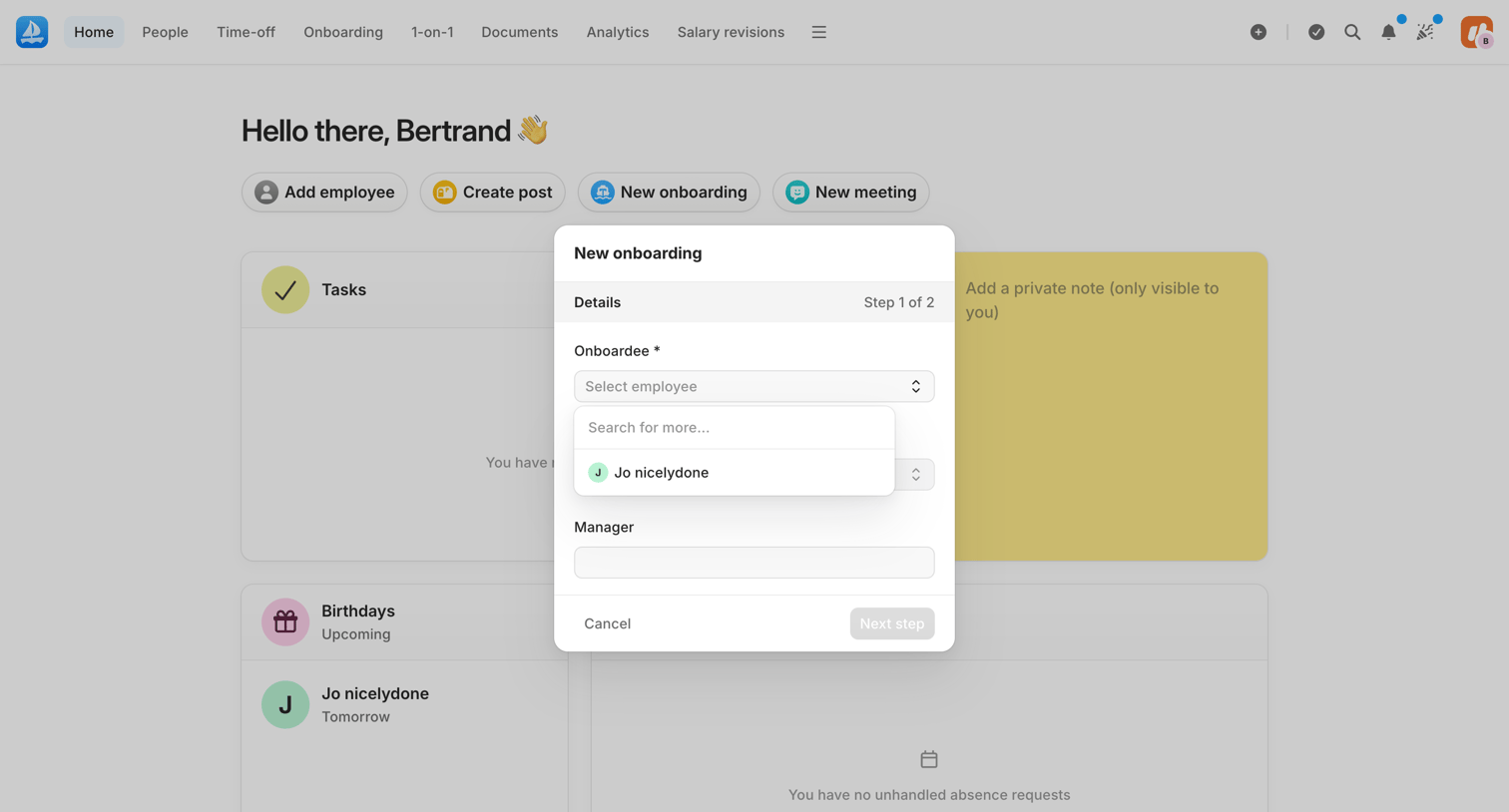

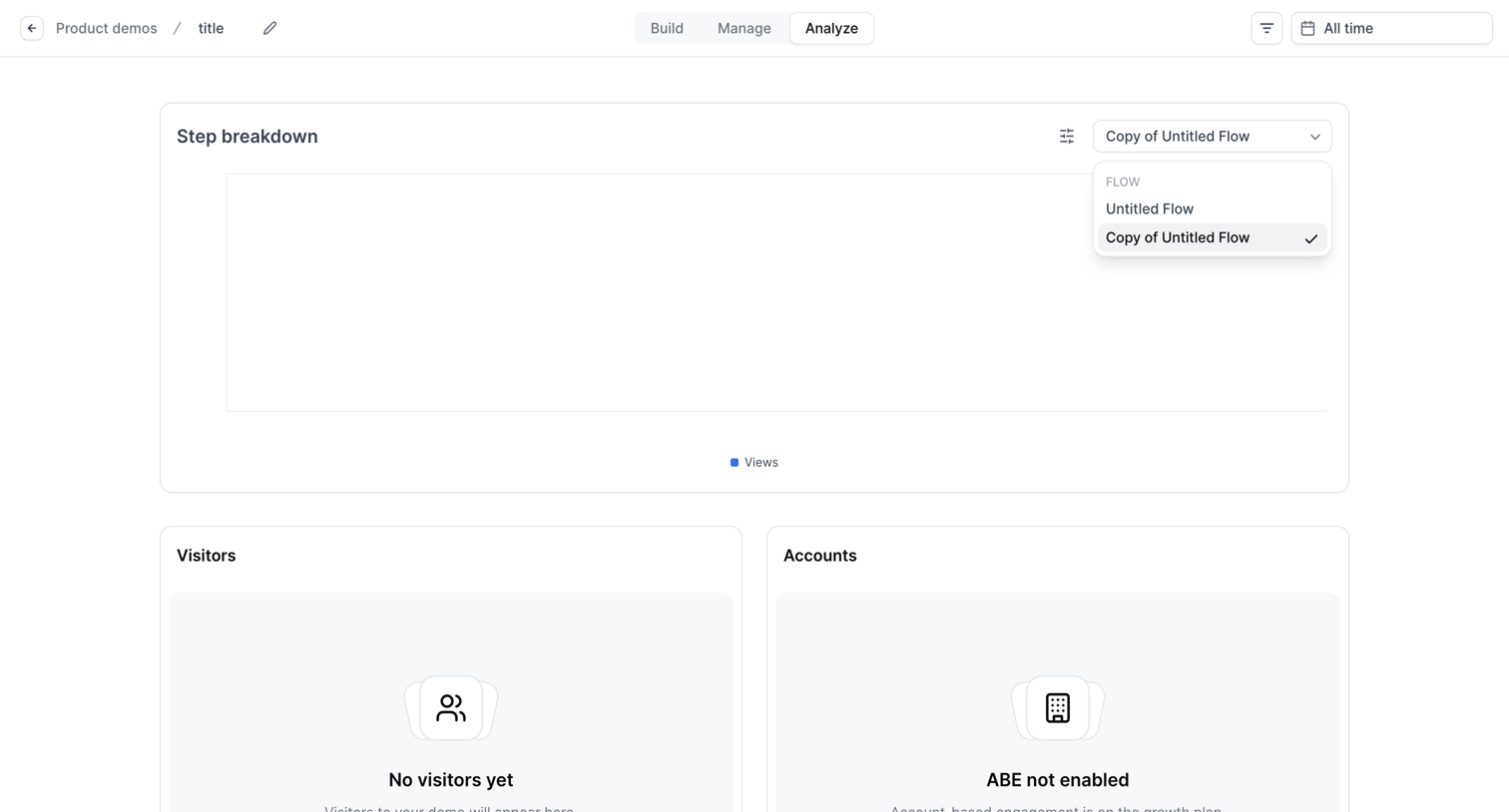

Dashboard showing step breakdown, visitors, and accounts metrics for a specific product demo flow, currently displaying empty states for 'No visitors yet' and 'ABE not enabled'.
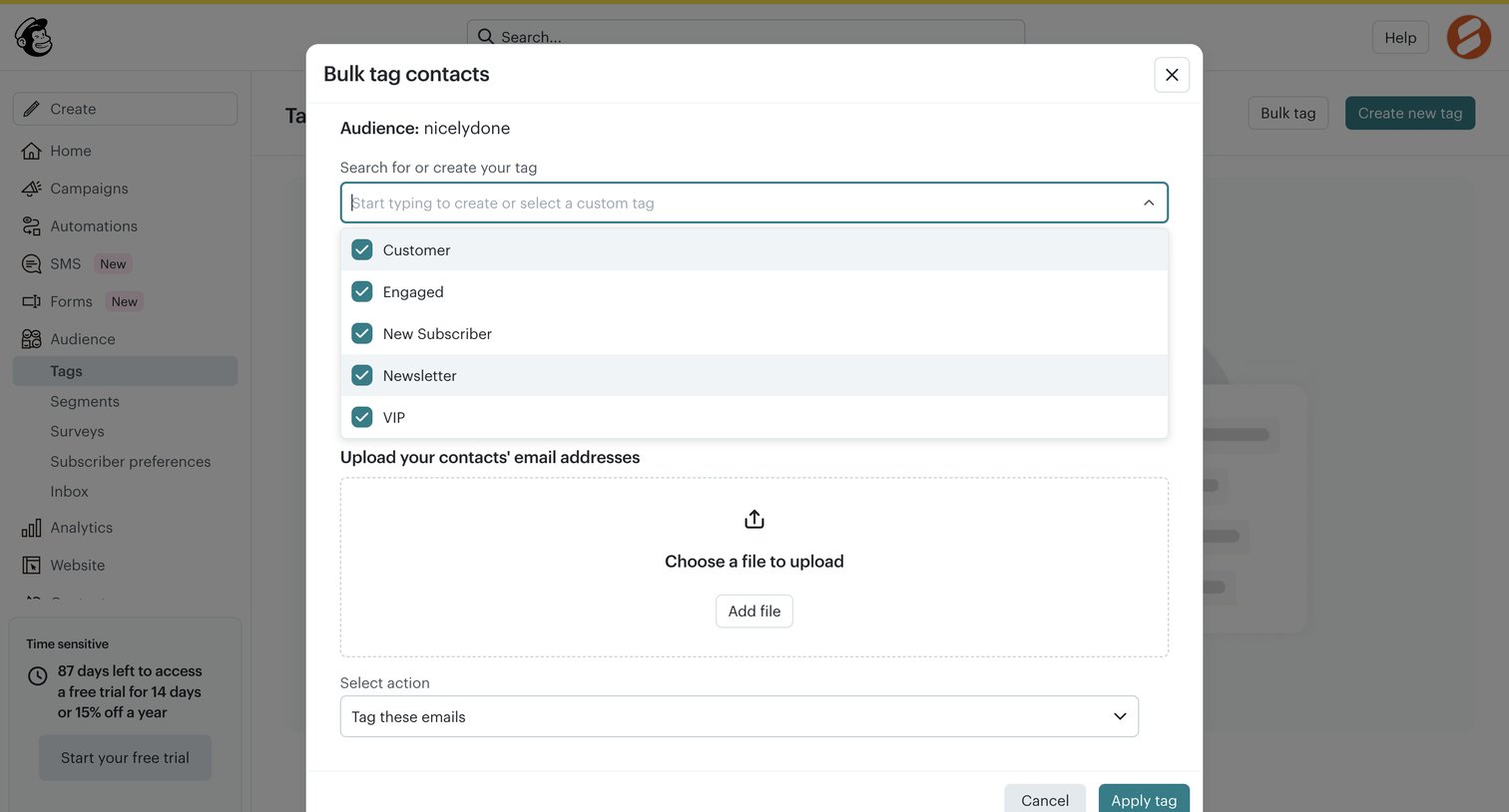

Modal where the user can bulk tag contacts by selecting or creating a tag and uploading a file of email addresses.
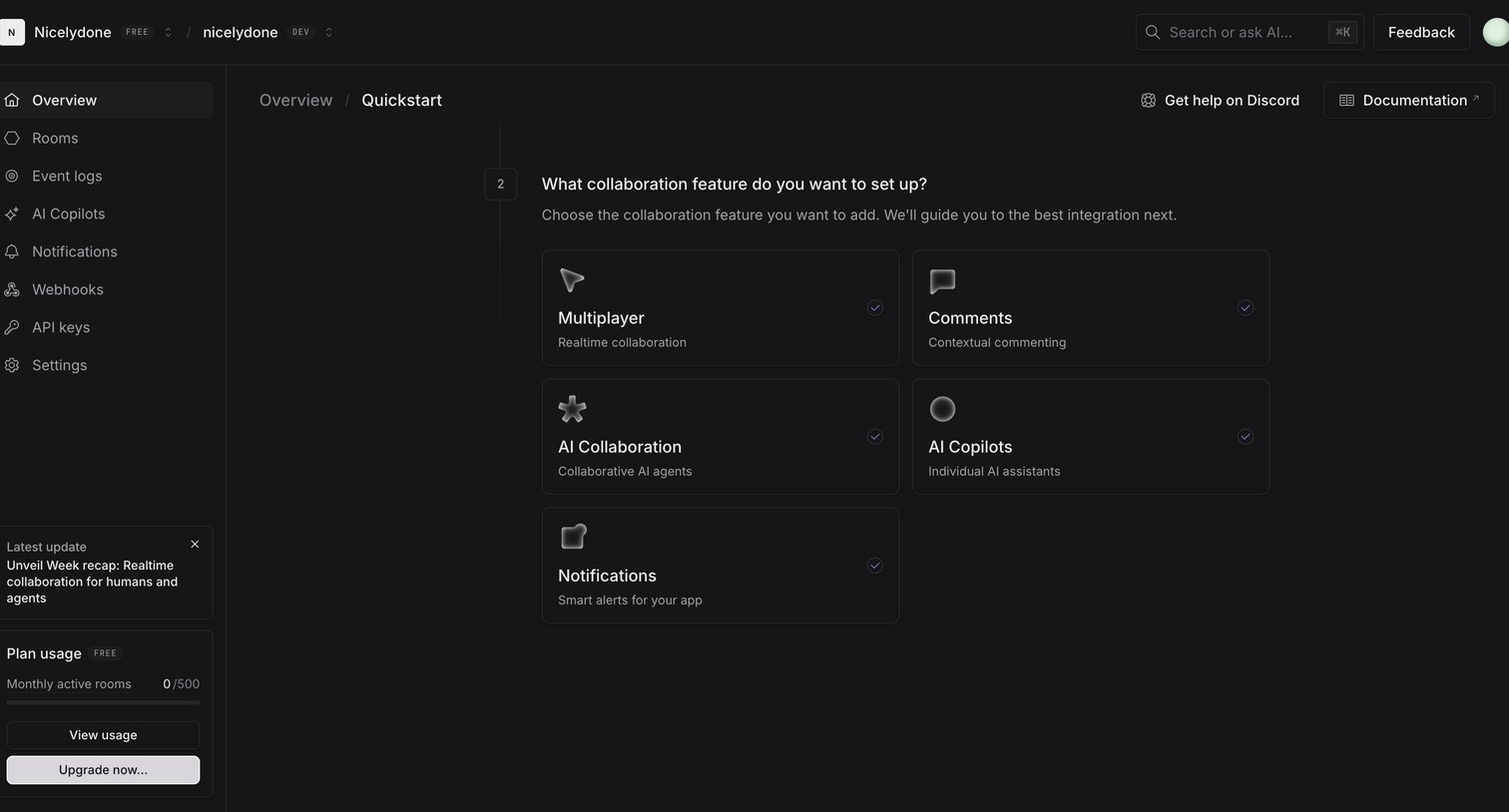

Onboarding quickstart step where the user selects which collaboration feature to set up, such as Multiplayer, Comments, or AI Copilots.
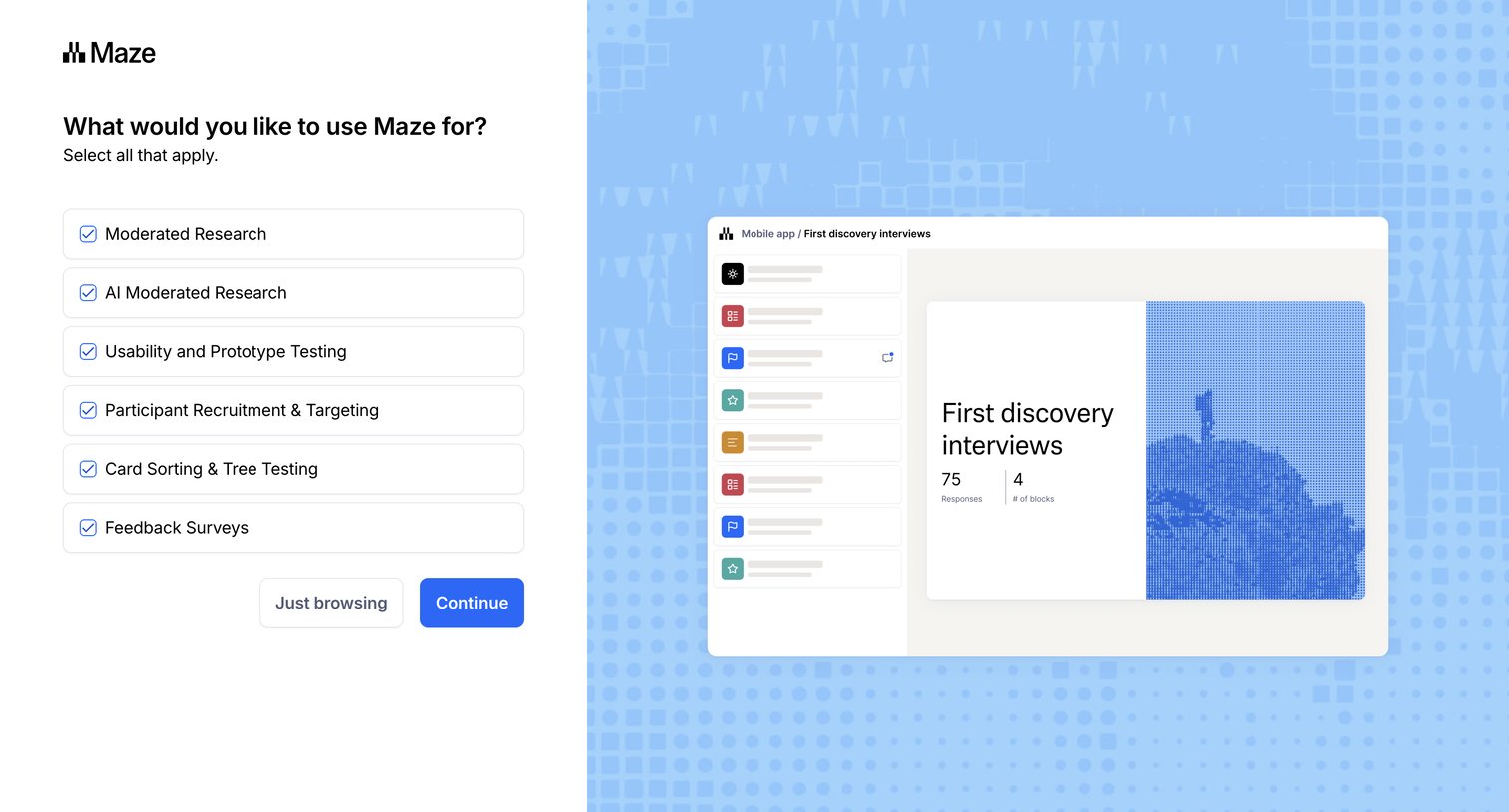

Onboarding step where the user selects their intended use cases for Maze, such as moderated research or feedback surveys, from a list of selectable cards.
Explore the full SaaS screen library
Upgrade to unlock the full library.
Trusted by the best teams








About Select
See how SaaS apps ask people to choose one or more items. Explore how available options, selected states, and continuation controls make the current choice visible.