Bulk Actions screen examples
Bulk Actions screen design examples from SaaS apps. See how SaaS apps let people act on several items at once. Explore how selection state, item counts, and shared actions appear alongside the list or table.
Explore the examples
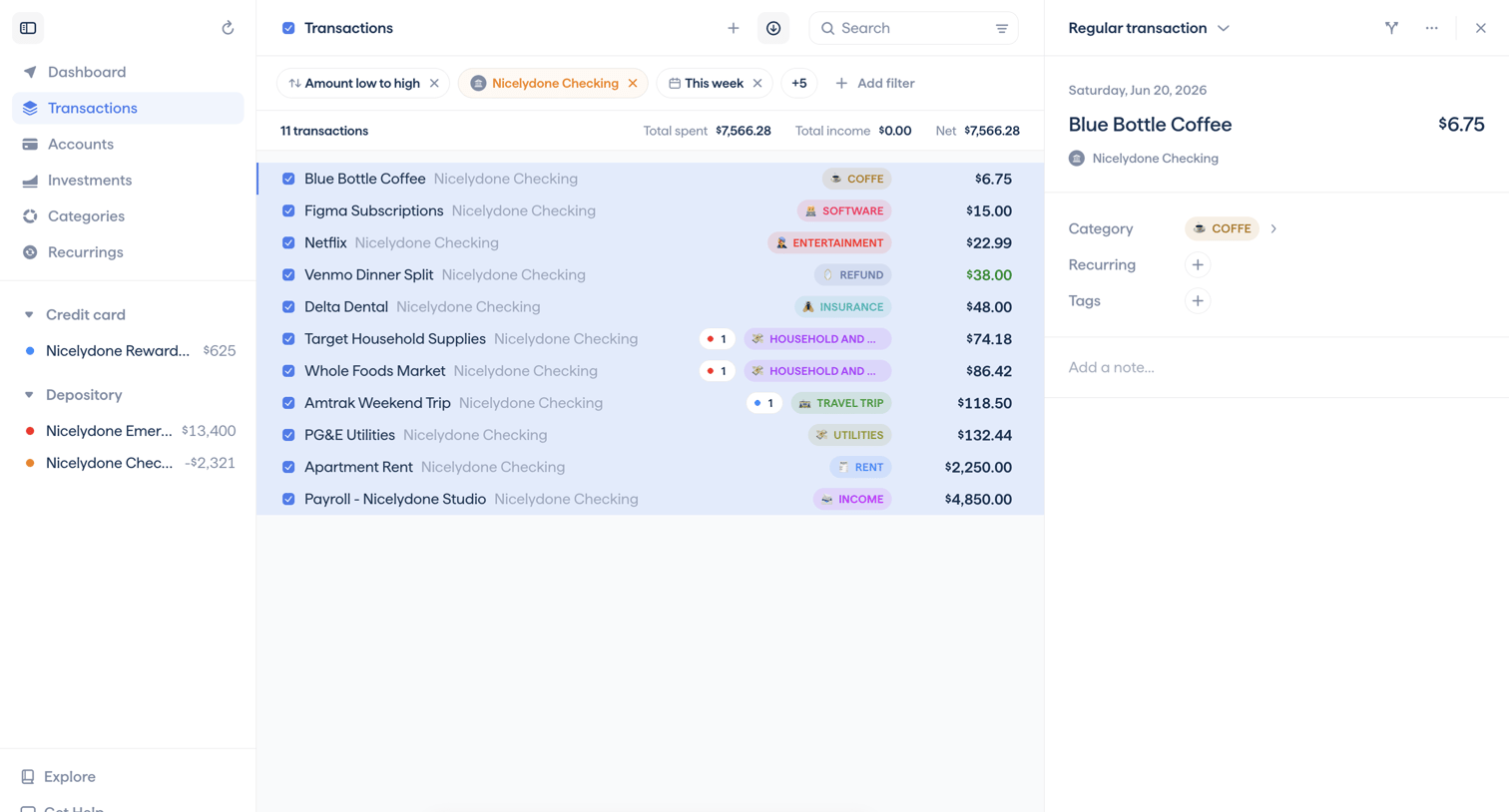

List view where the user manages their transactions, with active filters applied and a bulk action bar visible for 11 selected items, while viewing the details of a specific coffee purchase in the right panel.
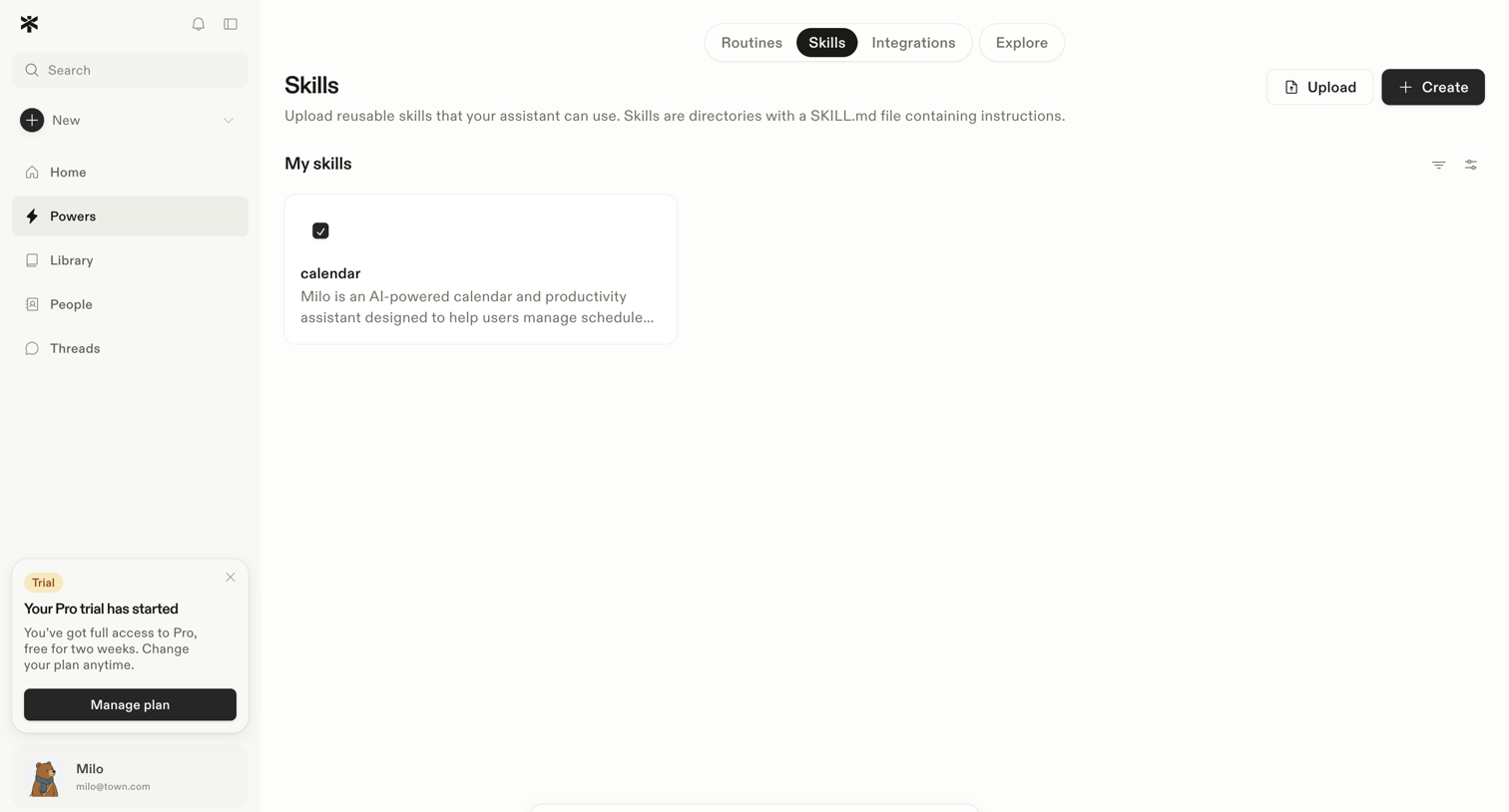

List view where the user manages reusable AI skills, with an active bulk selection toolbar visible for deleting a selected calendar skill.
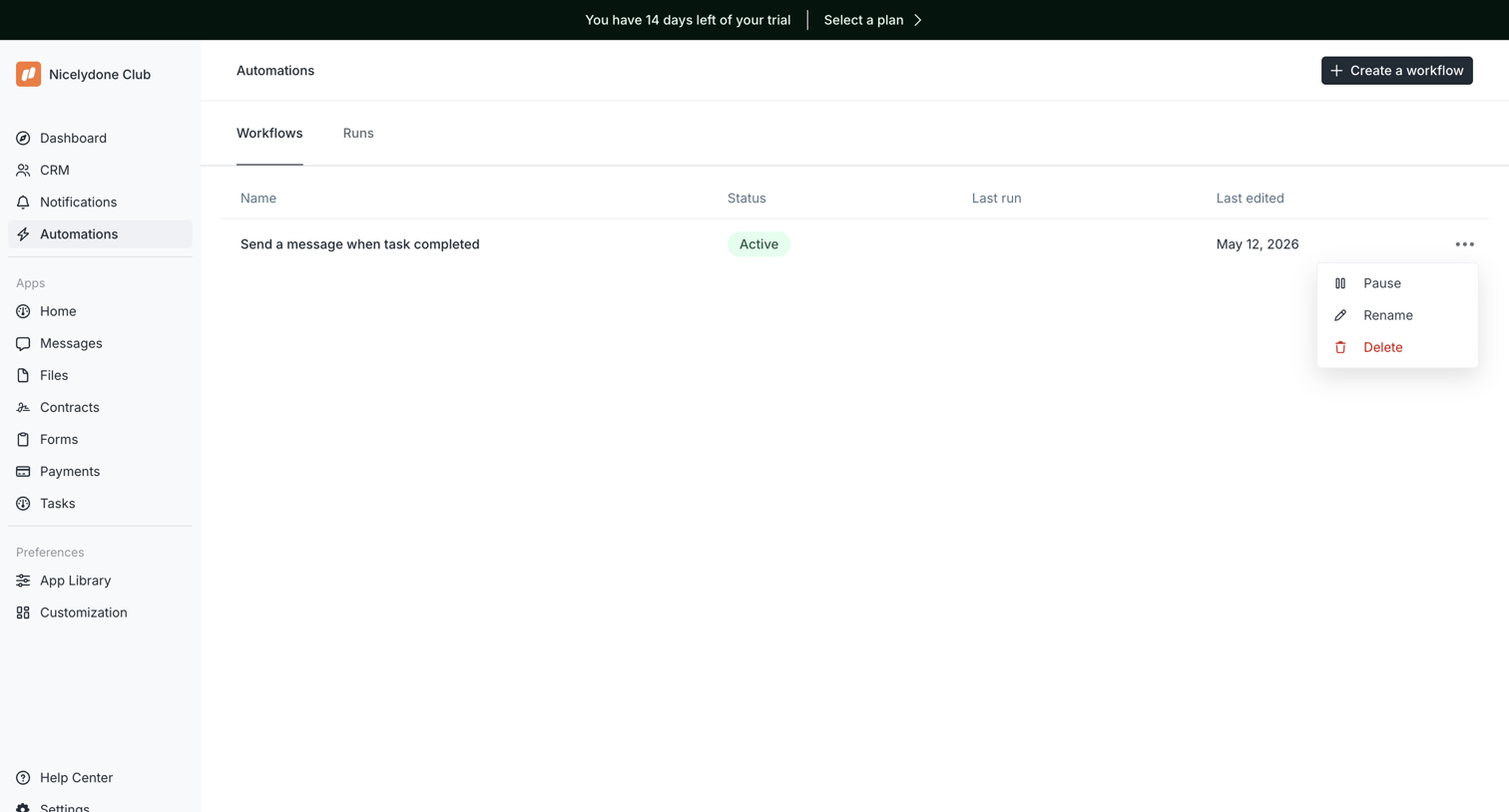

List view where the user manages automated workflows and can create new ones.
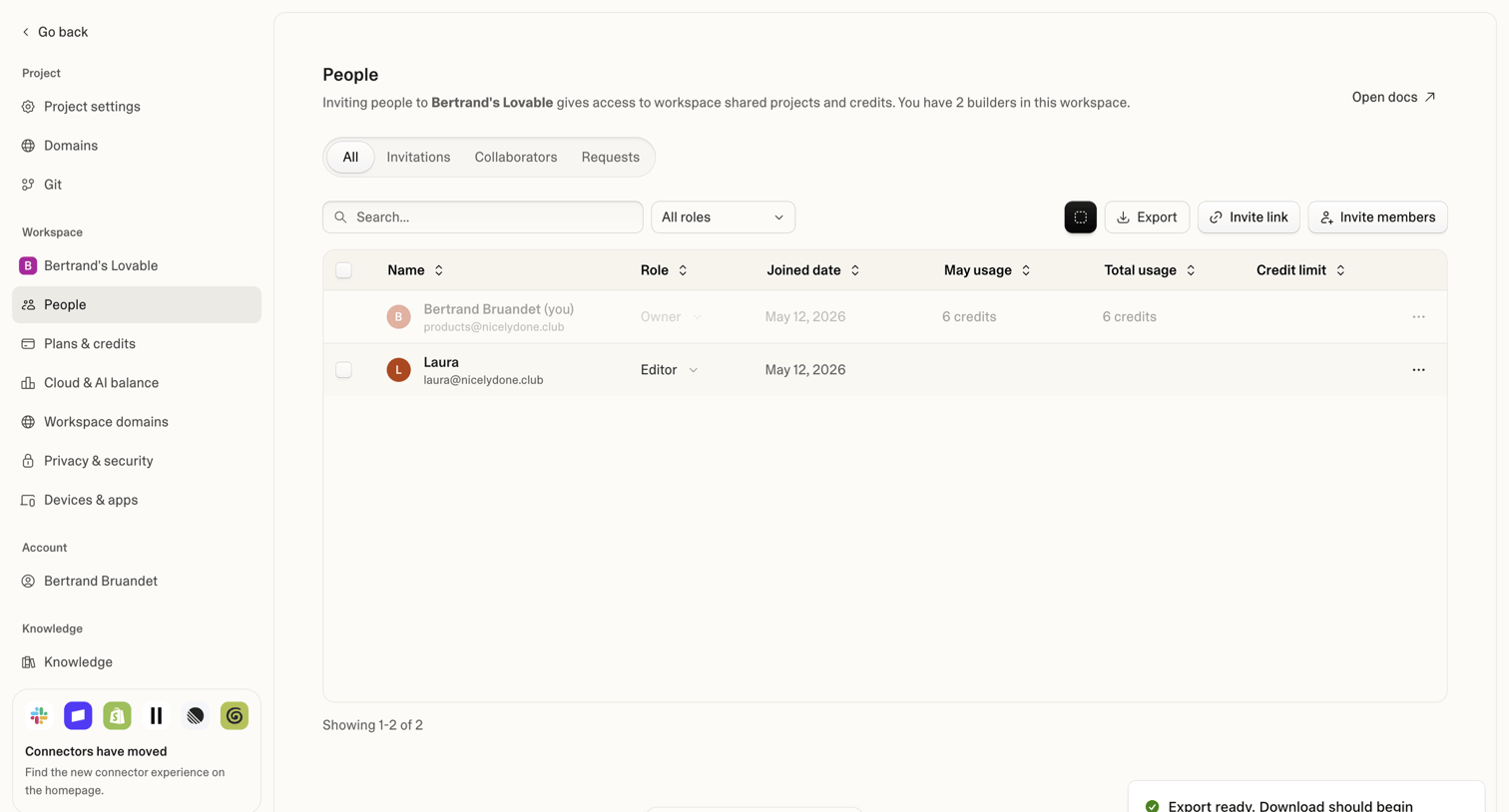

Settings page where the user manages workspace members, assigns roles, and views credit usage.
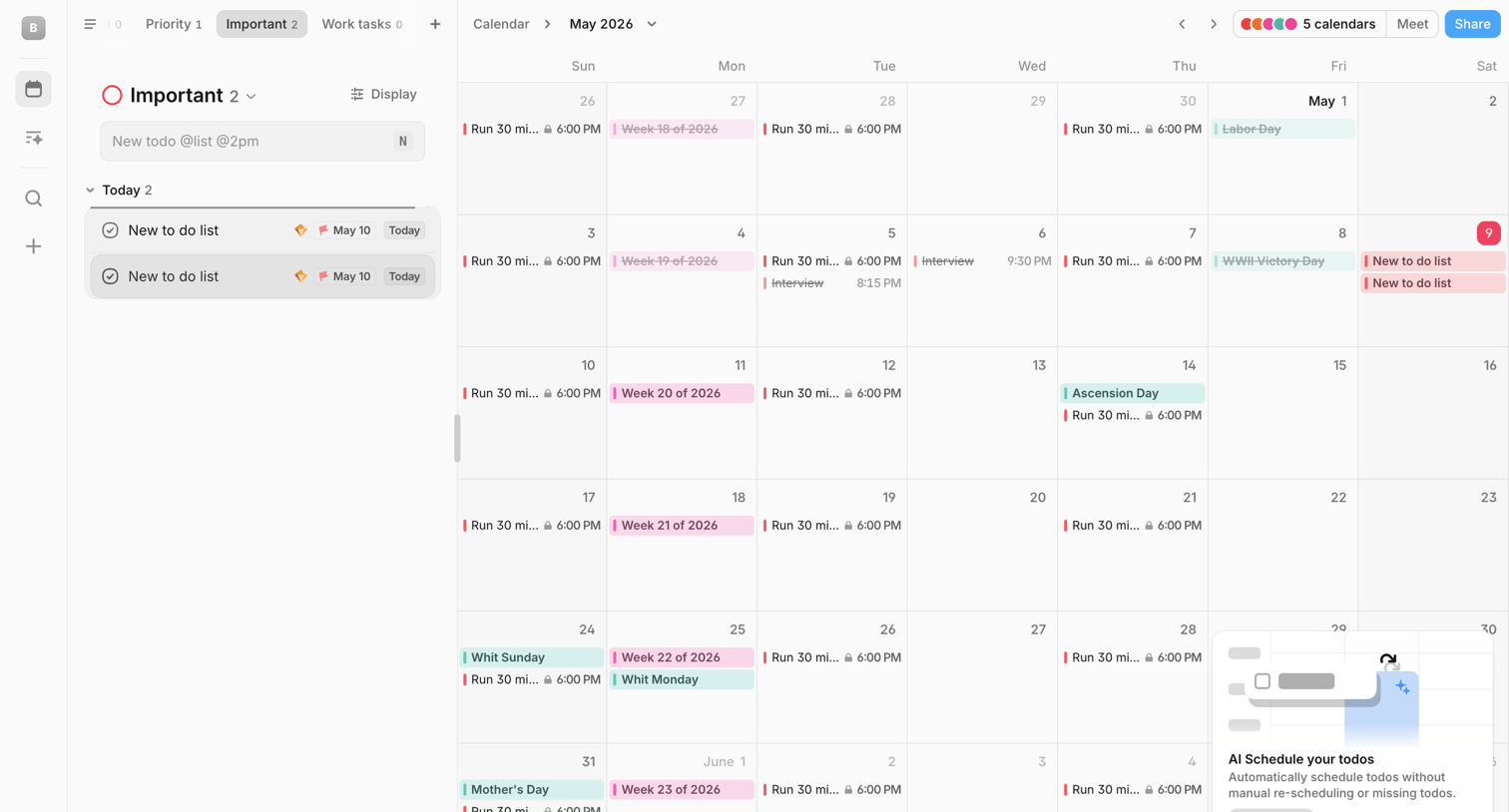

Calendar application where the user views a monthly grid alongside a sidebar for managing tasks, featuring a bulk-action toolbar for selected items and an AI scheduling feature popover.
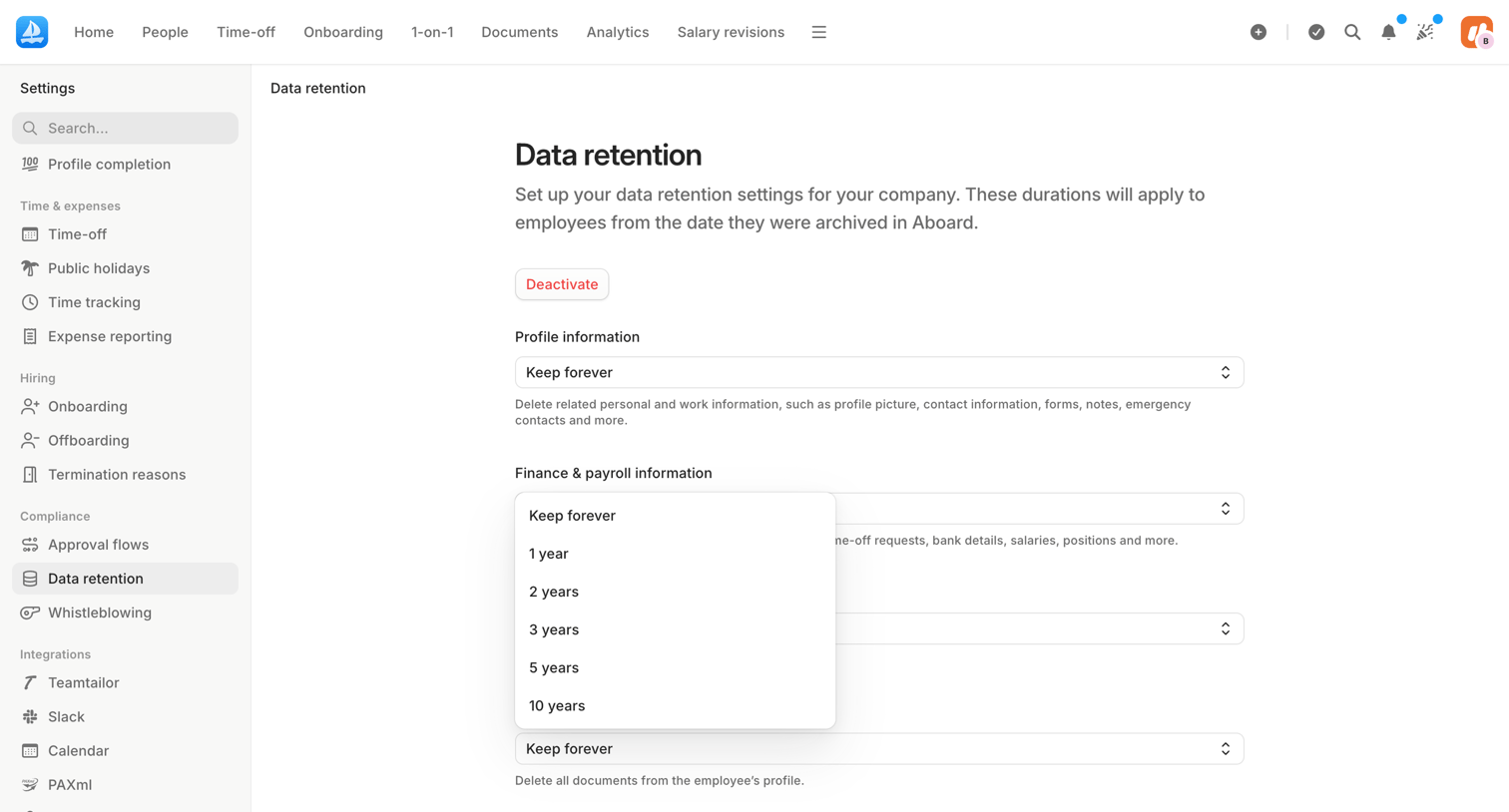

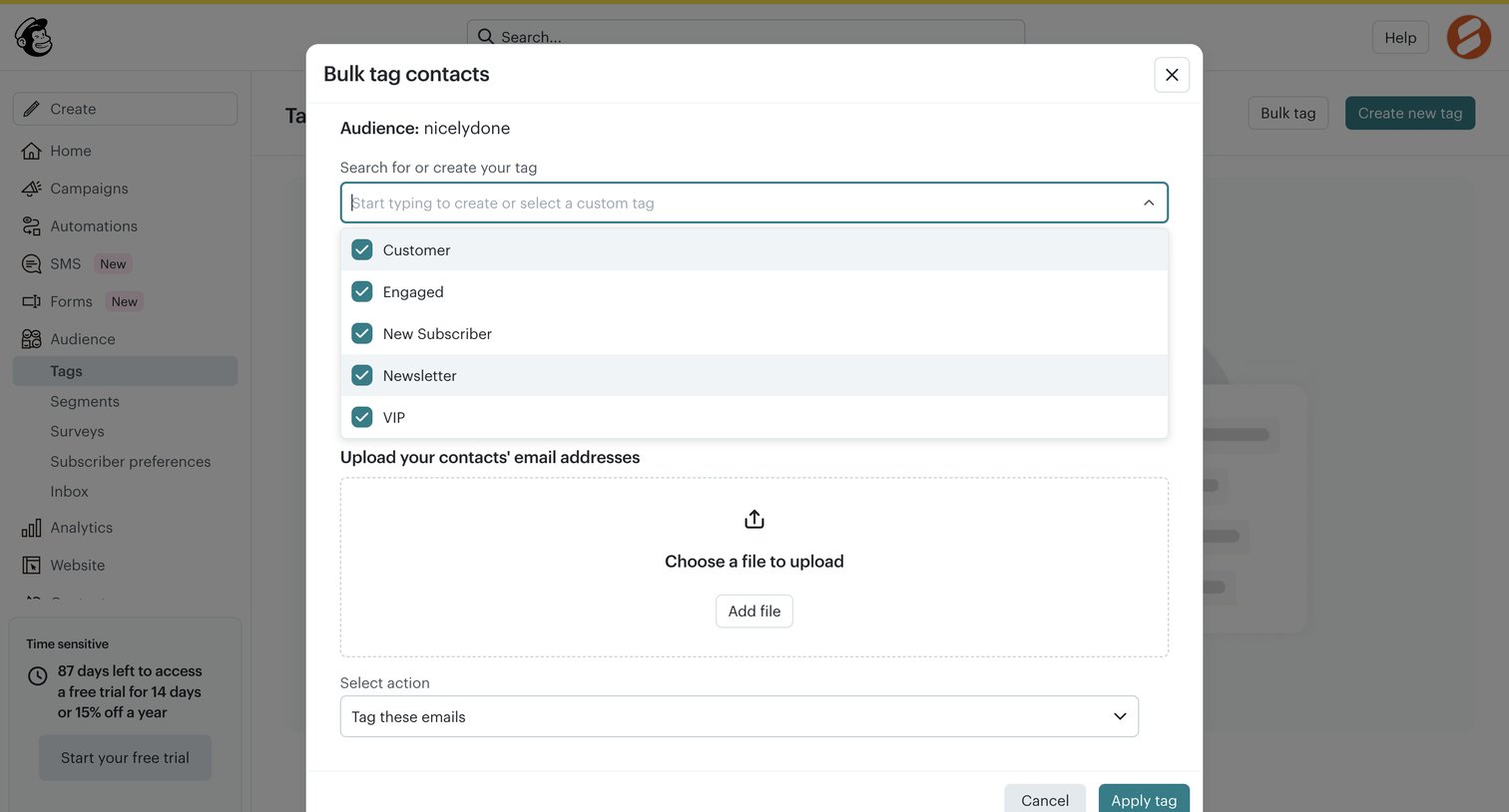

Modal where the user can bulk tag contacts by selecting or creating a tag and uploading a file of email addresses.
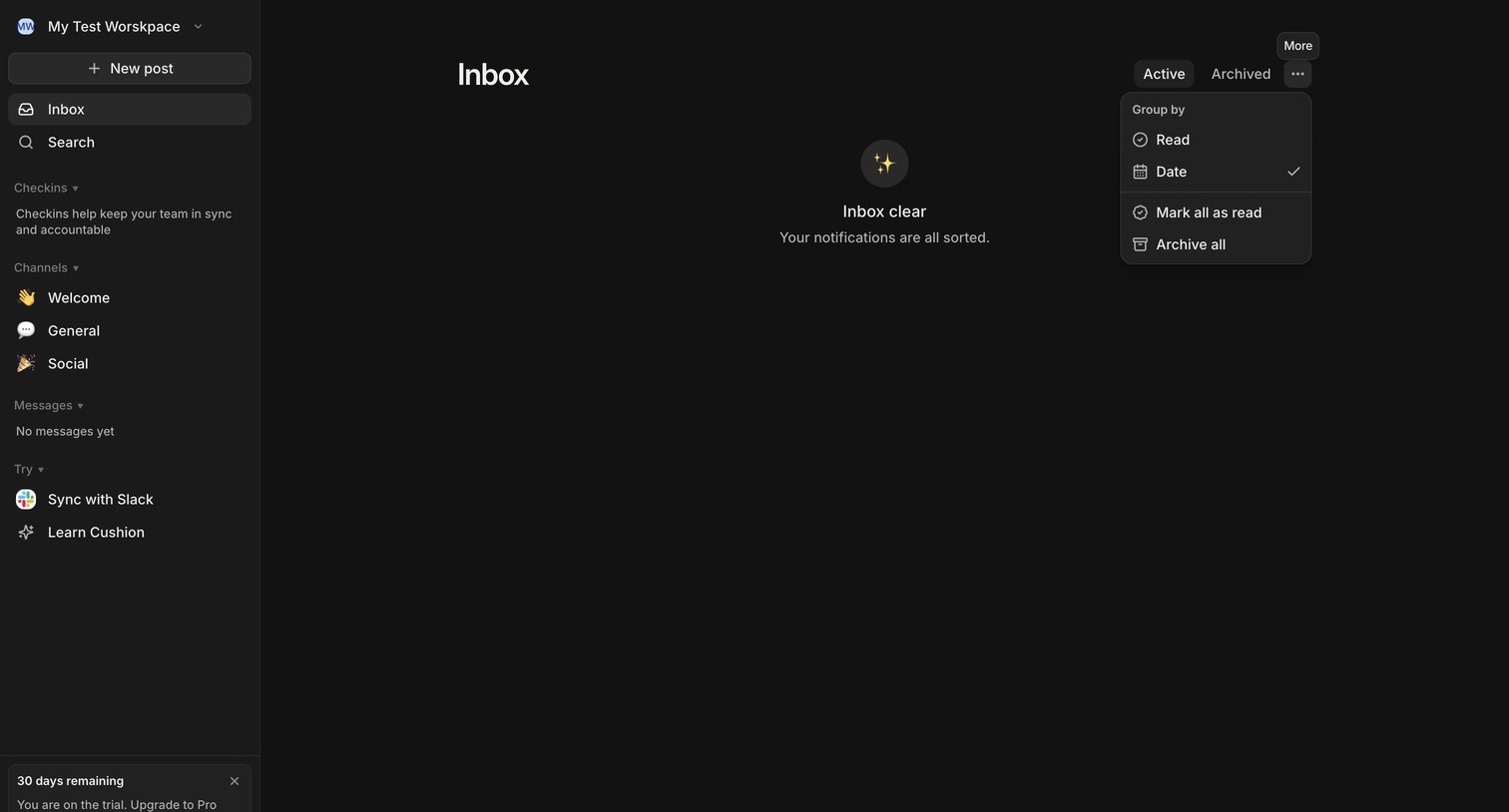

Inbox page where the user sees an empty state indicating all notifications are sorted, with a sidebar for navigation and an open dropdown menu for grouping and bulk actions.
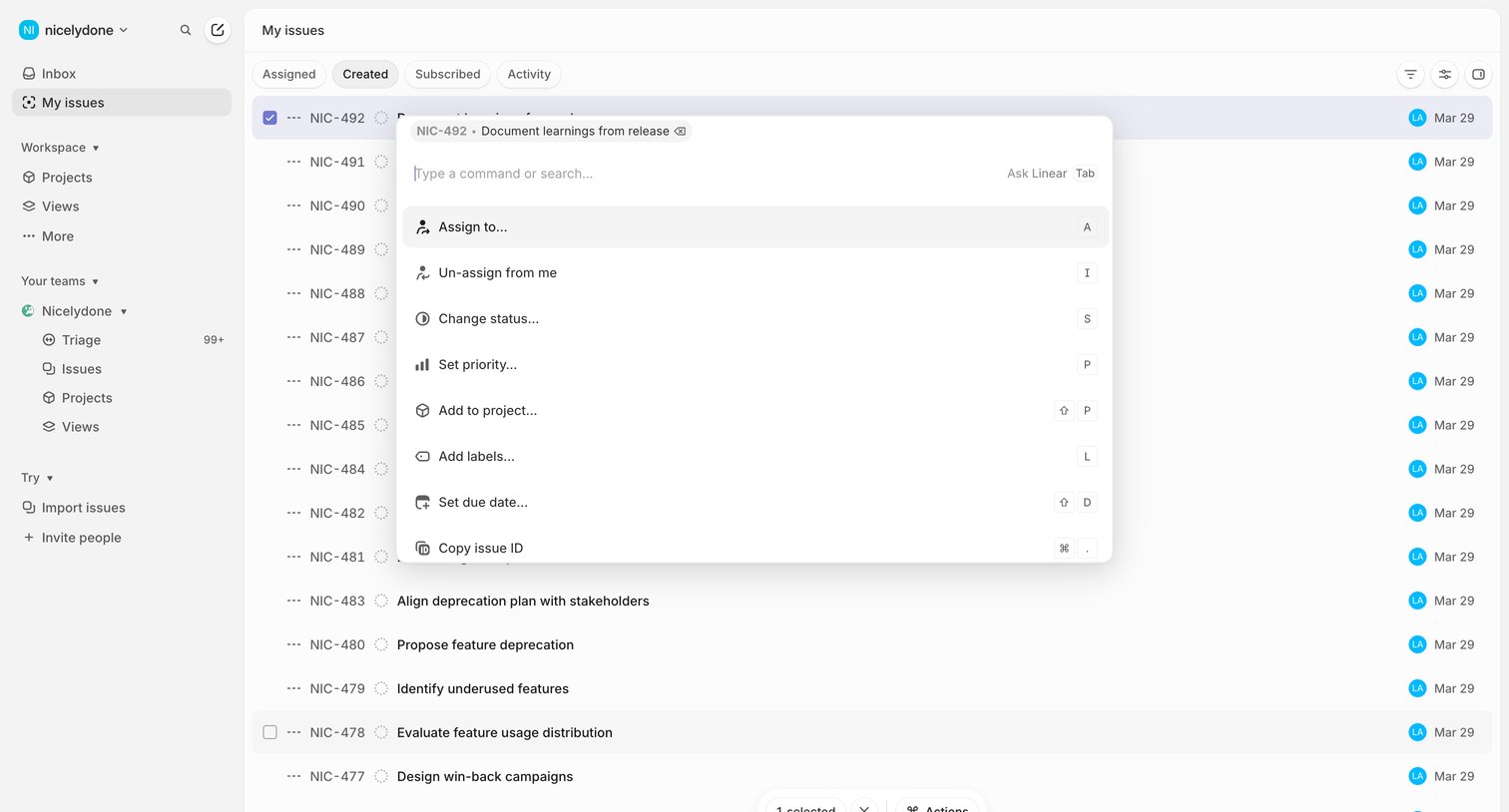

List view of created issues where the user has opened a command palette to perform actions on a selected item.
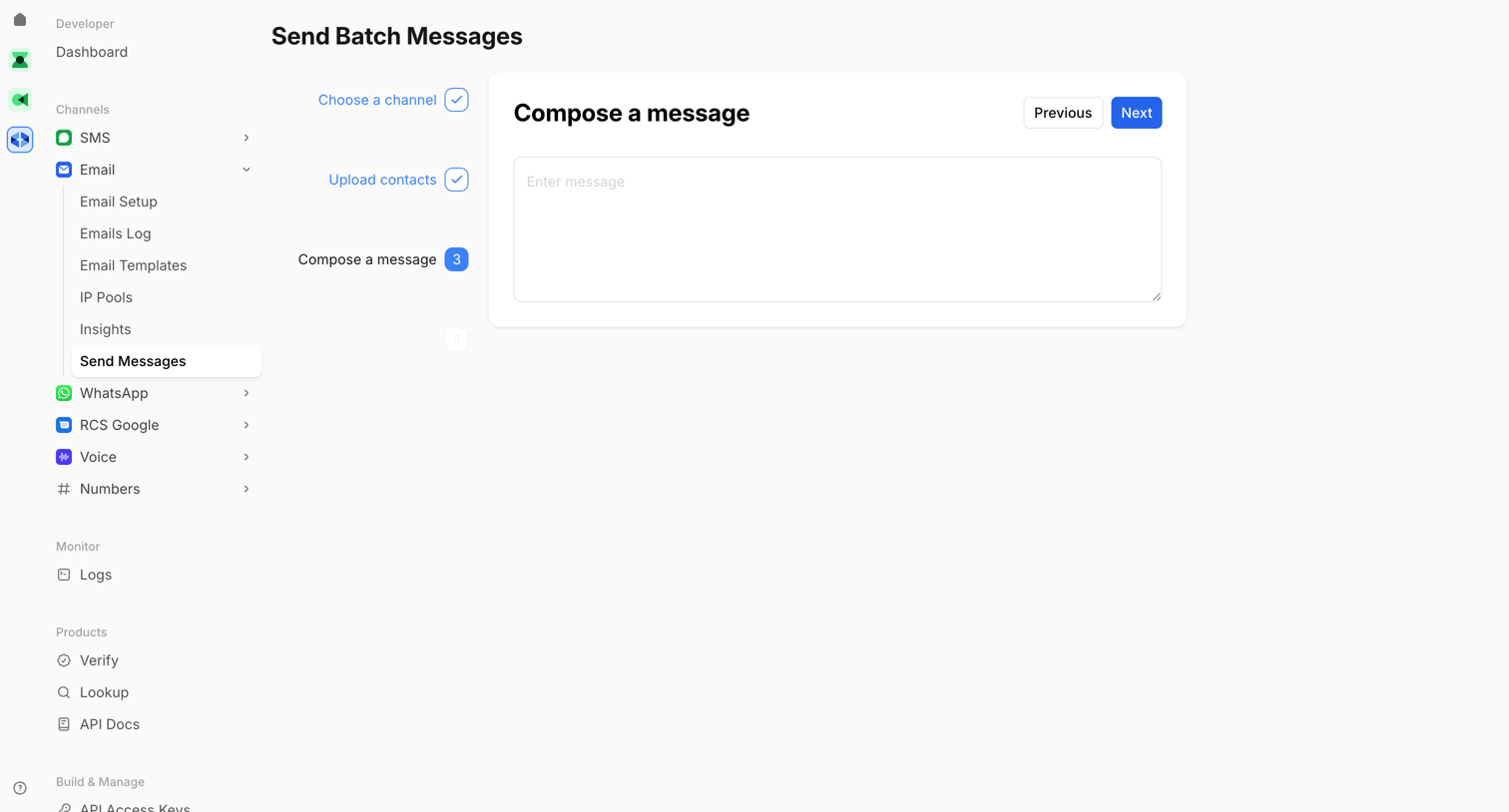

Wizard step where the user composes the content of a batch email message before confirming.
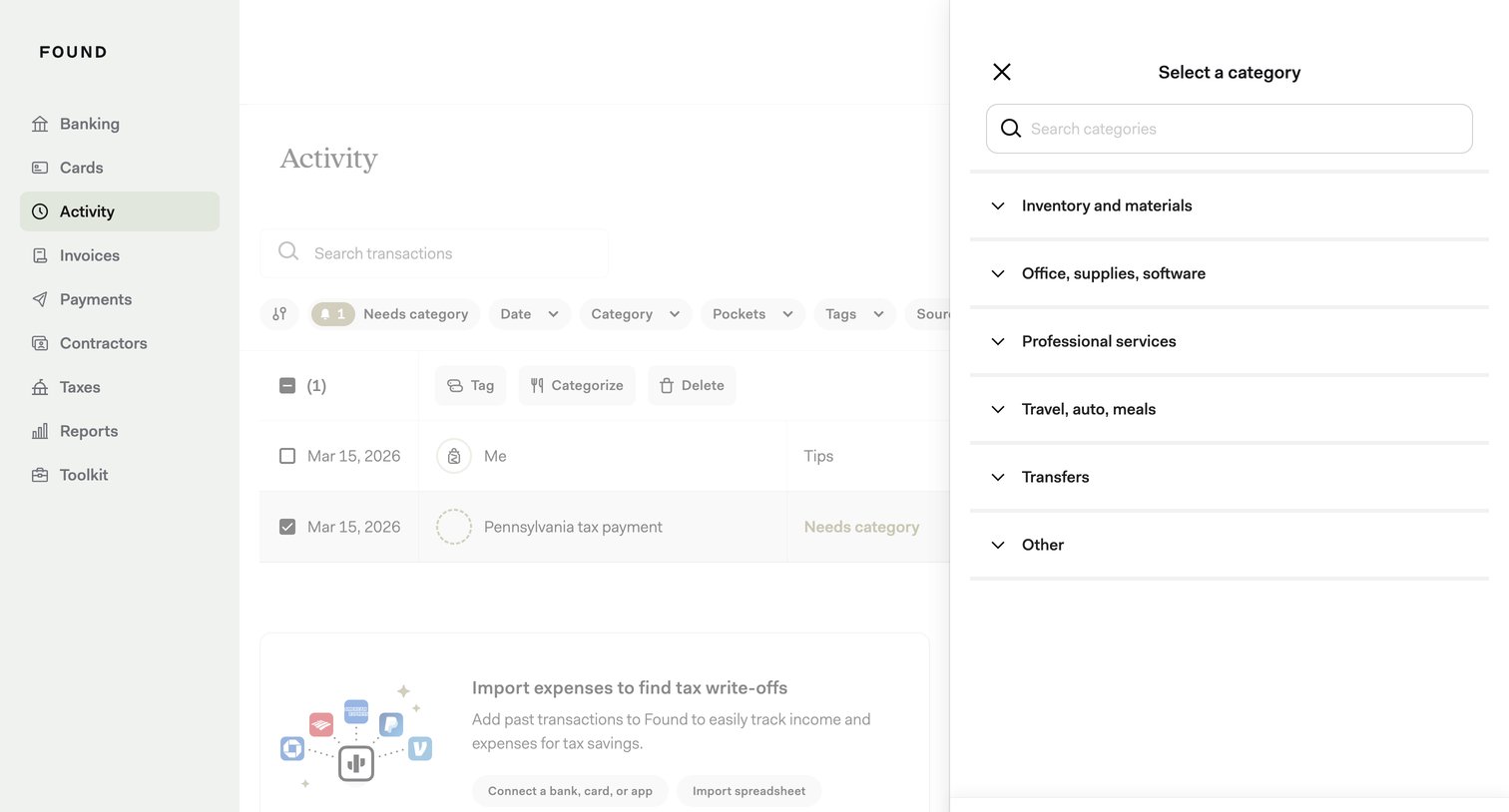

Activity list where the user is bulk categorizing selected transactions via a side drawer.
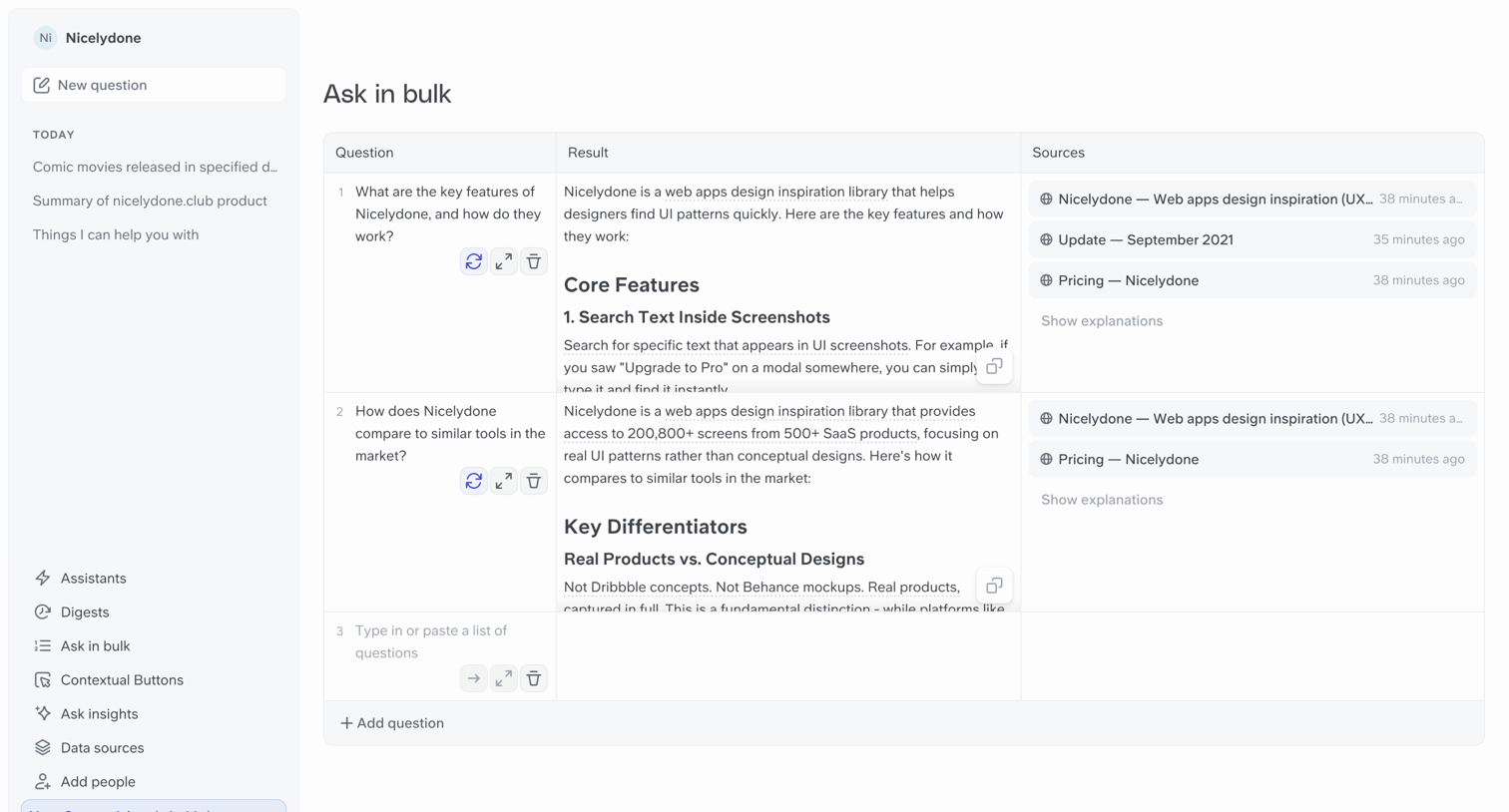

List view where the user inputs multiple questions into a data table to generate AI responses and source citations in bulk.
Explore the full SaaS screen library
Upgrade to unlock the full library.
Trusted by the best teams








About Bulk Actions
See how SaaS apps let people act on several items at once. Explore how selection state, item counts, and shared actions appear alongside the list or table.