Notifications screen examples
Notifications screen design examples from SaaS apps. See how apps collect alerts and updates in one place. Explore how notification lists distinguish recent activity, show relevant context, and link to the…
Explore the examples
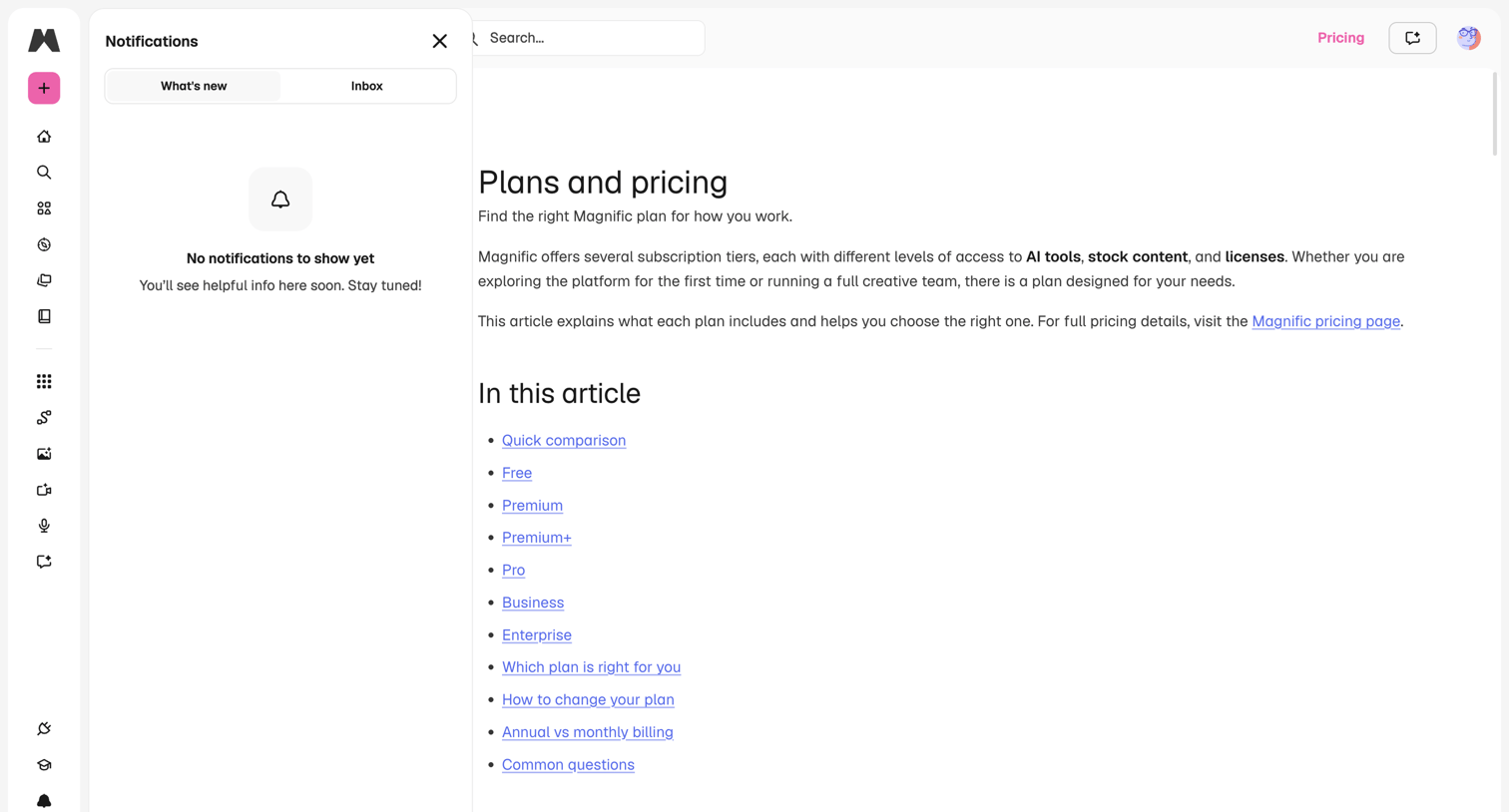

App interface where the user has opened an empty notifications drawer while viewing a help article about plans and pricing.

Inbox view where the user manages guest communications, currently showing an empty state with no messages.
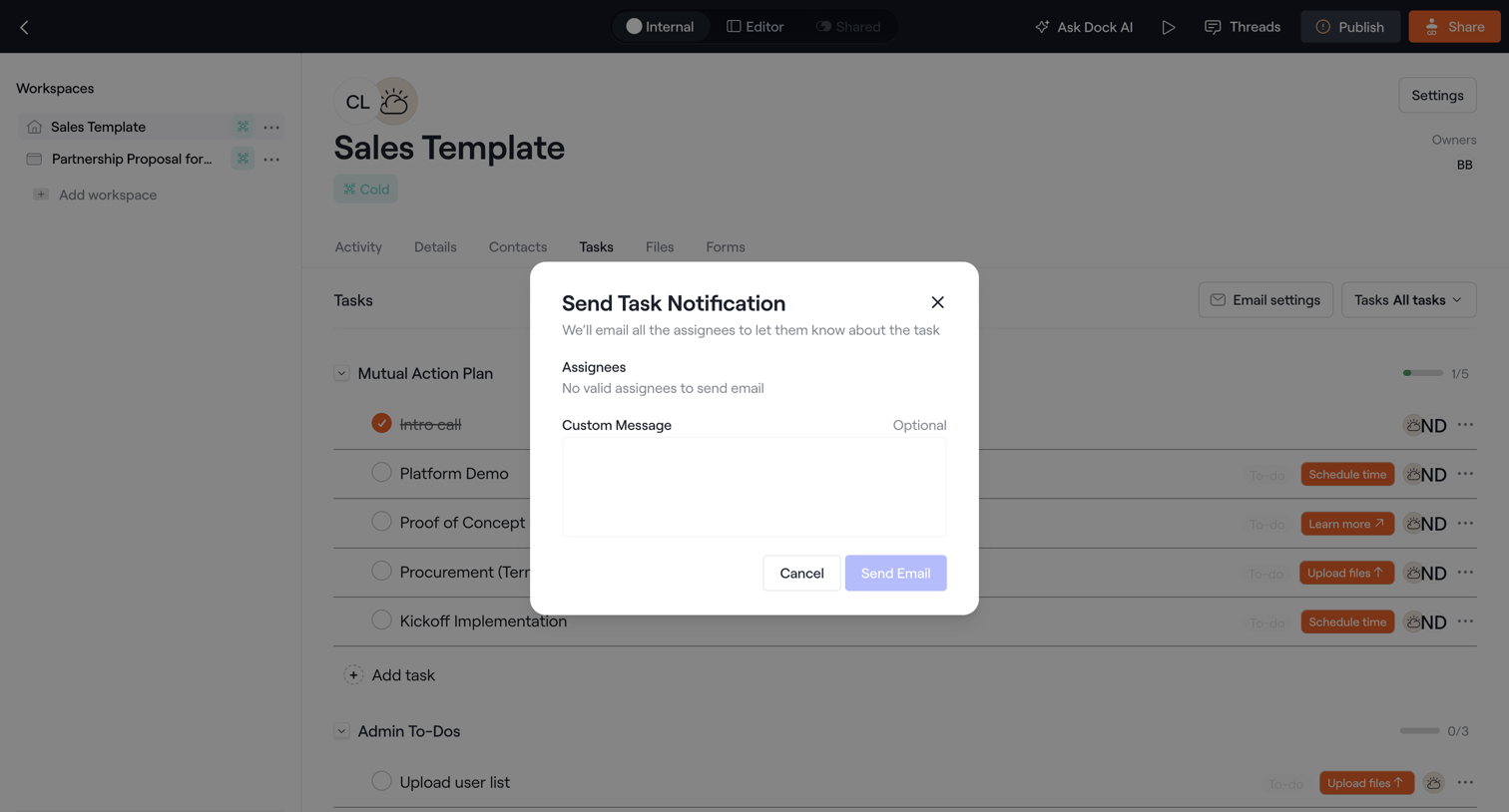

Detail page for a sales template where the user is prompted via a modal to send an email notification with a custom message to task assignees.
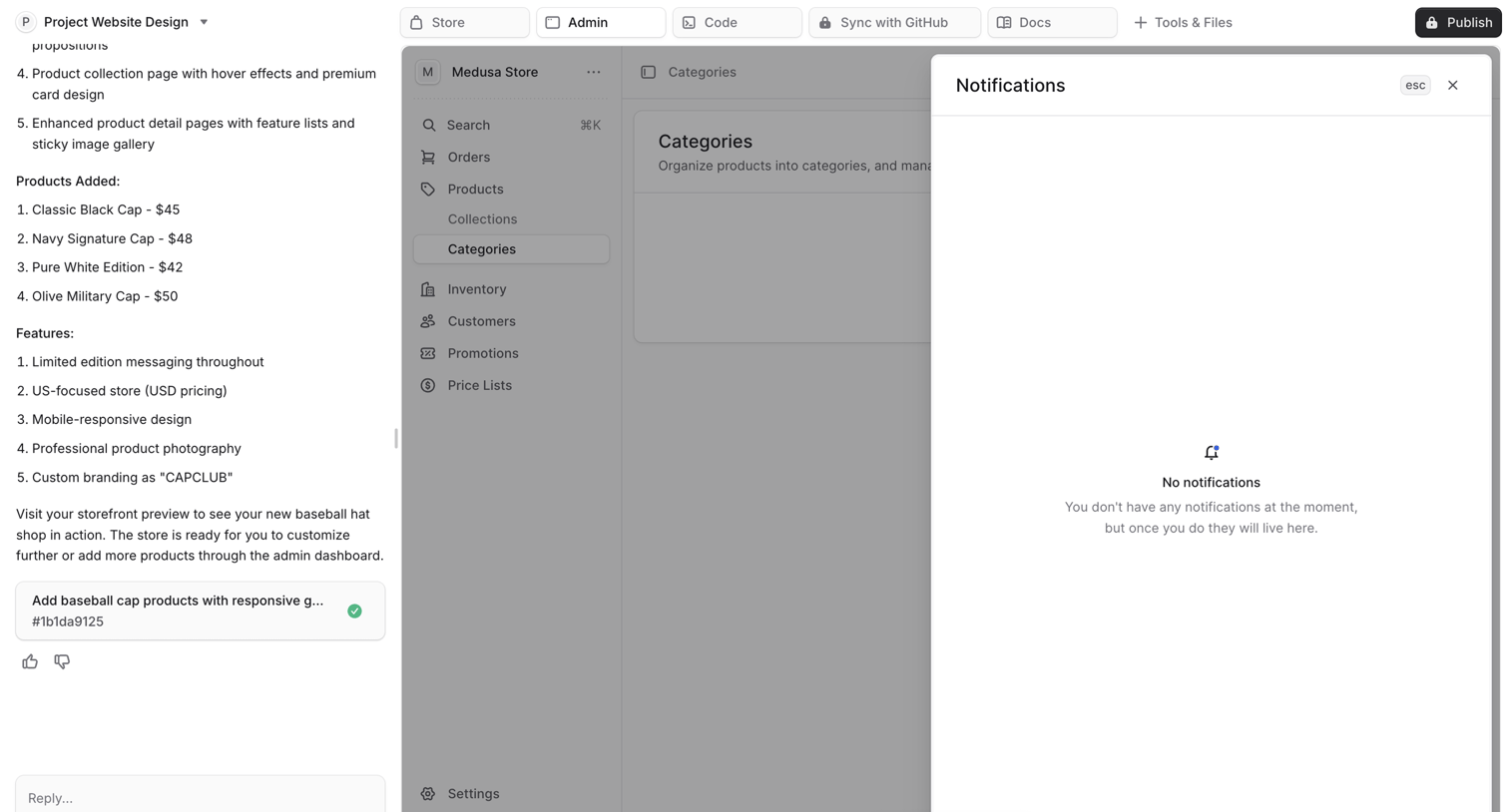

AI workspace where the user is viewing an empty notifications modal overlaying a generated e-commerce admin panel.
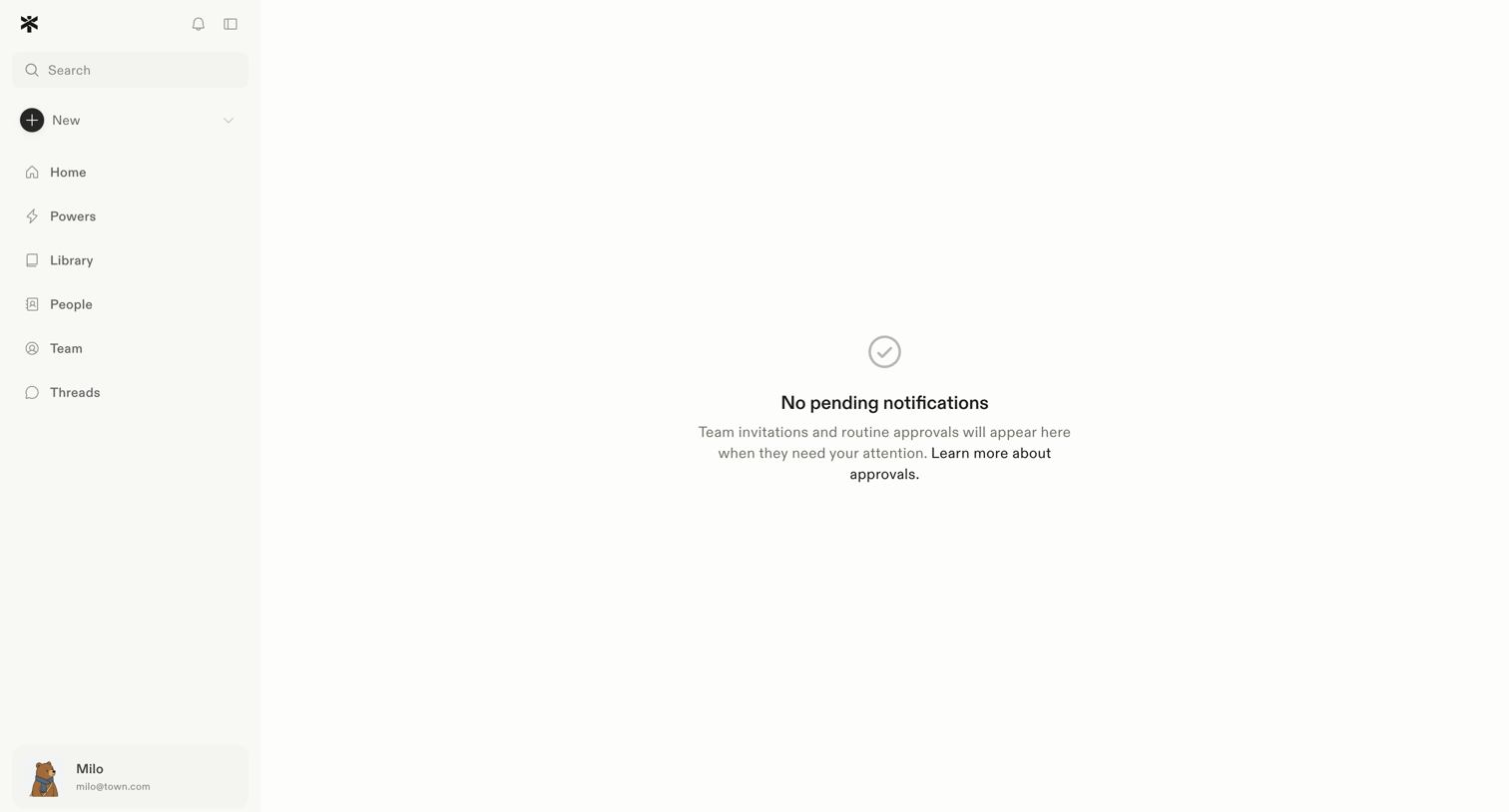

Inbox view showing an empty state for pending team invitations and routine approvals.
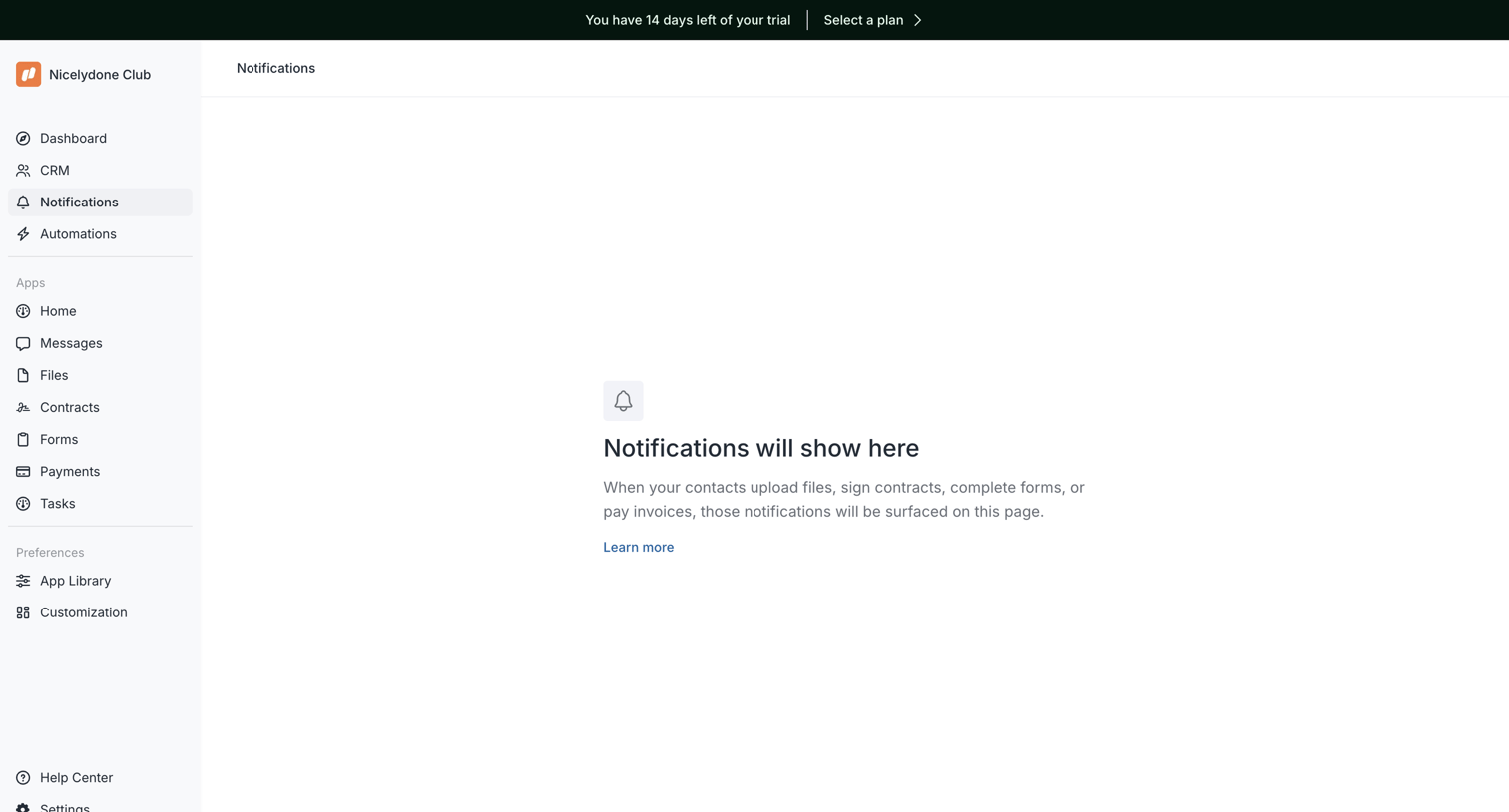

Inbox screen where the user will see future notifications regarding file uploads, contract signatures, form completions, and invoice payments.
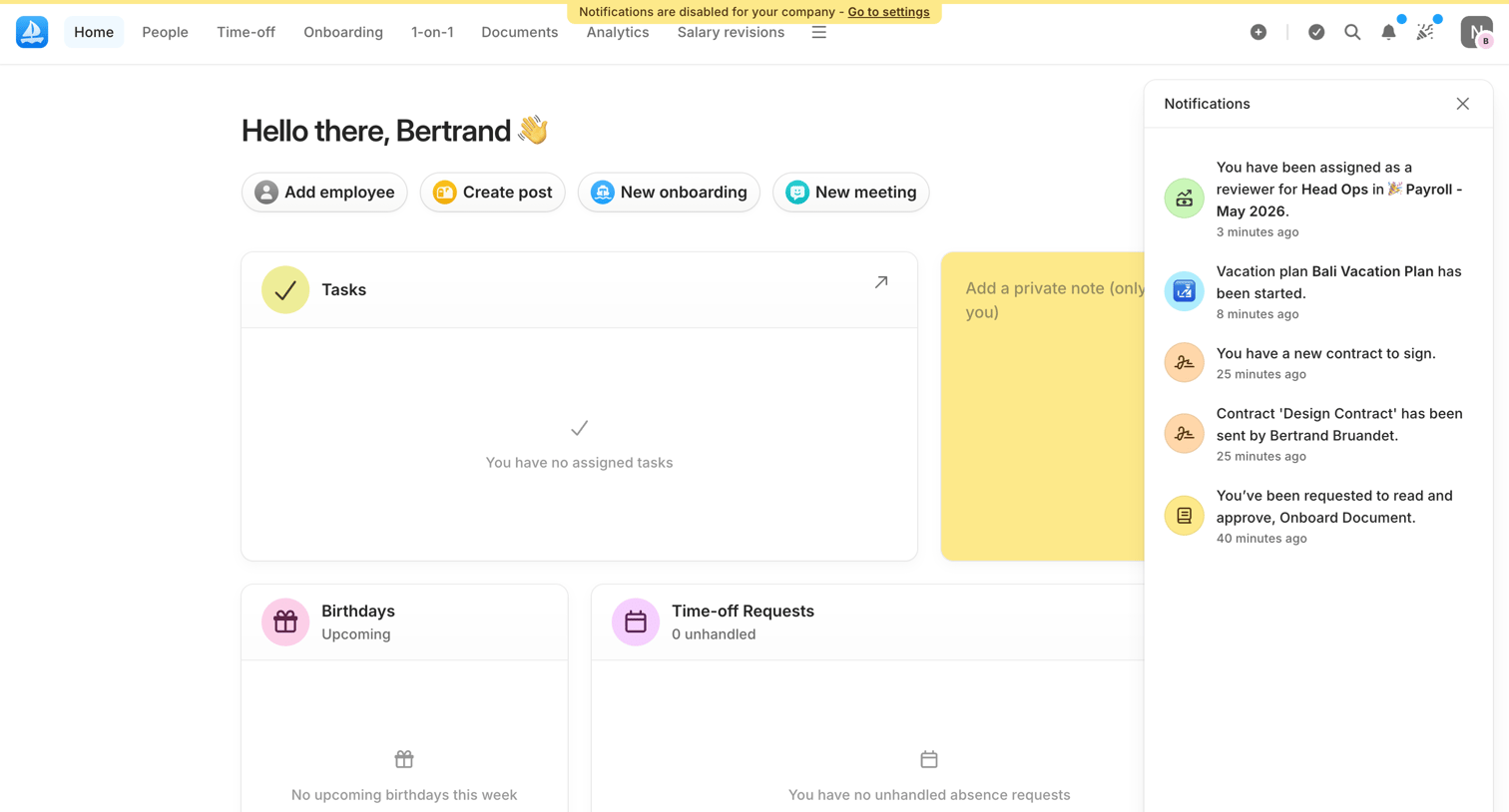

Home screen welcoming the admin with quick action buttons for adding employees or creating posts, alongside empty task widgets and an open notifications drawer.
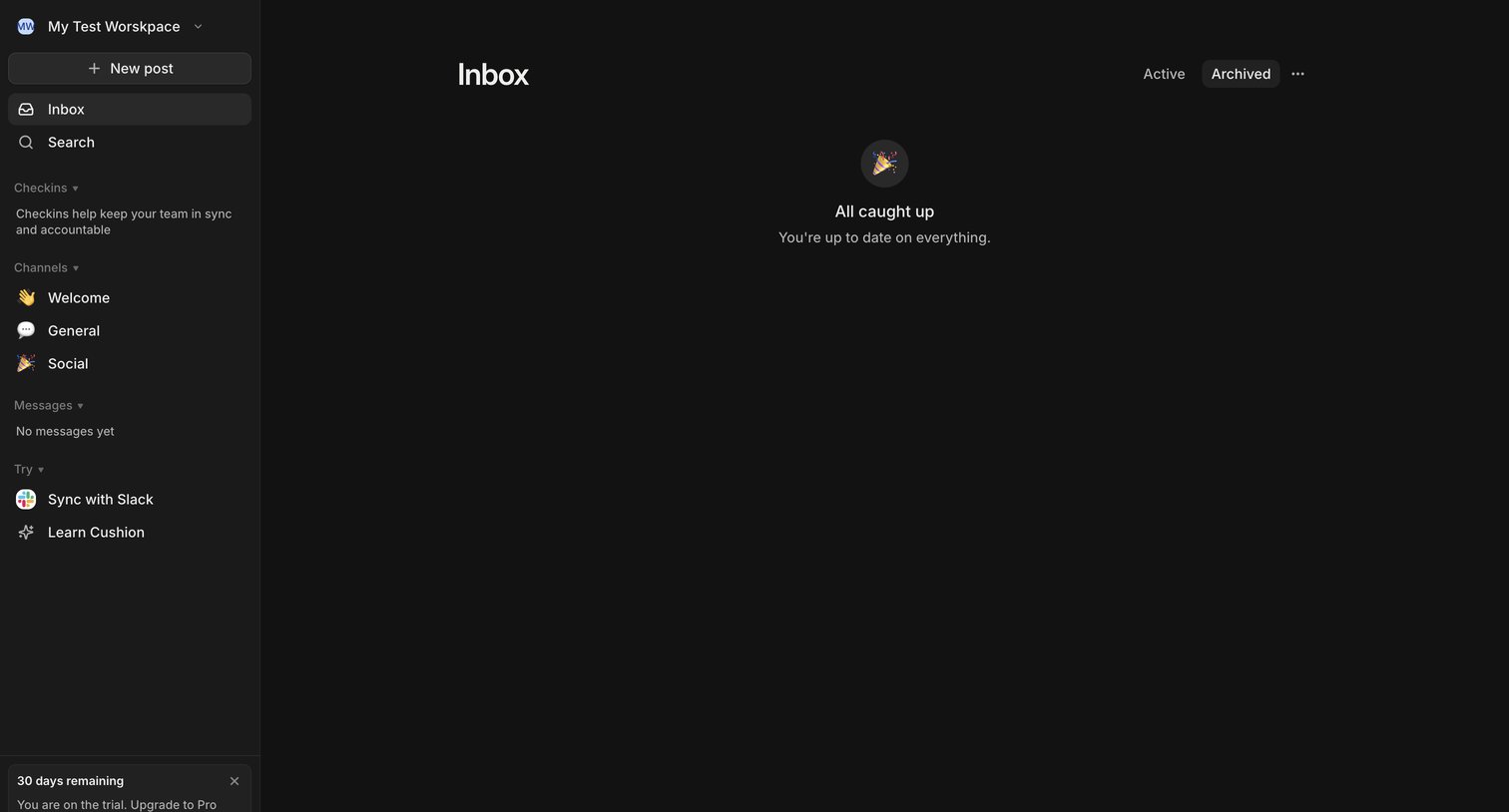

Inbox view where the user has no active items and sees an all-caught-up message, with a trial countdown banner in the sidebar.
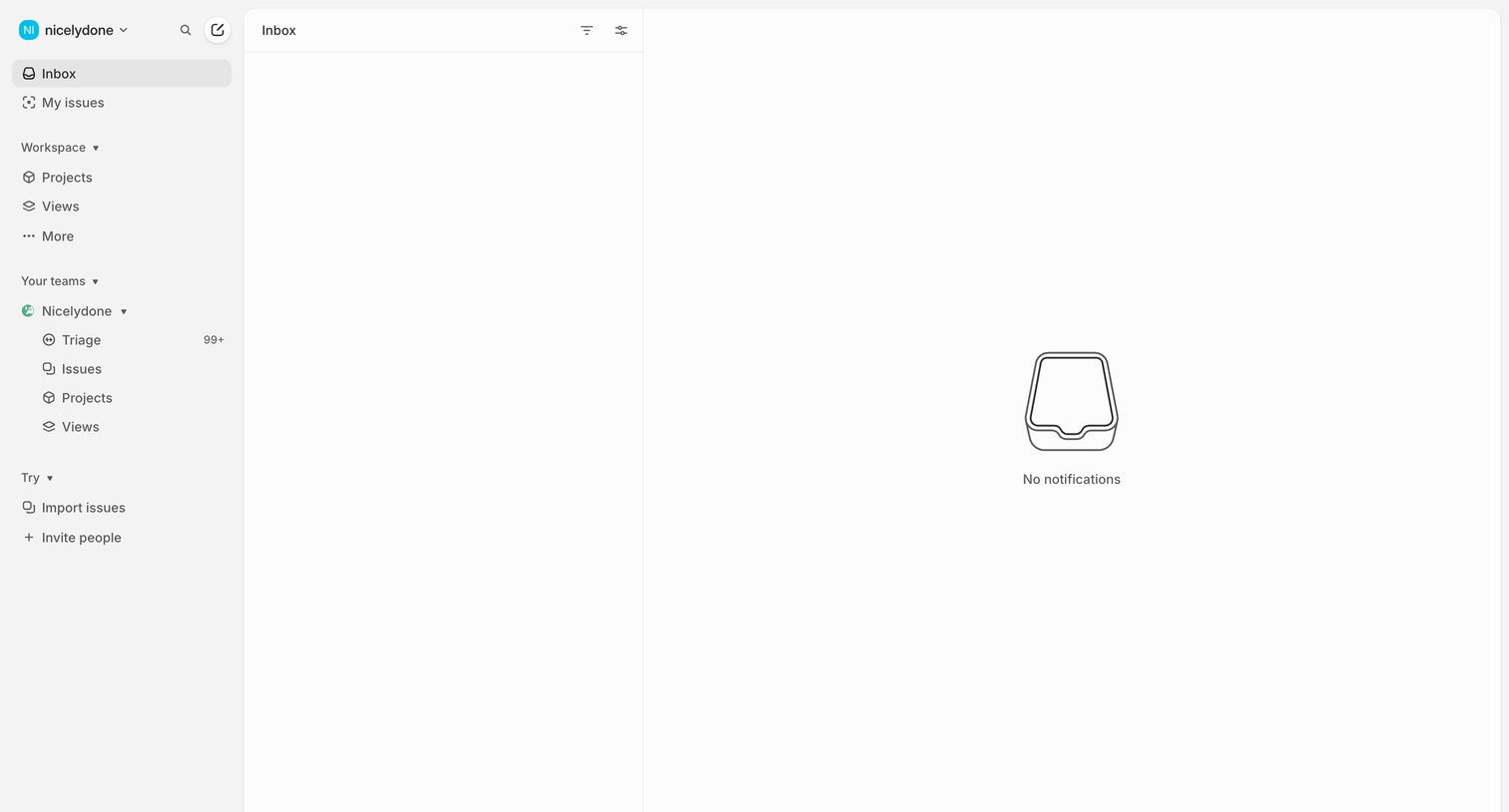

Inbox view showing an empty state where the user has no new notifications to review.
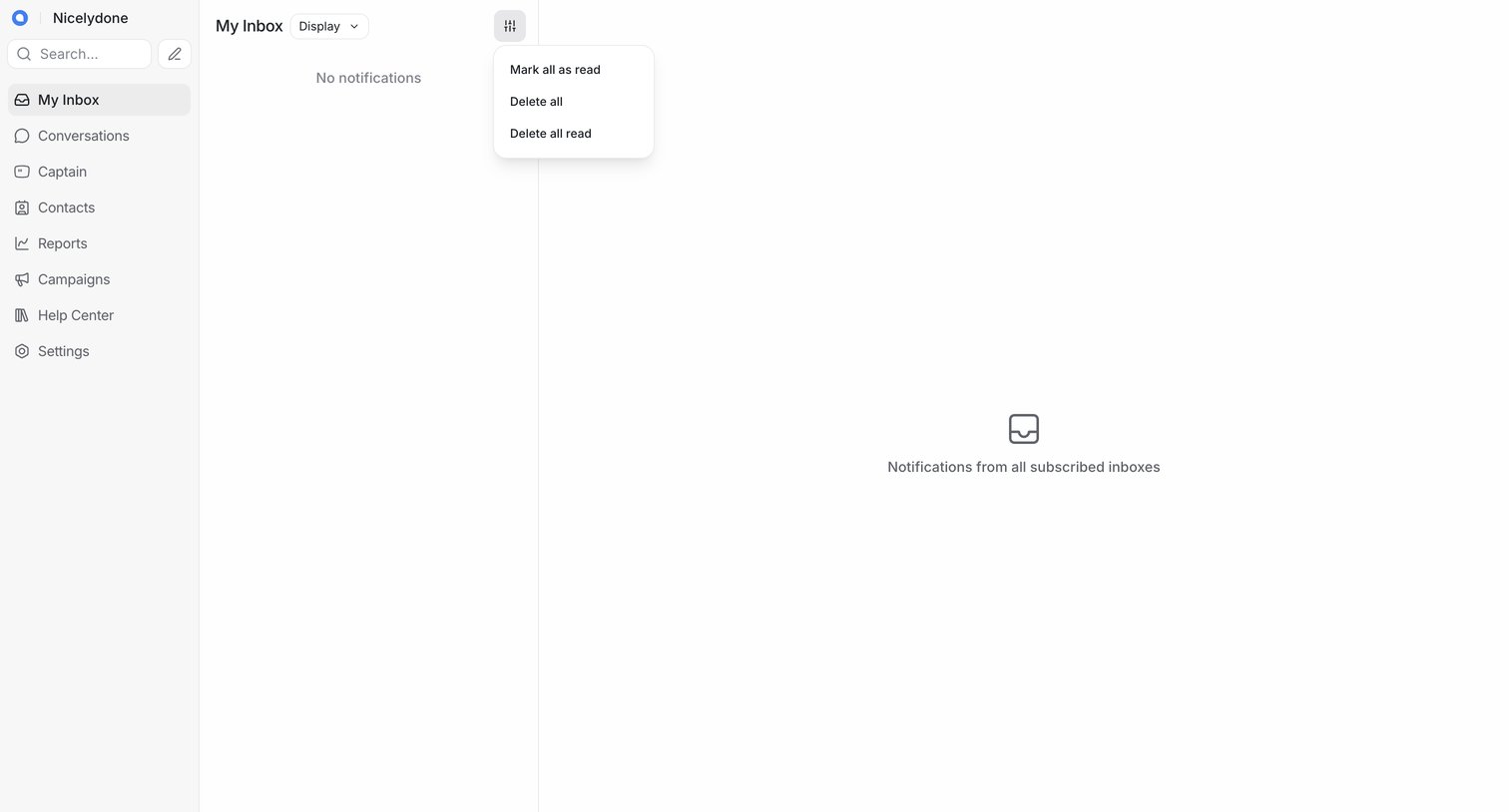

Inbox view where the user has no new notifications and can manage bulk actions like marking all as read or deleting them.


Explore the full SaaS screen library
Upgrade to unlock the full library.
Trusted by the best teams








About Notifications
See how apps collect alerts and updates in one place. Explore how notification lists distinguish recent activity, show relevant context, and link to the item that needs attention.