Skip to content

UserJot design examples

Explore UserJot UI design examples. User Feedback, Feature Requests, Roadmaps & Changelog Tool

Product screens

UserJot - Sign In | UserJot screen
UserJot logo
UserJot

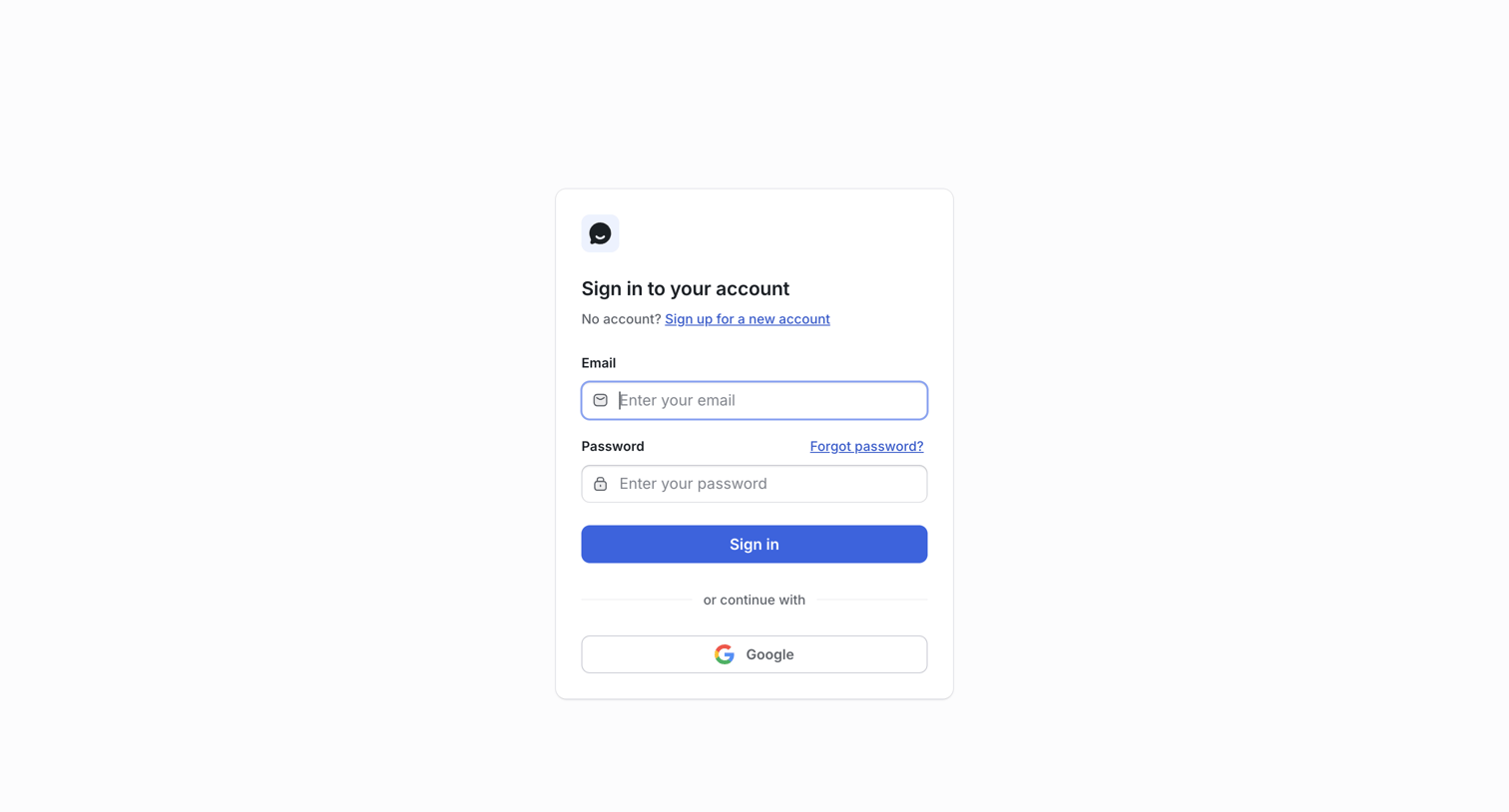
Sign-in screen where the user authenticates with their email and password or continues via Google OAuth.

UserJot - Sign In | UserJot screen
UserJot logo
UserJot

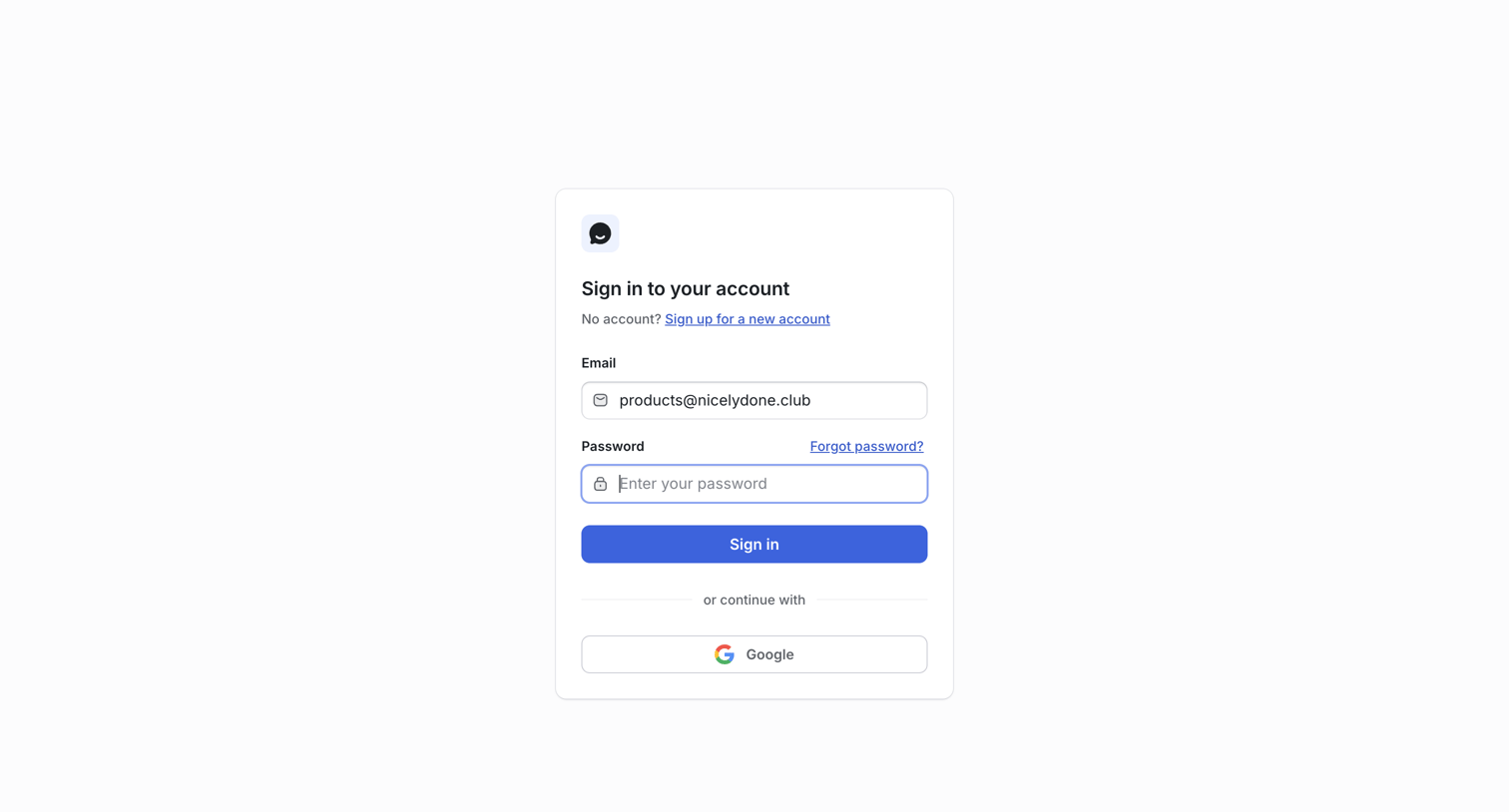
Sign-in screen where the user authenticates with their email and password or via Google SSO.

UserJot - Sign In | UserJot screen
UserJot logo
UserJot

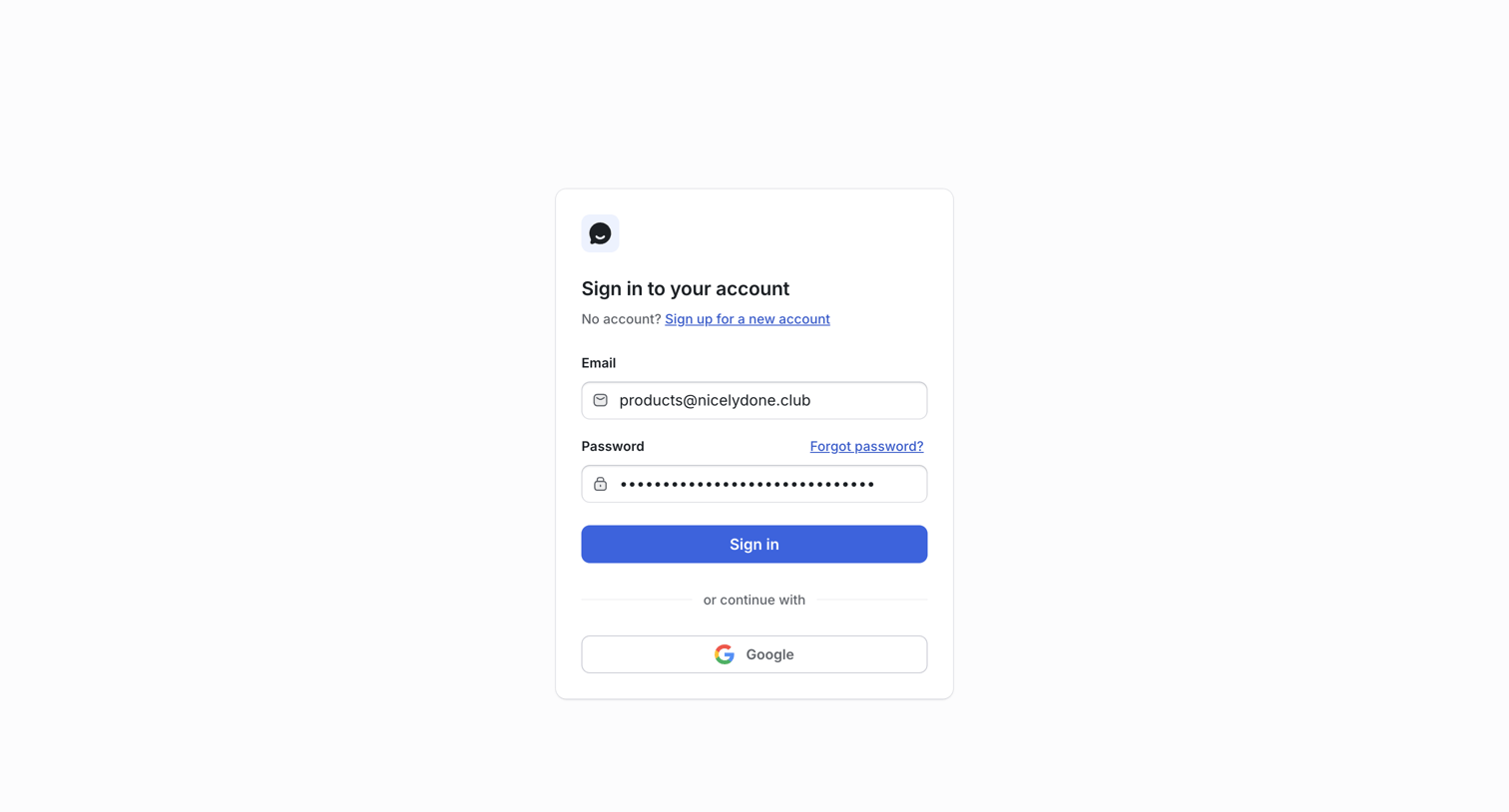
Sign-in screen where the user authenticates with email and password or via Google SSO.

UserJot - Sign In | UserJot screen
UserJot logo
UserJot

Sign-in screen where the user authenticates with an email and password or continues with Google.

UserJot - Sign In | UserJot screen
UserJot logo
UserJot

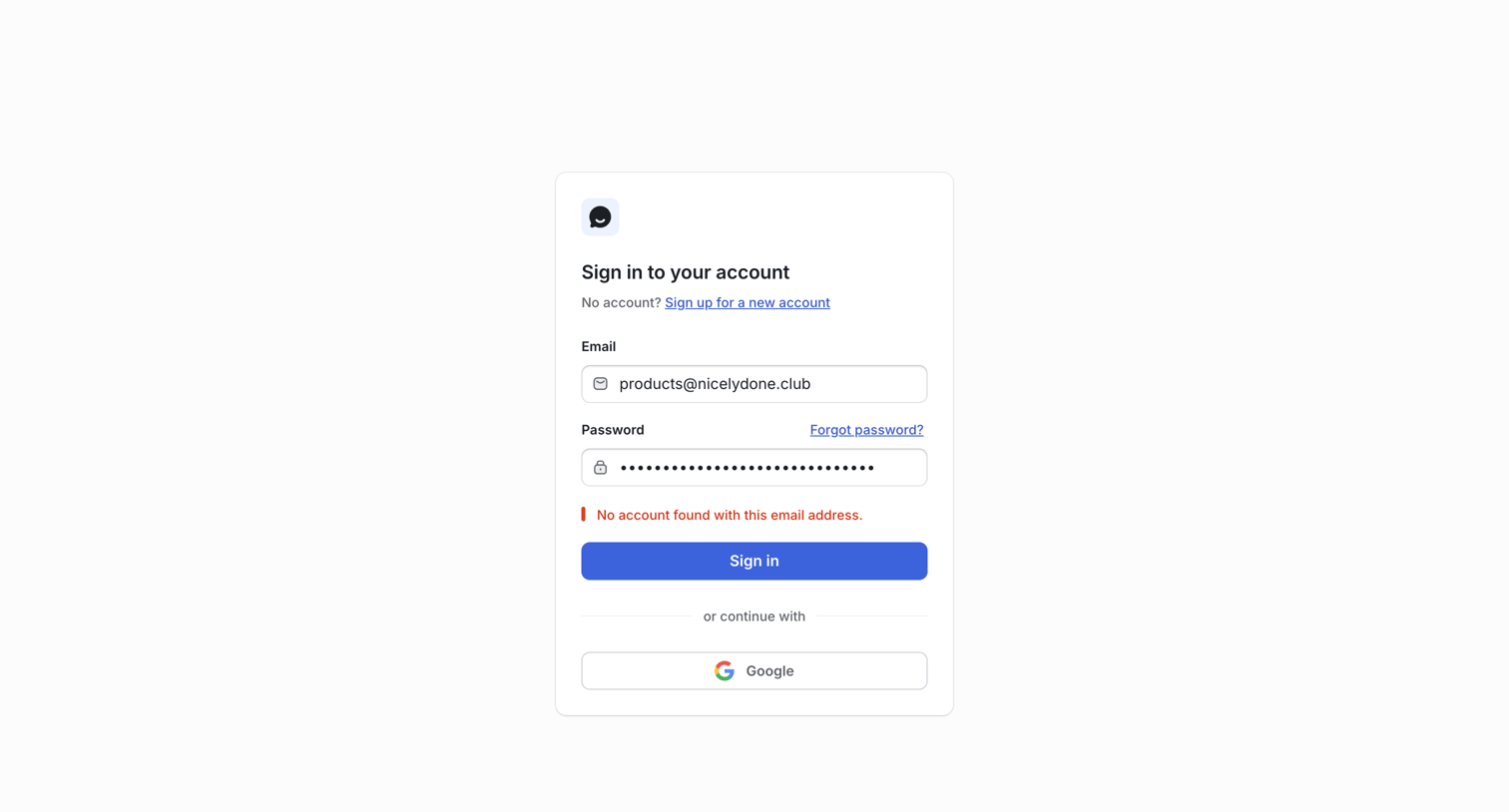
Sign-in screen where the user attempted to authenticate with an email and password but received an account not found error.
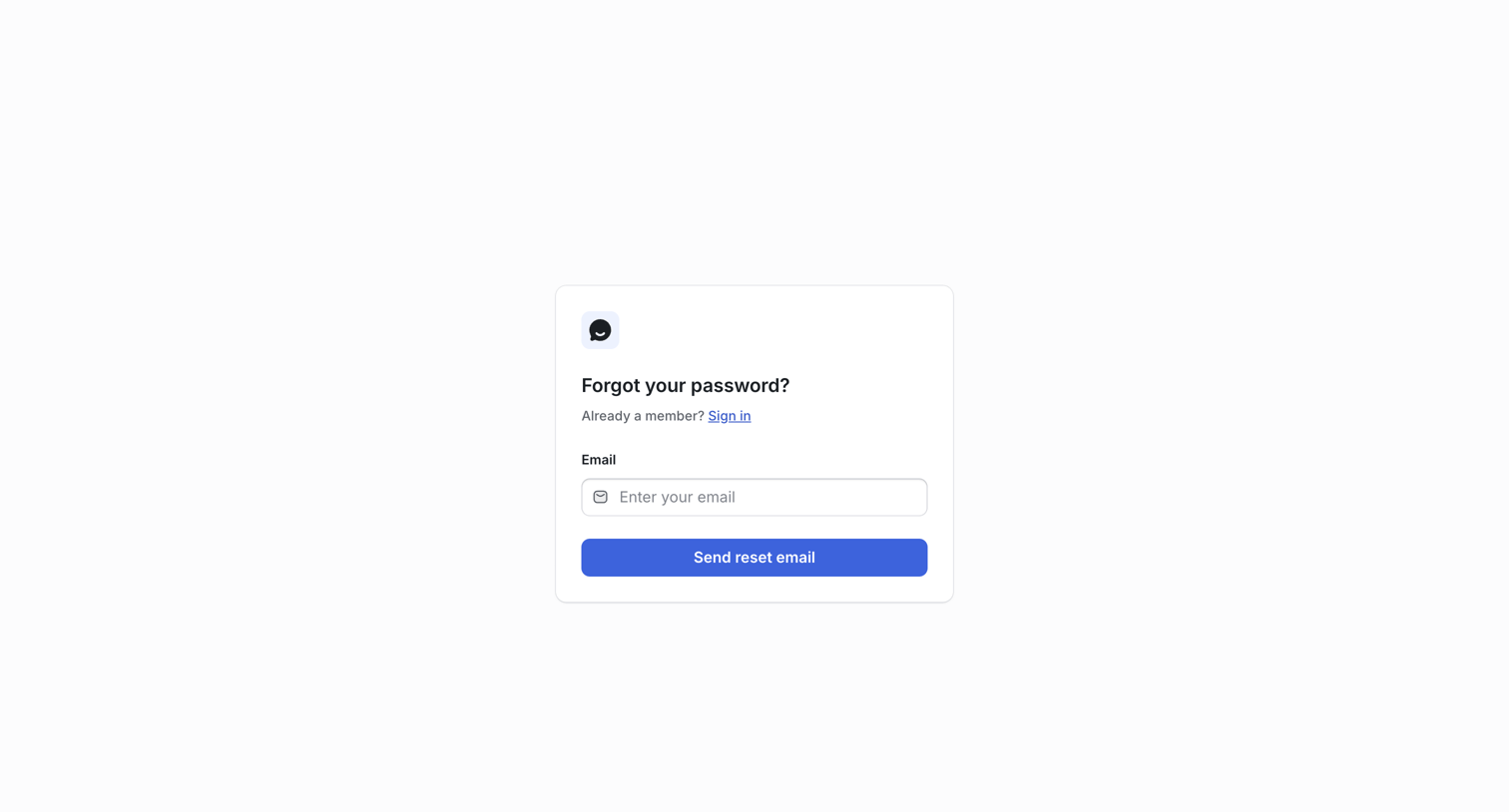
UserJot - Forgot Password | UserJot screen
UserJot logo
UserJot

Password recovery screen where the user enters their email address to receive a reset link.
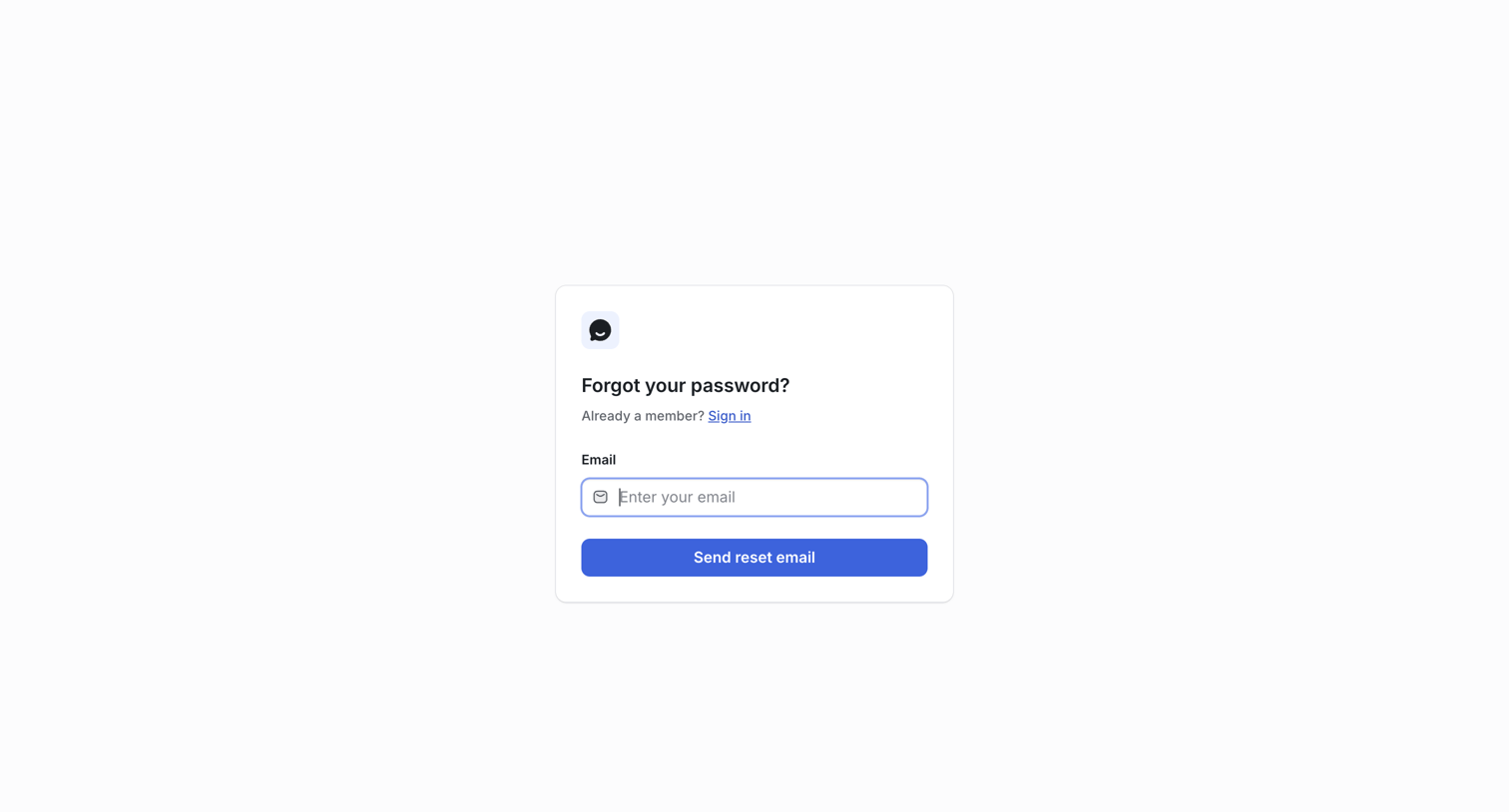
UserJot - Forgot Password | UserJot screen
UserJot logo
UserJot

Password recovery screen where the user enters their email address to receive a reset link.
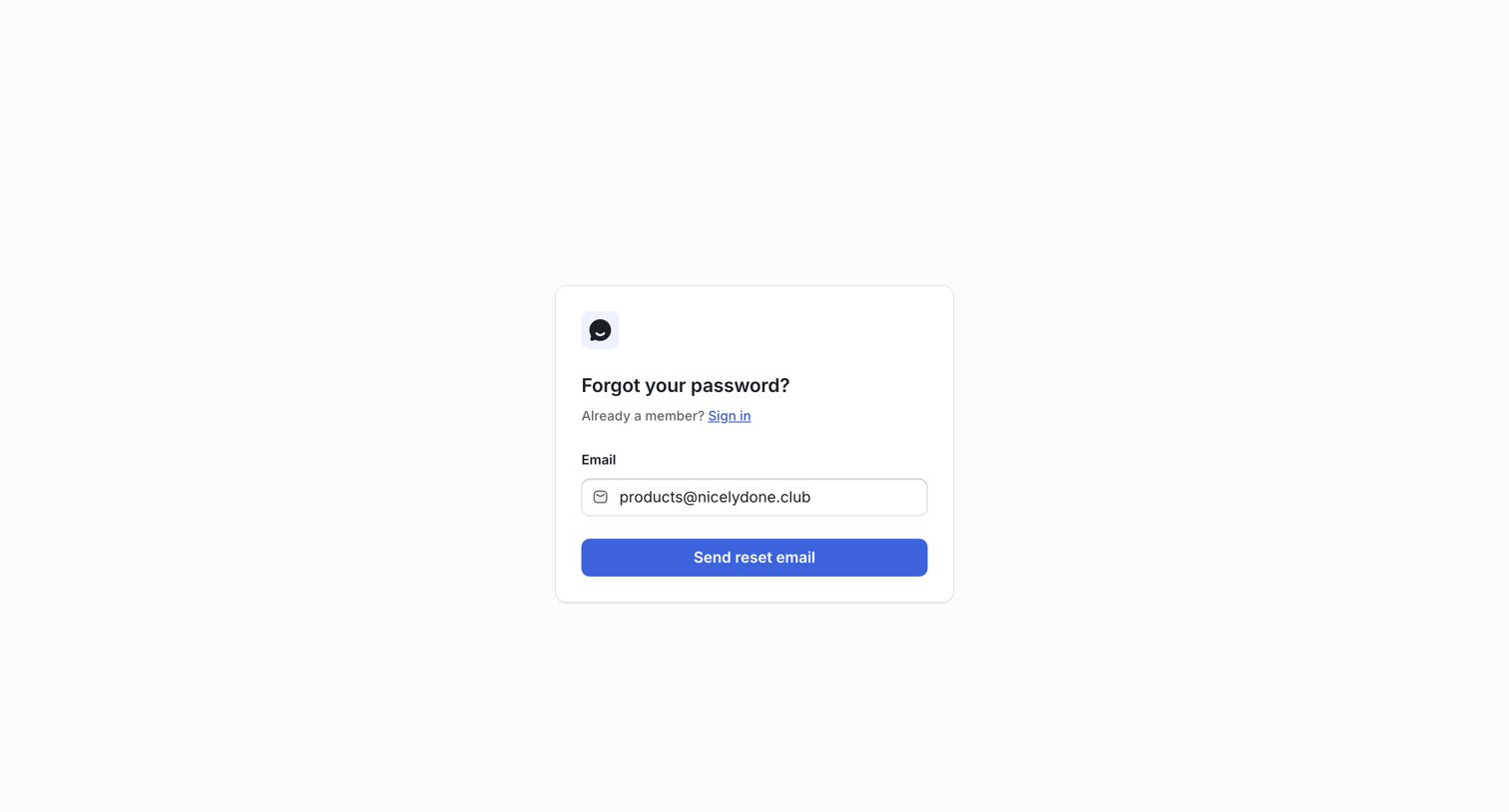
UserJot - Forgot Password | UserJot screen
UserJot logo
UserJot

Password recovery screen where the user enters their email address to receive a reset link.
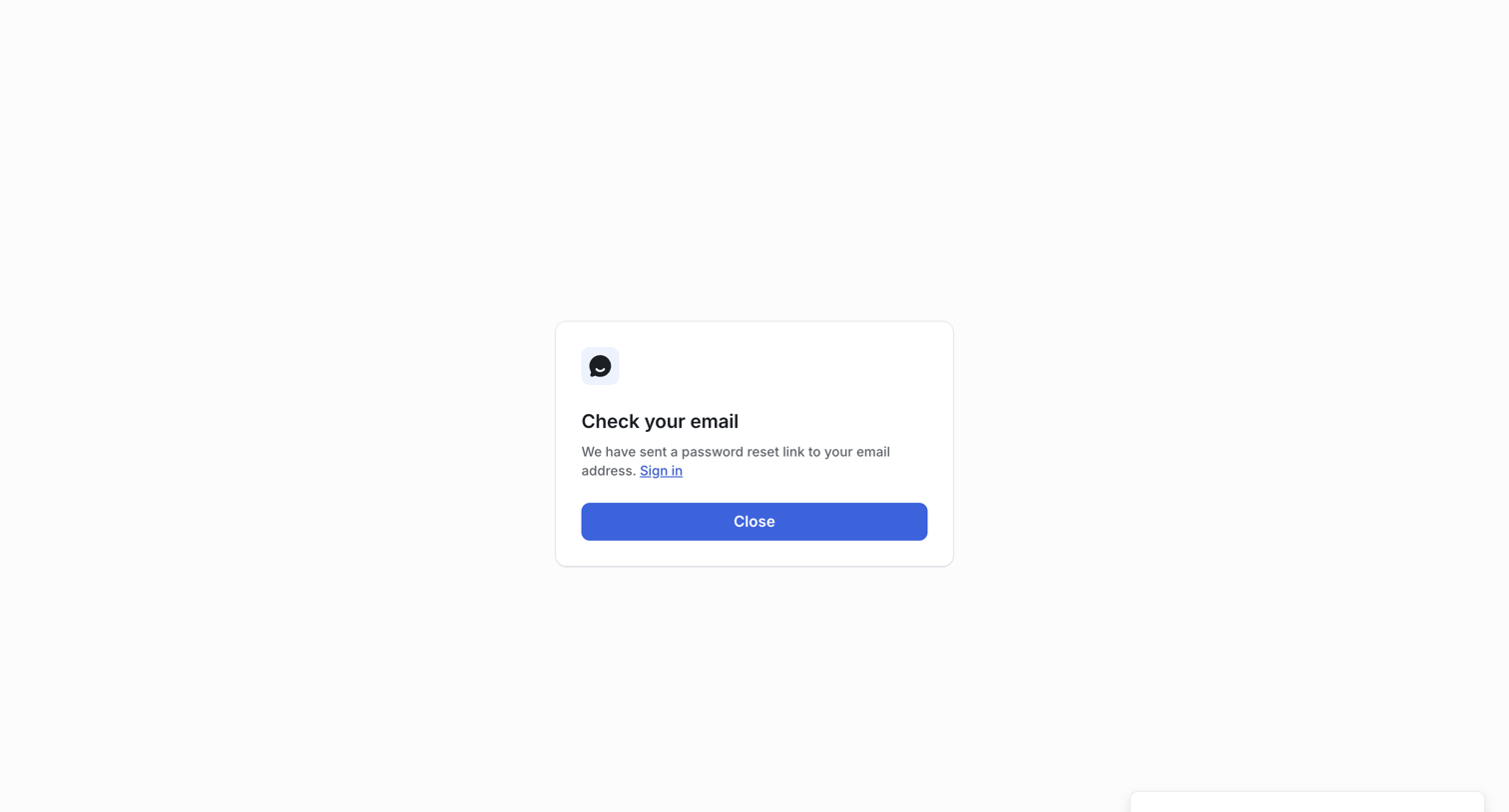
UserJot - Confirm Password Reset | UserJot screen
UserJot logo
UserJot

Password recovery screen confirming that a reset link has been sent to the user's email address, featuring a success toast and a prompt to check their inbox.
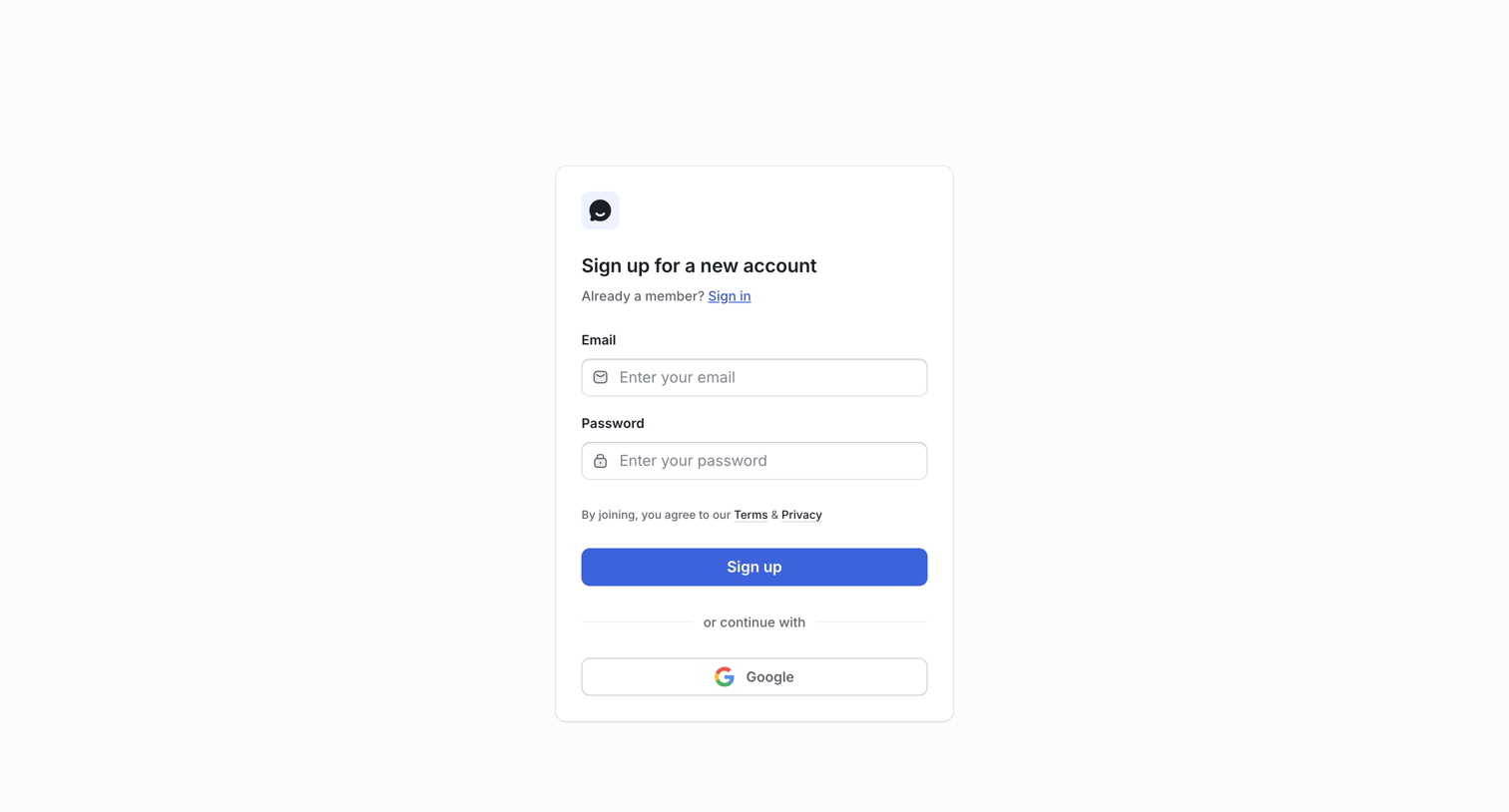
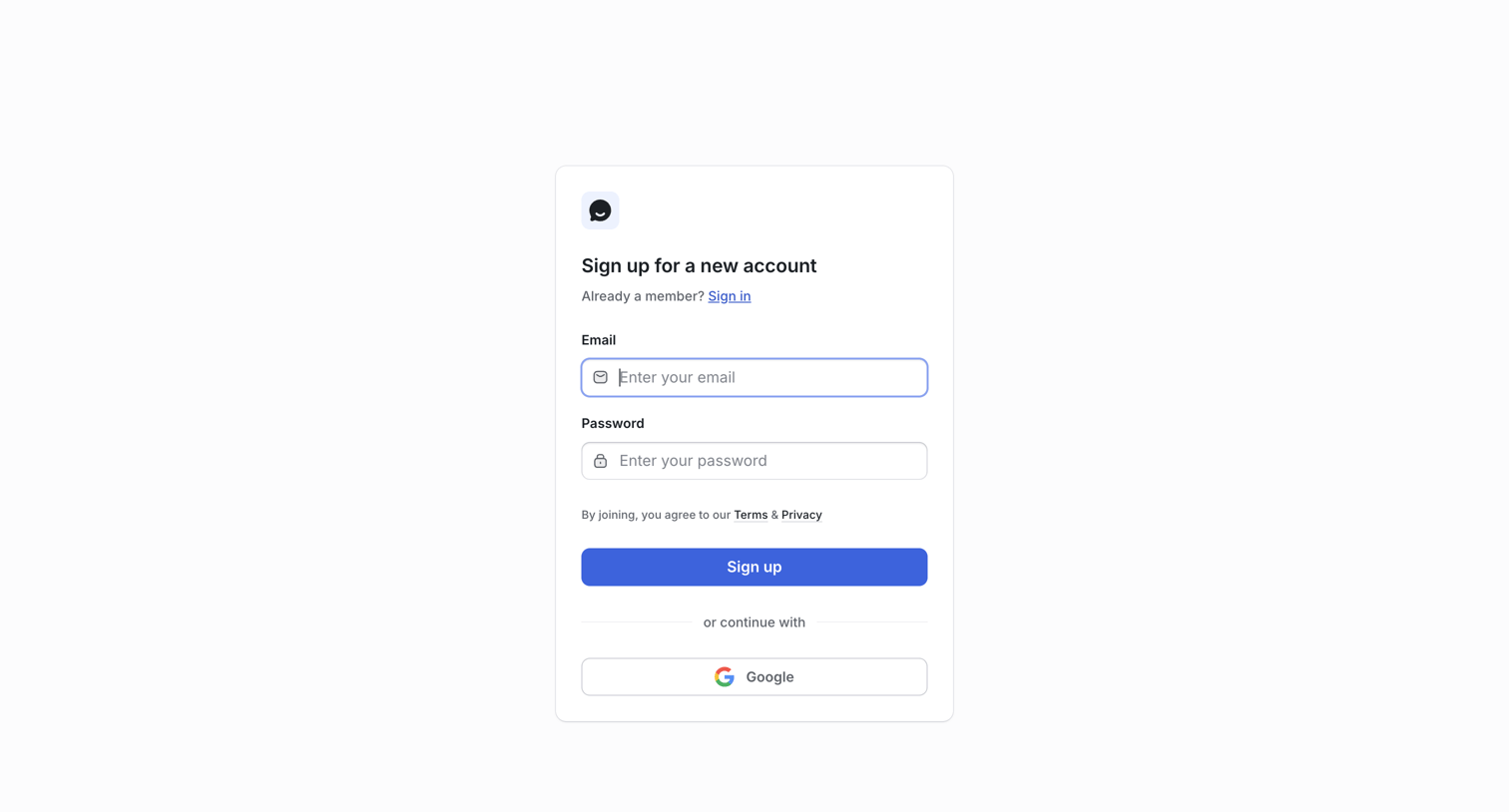
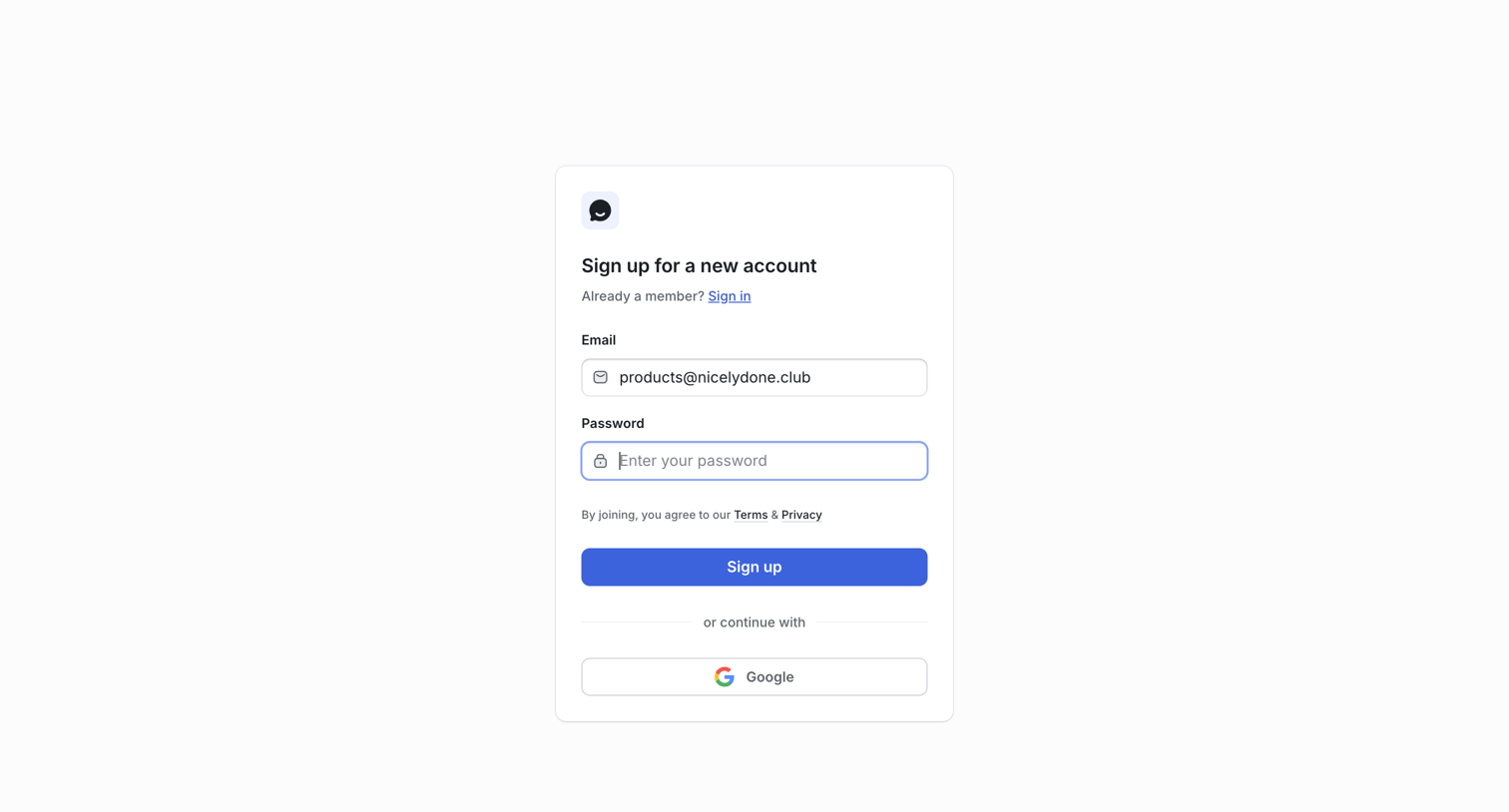
UserJot - Sign Up | UserJot screen
UserJot logo
UserJot

Signup screen where the user creates a new account using an email and password or by authenticating with Google.

UserJot - Sign Up | UserJot screen
UserJot logo
UserJot

Signup screen where the user creates a new account using an email and password or via Google authentication.

UserJot - Sign Up | UserJot screen
UserJot logo
UserJot

Signup screen where the user can create an account using an email and password or authenticate via Google.

Browse the full SaaS app library

Explore real SaaS apps with their product screens, marketing screens, flows, and components.

Trusted by the best teams