Skip to content

UserJot UI components examples

Browse UserJot UI component design examples. Preview individual interface elements and explore related component categories. User Feedback, Feature Requests, Roadmaps & Changelog Tool

Explore the examples
UserJot — Tooltip component
UserJot logo
UserJot

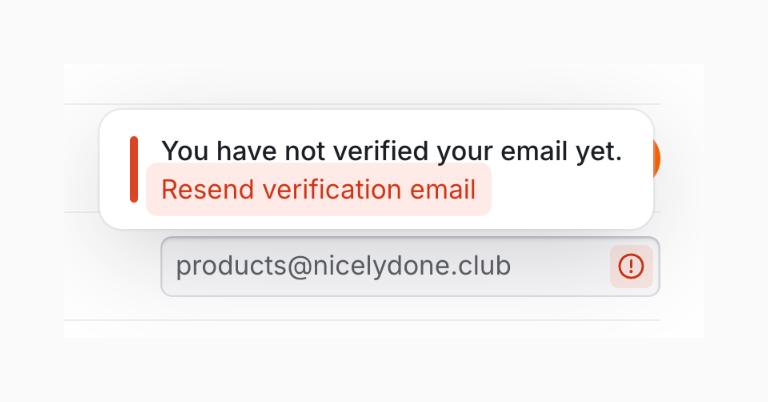
Email verification alert.

UserJot — Dropdown menu component
UserJot logo
UserJot

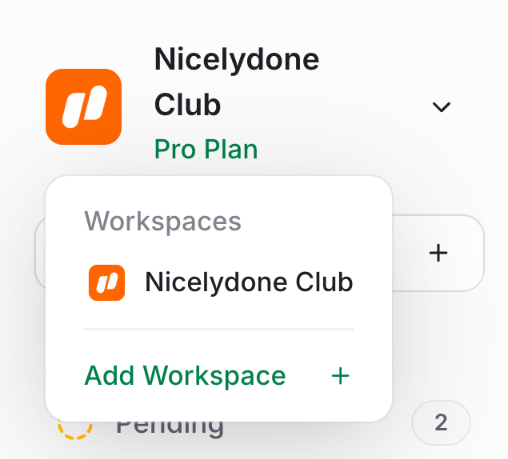
The screenshot shows a modal for workspace management.

UserJot — Dropdown menu component
UserJot logo
UserJot

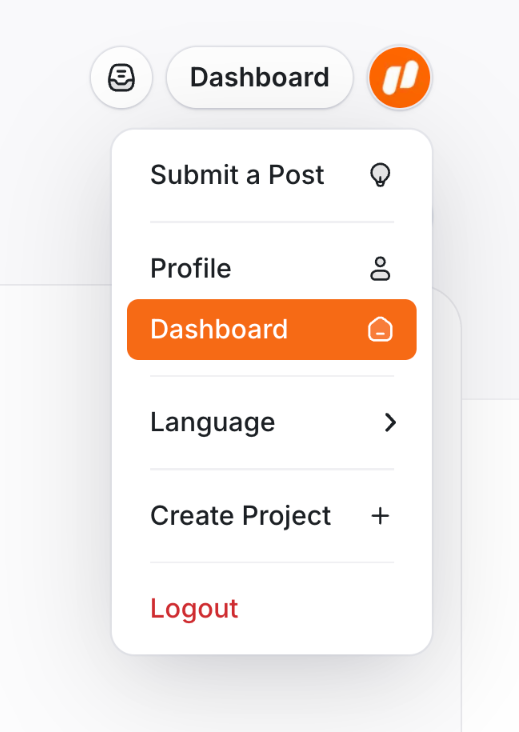
A navigation menu with several options.

UserJot — Modal component
UserJot logo
UserJot

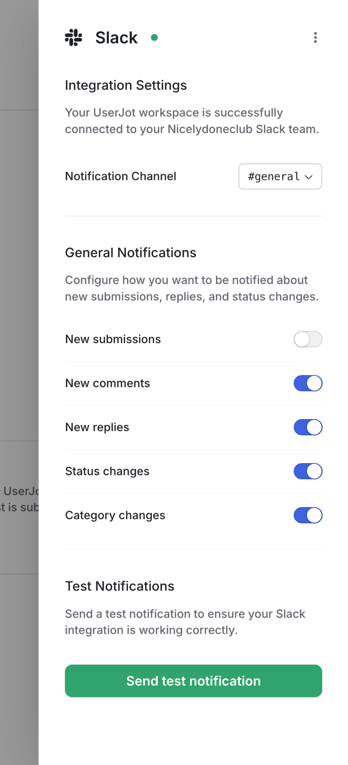
The modal shows integration settings for Slack, allowing users to configure notification preferences.

UserJot — Theme settings component
UserJot logo
UserJot

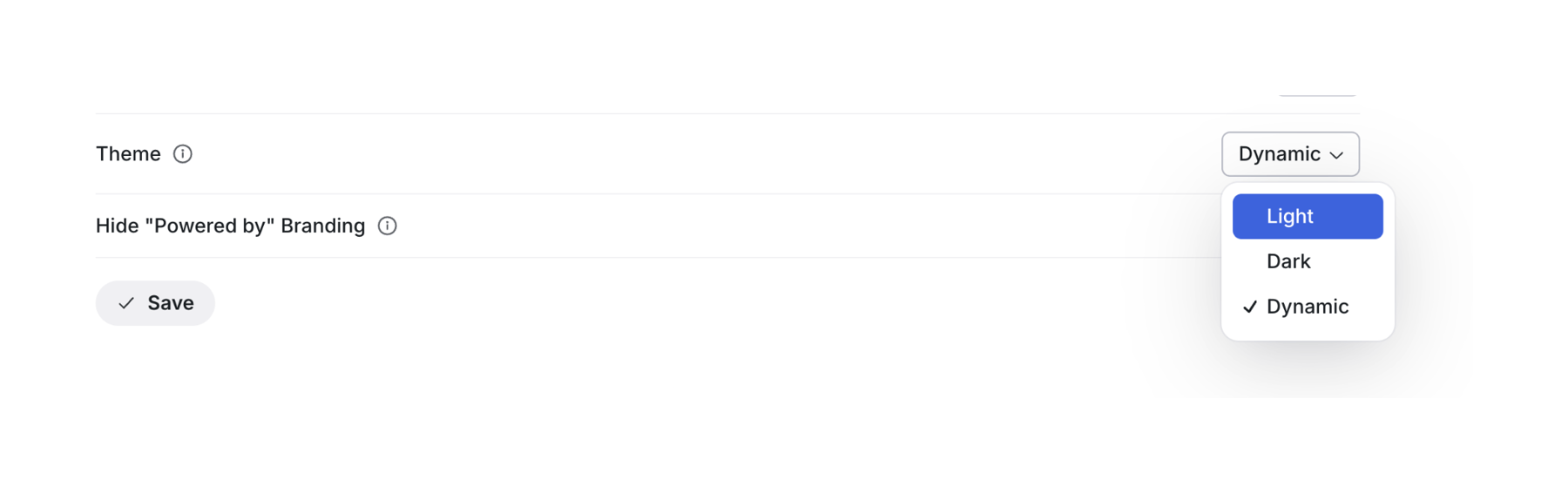
A settings panel for theme selection and branding options.

UserJot — Color picker component
UserJot logo
UserJot

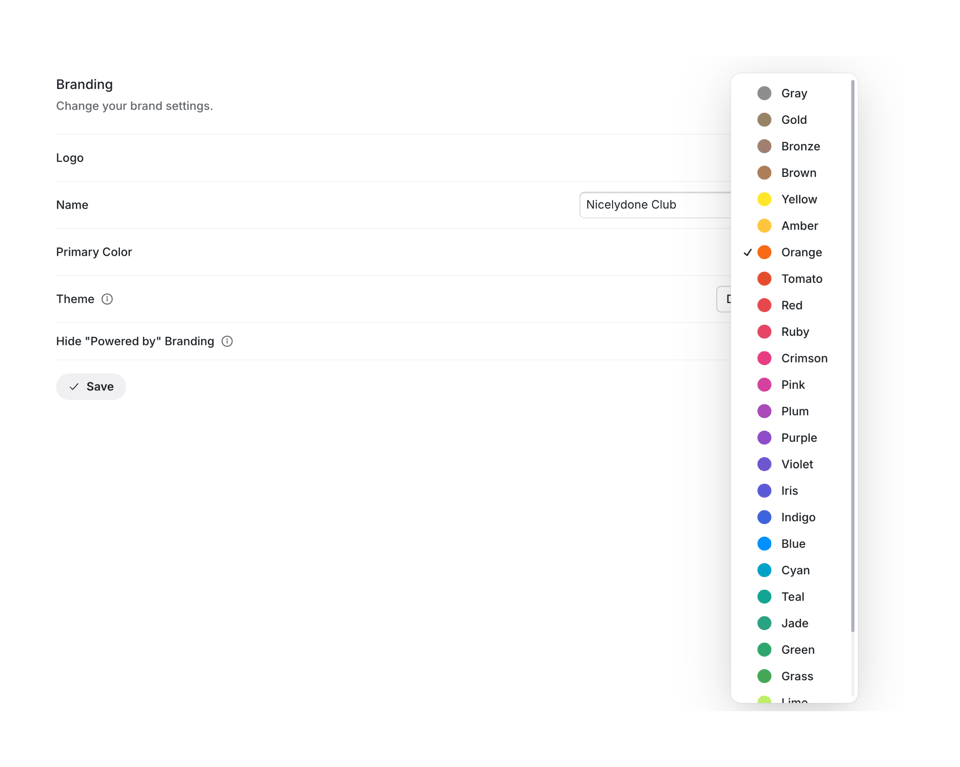
The screenshot shows a branding settings panel with a color selection popover.

UserJot — Tabs component
UserJot logo
UserJot

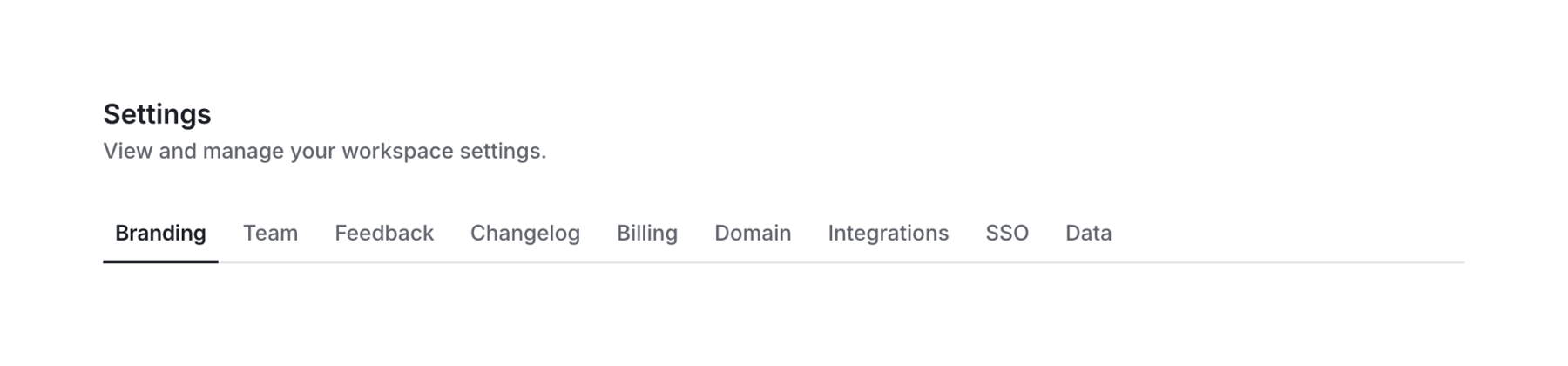
Settings page

UserJot — Toggle/Switch component
UserJot logo
UserJot

The image shows a toggle switch and text related to hiding branding.

UserJot — Artificial intelligence component
UserJot logo
UserJot

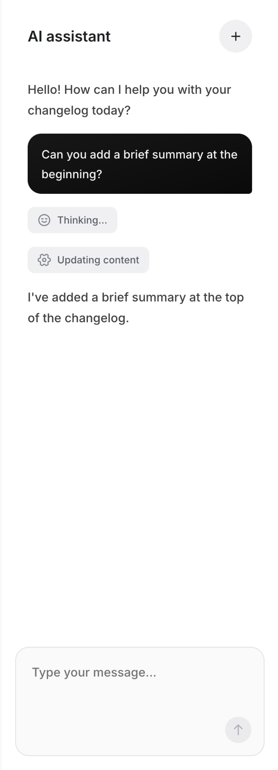
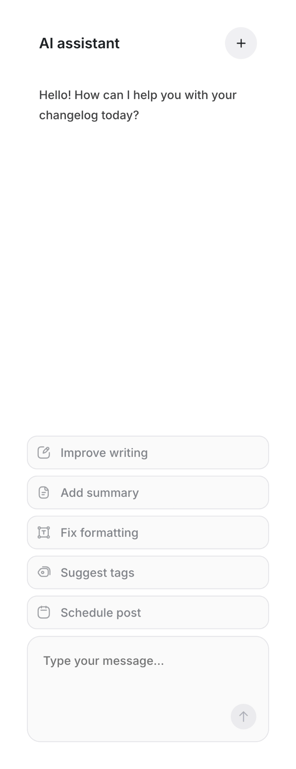
A conversational ai assistant interface.

UserJot — Rich text editor component
UserJot logo
UserJot

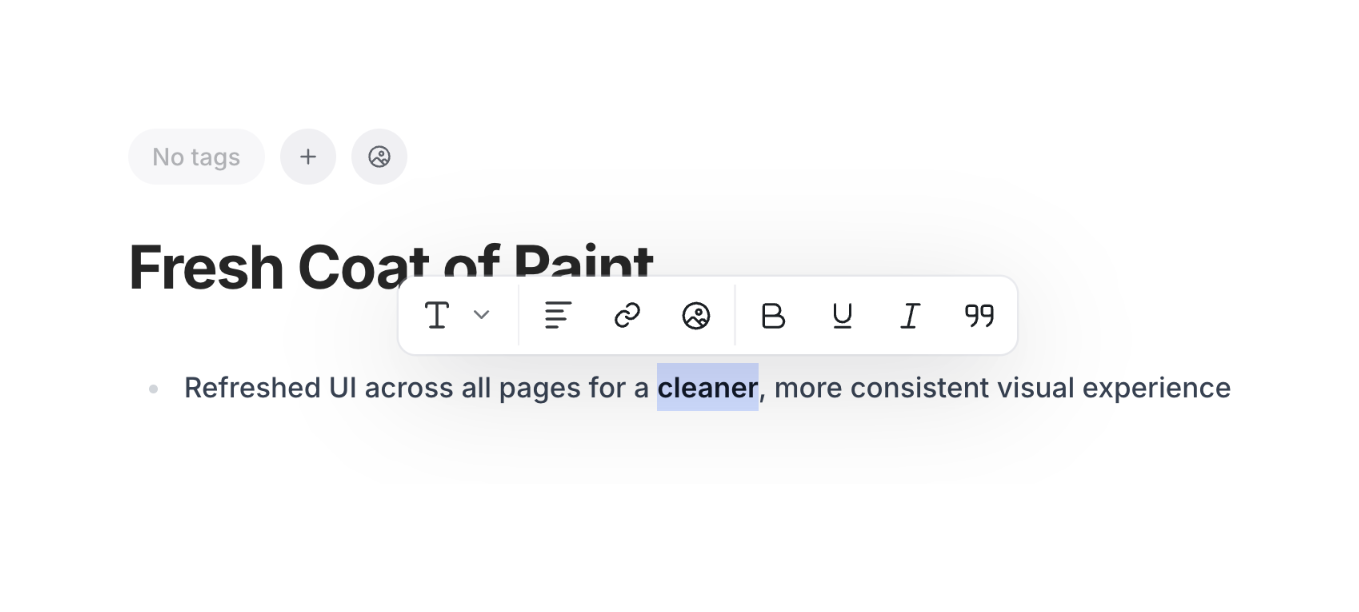
The screenshot displays a text editor interface with basic formatting options.

UserJot — Artificial intelligence component
UserJot logo
UserJot

AI assistant interface for changelog assistance.

UserJot — Segmented control component
UserJot logo
UserJot

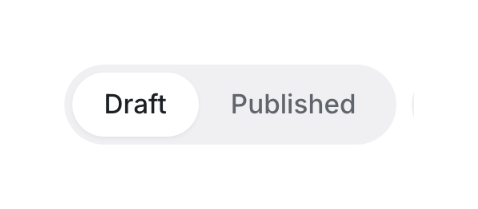
A toggle switch between draft and published states.

Browse the full component library

Browse the full UI component library.

Trusted by the best teams