Skip to content
UserJot logo

UserJot product screens examples

Browse UserJot screen design examples. Preview the interface screenshots and explore related UI patterns. User Feedback, Feature Requests, Roadmaps & Changelog Tool

Explore the examples

Sign In | UserJot from UserJot
UserJot logo
UserJot

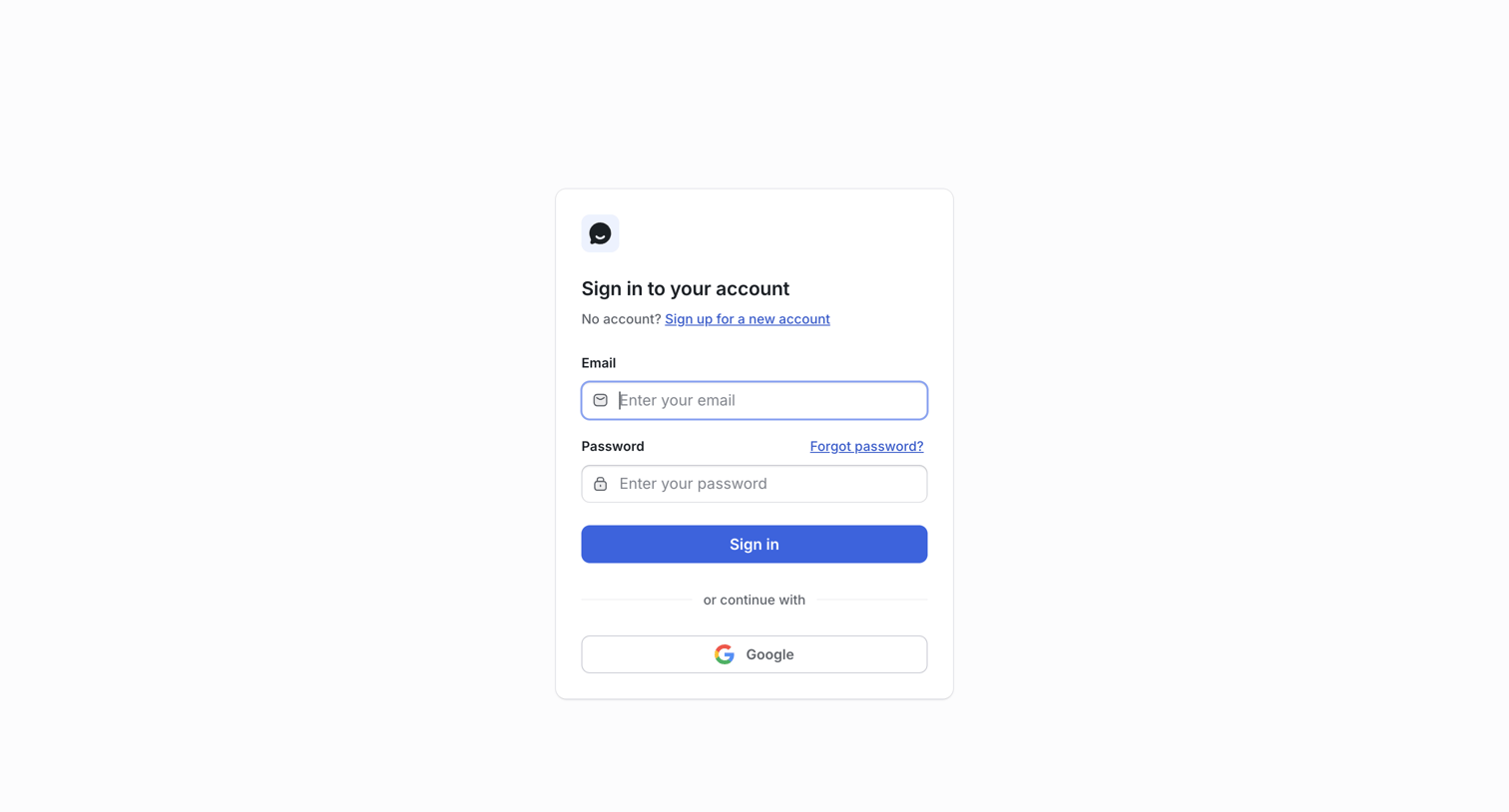
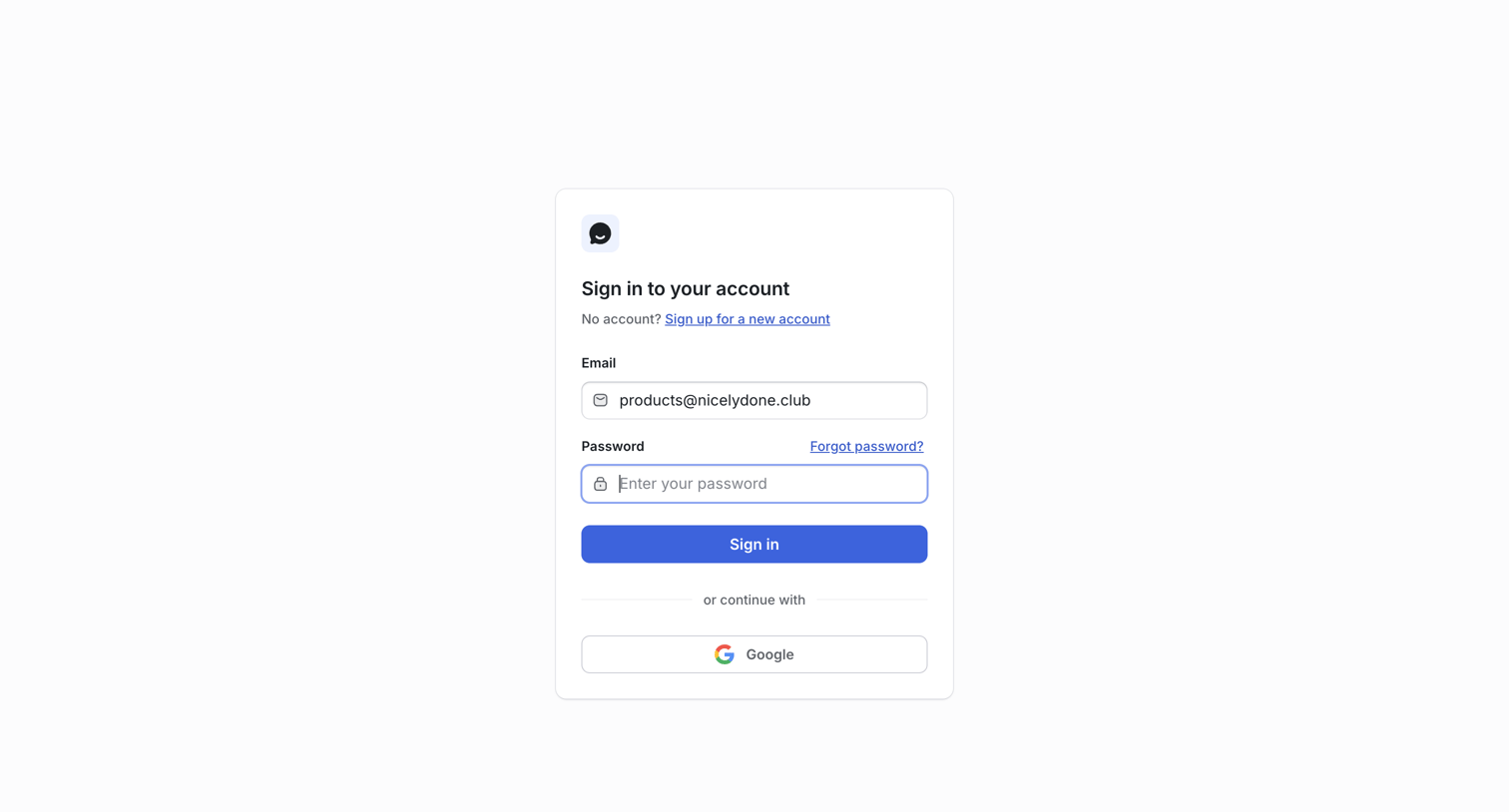
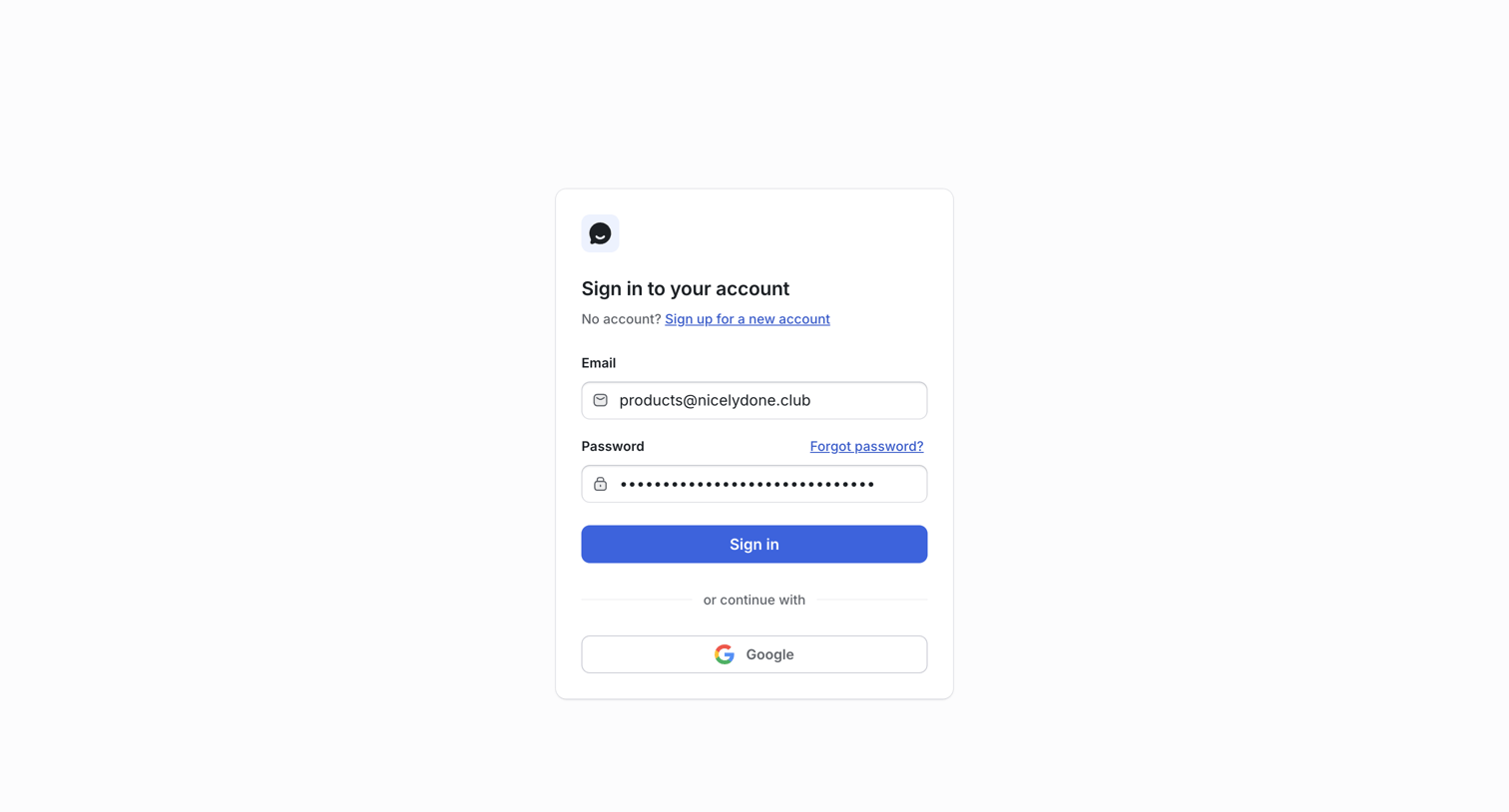
Sign-in screen where the user authenticates with their email and password or continues via Google OAuth.

Sign In | UserJot from UserJot
UserJot logo
UserJot

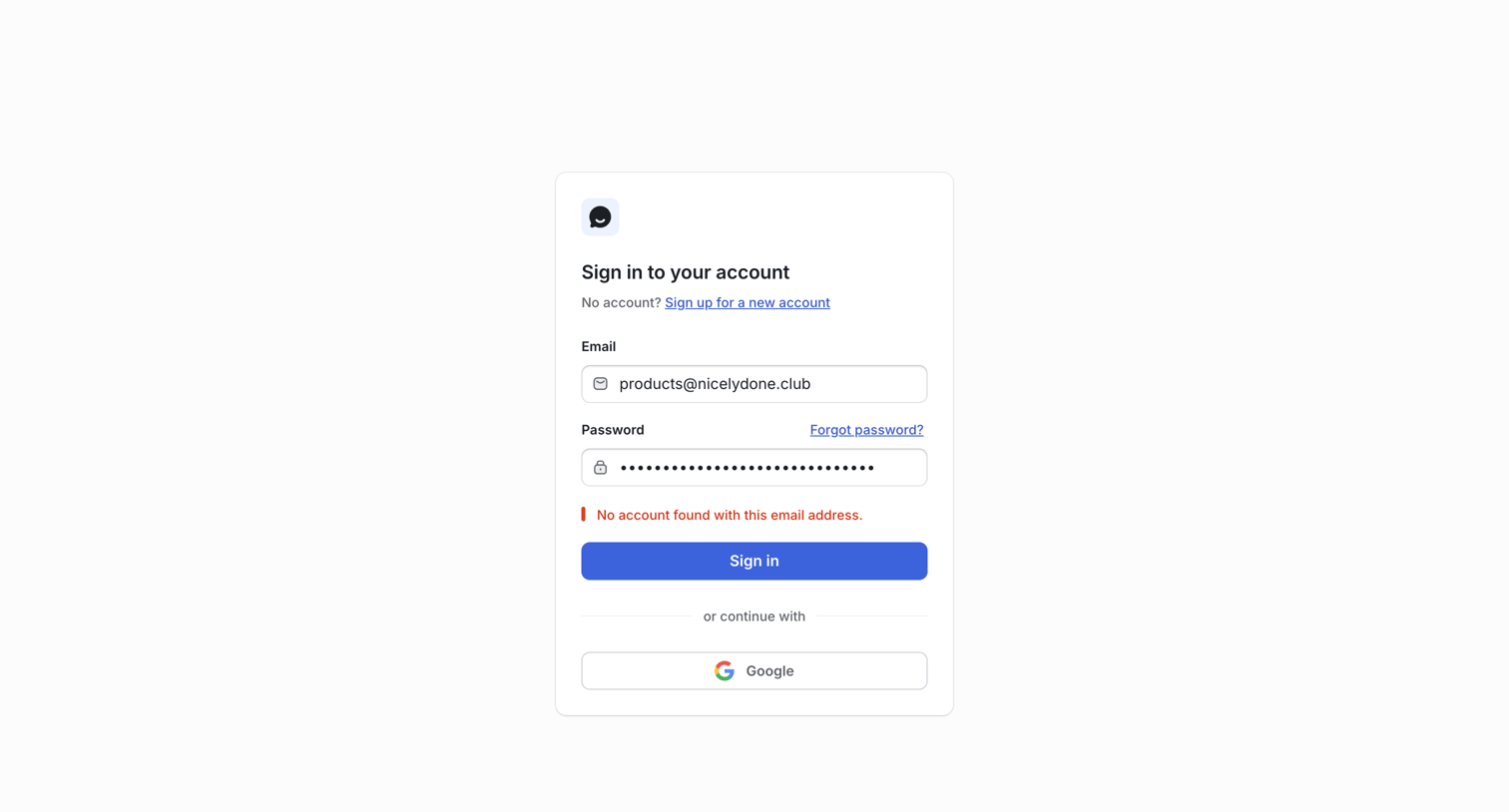
Sign-in screen where the user attempted to authenticate with an email and password but received an account not found error.
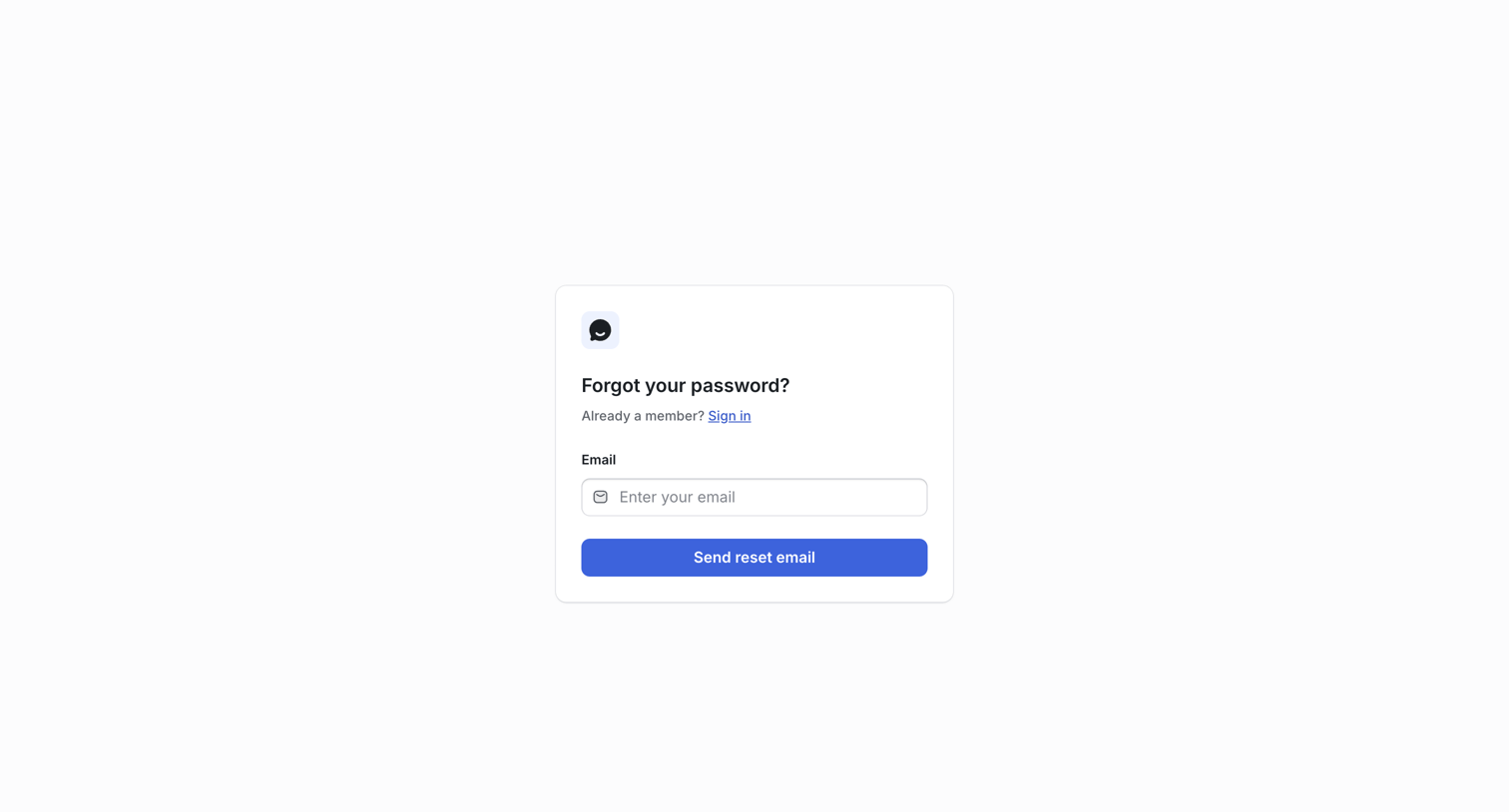
Confirm Password Reset | UserJot from UserJot
UserJot logo
UserJot

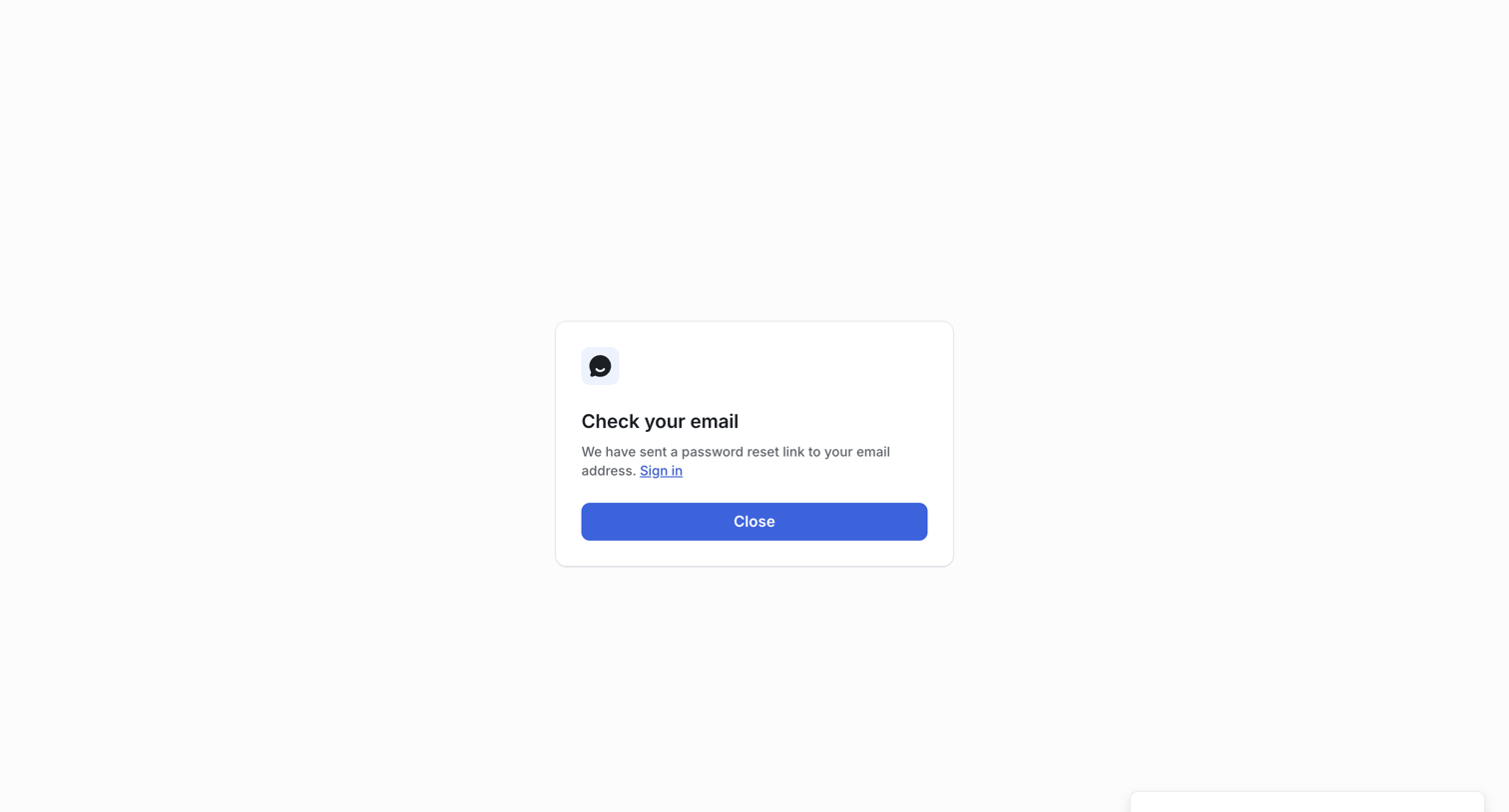
Password recovery screen confirming that a reset link has been sent to the user's email address, featuring a success toast and a prompt to check their inbox.
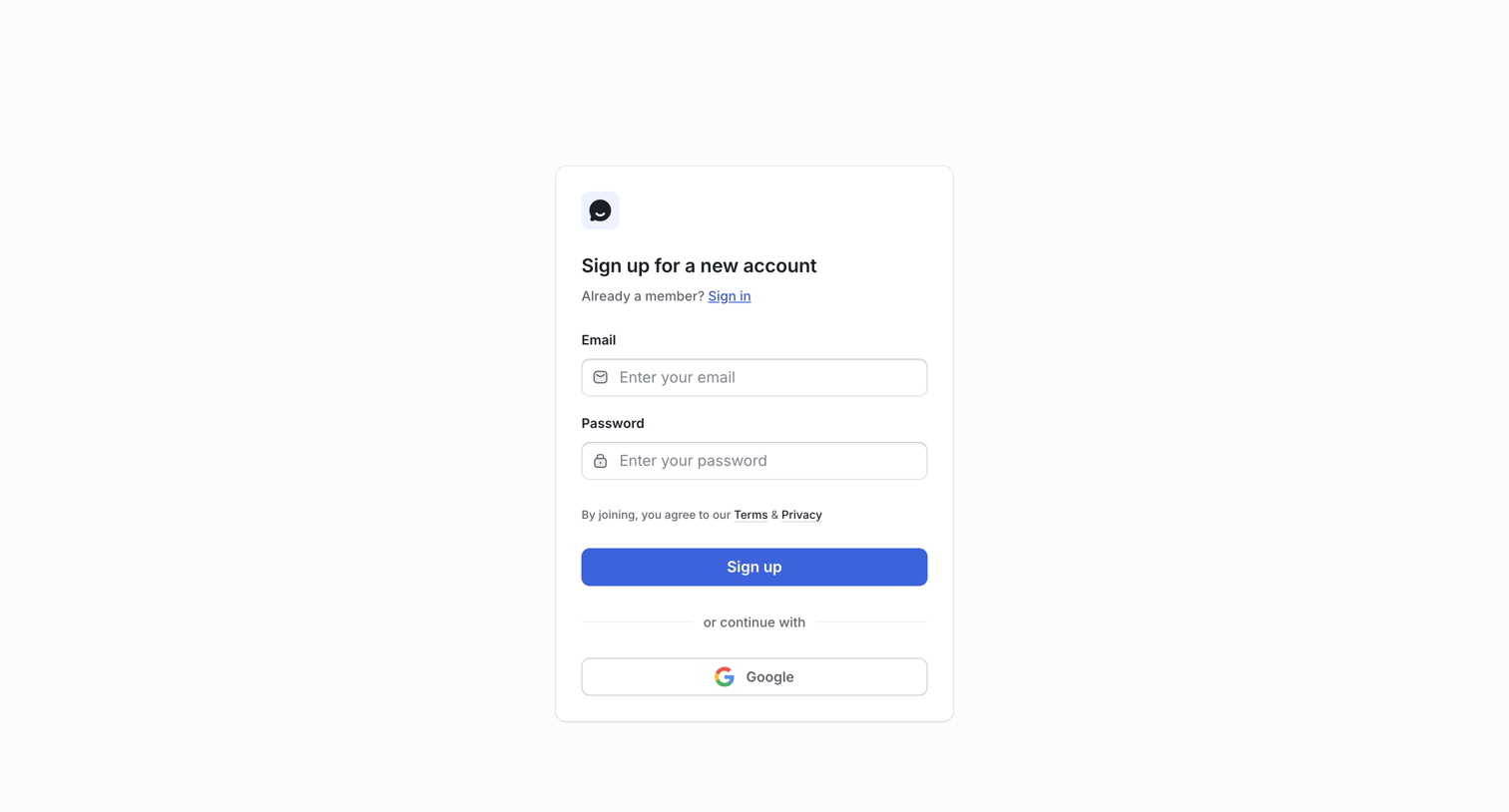
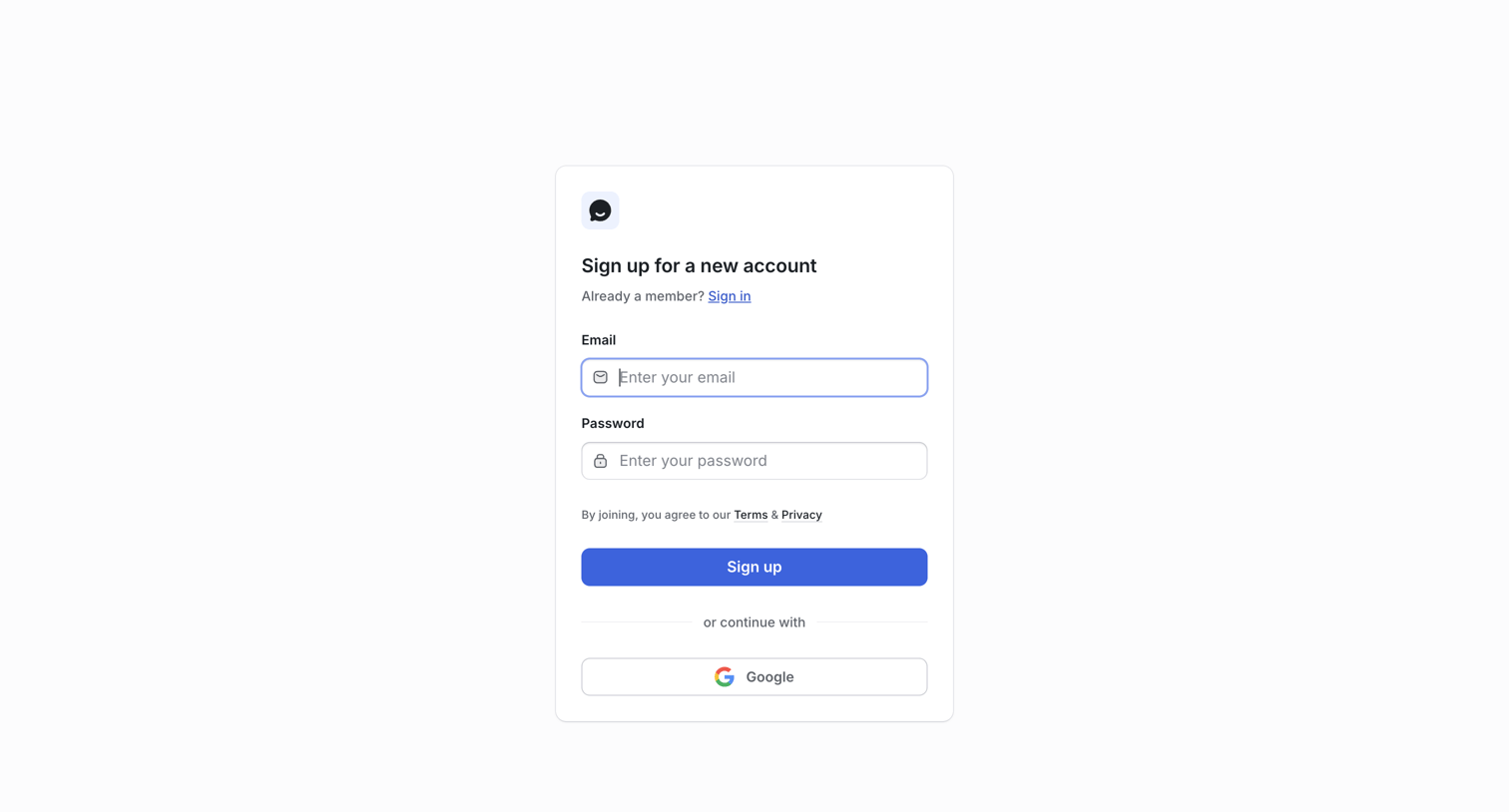
Sign Up | UserJot from UserJot
UserJot logo
UserJot

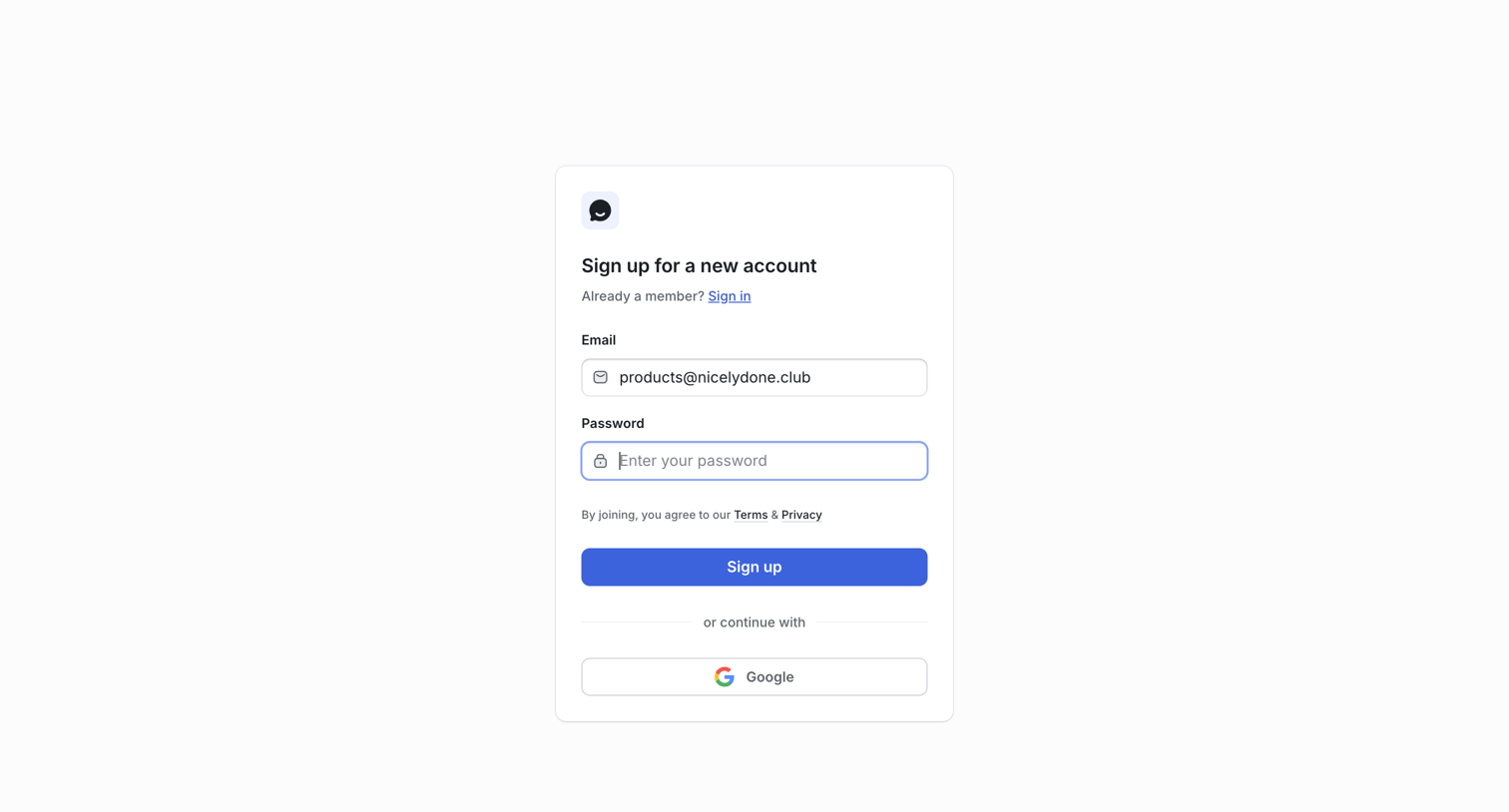
Signup screen where the user creates a new account using an email and password or by authenticating with Google.

Organizations | UserJot from UserJot
UserJot logo
UserJot

Onboarding step where the user enters the website they want to collect feedback for, currently showing an inline validation error.

Organizations | UserJot from UserJot
UserJot logo
UserJot

Onboarding step where the user enters the website URL they want to collect feedback for, currently showing a validation error.

Organizations | UserJot from UserJot
UserJot logo
UserJot

Onboarding step where the user enters the website URL they want to collect feedback for.

Requests | UserJot from UserJot
UserJot logo
UserJot

List view showing an empty state for feature requests with a prompt to view the live feedback board and a successful organization creation toast.

Requests | UserJot from UserJot
UserJot logo
UserJot

App interface where a modal prompts the user to upgrade their workspace to a Professional plan, offering a 14-day free trial and comparing it to Free and Starter tiers.

Requests | UserJot from UserJot
UserJot logo
UserJot

List view where the user creates a new request for mobile app integration via a modal, selecting its category and status.

Requests | UserJot from UserJot
UserJot logo
UserJot

Creation modal where the user drafts a new feature request, assigning it a status, category, and tags before submitting.

Requests | UserJot from UserJot
UserJot logo
UserJot

List view where the user creates a new feature request and selects its status from an open dropdown menu.

Explore the full SaaS screen library

Upgrade to unlock the full library.

Trusted by the best teams