Color picker UI examples
Color picker UI design examples from SaaS apps. See how interfaces let people choose or enter a color. Explore how swatches, value fields, and selection controls fit together within the color picker.
Explore the examples
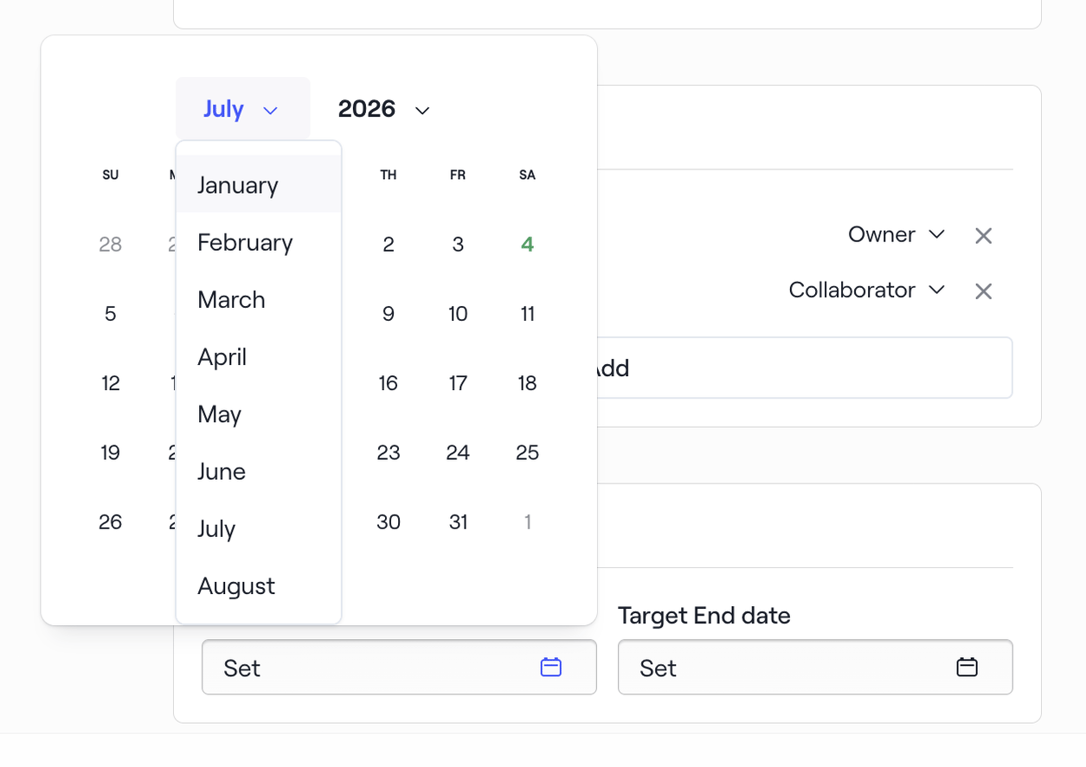

A date picker popover displaying a calendar grid and dropdowns for month and year selection.
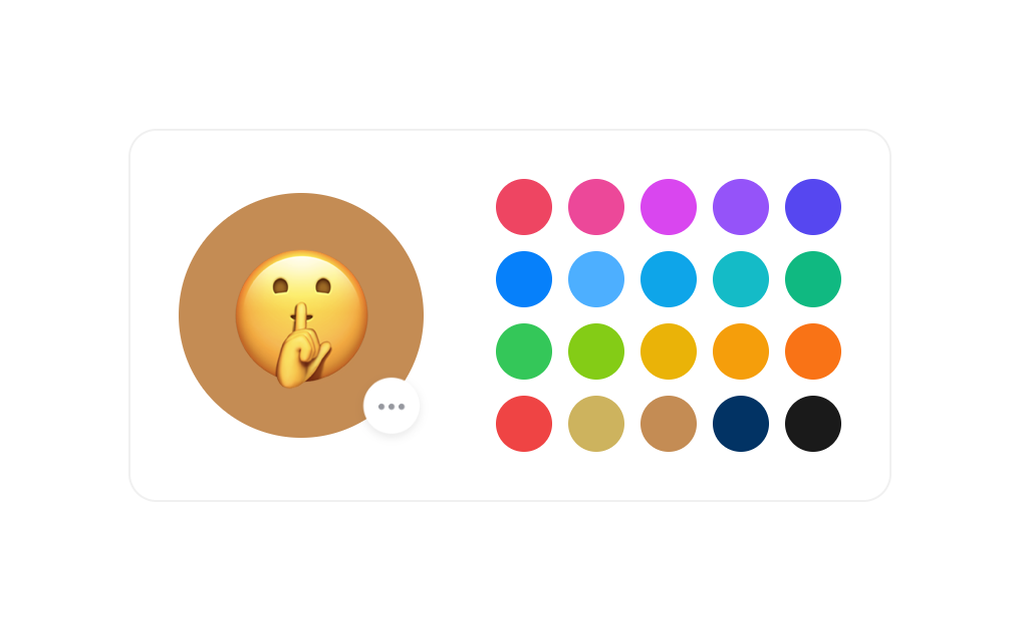

Lets users preview and change the background color of their emoji avatar during onboarding
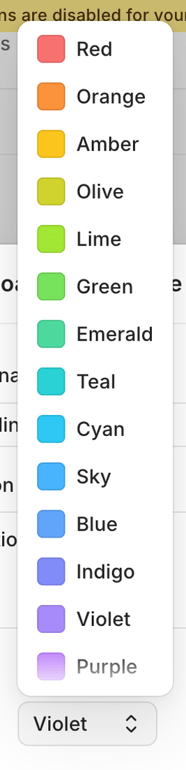

A dropdown menu displaying a list of color options with corresponding color swatches.
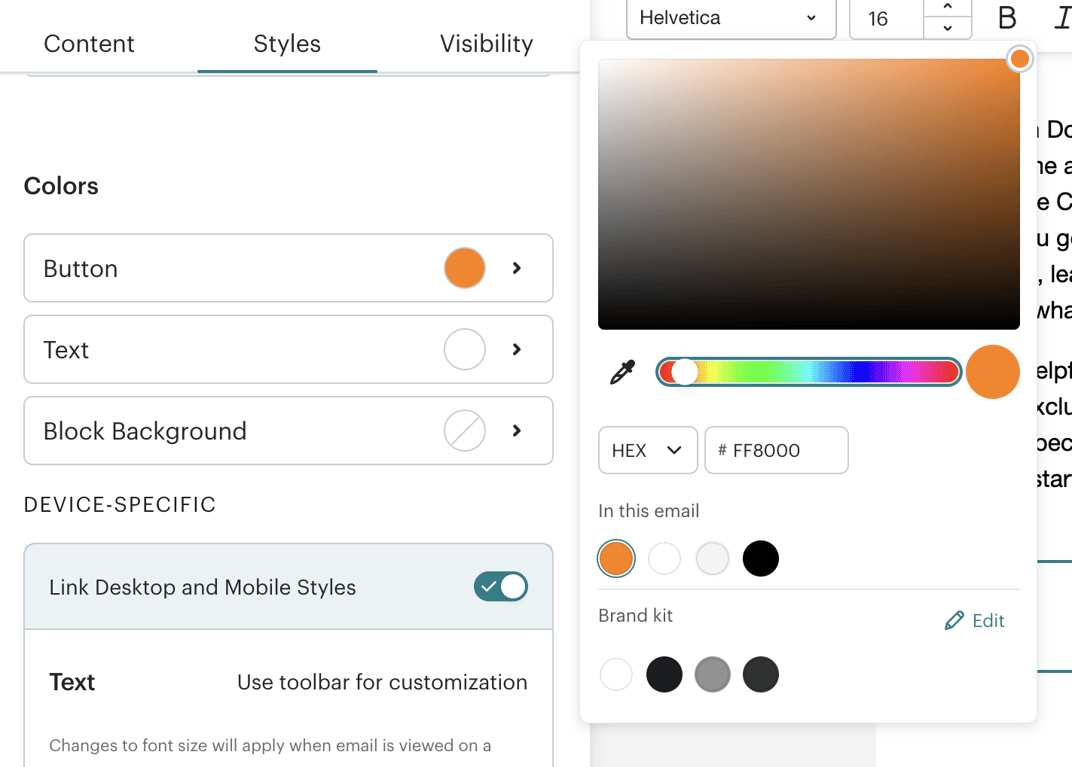

A user interface displaying style customization options for an email, including color selection and device-specific settings, with an active color picker popover.
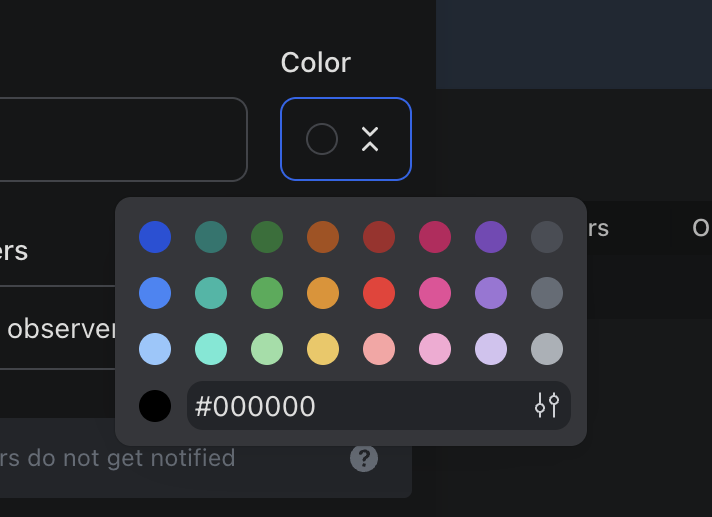

A color picker popover is displayed over a dark-themed application interface, showing a grid of color swatches, a hexadecimal input field, and a color selection button.
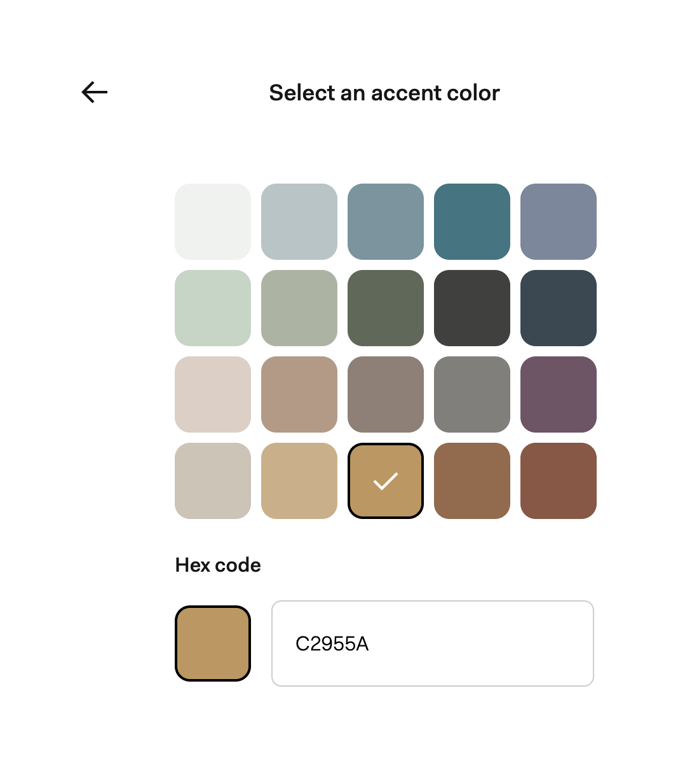

A user interface for selecting an accent color, featuring a grid of color swatches and a hex code input field.
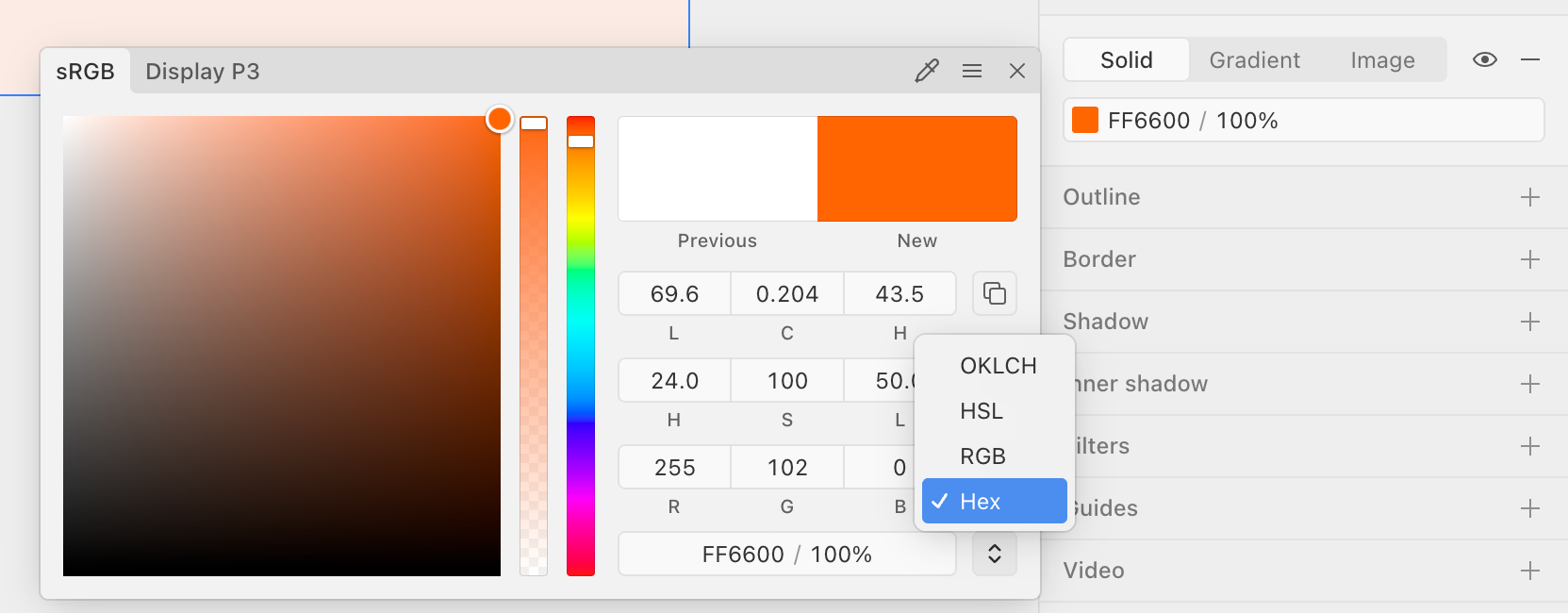

A color picker modal displaying a color spectrum, hue and opacity sliders, numerical input fields for various color models, and a dropdown for selecting color format.
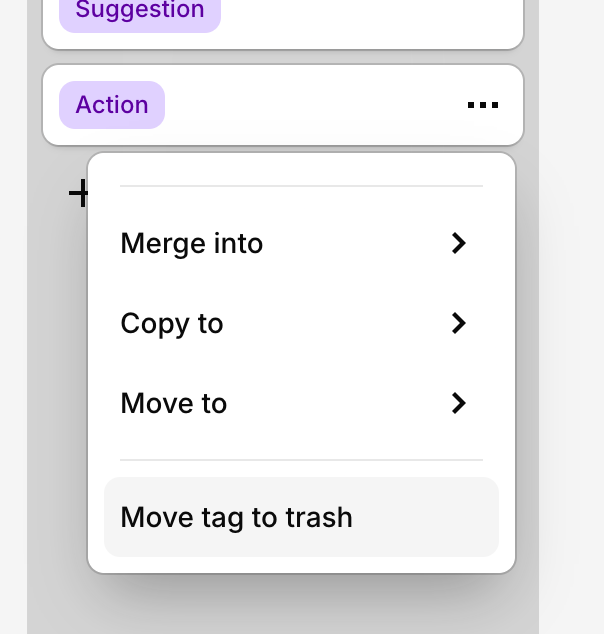

A popover menu displaying actions for a tag, including merge, copy, move, and delete options.
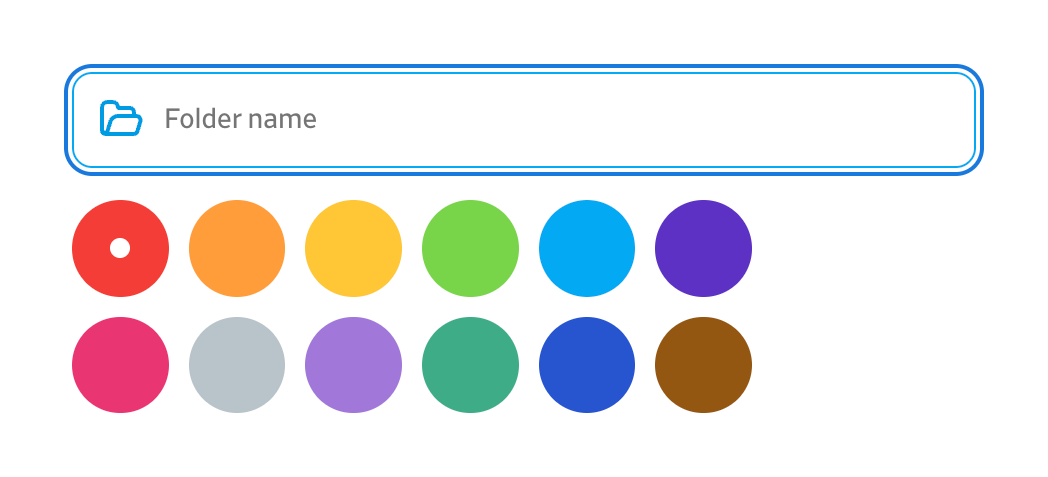

An input field for a folder name with a color selection palette.
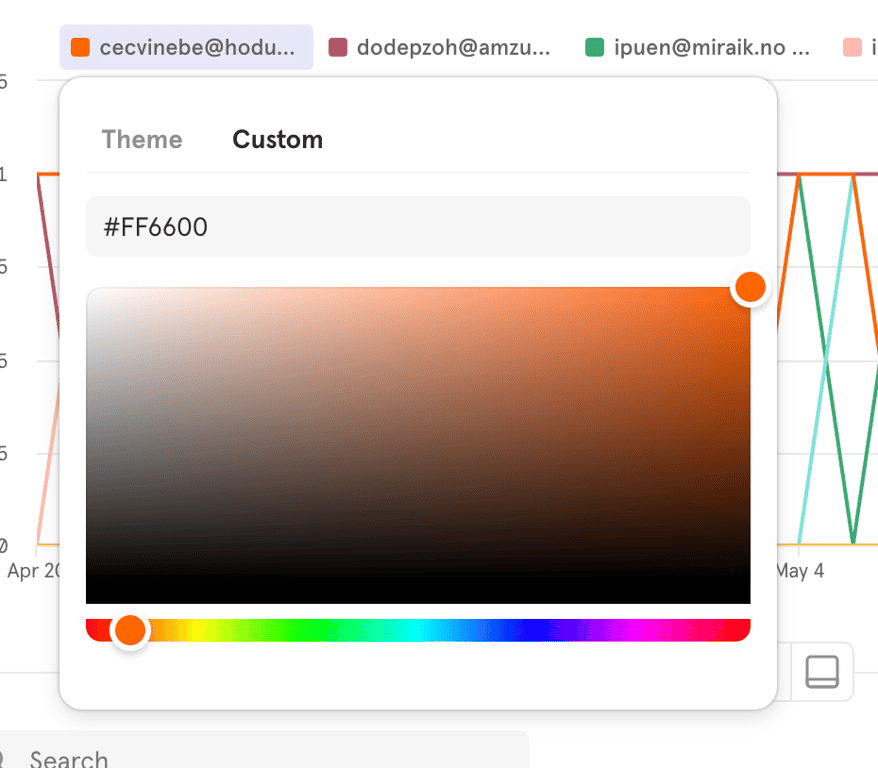

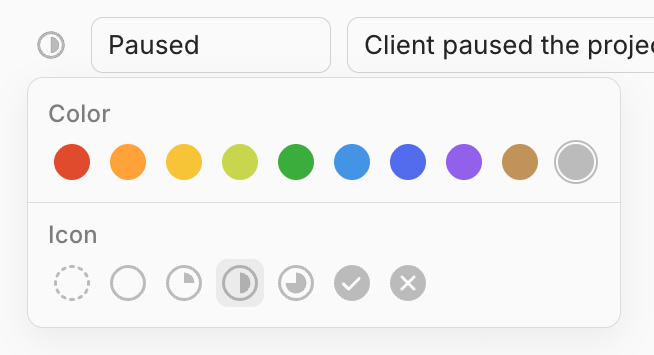

A popover menu for selecting a color and an icon.
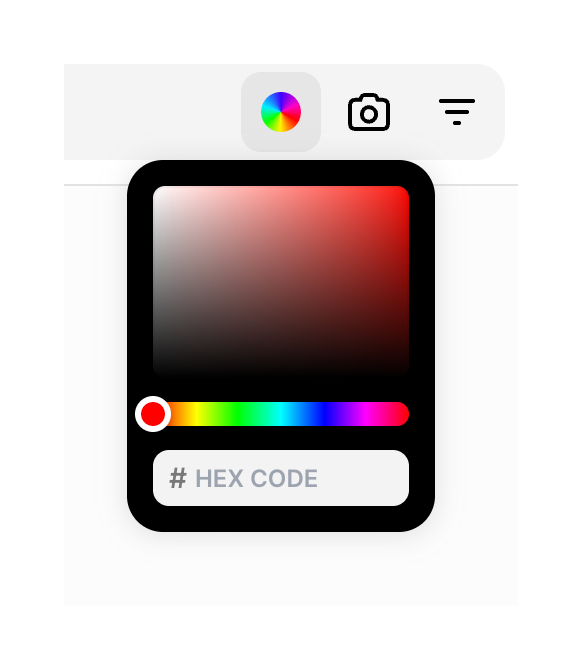

A color picker modal with a hex code input field.
Browse the full component library
See 163 more Components.
Trusted by the best teams








About Color picker
See how interfaces let people choose or enter a color. Explore how swatches, value fields, and selection controls fit together within the color picker.