Expensify design examples
Explore Expensify UI design examples. The expense management app that does it all
Product screens
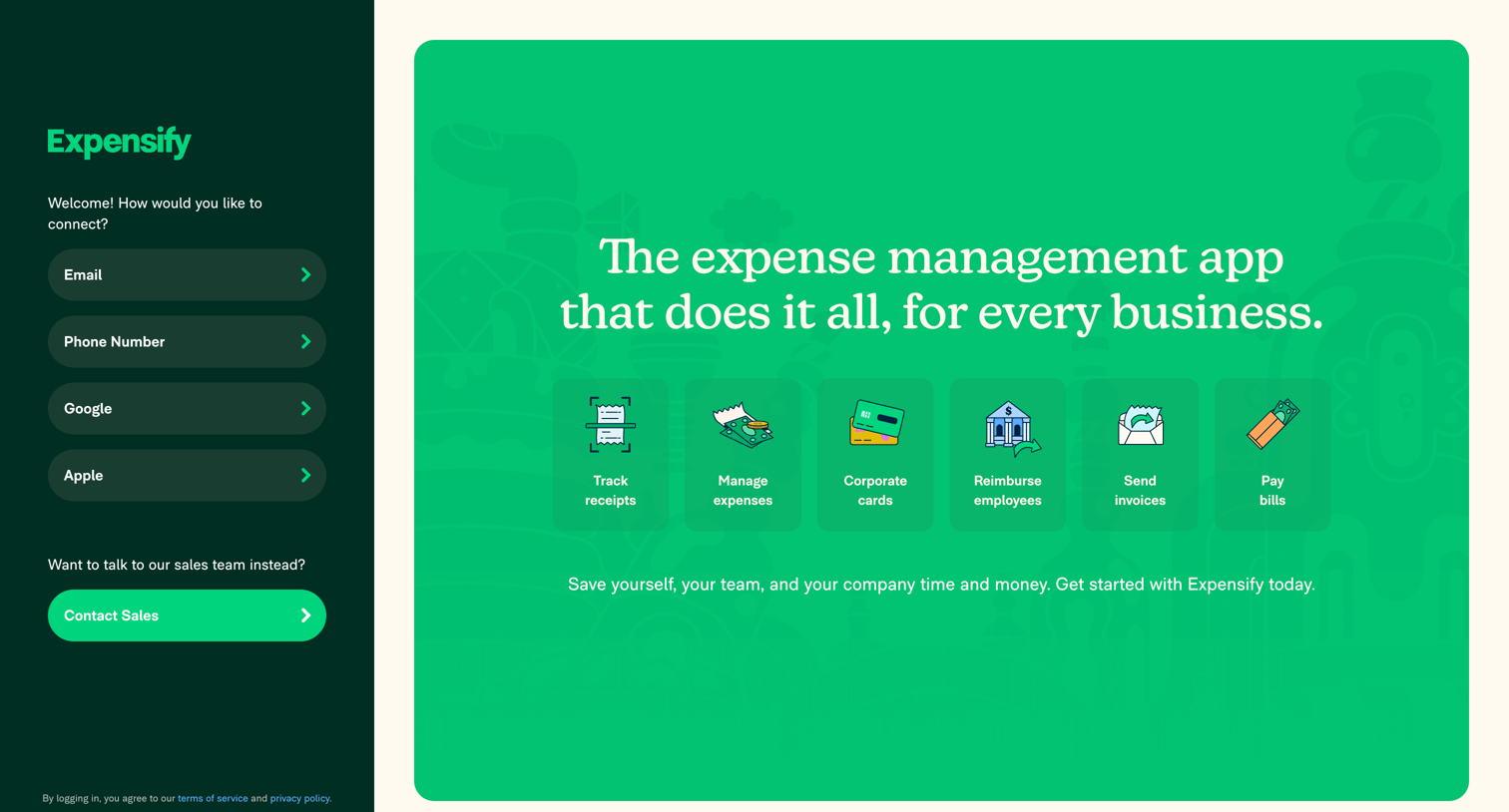
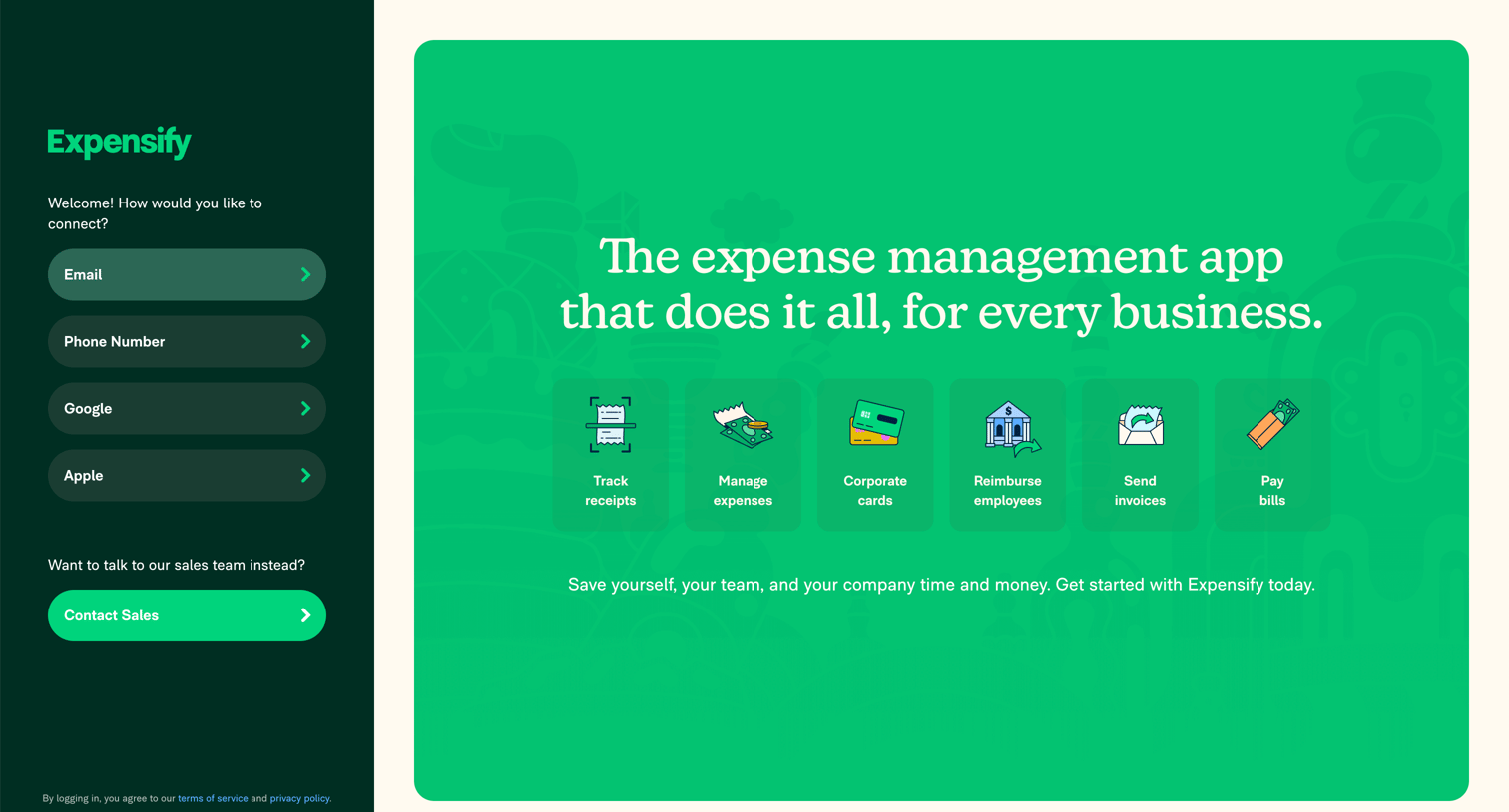
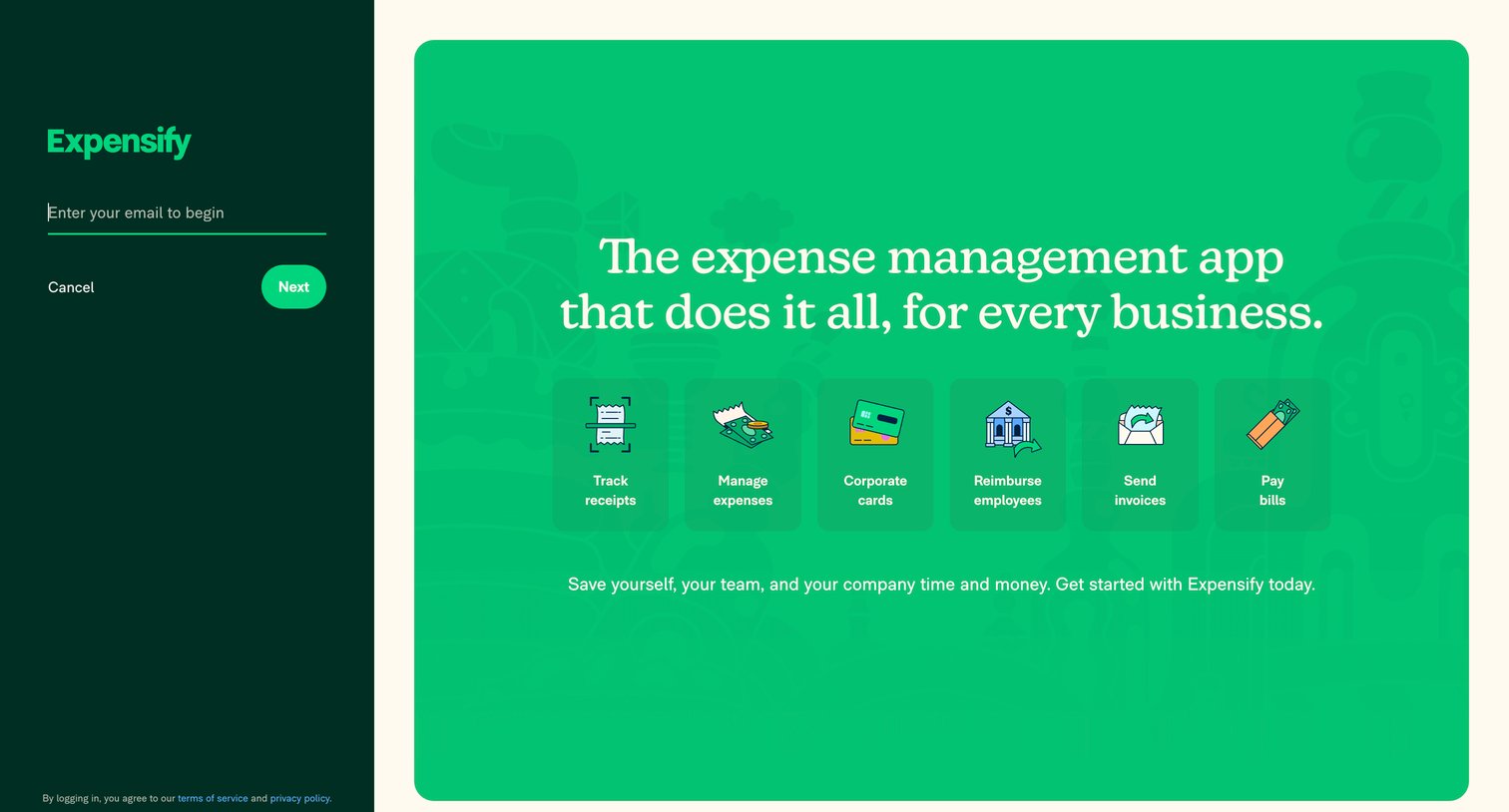
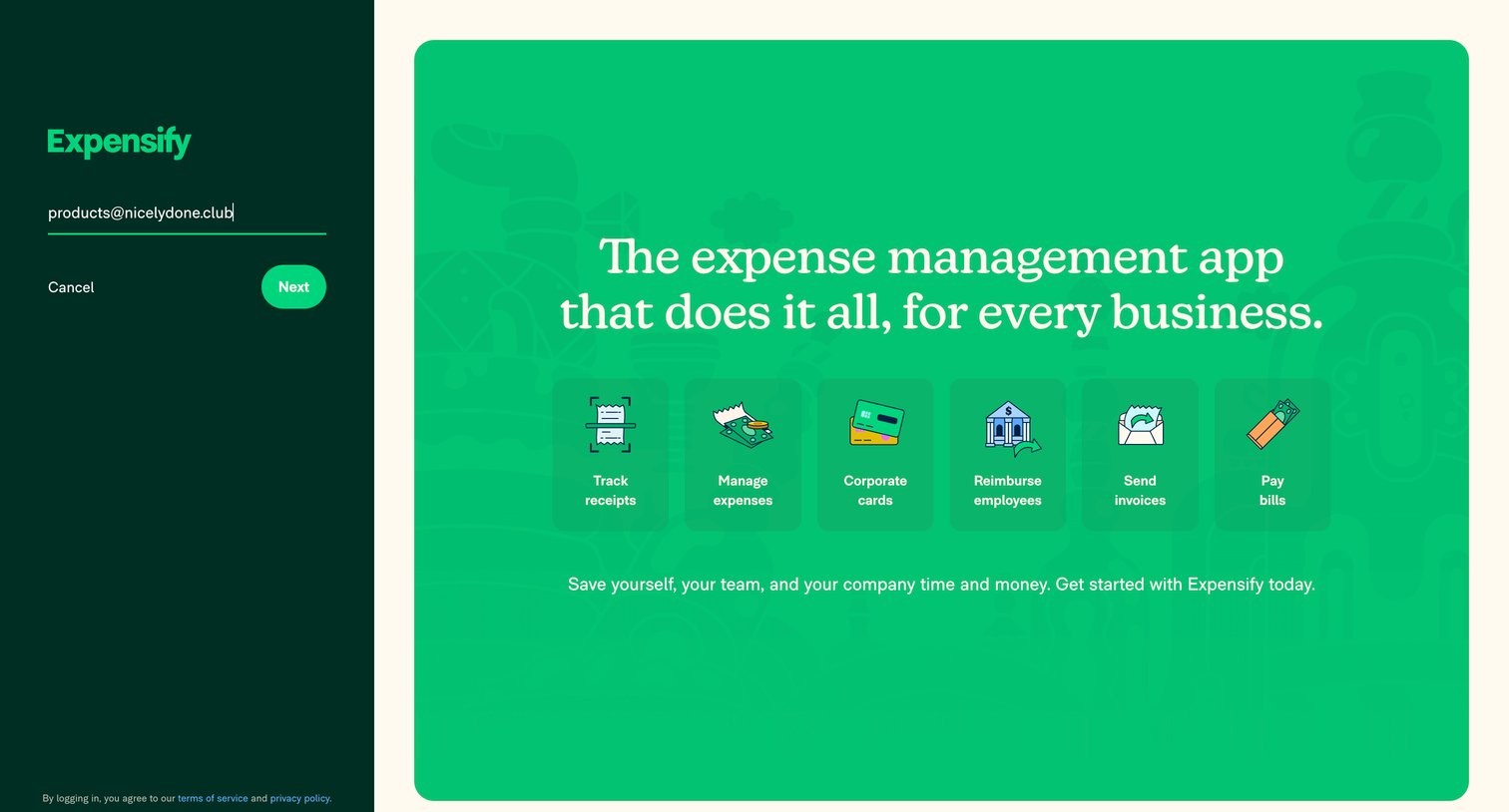
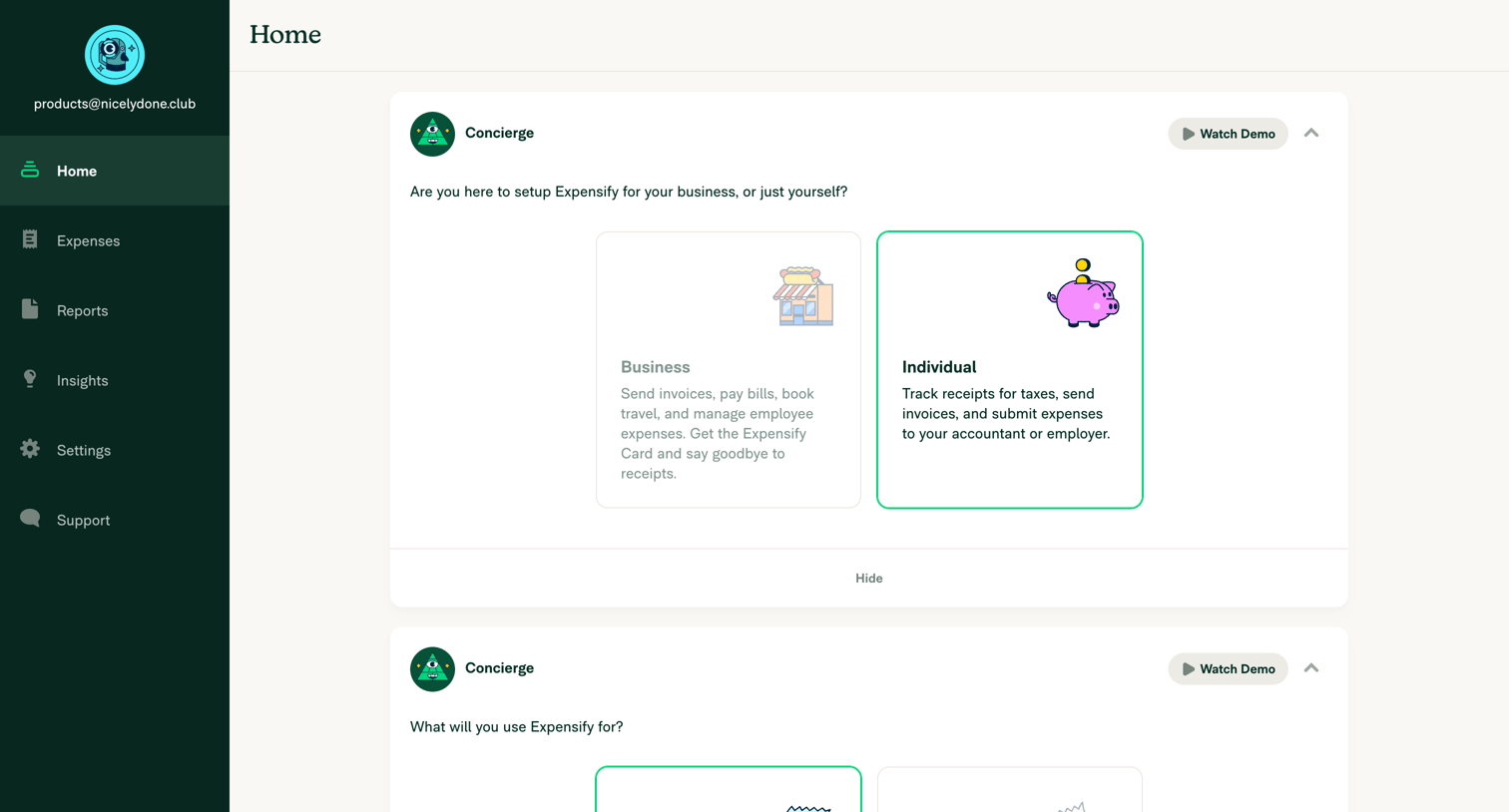
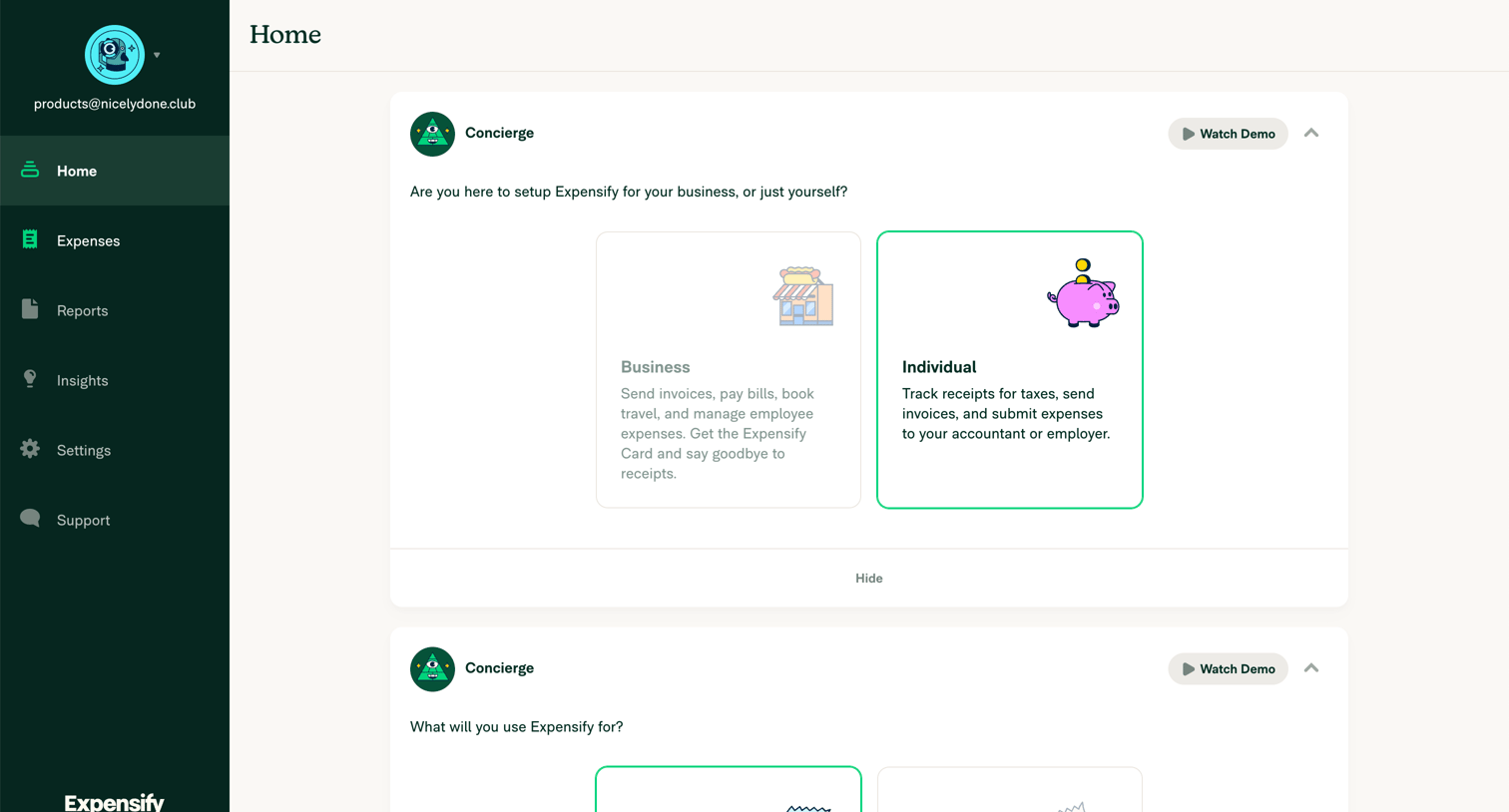

Home screen where the user completes initial account setup by choosing between business and individual use cases via selectable cards.
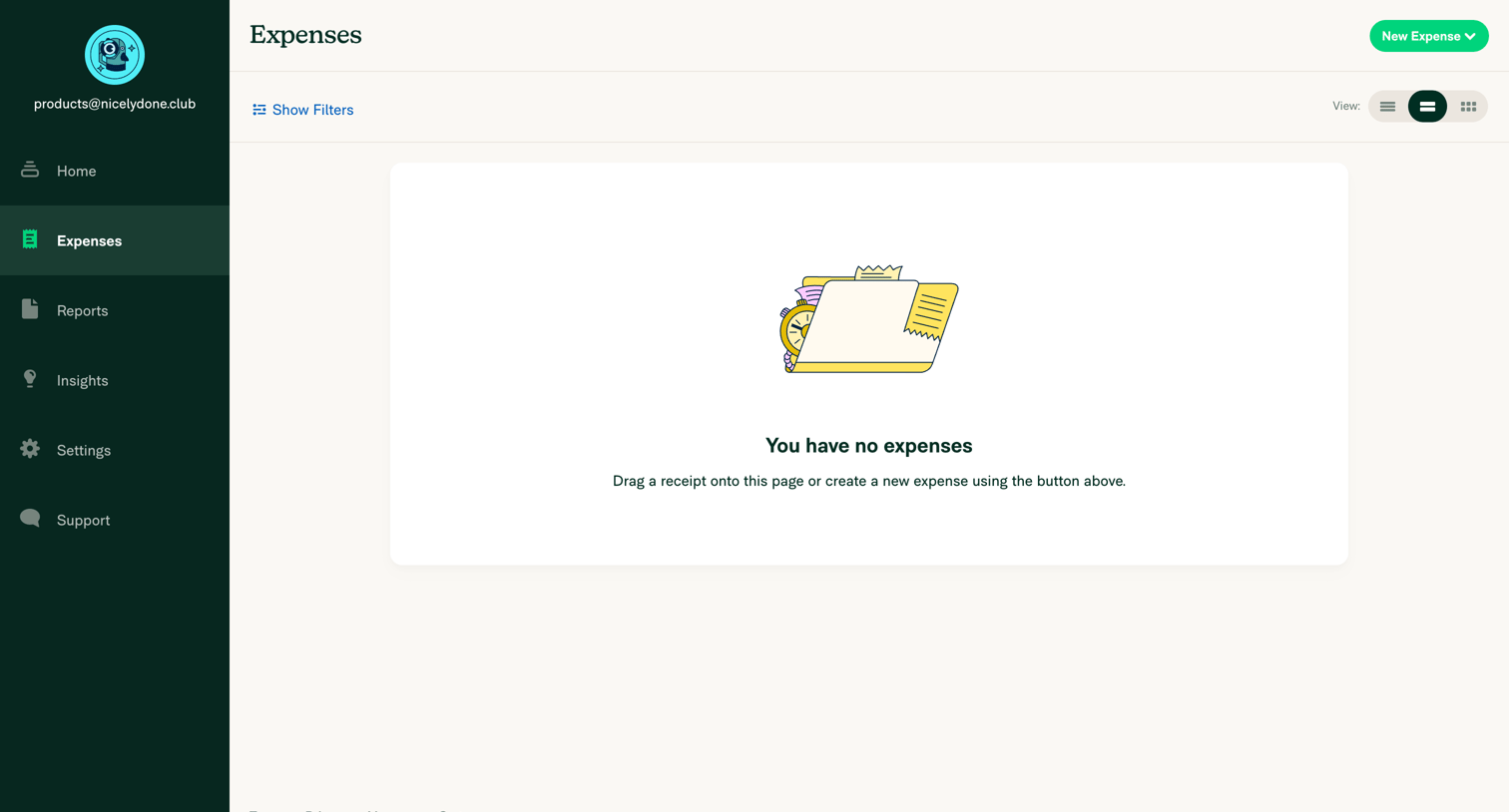
List view of expenses in an empty state, prompting the user to drag a receipt or create a new expense.
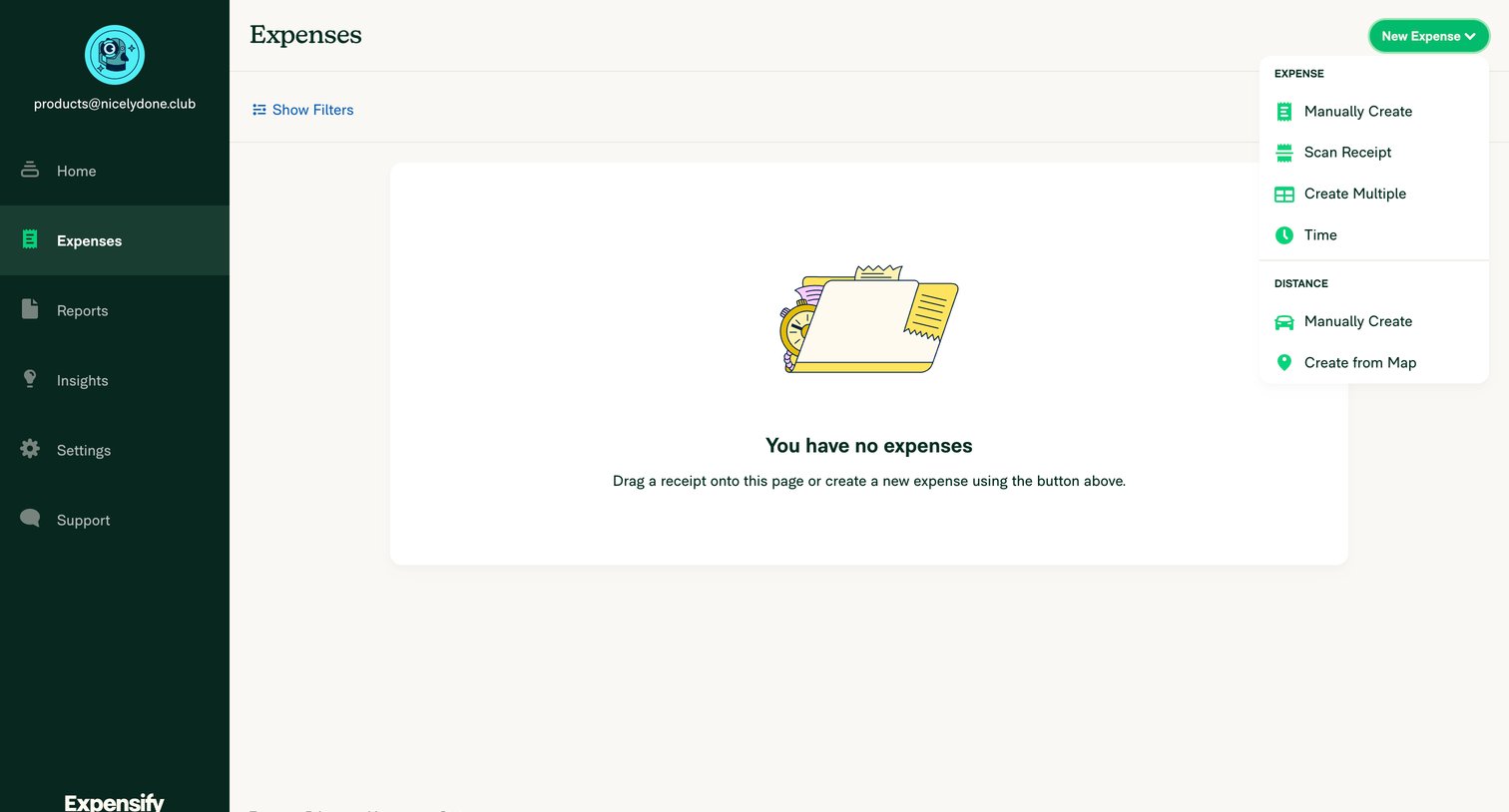
Expenses list view where the user is prompted to drag a receipt or create a new expense via an open dropdown menu.
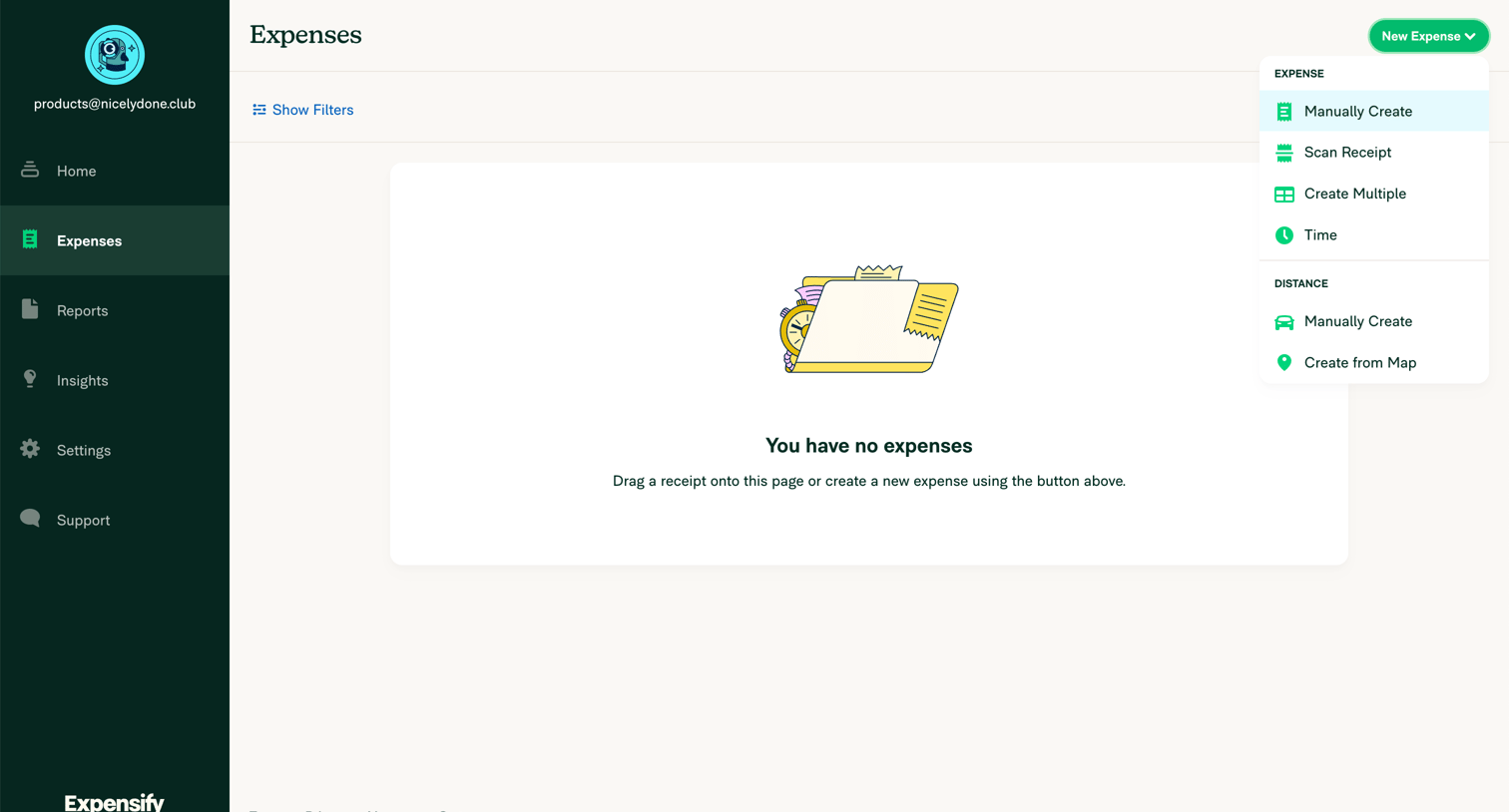
Expenses list view showing an empty state with a prompt to add receipts, featuring an open dropdown menu for creating new expenses like scanning a receipt or tracking distance.
Browse the full SaaS app library
Explore real SaaS apps with their product screens, marketing screens, flows, and components.
Trusted by the best teams







