Skip to content

Expensify product screens examples

Browse Expensify screen design examples. Preview the interface screenshots and explore related UI patterns. The expense management app that does it all

Explore the examples
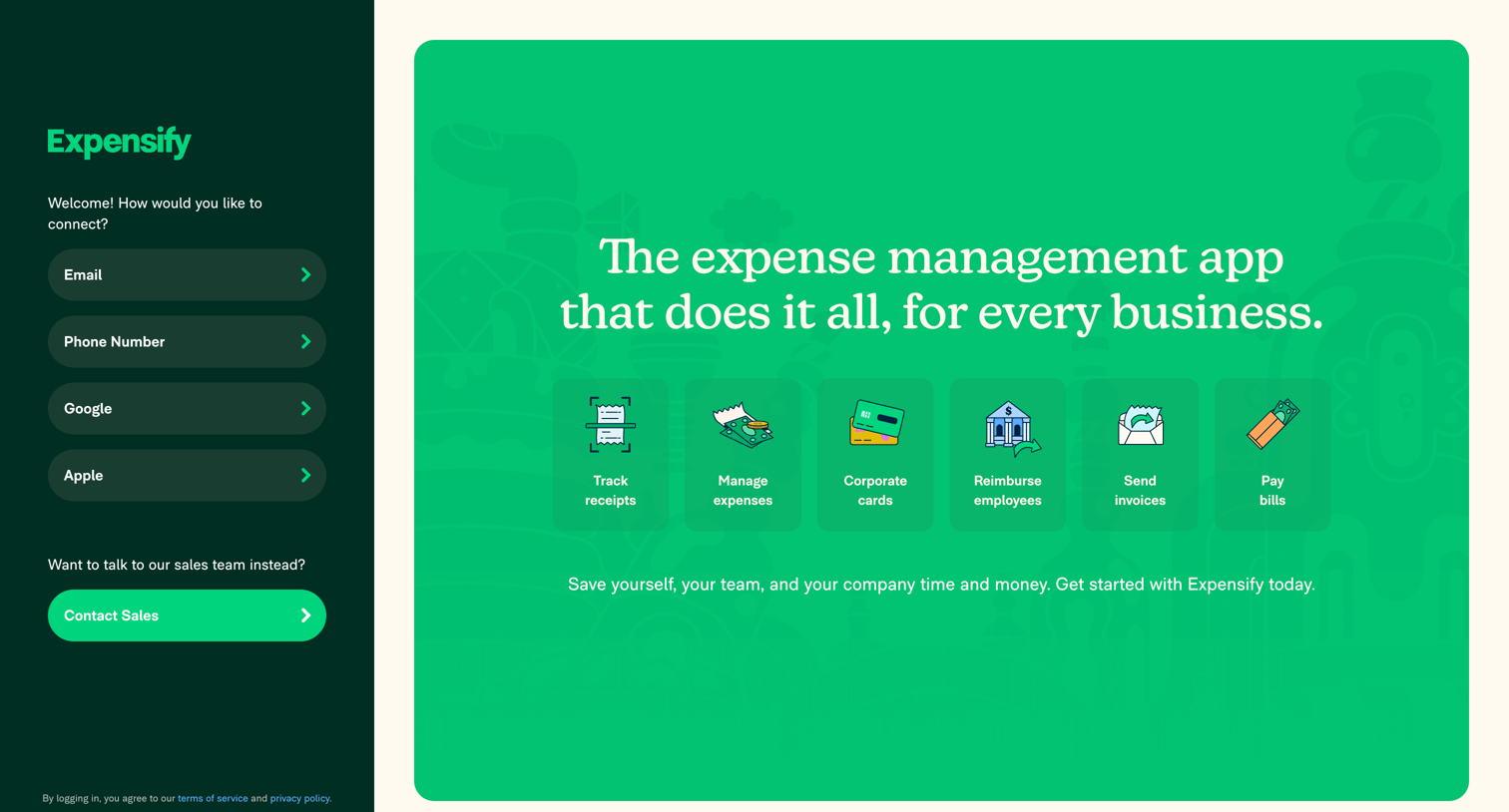
Expensify - Expensify | Spend Management Software for Receipts  Expenses screen
Expensify logo
Expensify

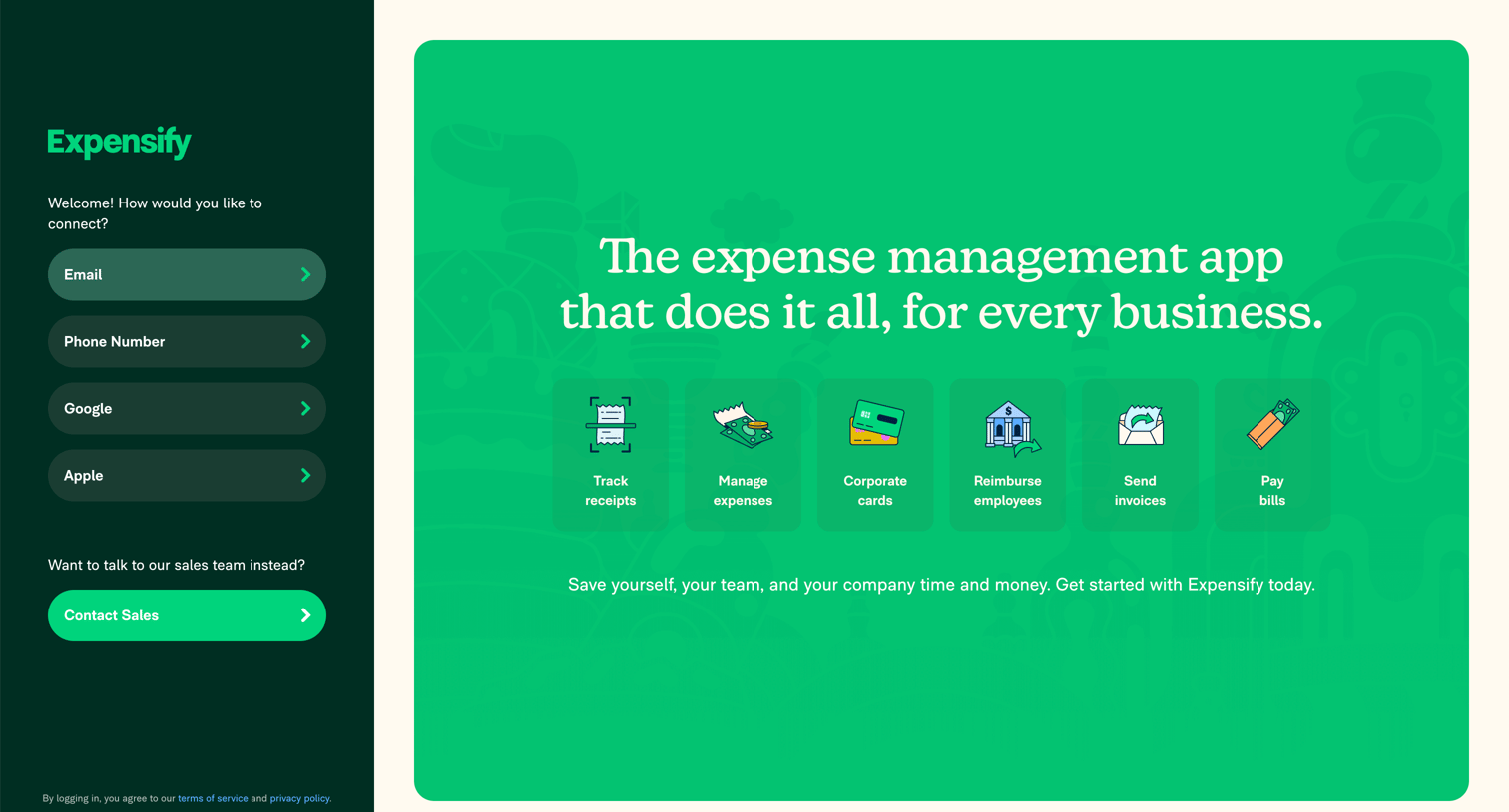
Landing page where the user can sign in or create an account via email, phone, Google, or Apple alongside a feature overview for expense management.

Expensify - Expensify | Spend Management Software for Receipts  Expenses screen
Expensify logo
Expensify

Landing page where the user can choose an authentication method like email, phone, or Google on the left, while viewing core expense management features on the right.

Expensify - Expensify | Spend Management Software for Receipts  Expenses screen
Expensify logo
Expensify

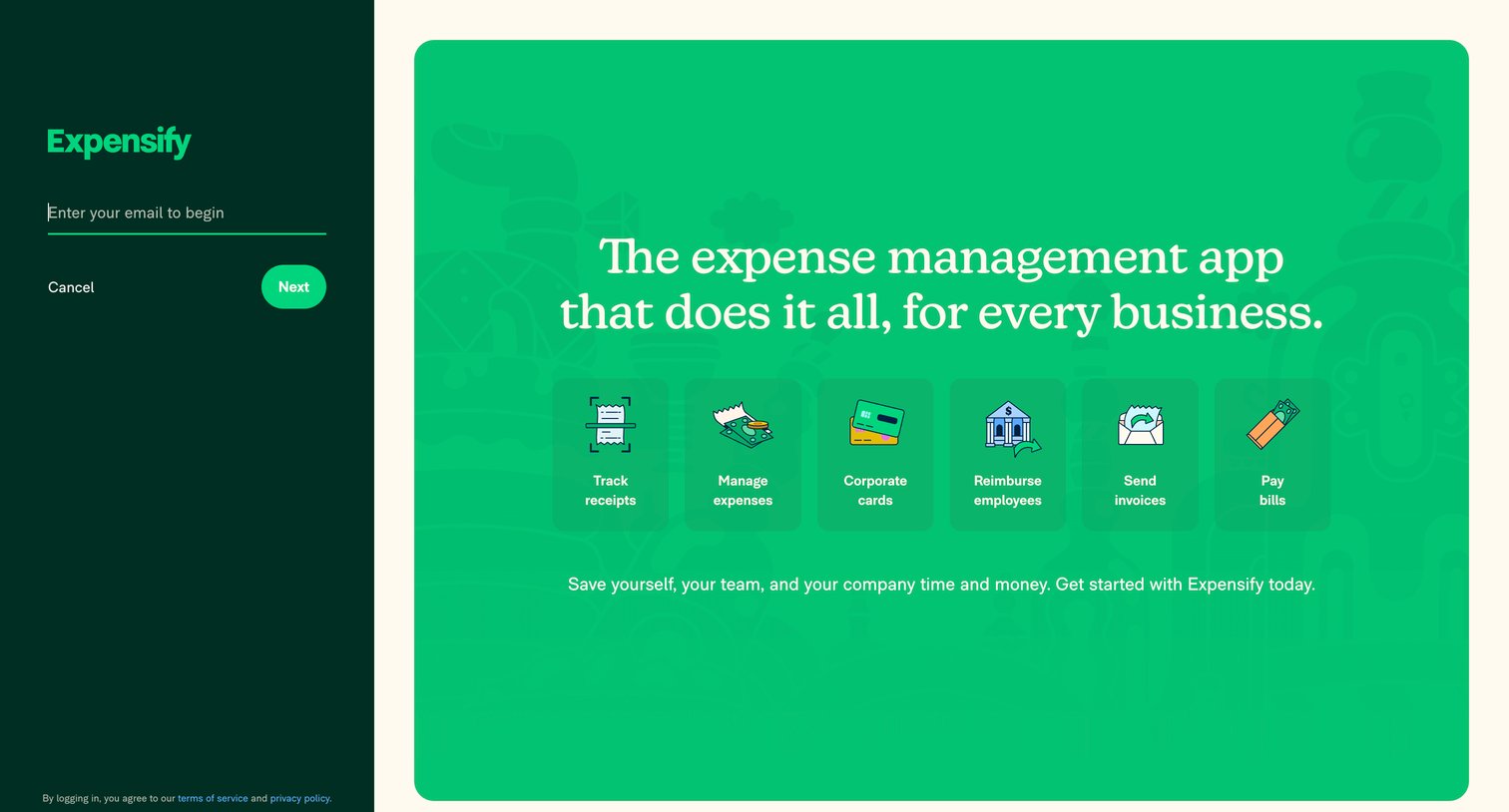
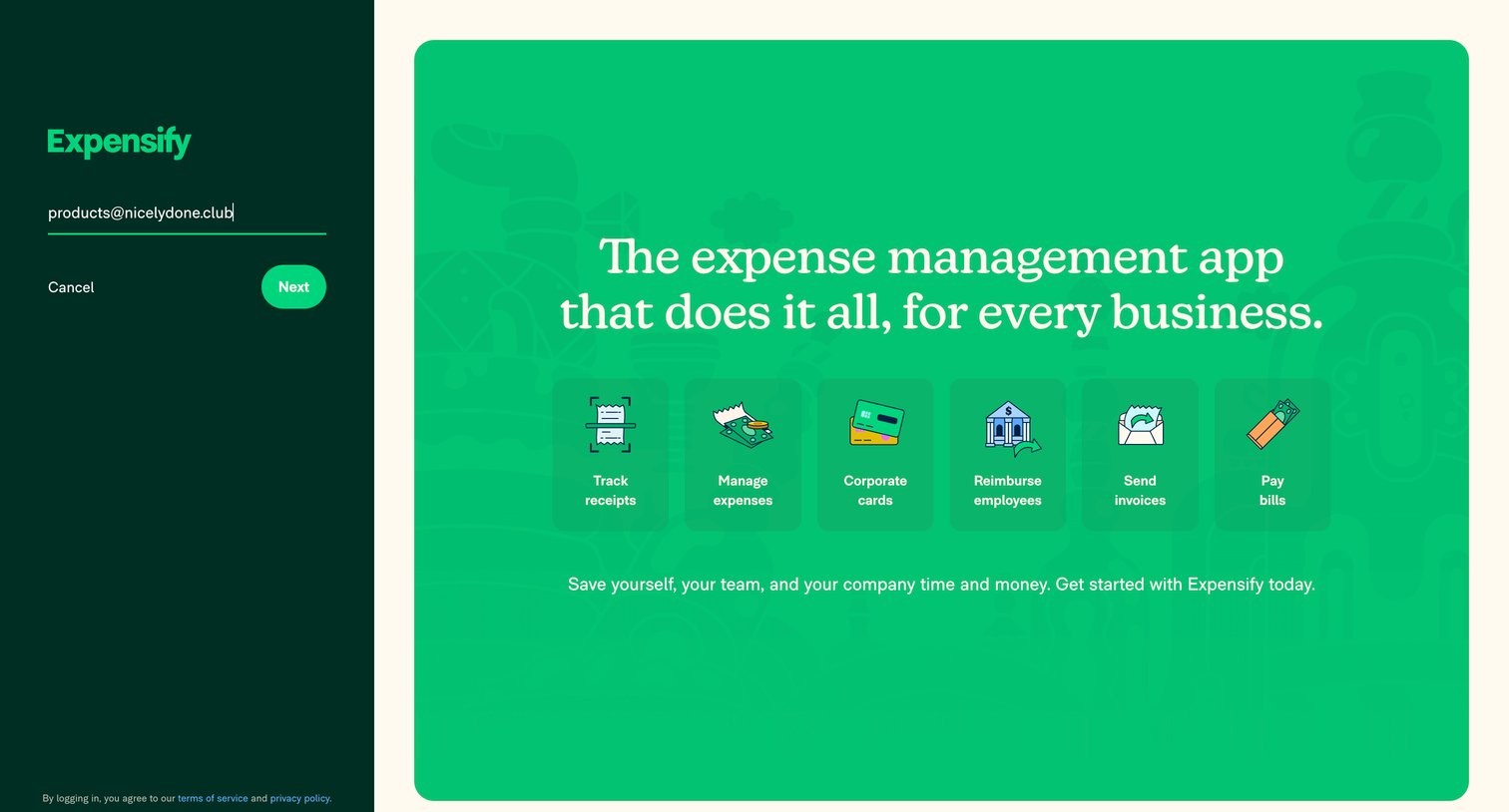
Authentication screen where the user enters their email to begin the login or signup flow, alongside a marketing panel highlighting core platform features.

Expensify - Expensify | Spend Management Software for Receipts  Expenses screen
Expensify logo
Expensify

Sign-in screen where the user enters their email address alongside a marketing feature grid highlighting product capabilities.

Expensify - Expensify | Spend Management Software for Receipts  Expenses screen
Expensify logo
Expensify

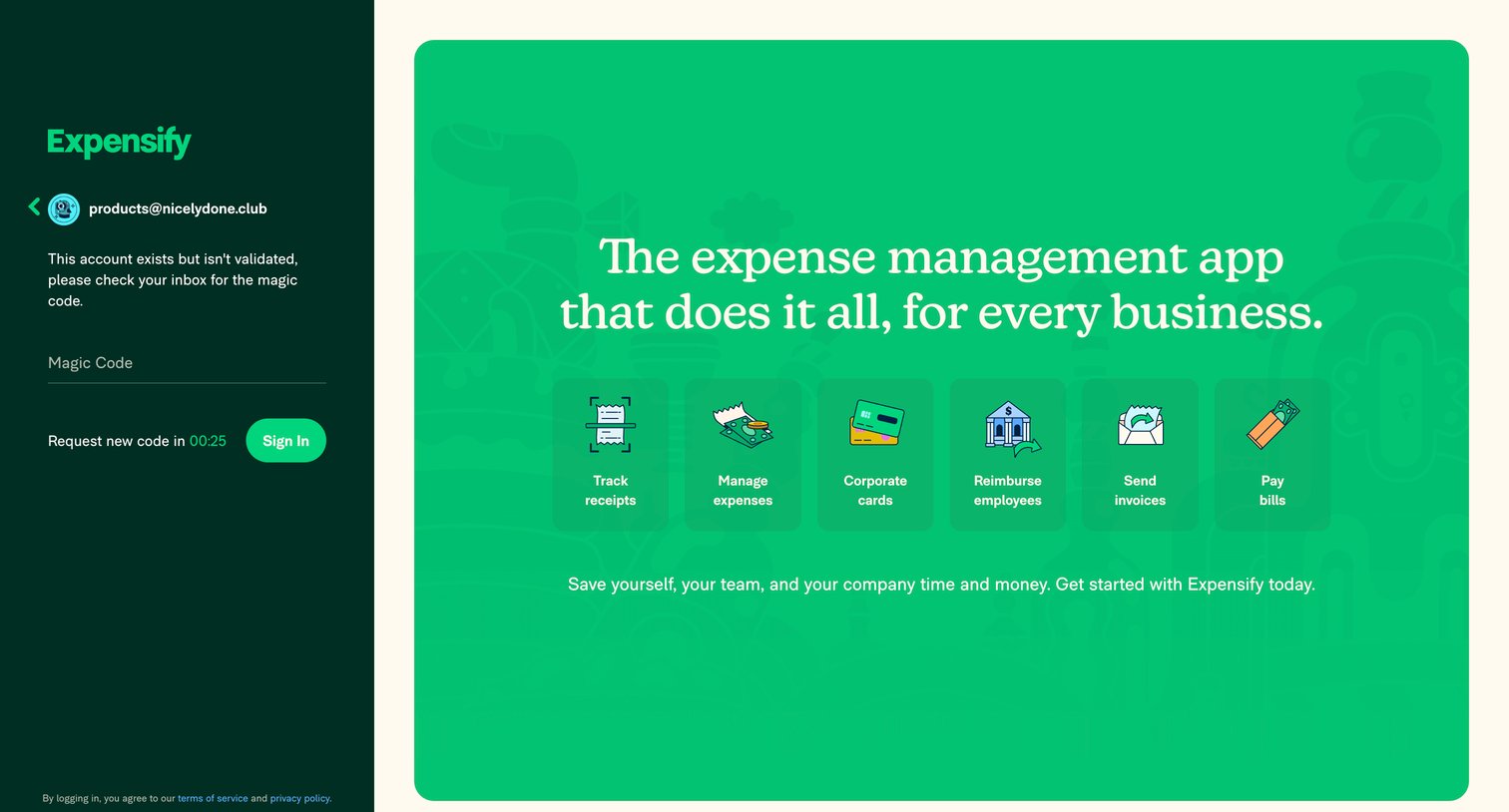
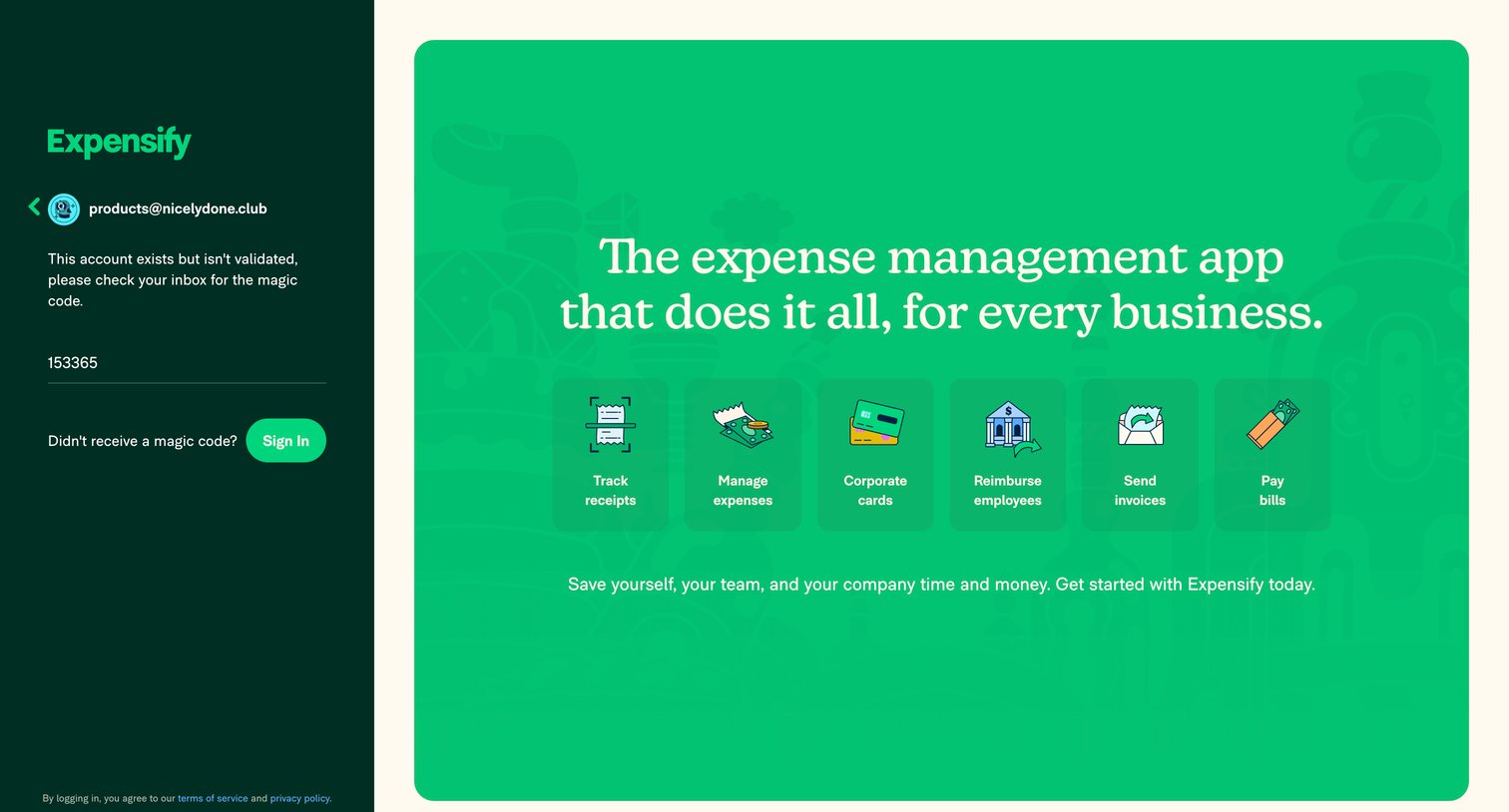
Verification screen where the user enters a magic code sent to their email to complete the sign-in process, featuring a prominent marketing panel on the right.

Expensify - Expensify | Spend Management Software for Receipts  Expenses screen
Expensify logo
Expensify

Verification screen where the user enters a magic code sent to their email to sign in to their account, alongside a product feature overview.

Expensify - Expensify - Home screen
Expensify logo
Expensify

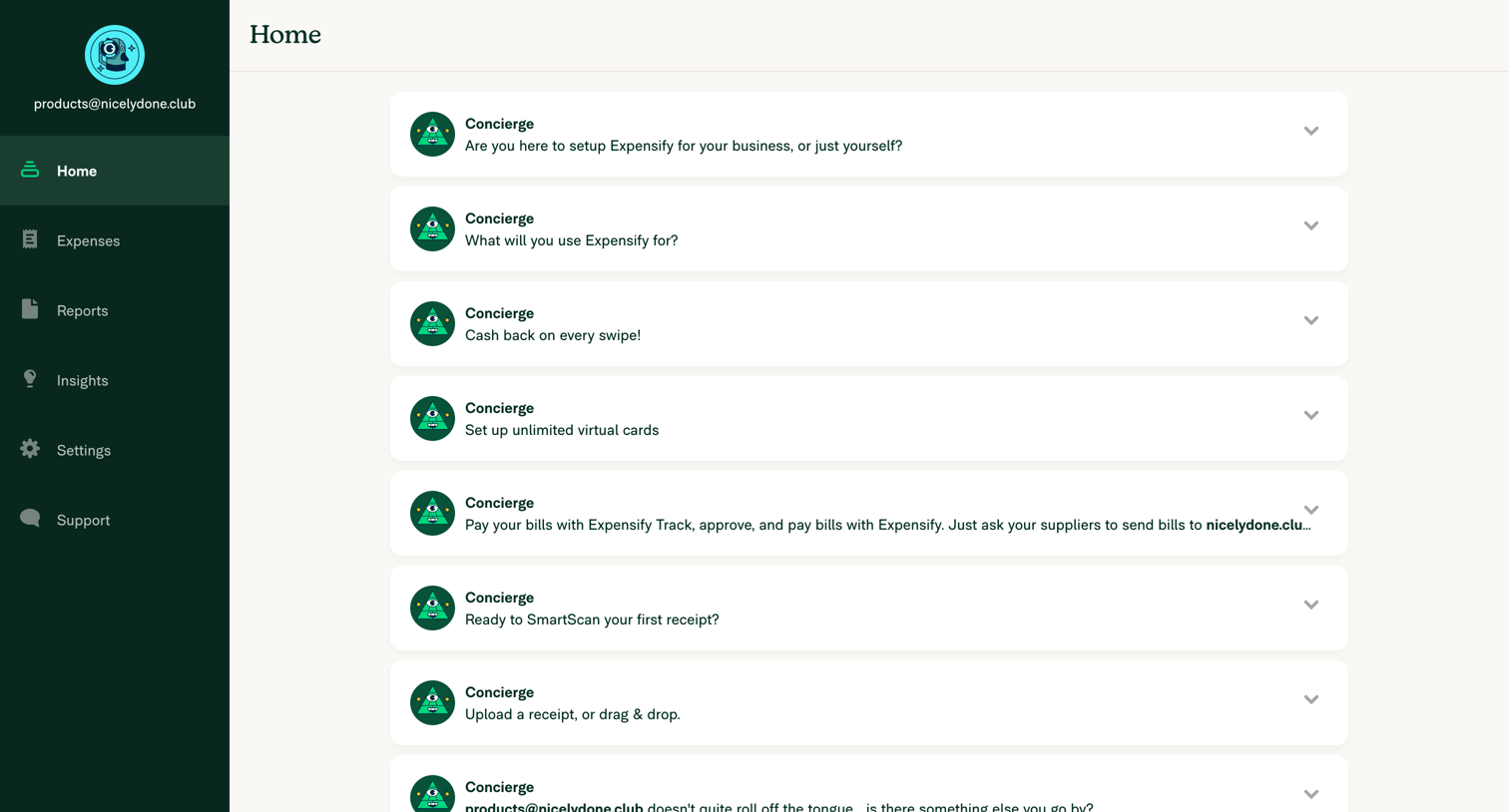
Home screen where the user completes onboarding tasks and setup questions presented as a list of expandable messages from a virtual concierge.

Expensify - Expensify - Home screen
Expensify logo
Expensify

Home page where the user completes onboarding tasks like choosing an account type, setting up virtual cards, and uploading their first receipt via a feed of concierge messages.

Expensify - Expensify - Home screen
Expensify logo
Expensify

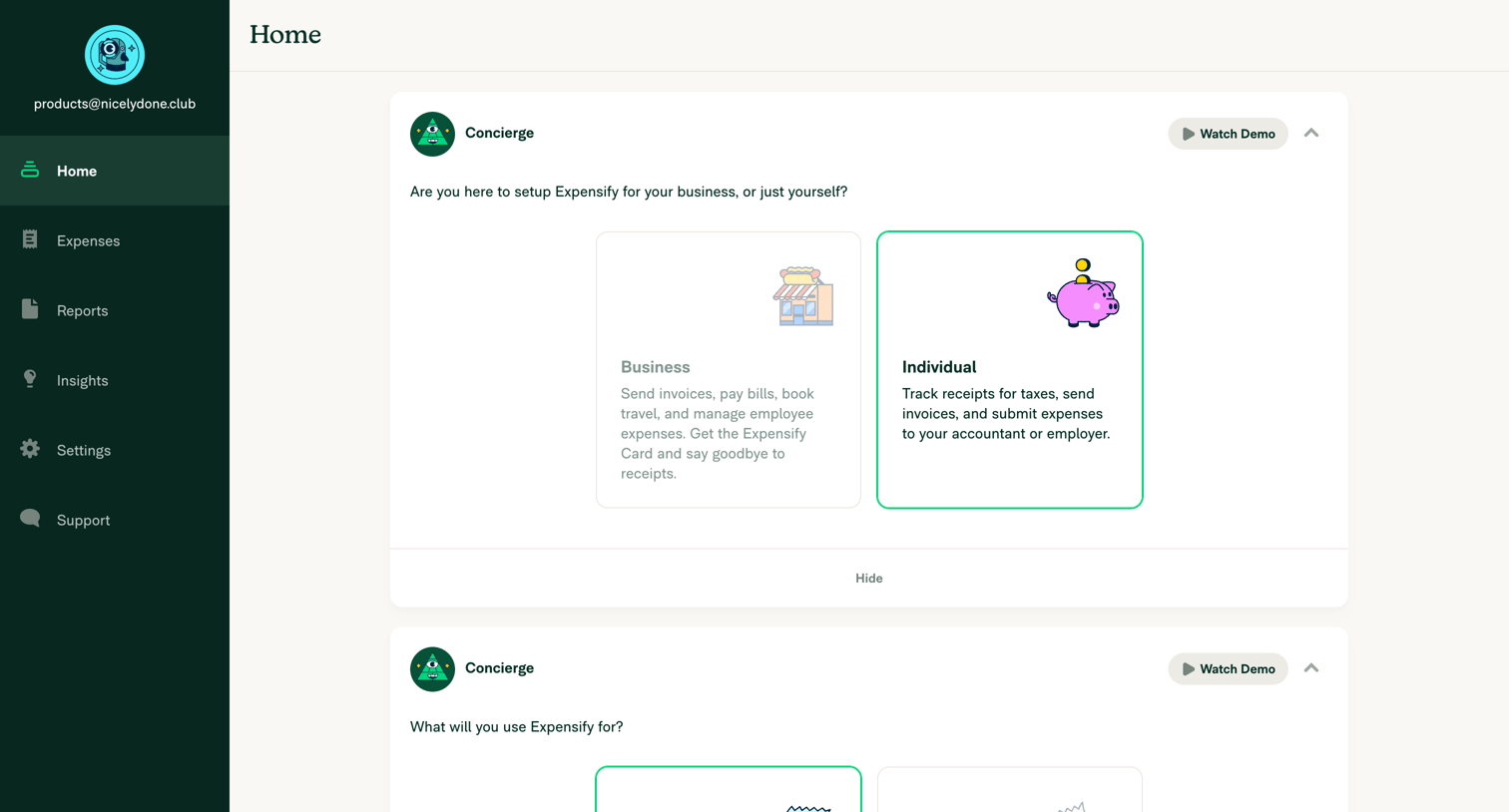
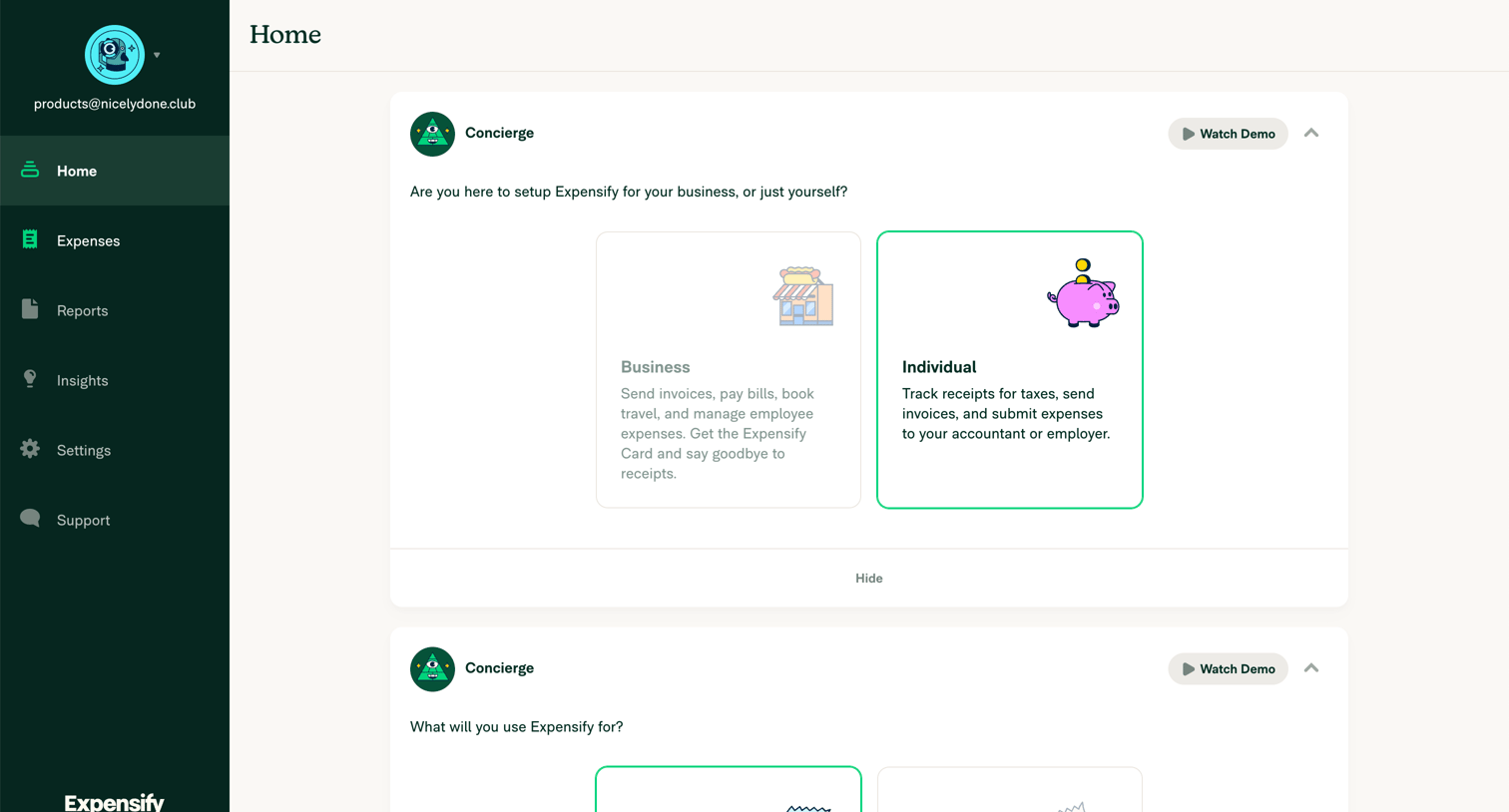
Home screen where the user completes initial account setup by choosing between business and individual use cases via selectable cards.
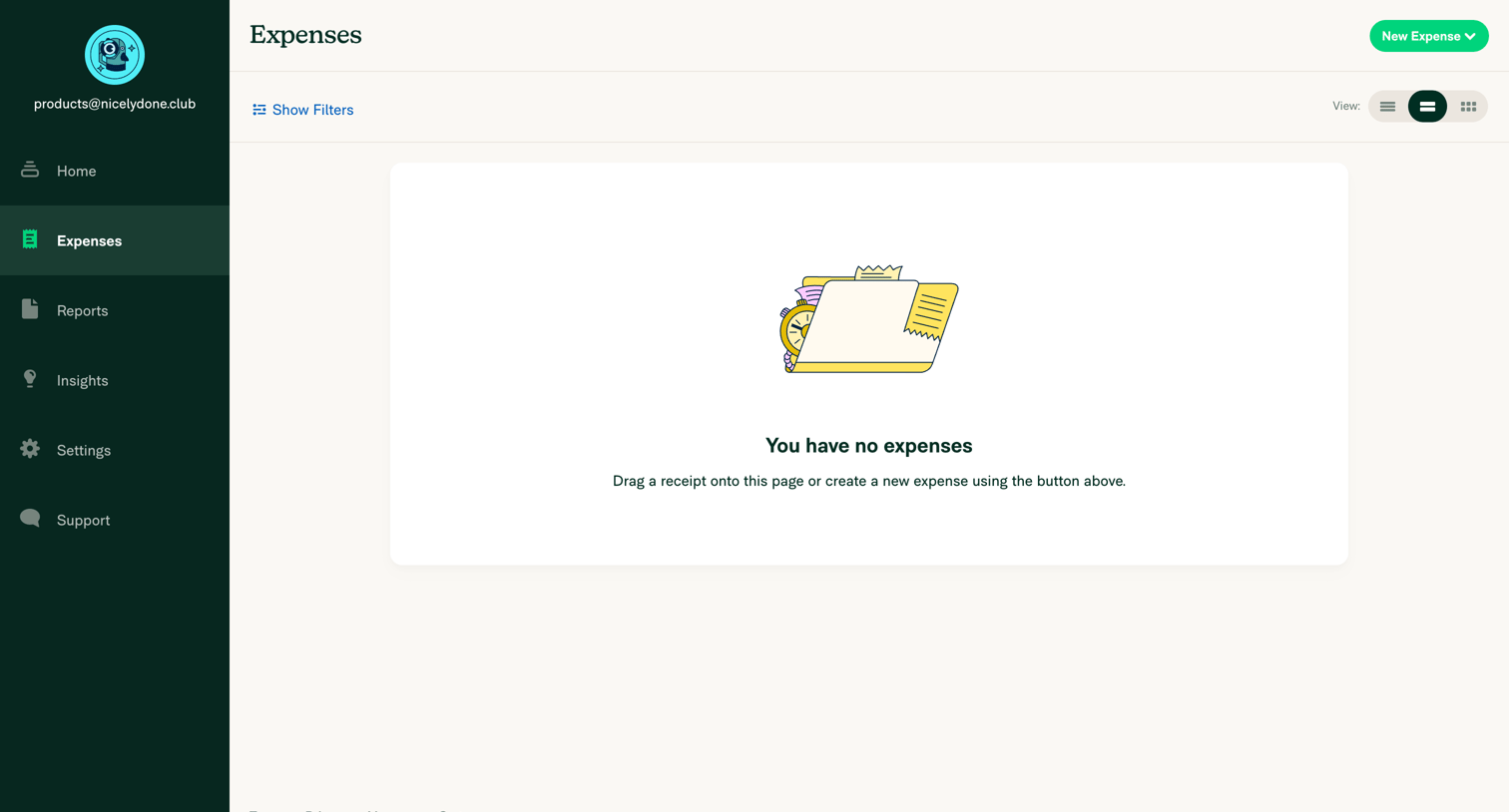
Expensify - Expensify - Expenses screen
Expensify logo
Expensify

List view of expenses in an empty state, prompting the user to drag a receipt or create a new expense.
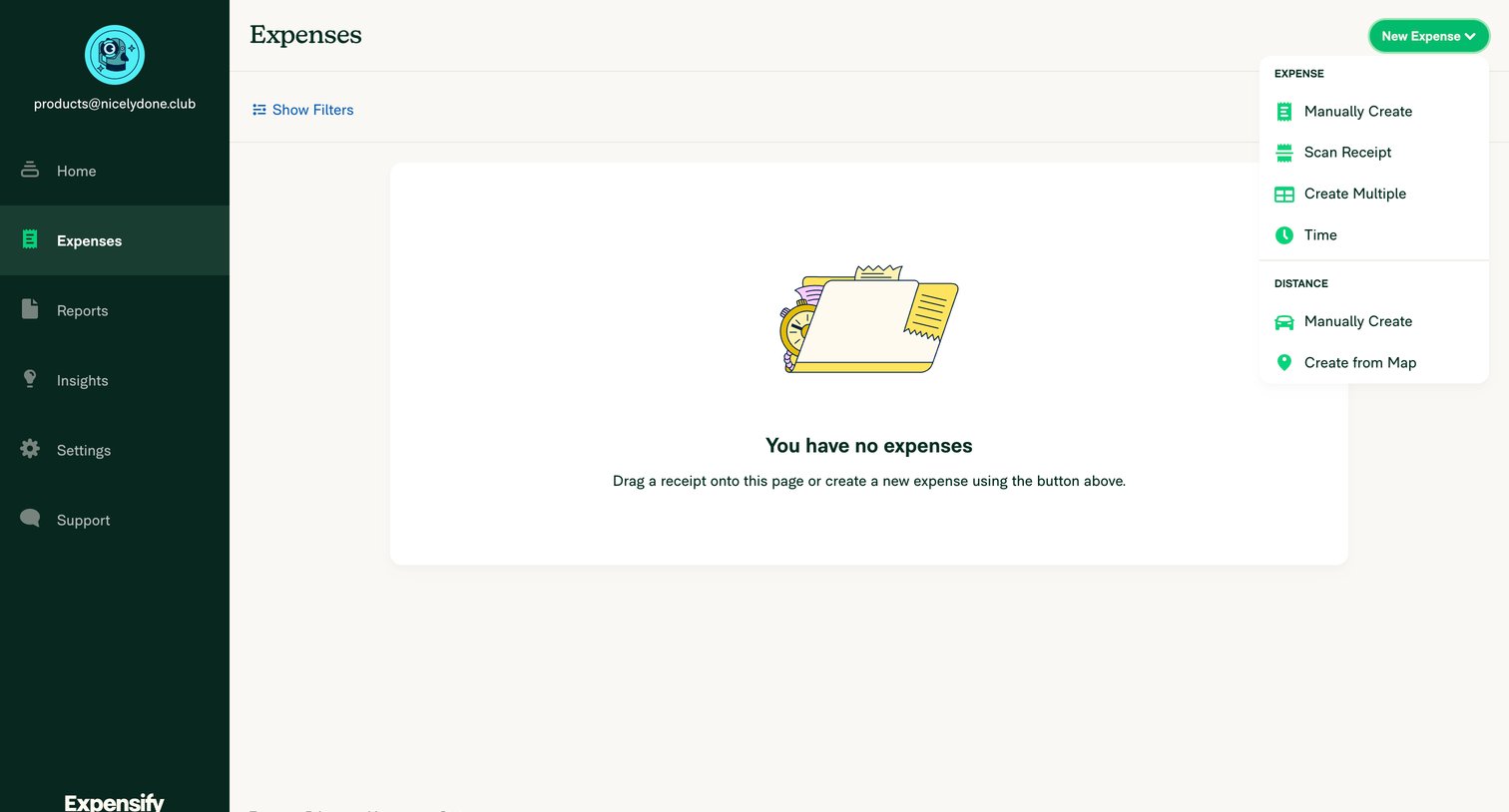
Expensify - Expensify - Expenses screen
Expensify logo
Expensify

Expenses list view where the user is prompted to drag a receipt or create a new expense via an open dropdown menu.
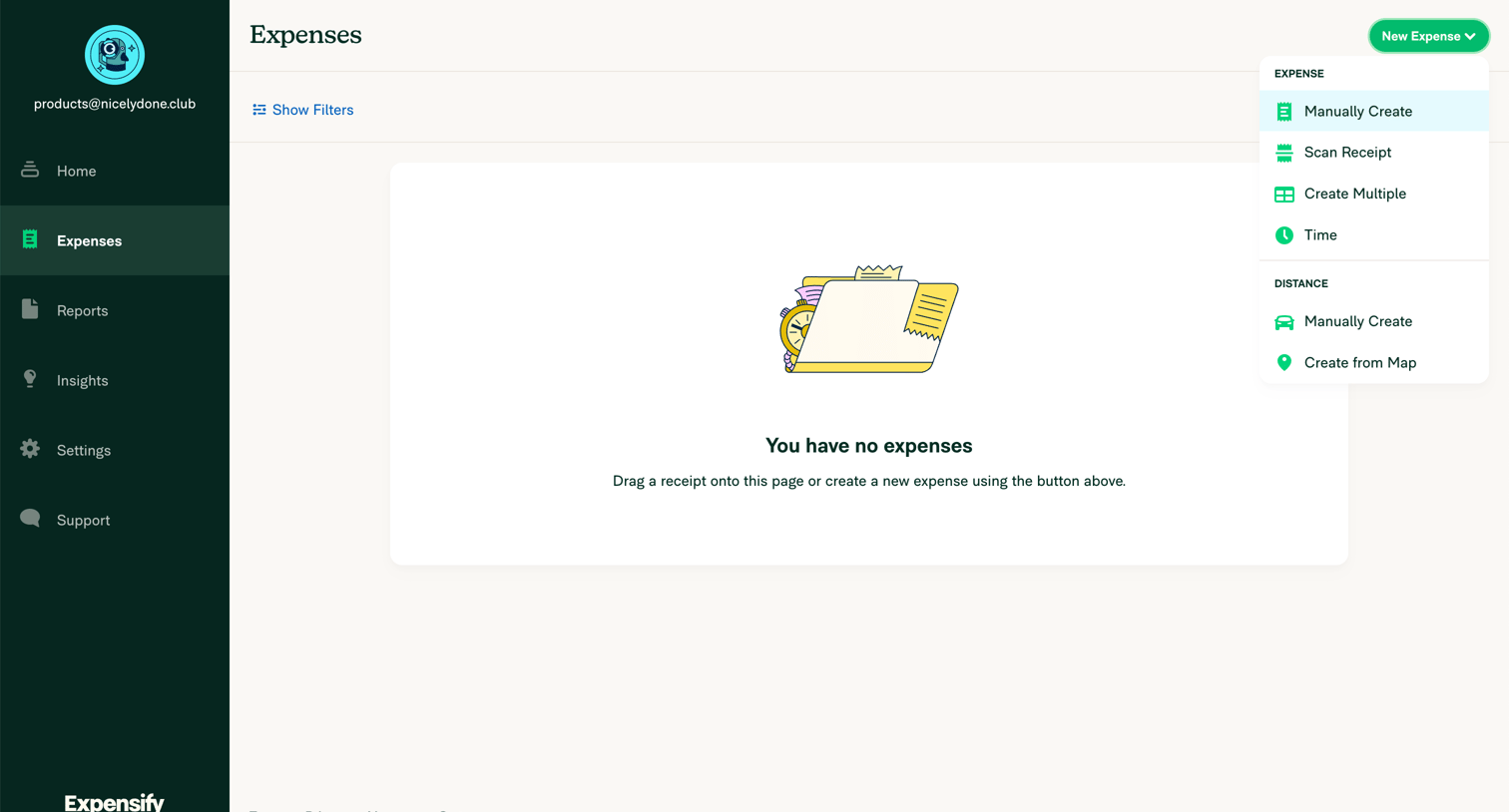
Expensify - Expensify - Expenses screen
Expensify logo
Expensify

Expenses list view showing an empty state with a prompt to add receipts, featuring an open dropdown menu for creating new expenses like scanning a receipt or tracking distance.

Explore the full SaaS screen library

Upgrade to unlock the full library.

Trusted by the best teams