Expensify marketing pages examples
Explore Expensify website design examples. Preview marketing pages and browse related SaaS page designs. The expense management app that does it all
Explore the examples


Landing page for a financial management platform highlighting its expense, corporate card, and billing features alongside customer ratings and a signup form.
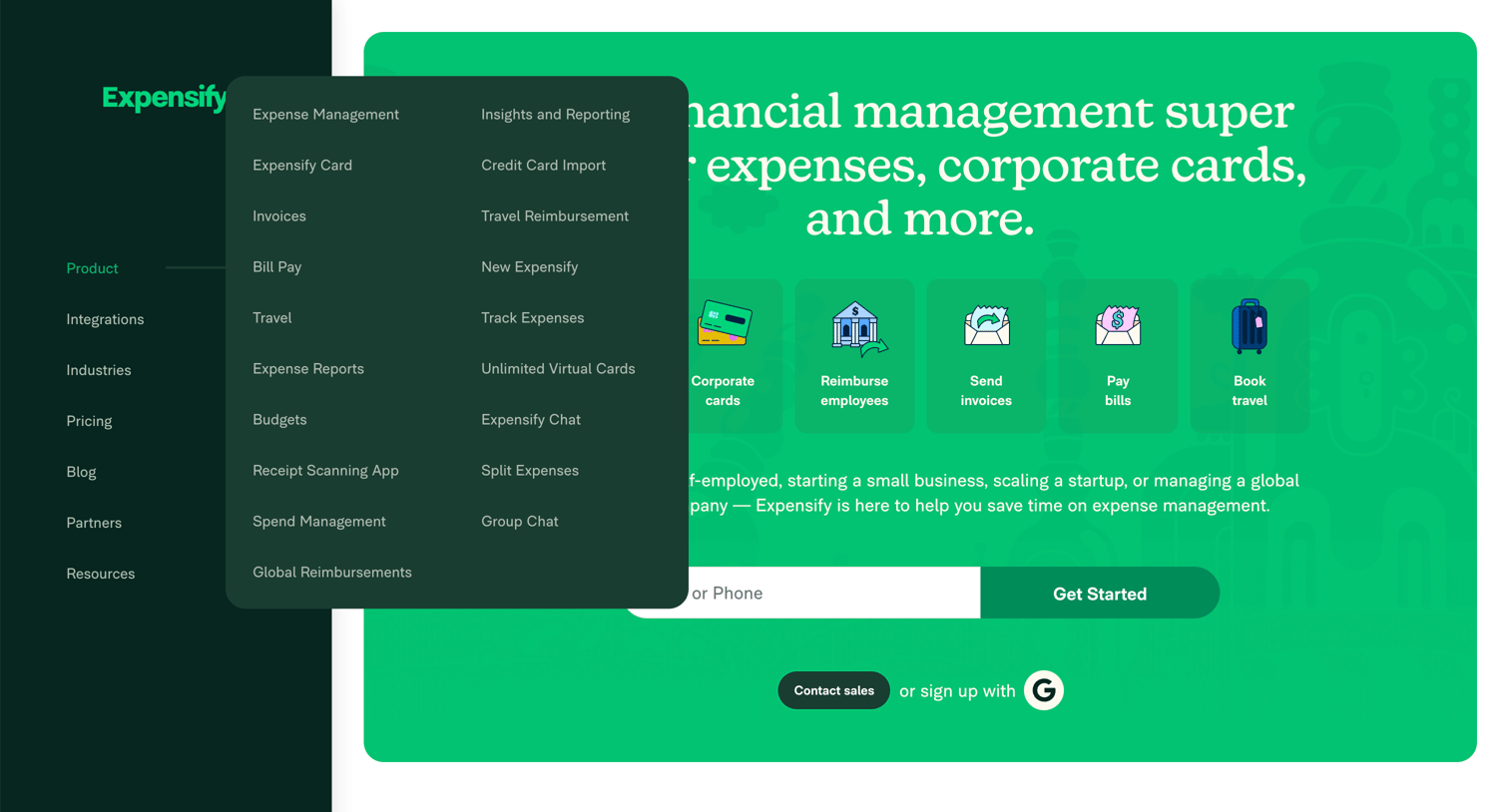
Landing page for a financial management app featuring a large open product navigation popover, a feature grid highlighting core capabilities like corporate cards and invoicing, and an inline signup form.
Landing page where the user can explore the product by industry via a side navigation popover or sign up using their email, phone, or Google account.
Landing page hero section where the user can enter their email or phone number to sign up, explore core features like corporate cards and bill pay, or navigate via a persistent left sidebar.
Landing page hero section where the user can explore financial management features like corporate cards and expense tracking, and sign up using their email, phone, or Google account.
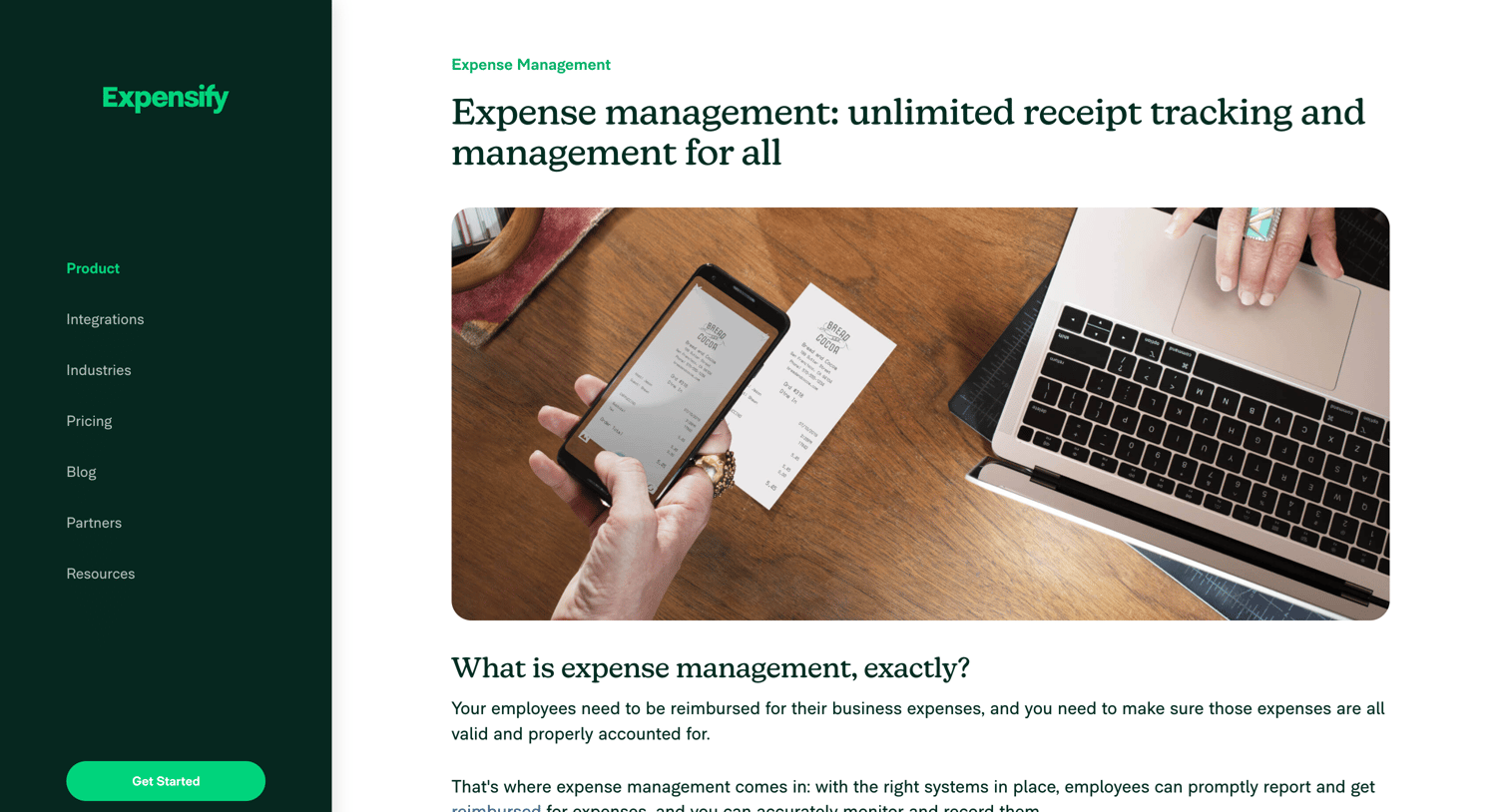
Feature page detailing expense management capabilities with a 12-item feature grid, best practices list, and a final email capture form to get started.
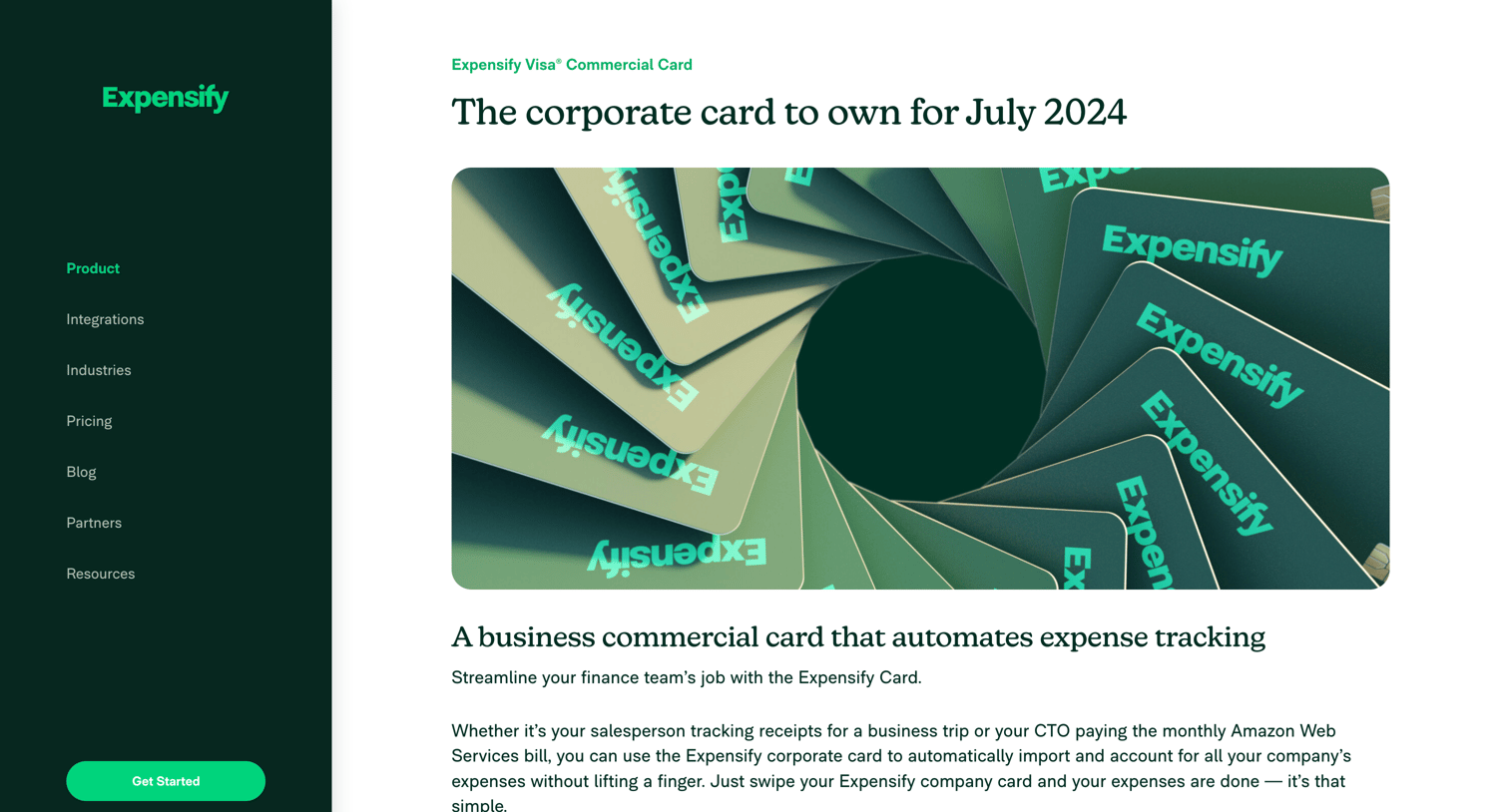
Product page detailing the benefits, features, and partner perks of the Expensify Visa Commercial Card, including a feature grid and a customer case study.
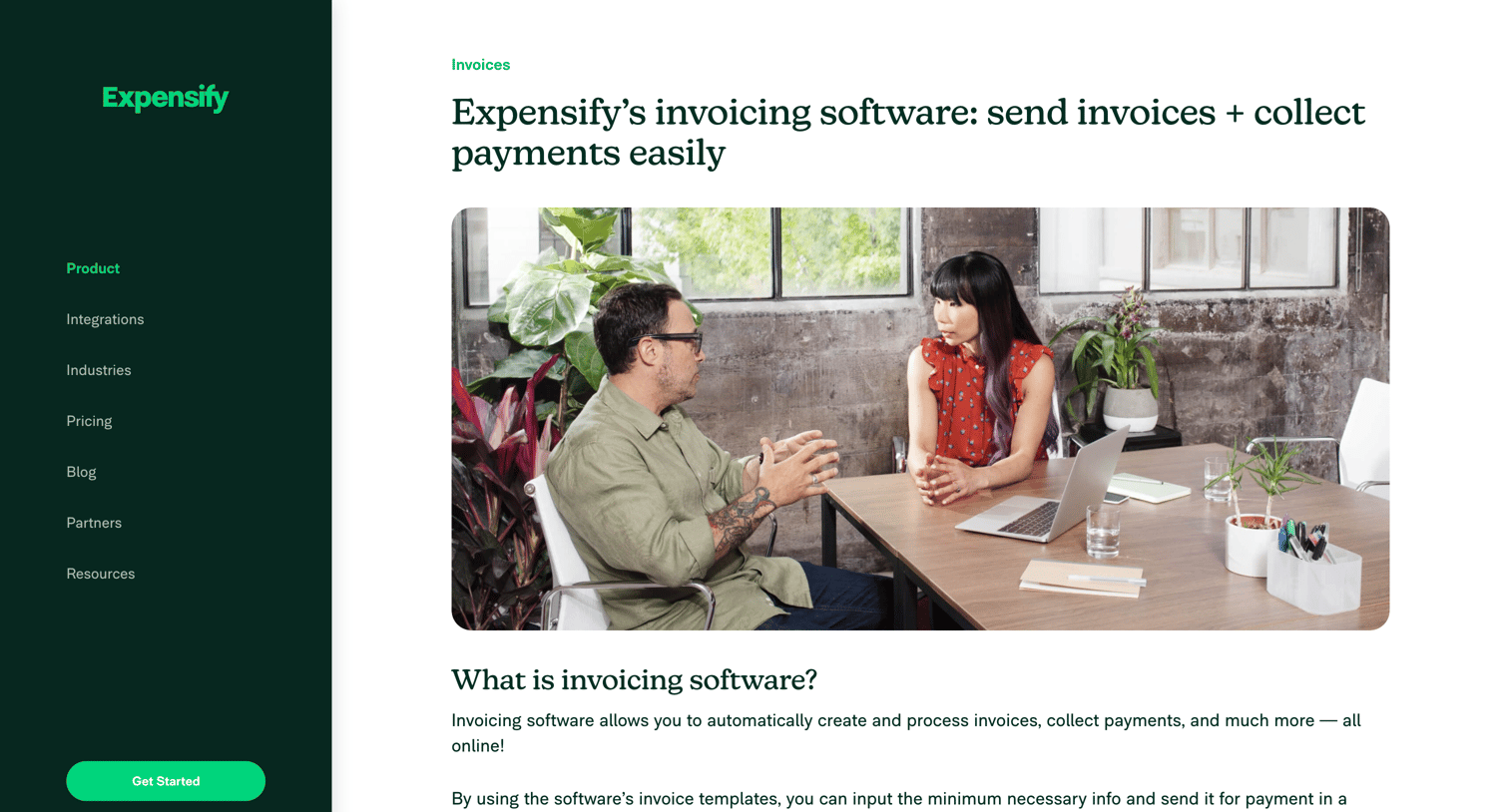
Feature page explaining Expensify's invoicing software with a breakdown of benefits, customer reviews, an FAQ section, and multiple signup forms.
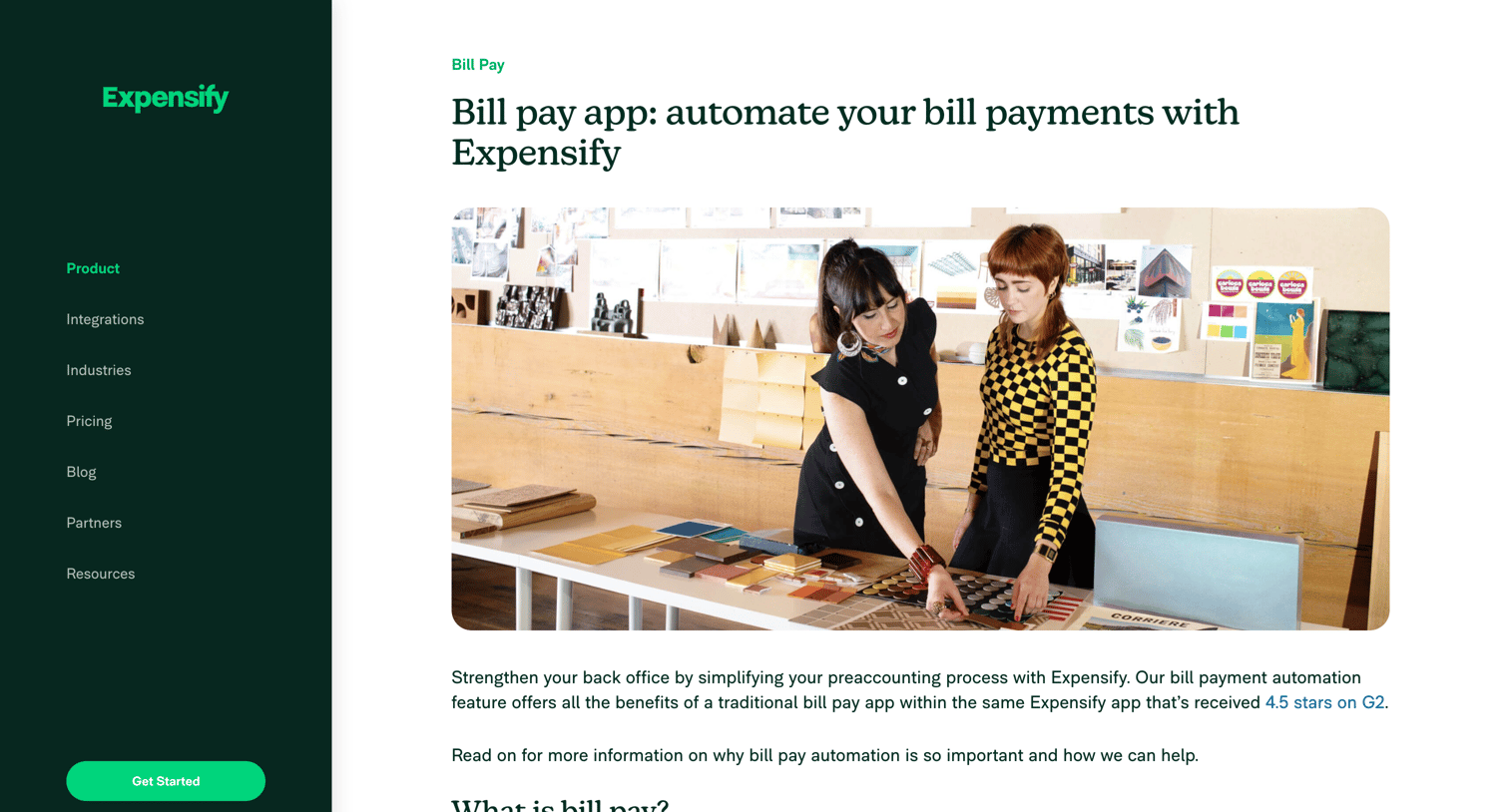
Feature page explaining the bill payment automation capabilities, highlighting benefits, a step-by-step guide on how it works, and prompting users to sign up with their email or phone number.
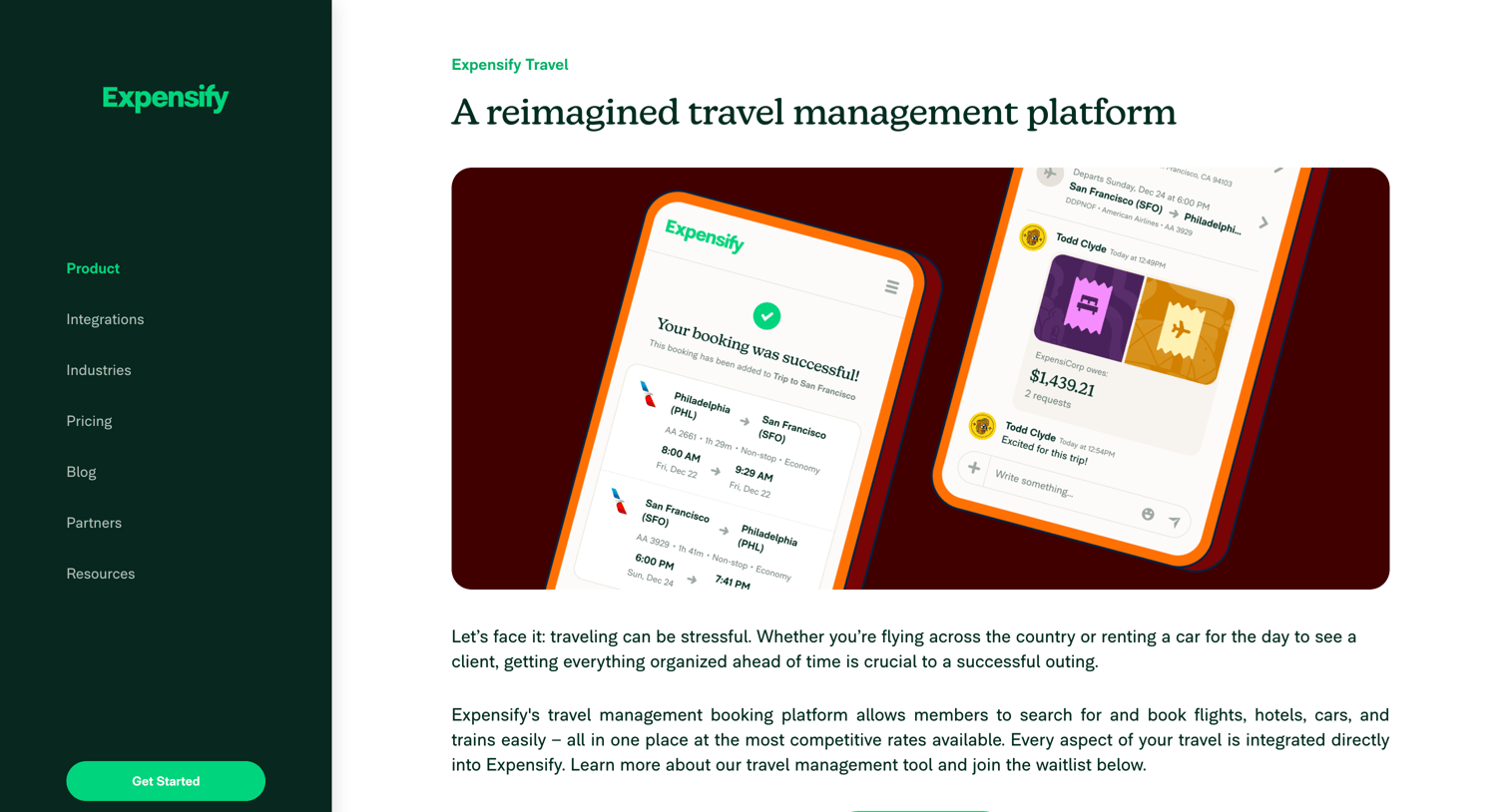
Feature page explaining Expensify's corporate travel booking and management platform, highlighting features like centralized expenses and offering waitlist or immediate signup.
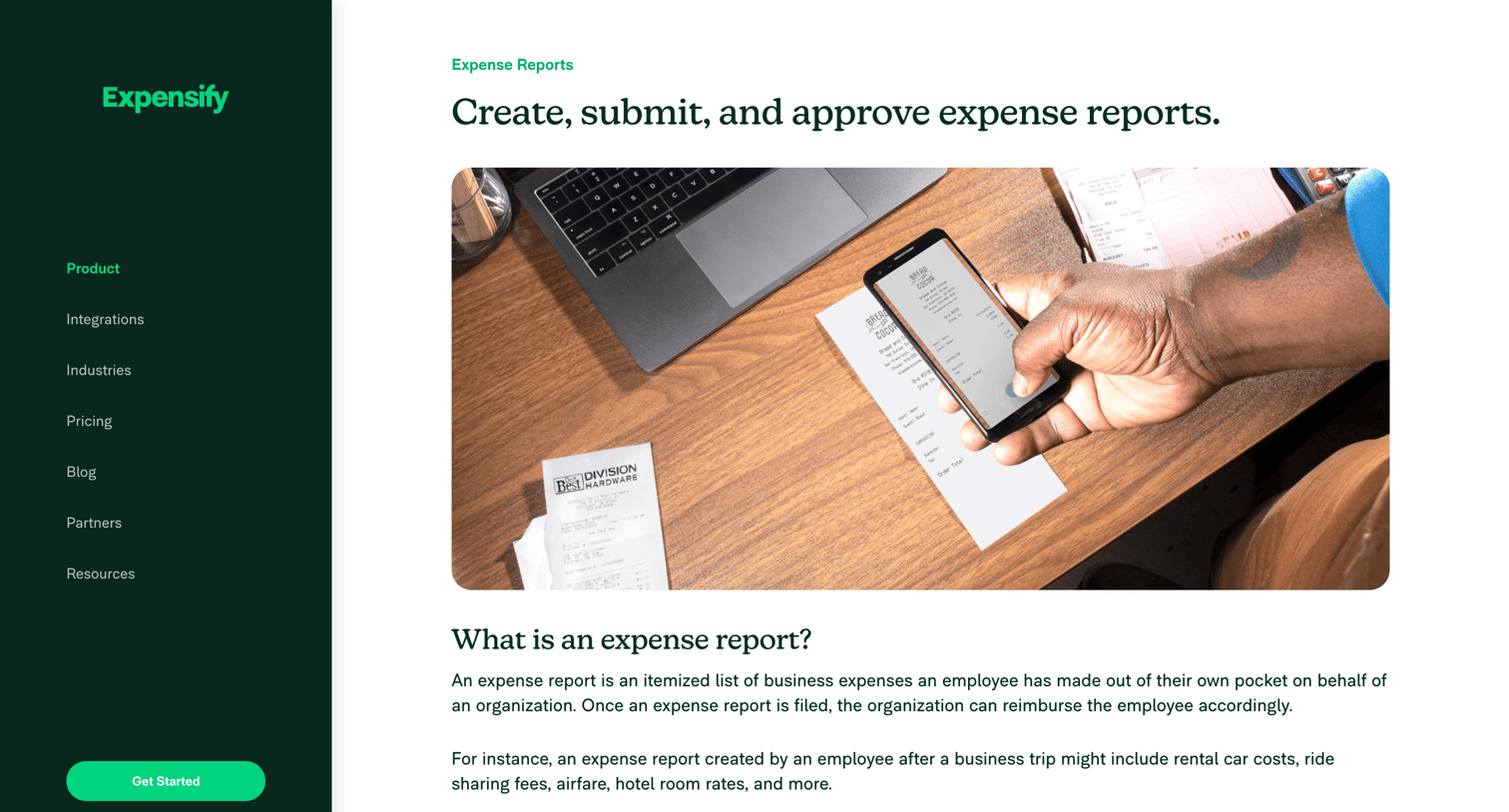
Marketing page explaining the expense reporting feature with a step-by-step breakdown of creating, submitting, approving, and reimbursing reports, ending with an email signup form.
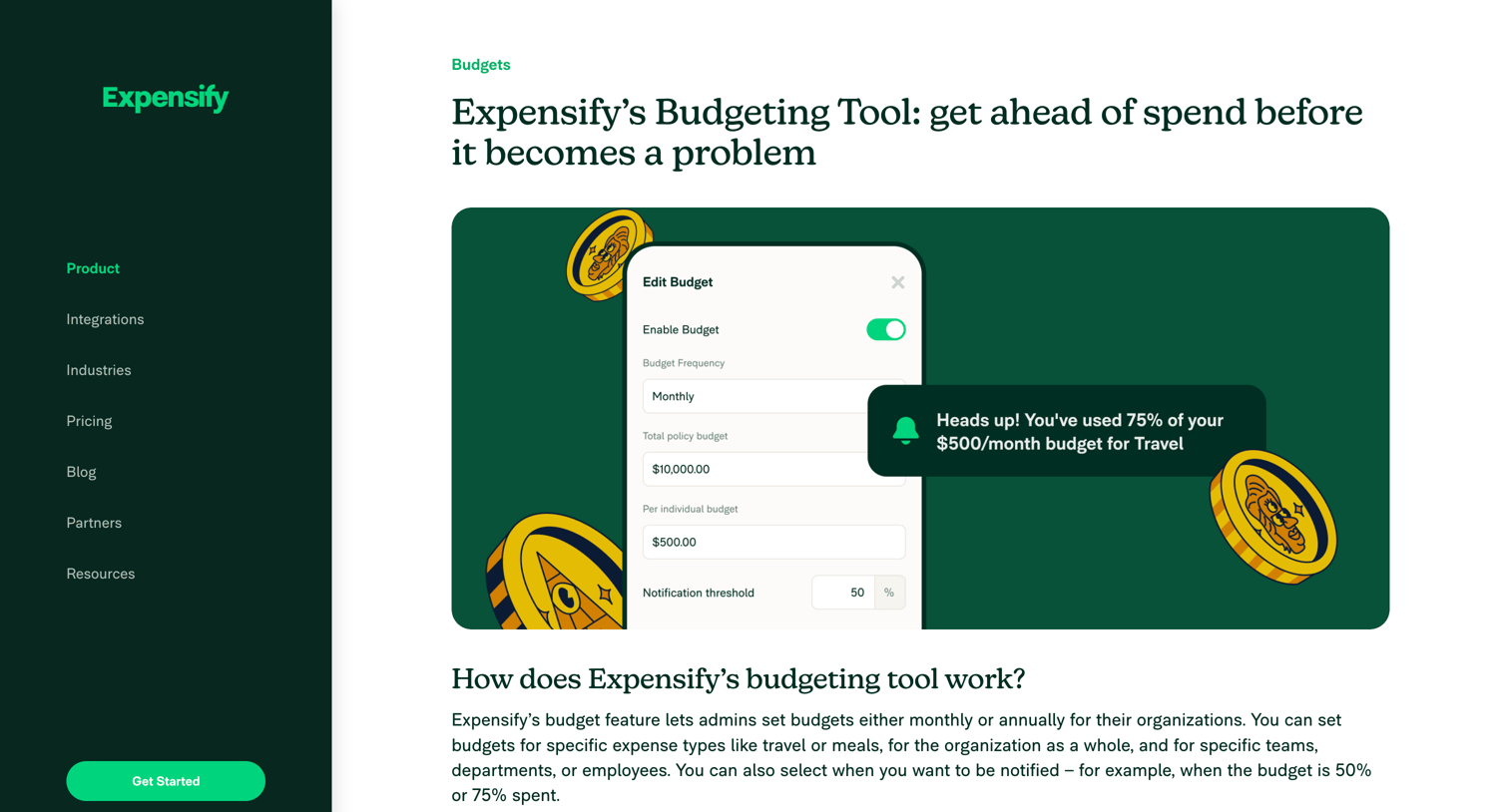
Feature page explaining Expensify's budgeting tool with a 2x2 feature grid, step-by-step setup instructions, and email signup CTAs.
Explore the full SaaS screen library
Upgrade to unlock the full library.
Trusted by the best teams







