Expense Reports - Create, Submit, Approve - Automated Expense Rep
Screen UI design example from Expensify. Marketing page explaining the expense reporting feature with a step-by-step breakdown of creating, submitting, approving, and reimbursing reports, ending with an email signup form.
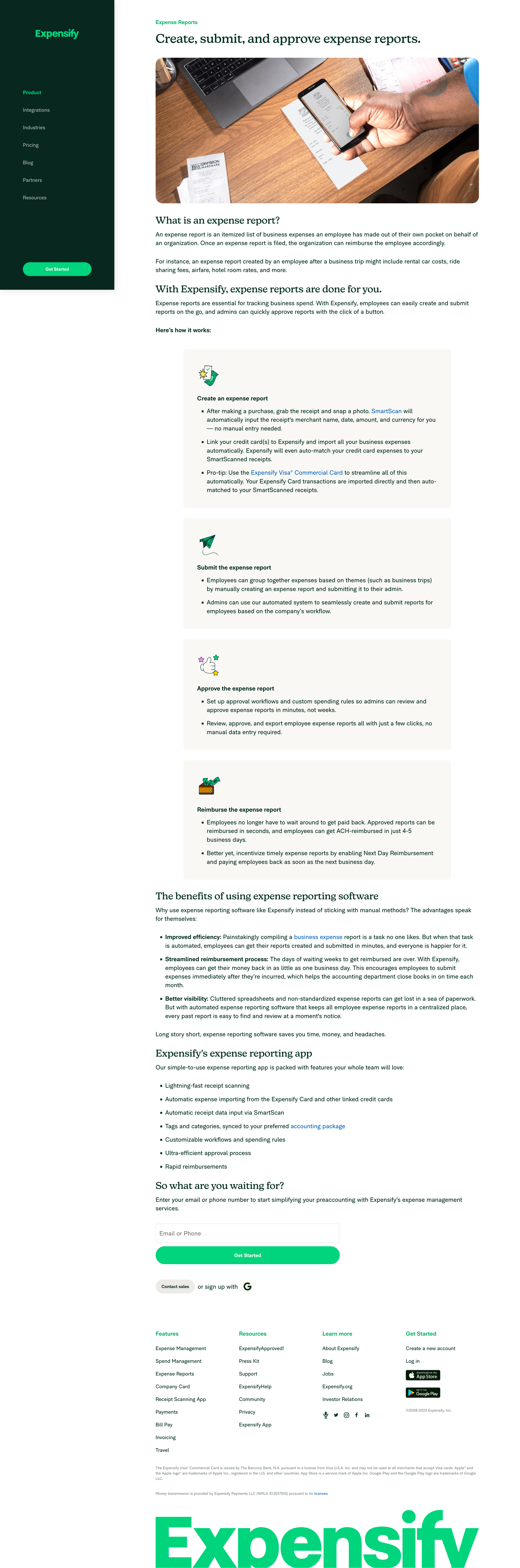

Marketing page explaining the expense reporting feature with a step-by-step breakdown of creating, submitting, approving, and reimbursing reports, ending with an email signup form.
Explore the full SaaS screen library
Upgrade to unlock the full library.
Trusted by the best teams







