Grok design examples
Explore Grok UI design examples.
Product screens
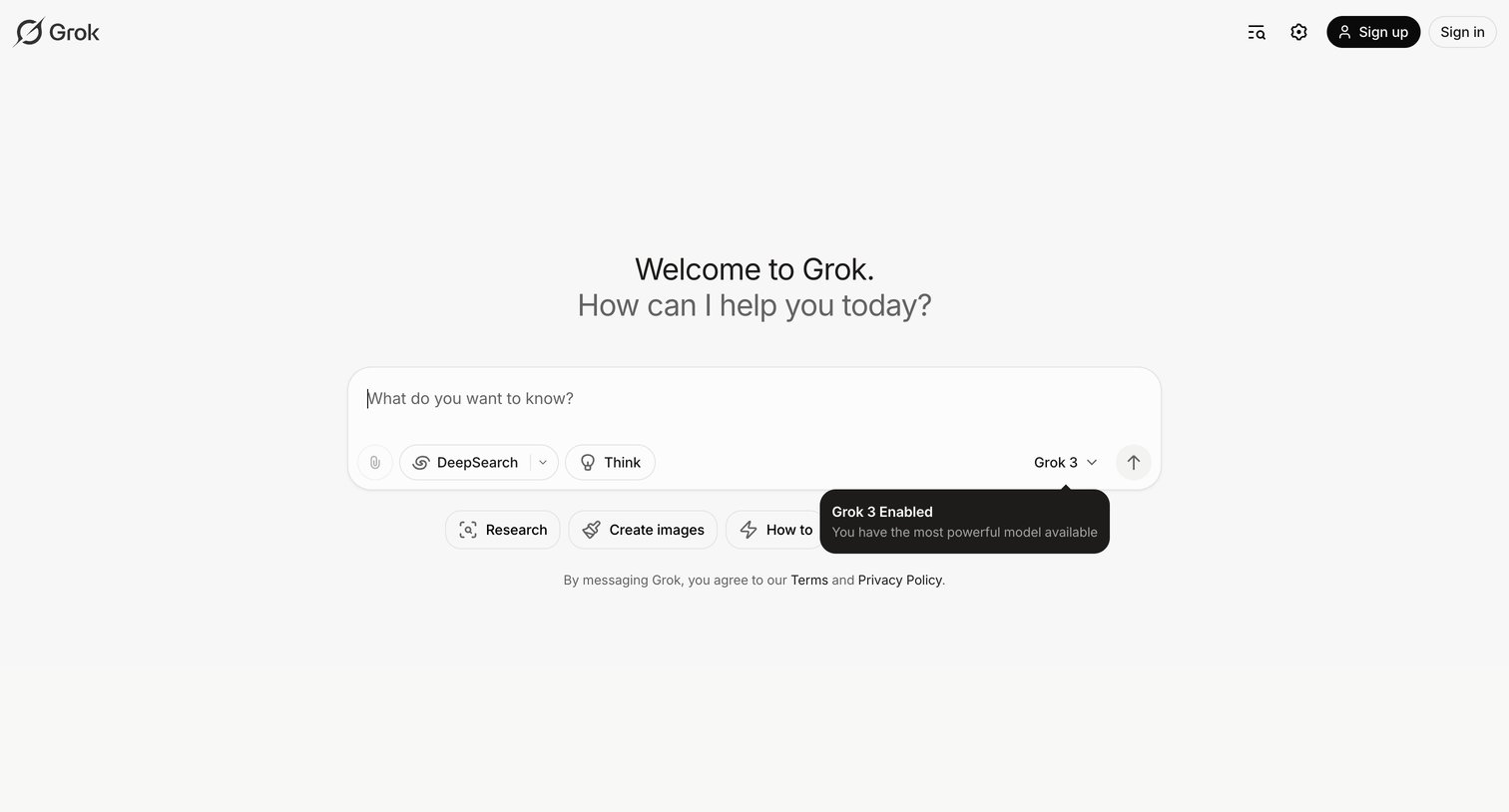

AI chat interface where the user can select the Grok 3 model, toggle DeepSearch or Think modes, and start a conversation or choose from suggested prompts like Research and Create images.
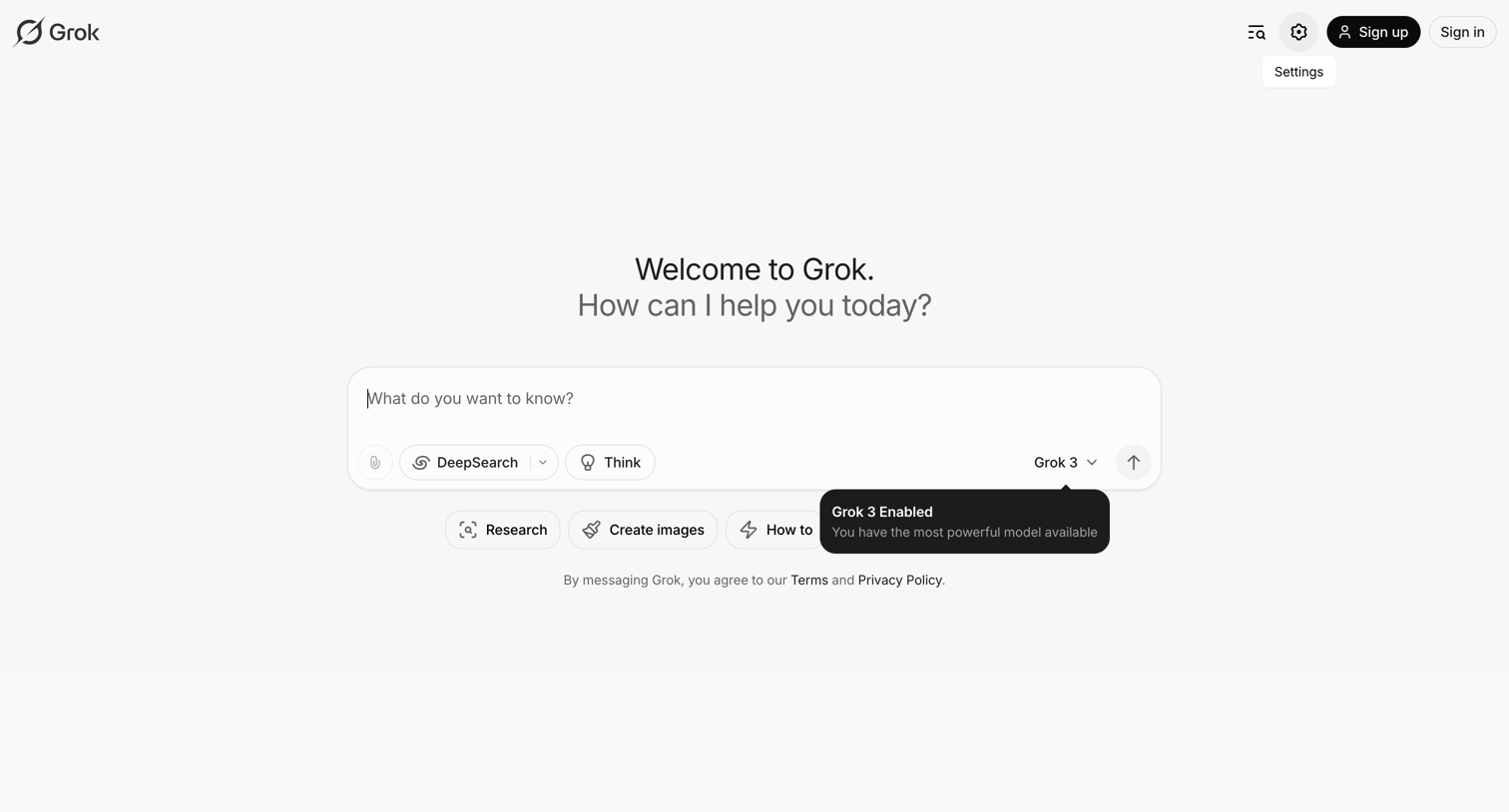
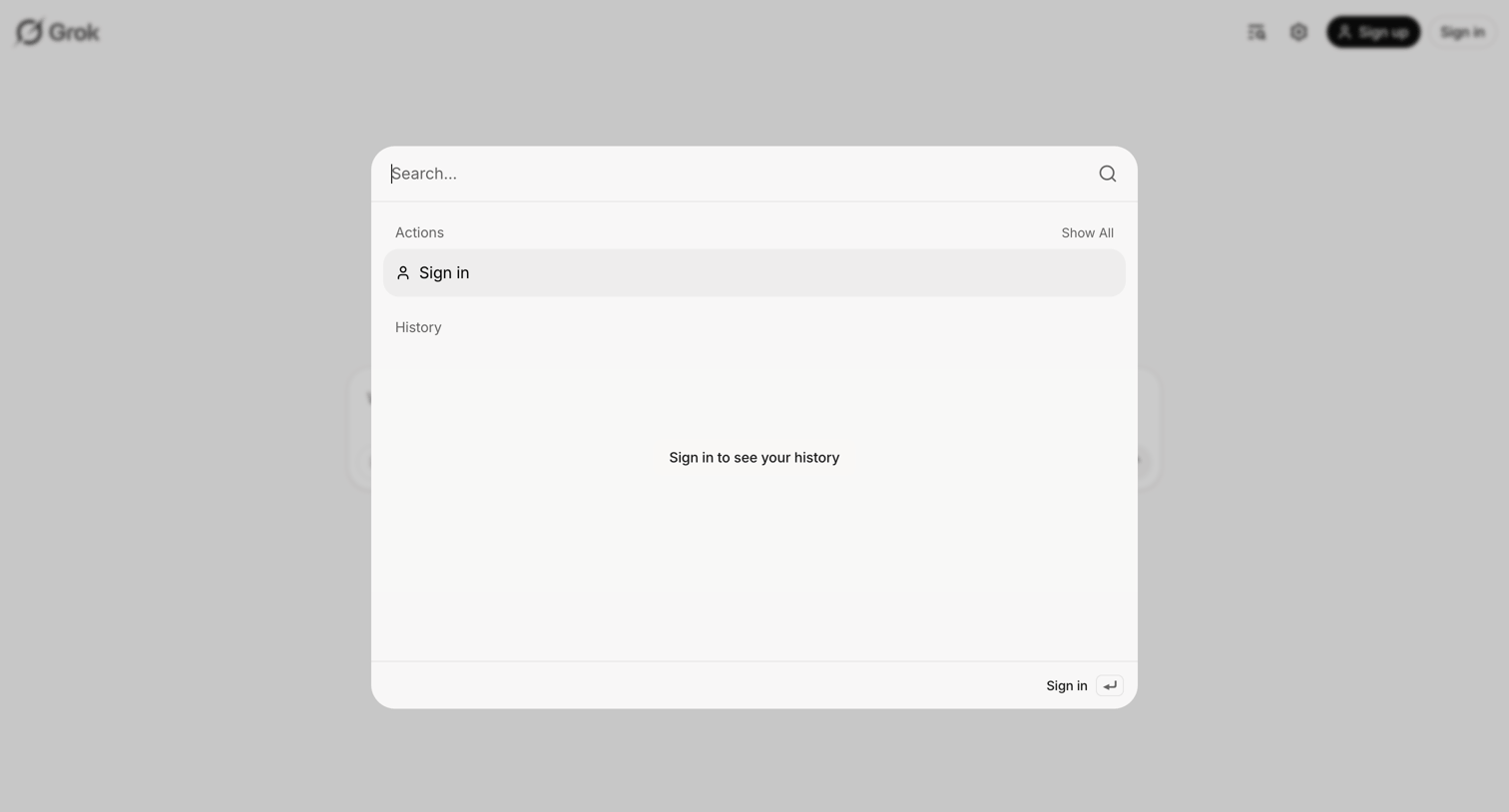
Search overlay where the user can execute actions like signing in, featuring an empty state prompt to authenticate to view history.
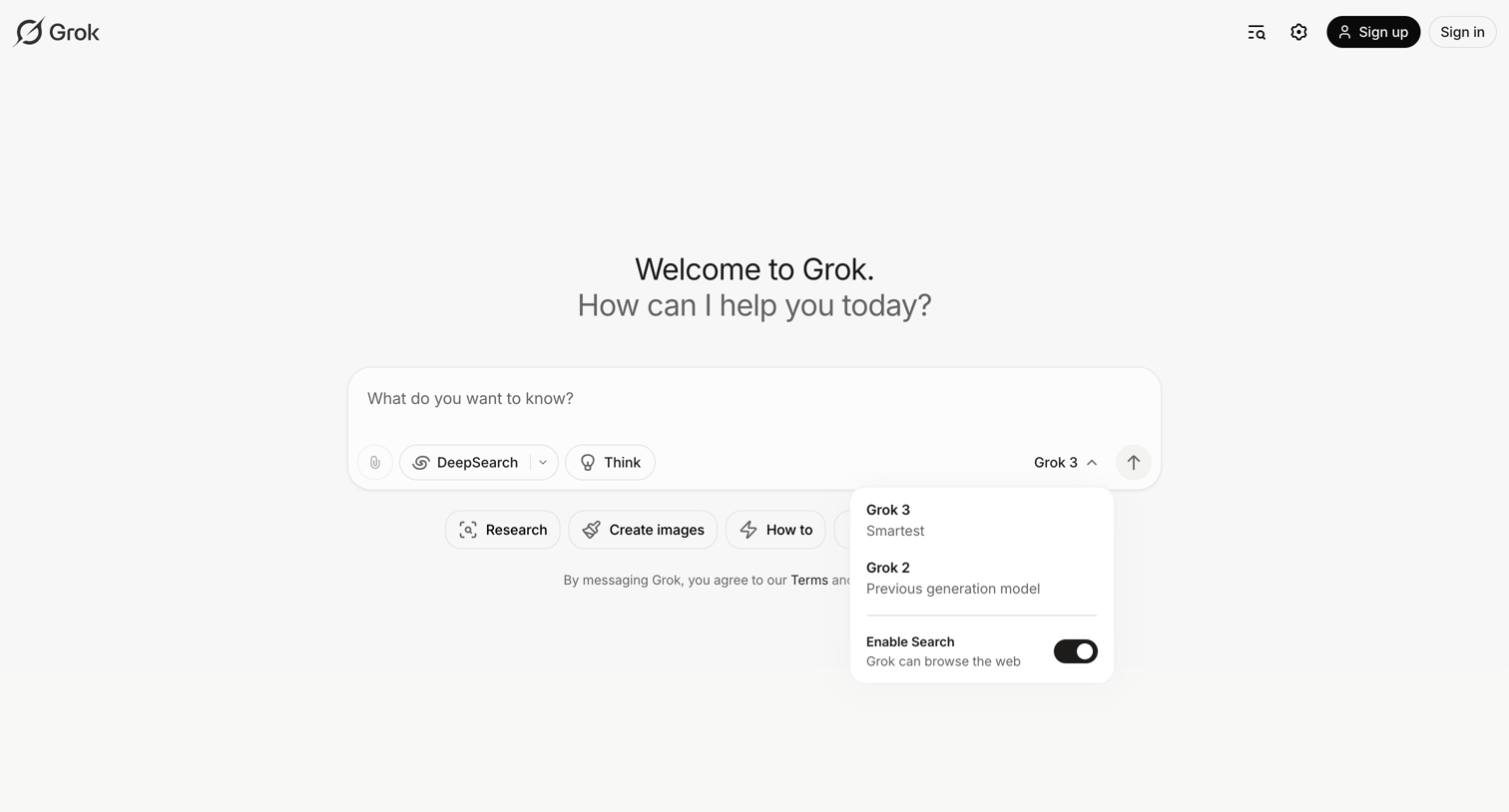
AI chat interface where the user can enter a prompt, select between Grok 3 and Grok 2 models, and toggle web search capabilities.

AI chat start screen where the user can enter a prompt, select a model like Grok 3 or DeepSearch, or choose from suggested starter actions like research or image creation.
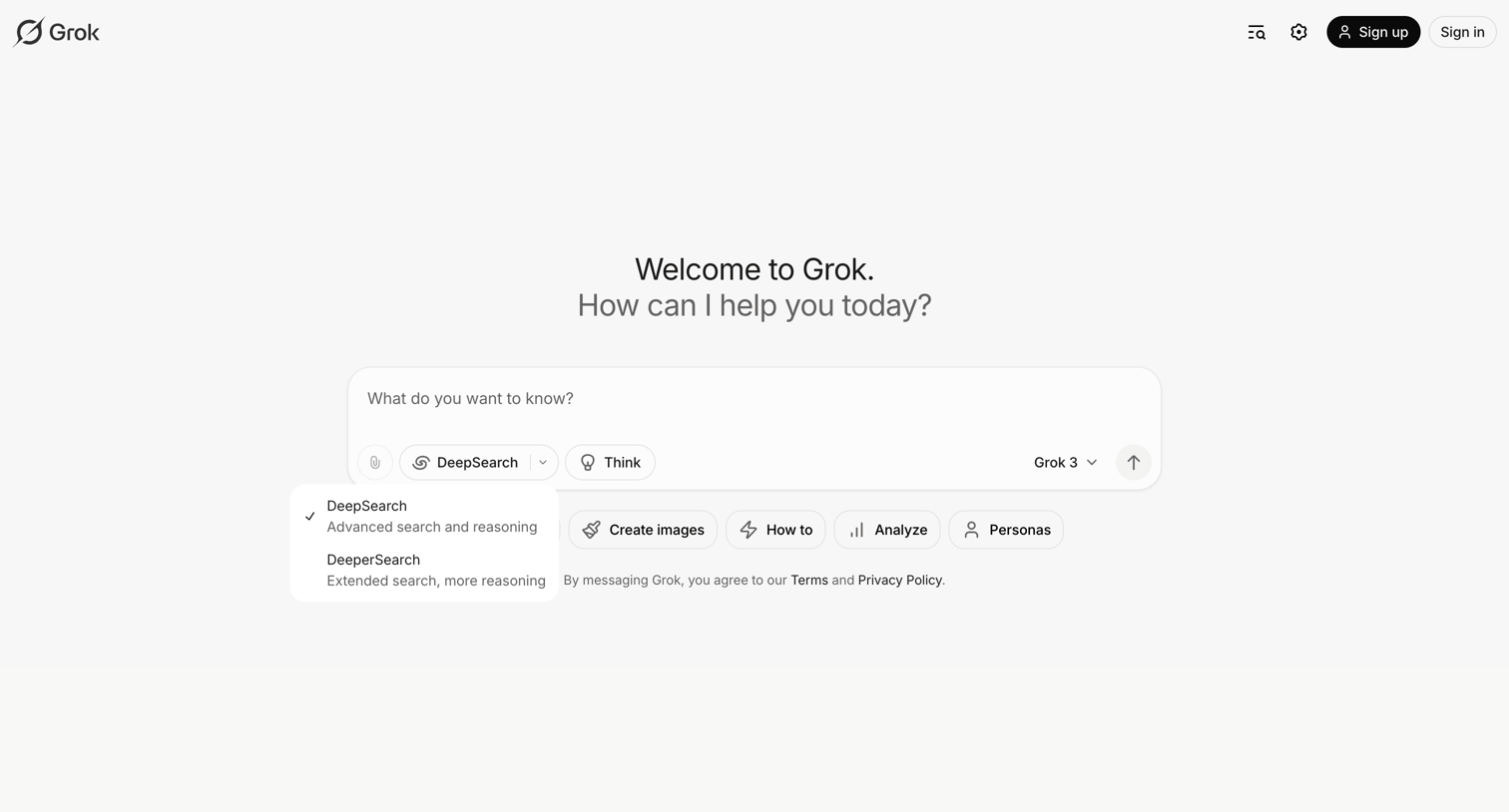
AI chat start screen where the user can select search depth, toggle reasoning, choose a model version, and enter a prompt or pick from suggested actions.
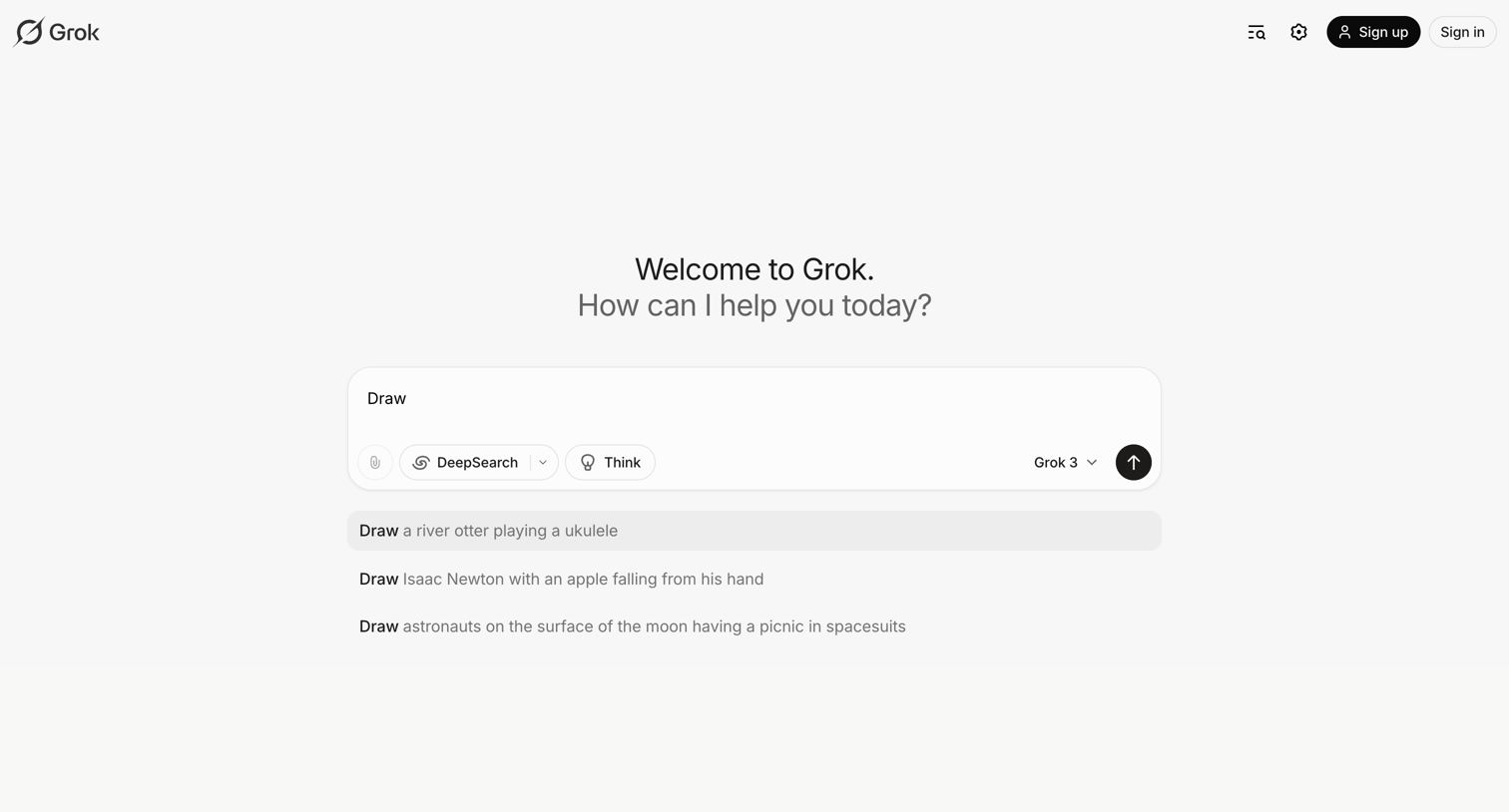
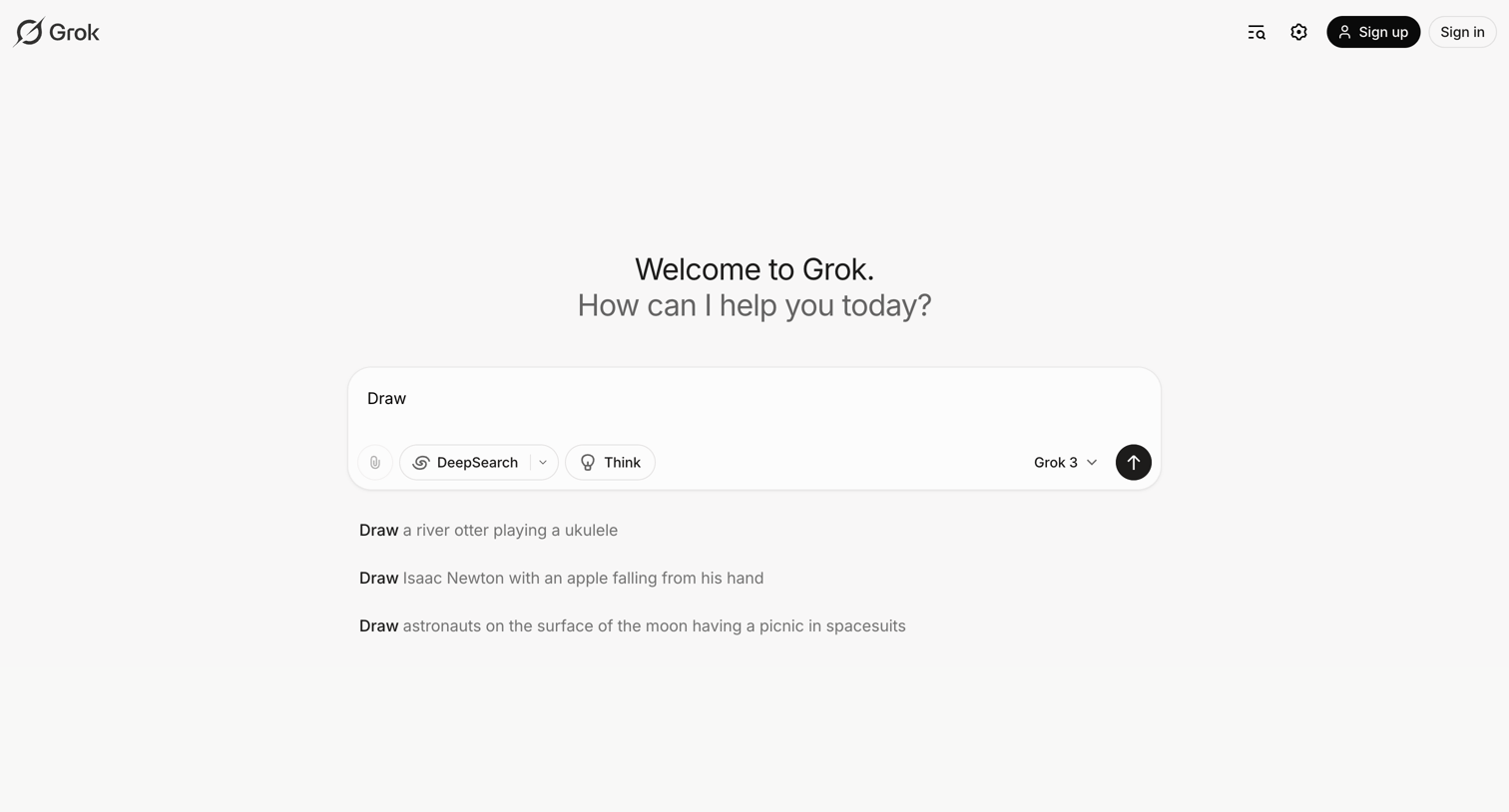
AI chat start screen where the user can enter a prompt, toggle search and reasoning features, select a model, or choose from suggested drawing prompts.
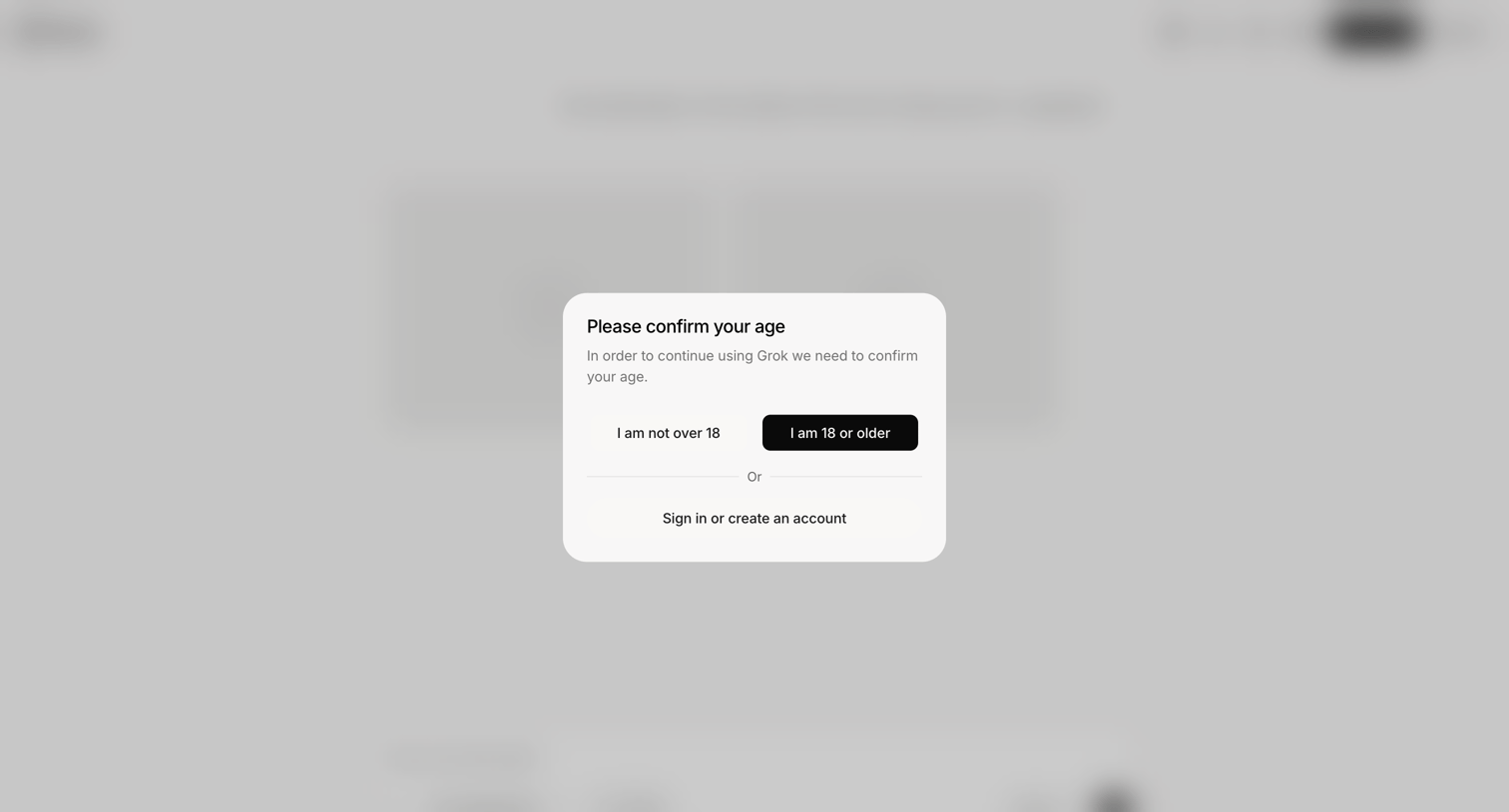
Verification screen where the user must confirm they are 18 or older to access the AI assistant, or choose to sign in.
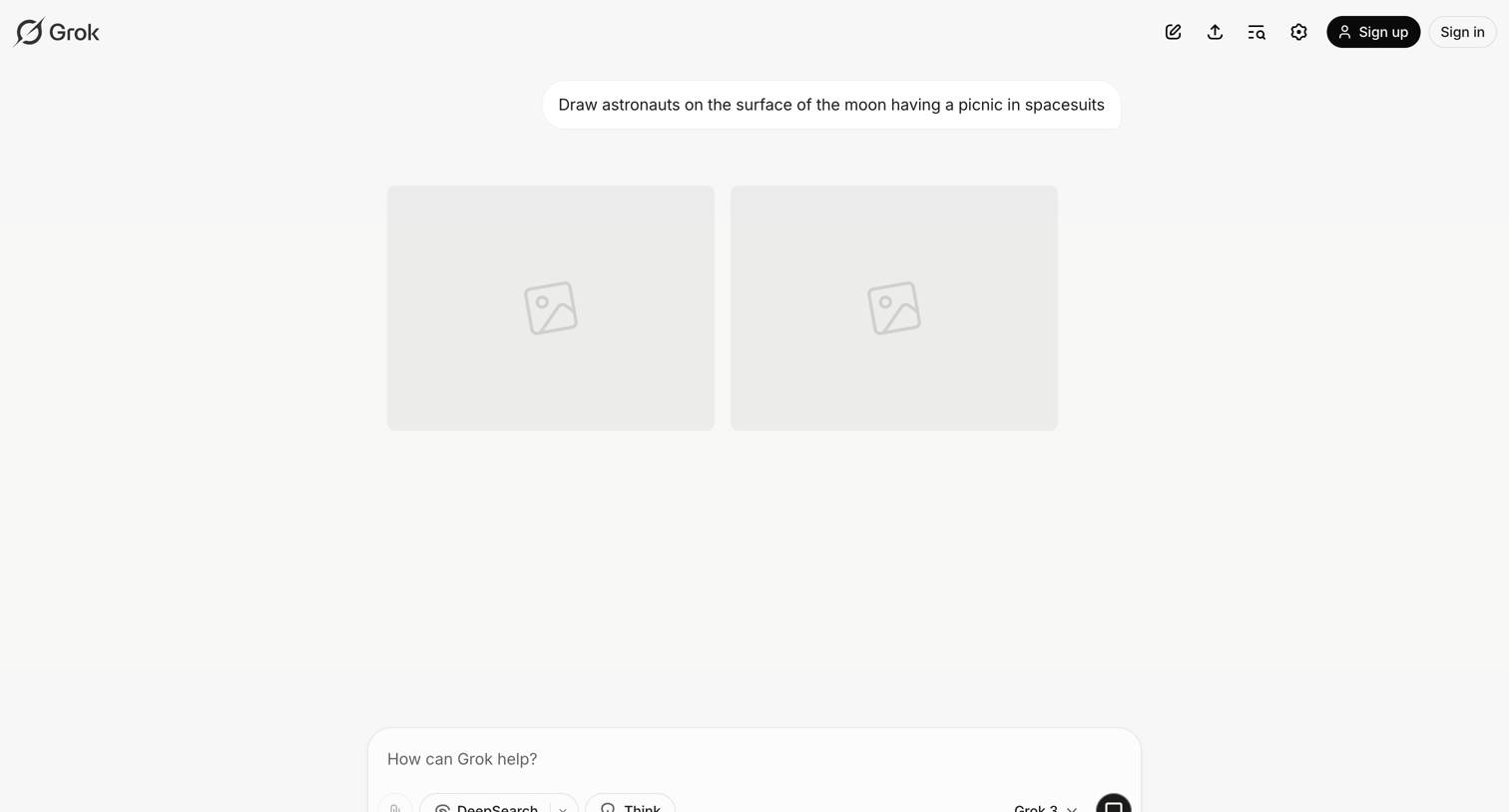
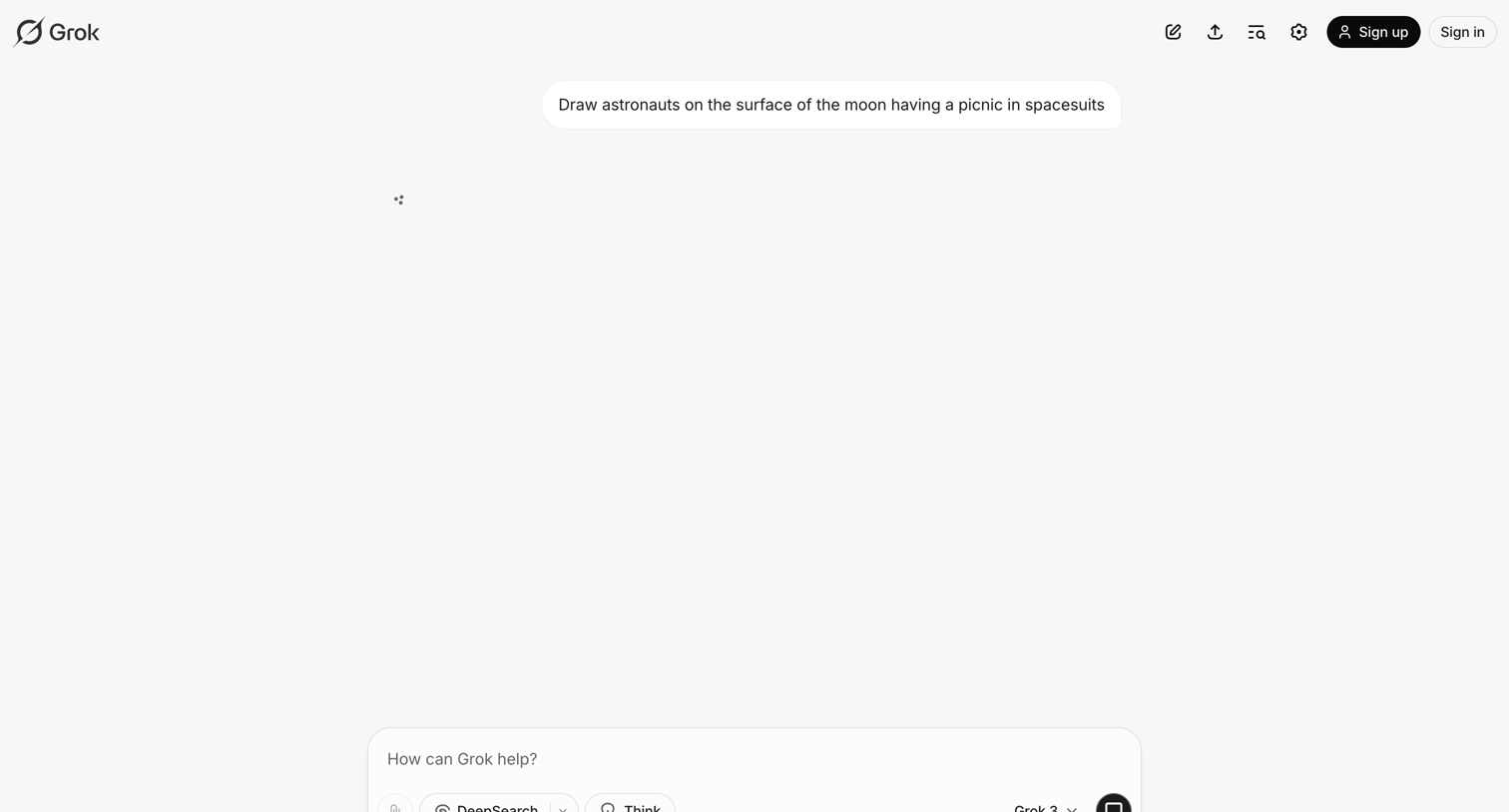
AI chat interface where the user has prompted the assistant to draw astronauts on the moon, currently displaying skeleton placeholders while the images generate.
Browse the full SaaS app library
Explore real SaaS apps with their product screens, marketing screens, flows, and components.
Trusted by the best teams







