Skiff design examples
Explore Skiff UI design examples. Skiff is the privacy-first workspace for free thinkers
Product screens
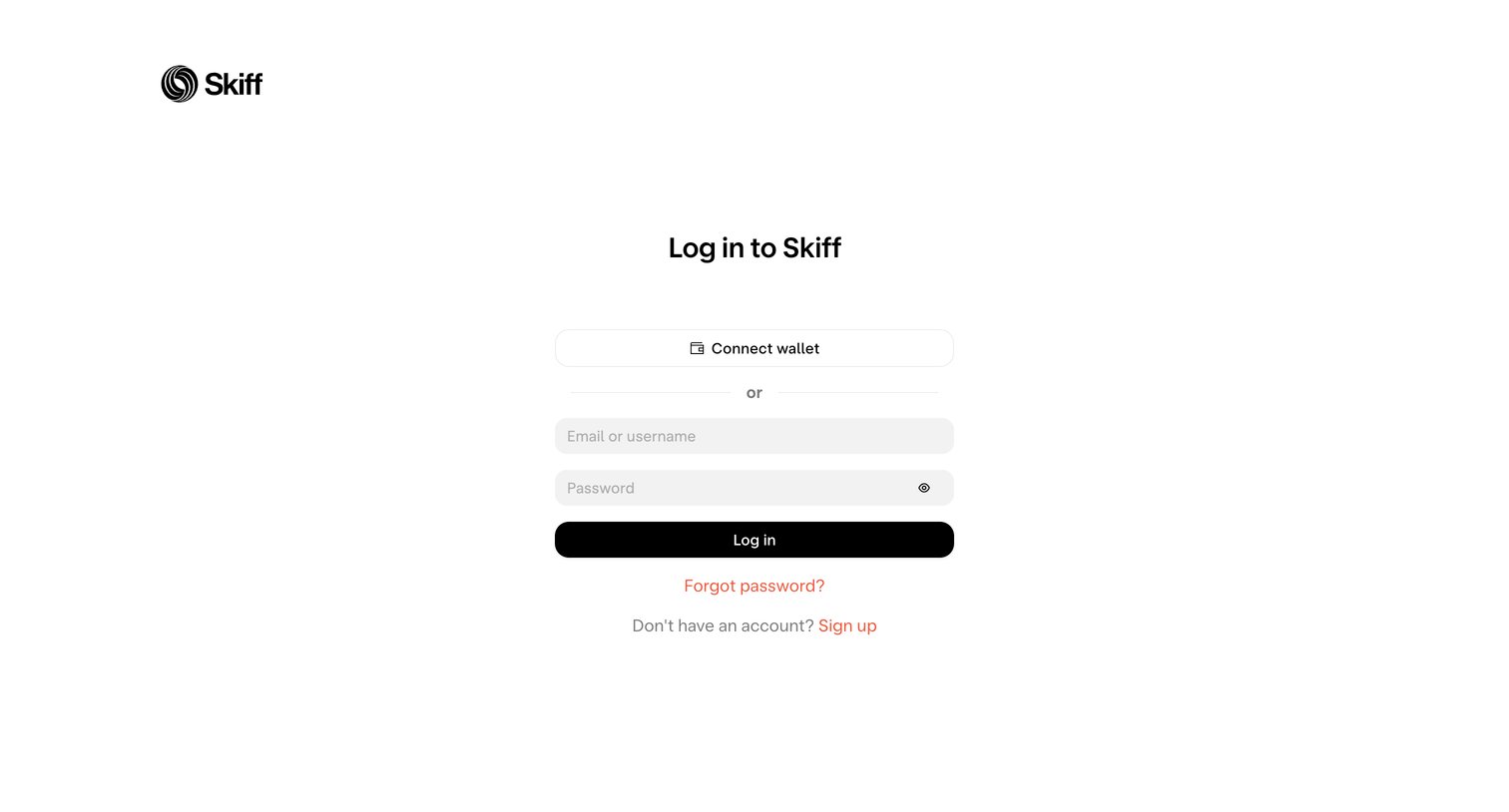
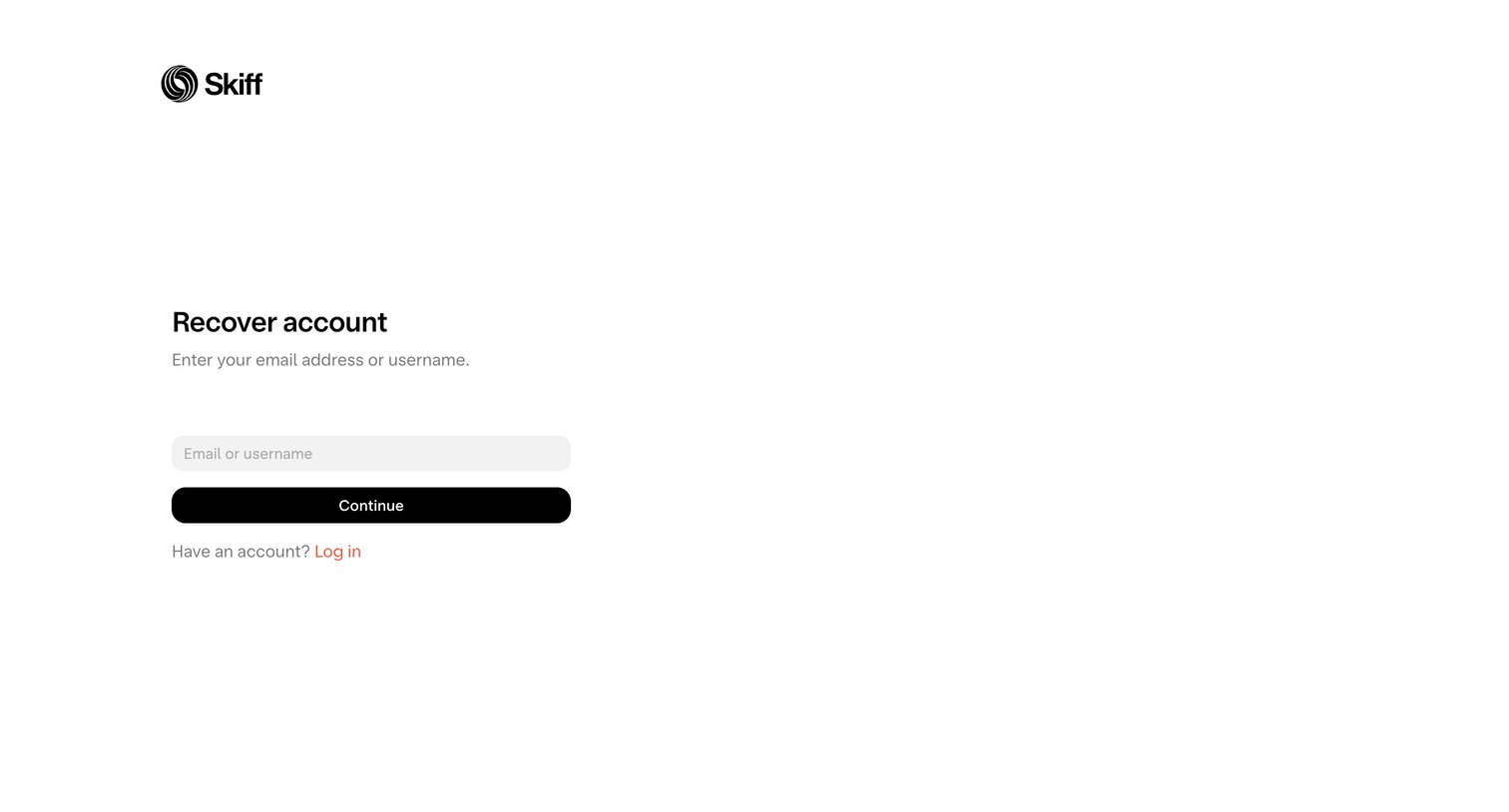

Password recovery screen where the user enters their email or username to initiate an account reset.
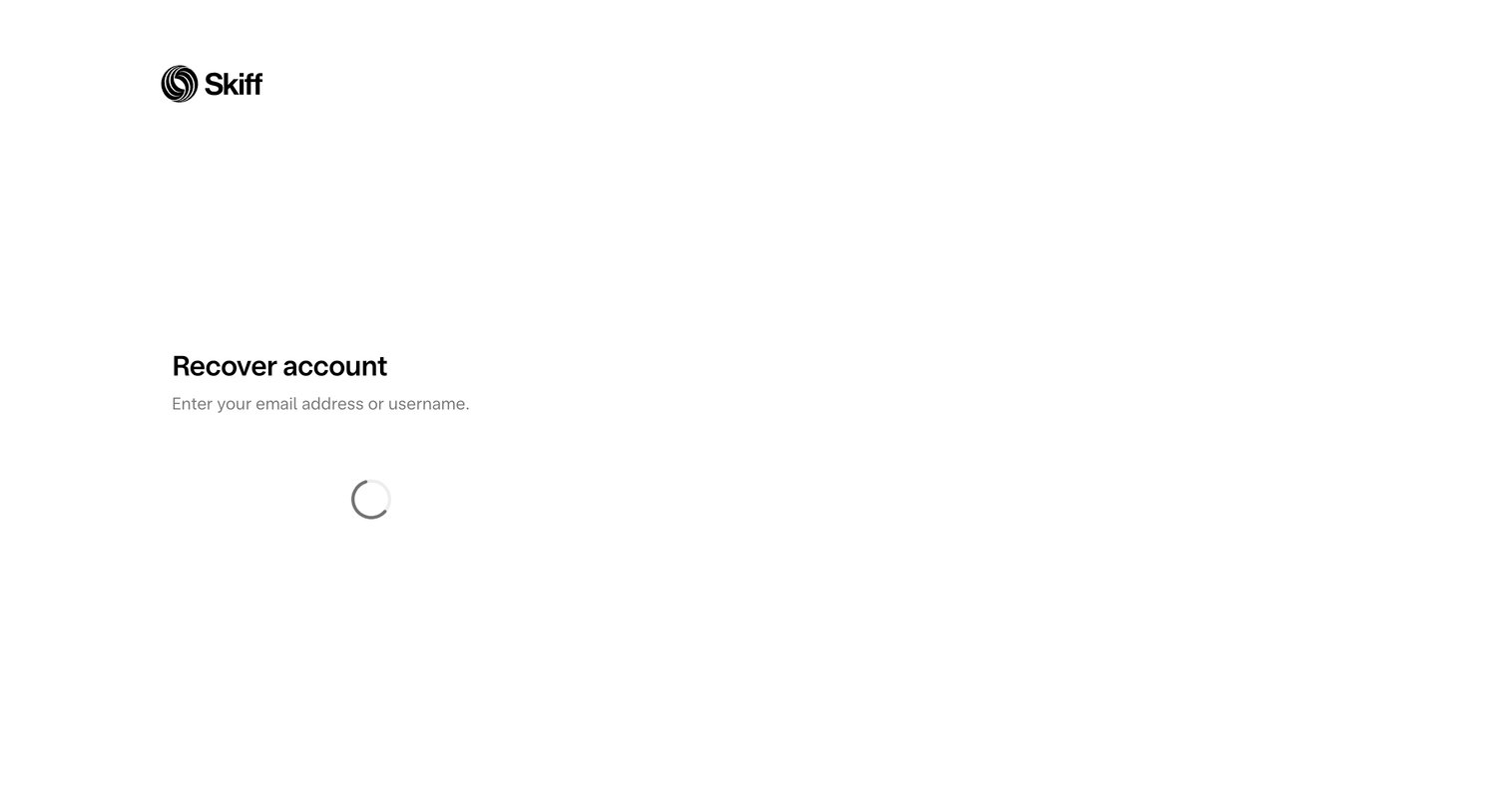
Password recovery page where the user is prompted to enter their email or username, currently showing a loading state.
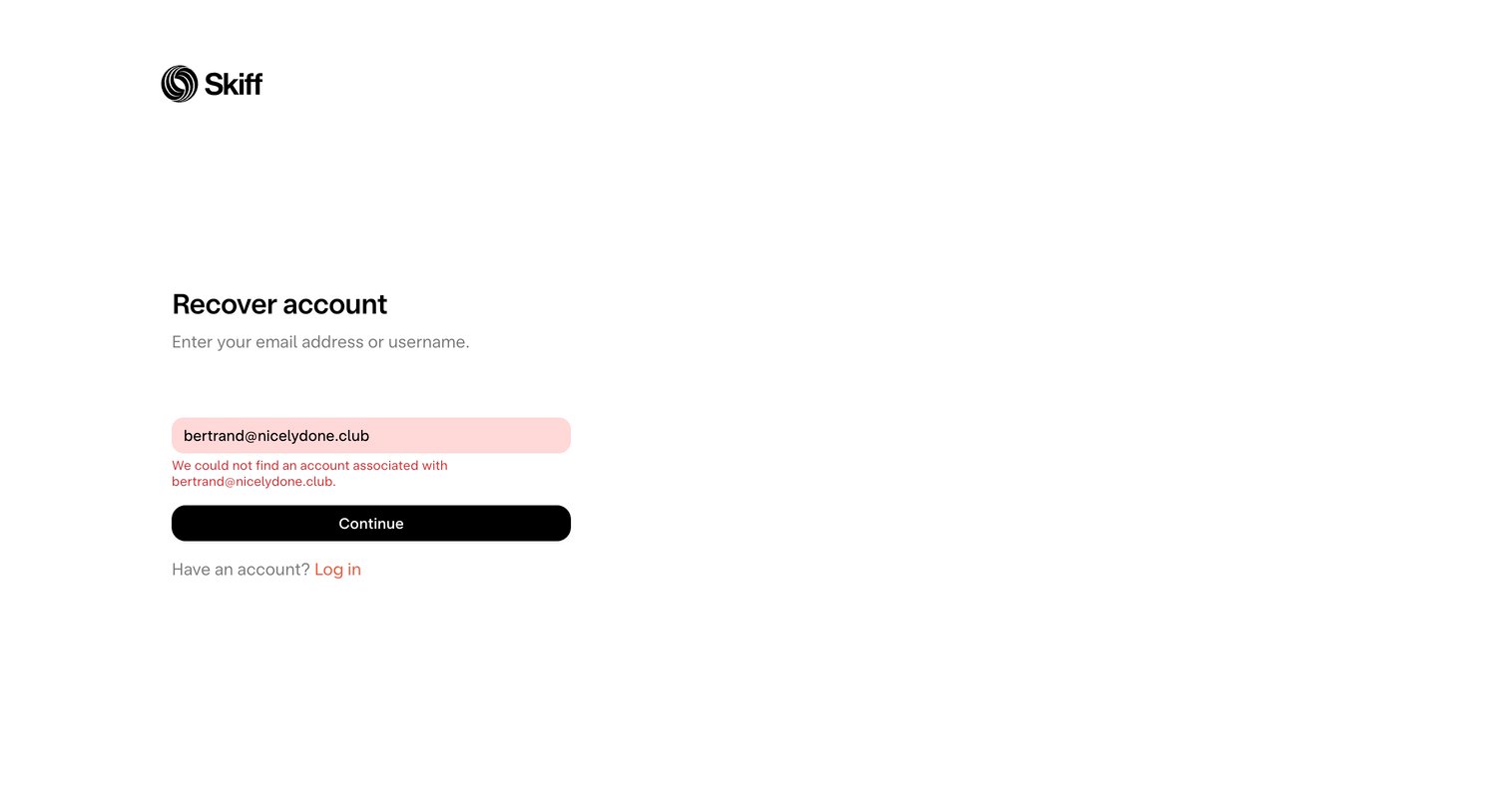
Account recovery screen displaying an error message because the entered email address was not found in the system.

Signup screen where the user chooses to create an account via standard sign up or by connecting a crypto wallet.
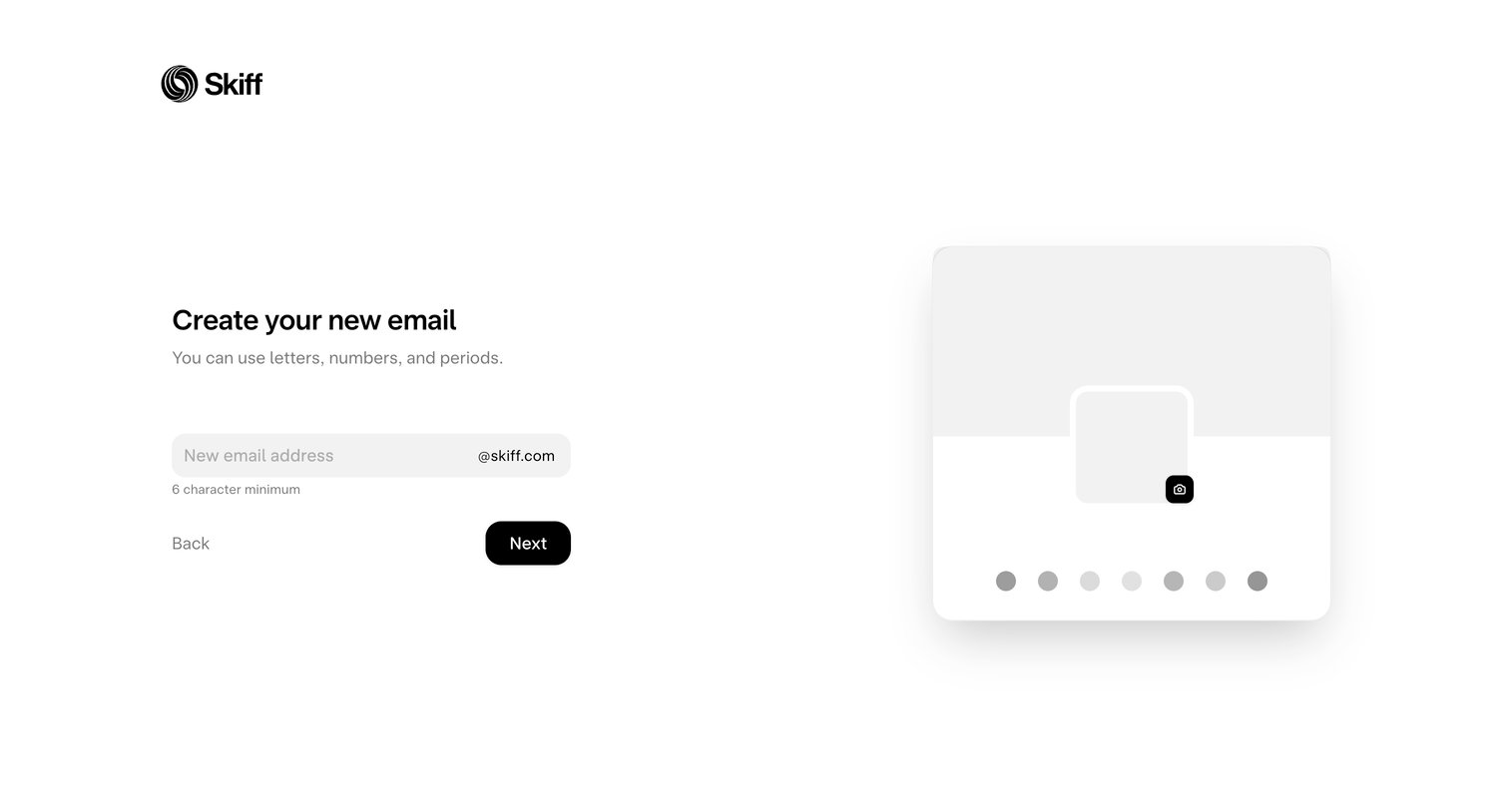
Signup step where the user chooses their new @skiff.com email address and can preview their profile card.
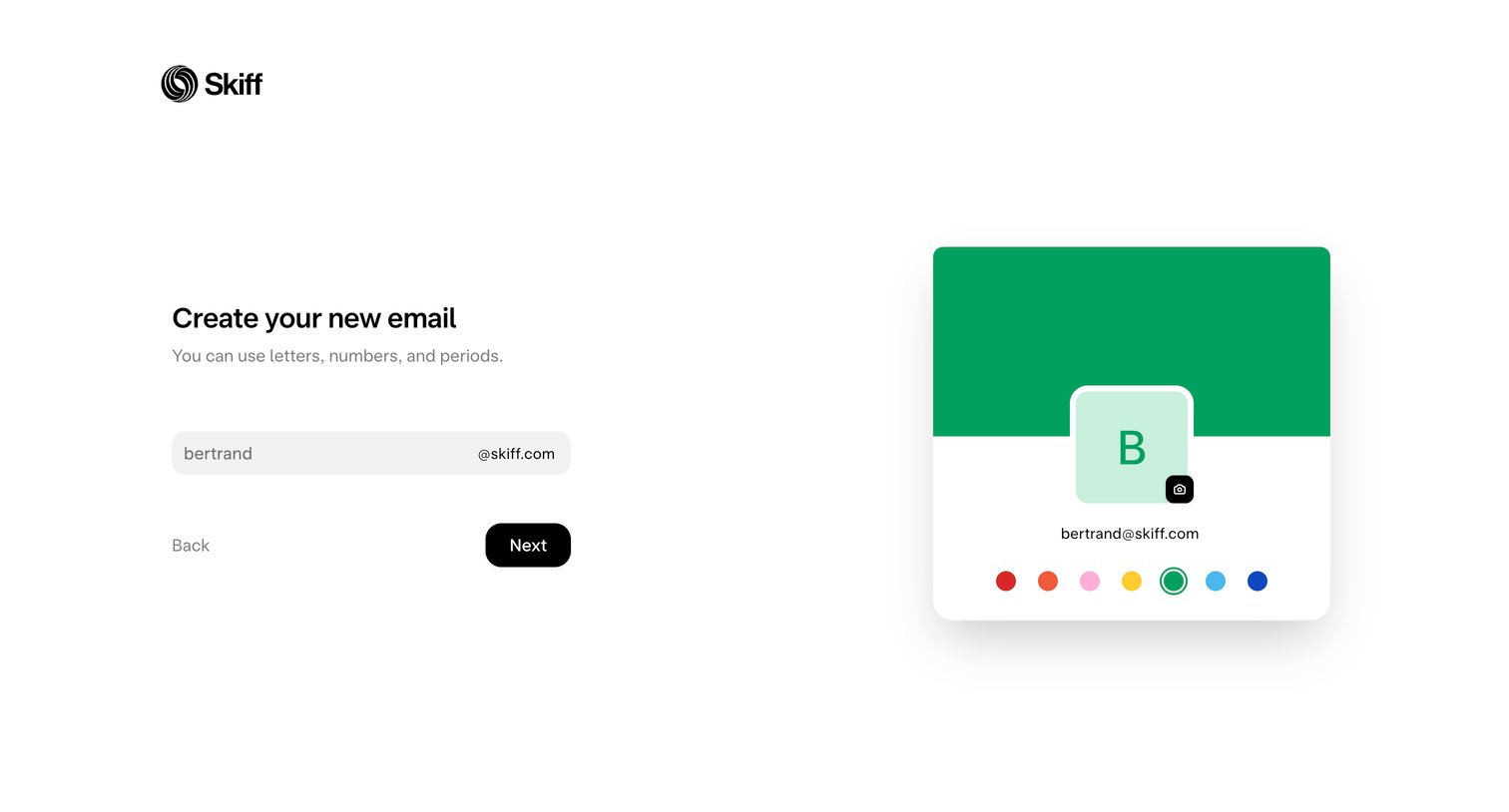
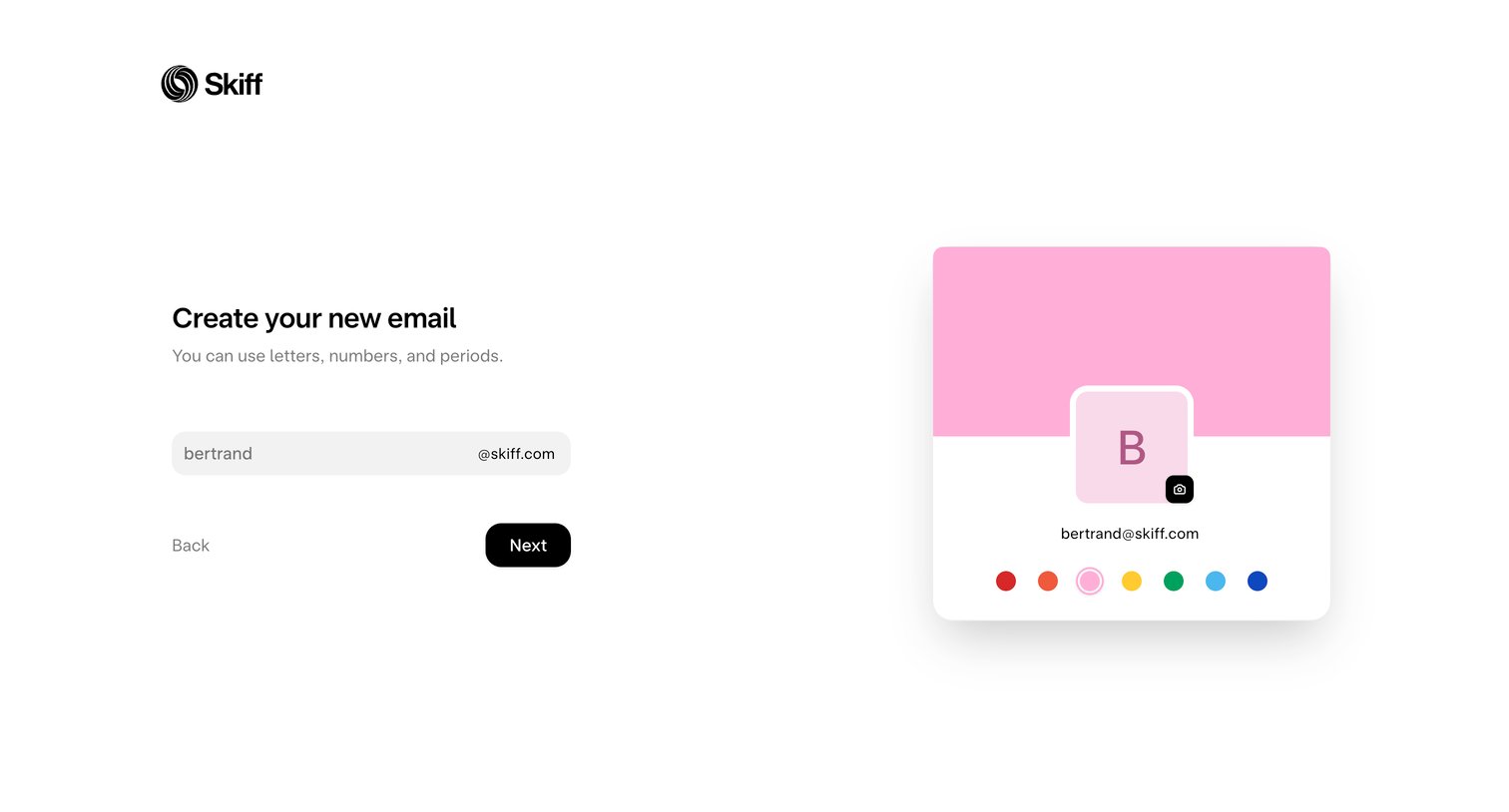
Onboarding step where the user chooses their new Skiff email address and customizes their profile color.
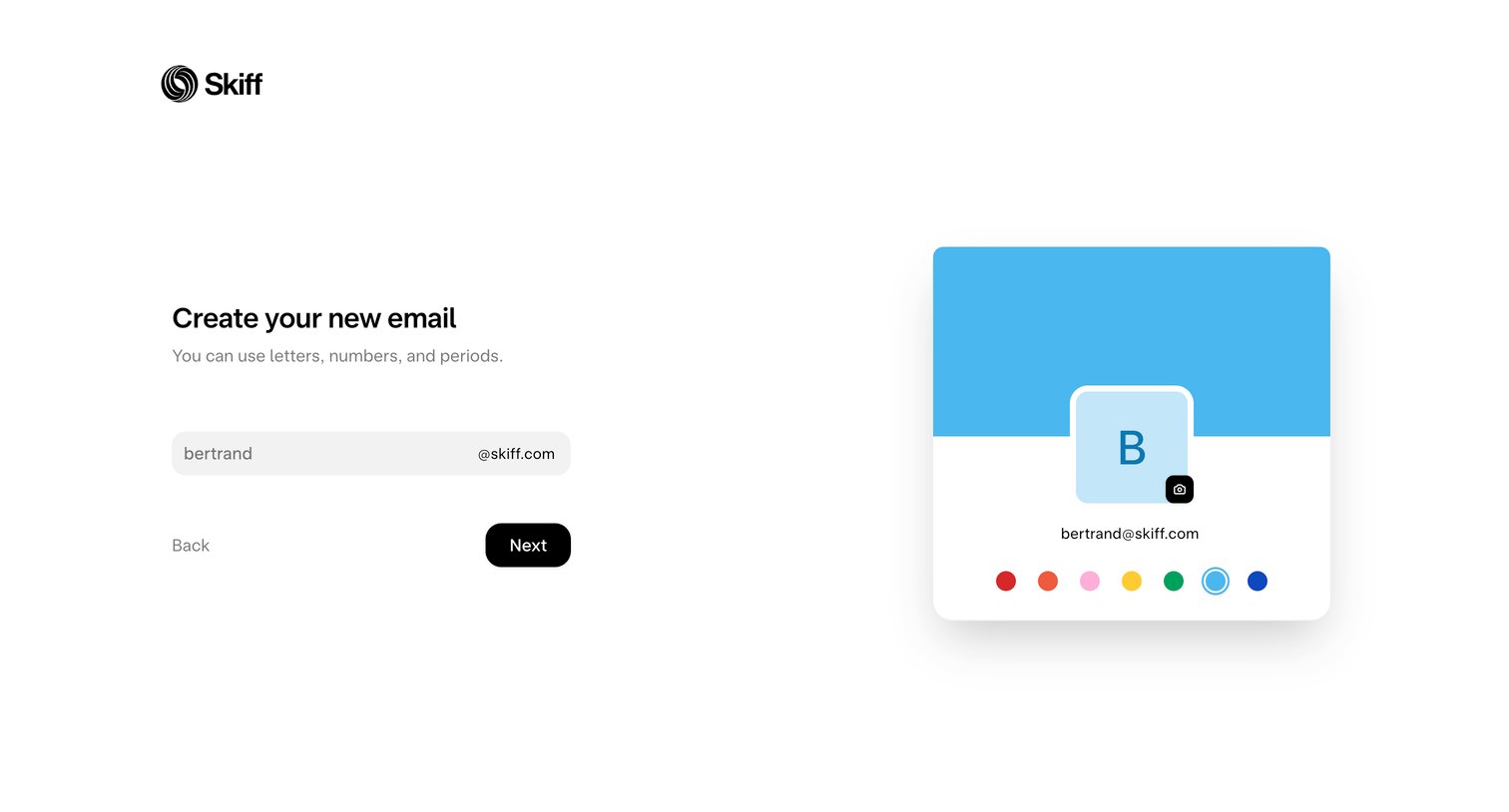
Onboarding step where the user chooses their new Skiff email address and customizes their profile color.
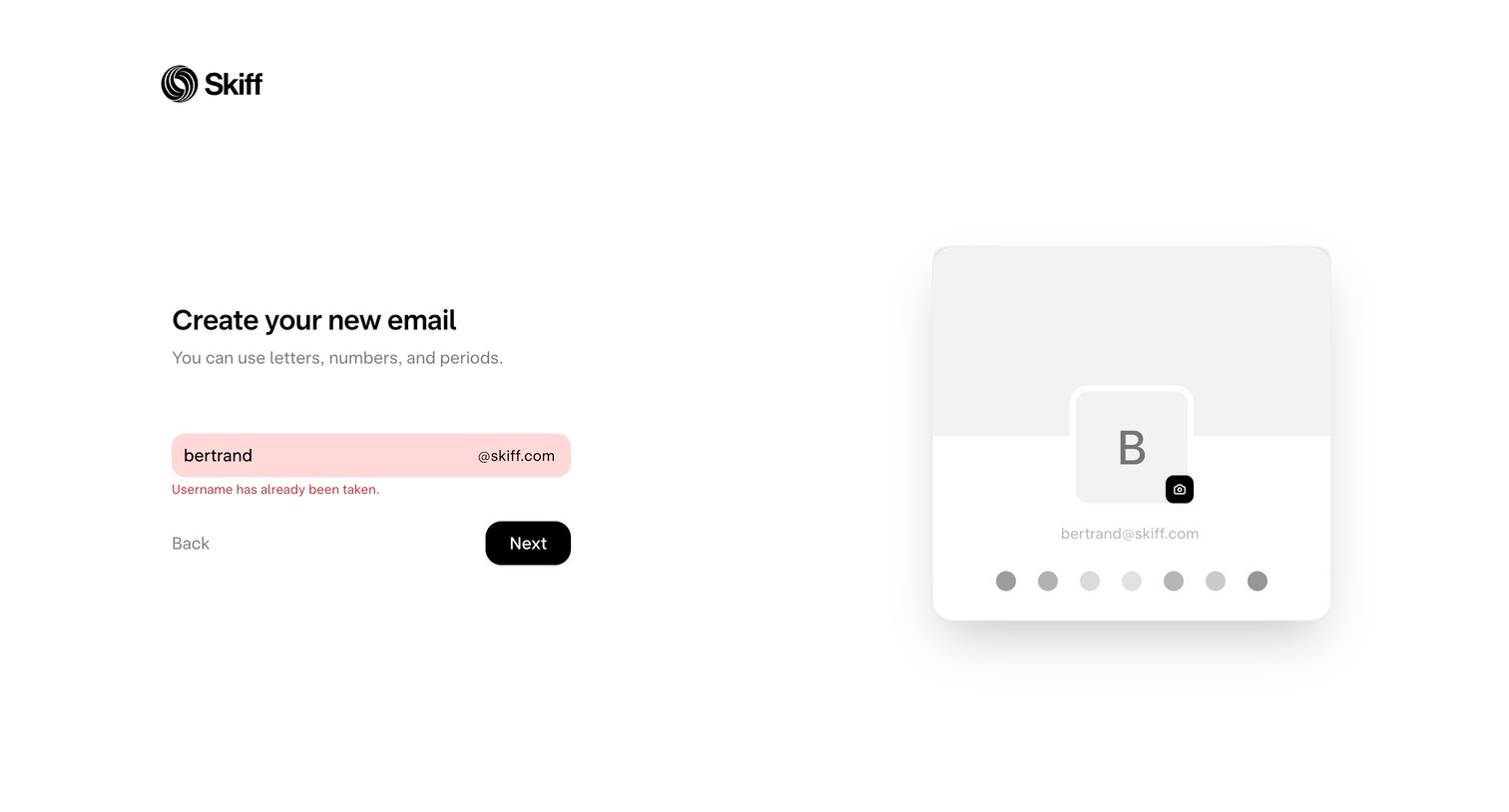
Signup step where the user attempts to claim a new @skiff.com email address but encounters a taken-username validation error, alongside a live preview of their profile card.
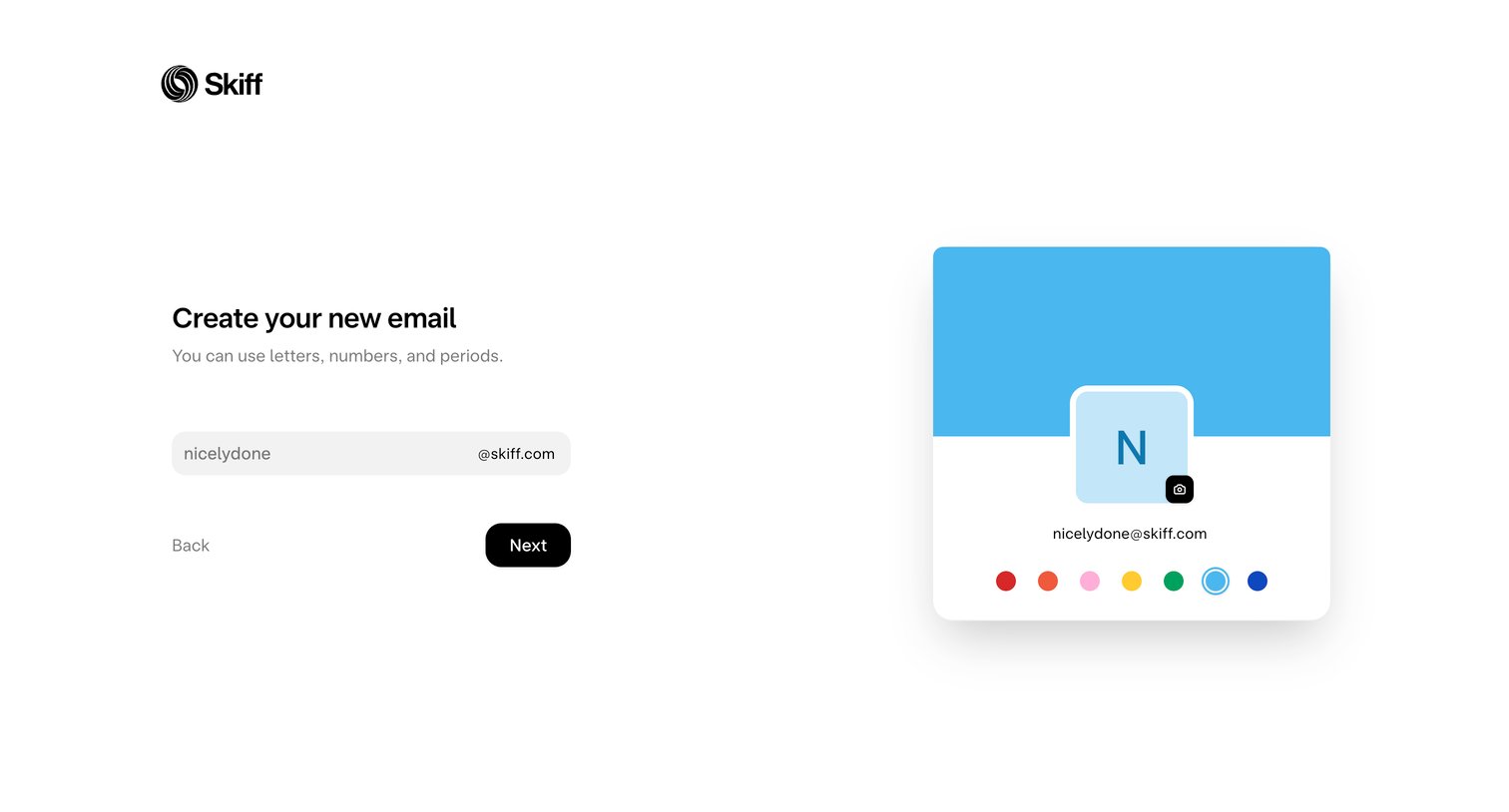
Onboarding step where the user chooses their new Skiff email address and customizes their profile color.
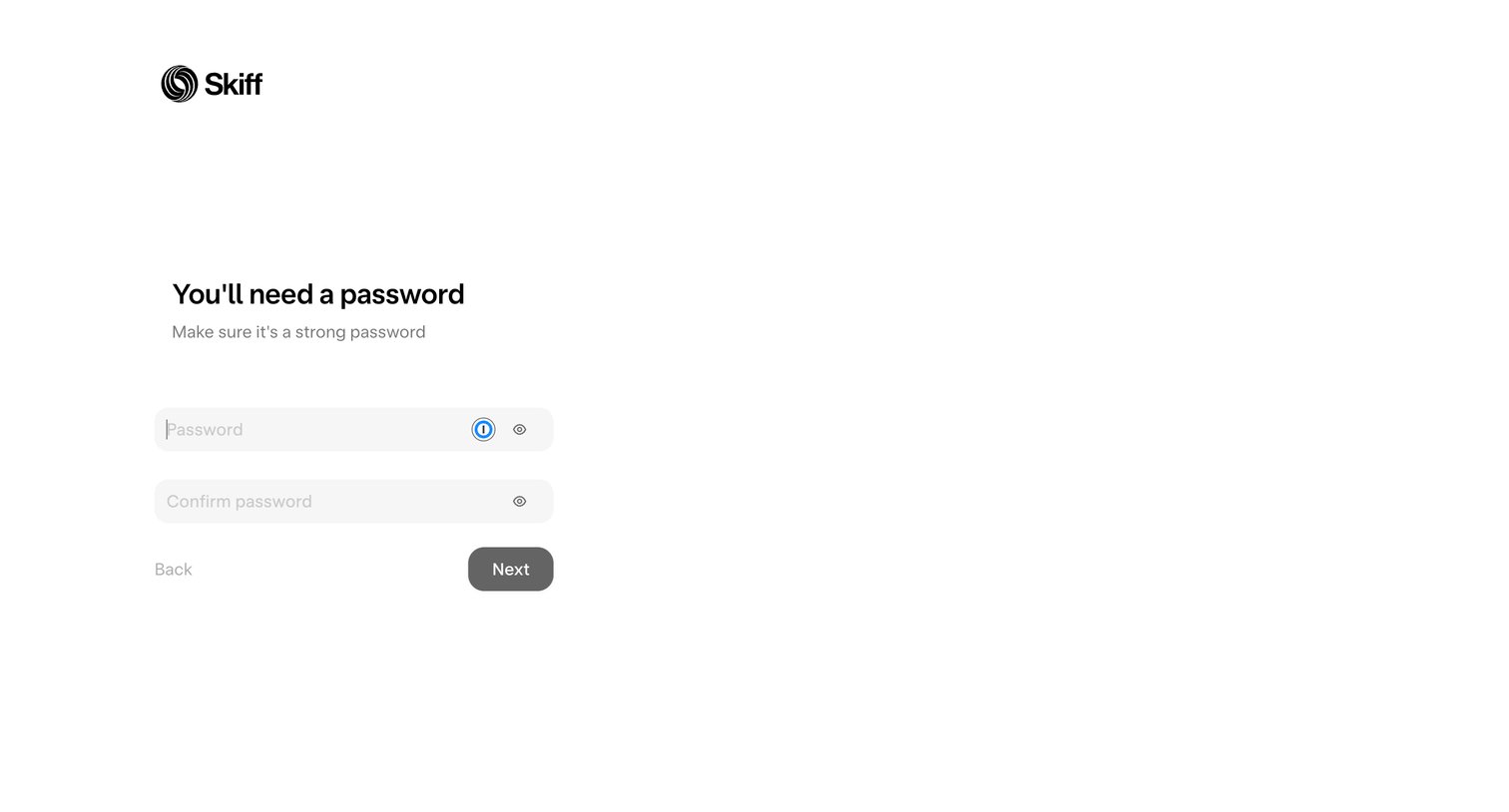
Signup step where the user creates and confirms a strong password to secure their new account.
Browse the full SaaS app library
Explore real SaaS apps with their product screens, marketing screens, flows, and components.
Trusted by the best teams







