Skiff UI components examples
Browse Skiff UI component design examples. Preview individual interface elements and explore related component categories. Skiff is the privacy-first workspace for free thinkers
Explore the examples


A wide, colorful banner prompting the user to register a new personalized domain, featuring a title, subtitle, and a primary call-to-action button.

A horizontal time range input showing a start time and an end time, separated by an arrow icon.
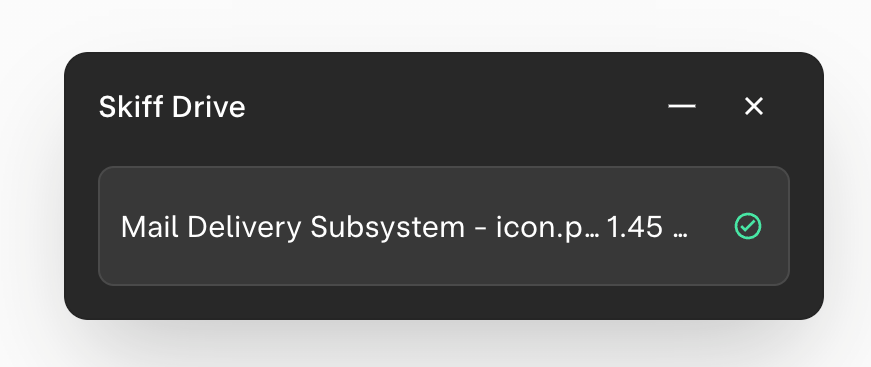
A dark-themed toast notification showing the successful upload of a file to Skiff Drive.
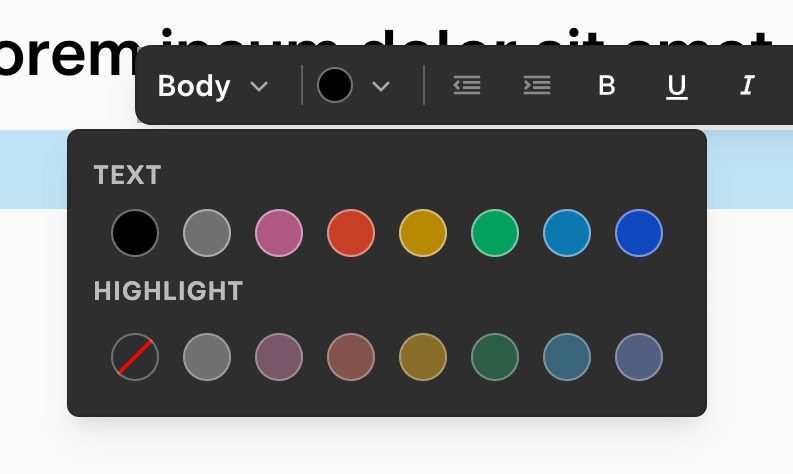
A floating text formatting toolbar with an open color picker popover. The toolbar includes options for text style, color, alignment, and basic formatting. The color picker offers a grid of preset colors for both text and highlight.
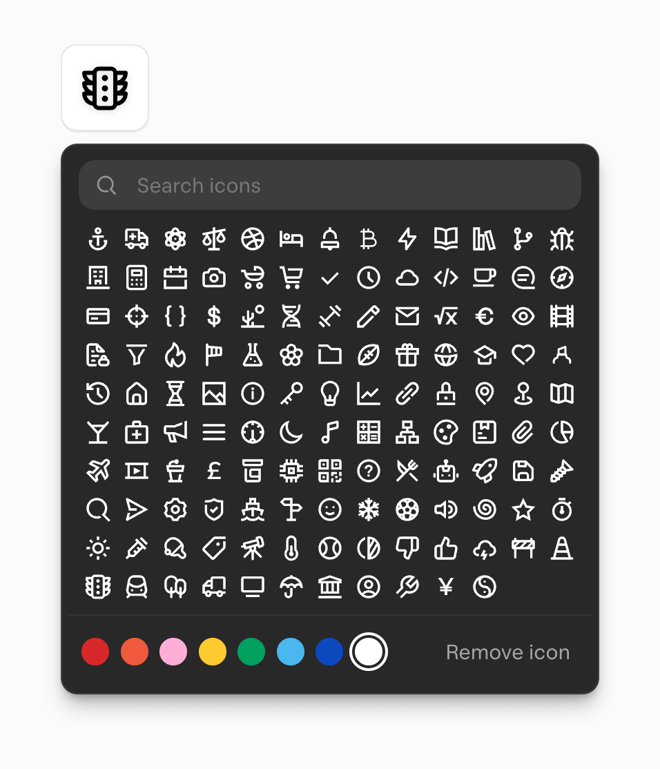
A floating popover containing a search bar, a grid of selectable icons, and a row of color swatches to customize the selected icon. A 'Remove icon' button is also present.
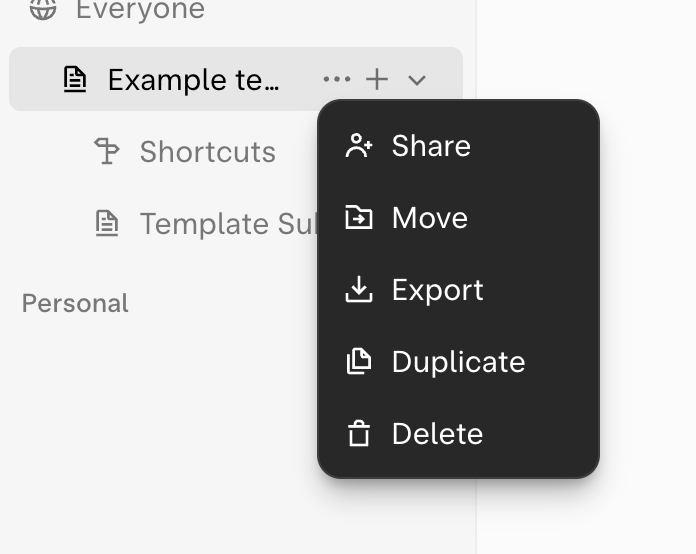
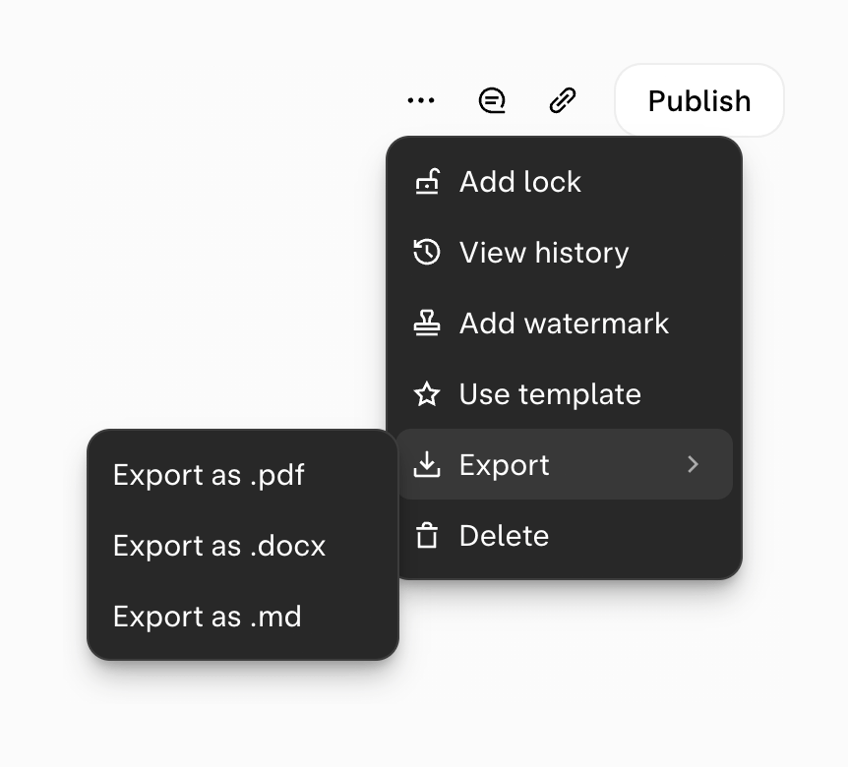
A document editor's more options menu, showing a nested submenu for export formats.
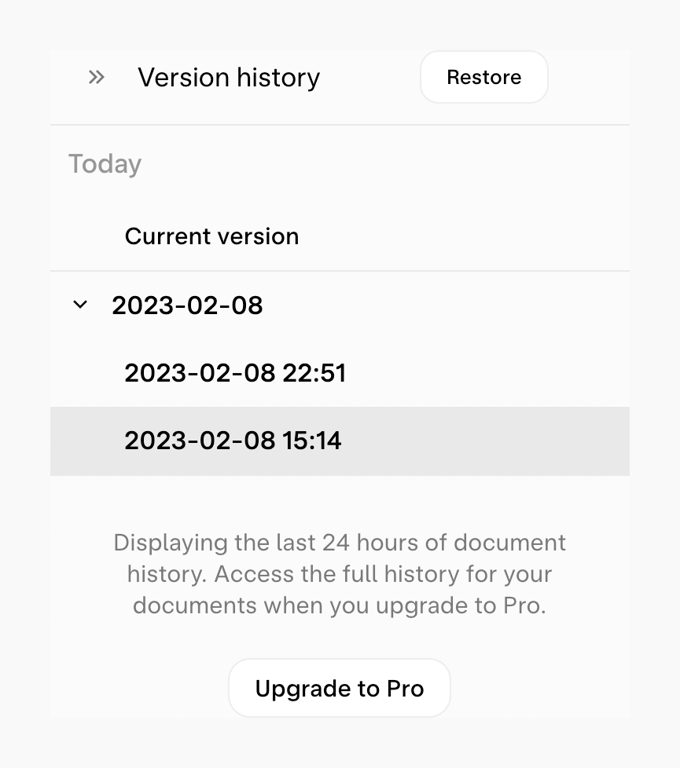
A side panel displaying document version history, grouped by date. It includes an active selection, a restore button, and an upgrade prompt for full history access.
Browse the full component library
Browse the full UI component library.
Trusted by the best teams







