Bento box UI examples
Bento box UI design examples from SaaS apps. Explore how websites arrange features in a grid of differently sized panels. Look at how text and imagery share each panel and how the layout establishes a…
Explore the examples
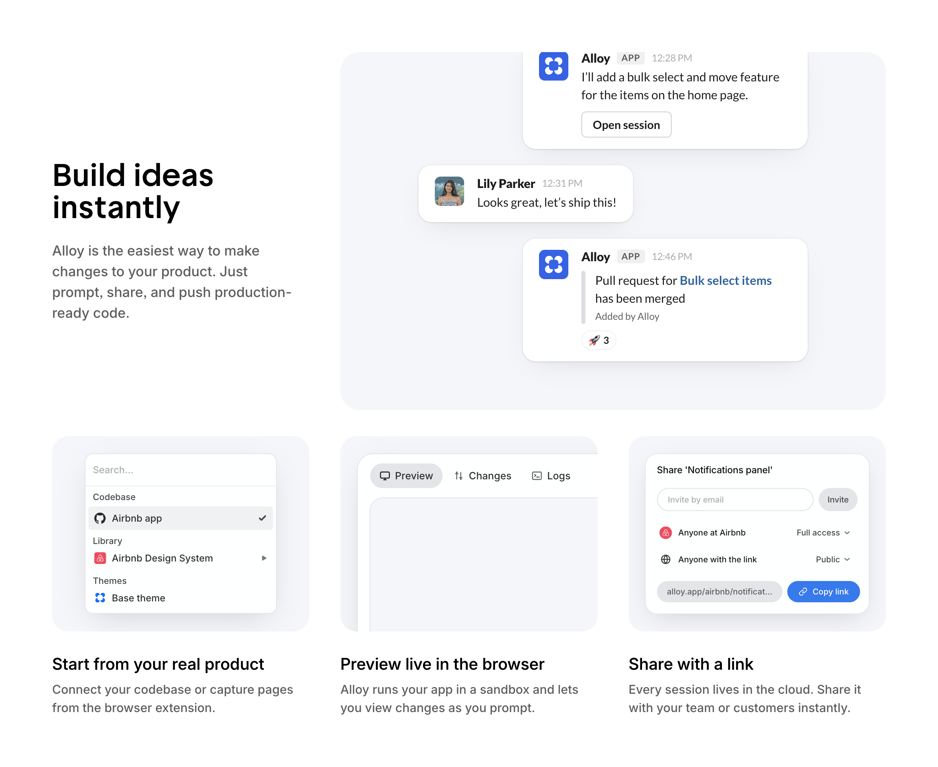

A product marketing page showcasing features for building ideas, previewing changes, and sharing links, with examples of collaboration messages and code management.
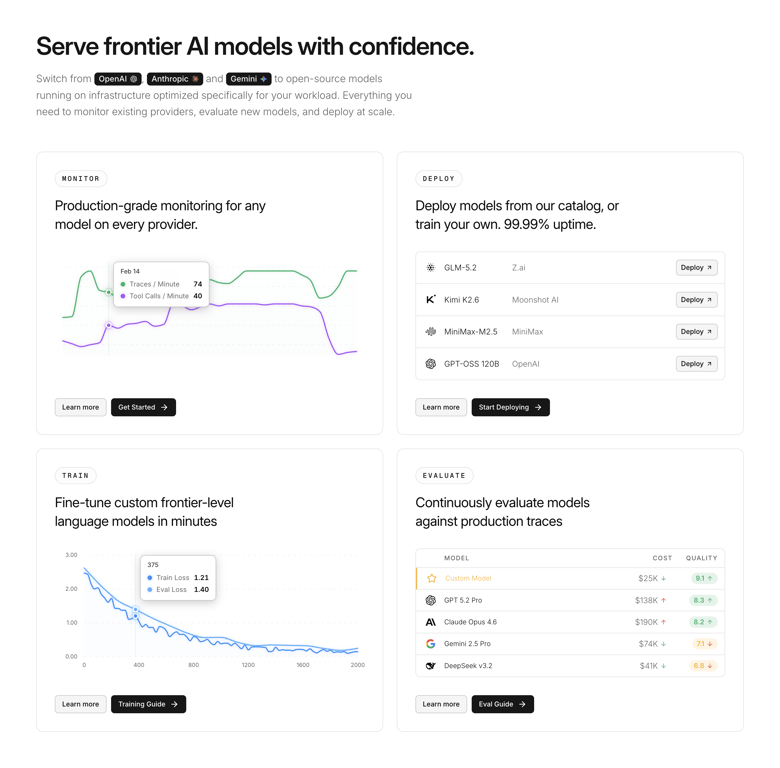

A dashboard or landing page showcasing features for serving, monitoring, deploying, training, and evaluating AI models.
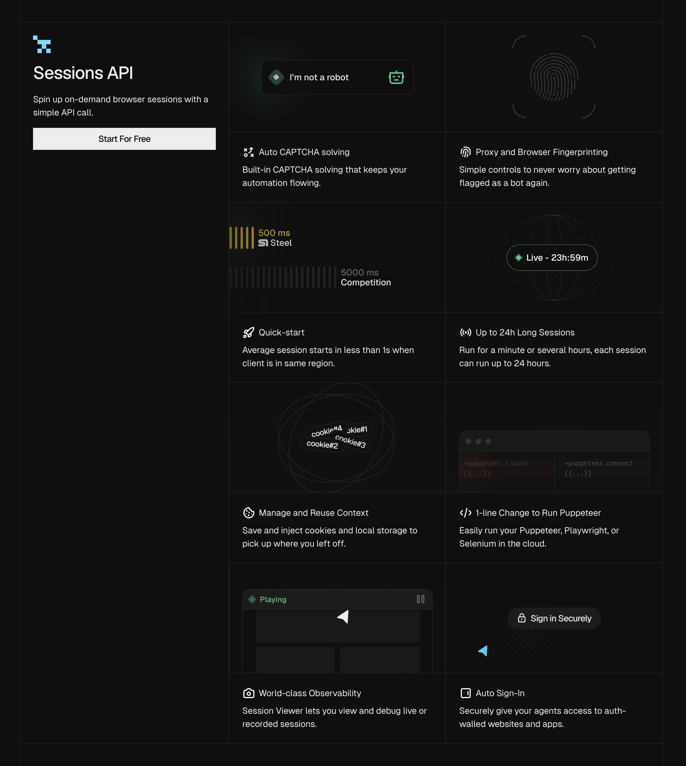

A product page showcasing the features of a "Sessions API" for browser automation and security, presented in a grid layout.
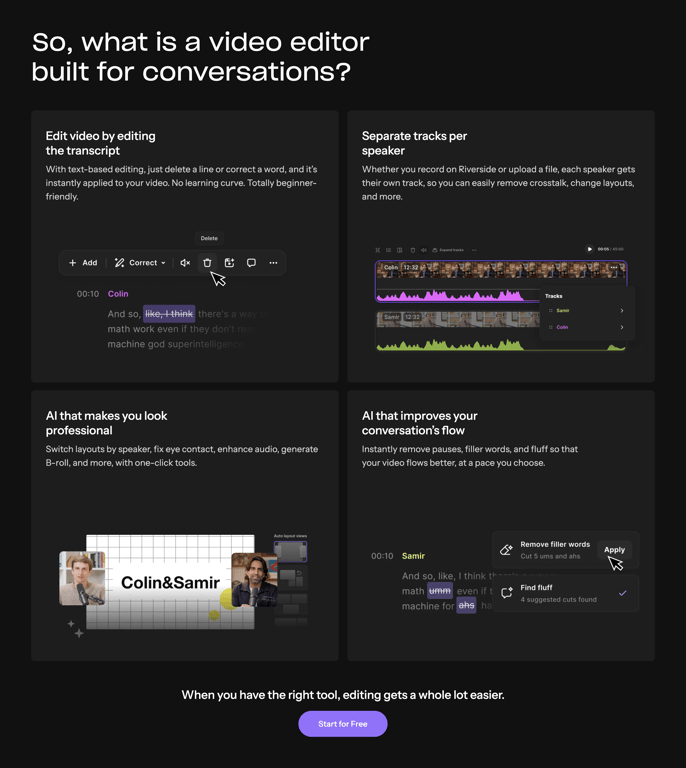

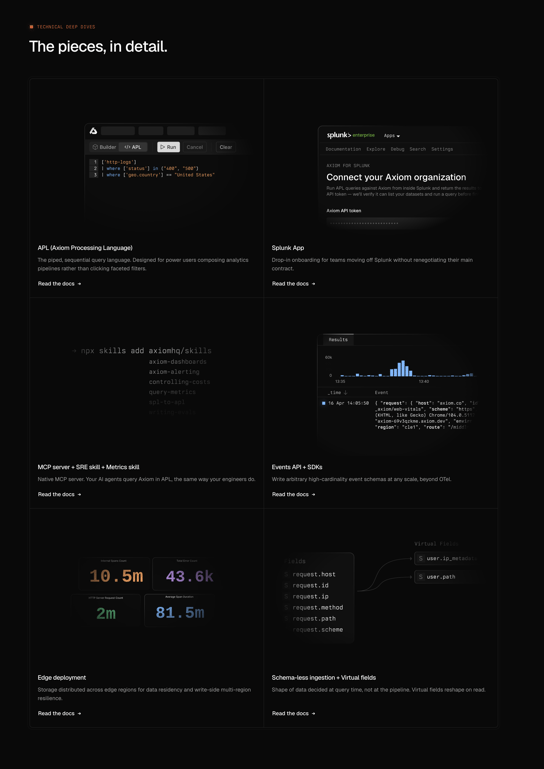

A technical overview page showcasing various features of a data processing and analytics platform with code examples, data visualizations, and conceptual diagrams.
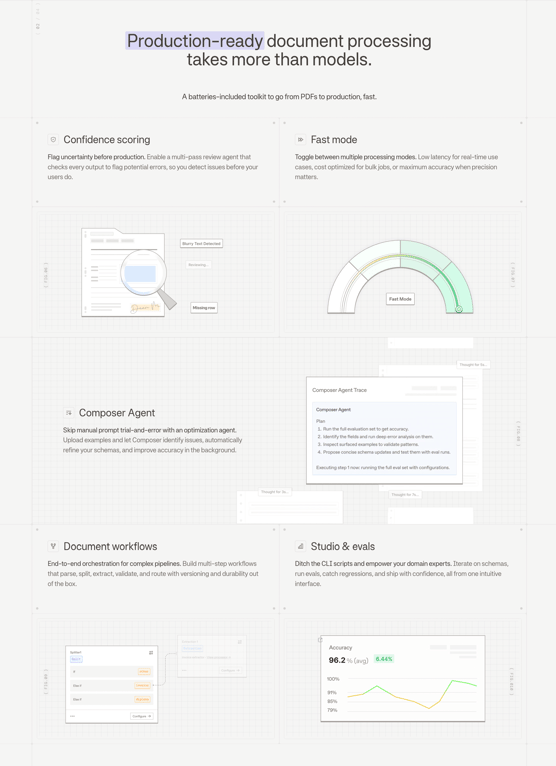

A product features page detailing a document processing toolkit with sections on confidence scoring, fast mode, agent-based processing, document workflows, and evaluation tools, using text, illustrations, and data visualizations.
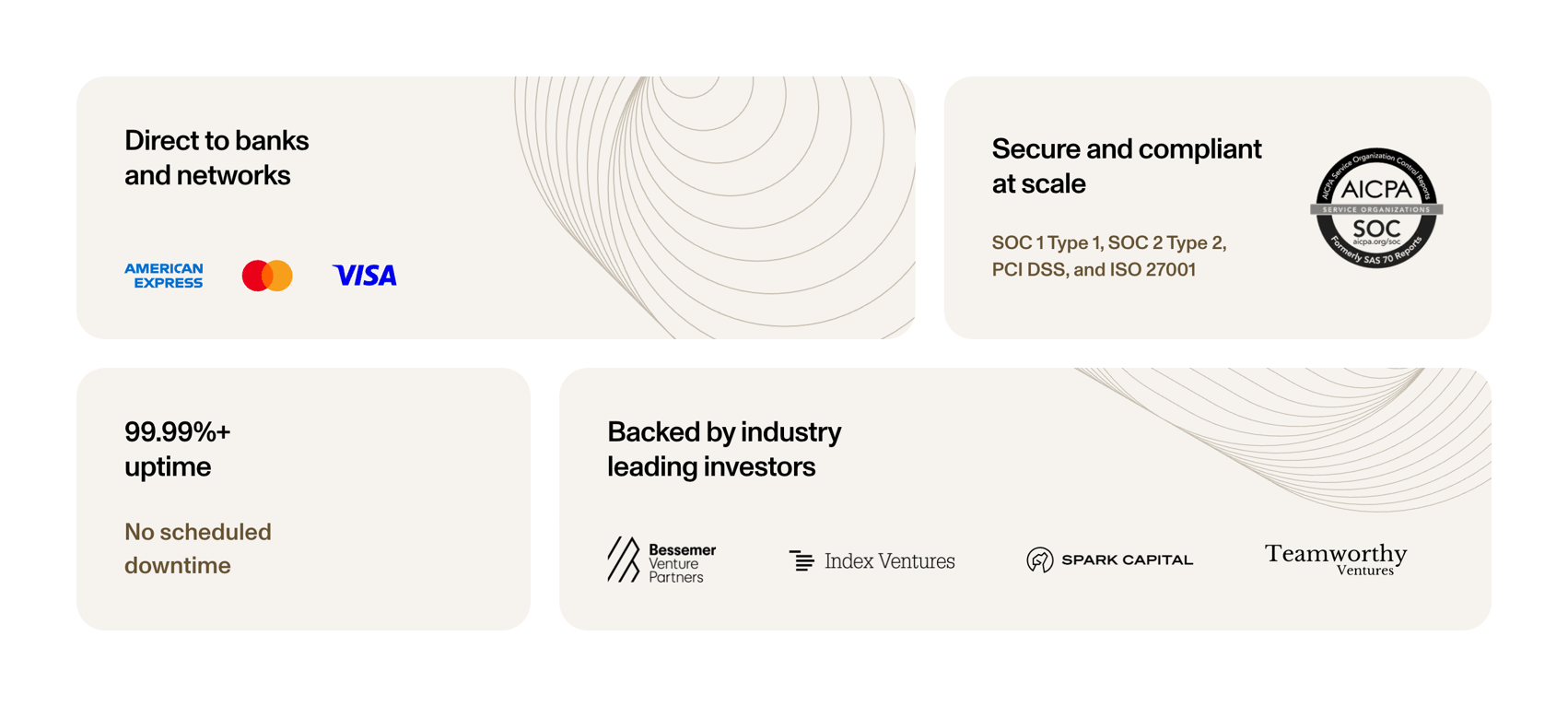

A section showcasing a company's reliability, security, and partnerships through various trust signals and logos.
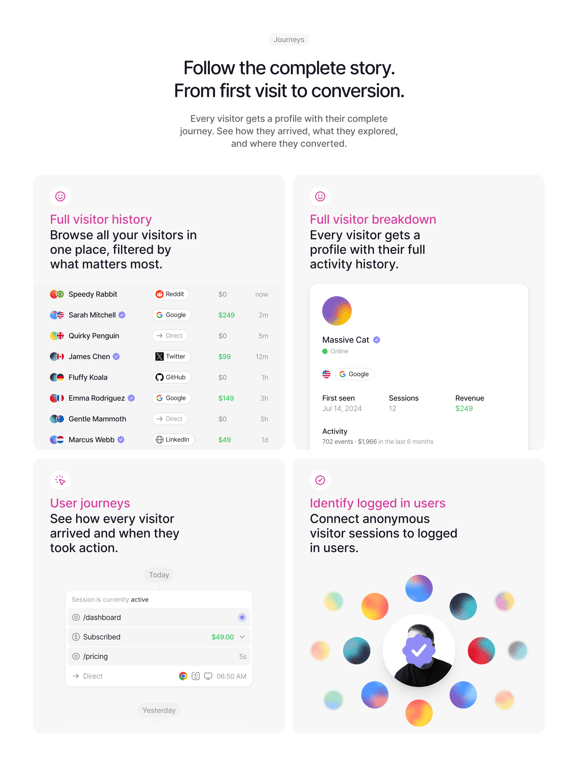

A web interface displaying visitor analytics, including history, breakdown, and user journeys, with a focus on conversion tracking.


A clean and modern web interface showcasing features of a project management and client collaboration platform, including task lists, timelines, and notifications.
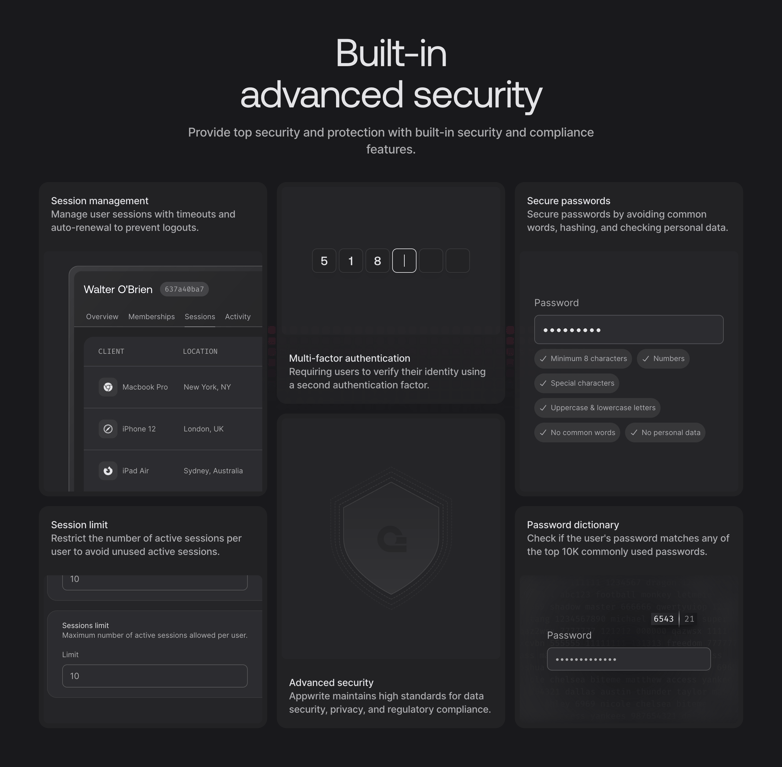

A dashboard displaying various security settings and user session information, including multi-factor authentication, password security, and session limits.
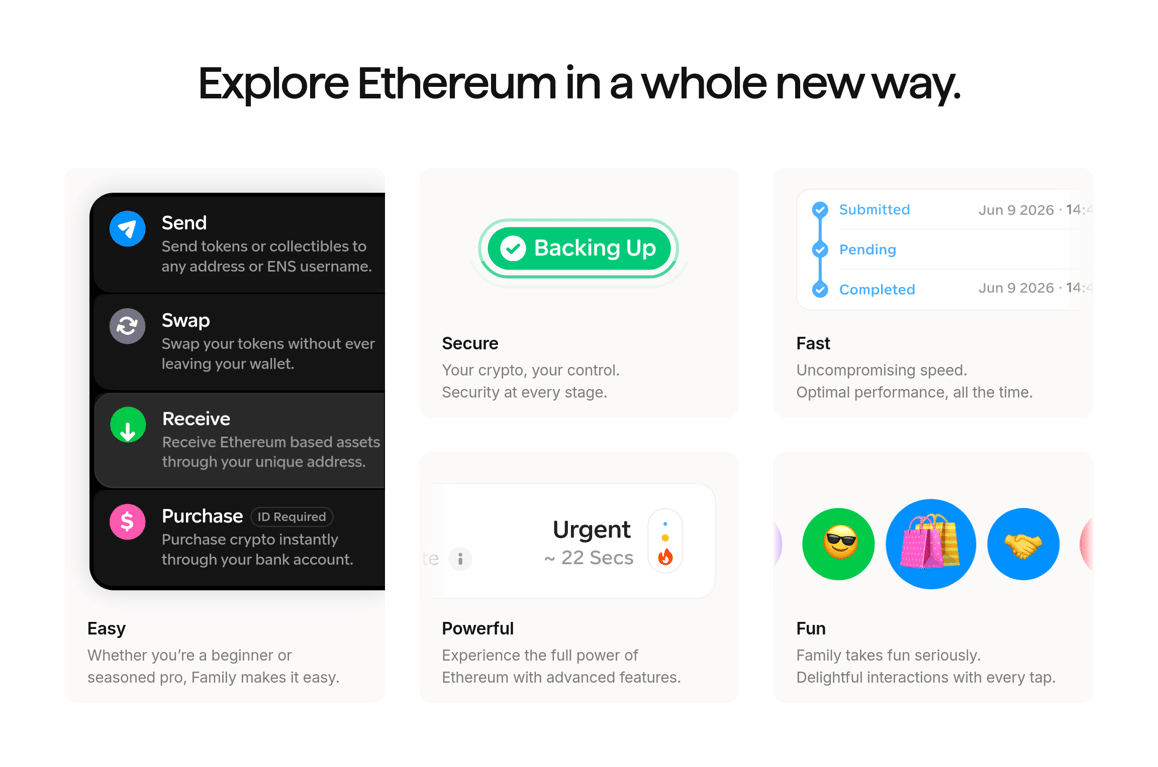

Displays multiple interactive feature cards highlighting wallet actions, security states, and transaction tracking on a marketing landing page
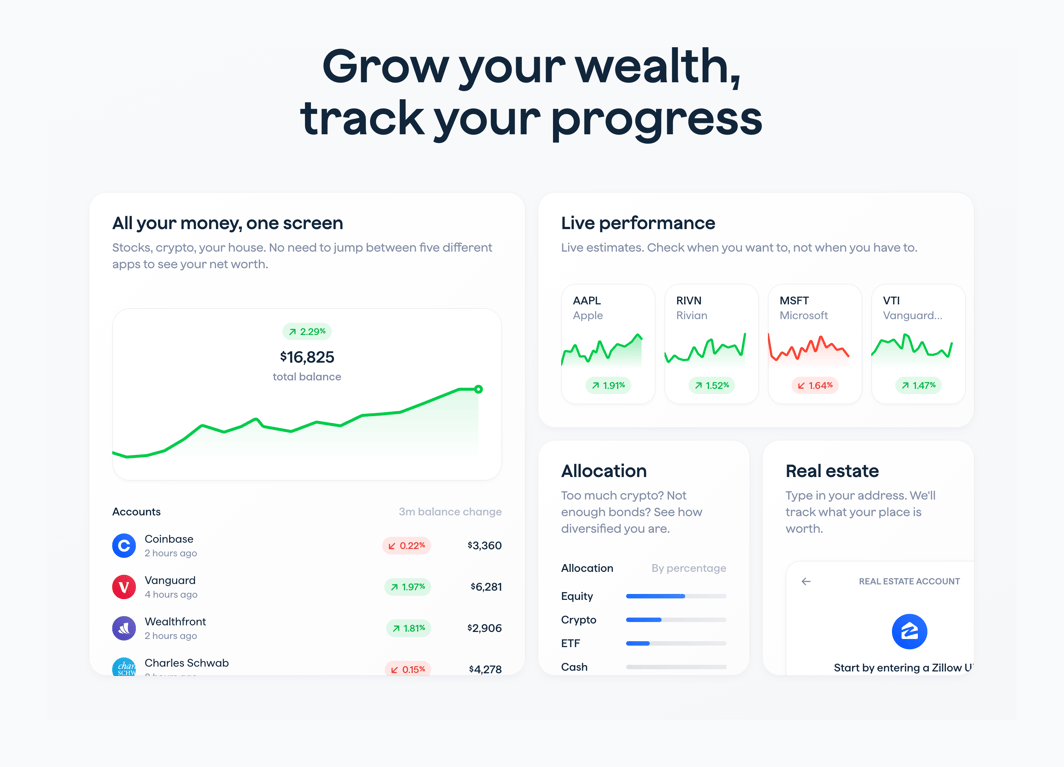

Displays key product capabilities through app UI mockups on the marketing landing page
Browse the full component library
See 275 more Components.
Trusted by the best teams








About Bento box
Explore how websites arrange features in a grid of differently sized panels. Look at how text and imagery share each panel and how the layout establishes a reading order.