Skiff user flows examples
Explore Skiff user flow examples. Preview the opening screens and steps for each task. Skiff is the privacy-first workspace for free thinkers
Preview these flows

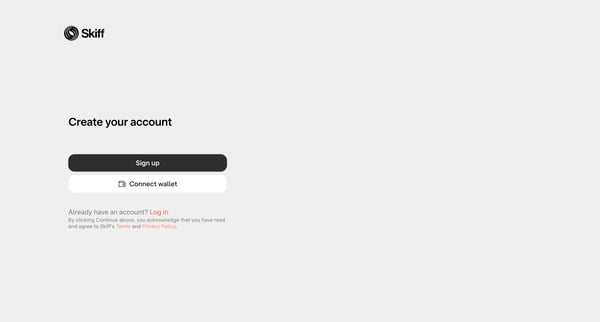
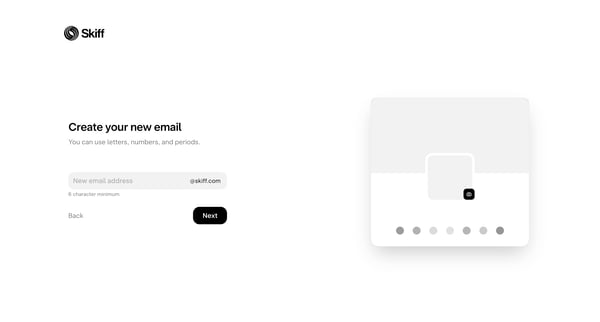
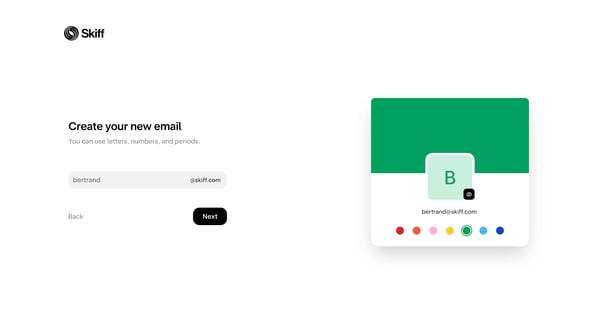
This flow guides a user through the process of creating a Skiff account, setting up a new email, creating a strong password, securing the account with a recovery key, and setting a backup ema
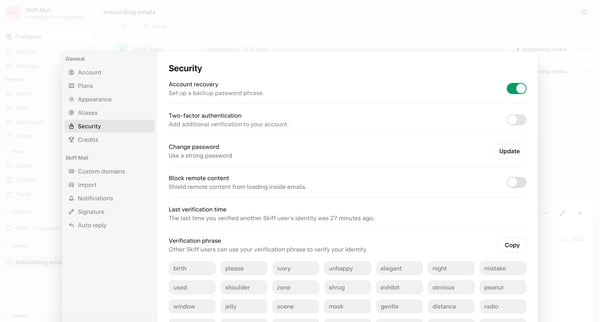
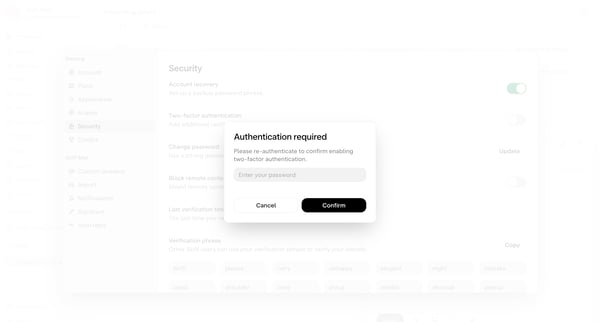
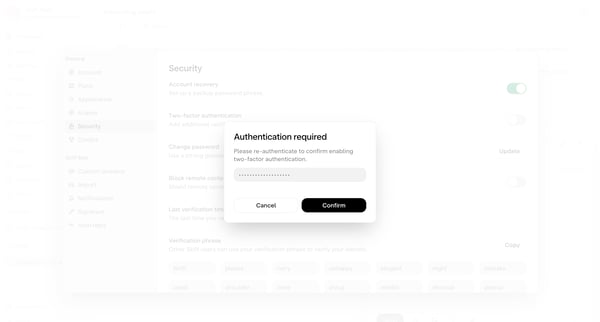
This flow guides a user through the steps required to set up multi-factor authentication for their account, increasing security.
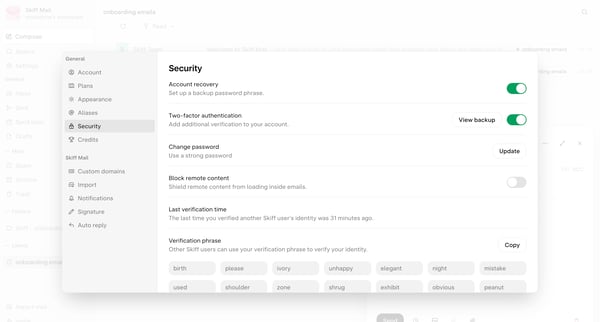
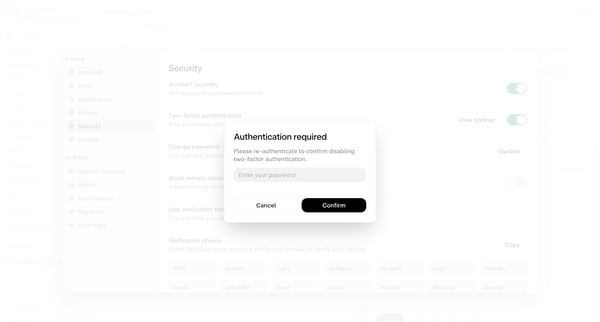
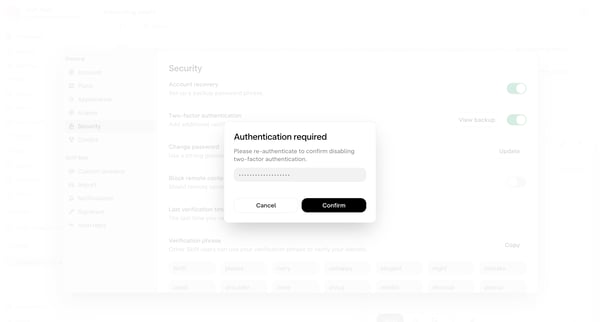
This user flow guides a user through the process of disabling Multi-factor authentication on their account.
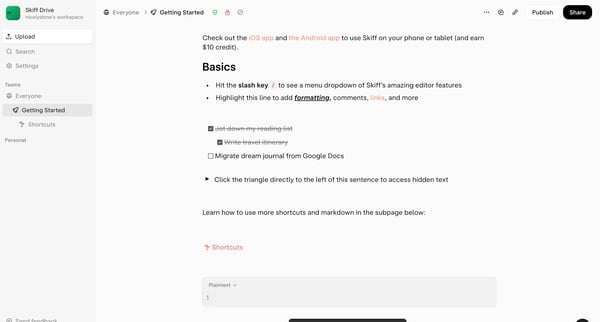
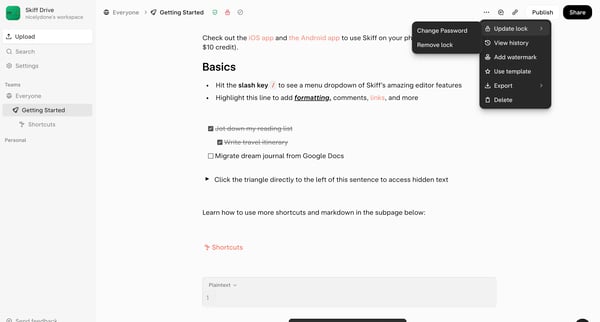
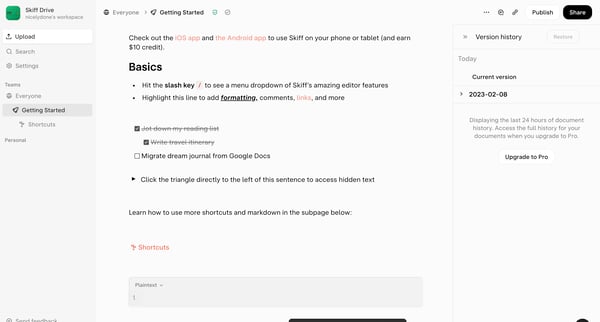
This flow enables users to revert a document to a previously saved version within Skiff by displaying version history, selecting a version, and confirming the restoration.
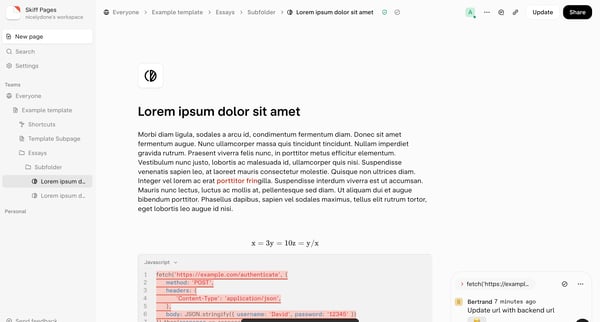
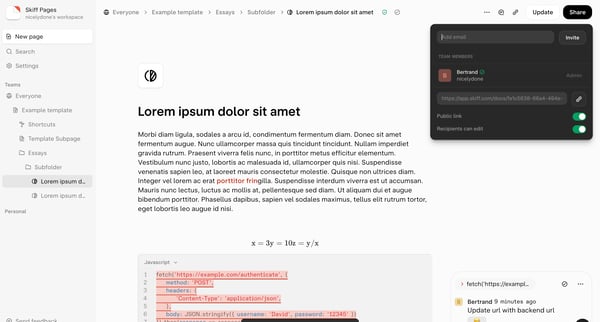
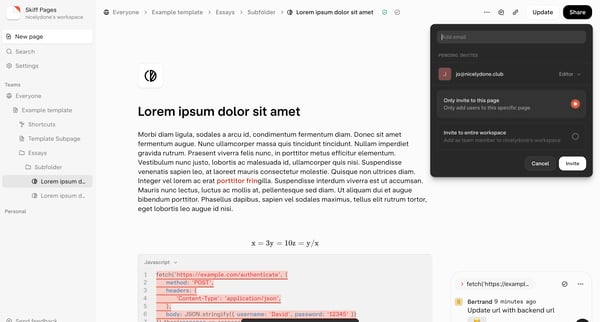
This flow enables a user to share a Skiff Page with designated team members or guests, manage permissions, and resend/share the invitation link.
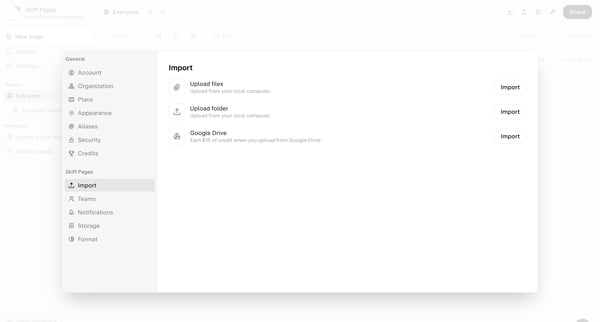
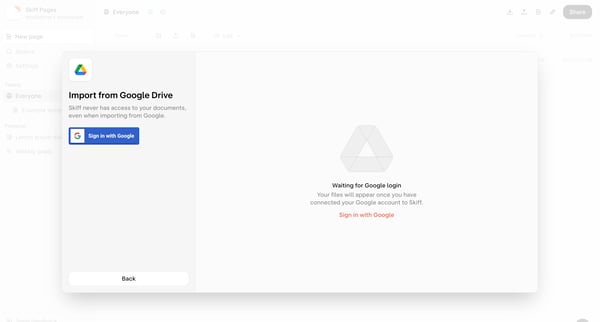
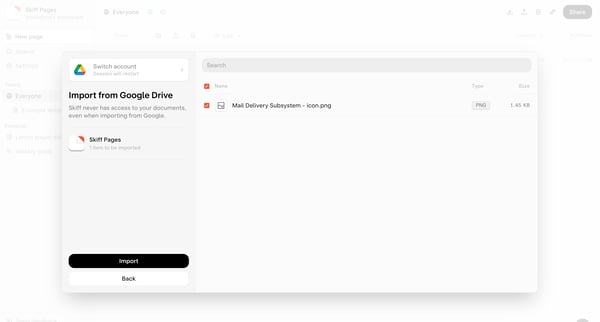
This flow outlines the process of importing a file from Google Drive into Skiff, tracking from the selection of import source through authorization, file selection, uploading, and sharing the
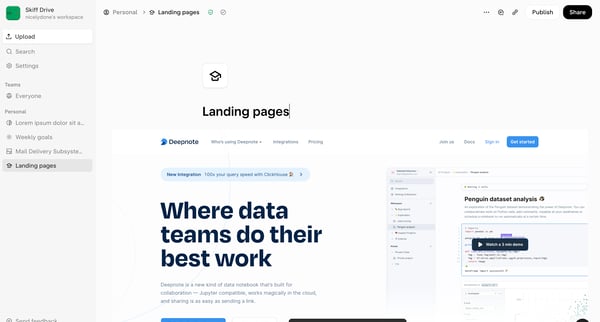
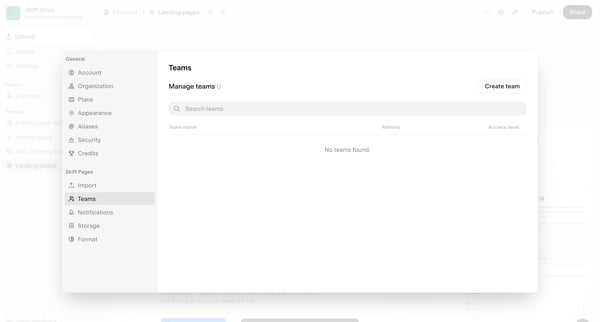
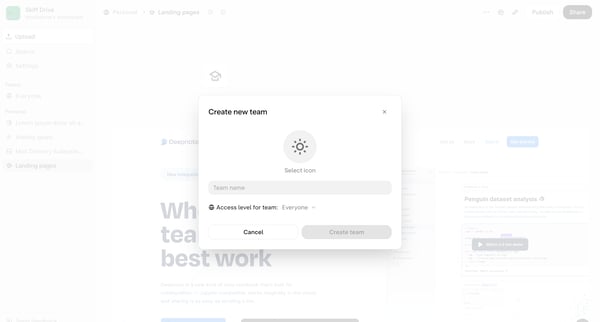
This flow guides users through the process of creating a new team within their workspace, from initial setup to completion.
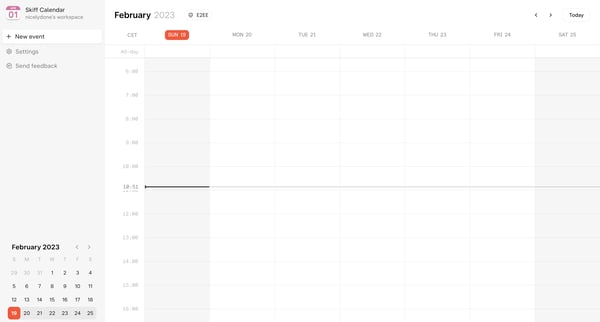
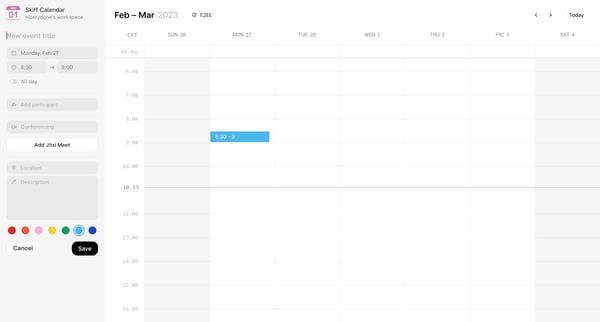
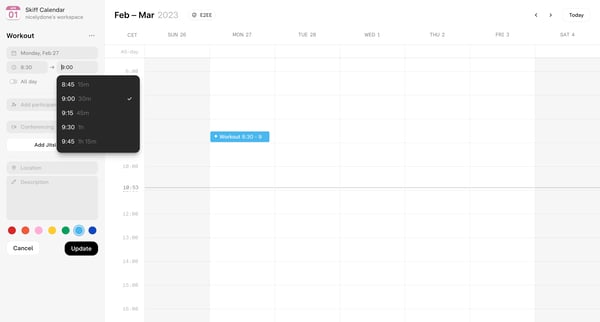
This flow enables users to create, customize, and finalize a new event within a calendar application.
Explore the full SaaS flow library
Browse the full SaaS flow library.
Trusted by the best teams







