Flyout menu UI examples
Flyout menu UI design examples from SaaS apps. Explore how interfaces reveal navigation or actions beside a trigger. Look at how flyout panels group destinations and connect their content with the…
Explore the examples
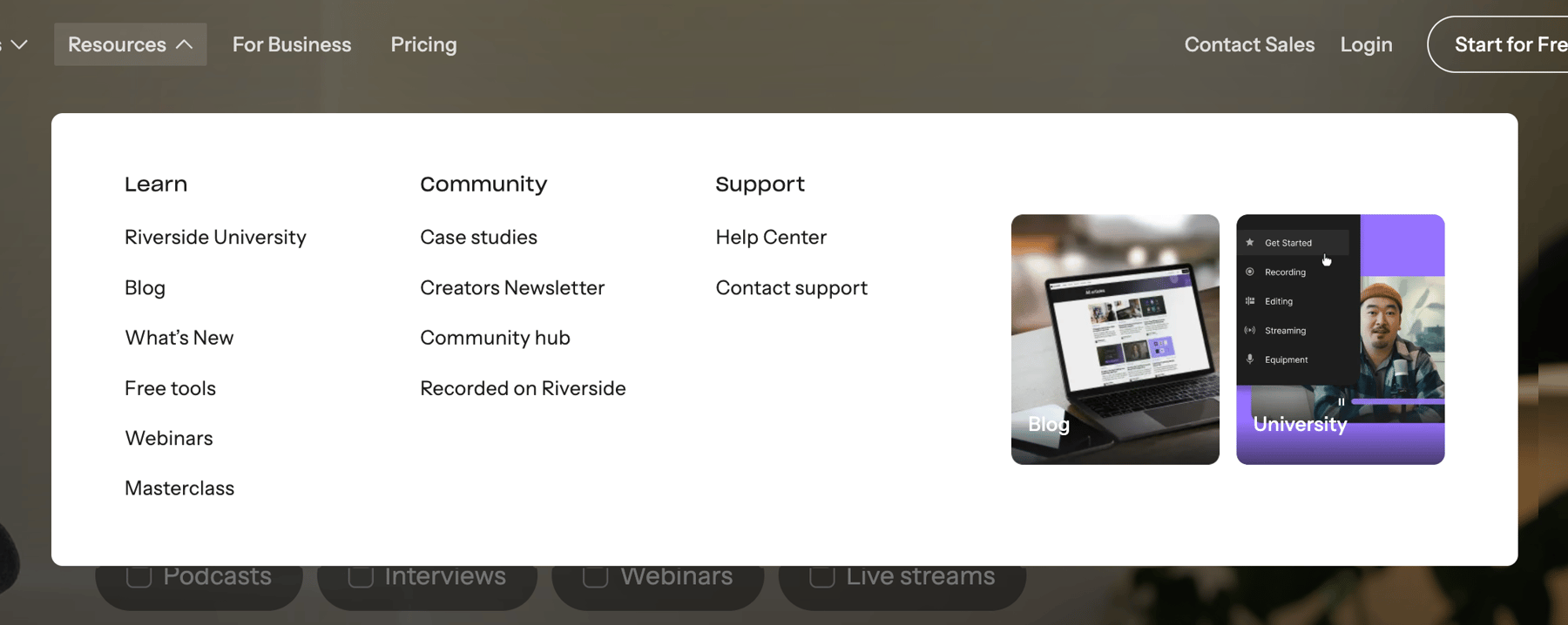

A mega menu displaying resources, community, and support links, along with visual cards showcasing product features and content.
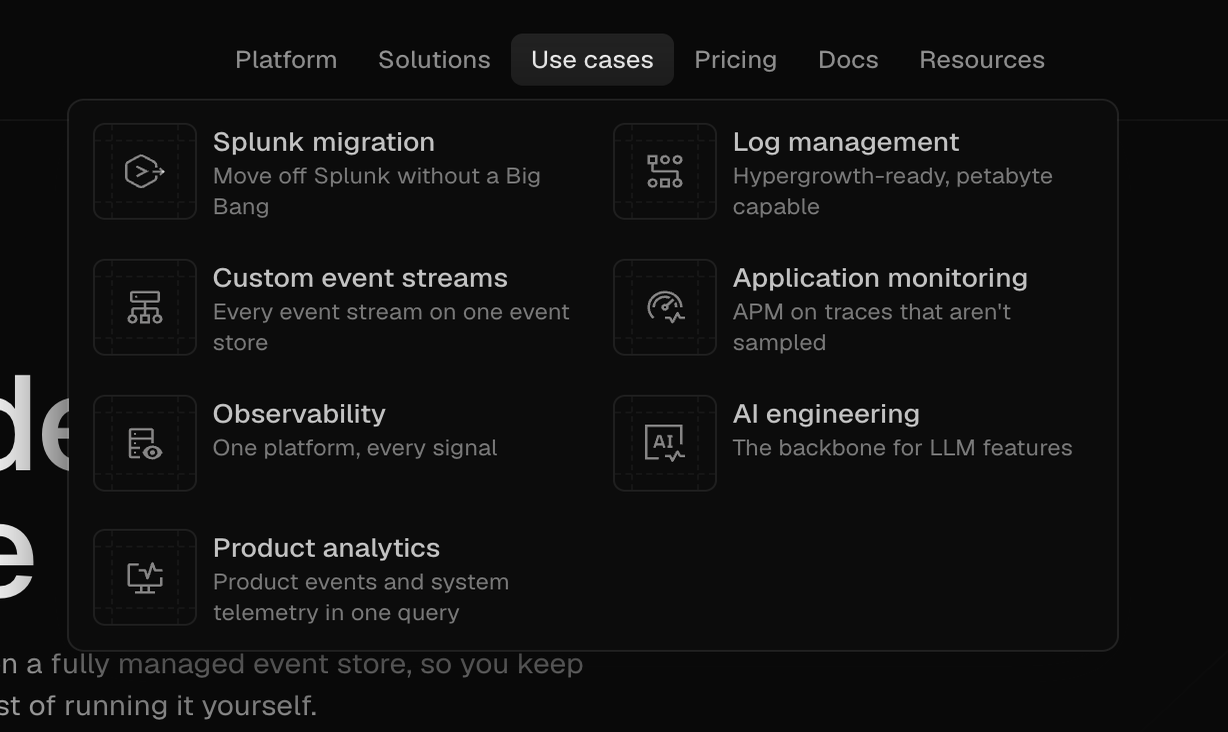

A dark mode dropdown menu displaying various product use cases with icons and descriptions.
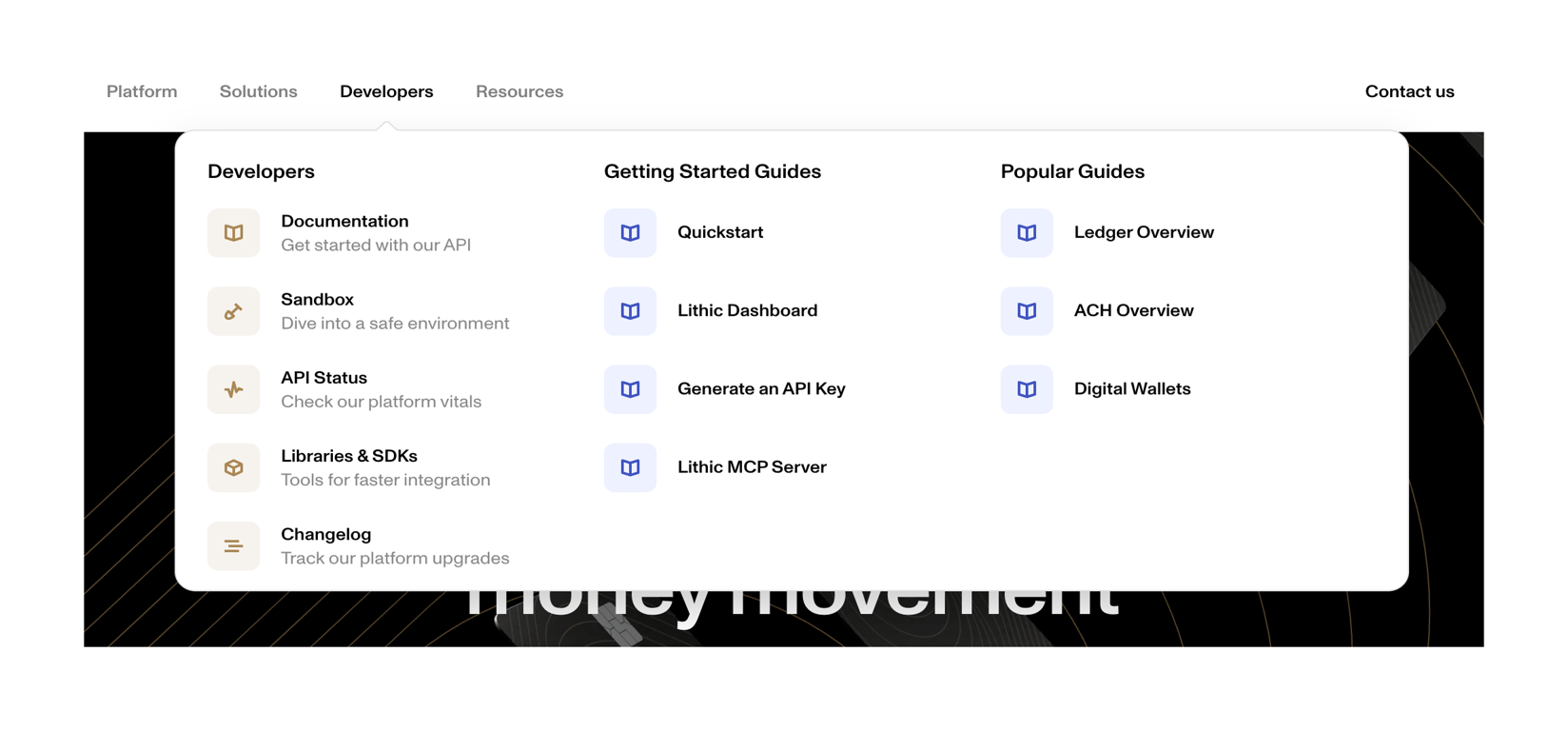

A dropdown navigation menu displaying developer resources and guides.
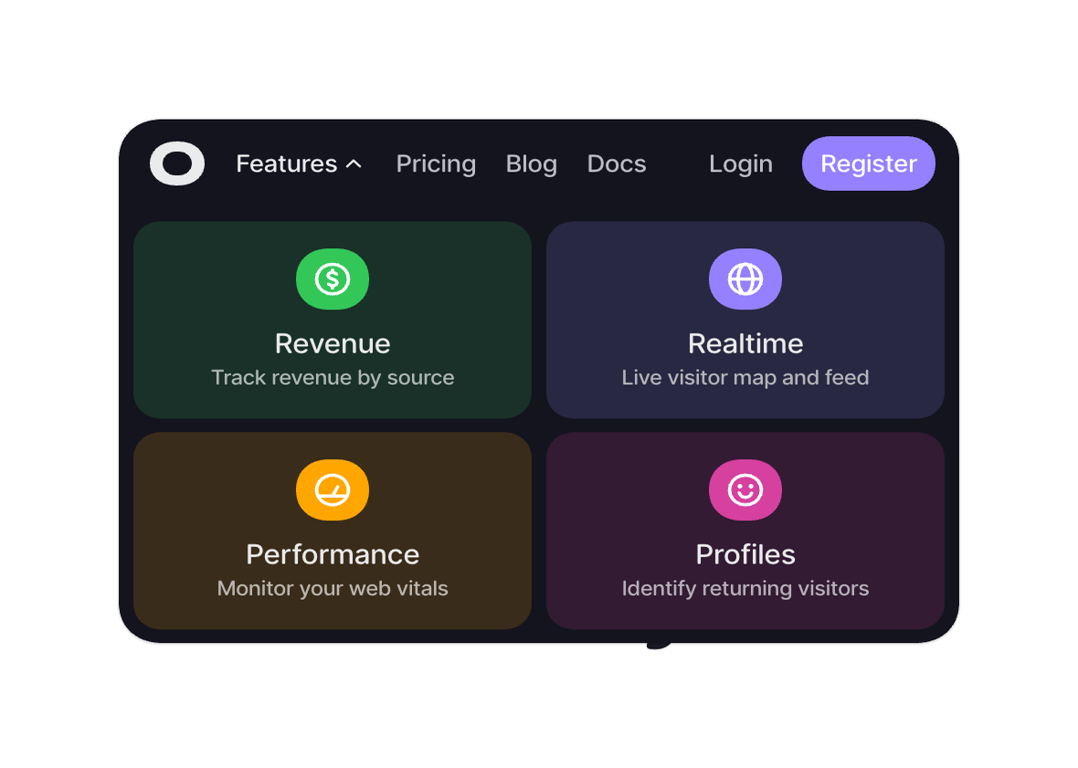

A dropdown menu displaying various features of a web analytics or business intelligence platform, with navigation links at the top.
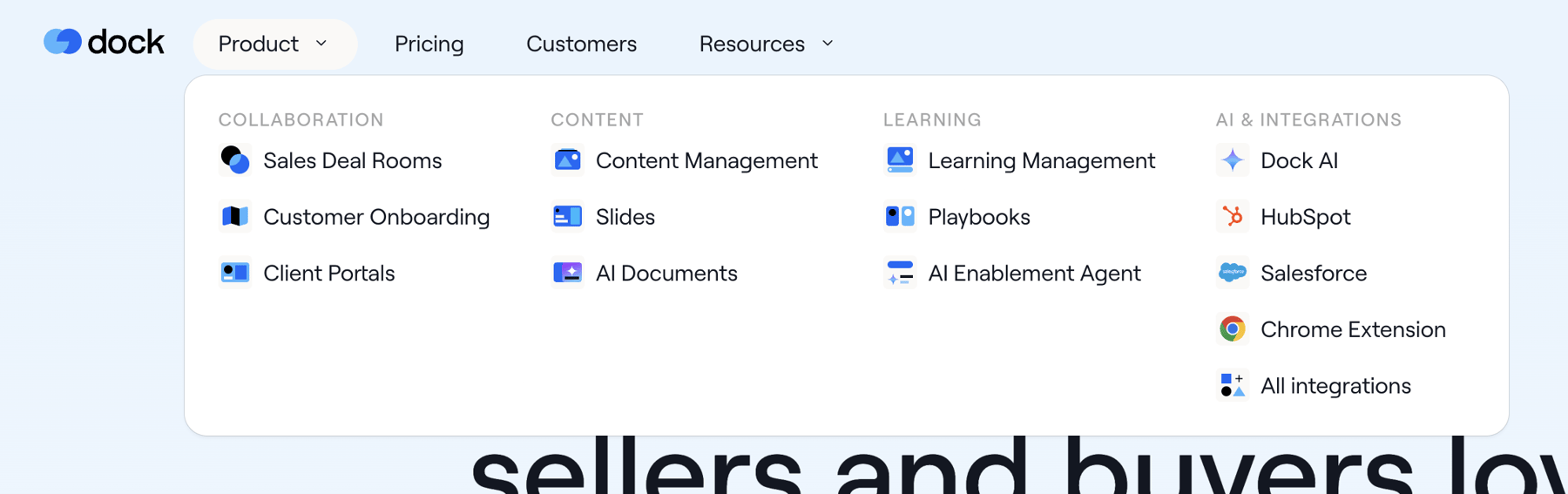

A dropdown menu displaying product features categorized under collaboration, content, learning, and AI & integrations.
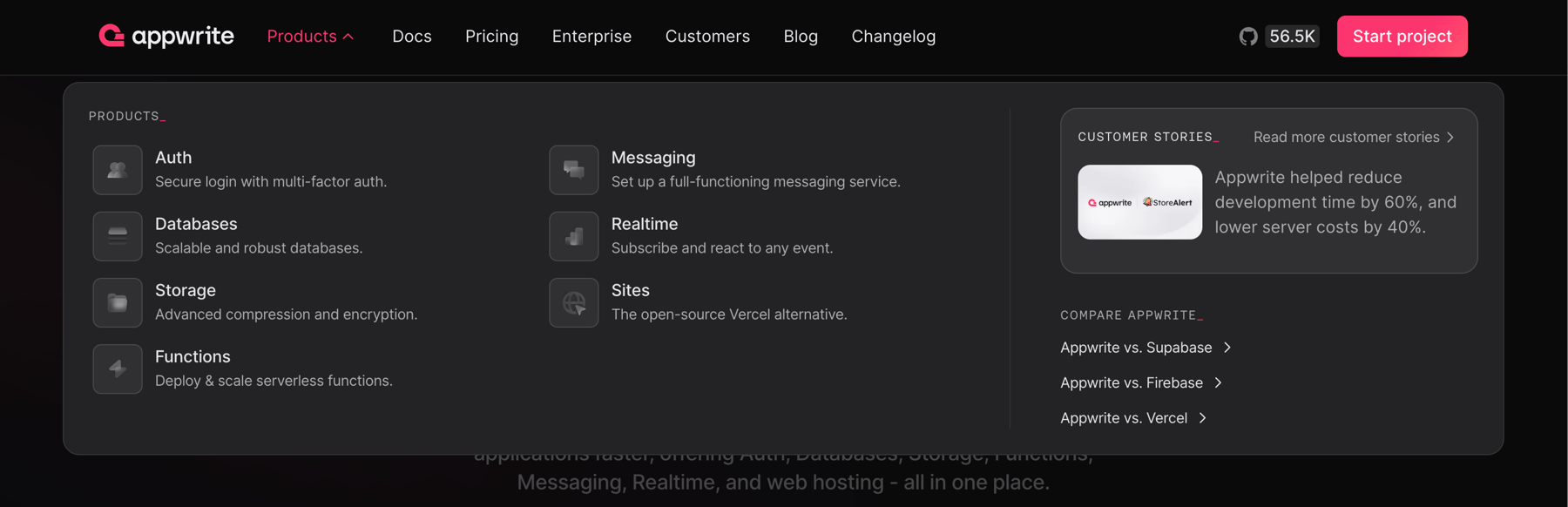

A mega menu displaying product categories, customer stories, and product comparisons for a development platform.
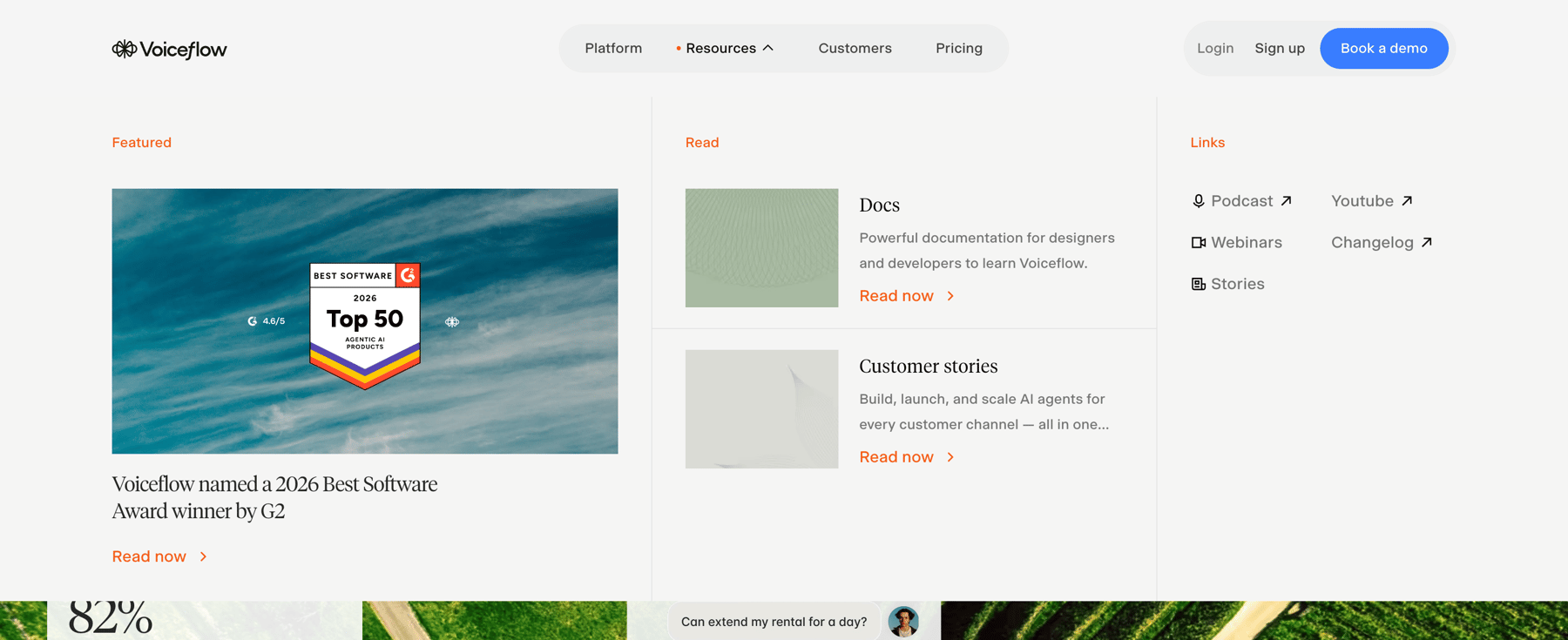

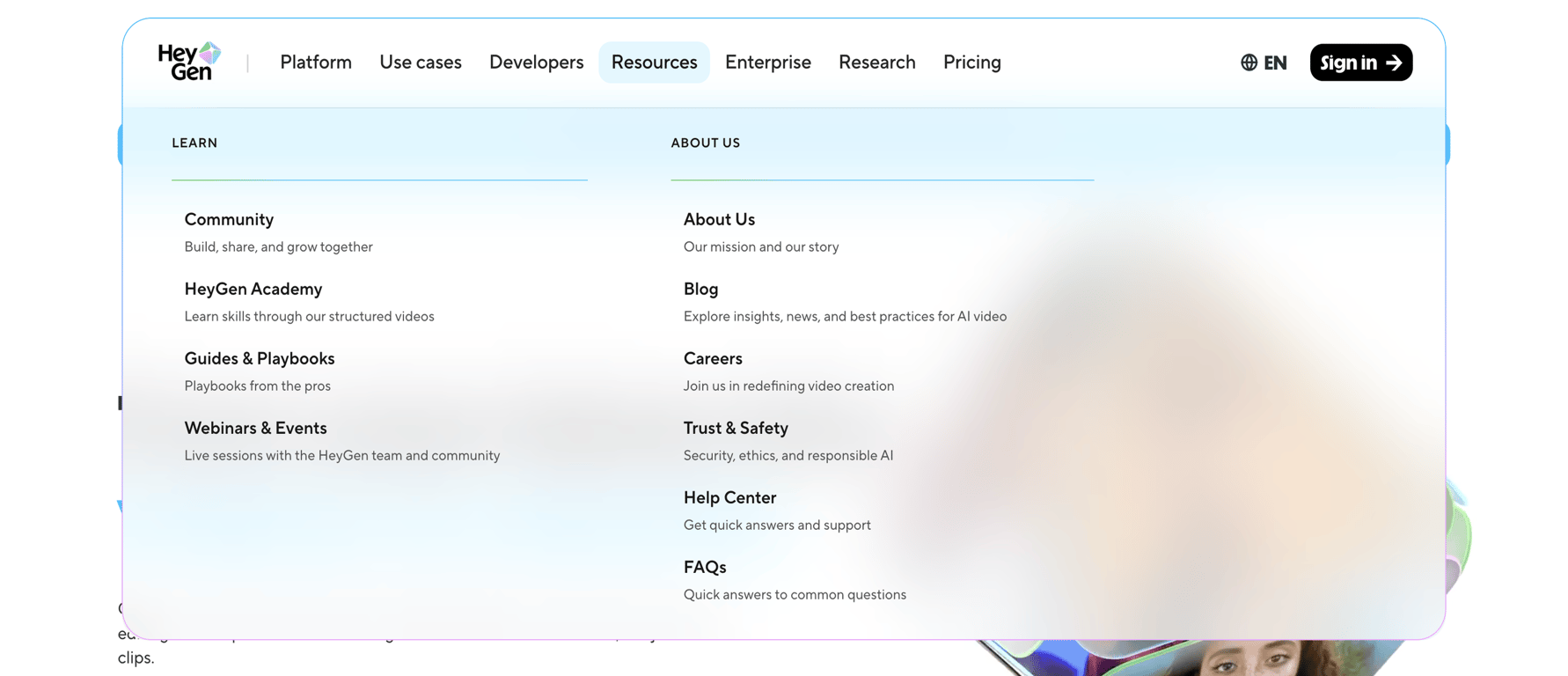

Displays categorized navigation links split into LEARN and ABOUT US sections with descriptions.
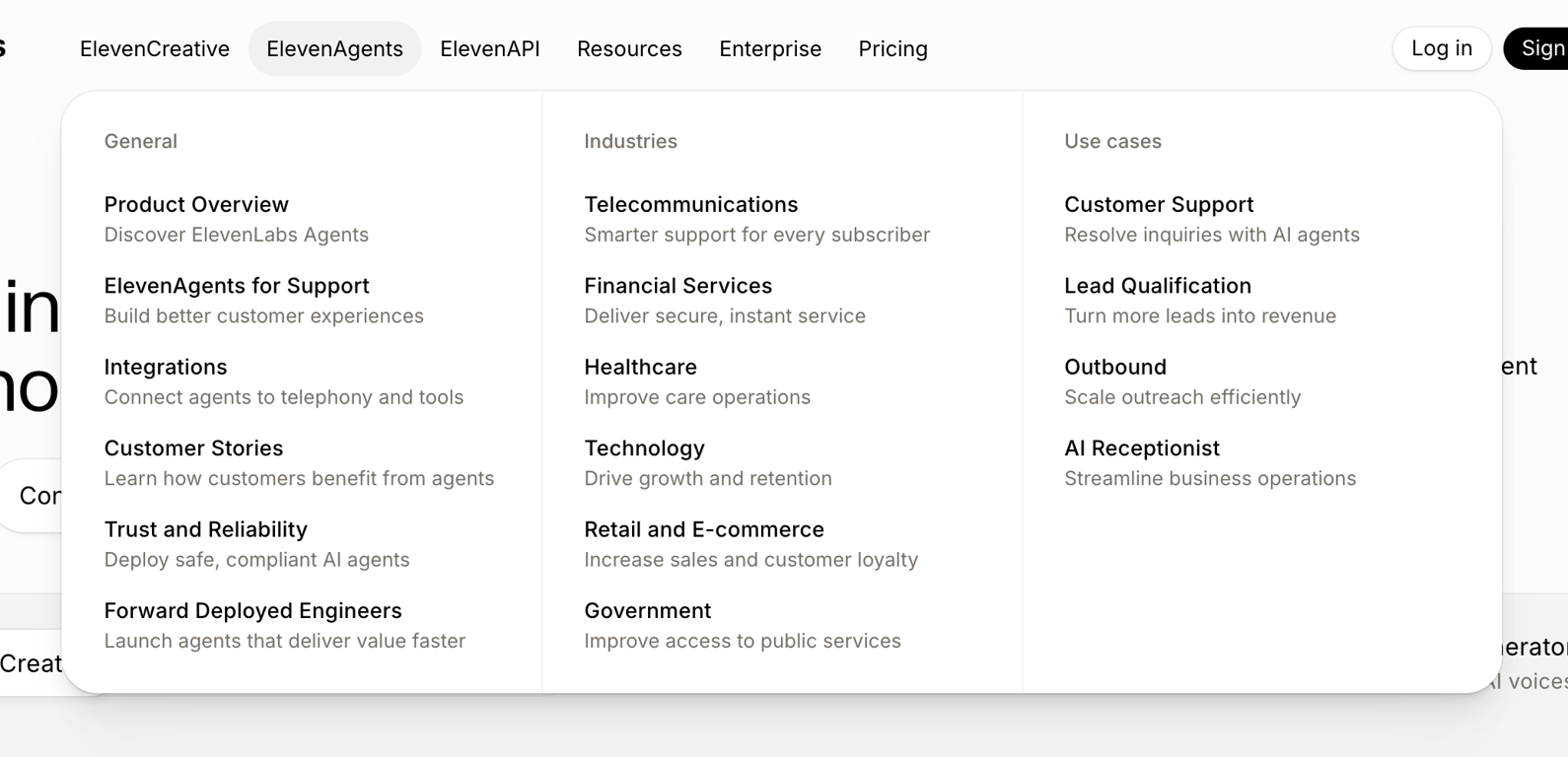

A dropdown menu displaying product features, industries, and use cases for AI agents.
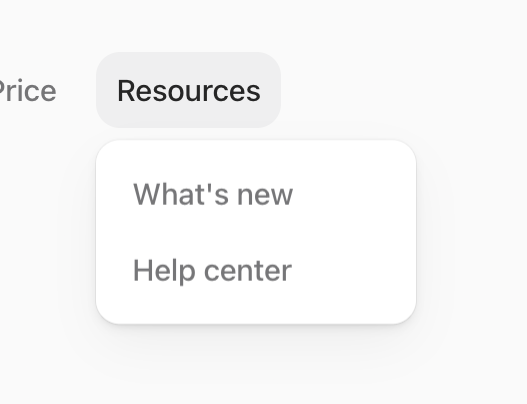

A dropdown menu displaying resource options like 'What's new' and 'Help center' triggered by a 'Resources' button.
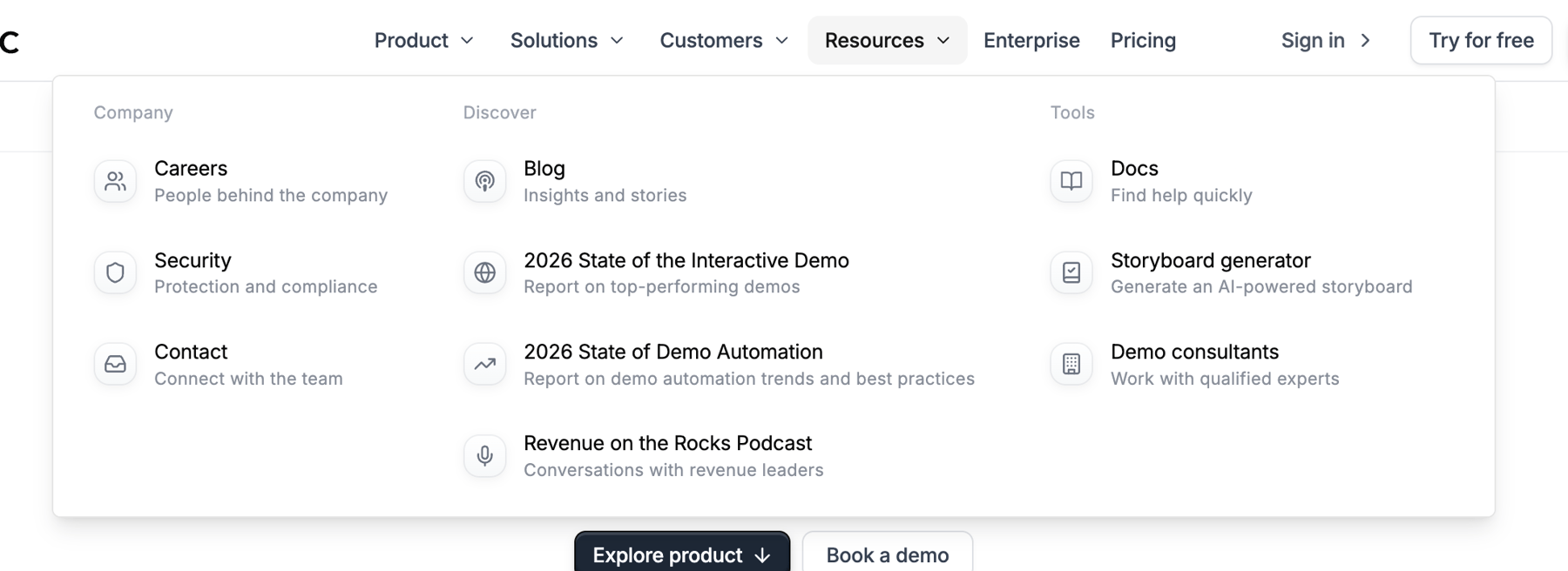

A mega menu displaying categorized resources for a company website, including company information, discovery content, and tools.
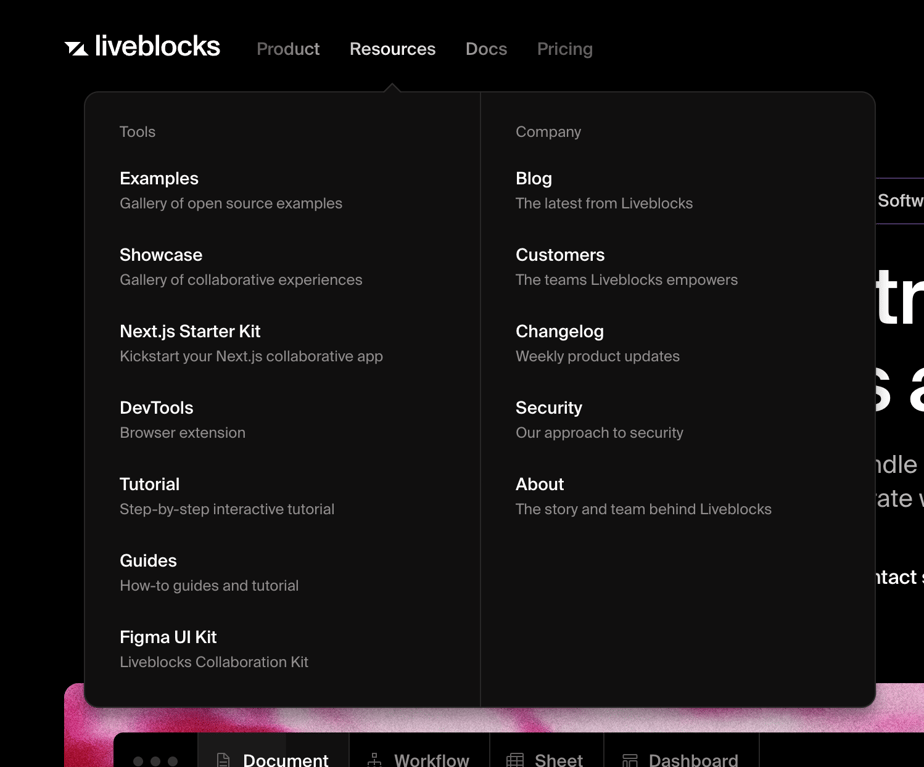

A dropdown menu displaying resources and company information, part of a global navigation bar.
Browse the full component library
See 233 more Components.
Trusted by the best teams








About Flyout menu
Explore how interfaces reveal navigation or actions beside a trigger. Look at how flyout panels group destinations and connect their content with the surrounding menu.