Configuring model catalog
User accesses AI model catalog settings to manage provider routing, filter models by provider, and review token limits and capabilities across multiple list and table views
Preview these flows

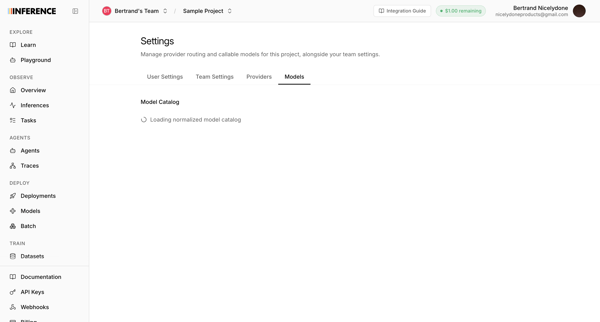
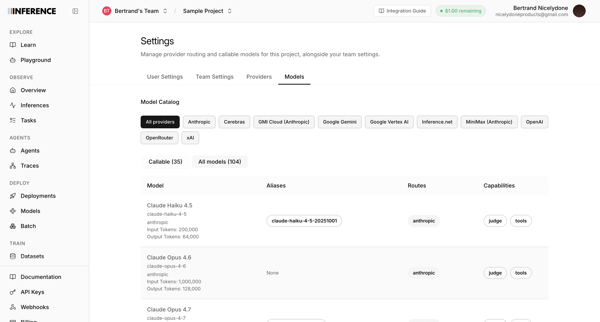
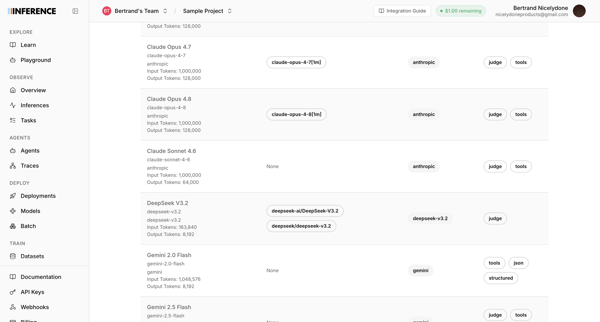
User accesses AI model catalog settings to manage provider routing, filter models by provider, and review token limits and capabilities across multiple list and table views
Related user flows

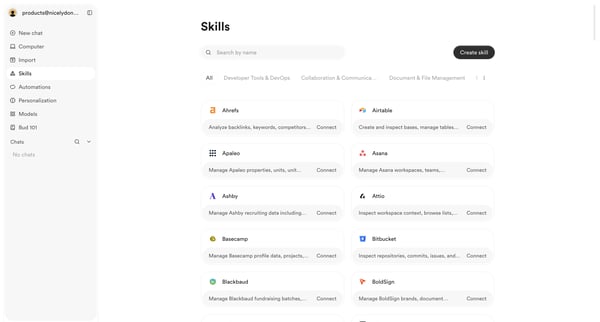
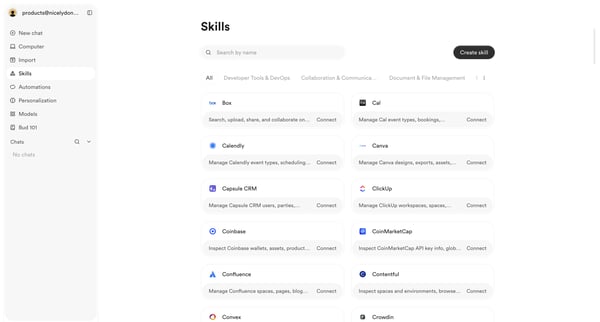
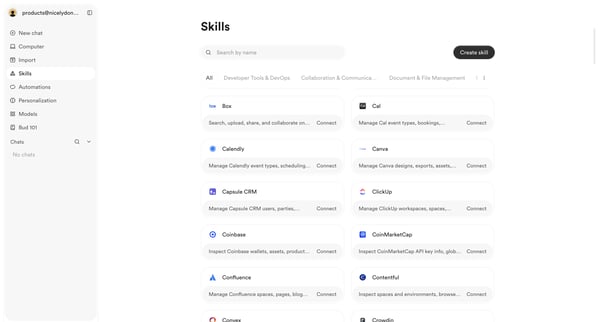
User browses, searches, and filters the skills integrations directory to discover and connect third-party tools

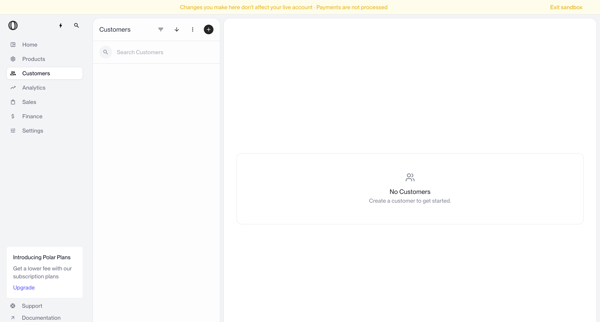
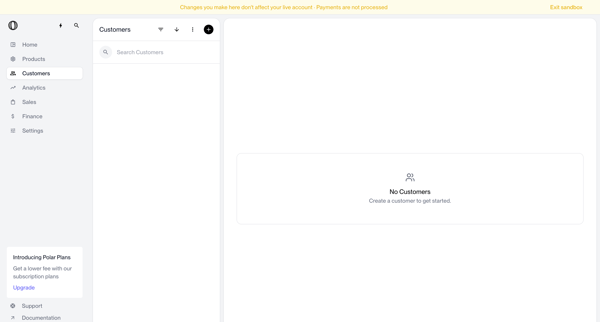
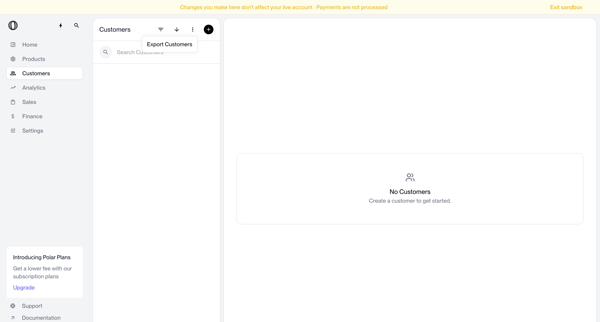
Navigating empty customer list states in sandbox with search bar, filter options, and create prompts visible

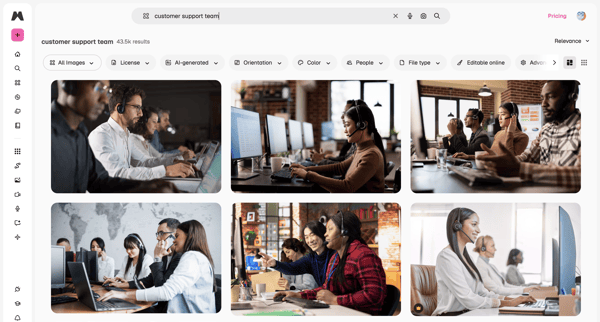
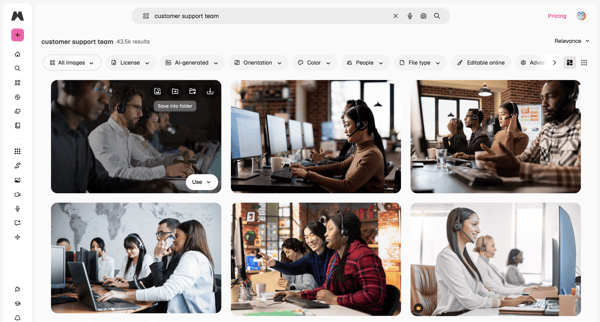
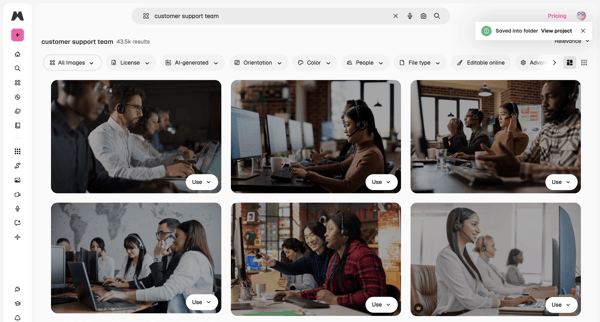
User enters search query for stock images, browses masonry grid results, applies filters by license/orientation/color, views AI suggestions in overlay, and saves or downloads assets

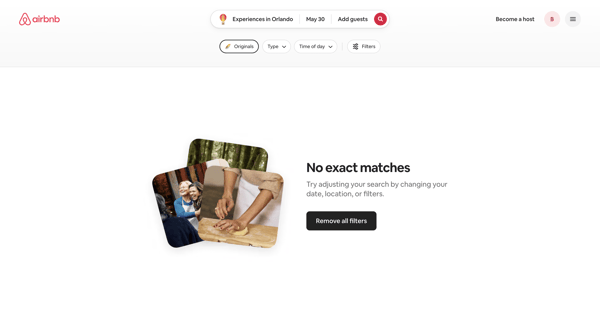
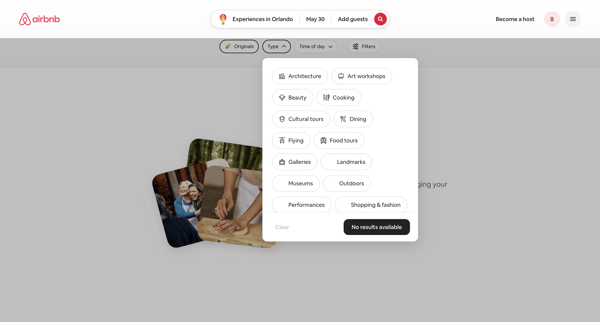
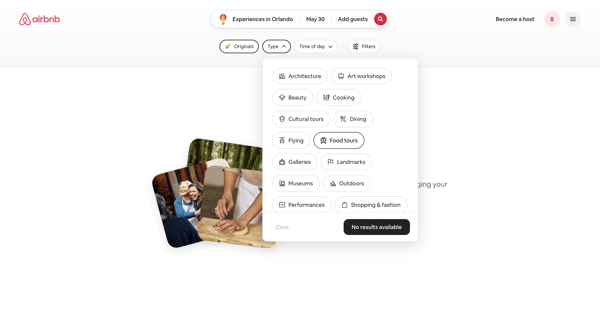
User refines Airbnb experience search results via popovers and modals, encountering repeated empty states while selecting categories, dates, price, and traveler groups until results populate

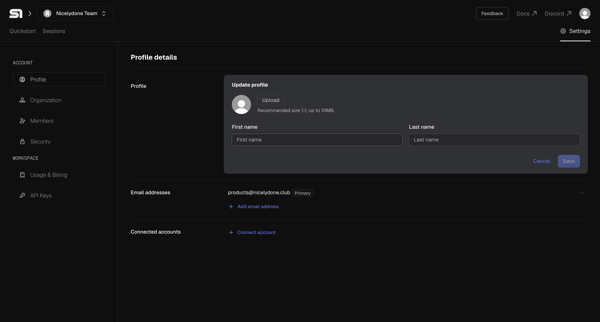
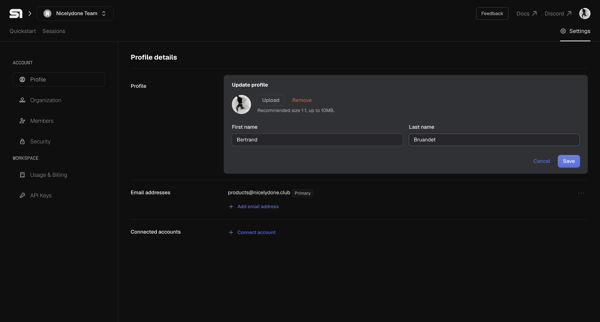

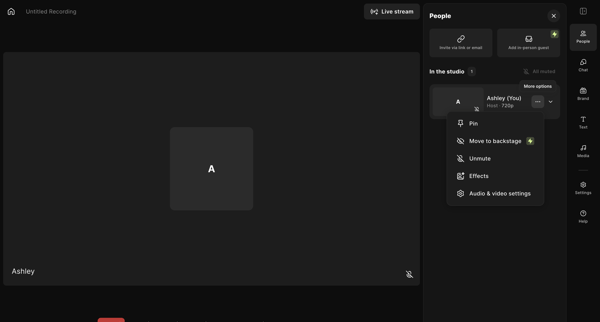
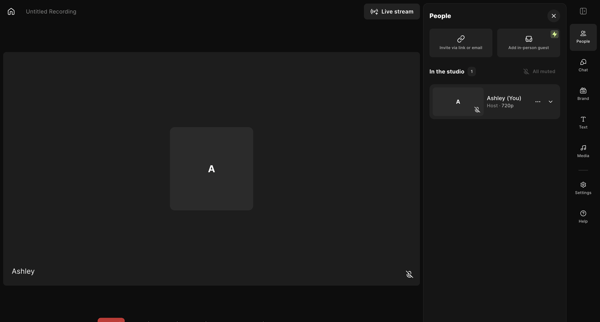
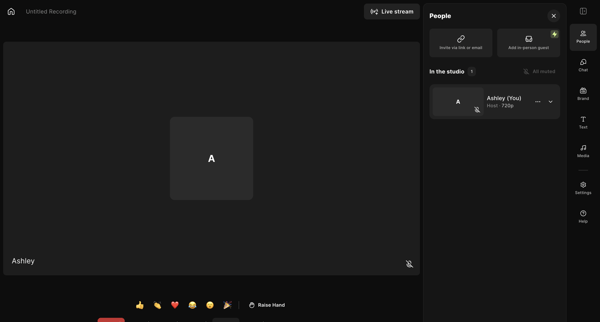
Host enters live recording studio to manage participants, configure AV and layout settings, add media assets, write scripts, and prepare for podcast or video capture

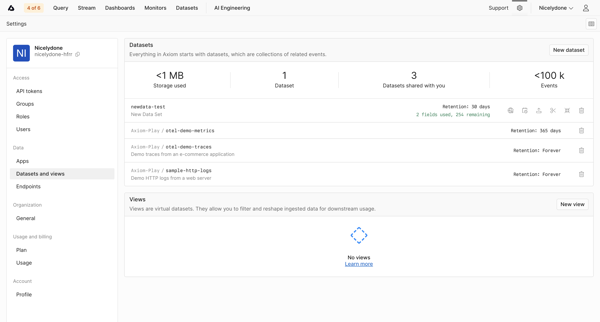
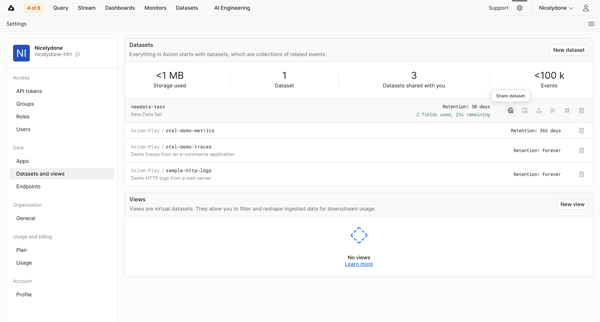
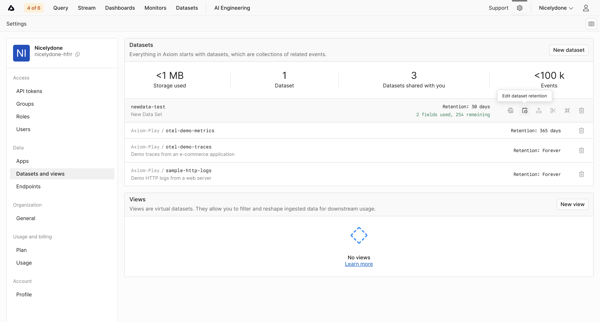
Navigating datasets settings page to monitor storage KPIs, list datasets and views, and configure retention policies

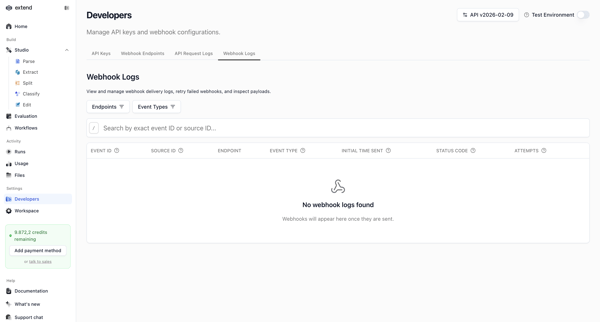
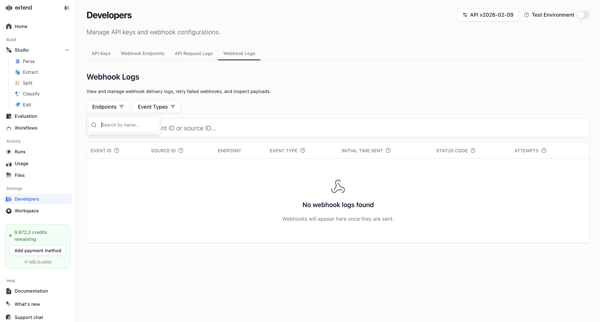
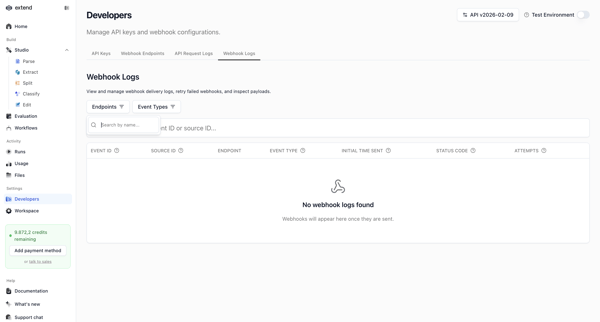
Developer accesses webhook settings page to search, filter, and view delivery logs, shown in multiple empty states with filter popovers and table views

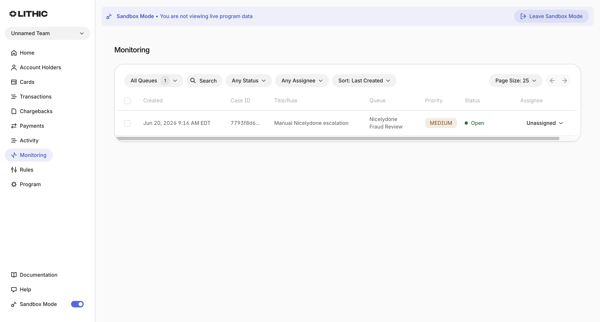
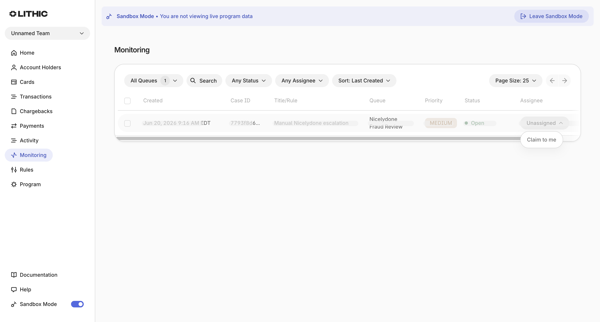
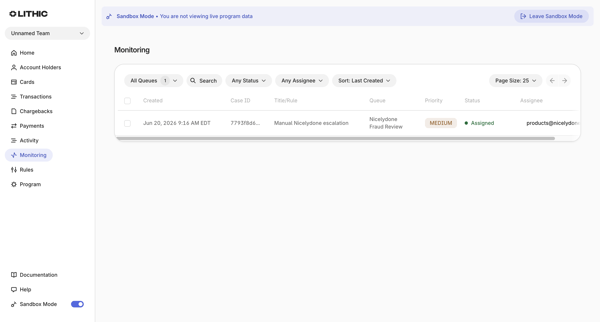
User applies filters for queues, status, assignee, search token, and sort on monitoring cases list in sandbox mode

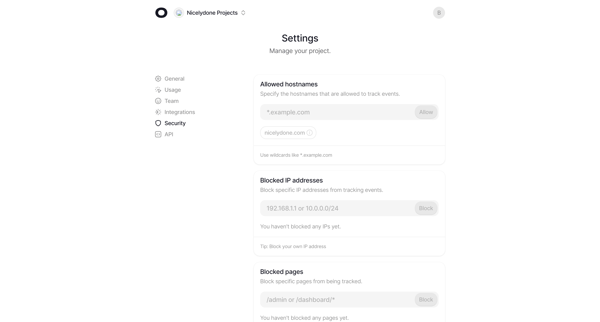
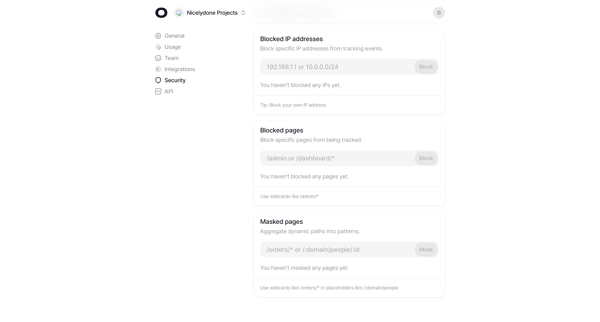
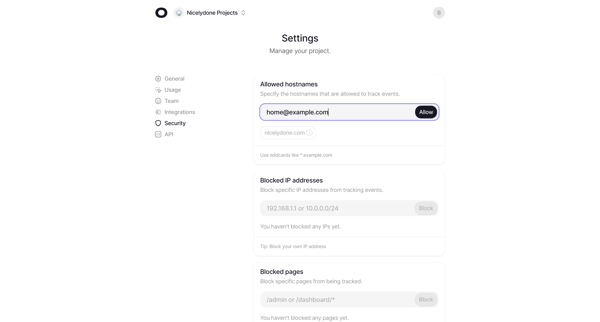
User configures allowed hostnames, blocked IP addresses, blocked pages, and dynamic path masking across multiple states of the security settings page

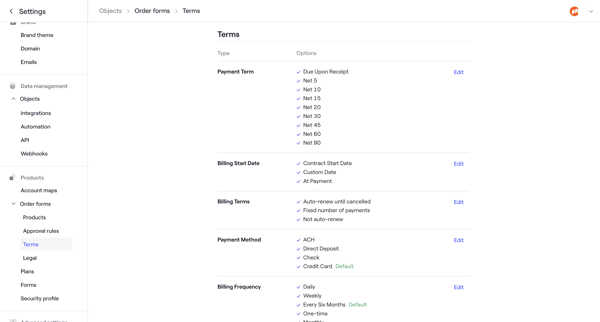
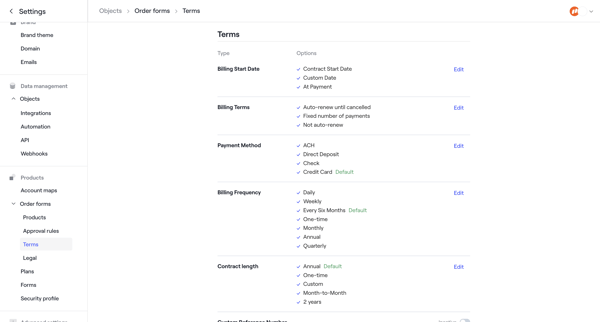
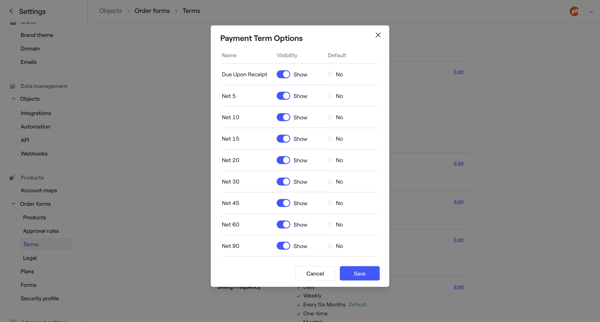

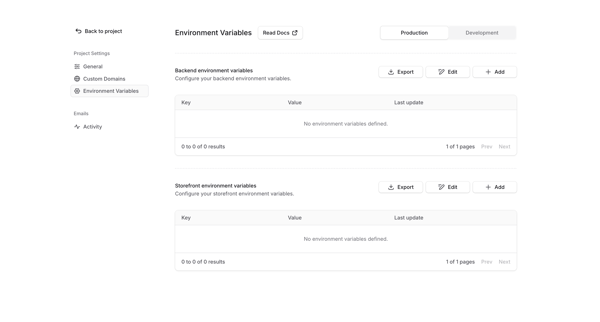
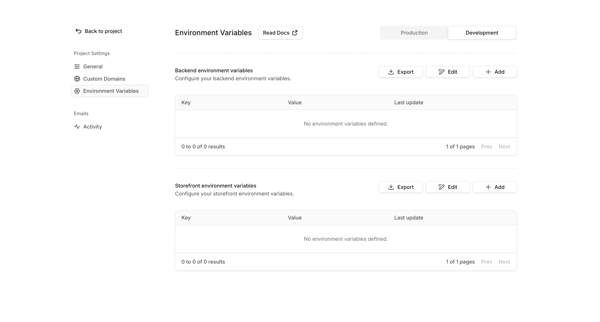
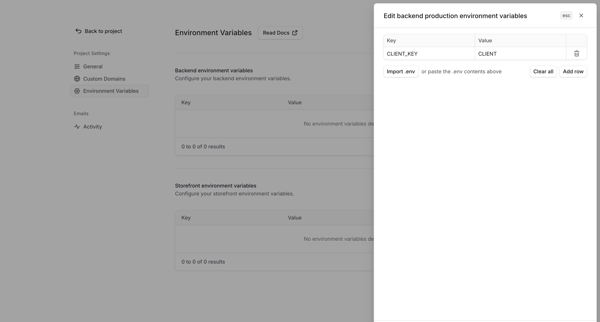
User manages backend and storefront environment variables for production and development environments via settings page with table, empty state, and edit drawer supporting manual entry or .env import
Explore the full SaaS flow library
Browse the full SaaS flow library.
Trusted by the best teams







