Inference user flows examples
Explore Inference user flow examples. Preview the opening screens and steps for each task. Build and monitor self-improving agents.
Preview these flows

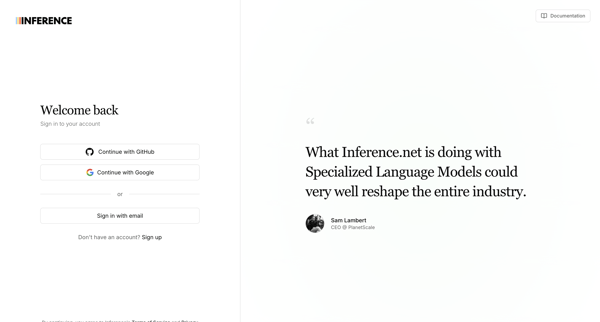
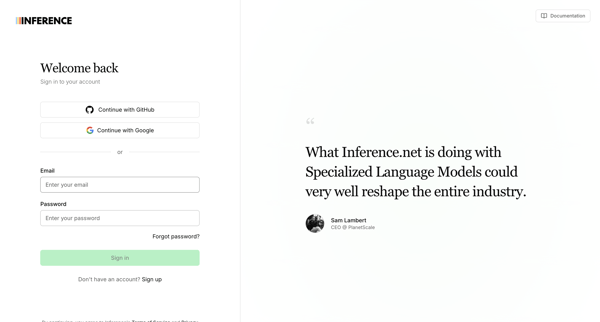
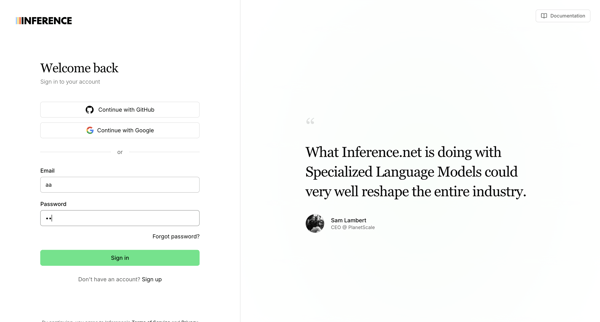
Authenticating via OAuth providers or email/password on split-screen sign-in pages that include customer testimonials, with multiple default and error states shown
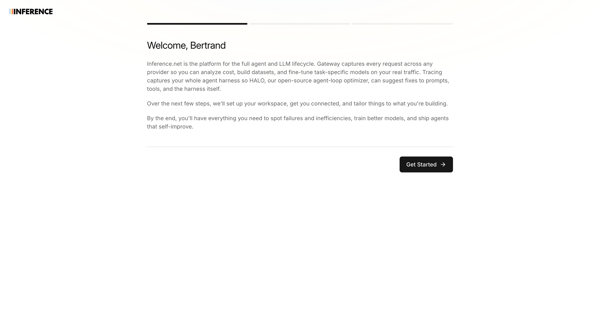
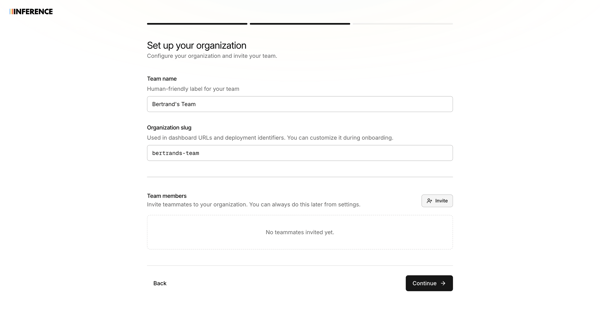
workspace onboarding journey completing organization naming, slug setup, team invites, and path selection
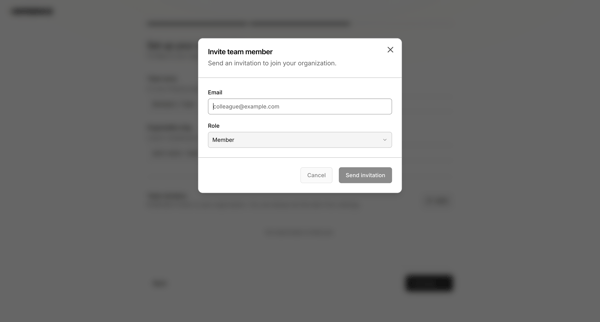
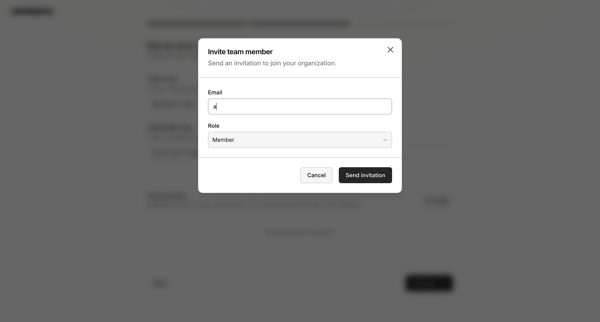
Onboarding flow to name organization, configure custom slug, and invite initial team members via modal with role assignment and validation
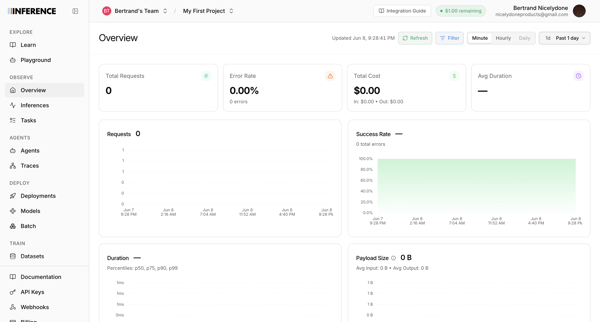
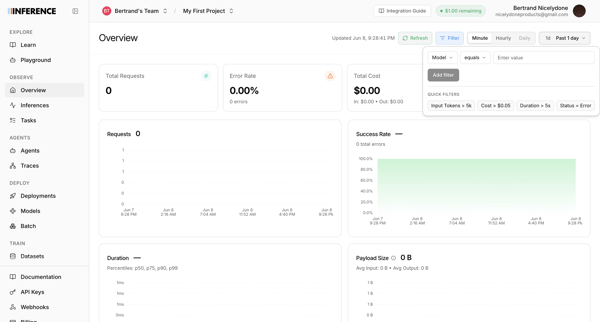
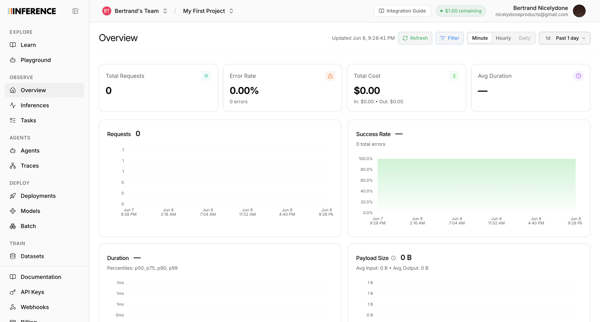
User views and filters observability metrics dashboard showing requests, error rate, cost, and duration for an AI inference project
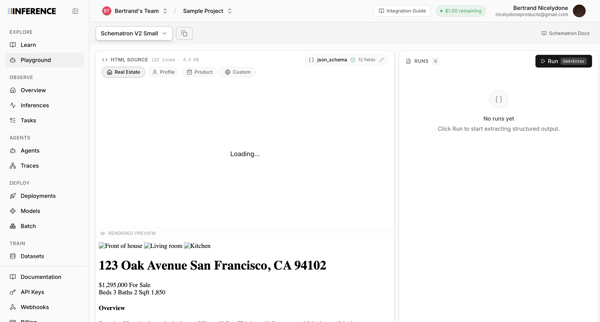
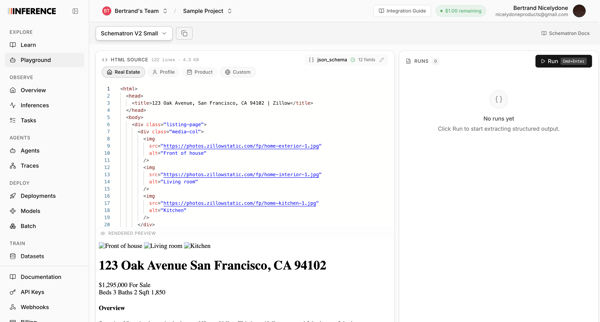
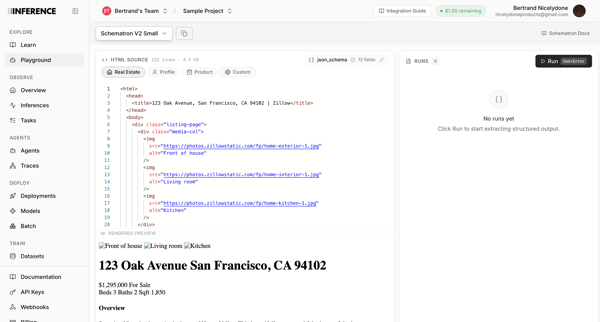
User enters AI Inference Playground and iterates through code editor states to configure an AI model, supply HTML source, and generate structured JSON output
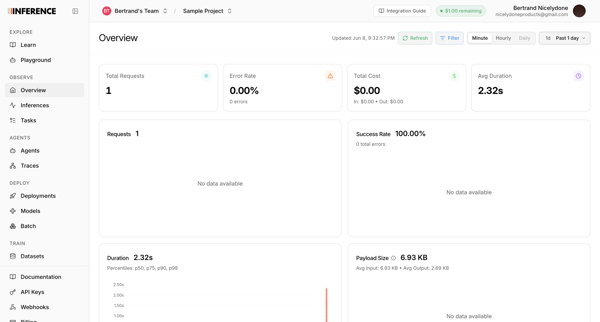
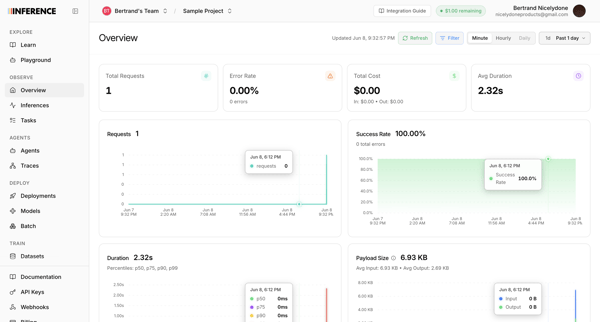
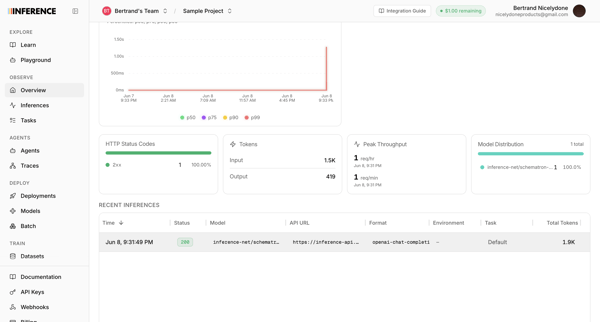
User navigates from observability overview dashboard through KPI and chart views to detailed inference trace drawers showing metrics, payloads, and logs for AI model requests
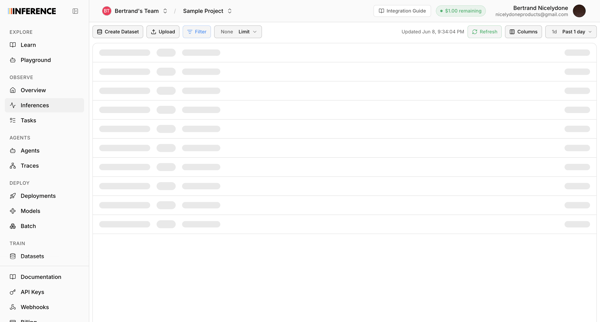
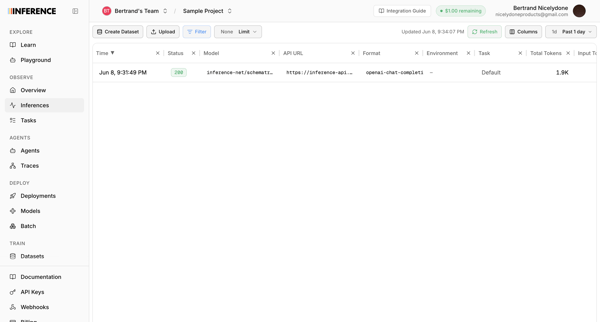
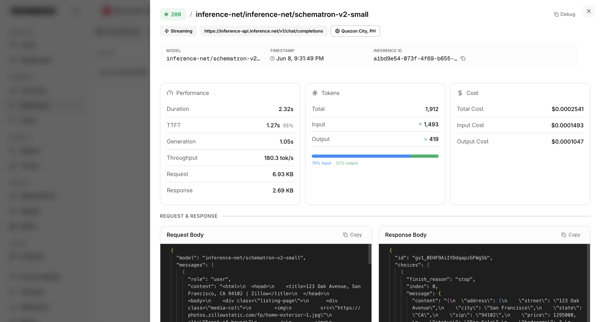
Reviewing AI model inference logs, metrics, and raw payloads through list views and detail drawers
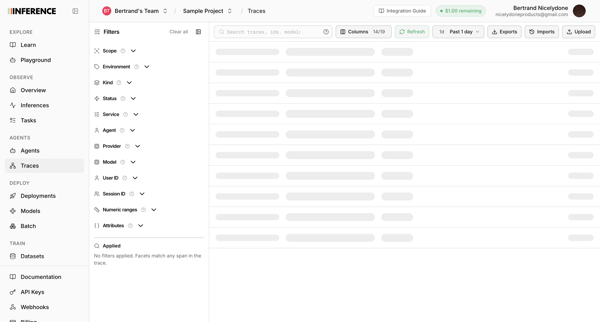
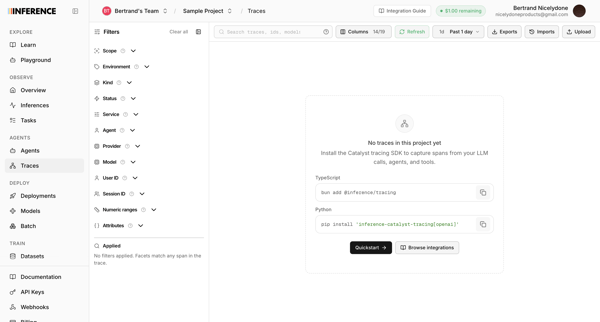
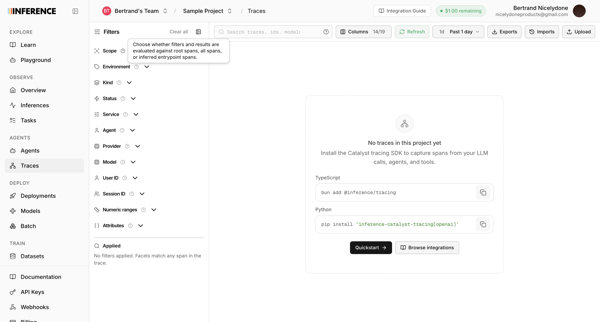
User opens observability traces list in Inference app and sees loading skeleton followed by repeated empty states prompting SDK installation
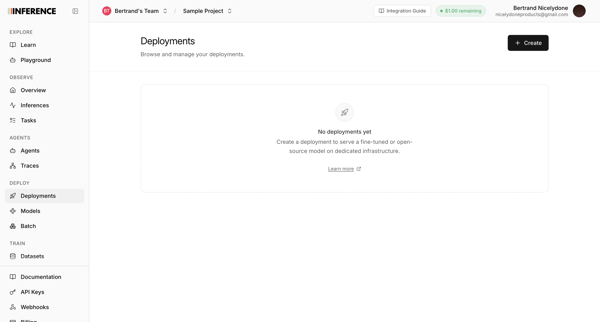
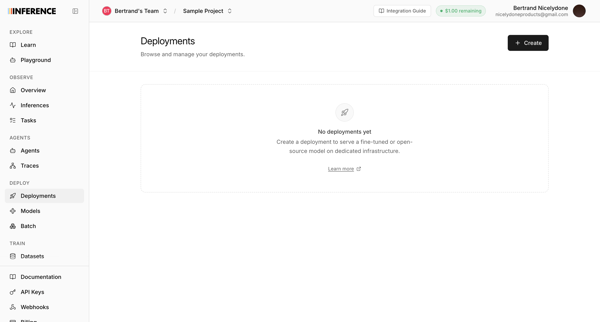
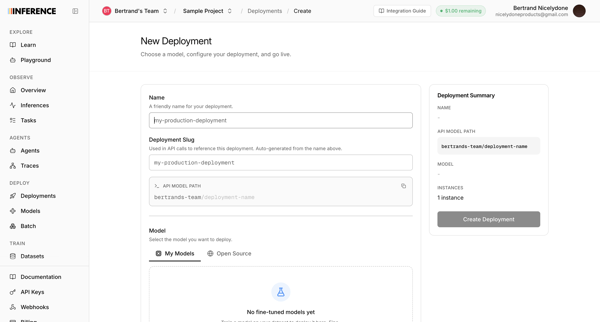
User starts from empty deployments list and configures a new model deployment via multi-screen form including name, slug, model selection, GPU instance type, capacity, and live summary panel
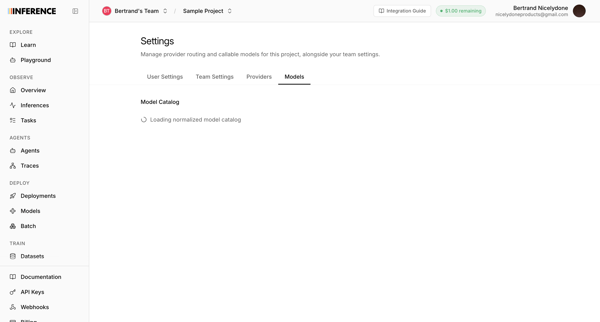
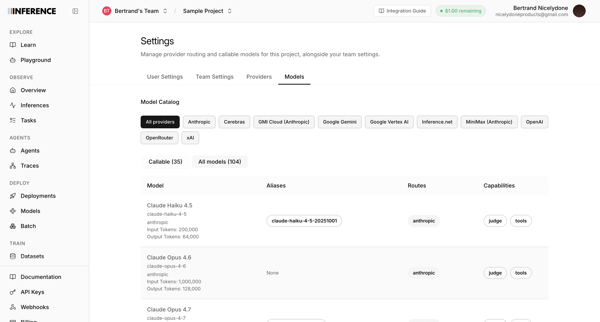
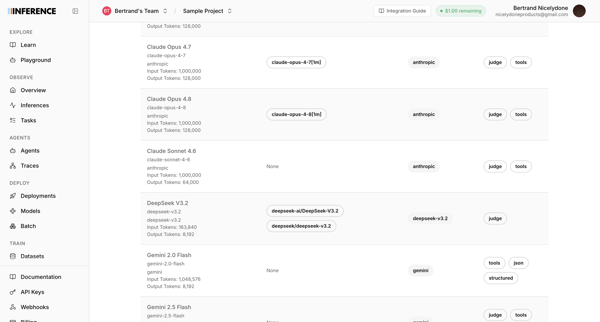
User accesses AI model catalog settings to manage provider routing, filter models by provider, and review token limits and capabilities across multiple list and table views
Explore the full SaaS flow library
Browse the full SaaS flow library.
Trusted by the best teams







