Zaro user flows examples
Explore Zaro user flow examples. Preview the opening screens and steps for each task. AI workspace with agents and apps for business automation
Preview these flows

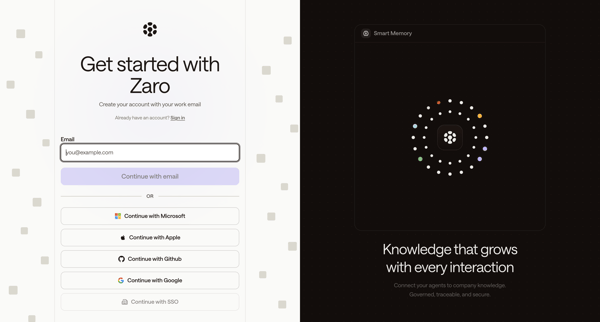
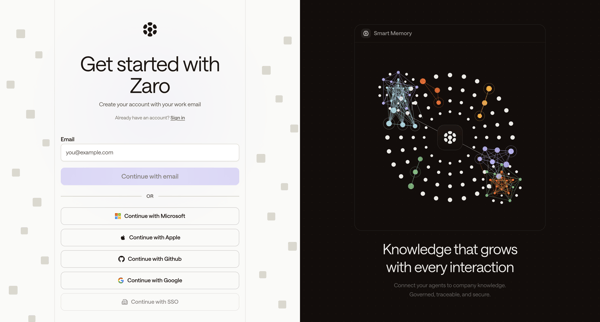
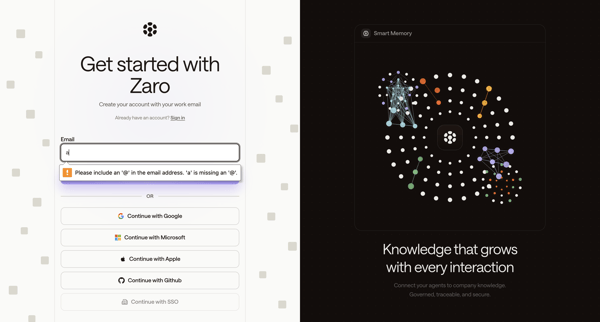
Multi-step signup journey on split-screen auth pages completing account creation via work email, password, OTP verification, or OAuth providers including Google, Microsoft, Apple, GitHub, and SSO
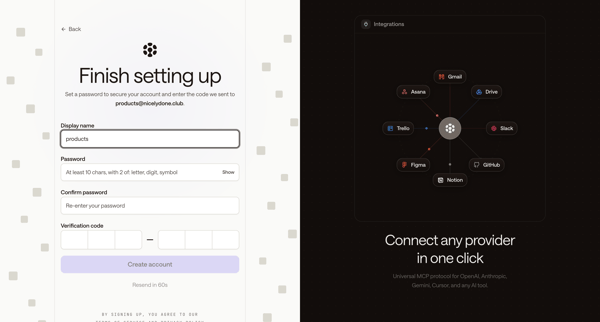
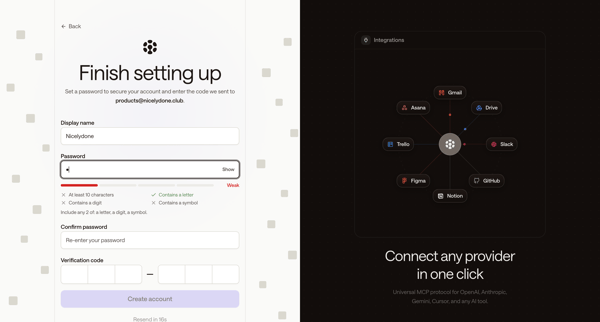
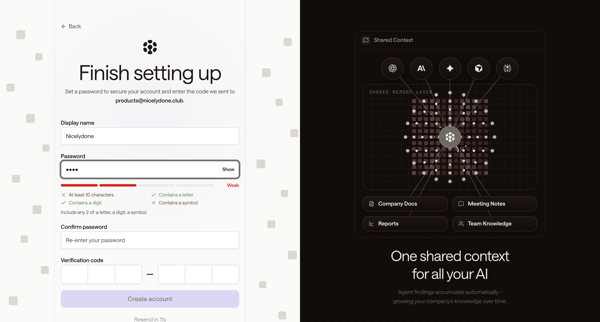
Completing Zaro account signup by setting display name and password while entering email OTP verification code across multiple states
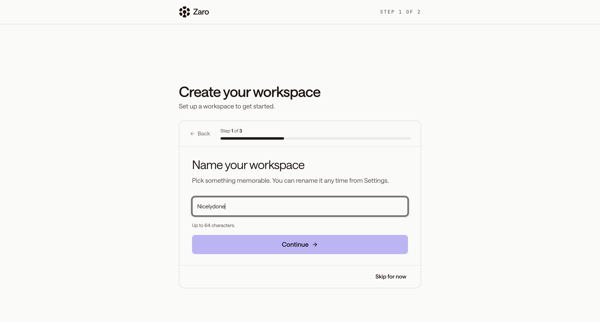
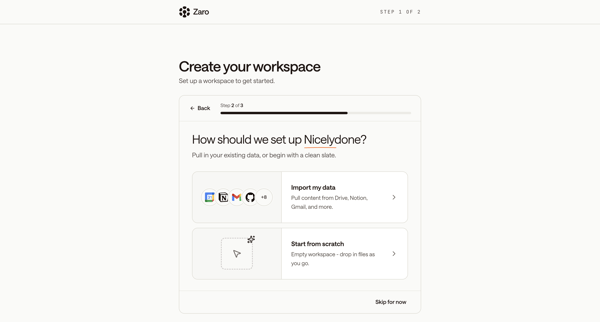
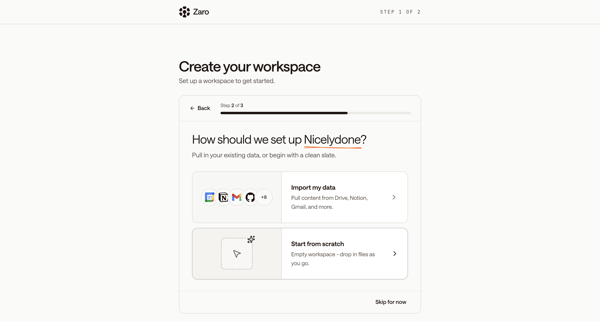
New user names workspace, chooses data import or integrations, connects tools, then follows multi-step product tour across modals and AI chat interface
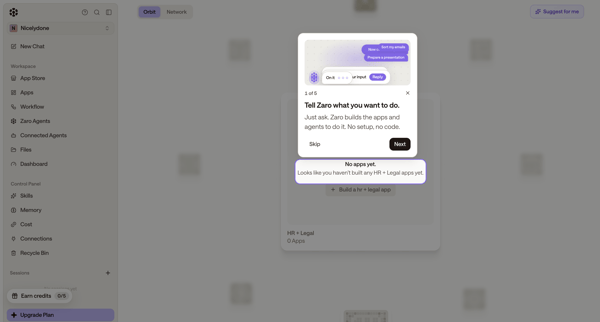
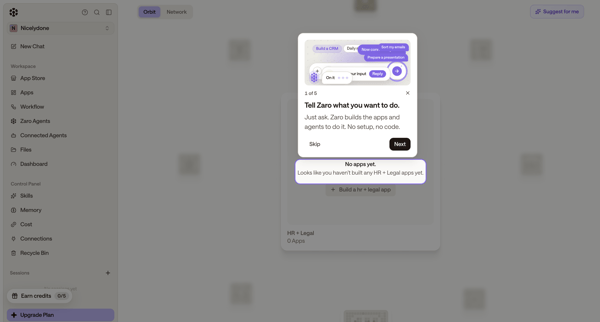
New user completes an 8-step interactive product tour with successive modals and tooltips explaining natural language app building, workspace navigation, AI chat, agent execution, file results, and tool integrations, overlaid on empty workspace and AI chat screens in Zaro.
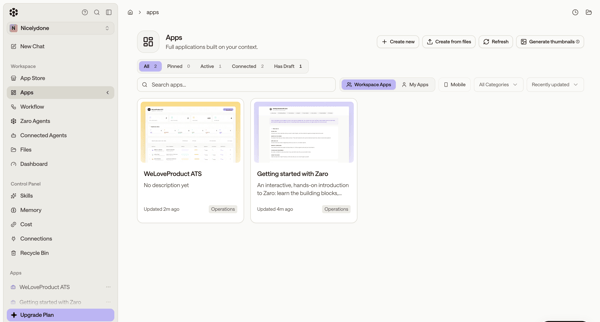
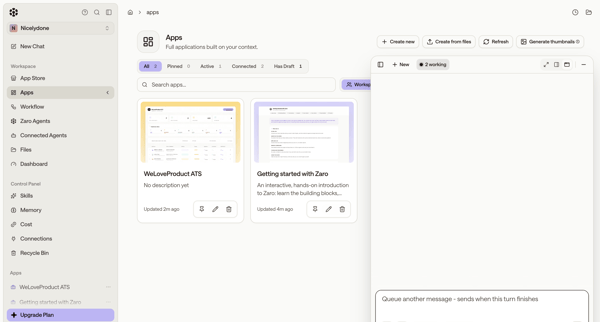
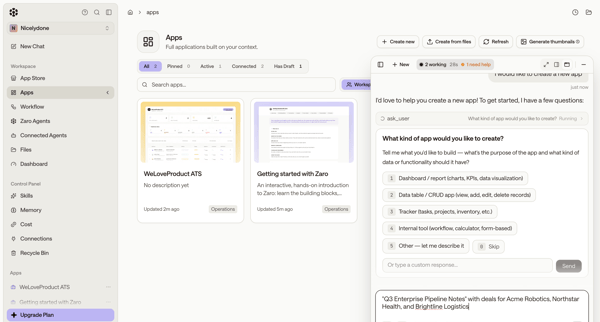
User browses workspace apps gallery then uses a persistent AI assistant panel to generate new applications through chat, agent execution, and preview states
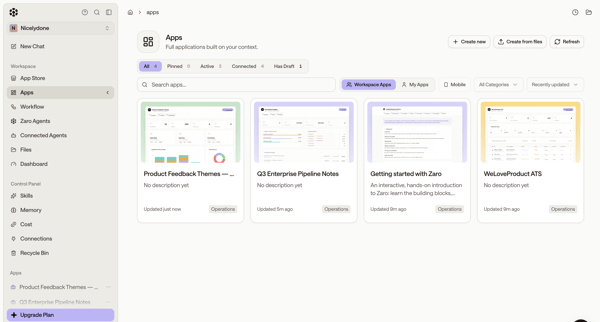
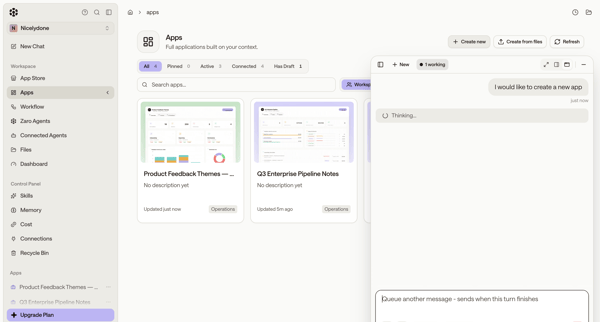
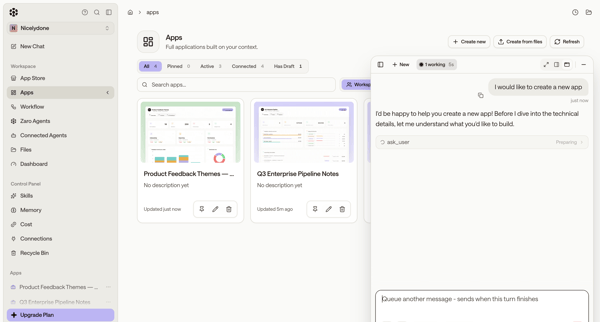
User browses app directory or list and uses floating AI assistant panel to generate new custom applications via conversation and agent execution
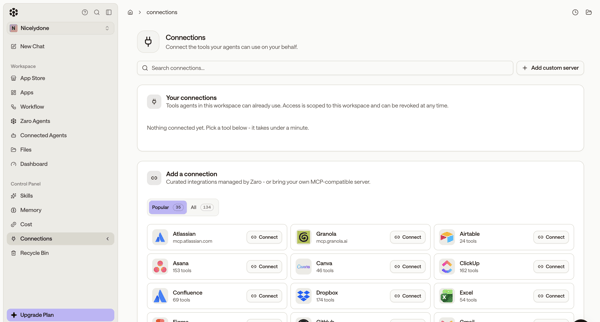
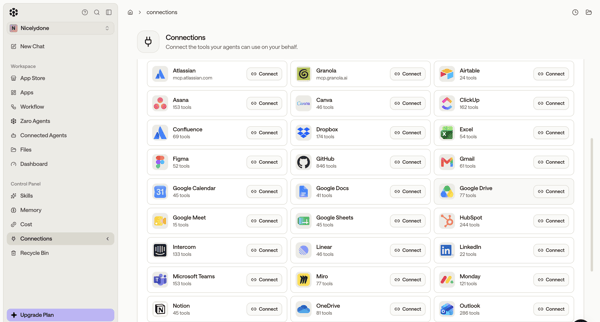
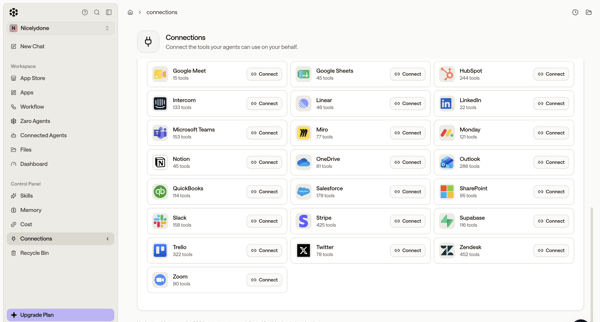
User browses integration directory in settings and connects third-party tools like Atlassian, GitHub, Figma, Asana, Slack for AI agents
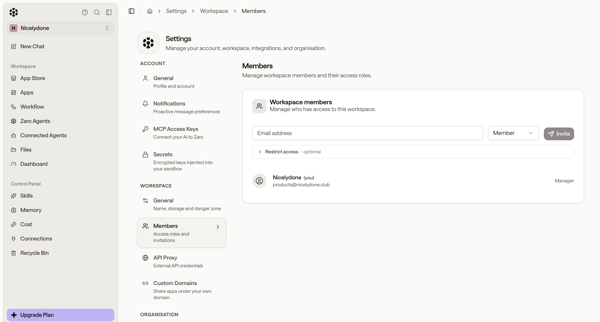
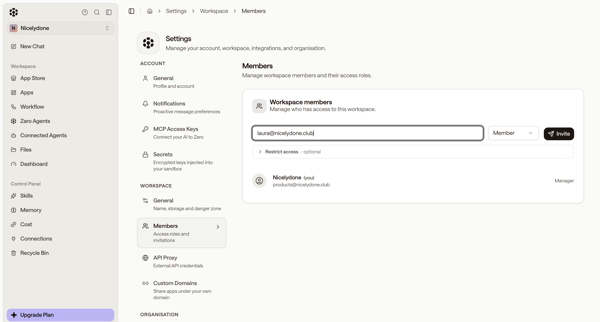
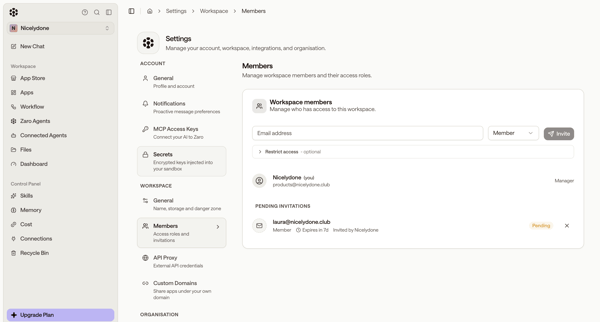
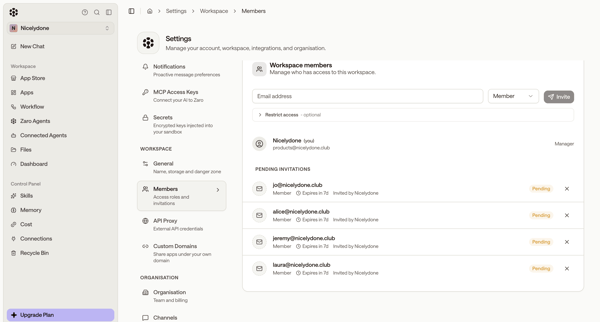
Inviting new workspace members by email, assigning roles, and managing pending invitations from the members settings page
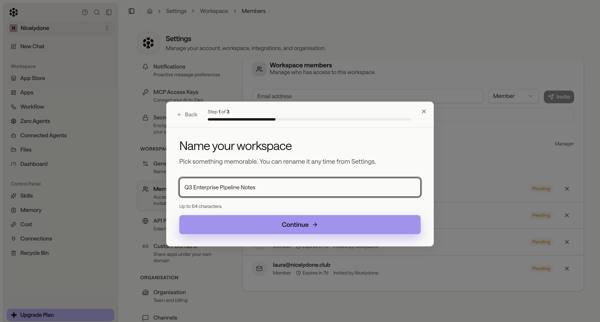
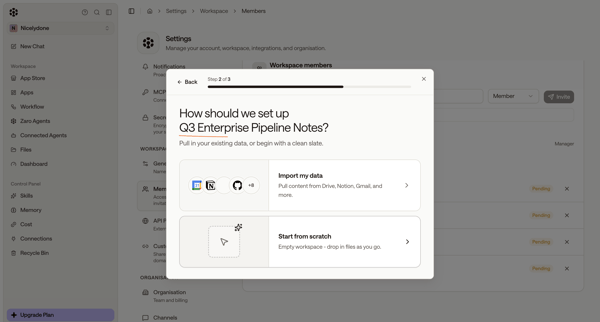
User starts workspace creation from members settings, names workspace and chooses setup options in modals, then encounters quota limit paywall and error states blocking completion
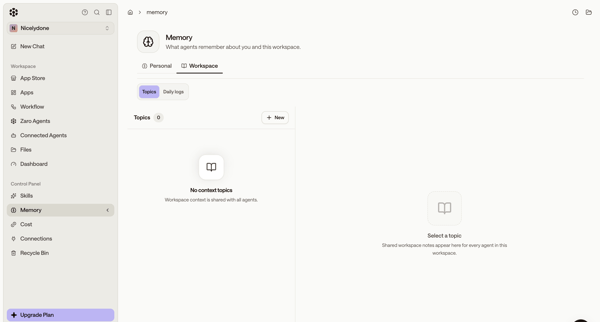
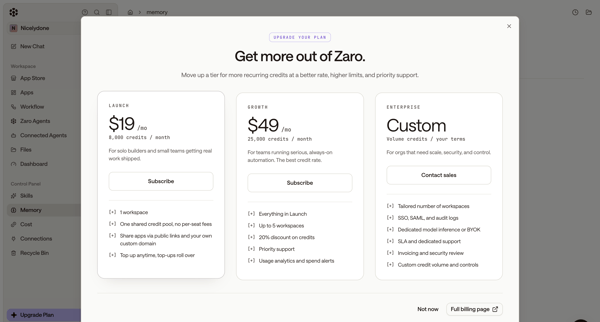
User starts in workspace memory settings, opens upgrade modal from sidebar, selects Launch tier, completes subscription checkout form, sees connecting state, and lands on billing settings page showing new plan and credits.
Explore the full SaaS flow library
Browse the full SaaS flow library.
Trusted by the best teams







