Search Results screen examples
Search Results screen design examples from SaaS apps. See how apps present the information returned by a search. Explore how result titles, supporting details, and refinement controls help people decide which…
Explore the examples
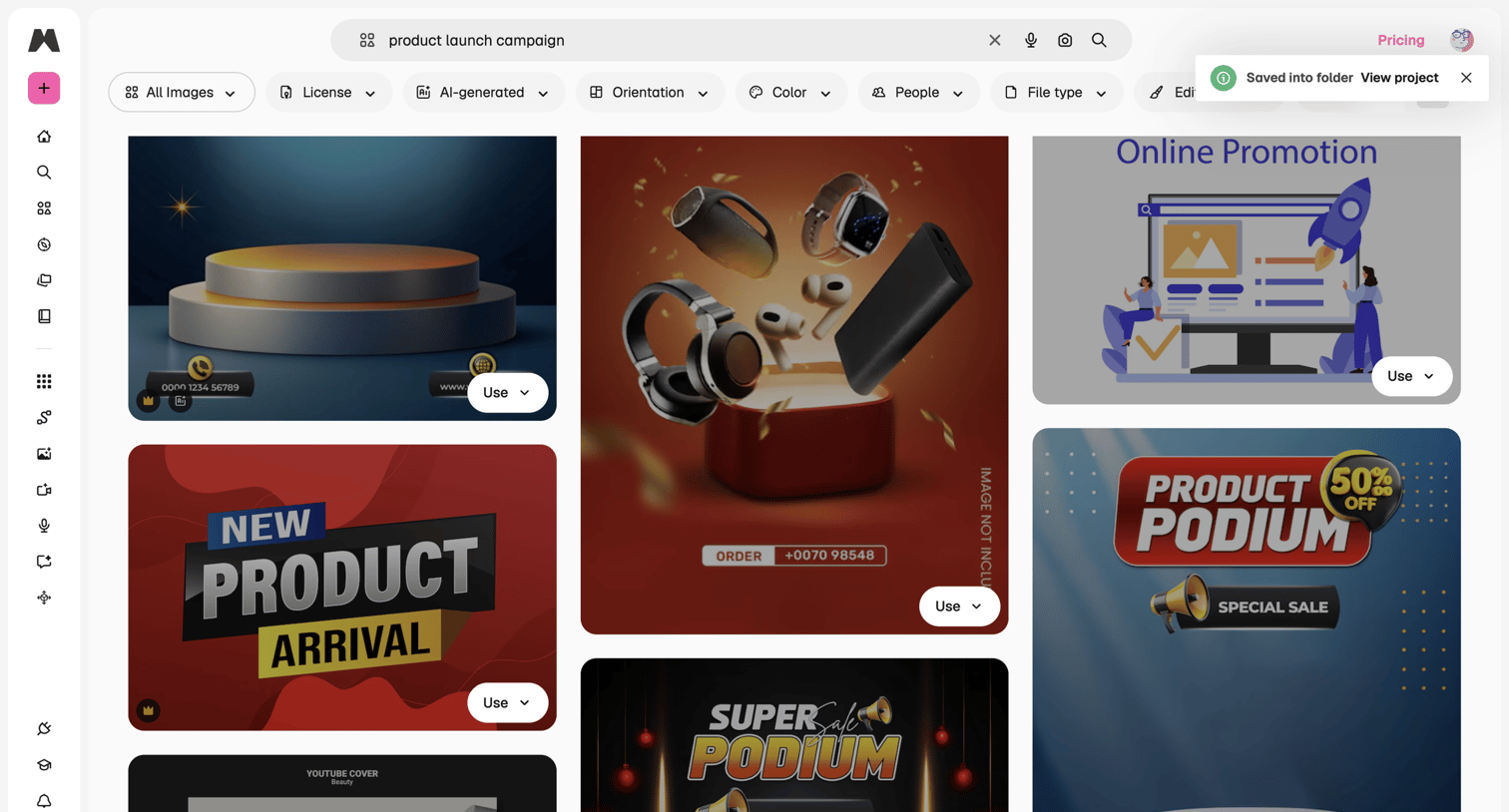

Search results page displaying a masonry grid of image assets for a product launch campaign with a filter toolbar.
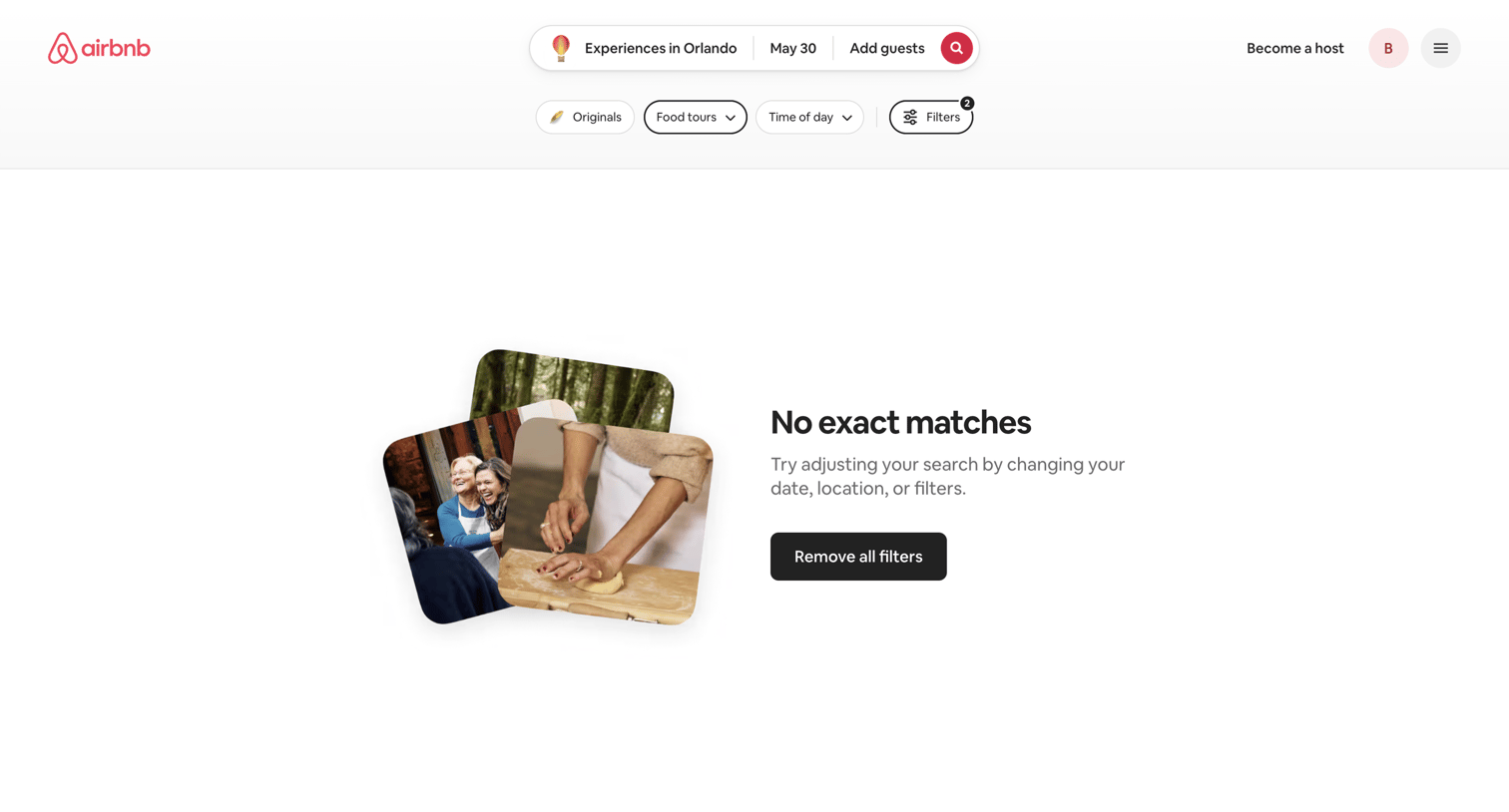

Search results page showing an empty state when no Orlando experiences match the selected date and filters, offering a prominent button to clear all filters.
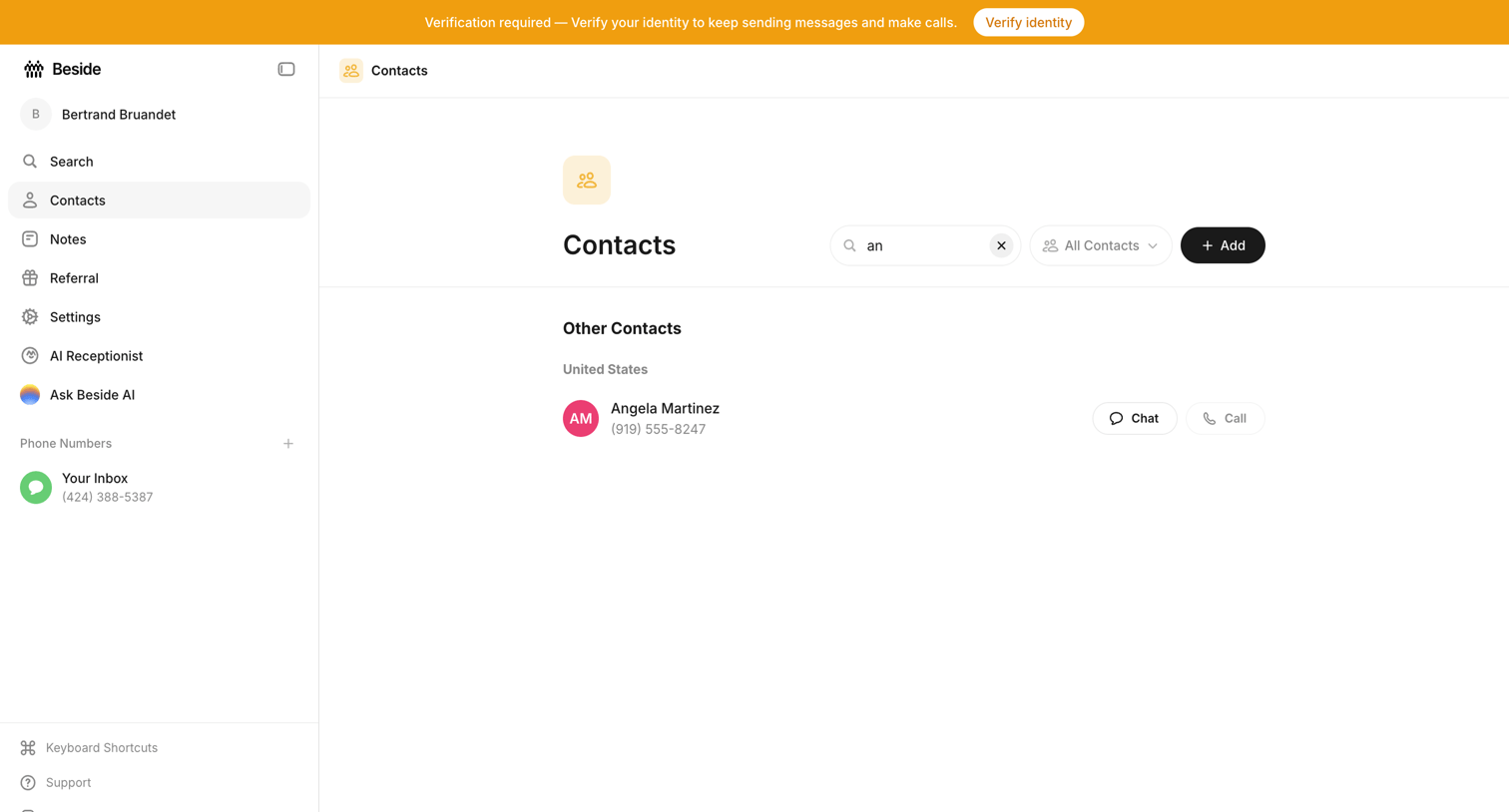

Contacts list where the user has searched for a specific name and is prompted by a banner to verify their identity.
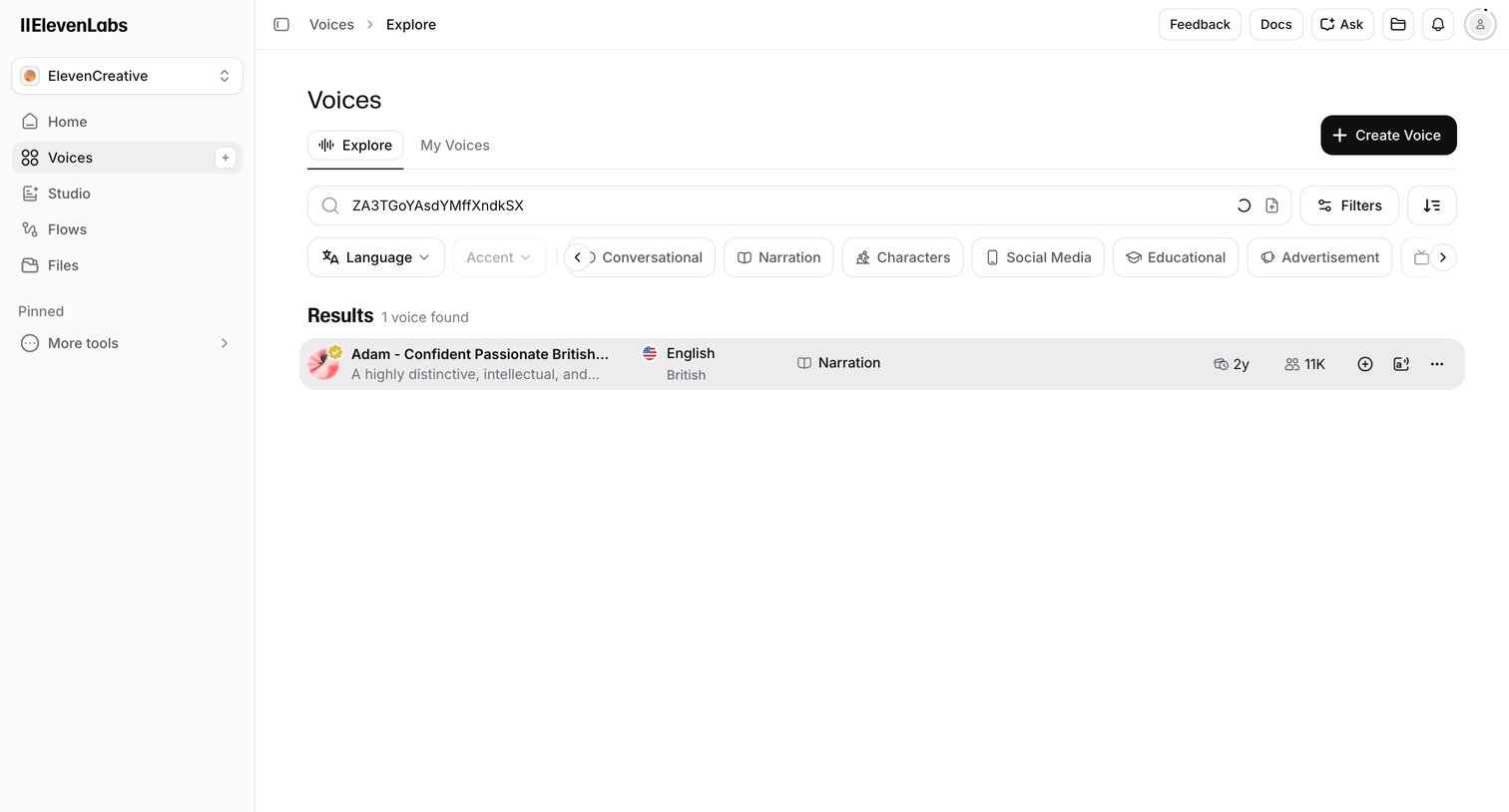

Search results page where the user filters the voice library by language, accent, and use case to find specific AI voices.
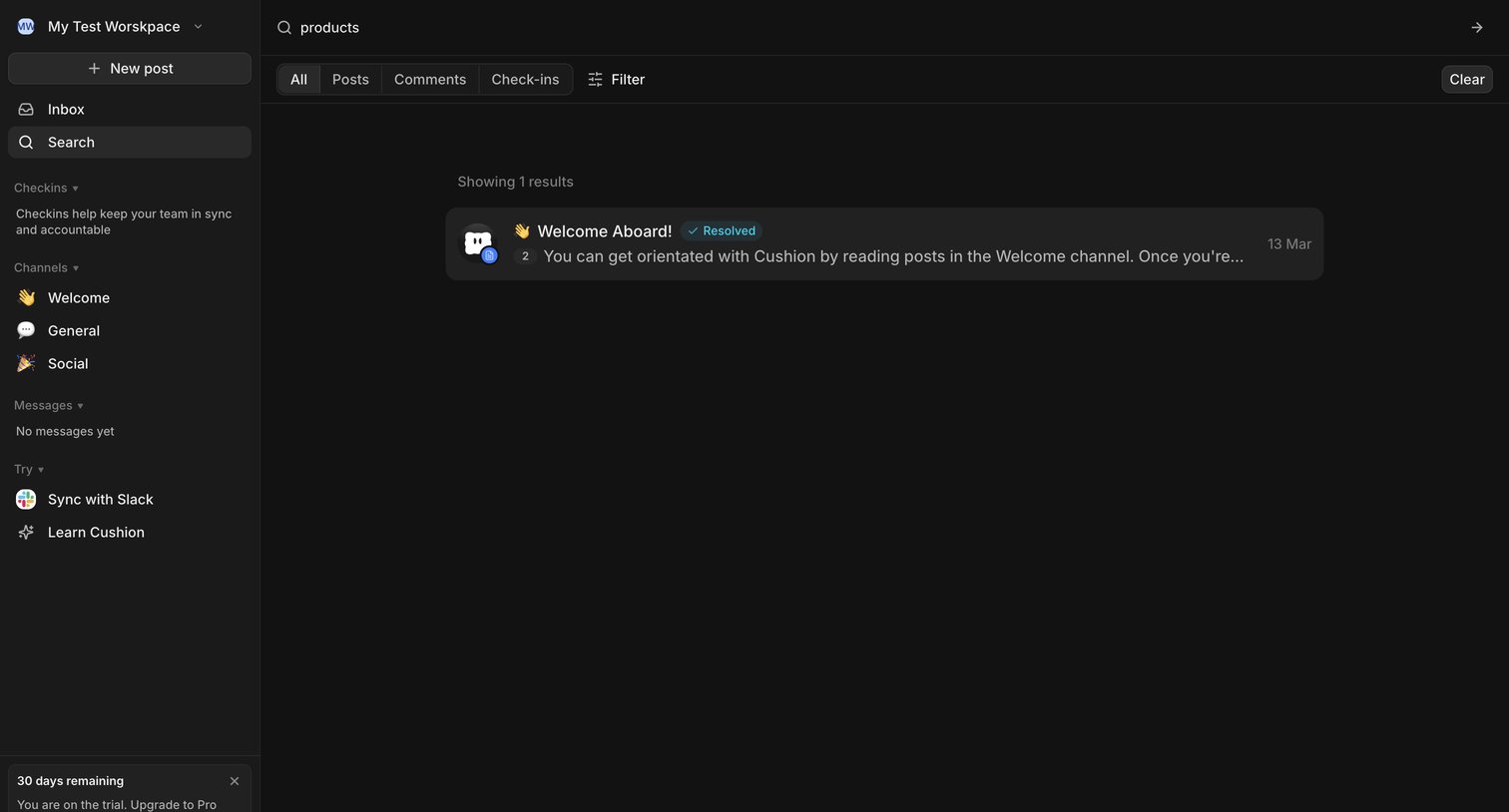

Search results page where the user filters by posts, comments, or check-ins to find specific content within their workspace.
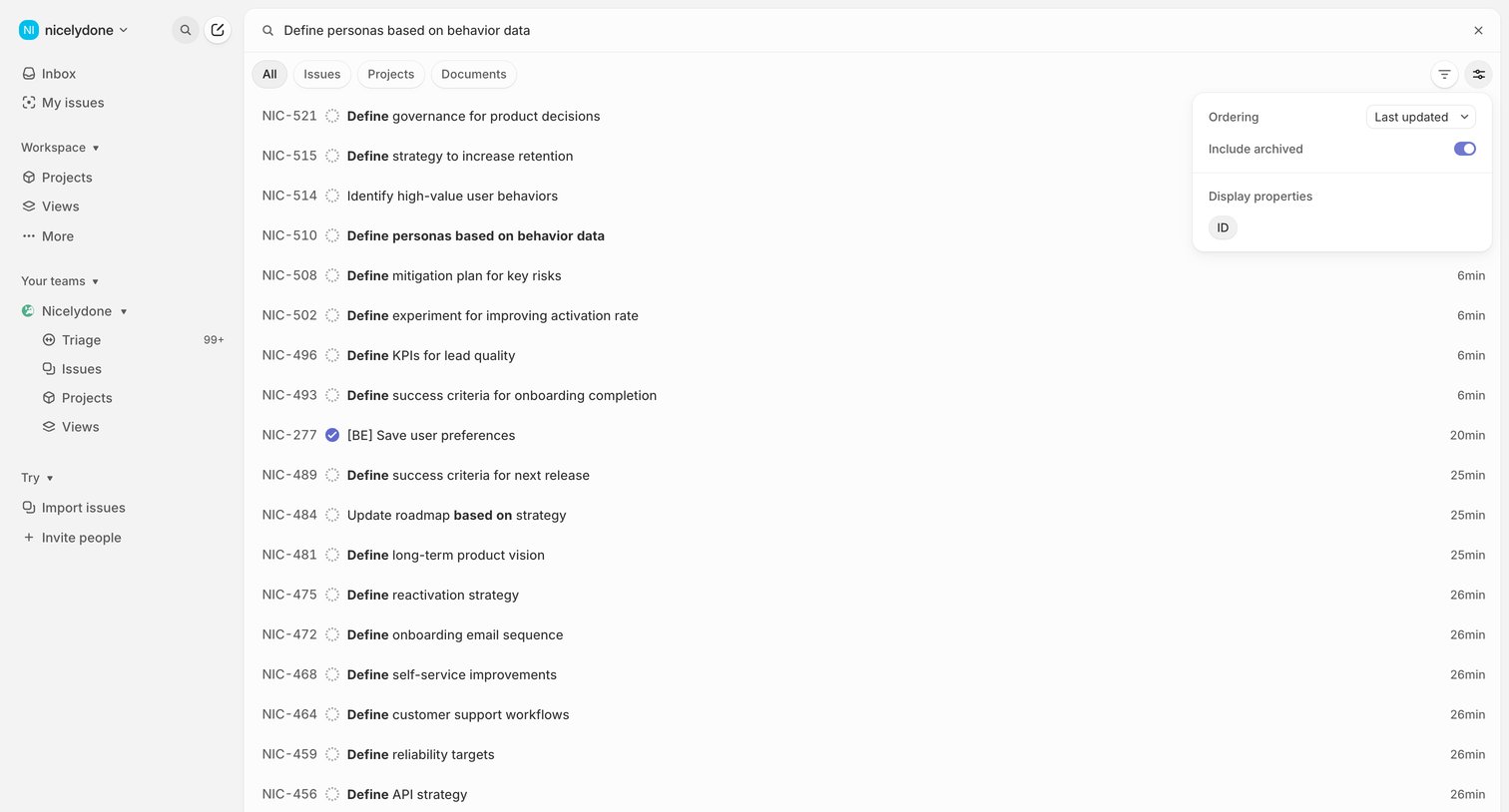

Search results page where the user views a list of issues matching their query, with an open popover to adjust ordering and display properties.
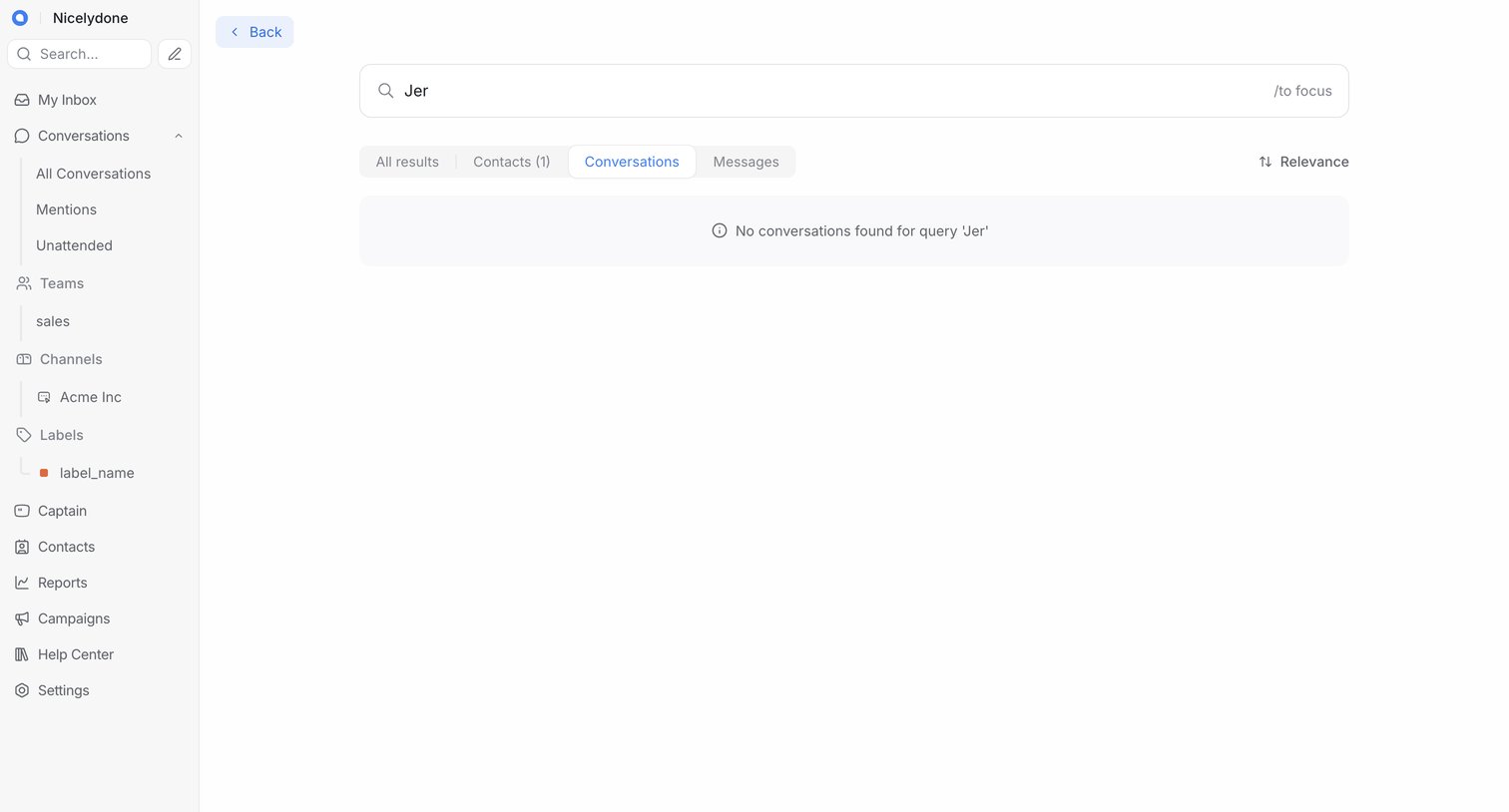

Search results page where the user queried 'Jer' and sees an empty state under the conversations tab, with options to check contacts or messages.
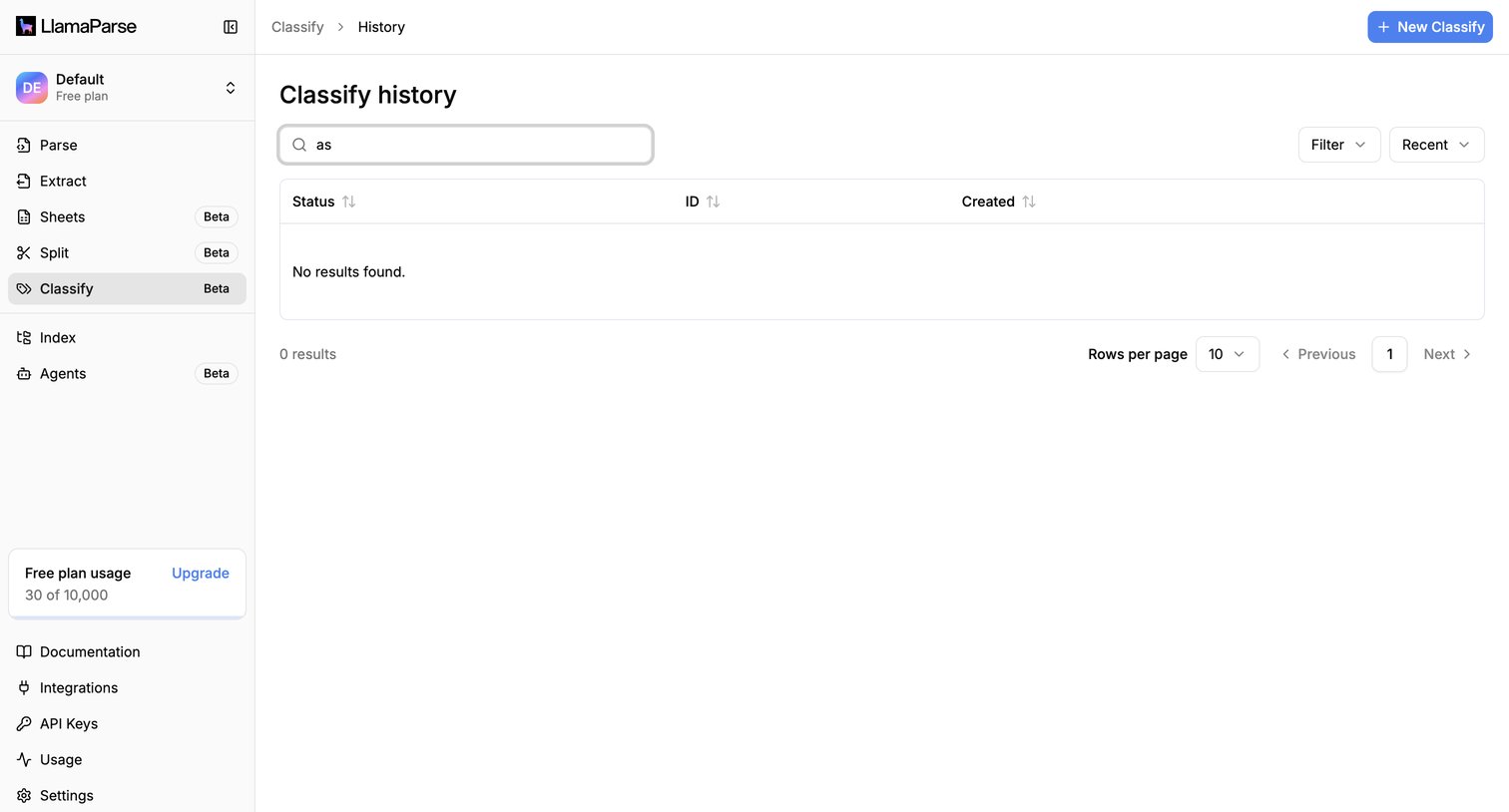

List view showing an empty state for classification history after the user searches for 'as', with options to filter or create a new classification.
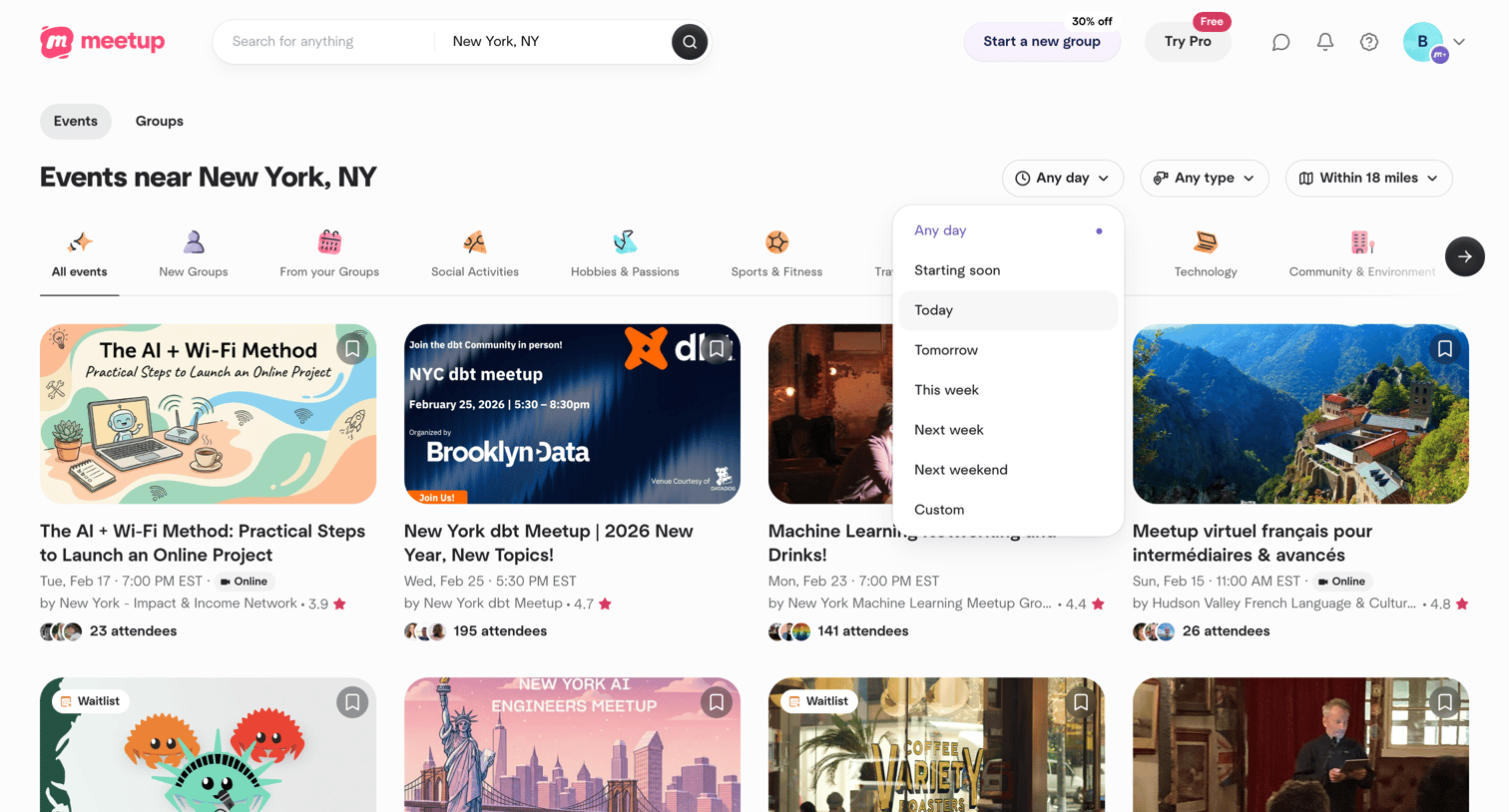

Search page where the user browses local events in New York, NY, with an open dropdown to filter by date.
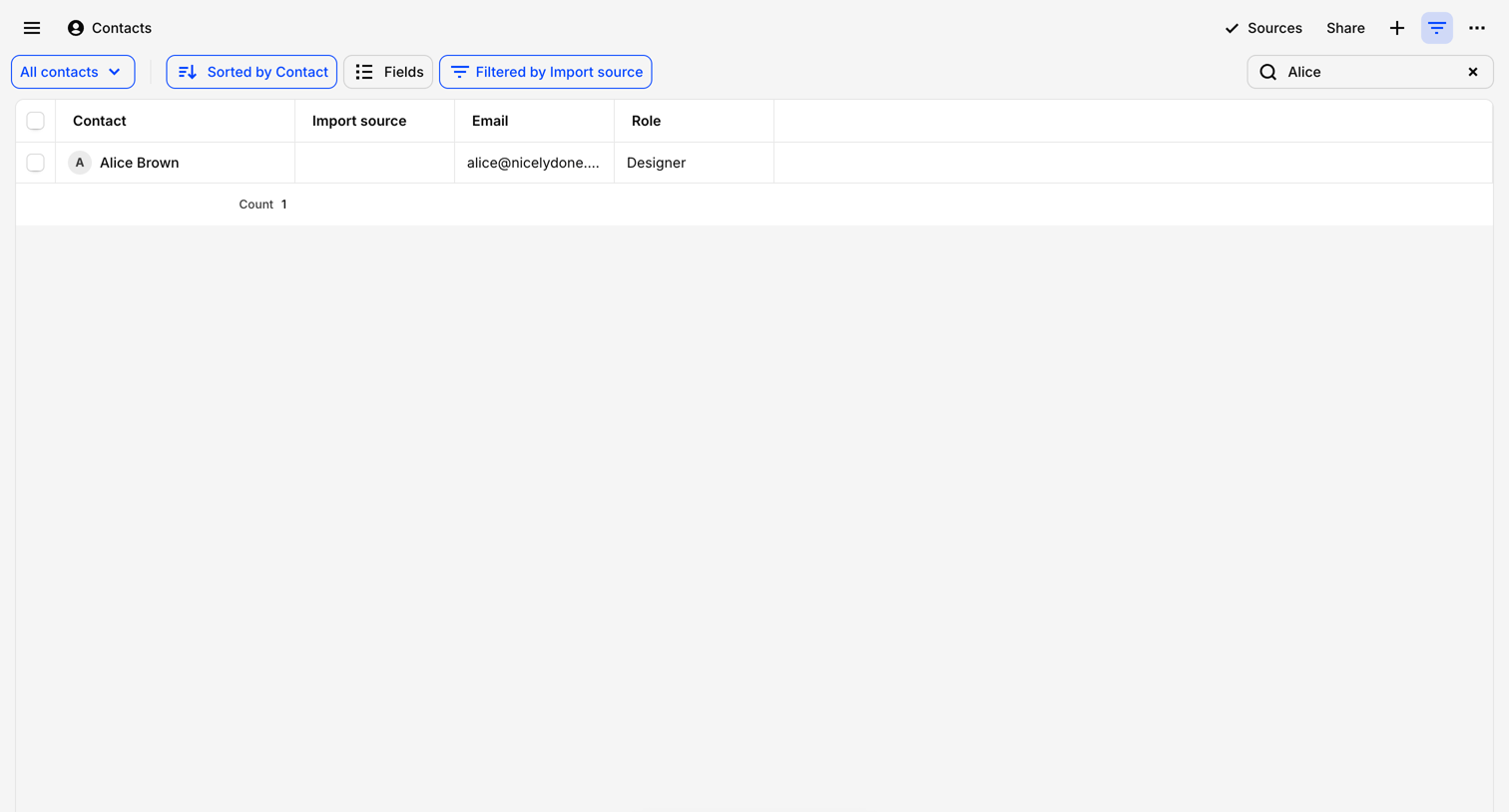

List view where the user searches and filters their contacts by import source and contact name, with an option to chat with the data.
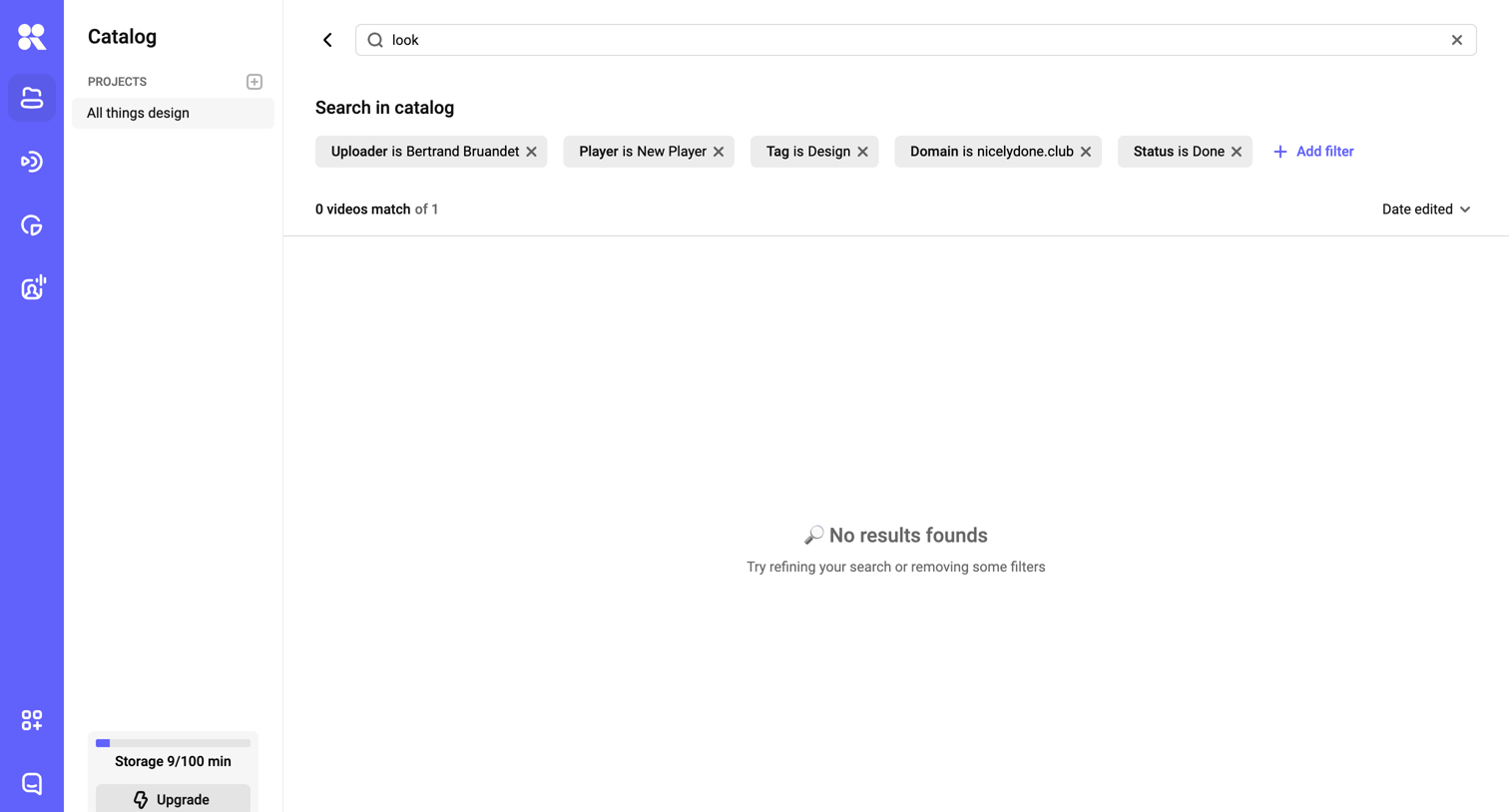

Search results page where a query for 'look' with multiple active filters yields no matching videos.
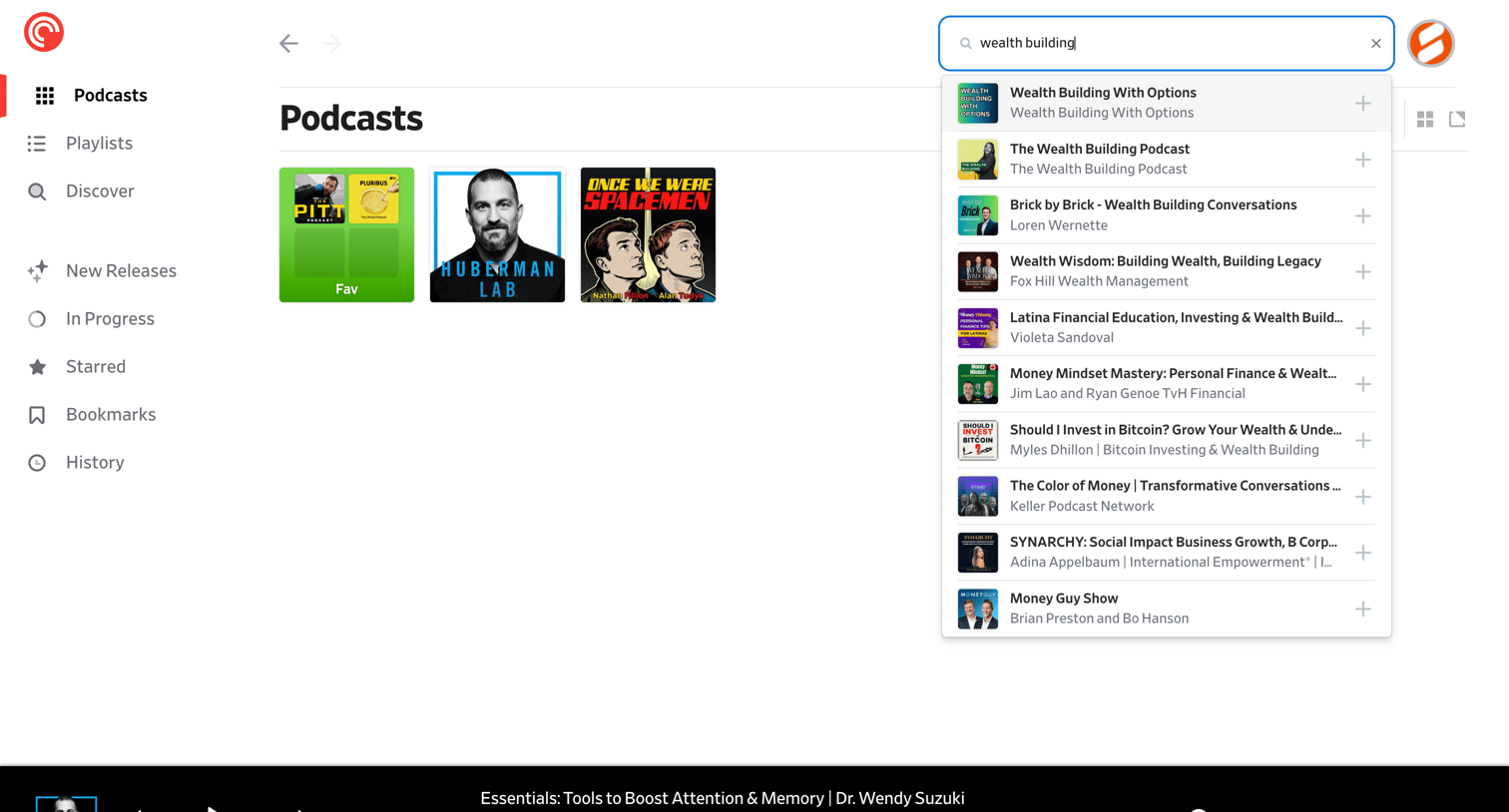

Search overlay where the user is looking up 'wealth building' podcasts and viewing the live results list.
Explore the full SaaS screen library
Upgrade to unlock the full library.
Trusted by the best teams








About Search Results
See how apps present the information returned by a search. Explore how result titles, supporting details, and refinement controls help people decide which item to open.