Coachmark UI examples
Coachmark UI design examples from SaaS apps. See how interfaces call attention to a specific control or feature. Explore how a short explanation and navigation actions are placed near the element being…
Explore the examples
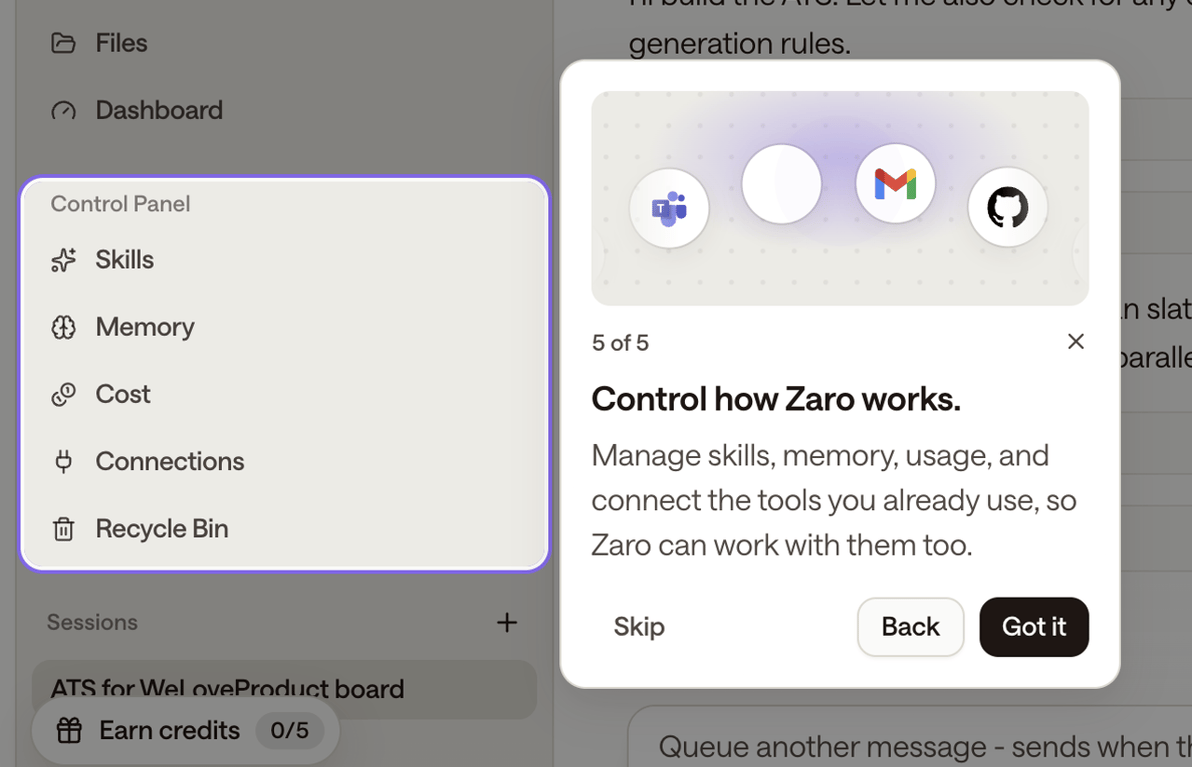

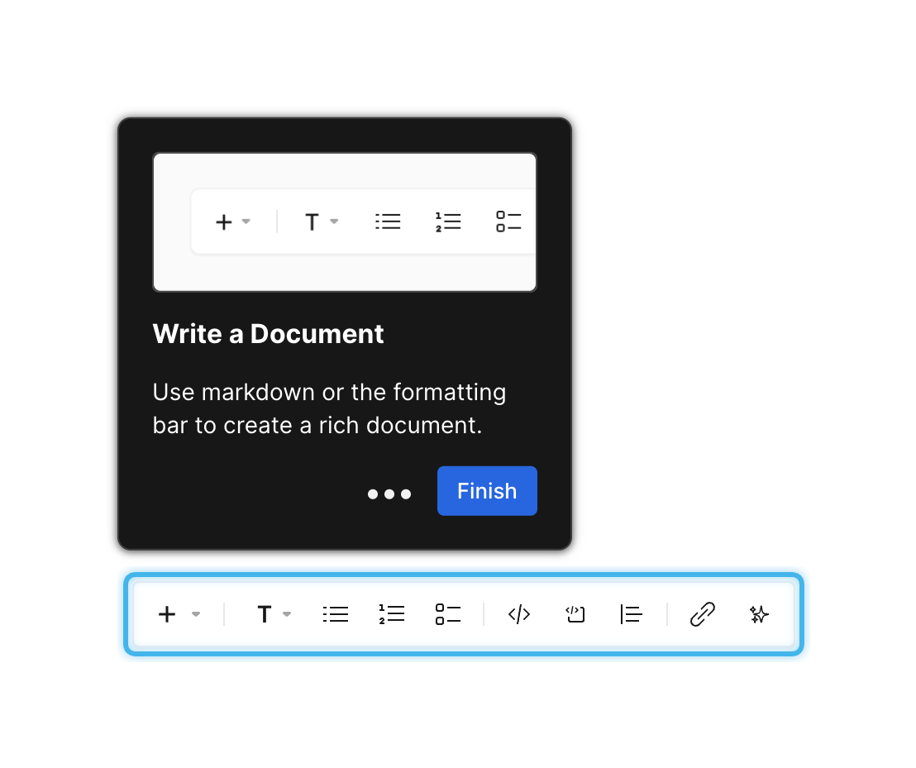

A dark-themed coachmark tooltip pointing to a formatting toolbar. It includes an illustration of the toolbar, a title, a description, progress dots, and a 'Finish' button.
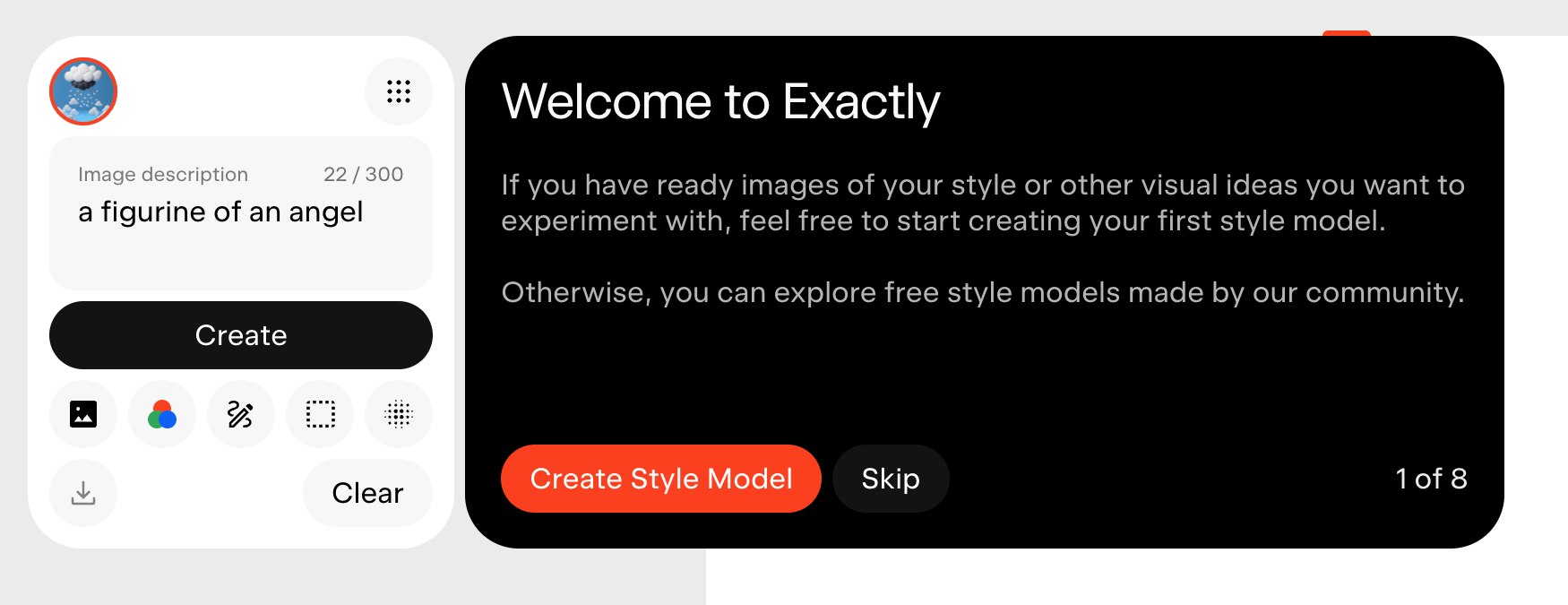

A dark-themed onboarding coachmark overlaying a light-themed AI generation interface. The coachmark welcomes the user and prompts them to create a style model, with a primary CTA and a skip button. The underlying interface shows an image description input and generation controls.
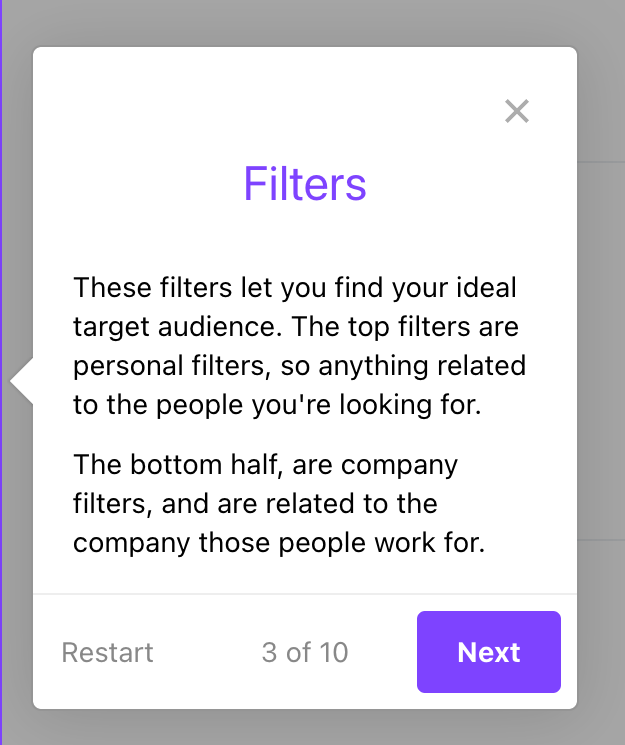

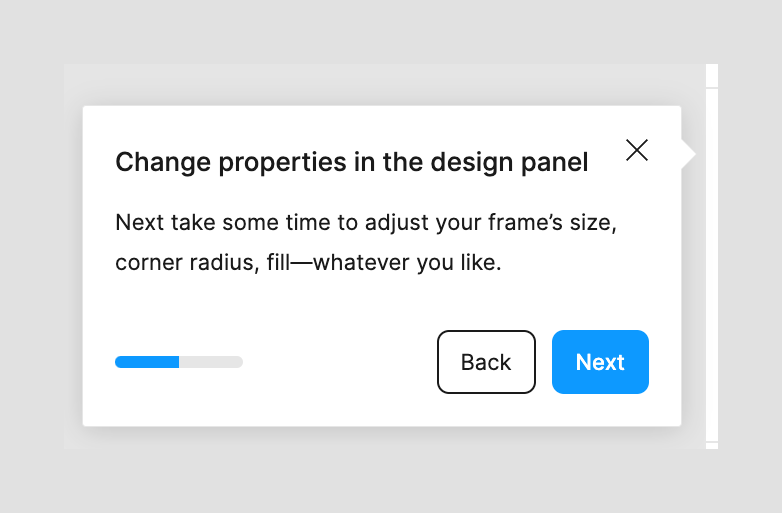

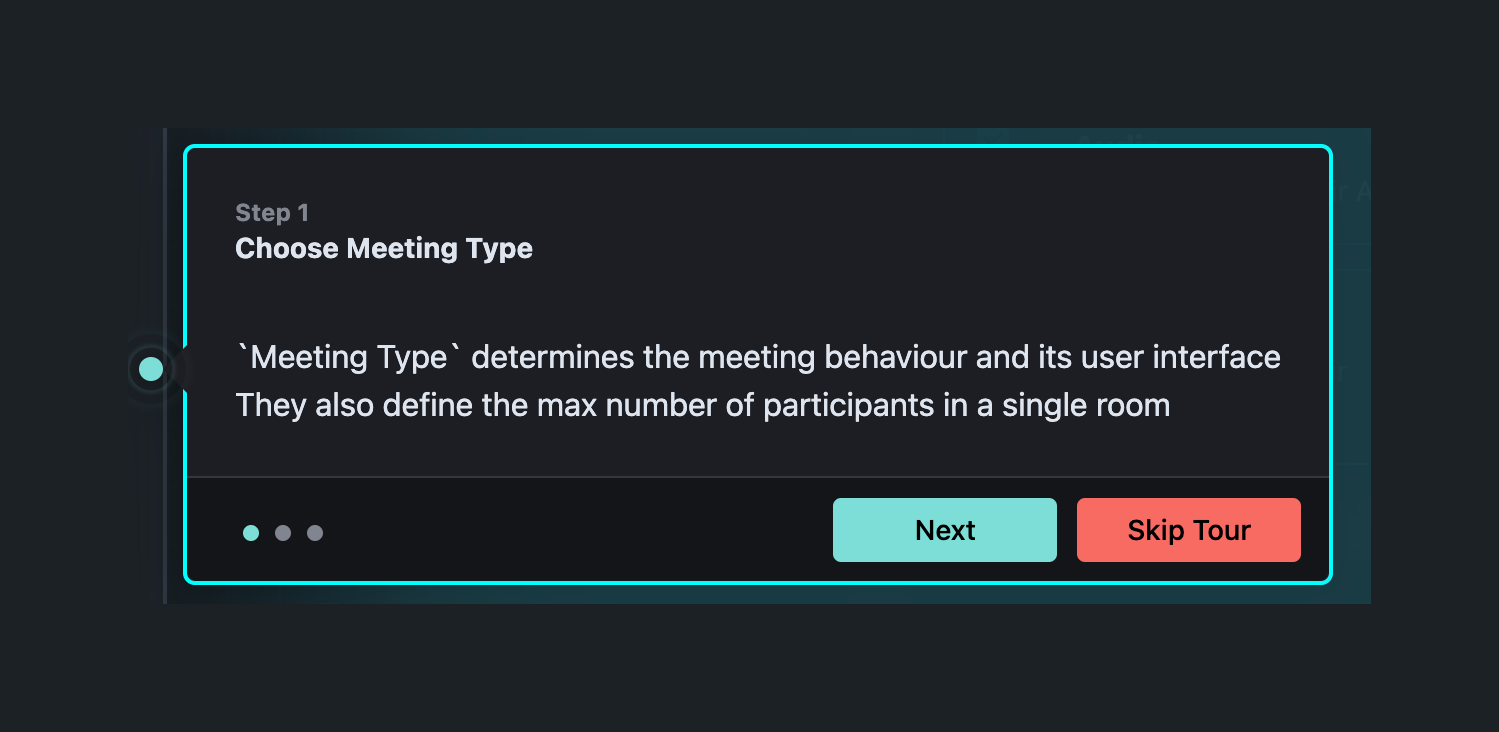

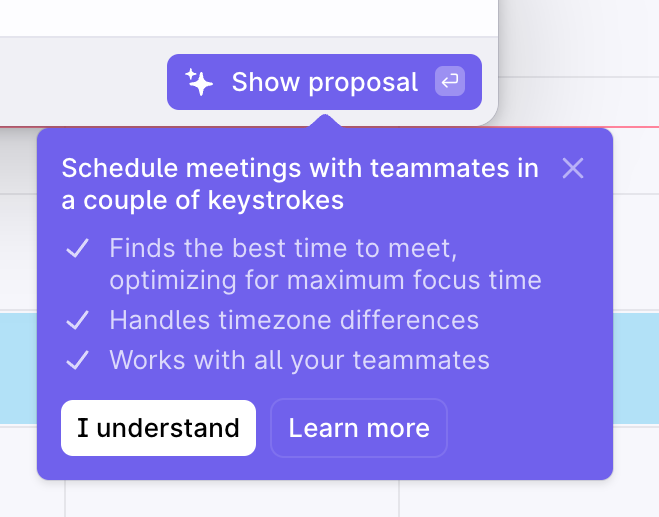

A purple tooltip pointing to a 'Show proposal' button, explaining the benefits of scheduling meetings with teammates. It includes a list of features and two action buttons: 'I understand' and 'Learn more'.
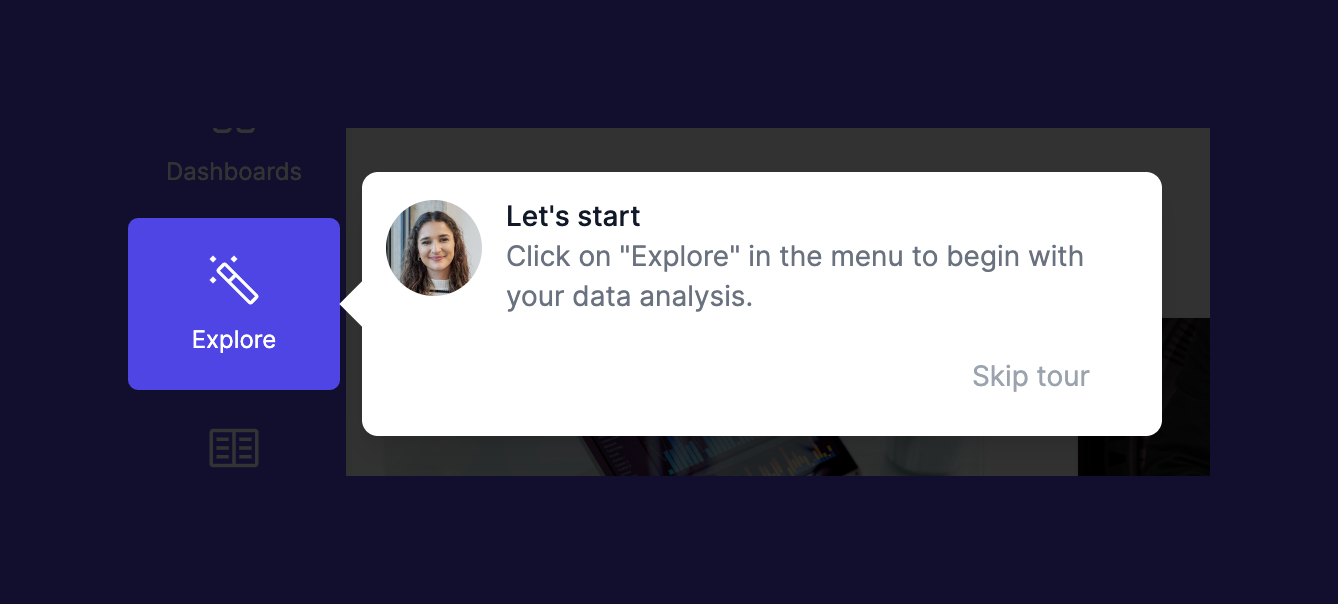

A popover pointing to a navigation item, guiding the user to start exploring data analysis. It features an avatar, a title, descriptive text, and a 'Skip tour' action.
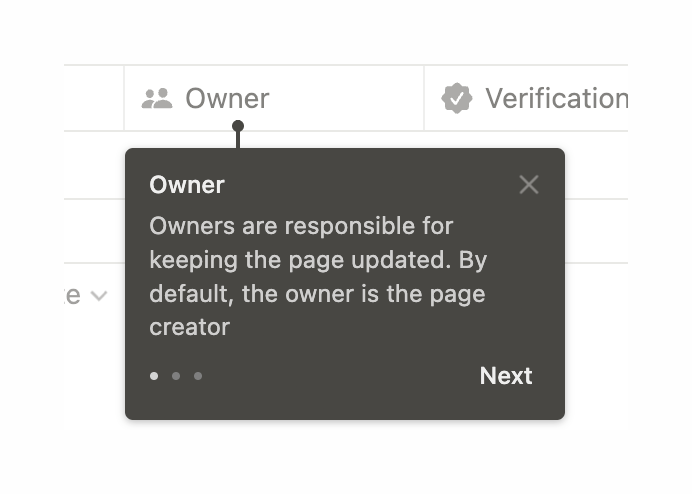

A dark tooltip pointing to a table column header, explaining its function. It includes a title, description, progress dots, a close icon, and a 'Next' button.
Browse the full component library
See 8 more Components.
Trusted by the best teams








About Coachmark
See how interfaces call attention to a specific control or feature. Explore how a short explanation and navigation actions are placed near the element being introduced.