Wiza design examples
Explore Wiza UI design examples. Wiza makes prospecting magical
Product screens

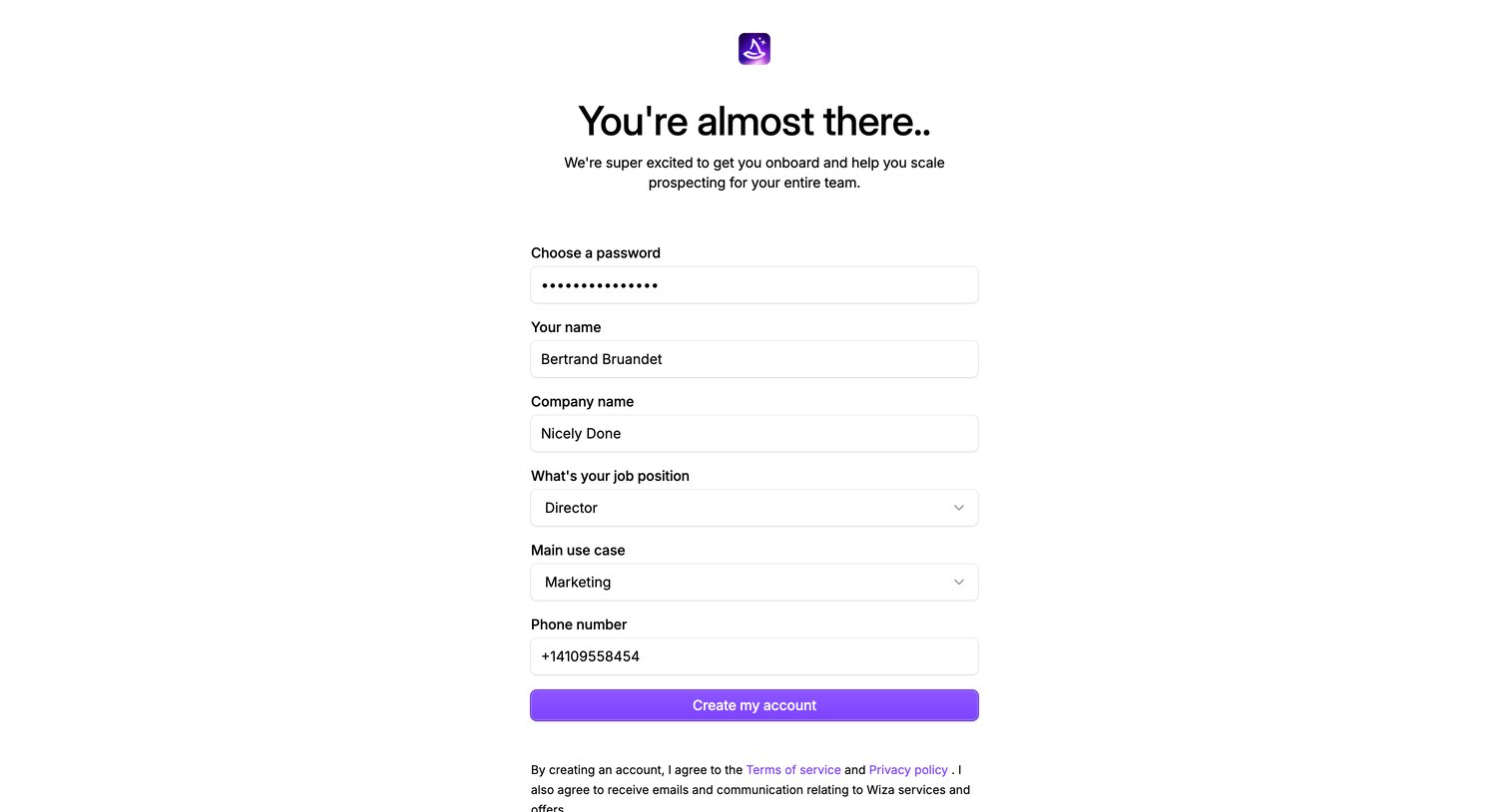

Signup step where the user completes their account profile by setting a password, entering personal and company details, and defining their primary use case.
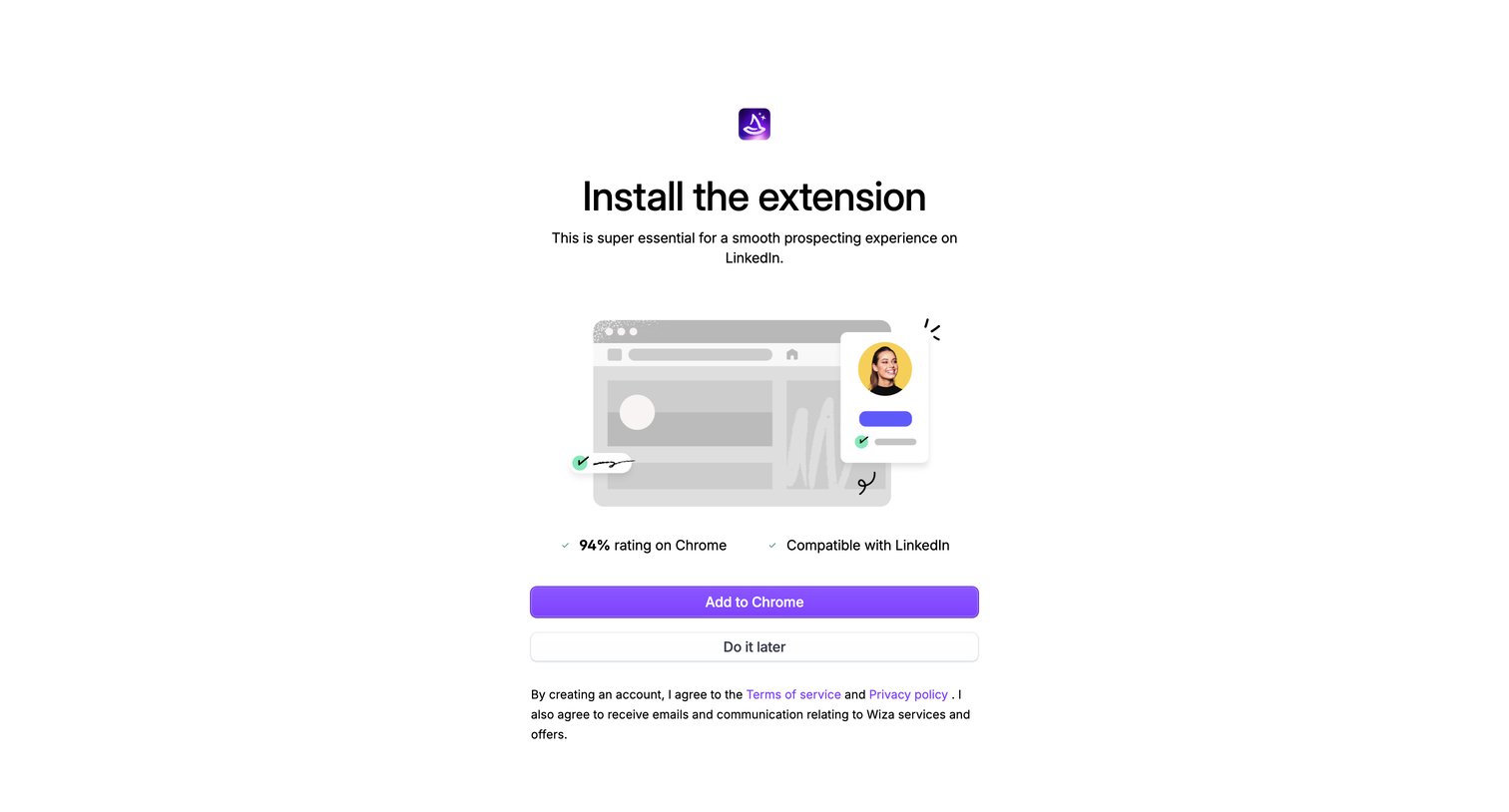
Onboarding step where the user is prompted to install a Chrome extension for LinkedIn prospecting, with an option to skip and do it later.
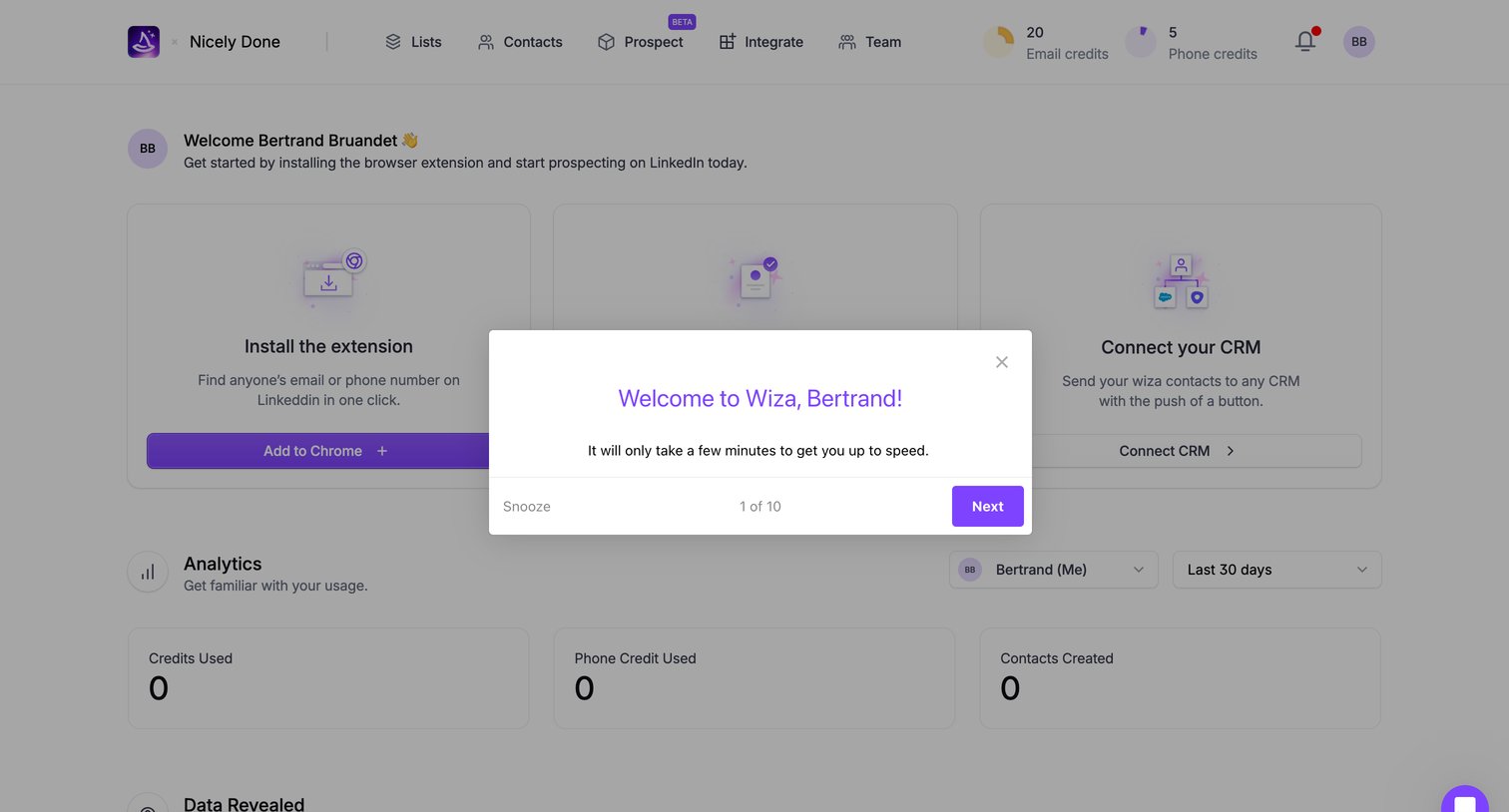
Dashboard with an onboarding welcome modal prompting the user to start a multi-step setup tour.
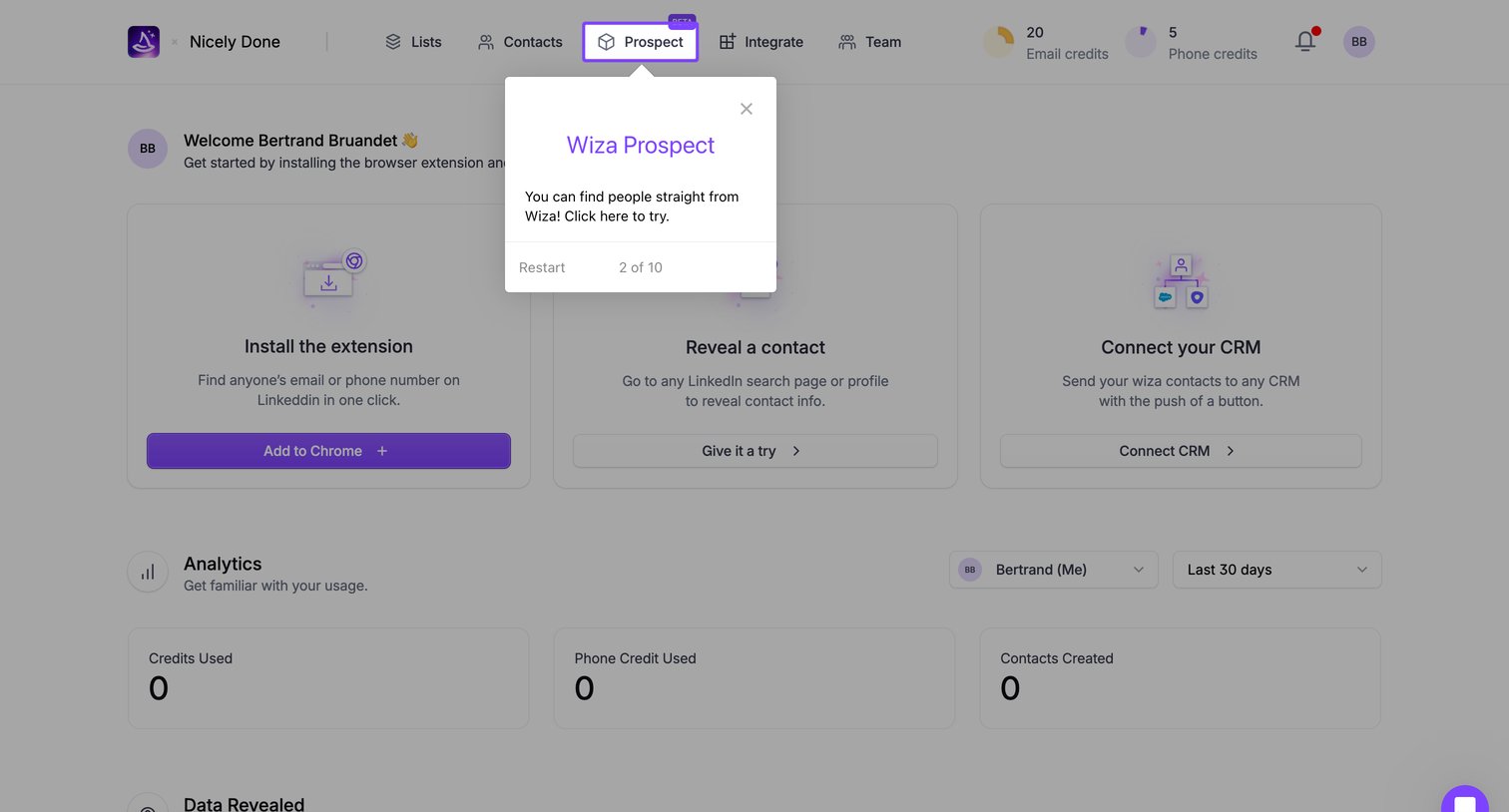
Dashboard where a new user completes an onboarding checklist to install a browser extension and connect their CRM, while a product tour highlights navigation features.
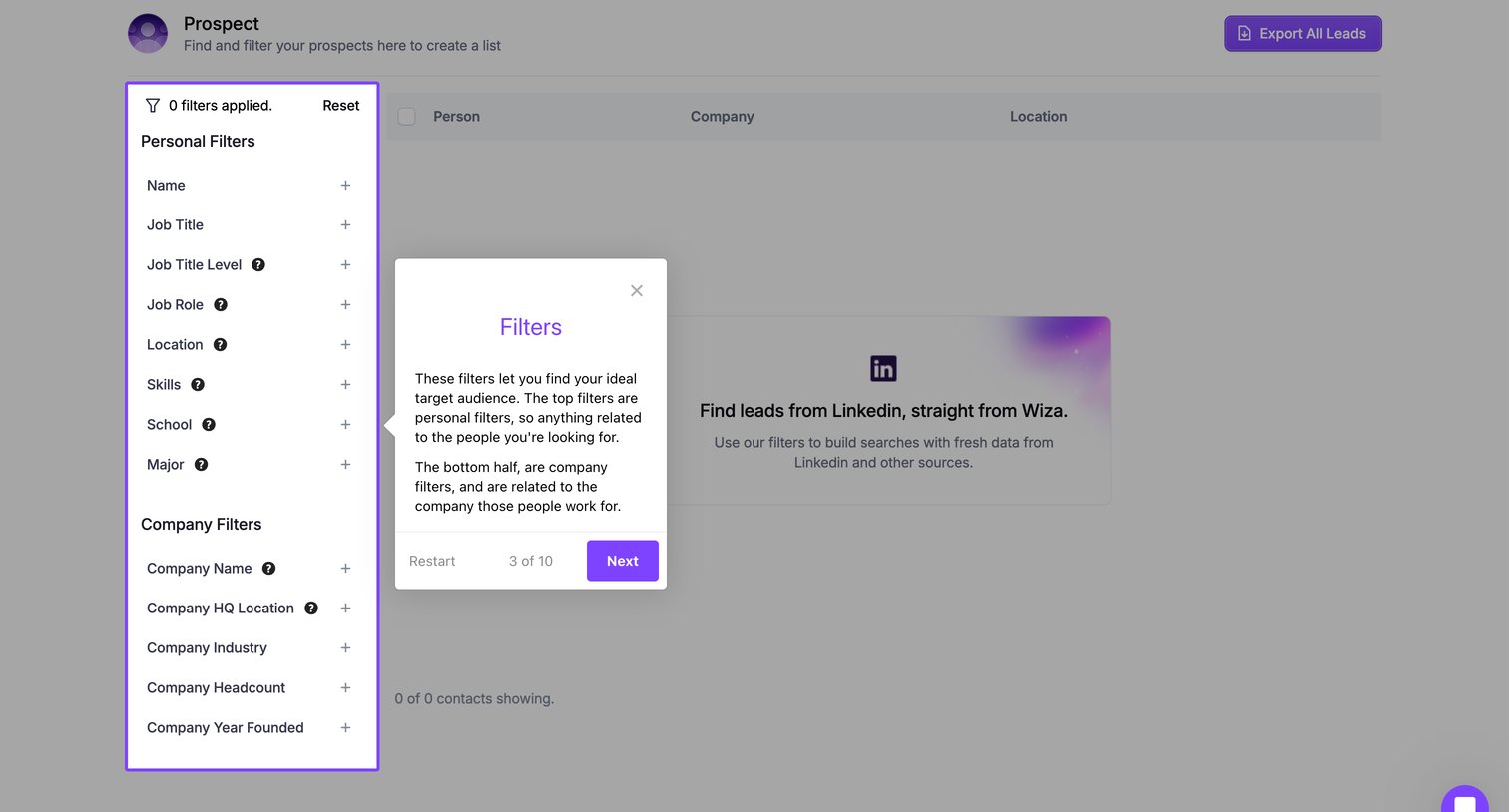
List view where the user builds a target audience using personal and company filters, currently showing an onboarding tour popover over an empty state.
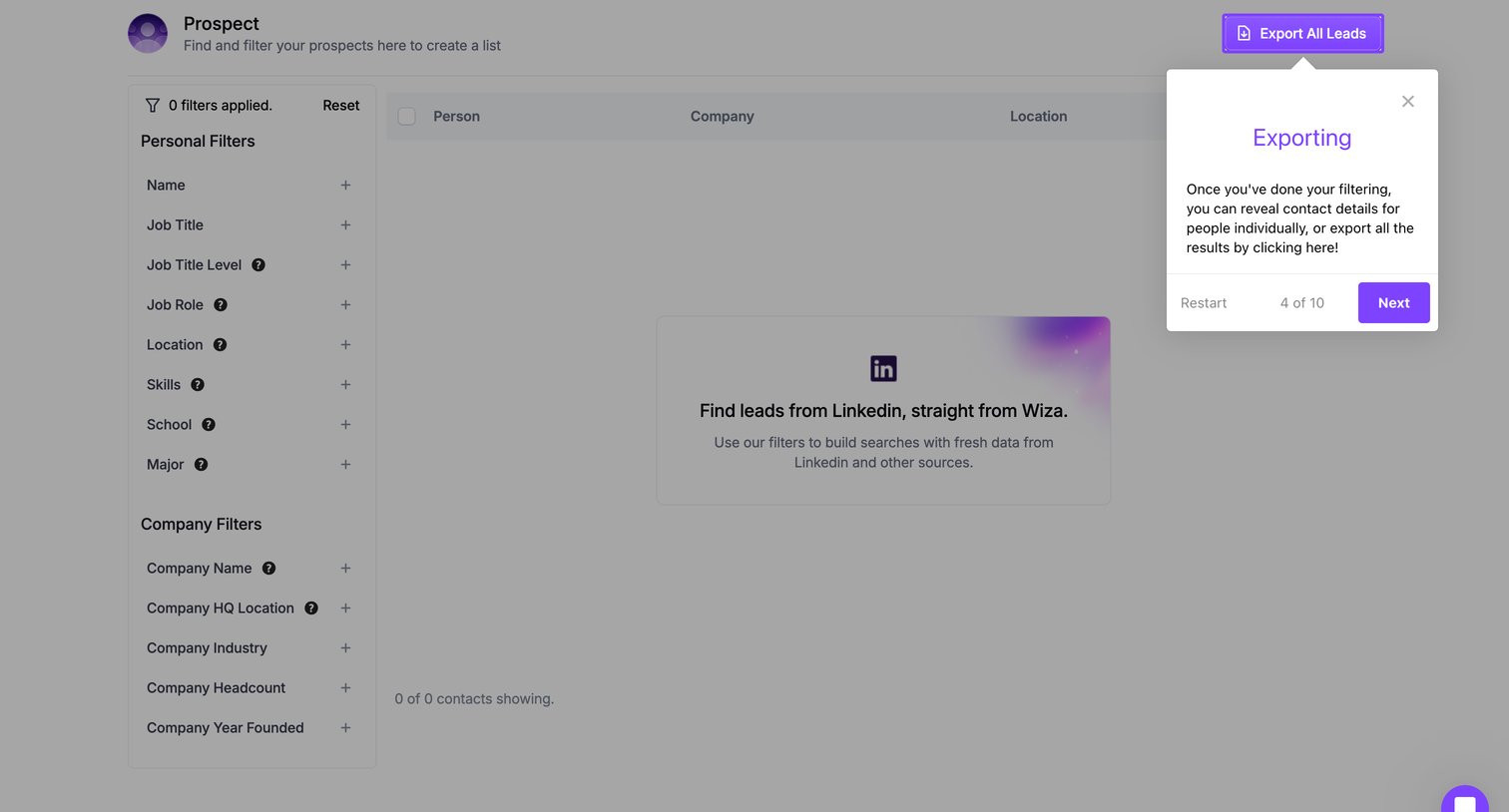
Prospecting search interface in an empty state featuring a comprehensive filter sidebar and an active product tour popover explaining the export functionality.
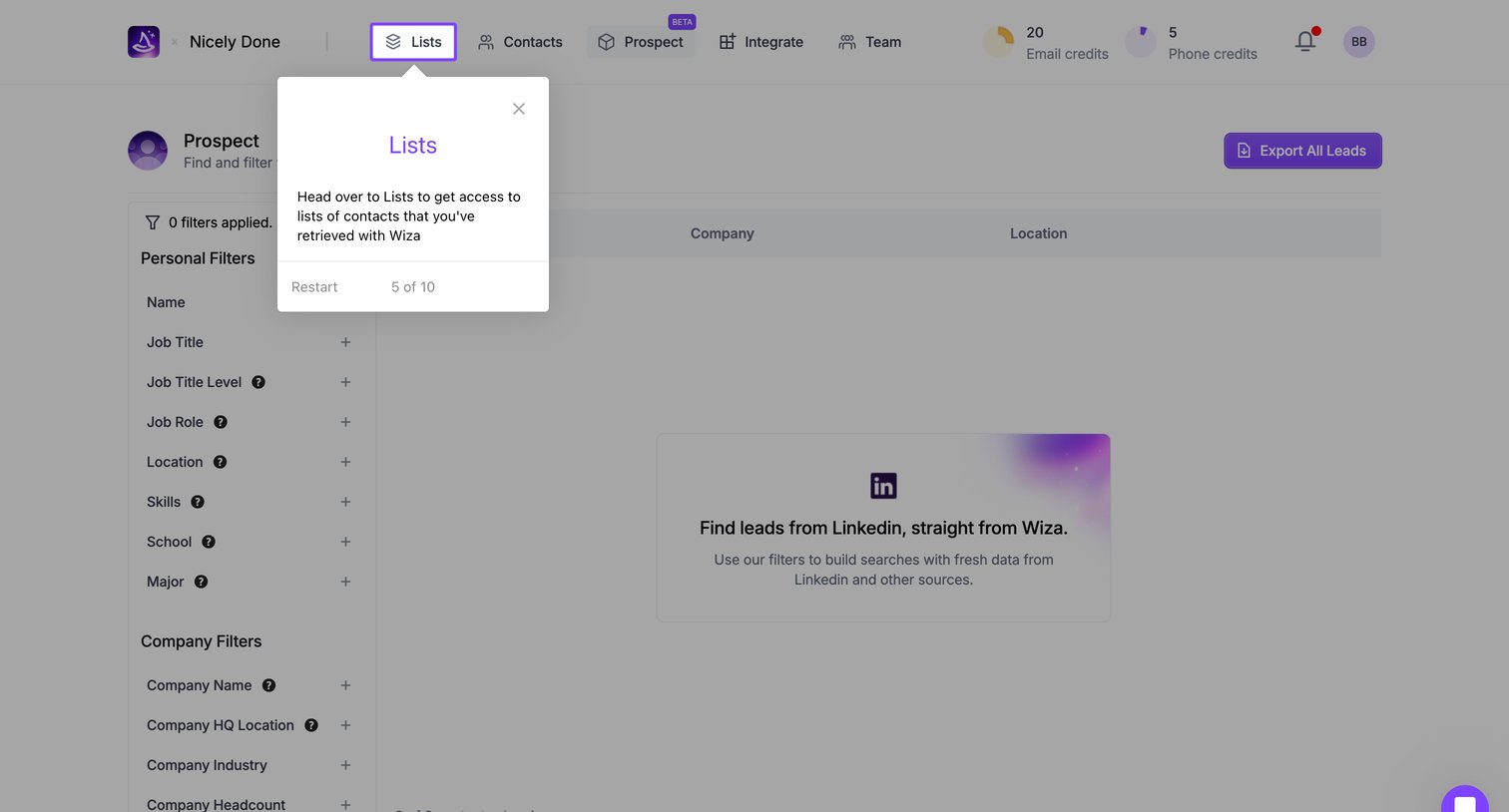
Search interface where the user can build lists of leads using personal and company filters, currently showing an empty state and an active product tour step.
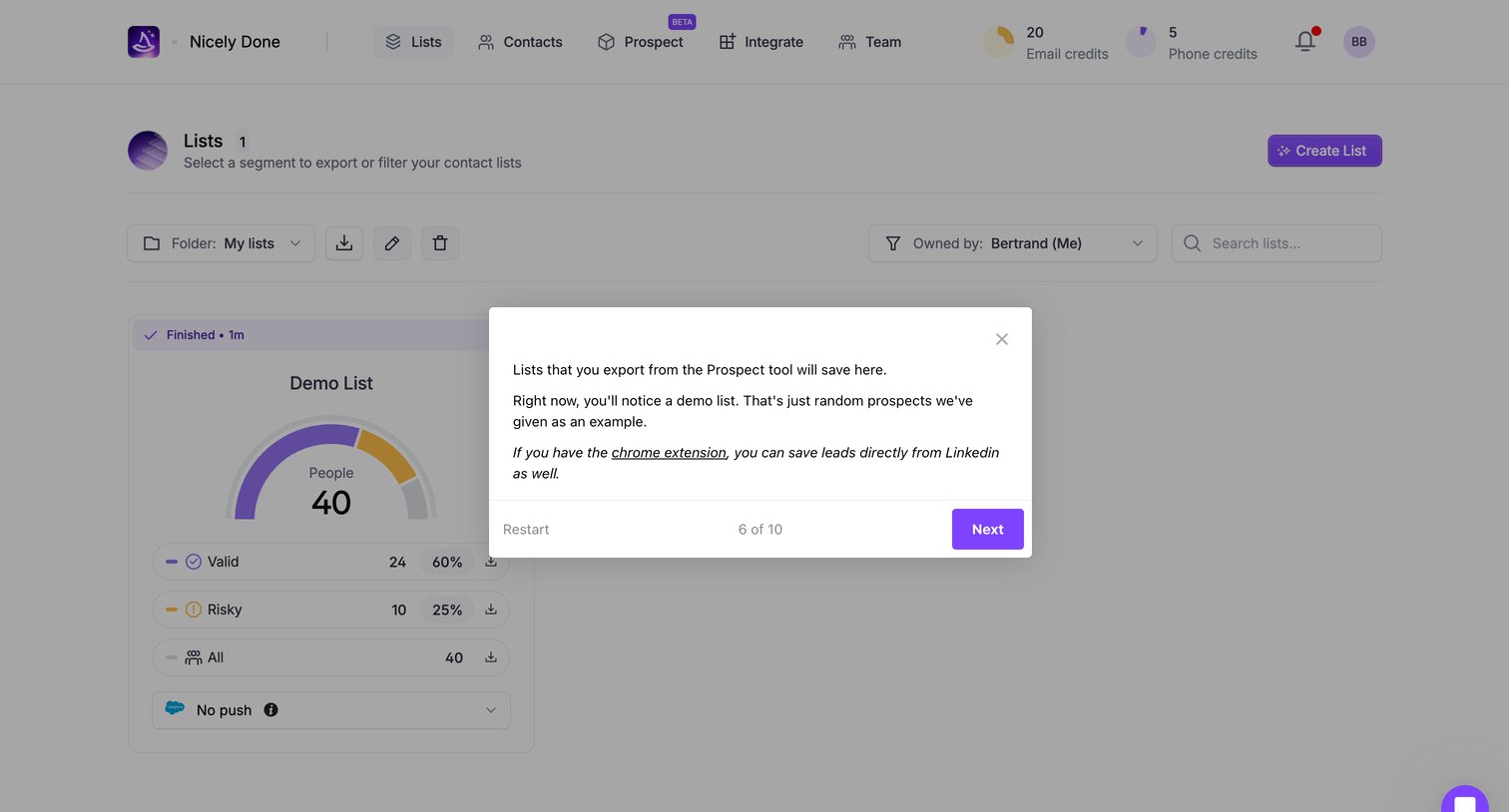
Onboarding step where a product tour modal explains that exported lists will save here and points out the demo list.
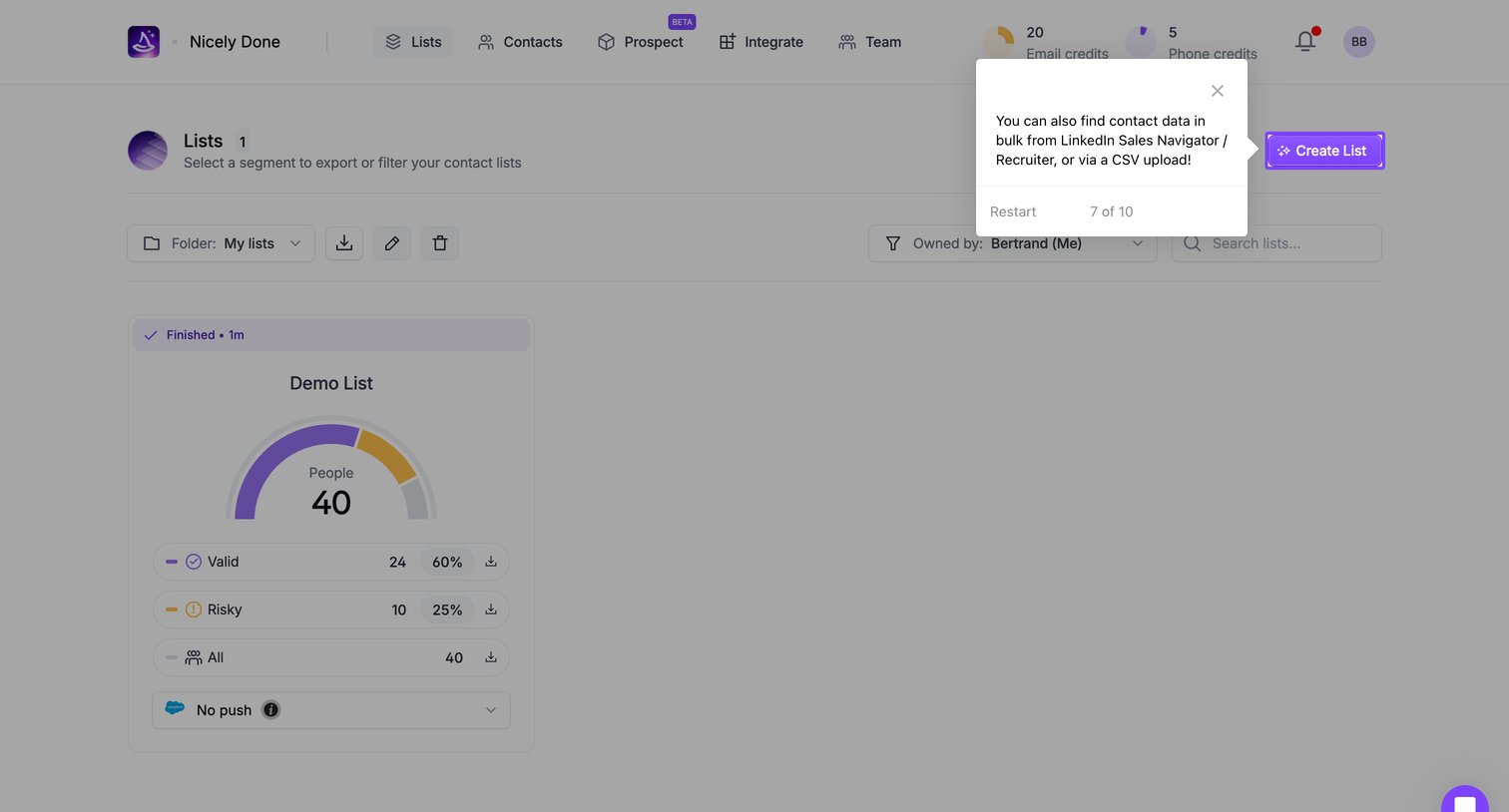
List view where the user manages and filters their contact lists, with an active product tour tooltip pointing to the create action.
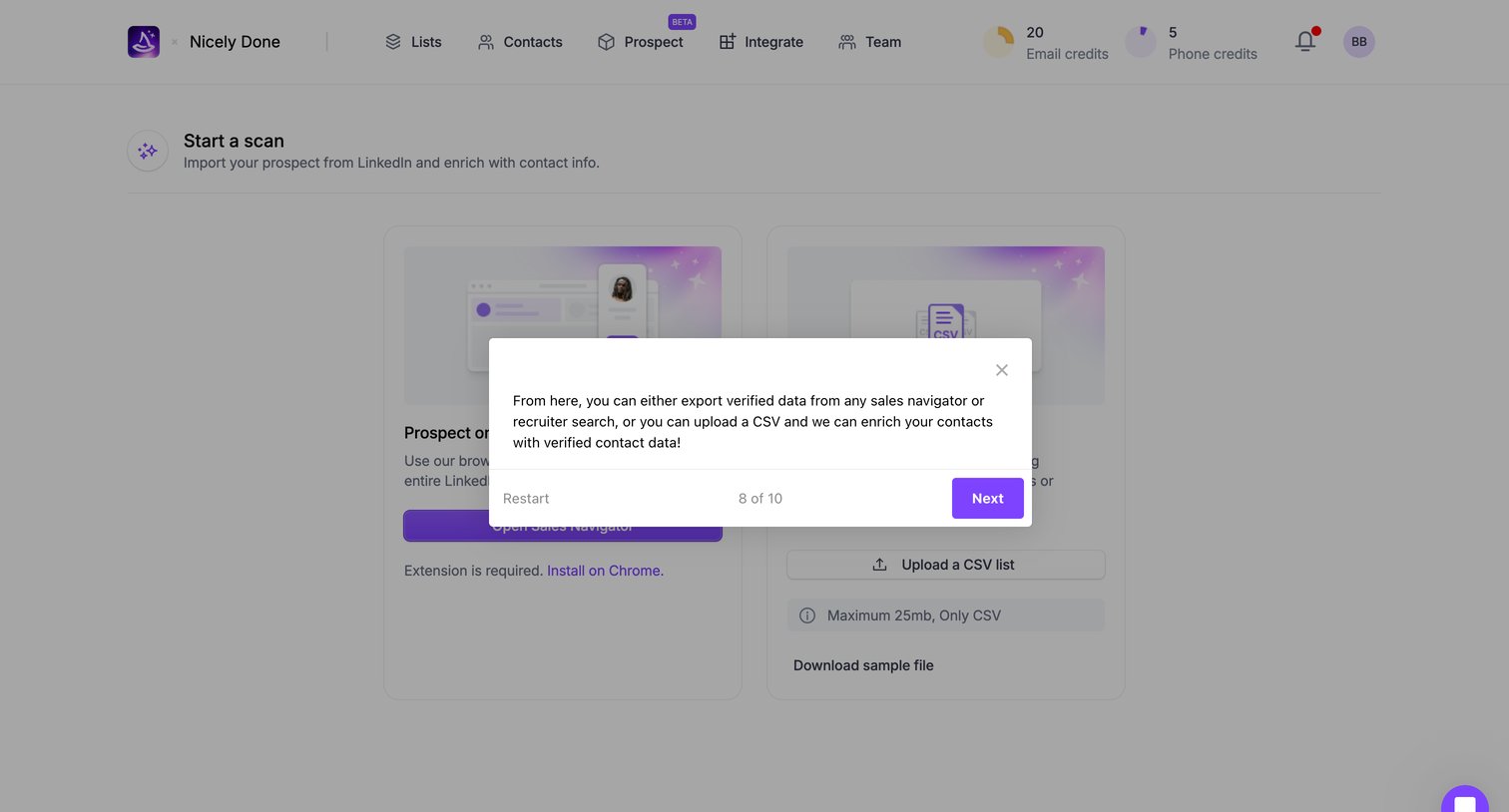
Onboarding step where a product tour modal explains how to export verified data from Sales Navigator or upload a CSV to enrich contacts.
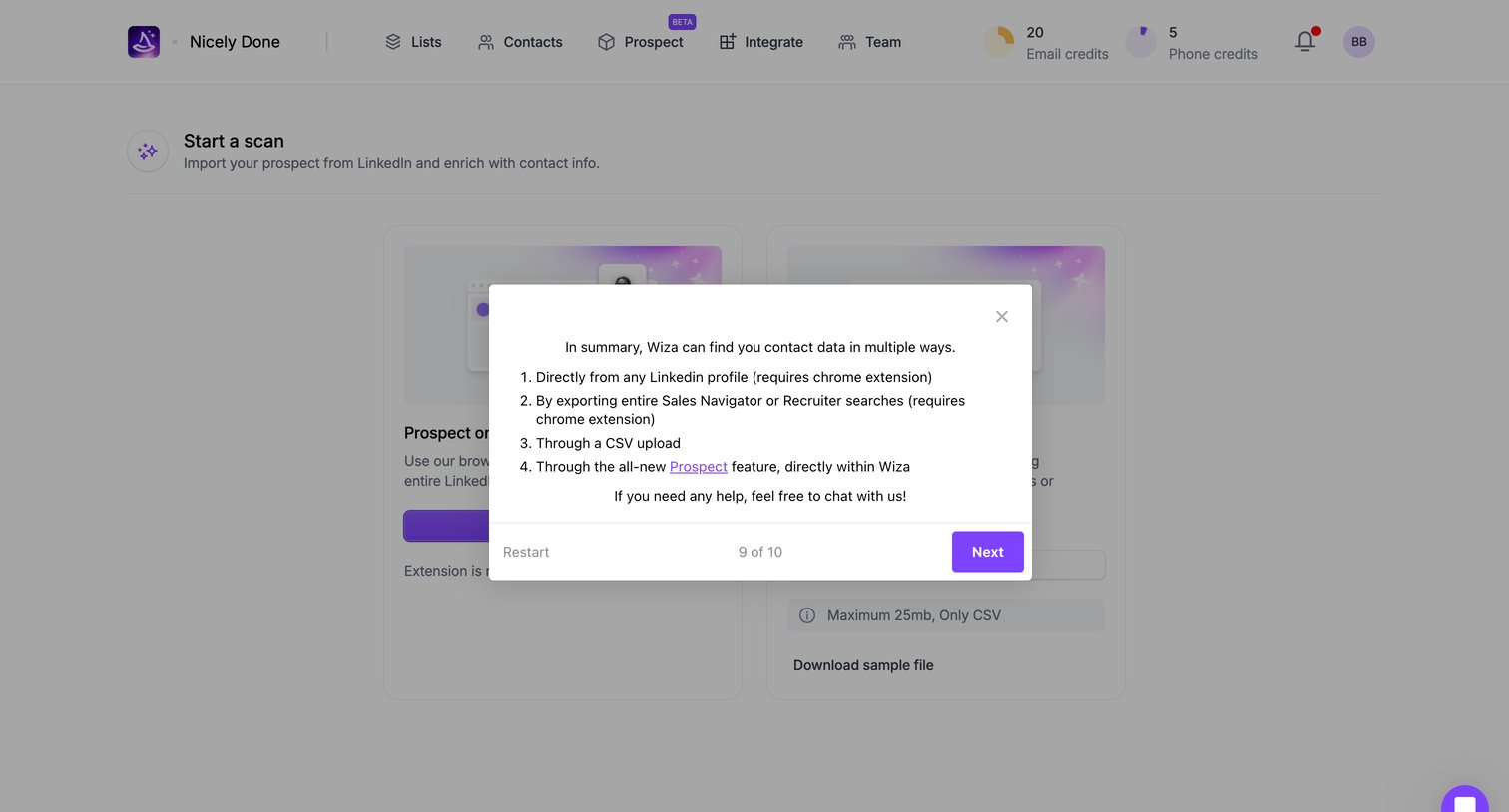
Onboarding step where a modal summarizes the four ways to find contact data before the user finishes the product tour.
Browse the full SaaS app library
Explore real SaaS apps with their product screens, marketing screens, flows, and components.
Trusted by the best teams







