BinarBase design examples
Explore BinarBase UI design examples. Data for Everyone. Powered by AI.
Product screens

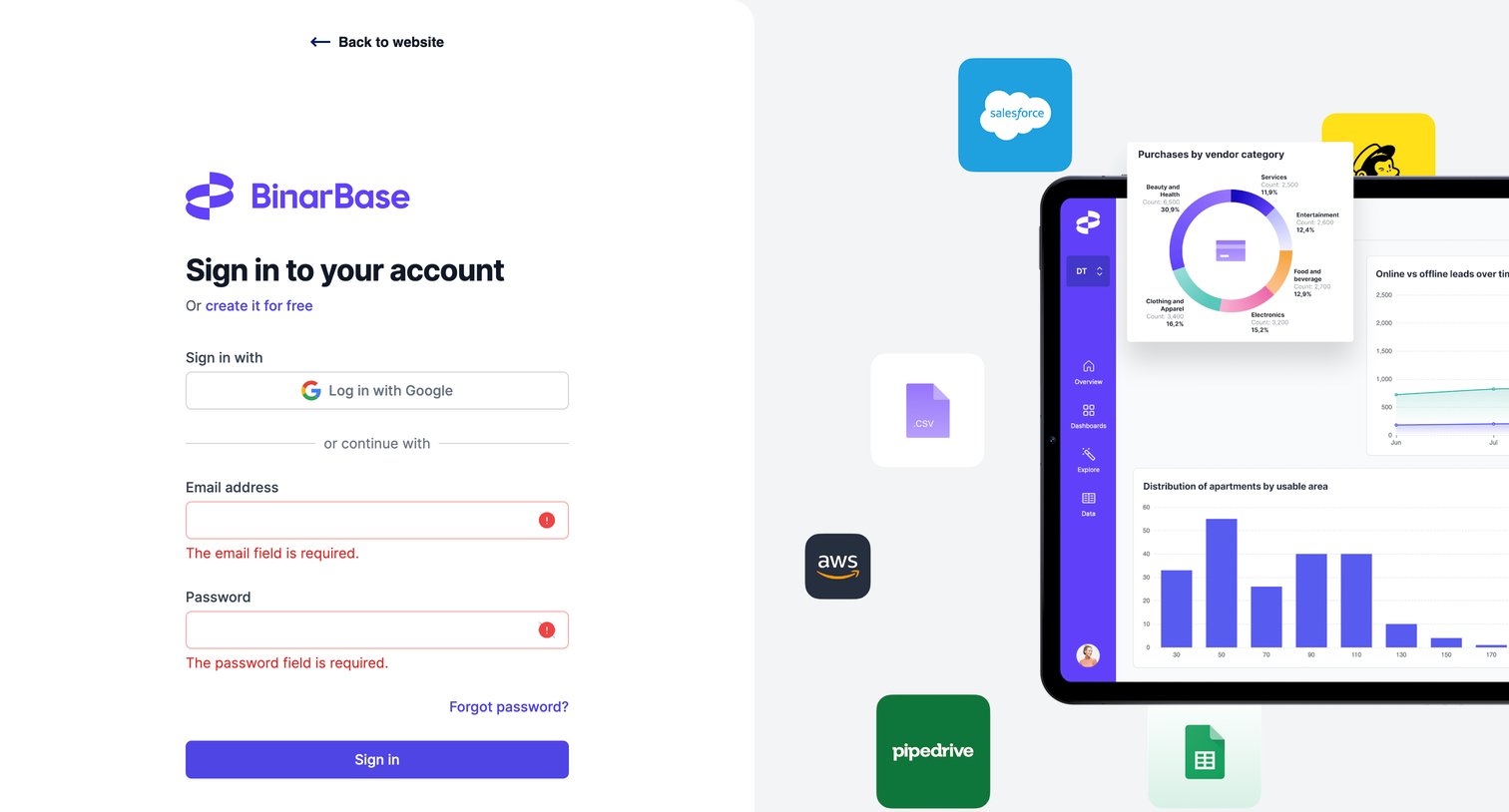
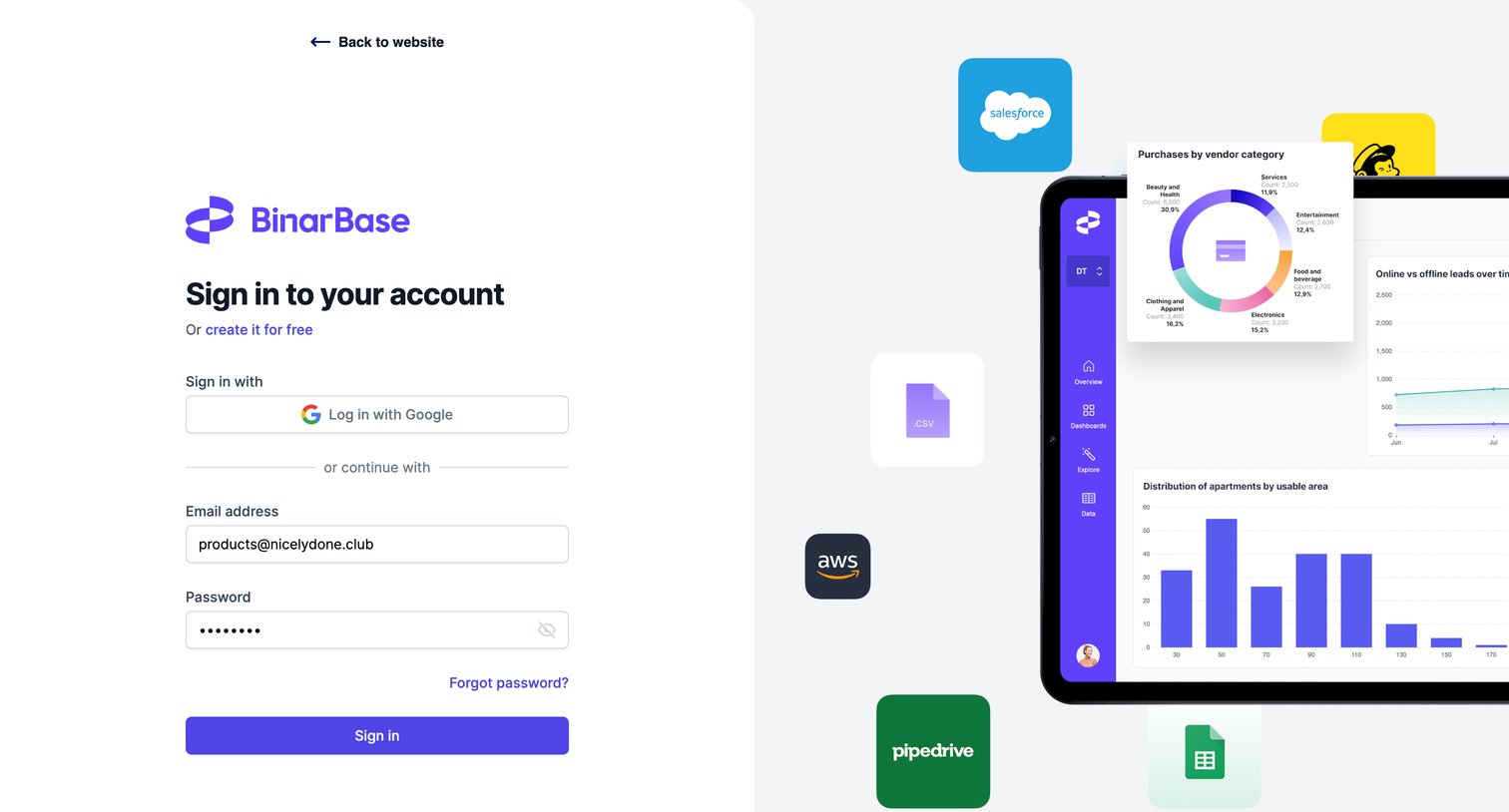
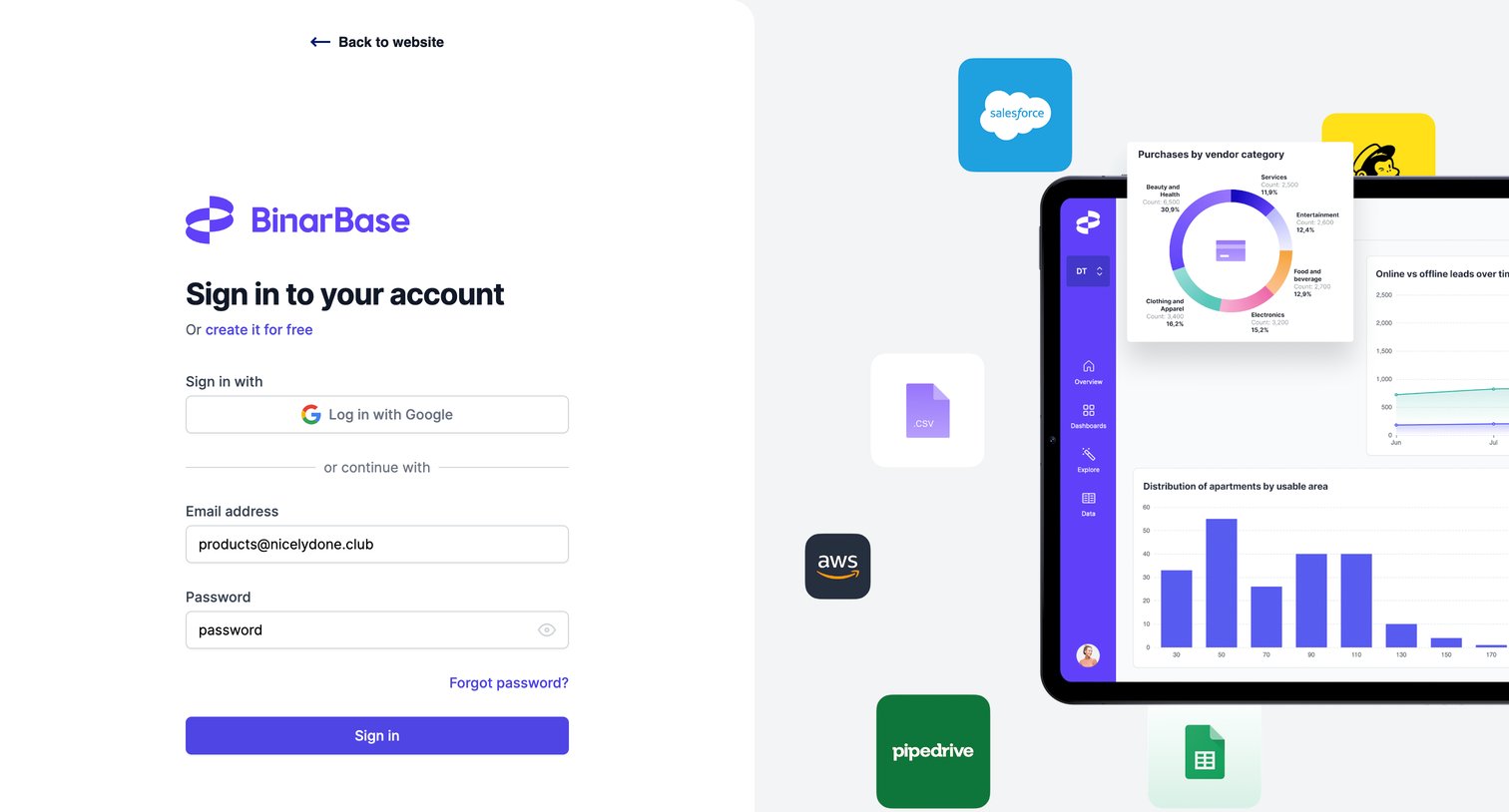
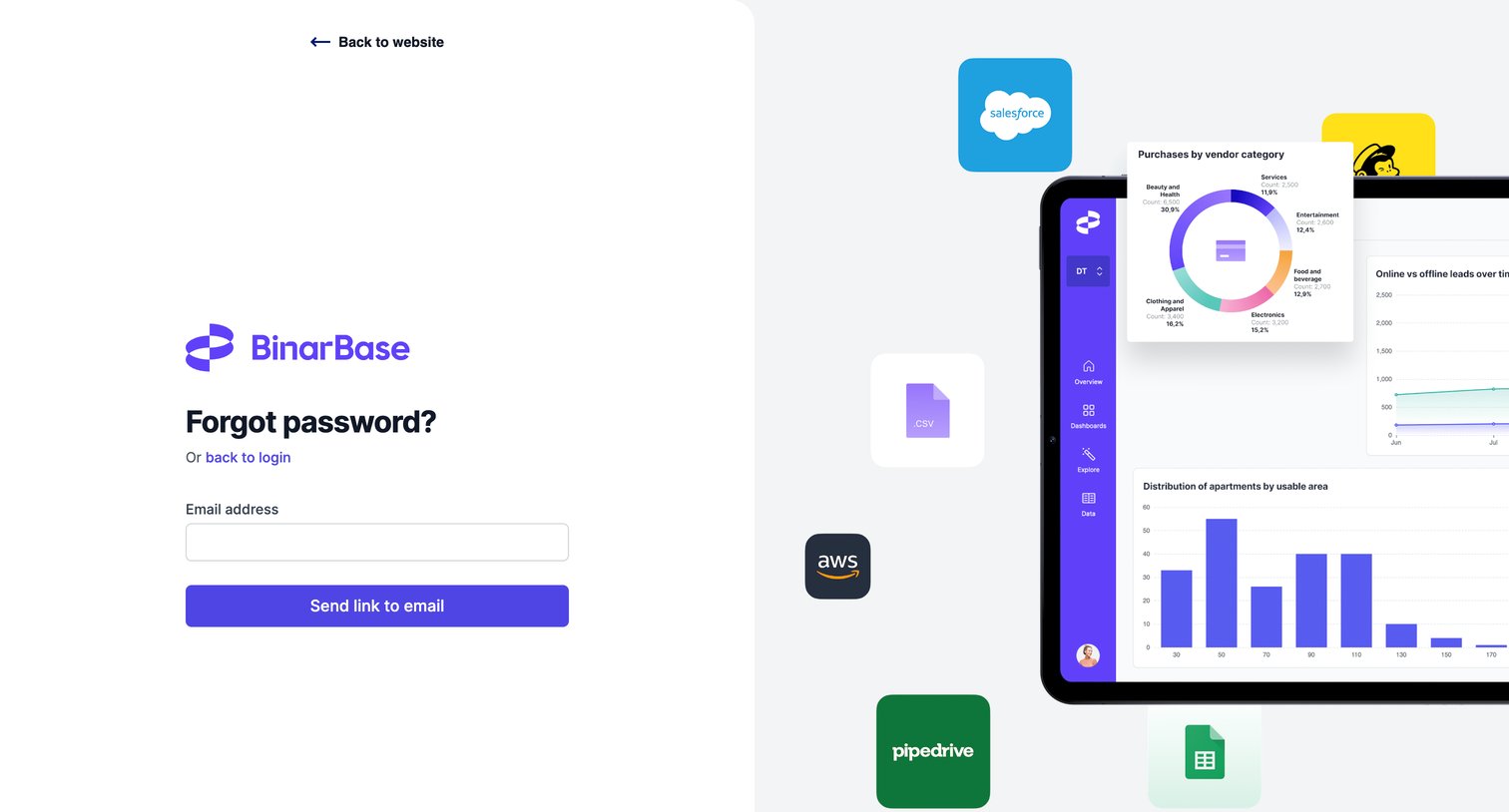

Password recovery screen where the user enters their email address to receive a reset link, featuring a decorative dashboard illustration with floating integration logos on the right.
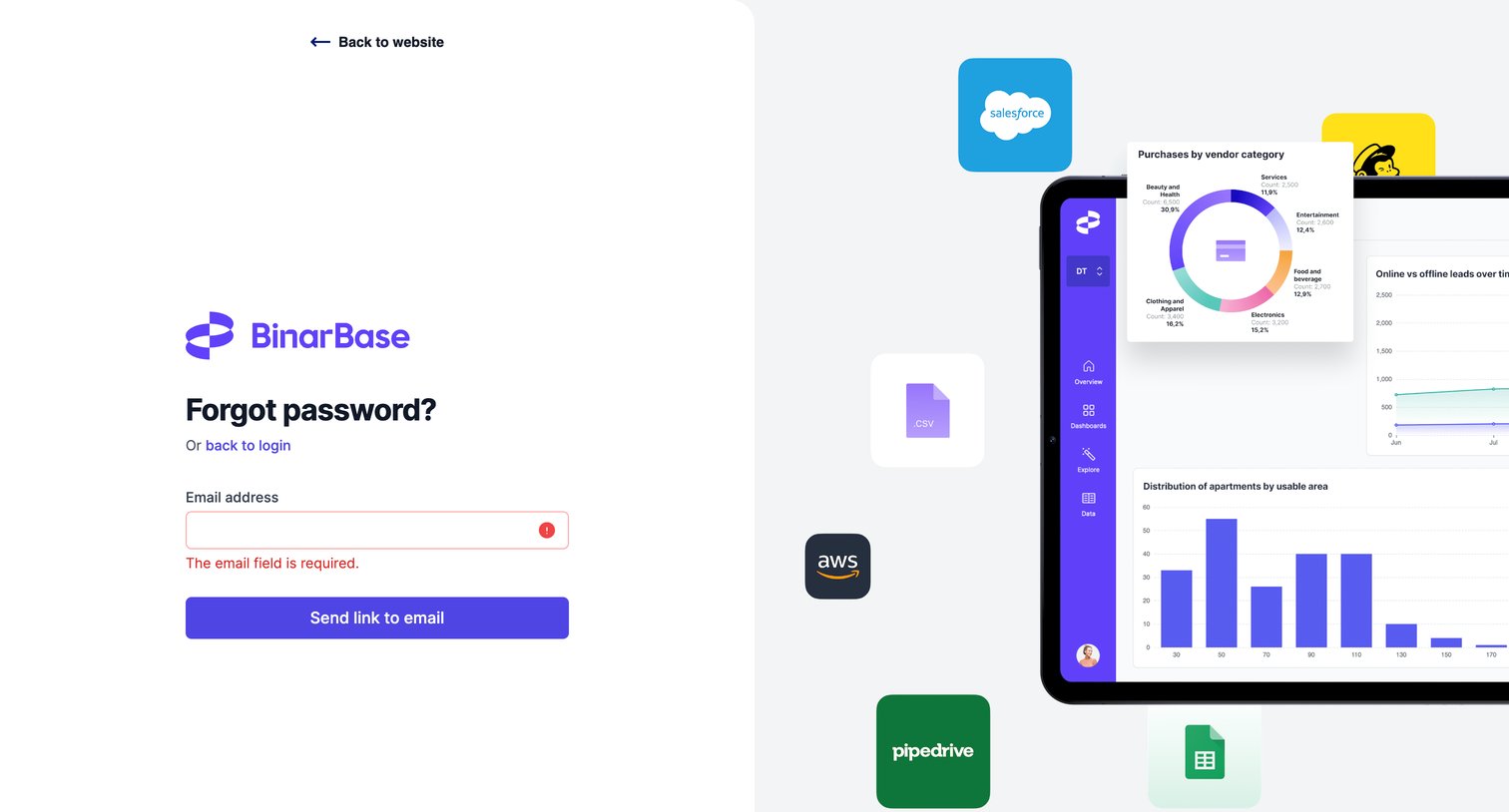
Password recovery screen where the user is prompted to enter their email address to receive a reset link, currently displaying a validation error for an empty input.
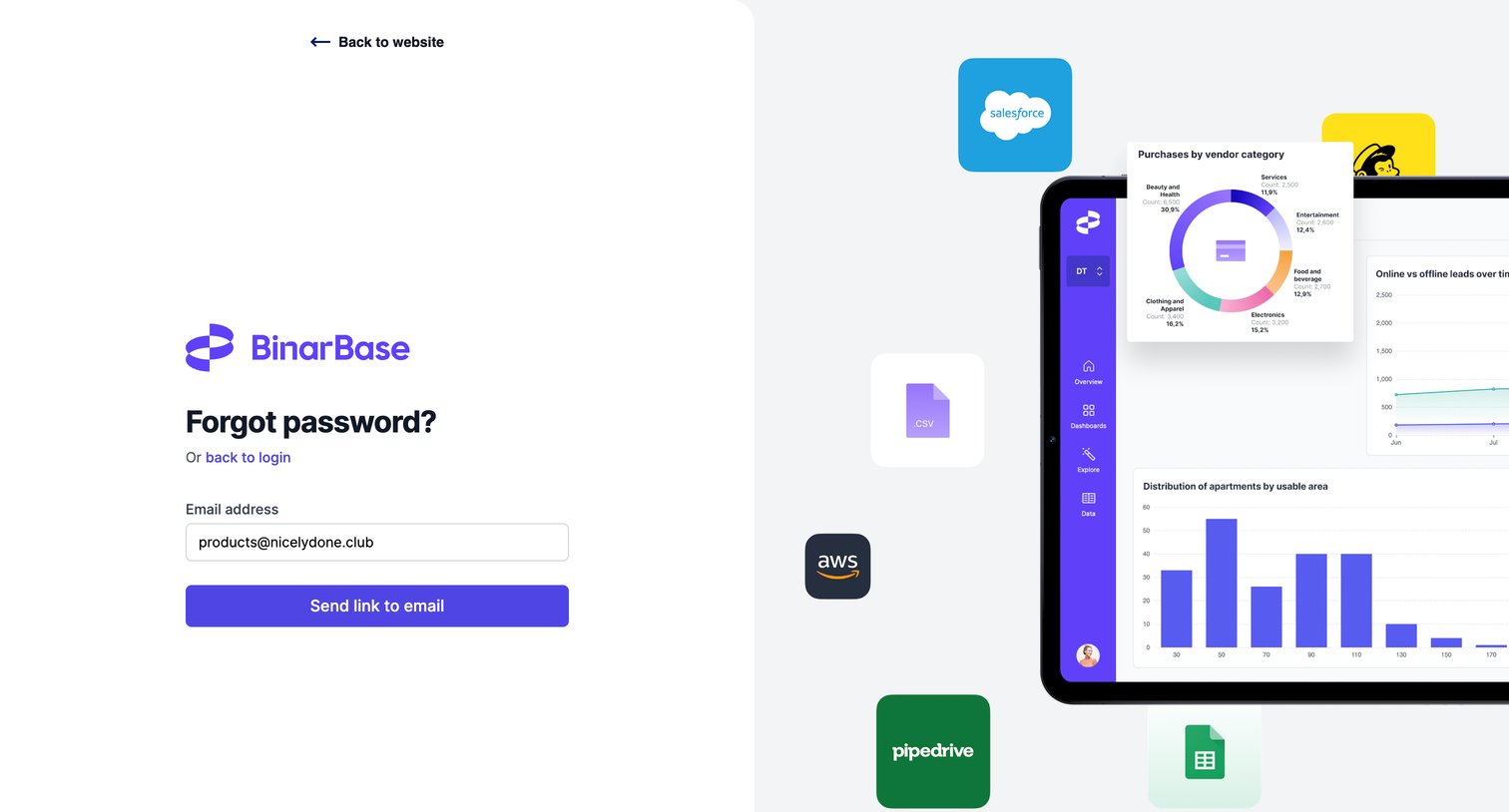
Password recovery screen where the user enters their email address to receive a reset link, featuring a decorative dashboard illustration on the right half of the screen.
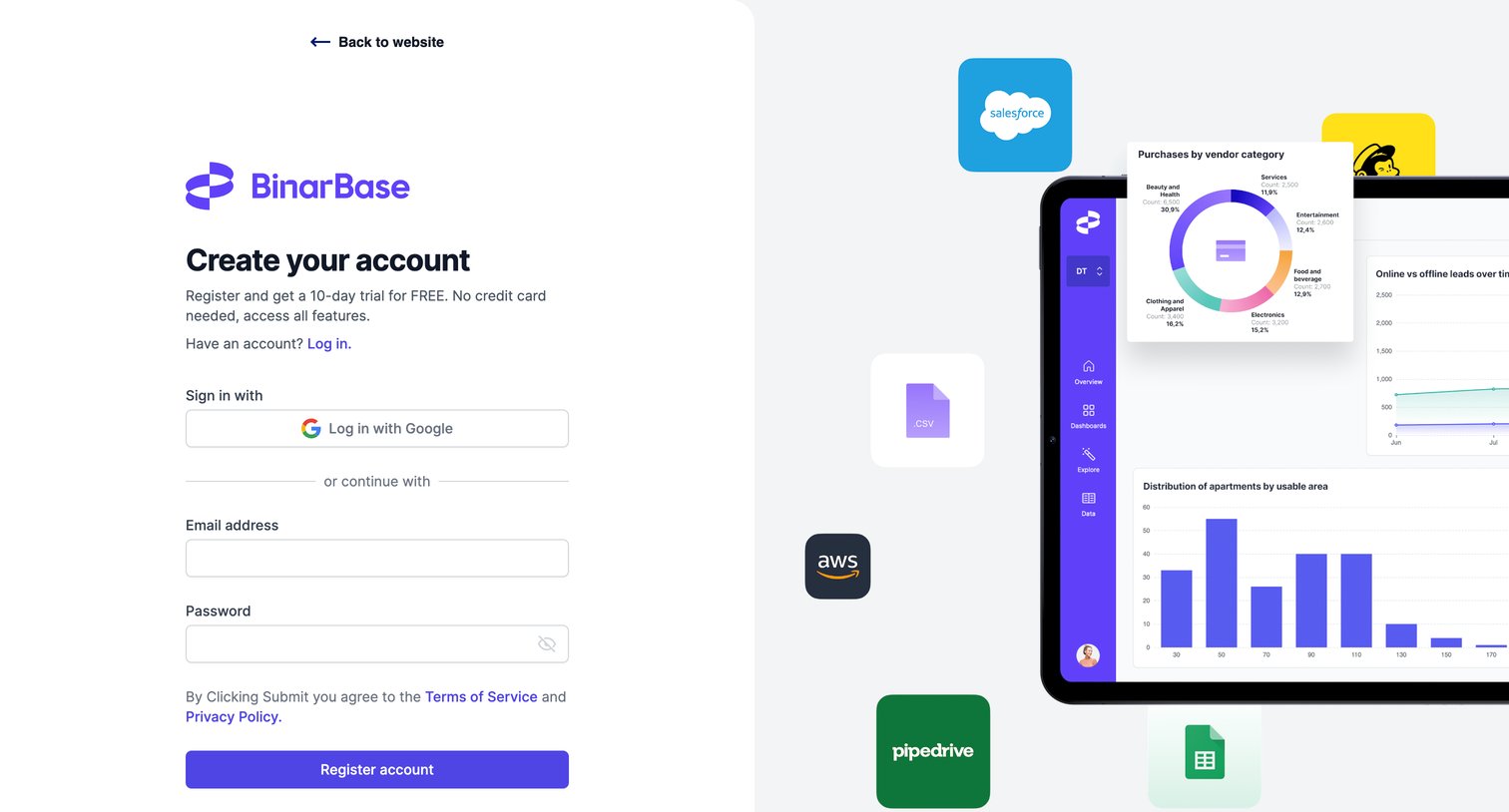
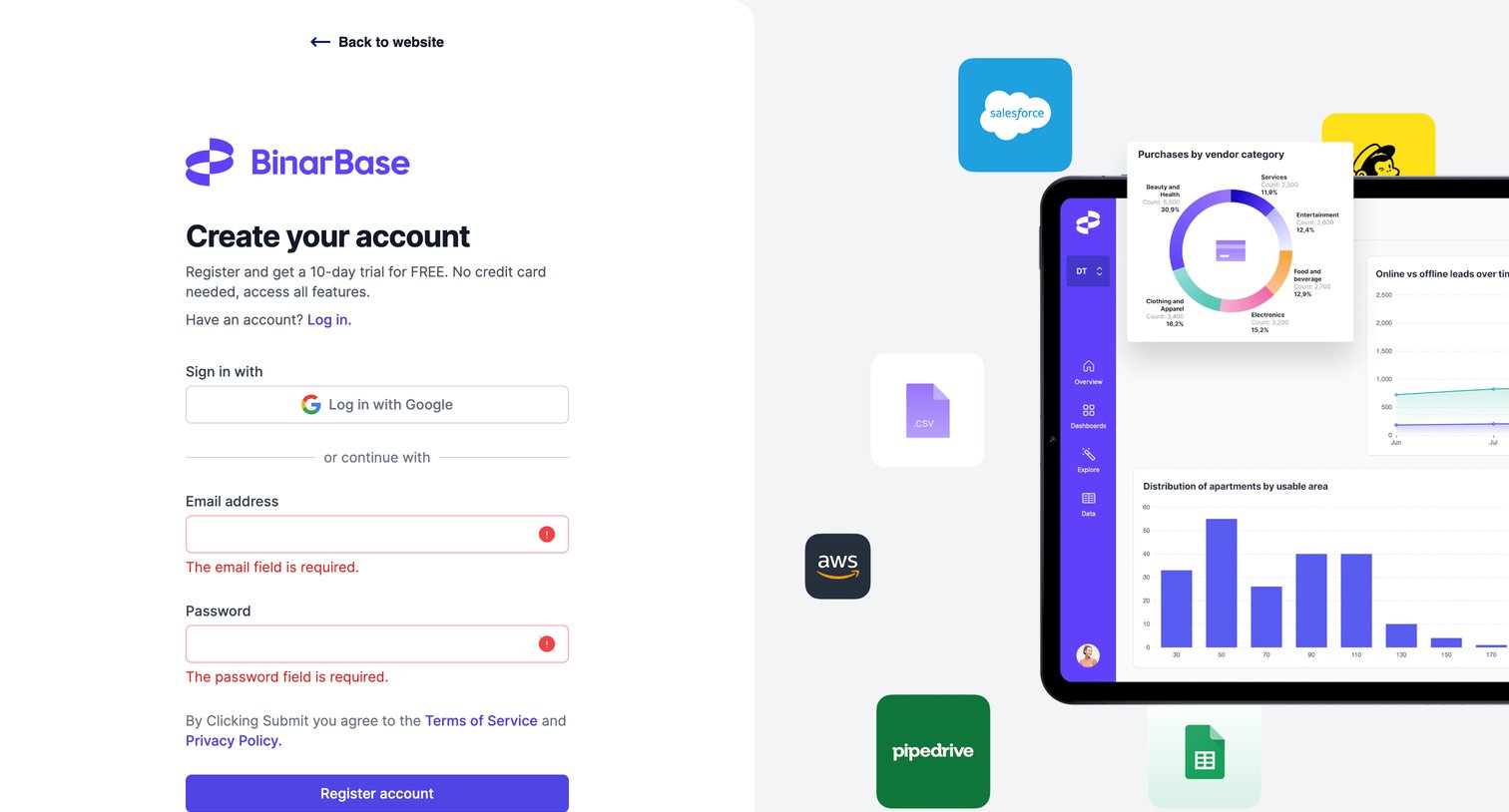
Signup page where the user creates an account via email or Google to start a 10-day free trial, featuring a product preview illustration on the right.
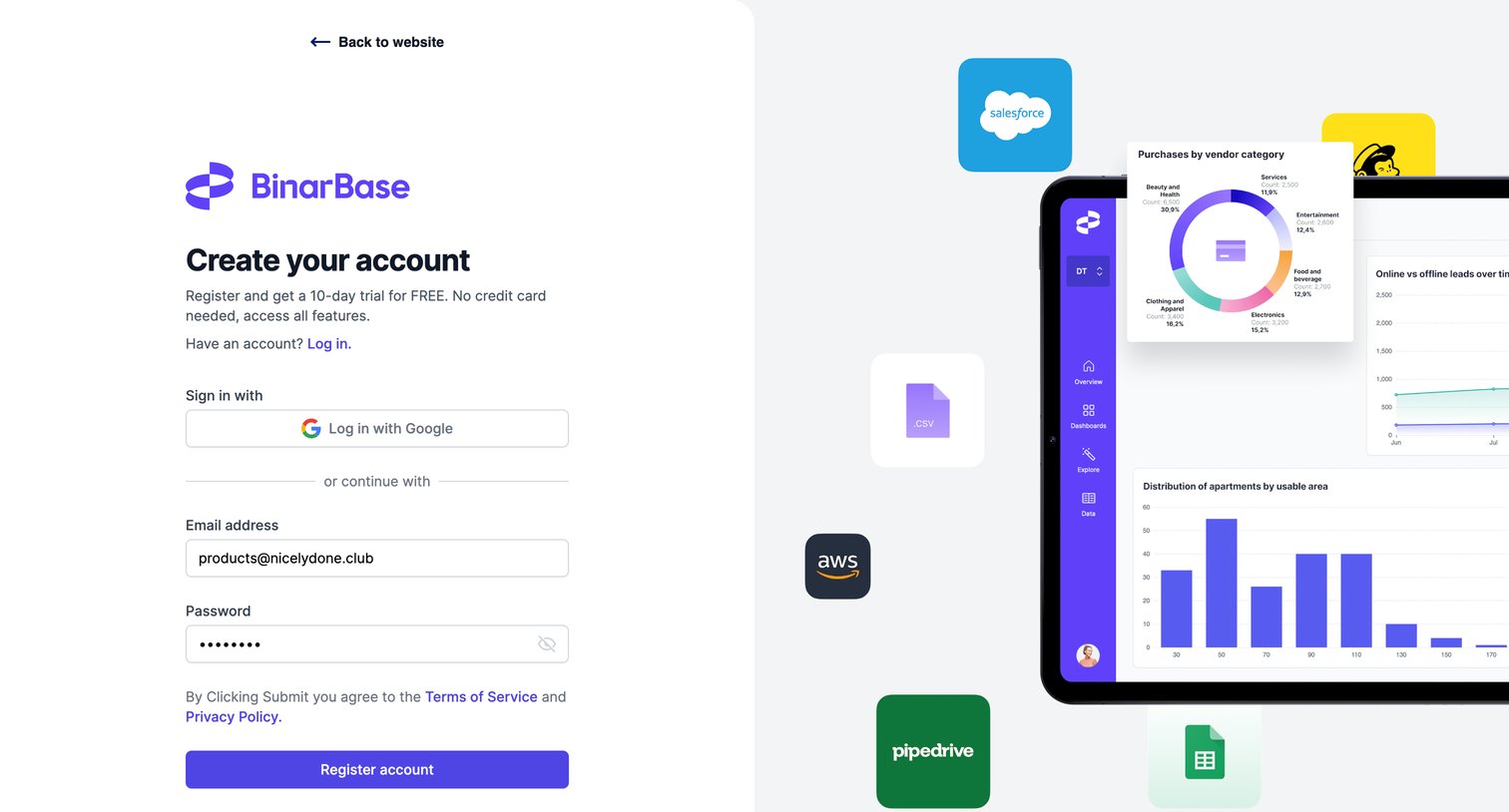
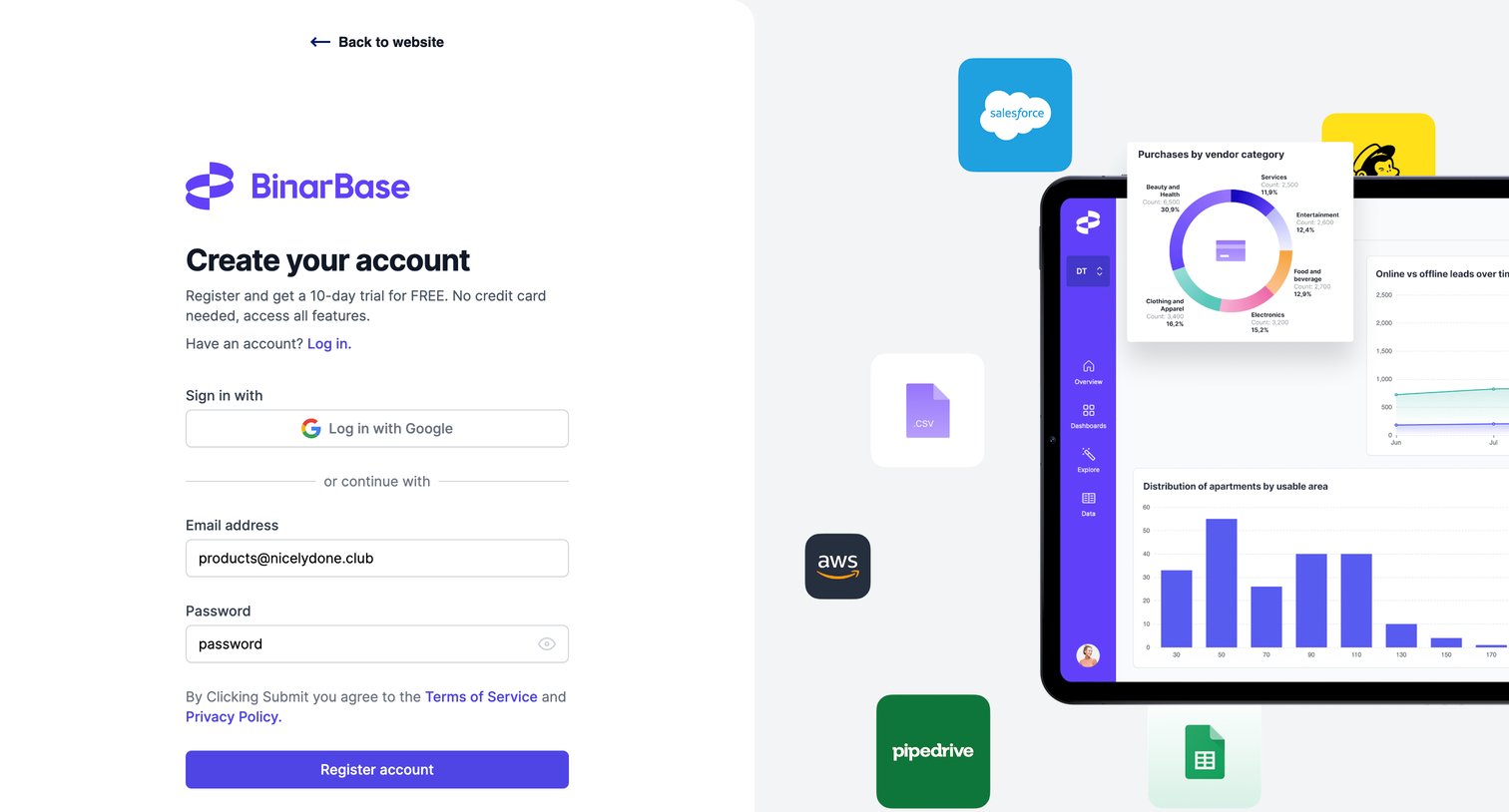
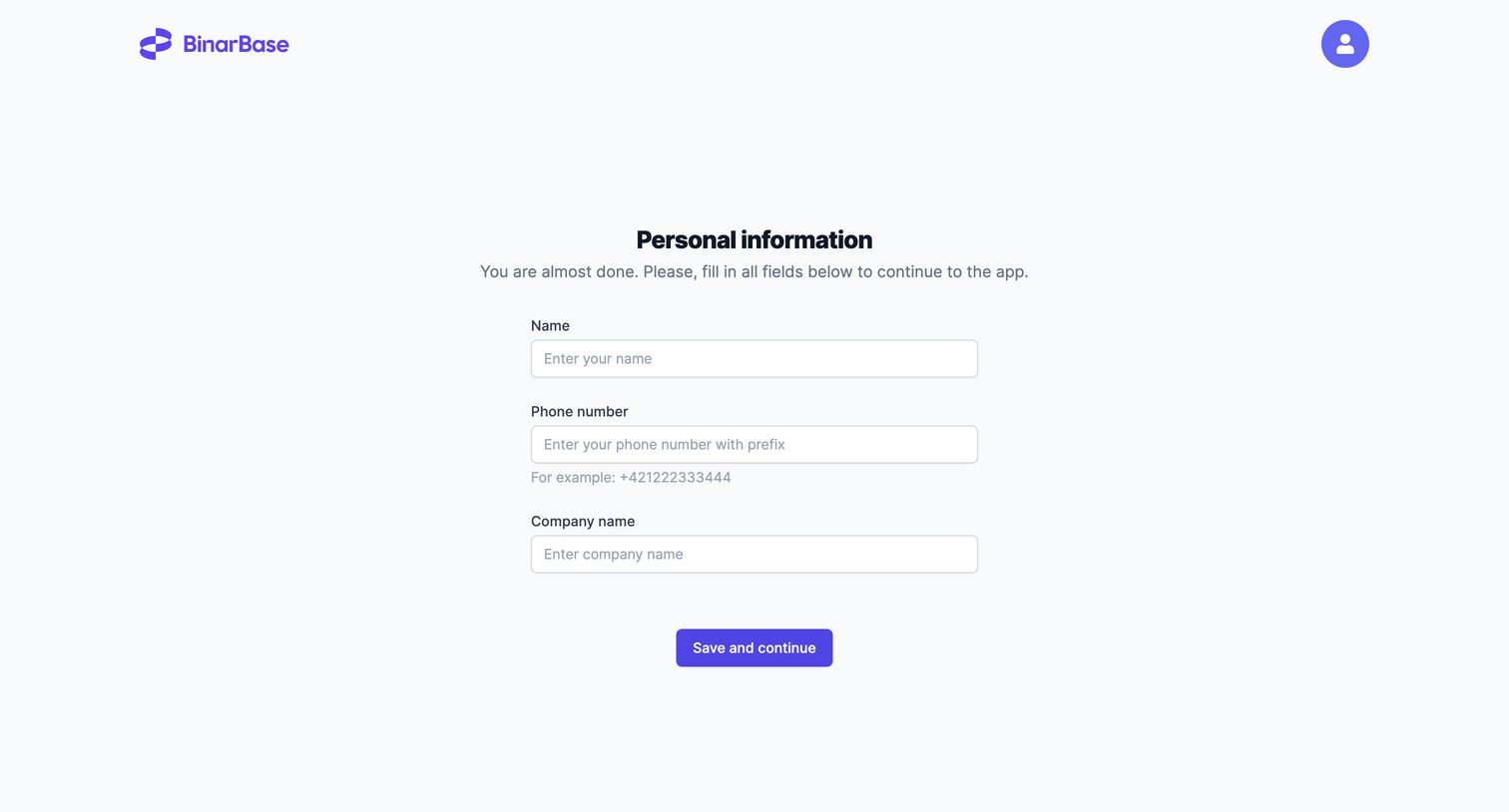
Onboarding step where the user provides their name, phone number, and company name to complete their account setup.
Browse the full SaaS app library
Explore real SaaS apps with their product screens, marketing screens, flows, and components.
Trusted by the best teams







