Rise design examples
Explore Rise UI design examples. The calendar that works for you
Product screens
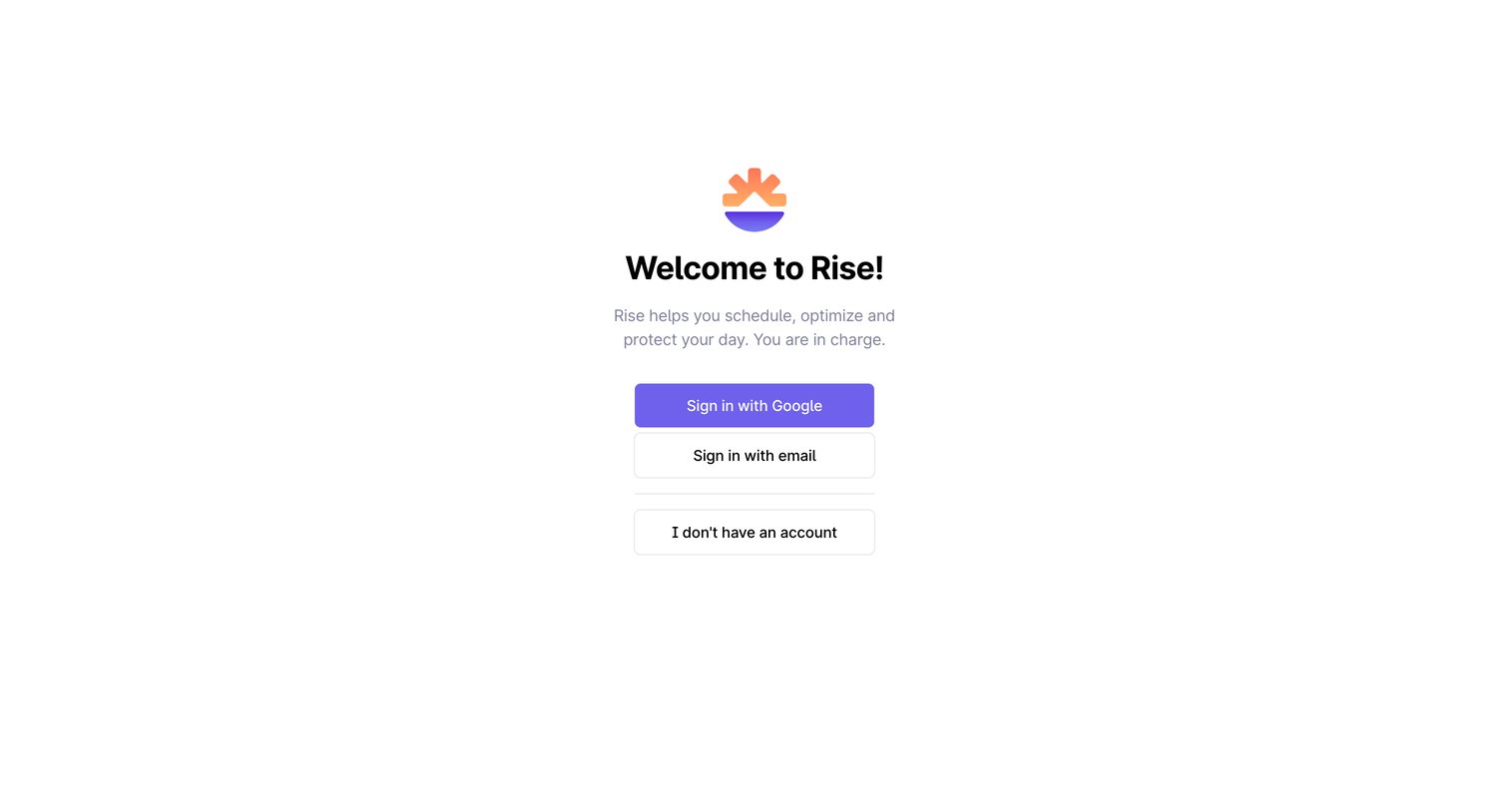
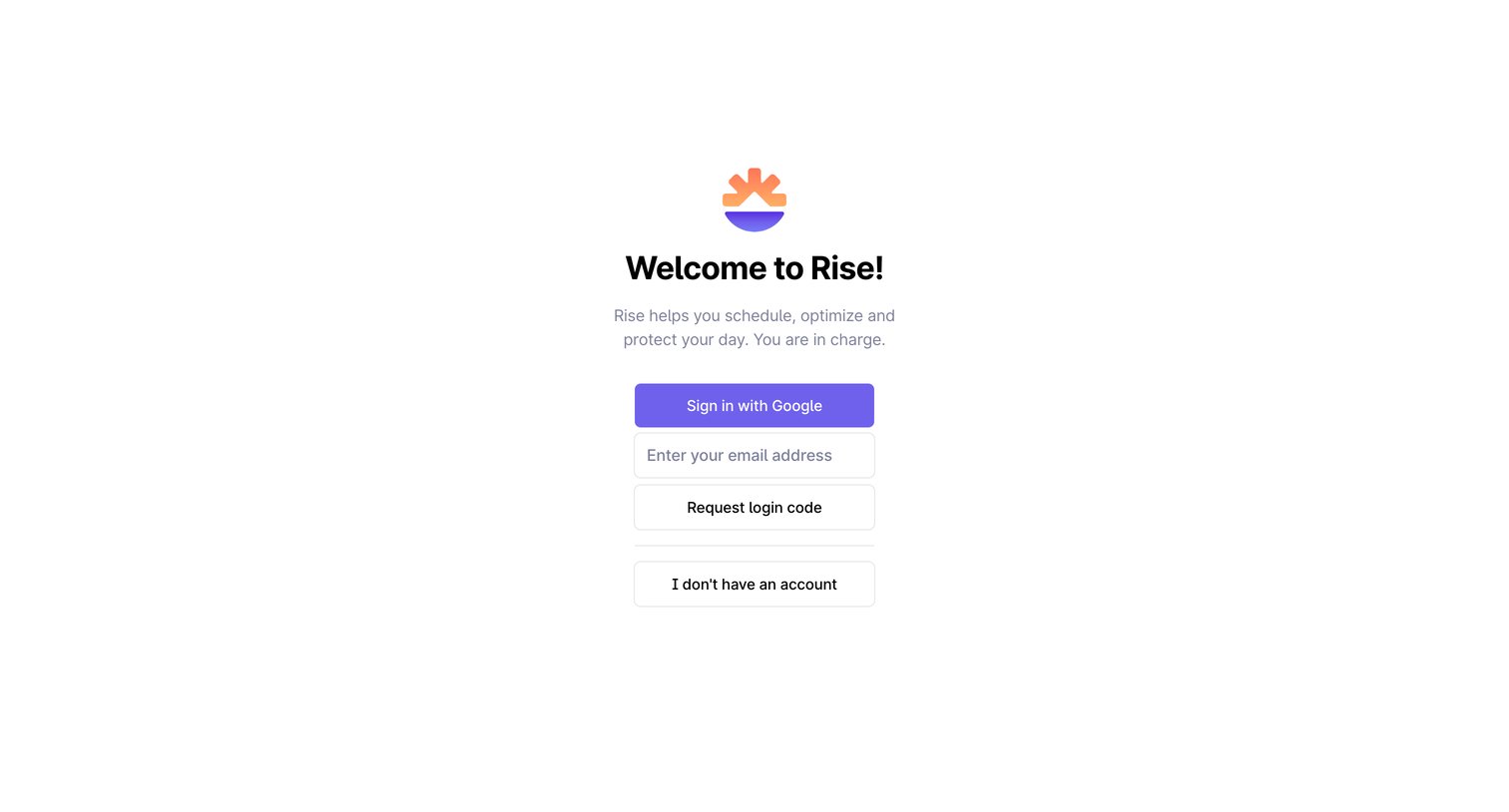
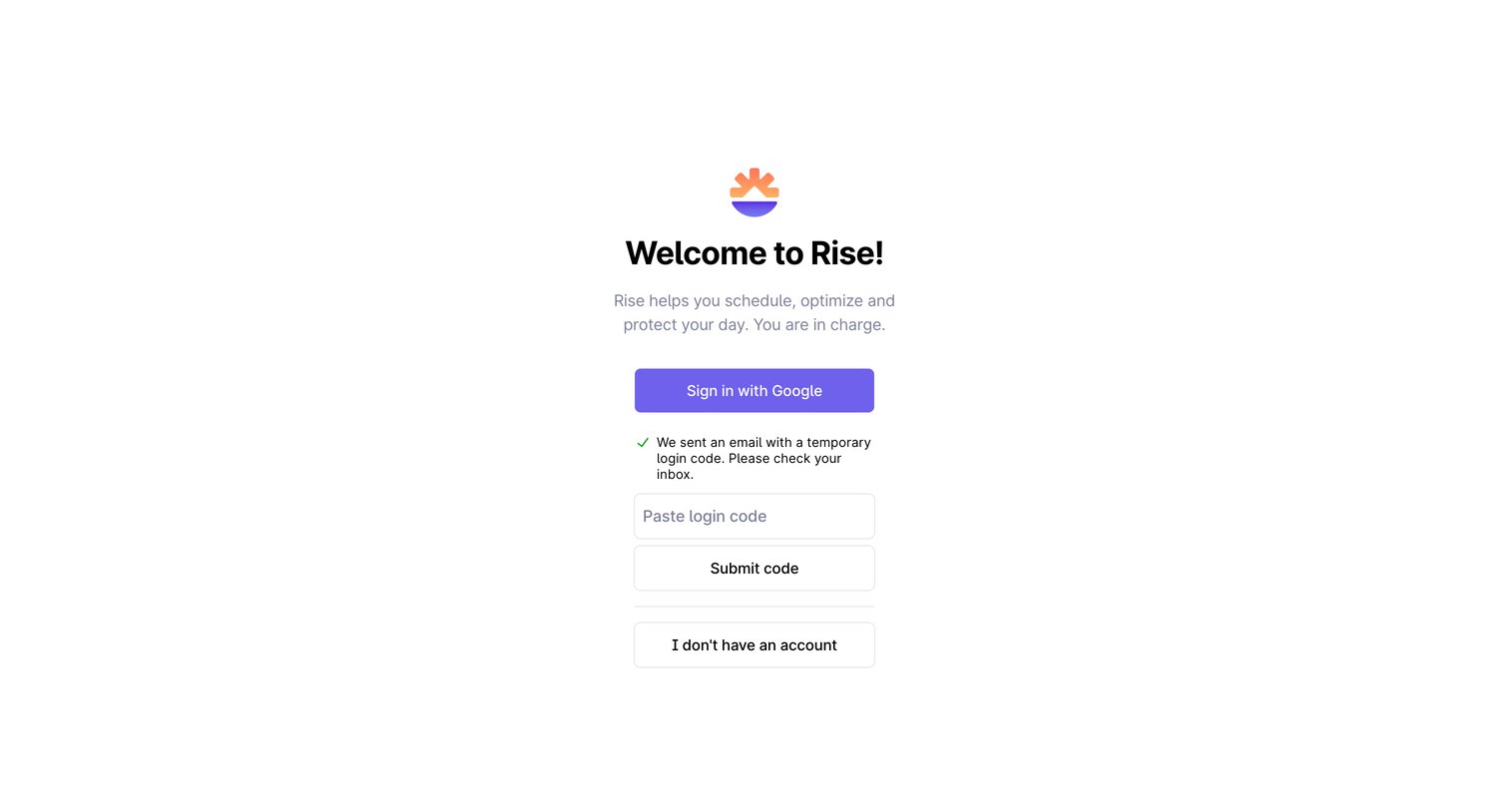

Sign-in screen where the user can authenticate with Google or enter a temporary login code sent to their email.
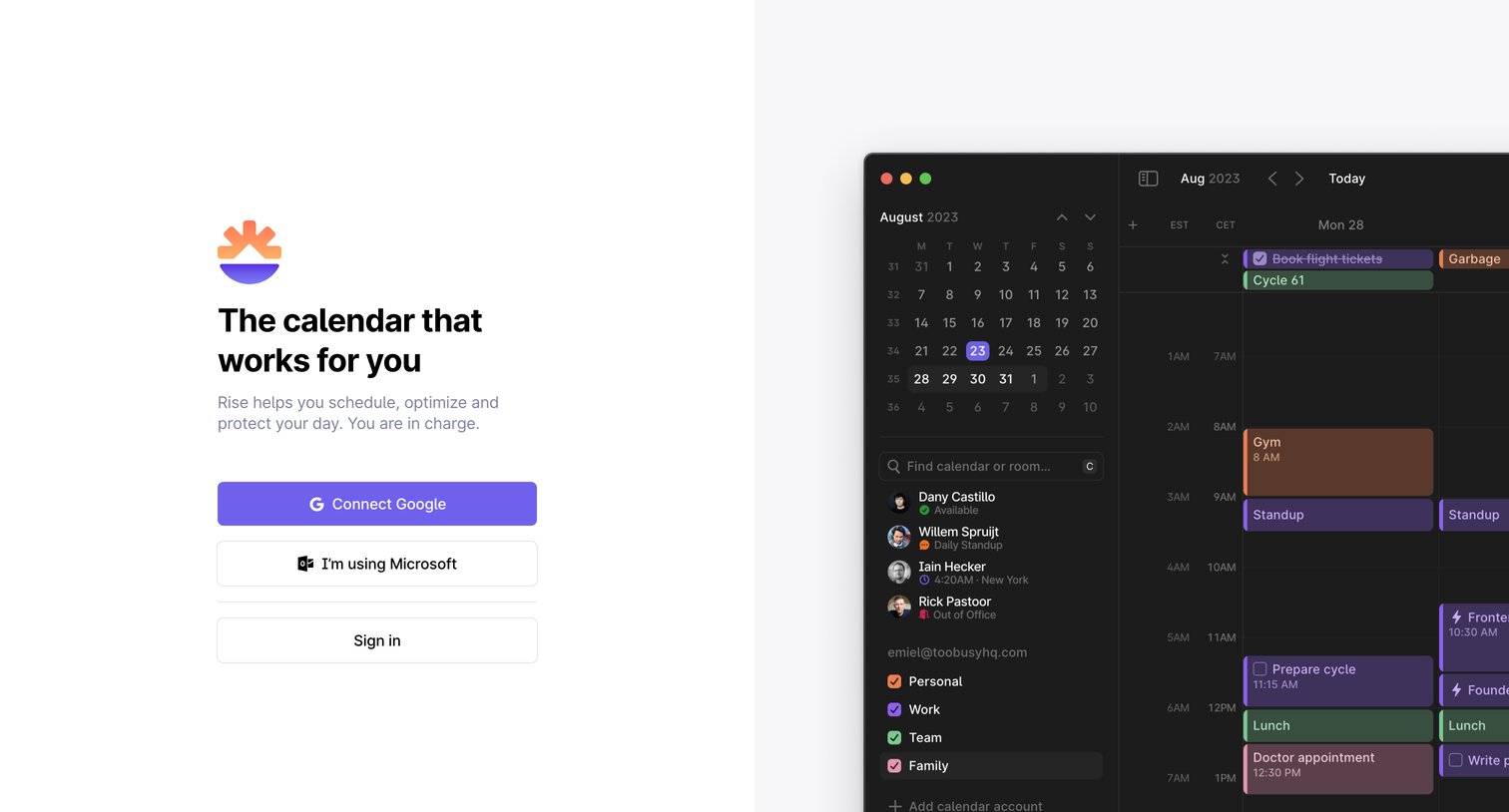
Signup page where the user can create an account using Google or Microsoft, featuring a prominent dark-mode product preview on the right.
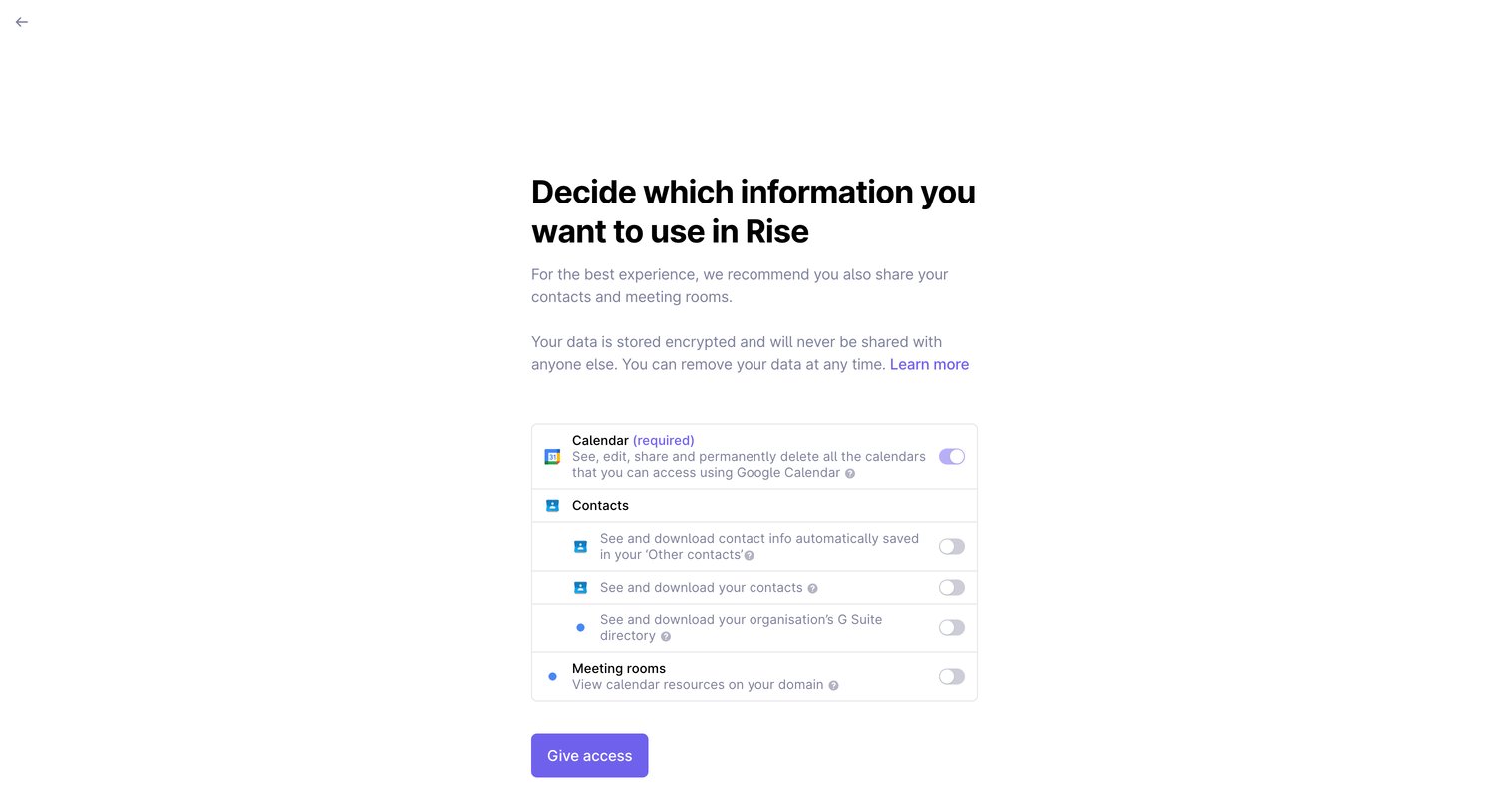
Onboarding step where the user selects which Google data, such as calendar, contacts, and meeting rooms, the application can access.
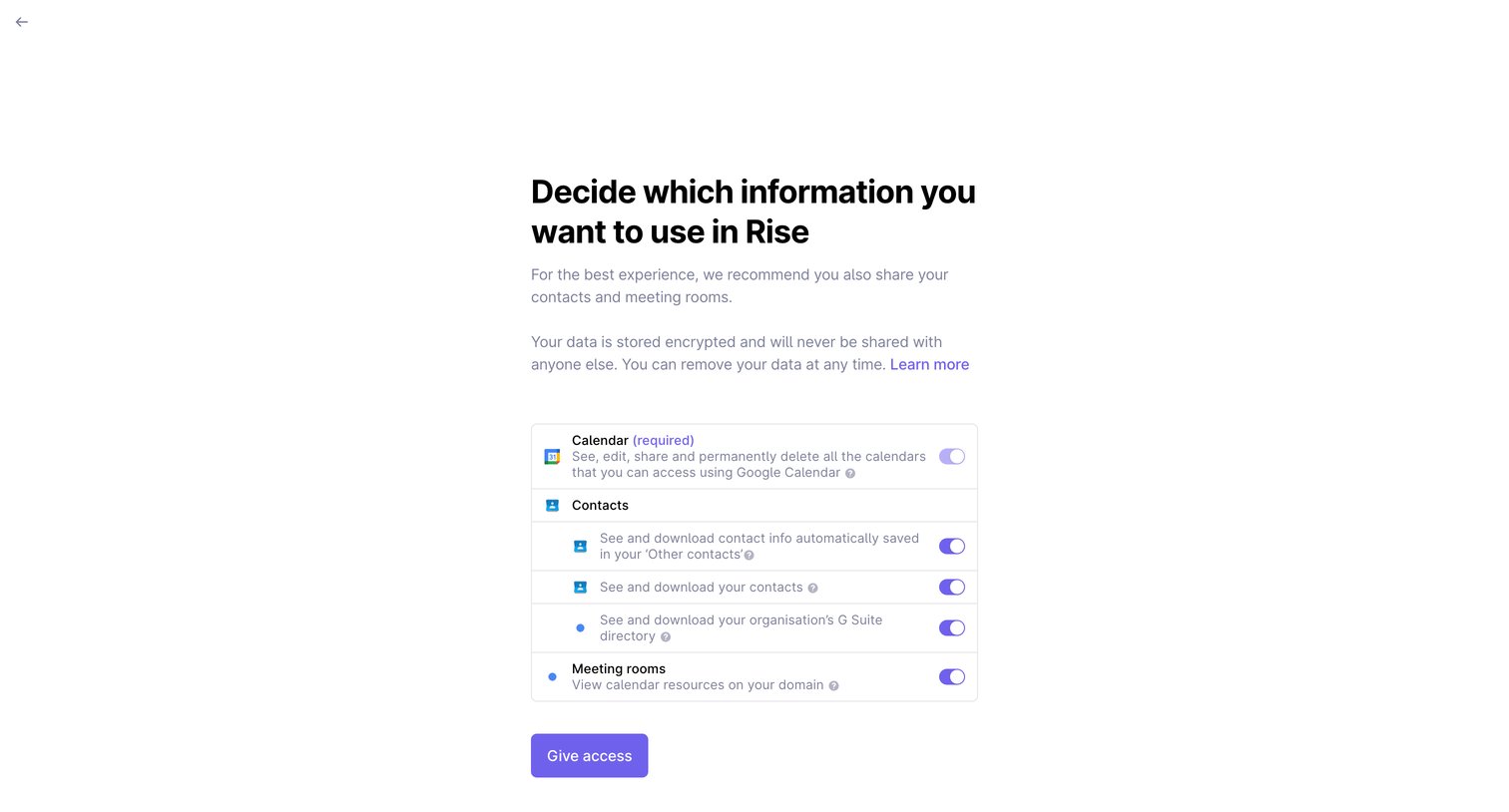
Onboarding step where the user grants the app permission to access their calendar, contacts, and meeting rooms via toggles.
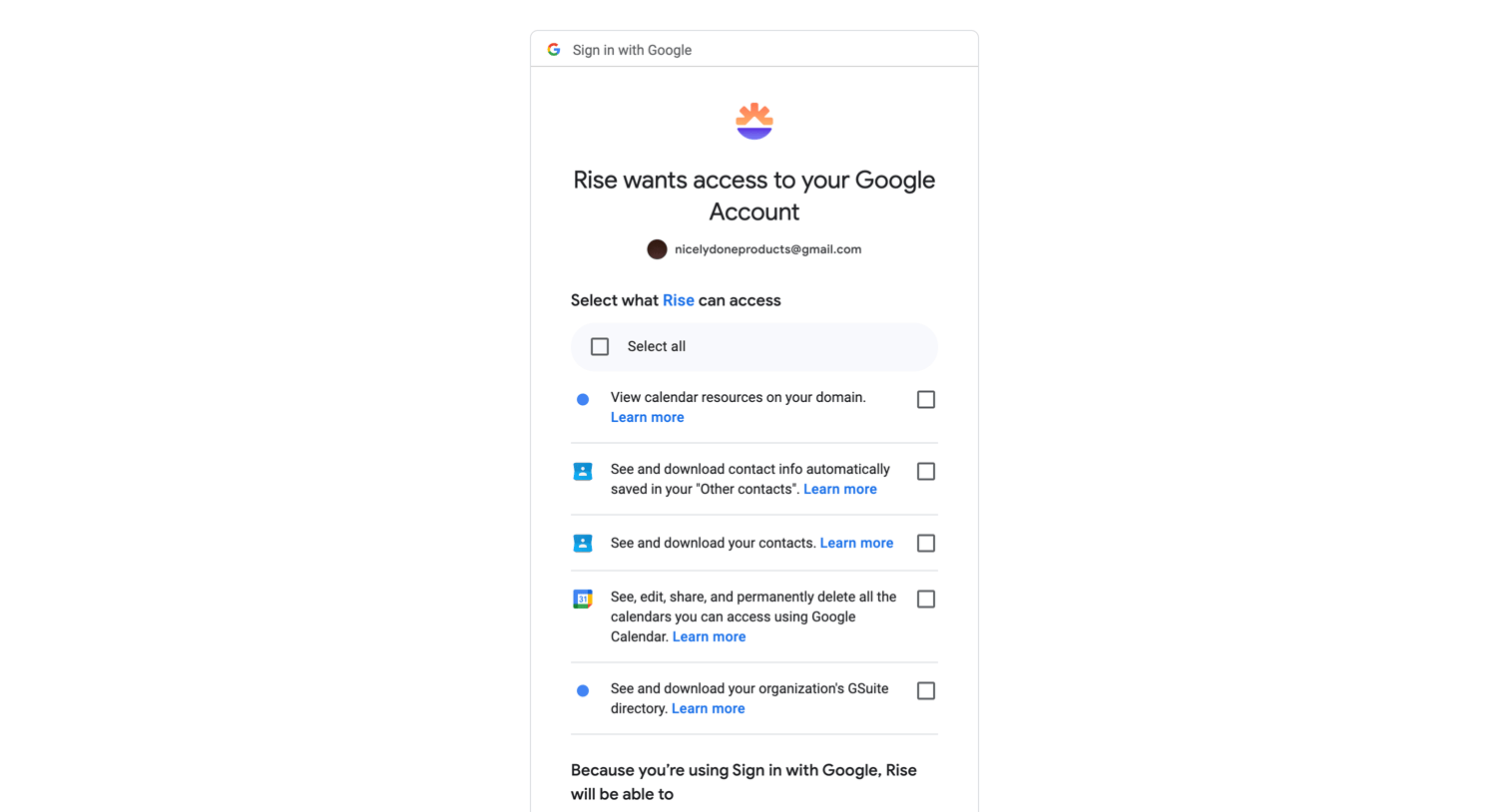
Authentication Confirmation
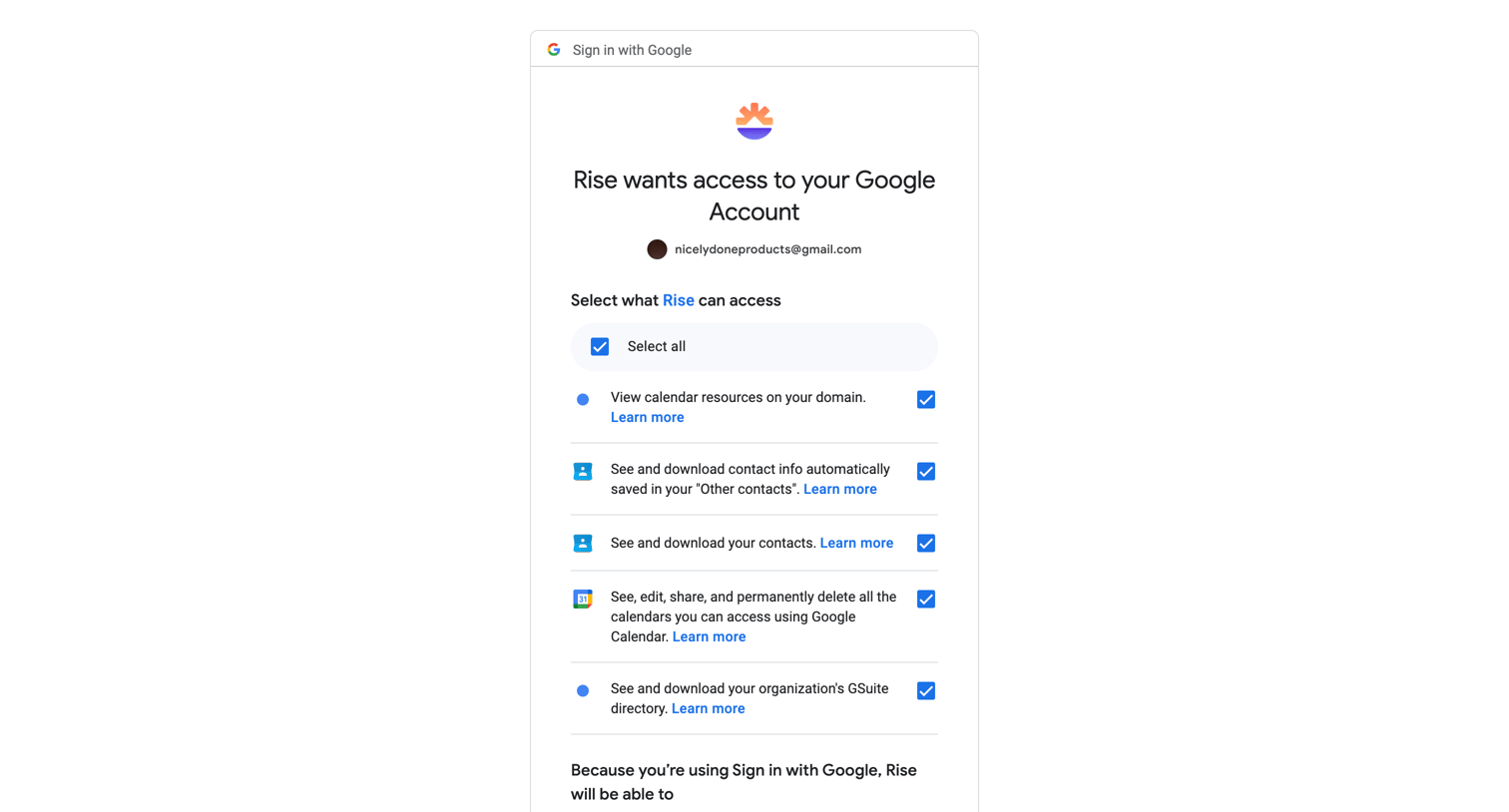
Authentication
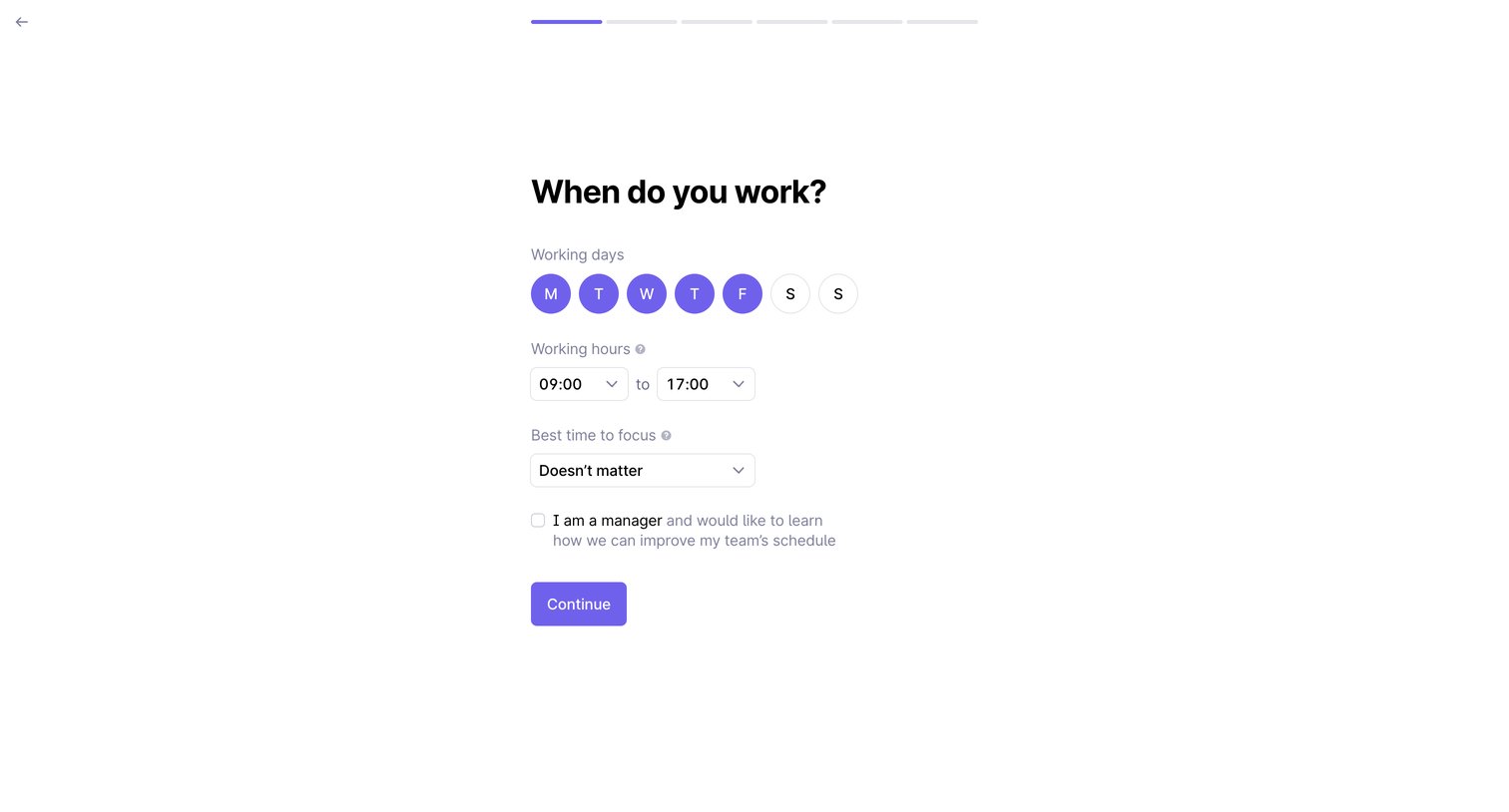
Onboarding step where the user configures their working days, working hours, and best time to focus.
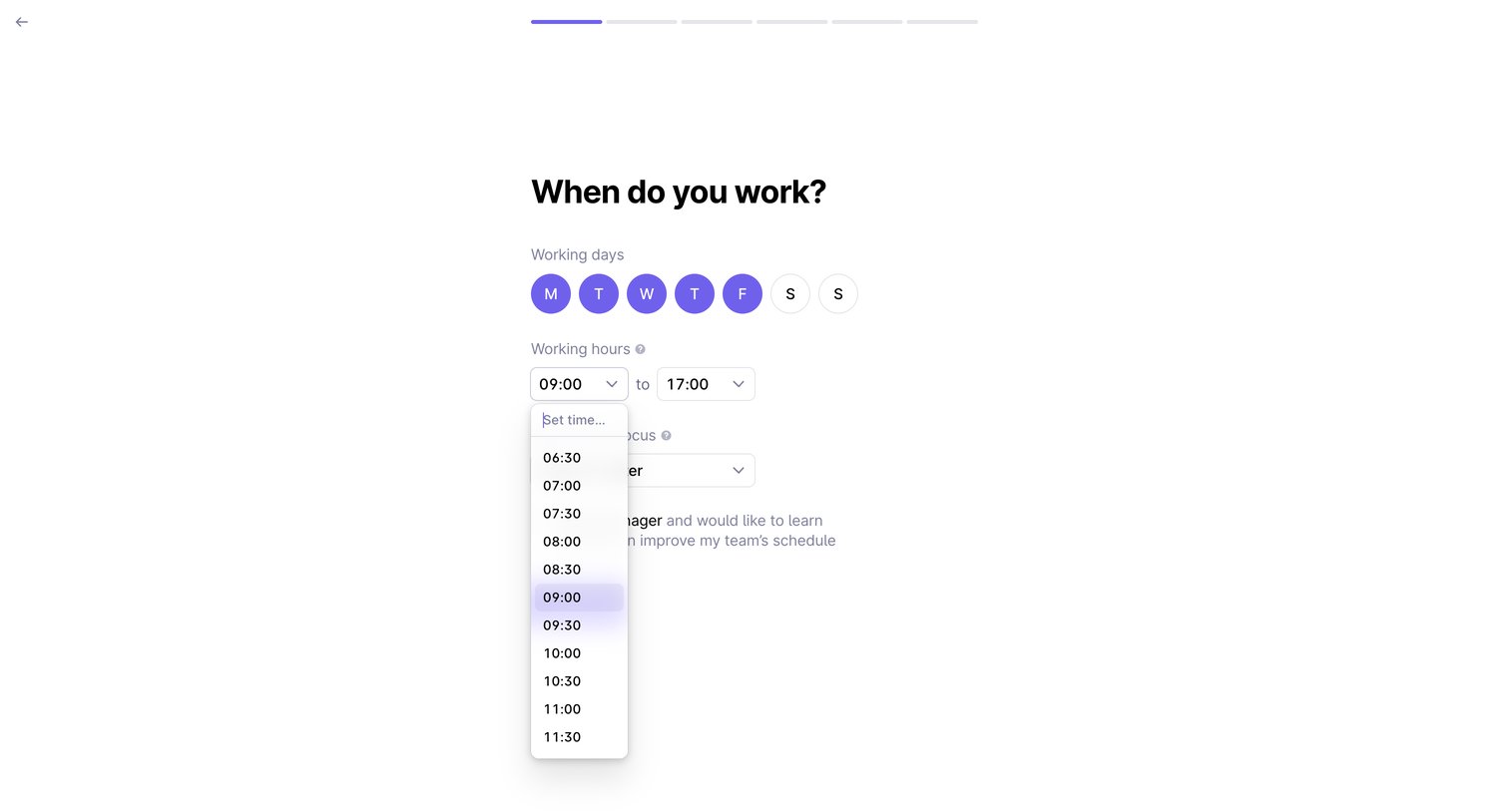
Onboarding step where the user configures their working days, working hours, and time for focus.
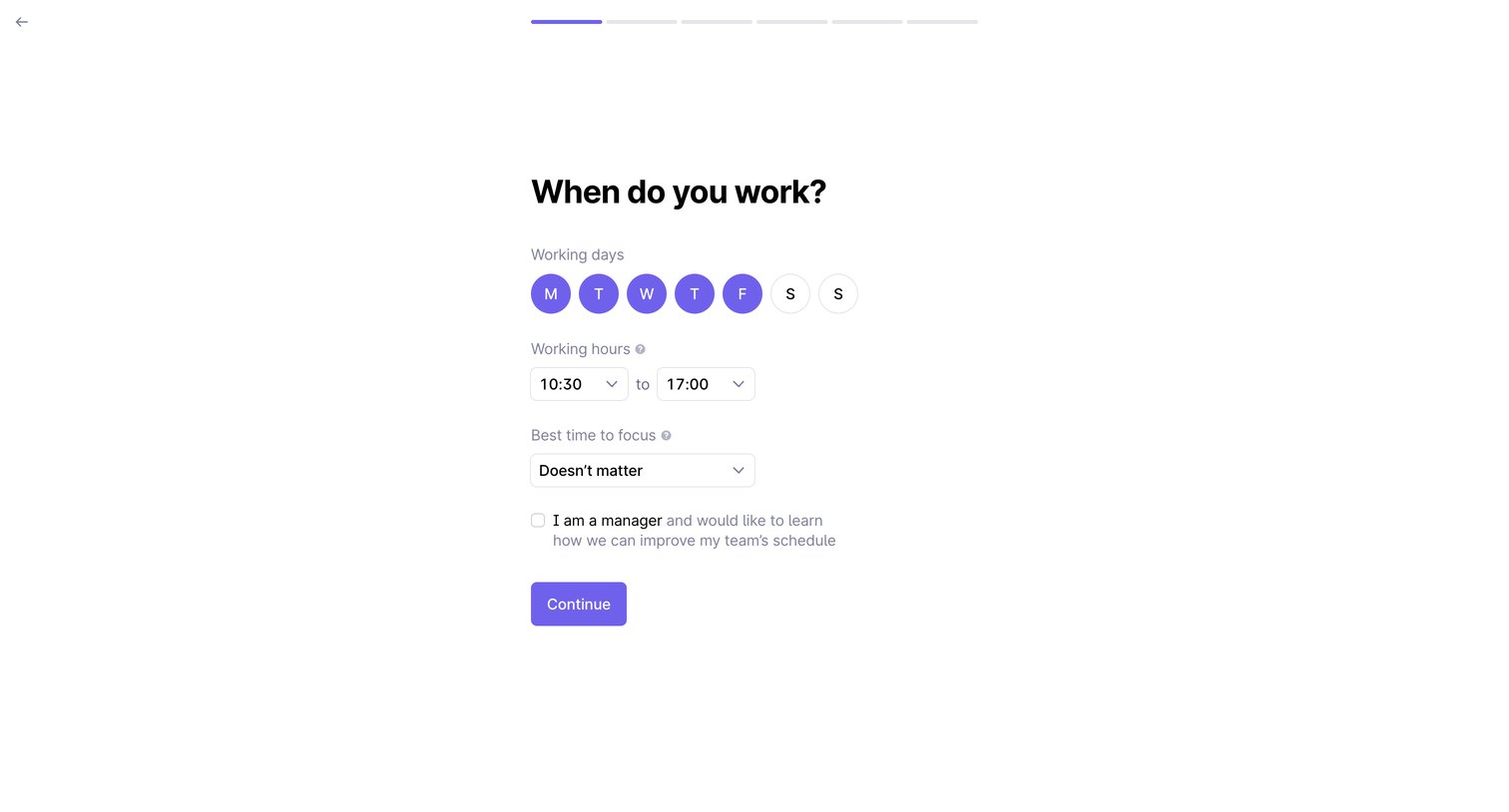
Onboarding step where the user configures their working days, hours, and focus time preferences.
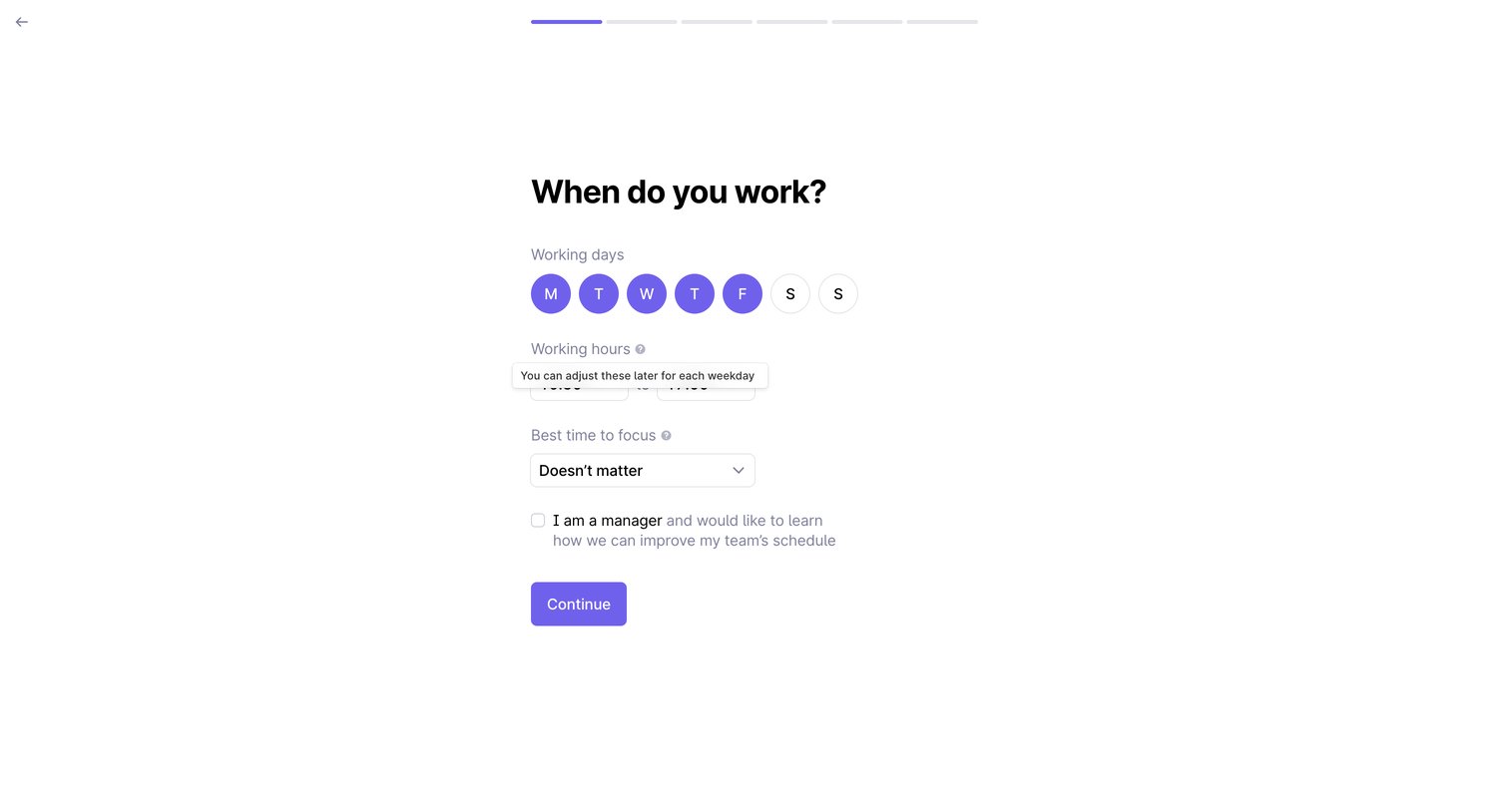
Onboarding step where the user configures their working days, working hours, and best time to focus.
Browse the full SaaS app library
Explore real SaaS apps with their product screens, marketing screens, flows, and components.
Trusted by the best teams







