Rise user flows examples
Explore Rise user flow examples. Preview the opening screens and steps for each task. The calendar that works for you
Preview these flows

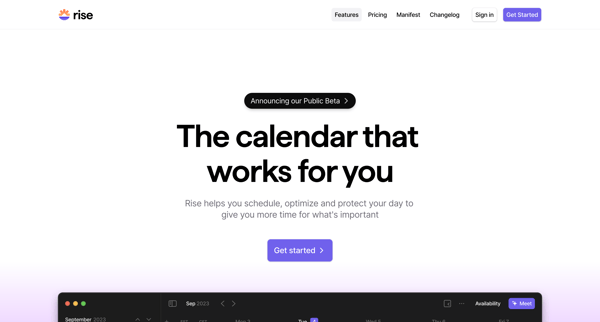
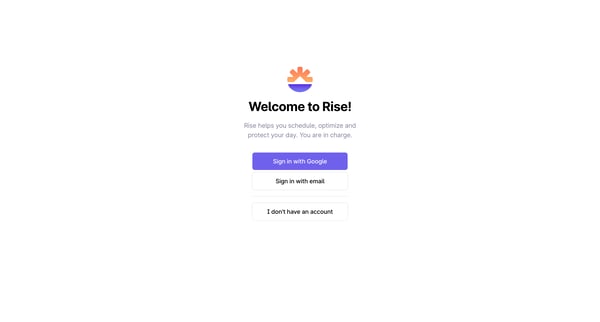
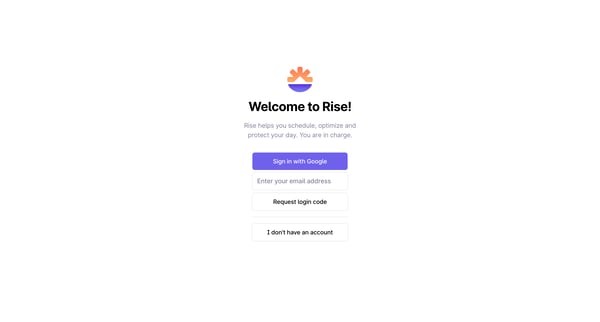
This onboarding user flow guides new users through signing in or signing up, setting preferences, authorizing calendar access, setting work hours, lunchtime preferences, opting for automatic
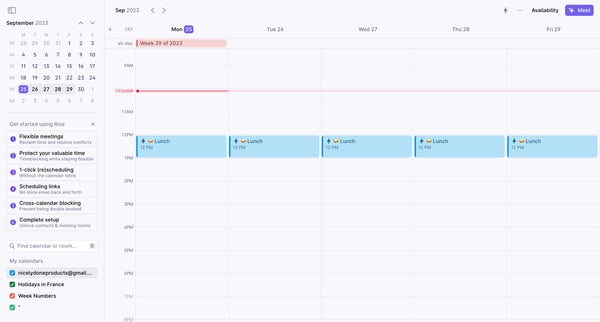
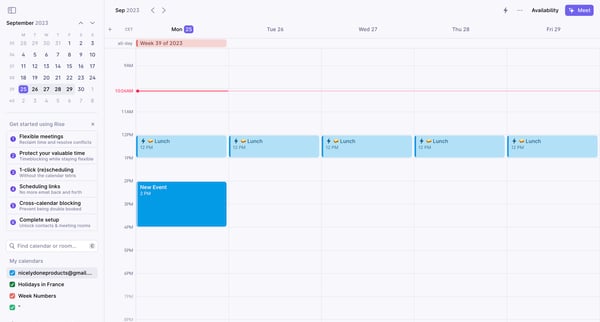
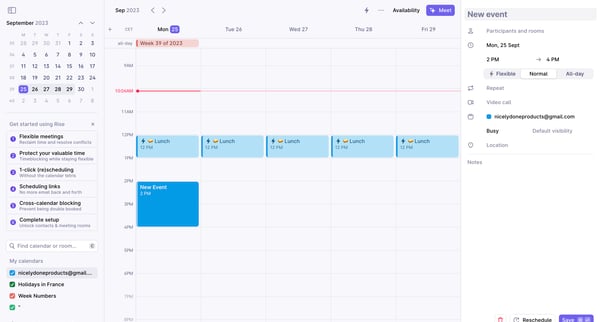
This flow facilitates the scheduling and managing of calendar events, allowing for flexible adjustments and the integration of participant details.
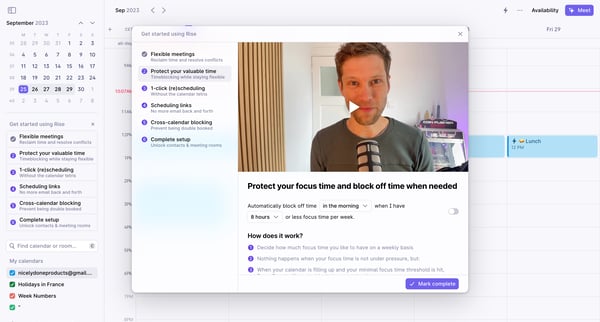
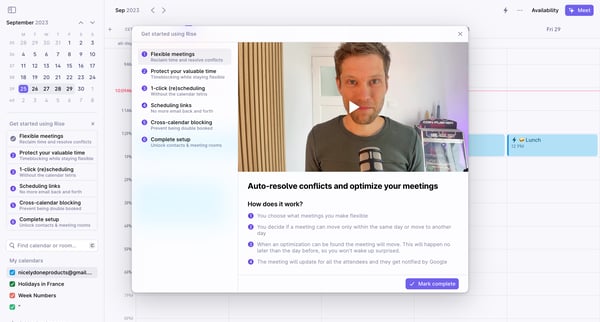
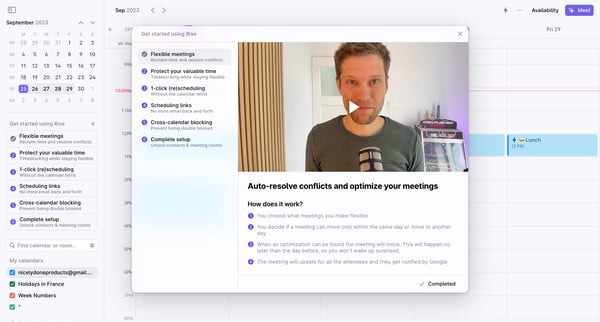
This flow guides users through the process of setting up an account in Rise, optimizing their scheduling preferences and permissions to enhance their scheduling and meeting management.
Explore the full SaaS flow library
Browse the full SaaS flow library.
Trusted by the best teams







