Exactly design examples
Explore Exactly UI design examples. Create images in seconds with an AI that understands your style
Product screens
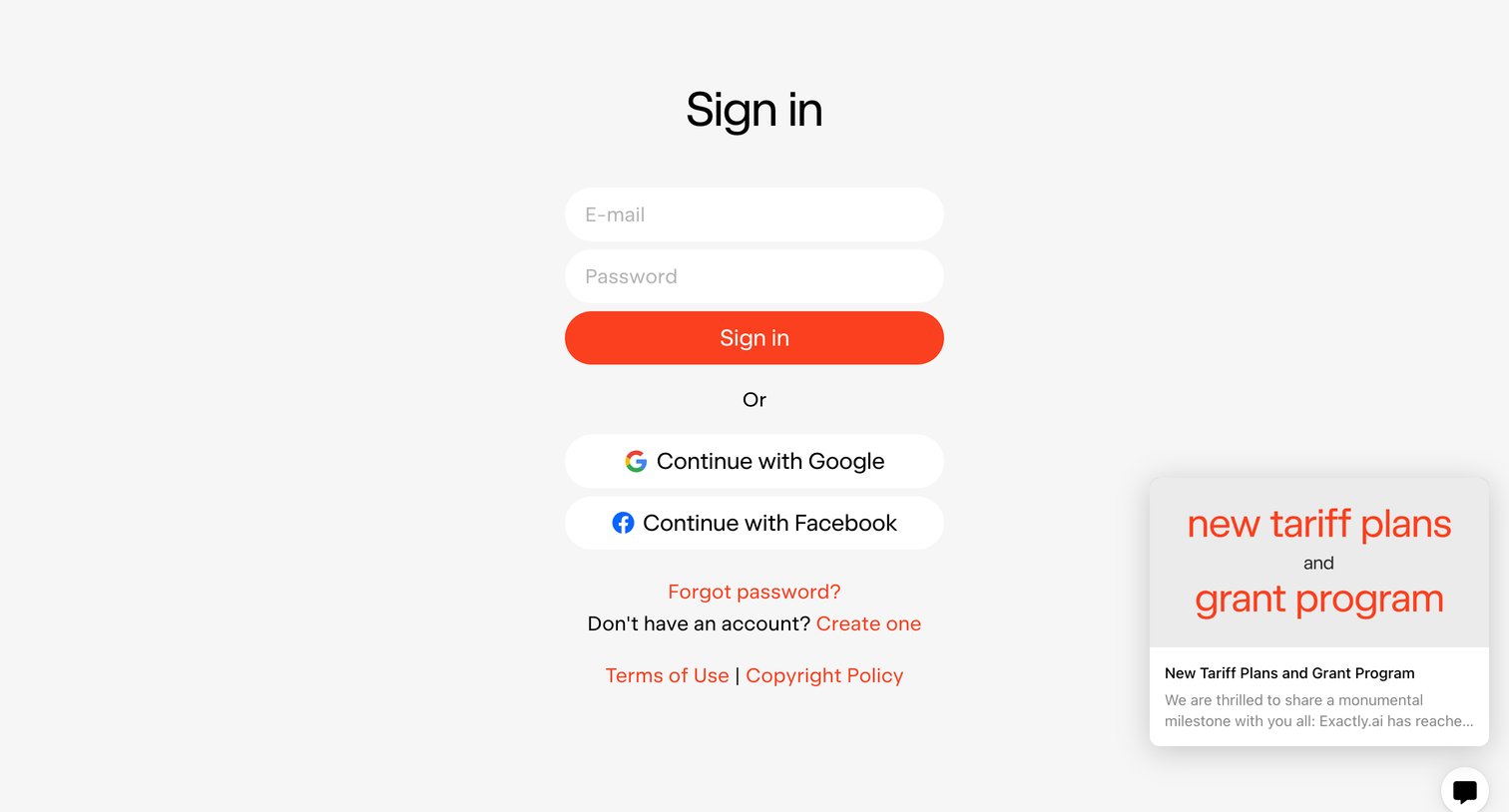
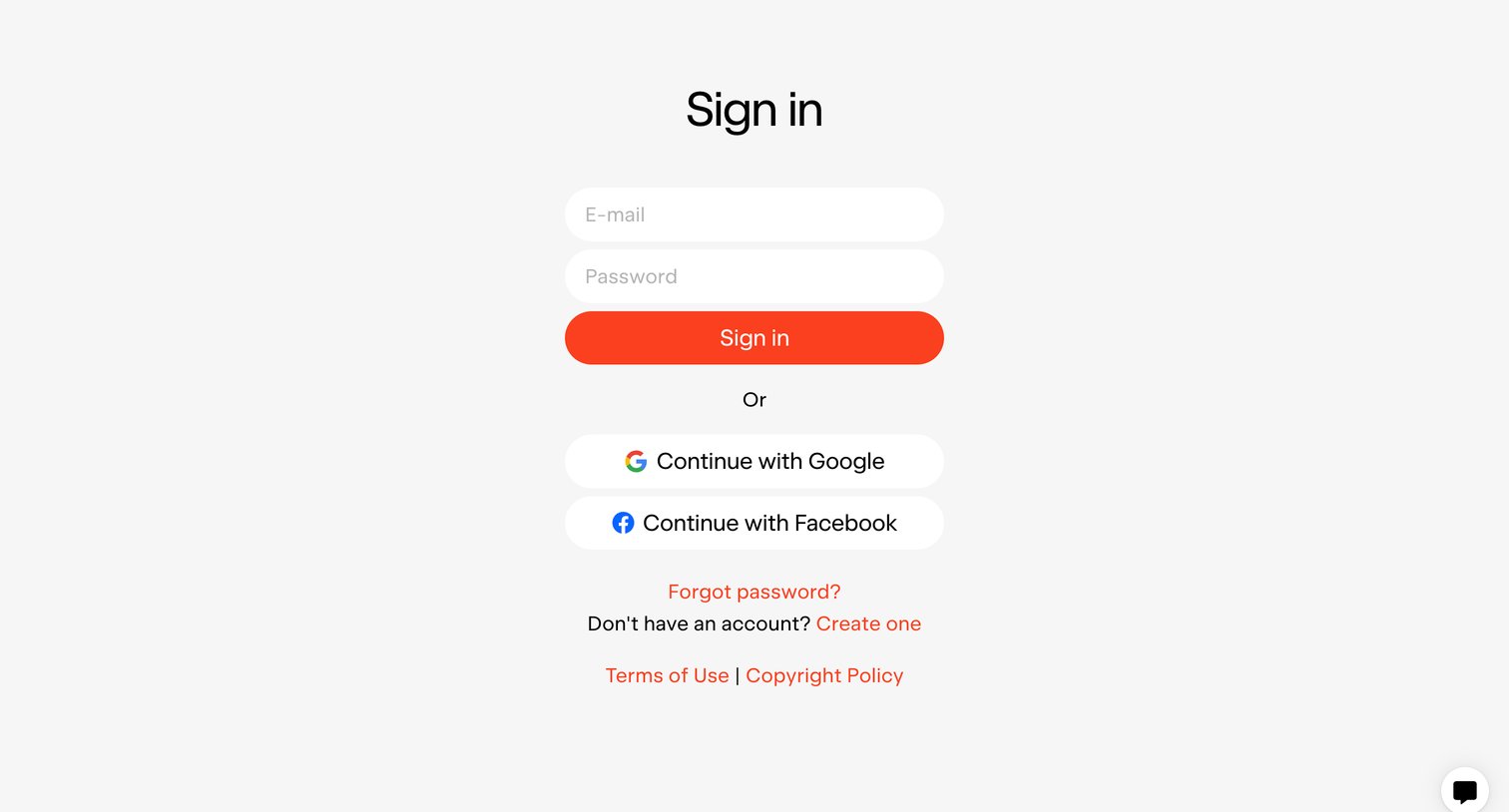
Sign-in screen where the user authenticates with email and password or via Google and Facebook, featuring a promotional card for new tariff plans.
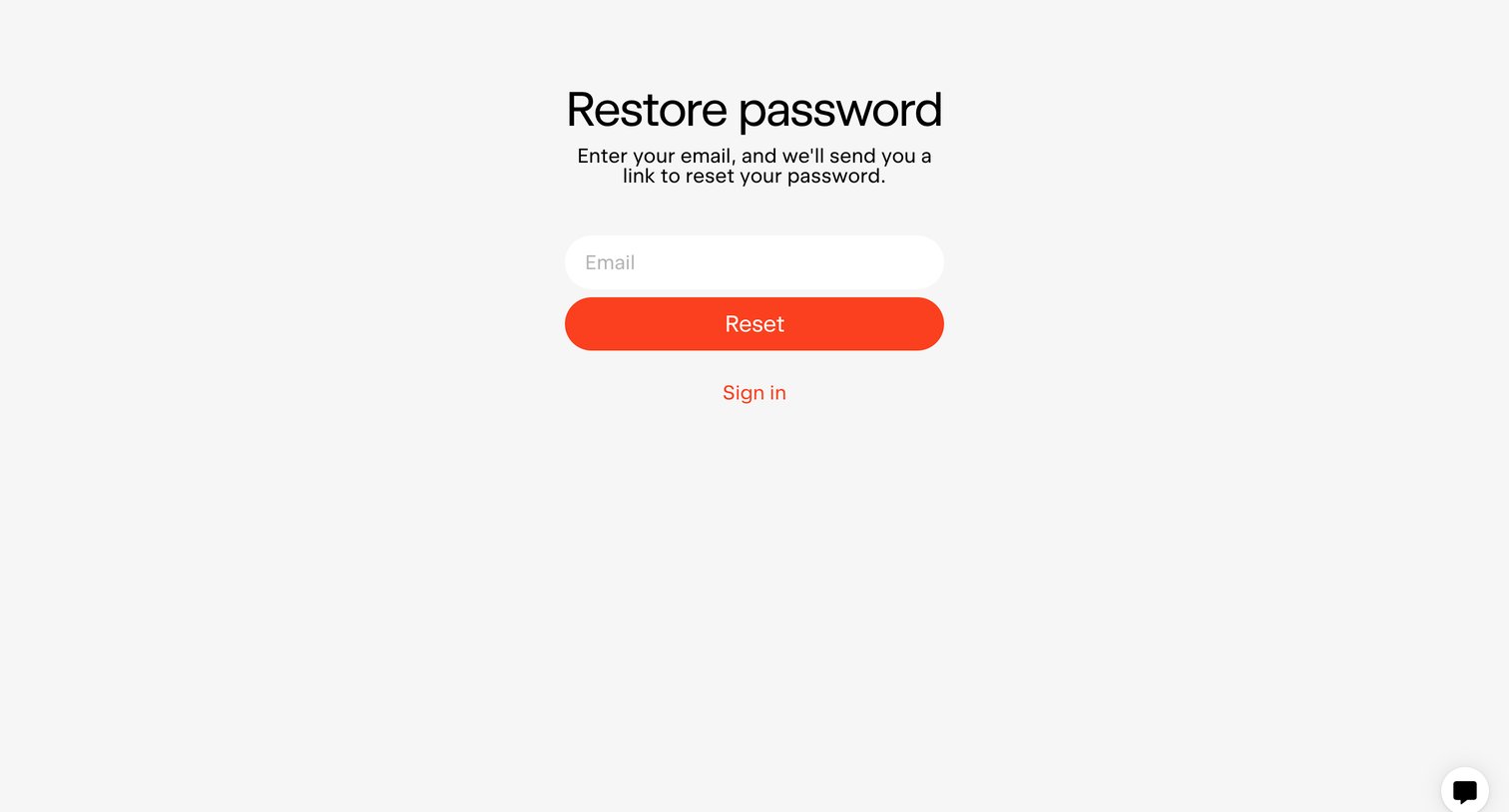
Password recovery screen where the user enters their email address to receive a reset link.
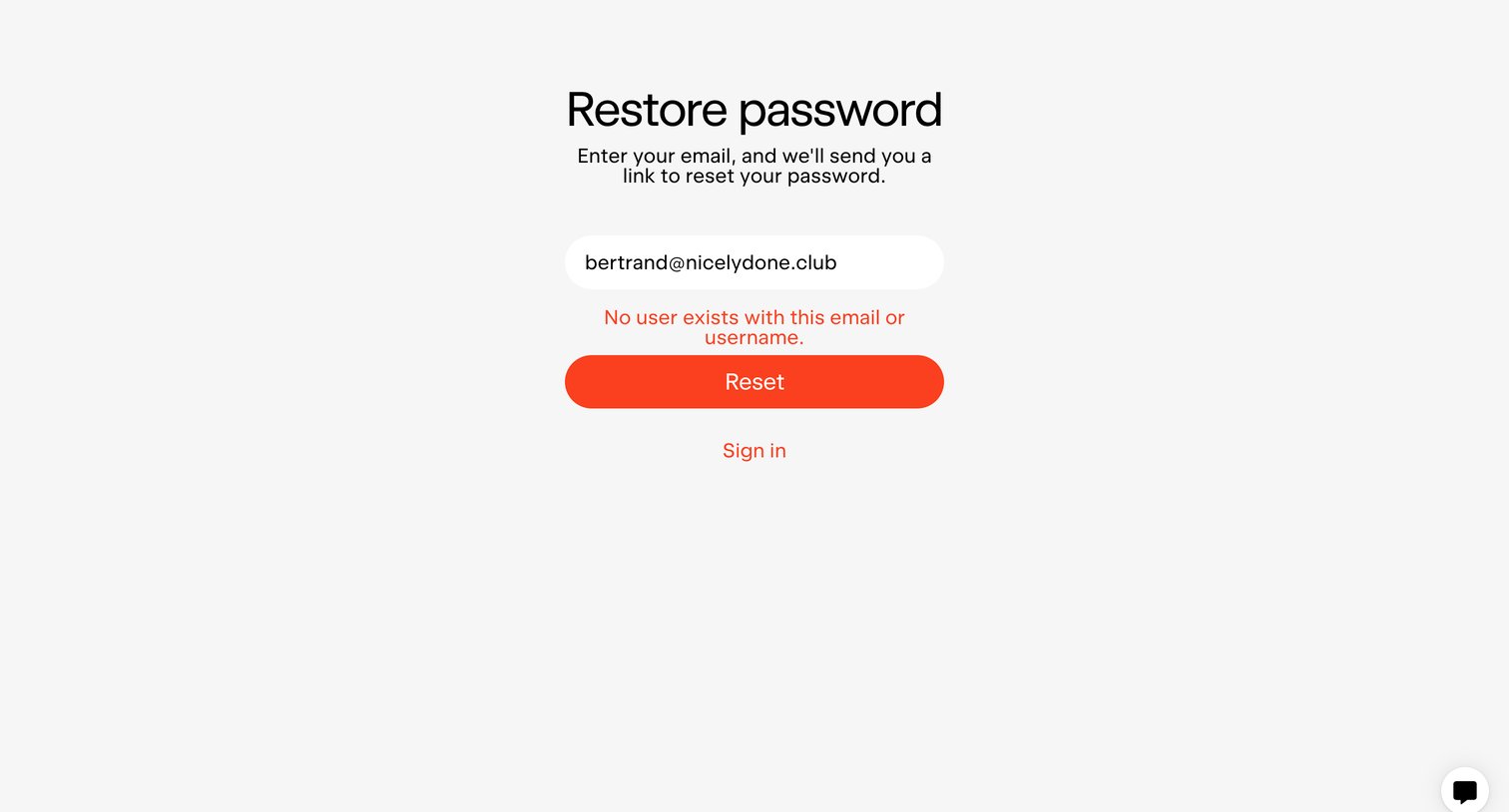
Password recovery screen where the user is informed that no account exists for the entered email address.
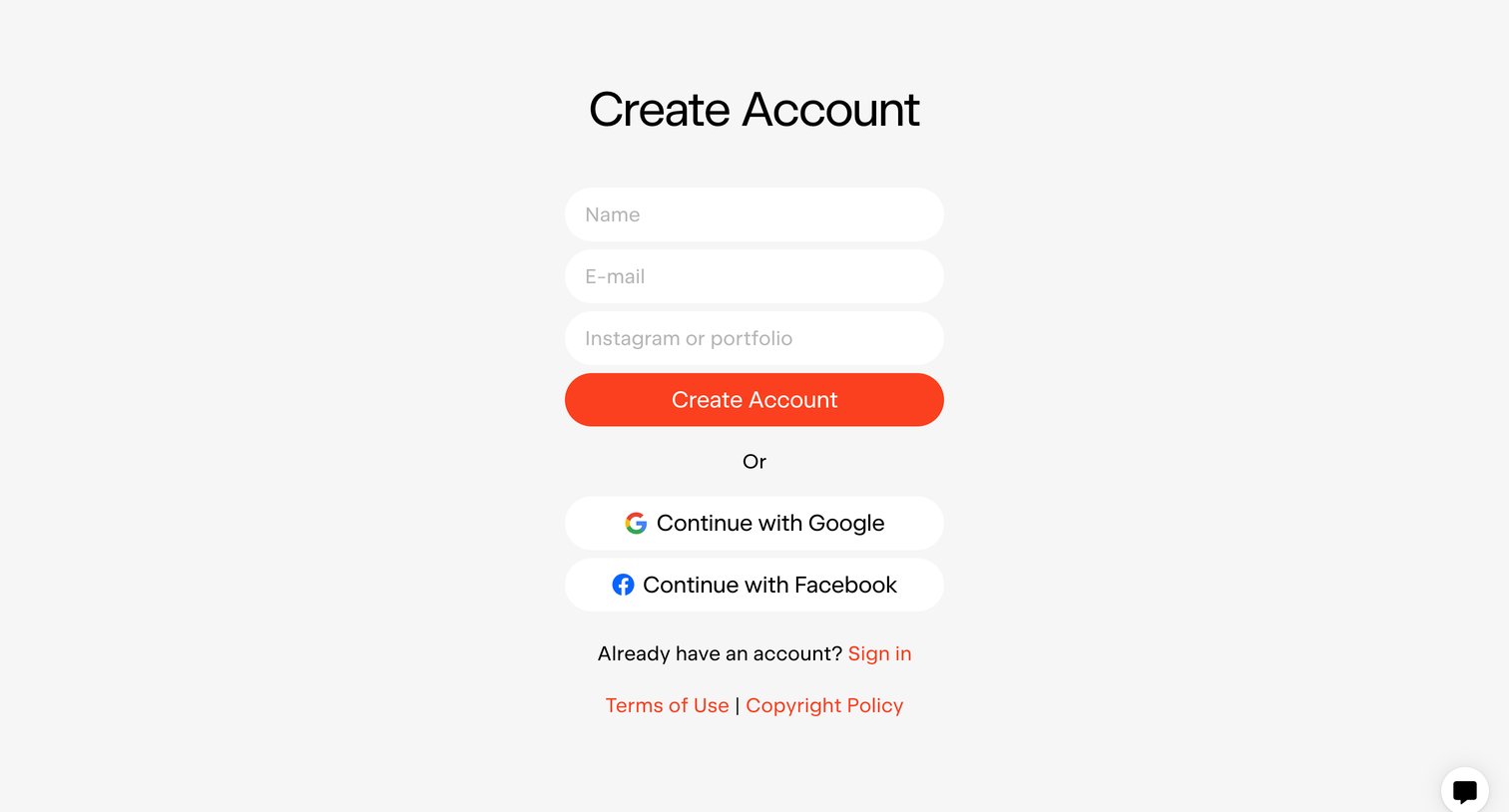
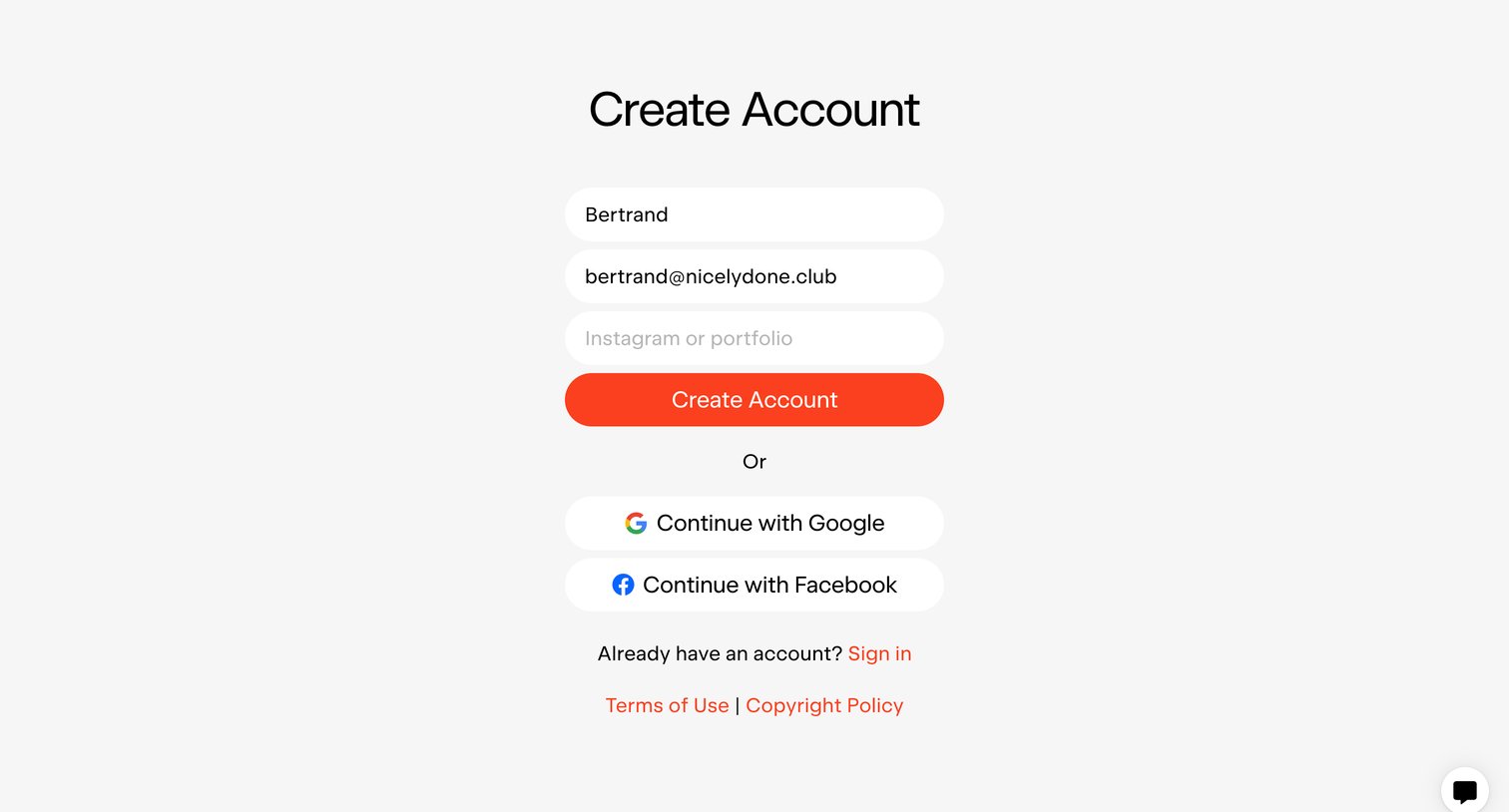
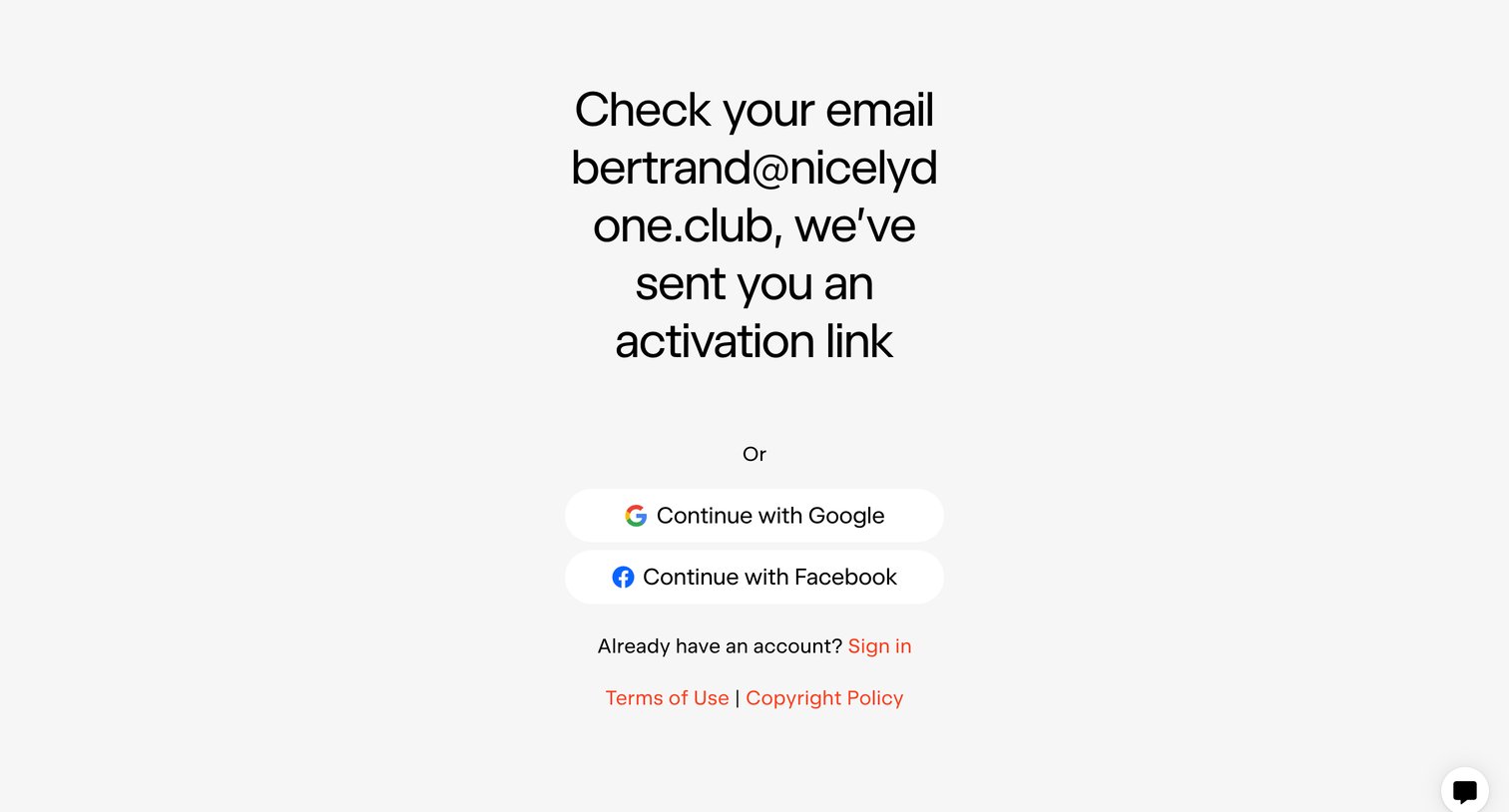
Verification screen instructing the user to check their email for an activation link, with alternative options to continue via Google or Facebook.
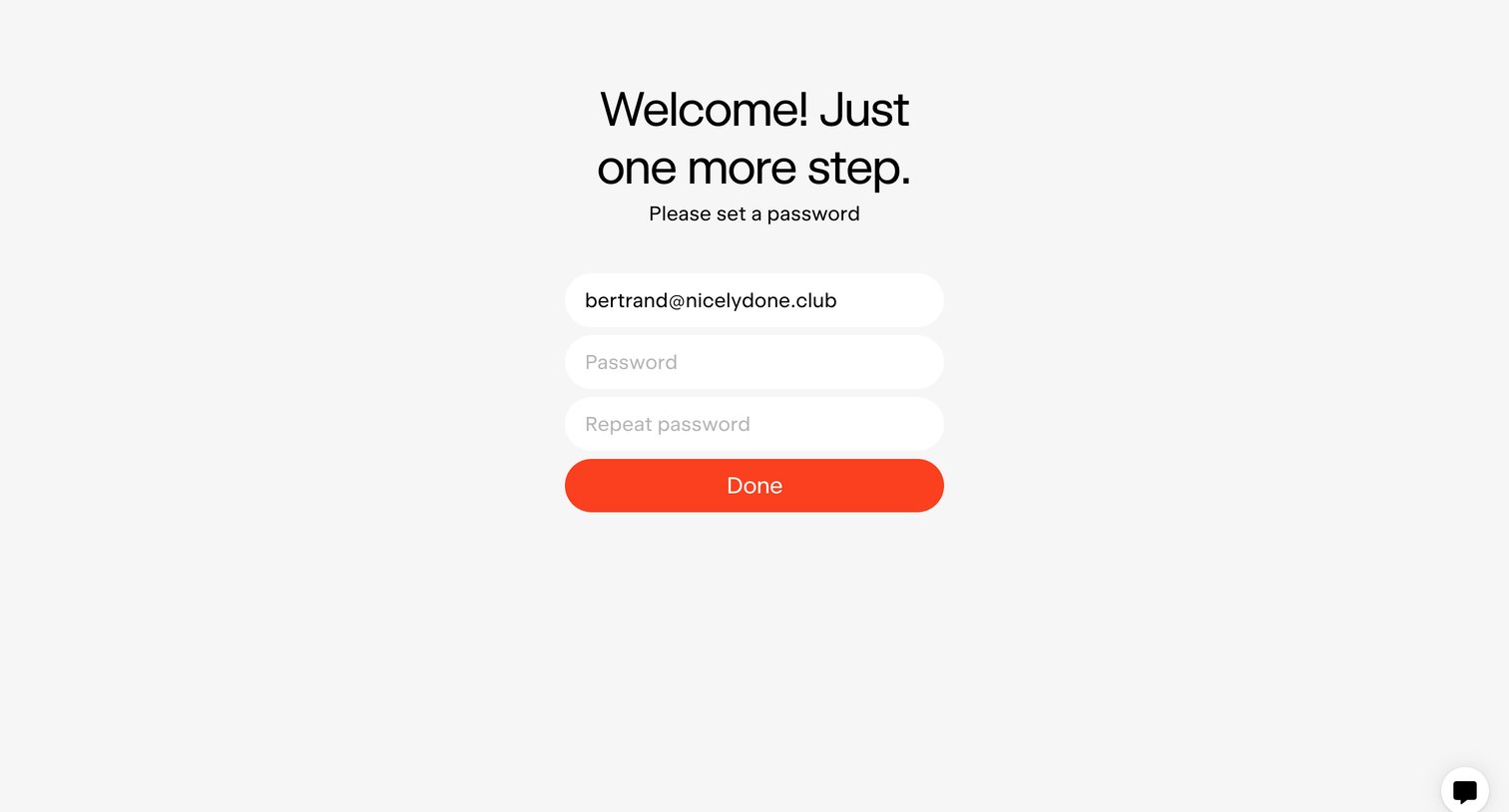
Signup screen where the user sets and repeats a password for their pre-filled email address to complete onboarding.
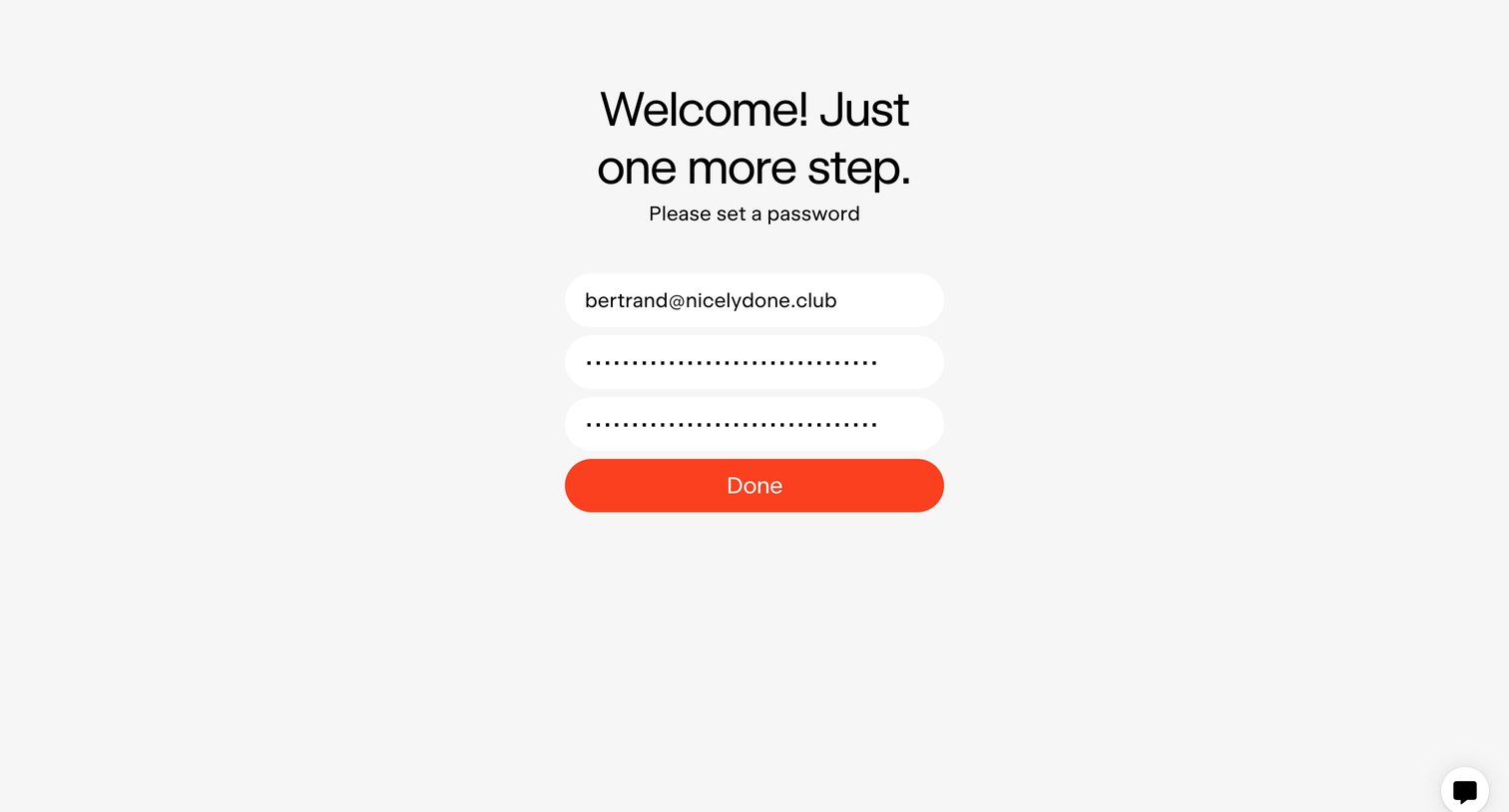
Signup screen where the user sets and confirms their password to complete account creation.
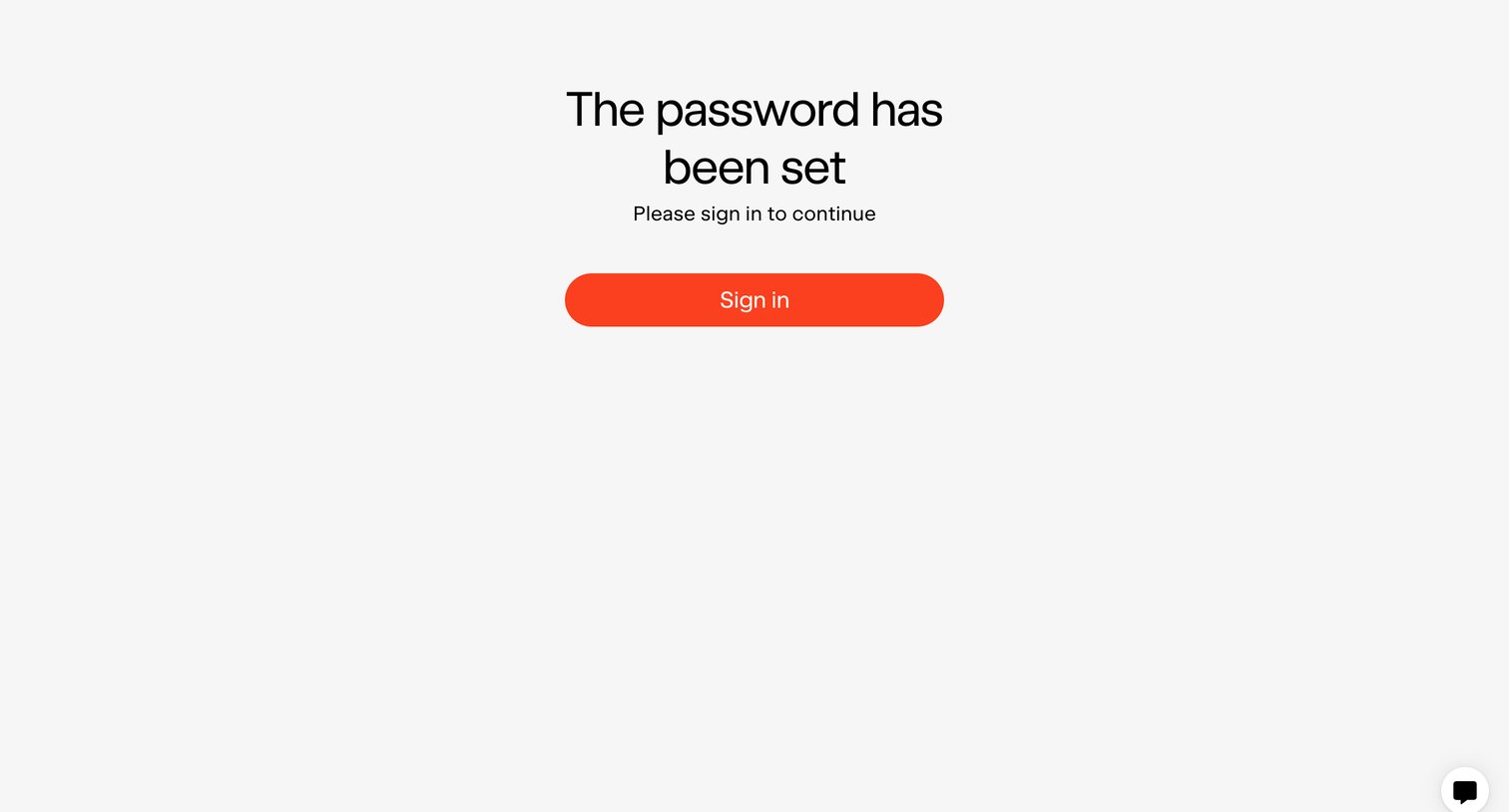
Password recovery success screen confirming the new password is set and prompting the user to sign in.
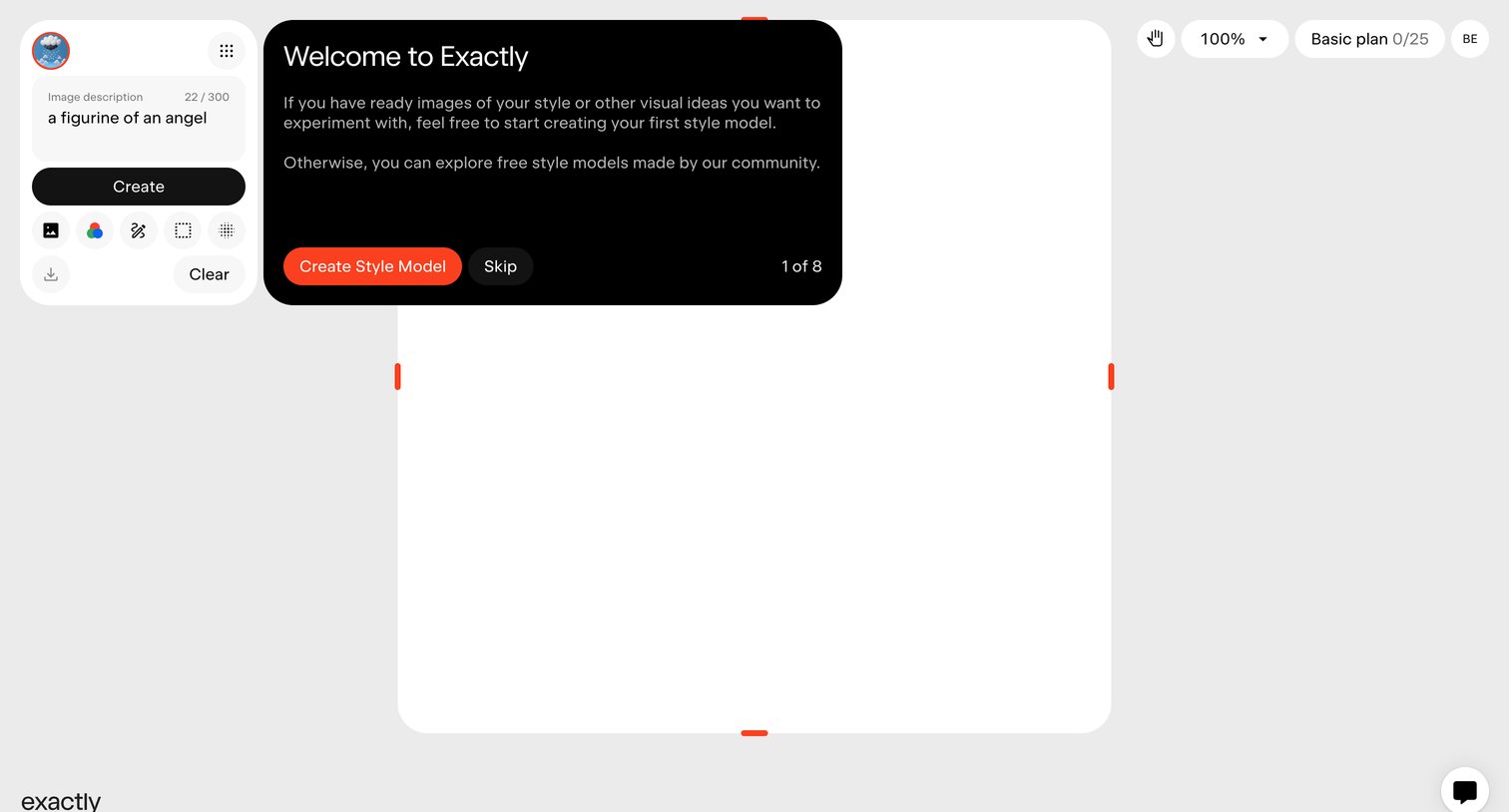
AI image generation canvas with a welcome onboarding modal prompting the user to create their first style model.
Browse the full SaaS app library
Explore real SaaS apps with their product screens, marketing screens, flows, and components.
Trusted by the best teams







