Exactly UI components examples
Browse Exactly UI component design examples. Preview individual interface elements and explore related component categories. Create images in seconds with an AI that understands your style
Explore the examples


A floating horizontal list of generated image thumbnails with a selected state and utility controls on the right.
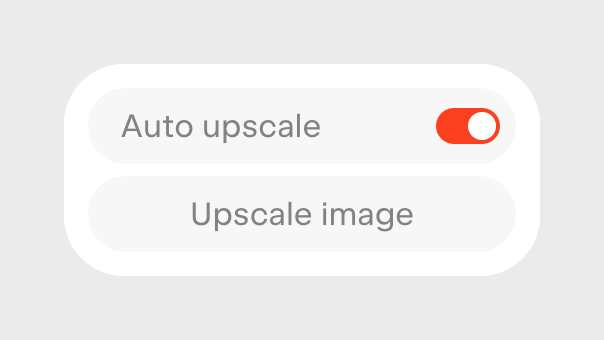
A small floating menu or popover containing a toggle switch for 'Auto upscale' and a button to 'Upscale image'.
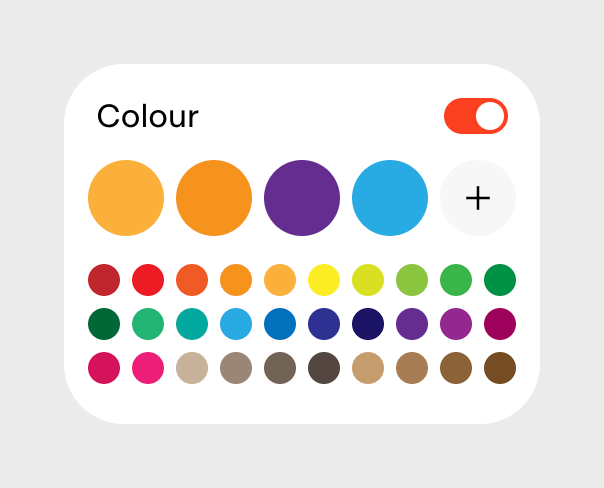
A color selection panel featuring a toggle switch, a row of large selected color swatches with an add button, and a grid of smaller predefined color options.
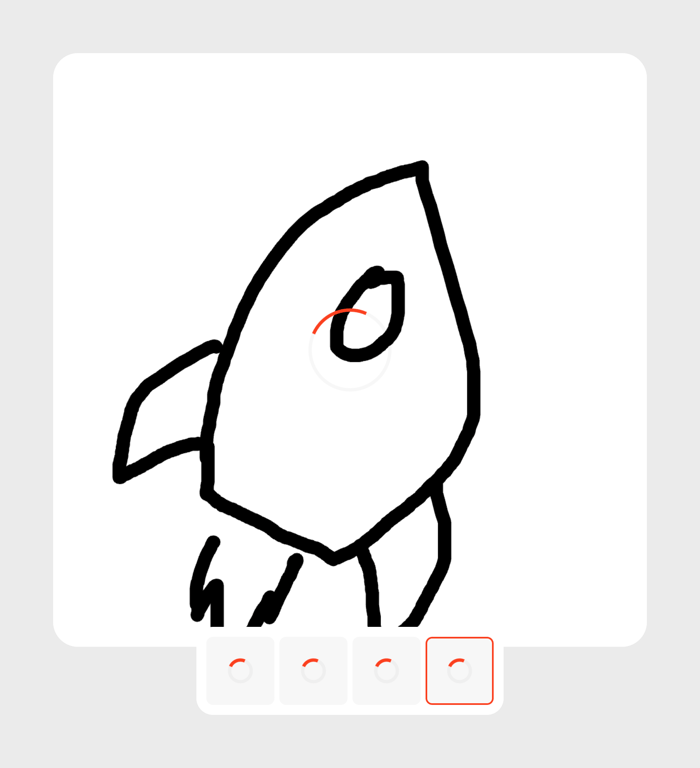
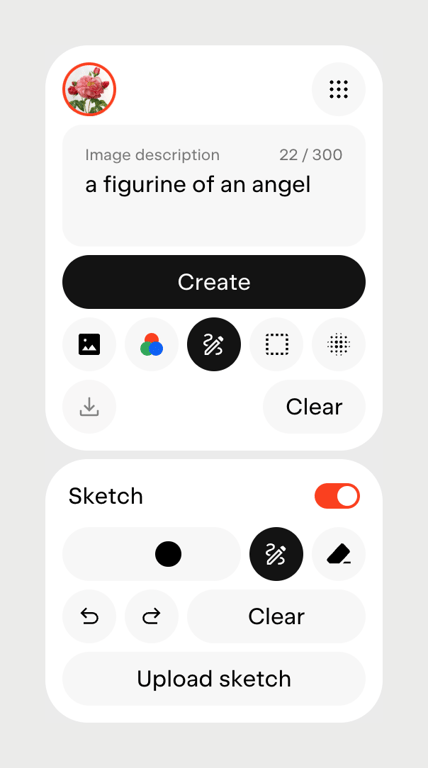
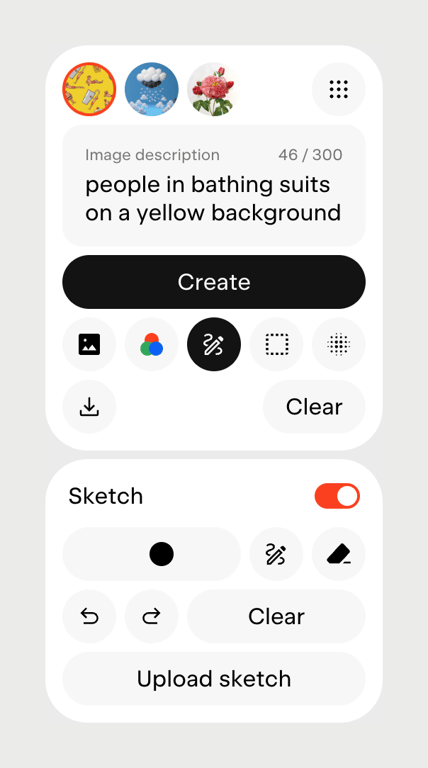
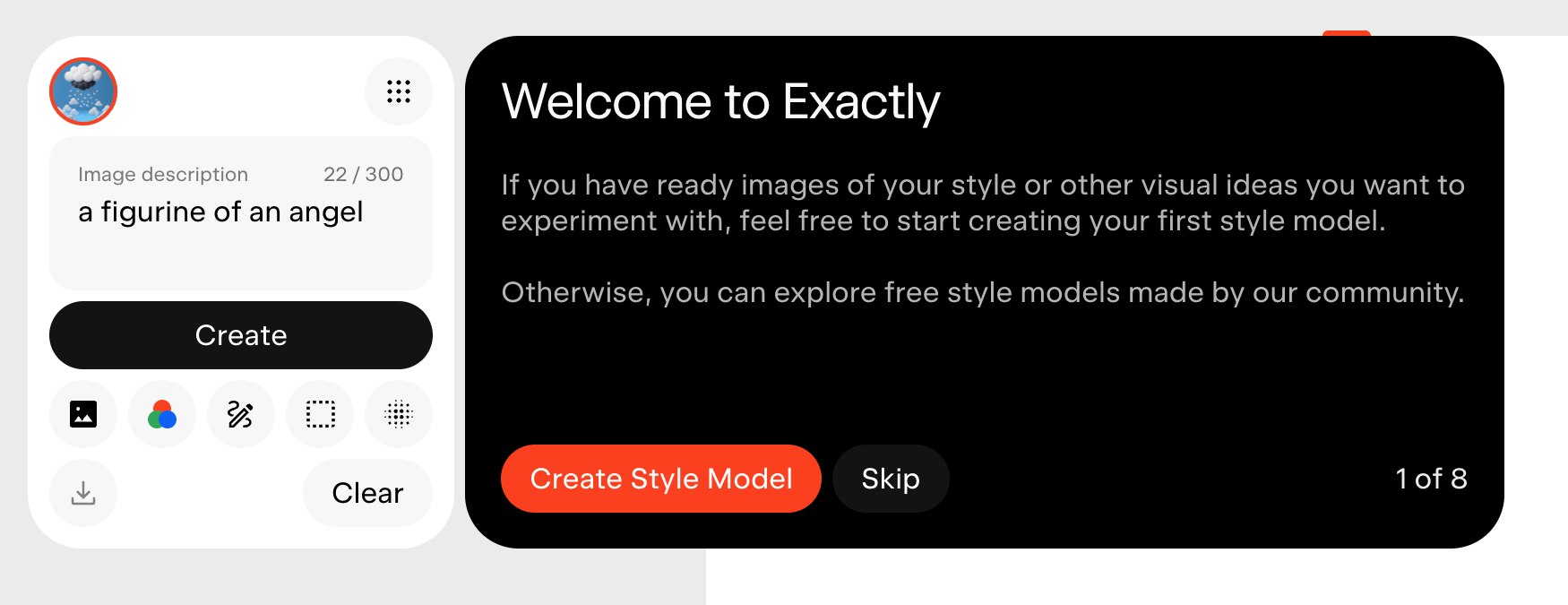
A floating panel containing controls for AI image generation, including a text prompt input, a primary 'Create' button, various tool icons, and a section for sketch-based input with drawing tools and an upload option.
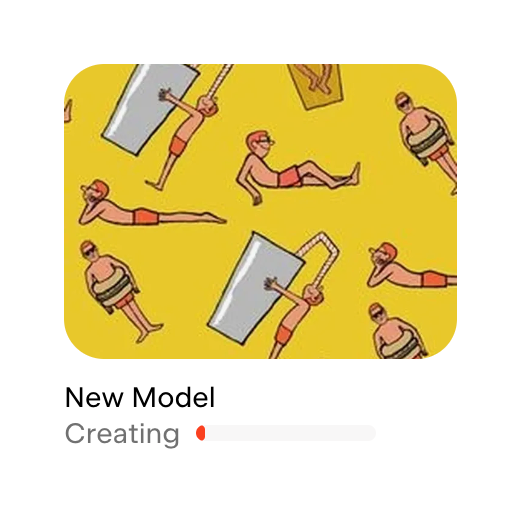
A card displaying the creation progress of a new AI model, featuring a thumbnail image, a title, and a progress bar indicating the 'Creating' status.
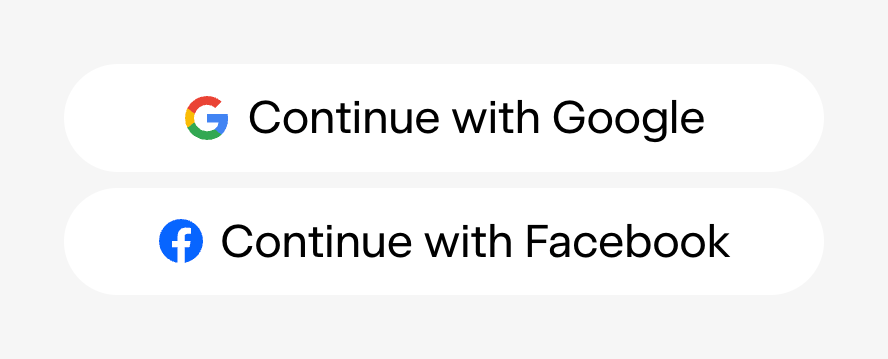
Two pill-shaped buttons for social login, one for Google and one for Facebook.
Browse the full component library
Browse the full UI component library.
Trusted by the best teams







