Skeleton UI examples
Skeleton UI design examples from SaaS apps. See how interfaces reserve space while content loads. Explore how placeholder shapes reflect the expected layout of text, images, and repeated items.
Explore the examples
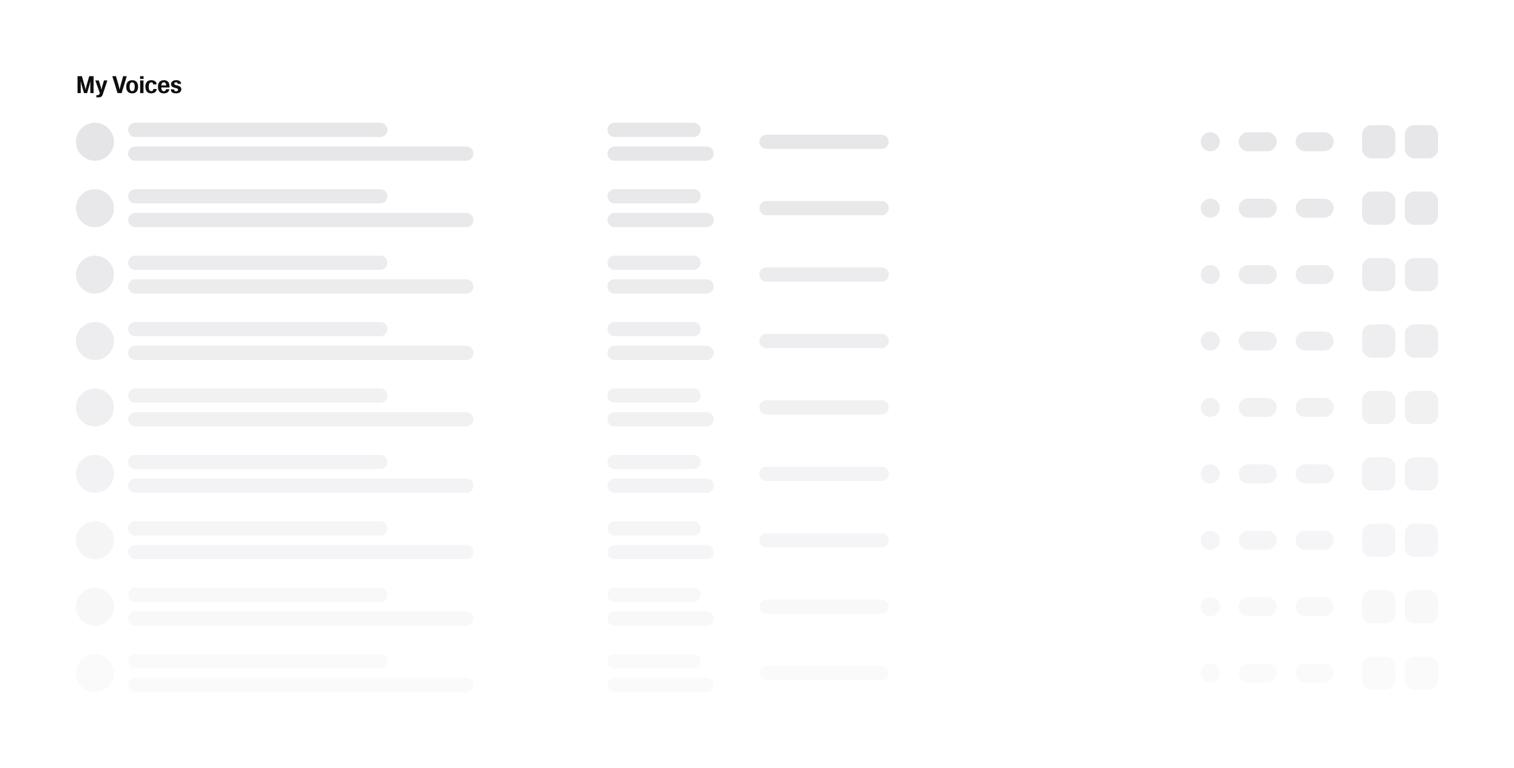

A skeleton loading screen displaying a list of items with placeholder content.
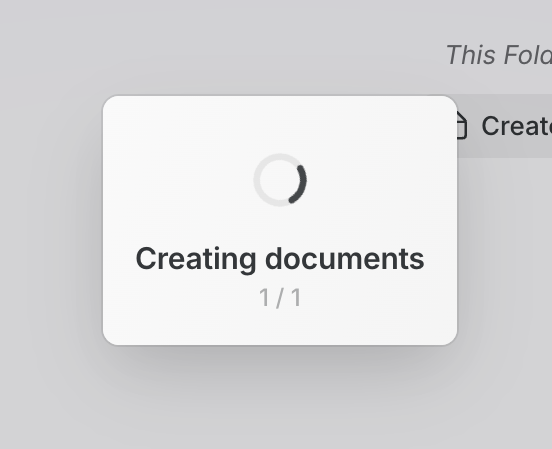

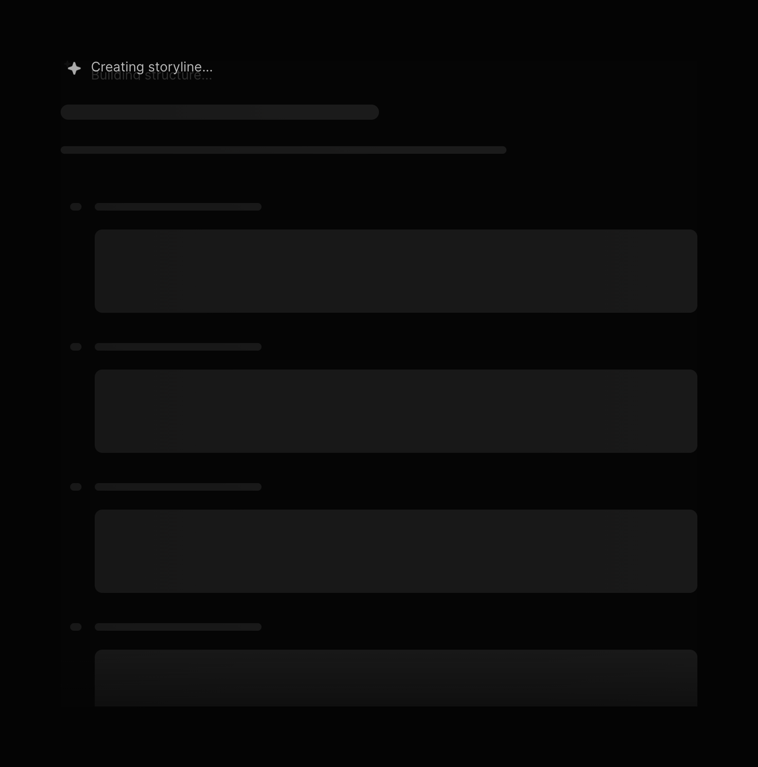

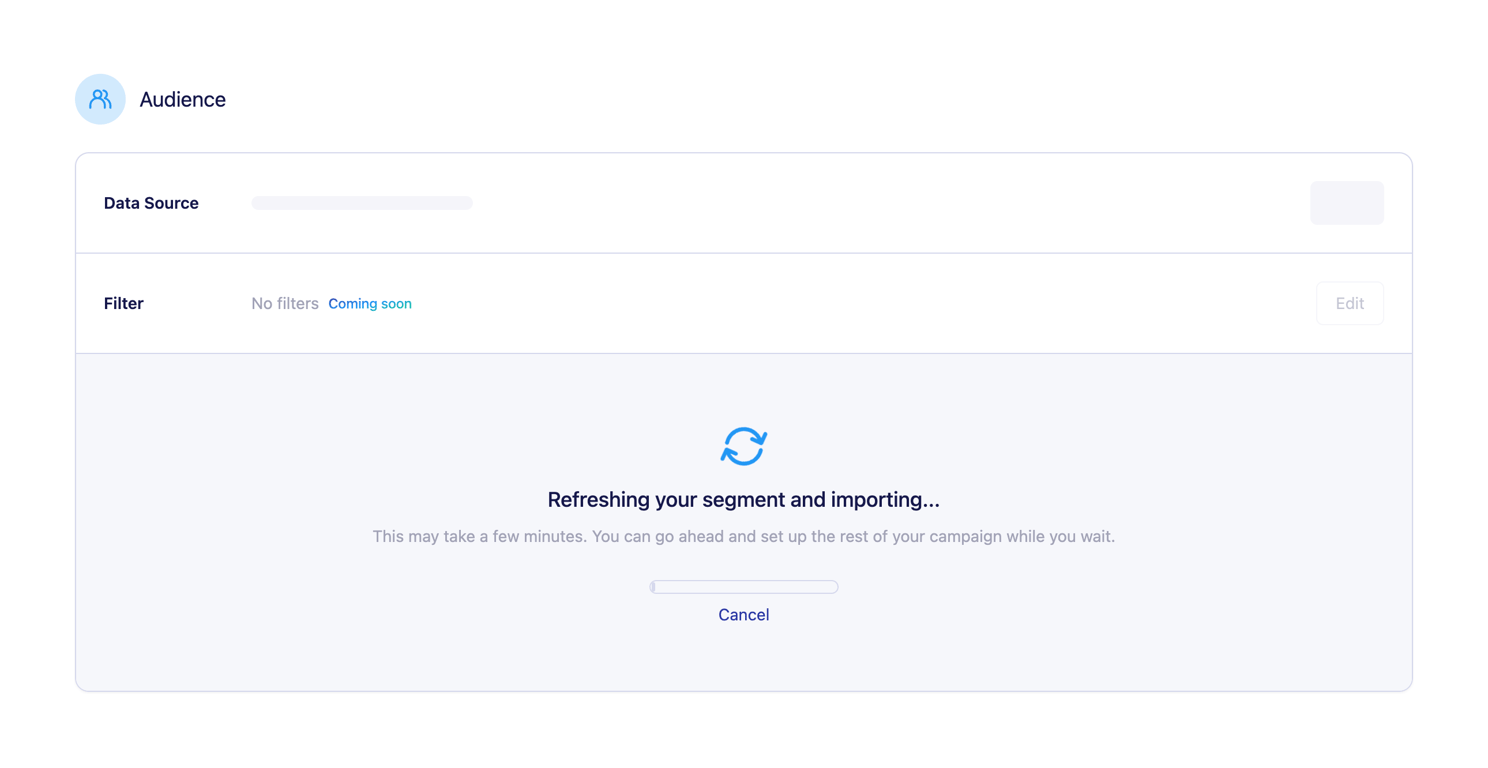
A loading screen with a progress indicator.
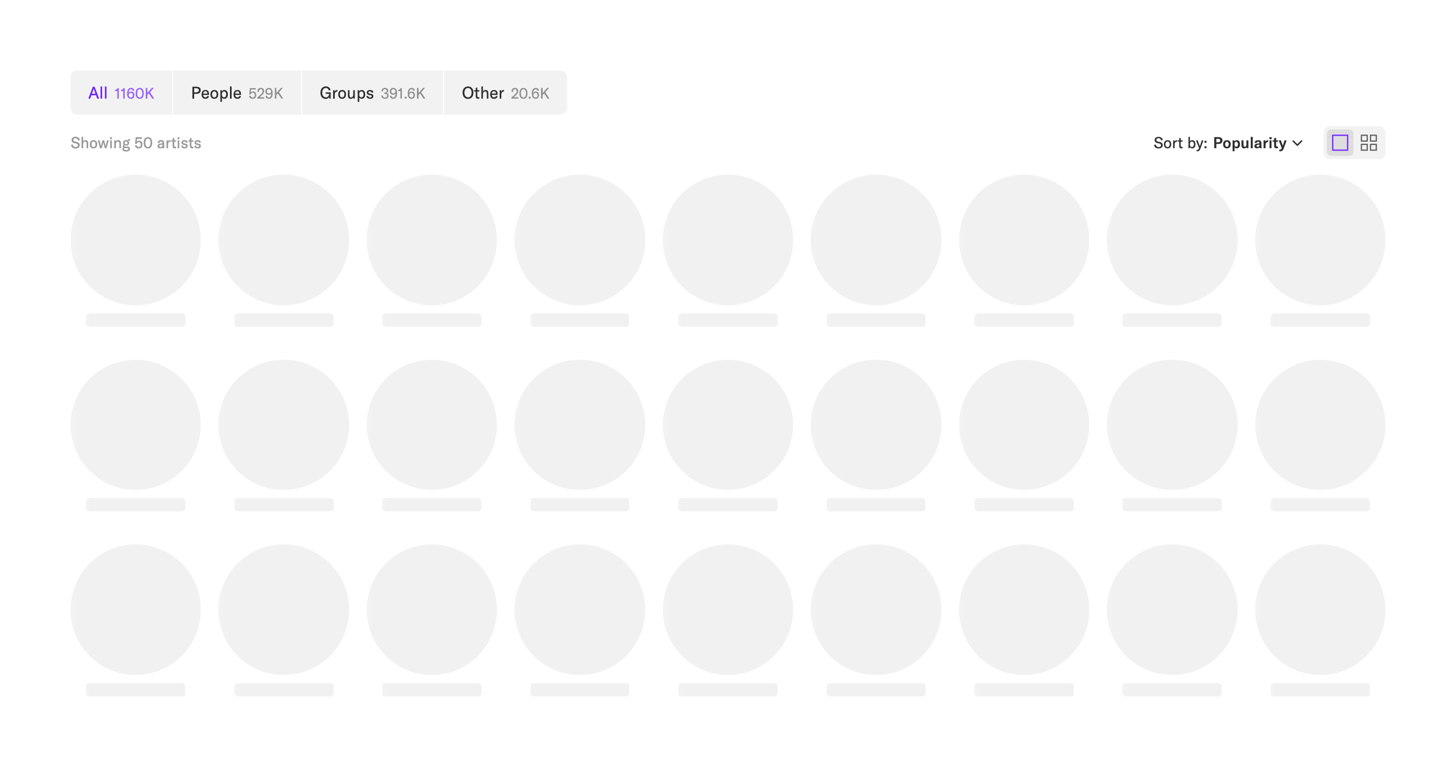

The screenshot displays a user interface with a list of artists, categorized by type and sorted by popularity.
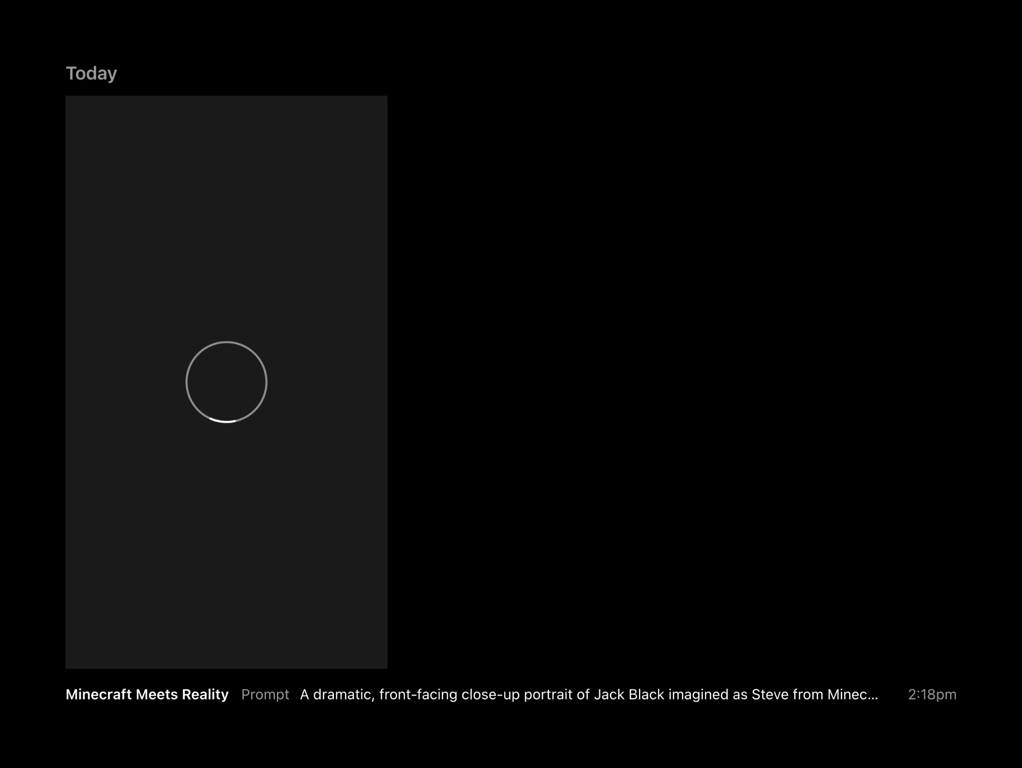

Screenshot of a loading screen with a prompt for an AI generated image.

Two image placeholders
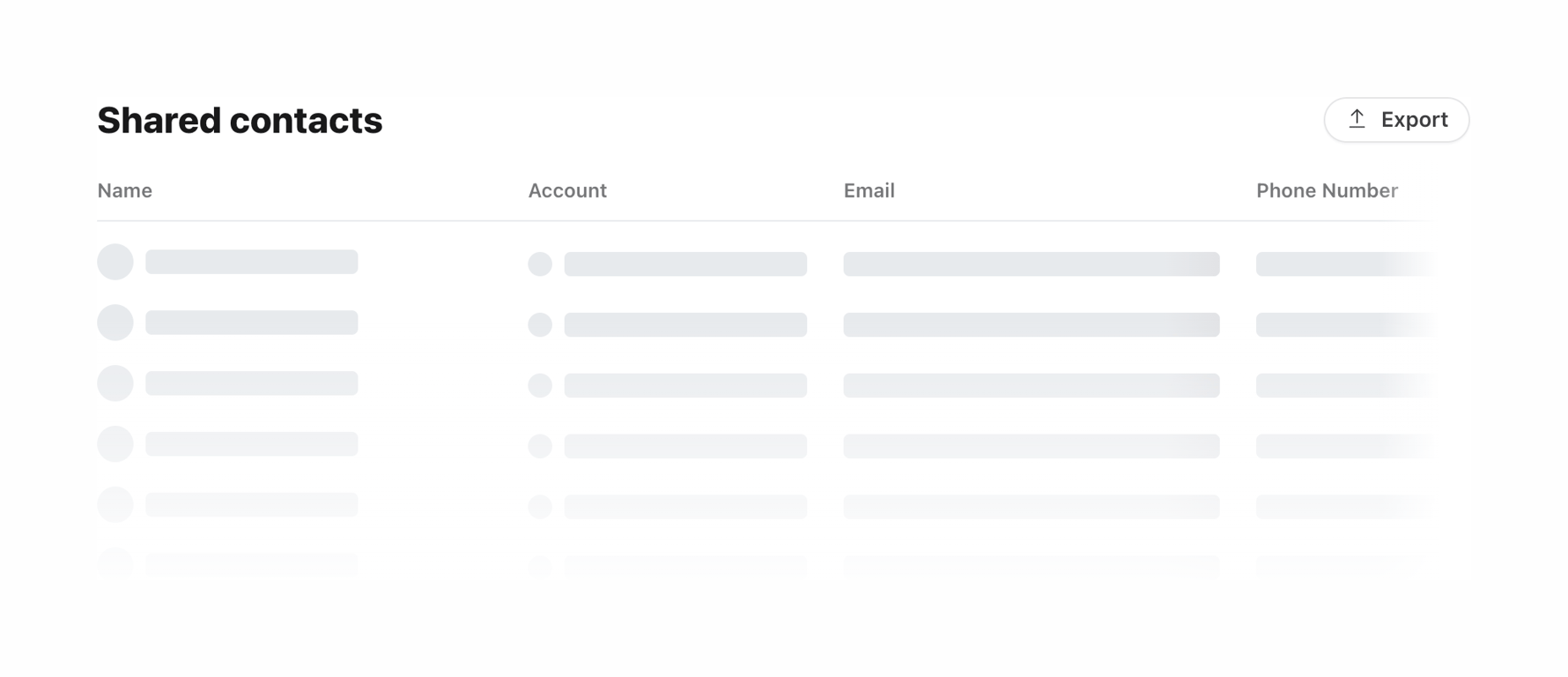

A table of shared contacts with export functionality.

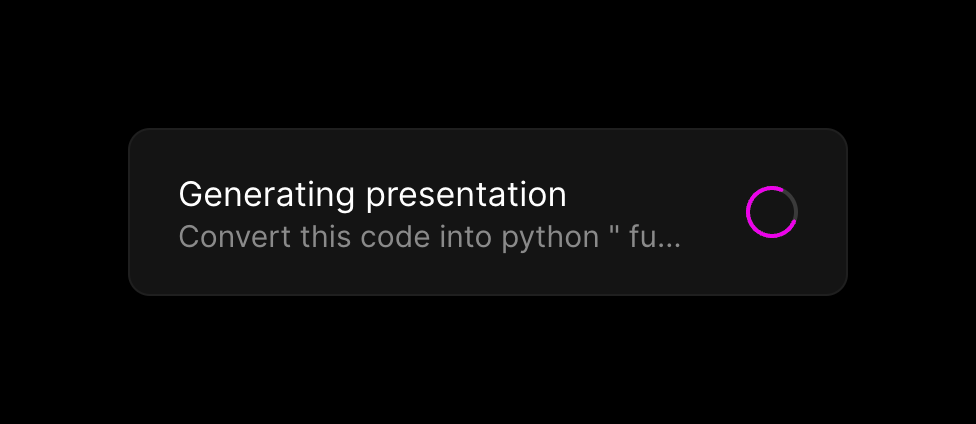

A dark-themed toast notification displaying the progress of an AI presentation generation task. It includes a title, a truncated prompt snippet, and a circular progress indicator.
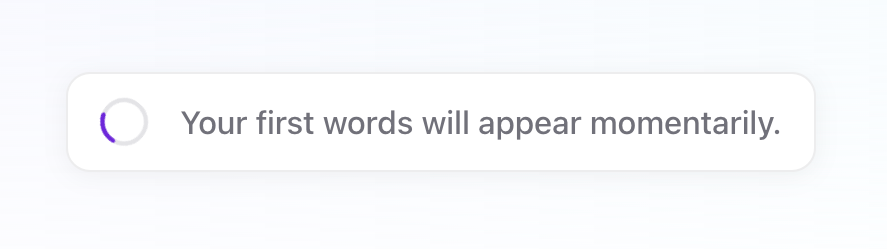

A simple card displaying a loading spinner and a message indicating that text will appear shortly.
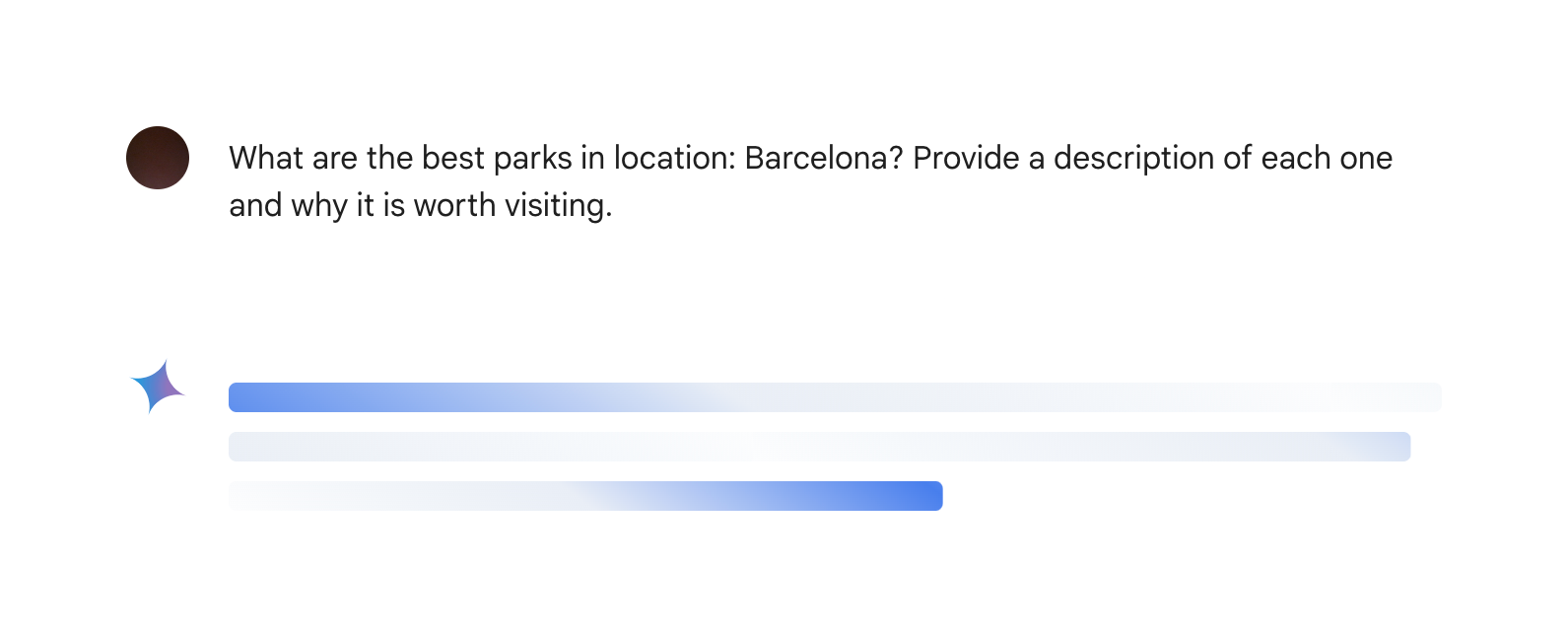

A chat interface with a question and a progress bar.
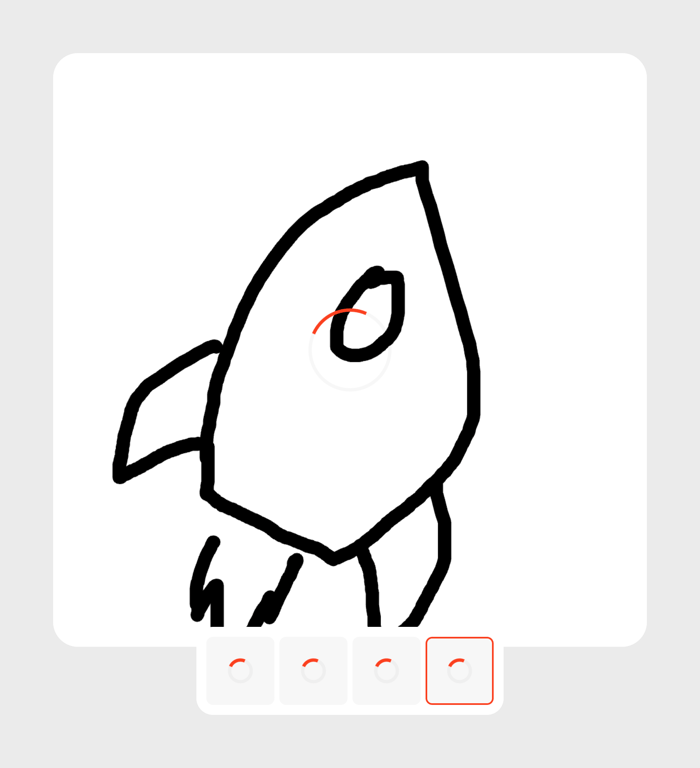

A loading state for an AI image generation canvas, showing a sketched rocket ship with a central loading spinner, and four smaller thumbnail placeholders below, each with its own loading spinner.
Browse the full component library
See 9 more Components.
Trusted by the best teams








About Skeleton
See how interfaces reserve space while content loads. Explore how placeholder shapes reflect the expected layout of text, images, and repeated items.