Tome design examples
Explore Tome UI design examples. The storytelling tool for work
Product screens
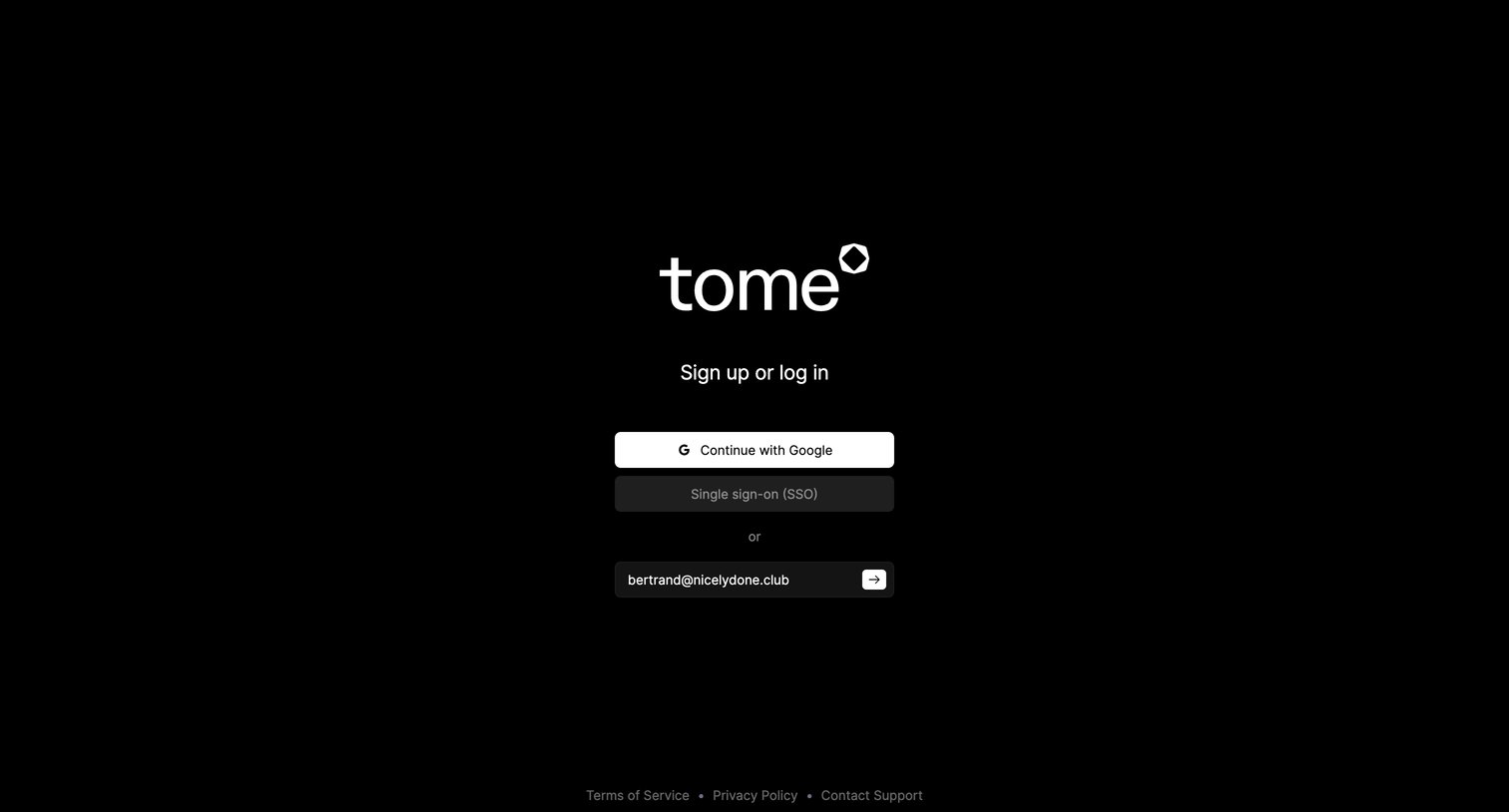
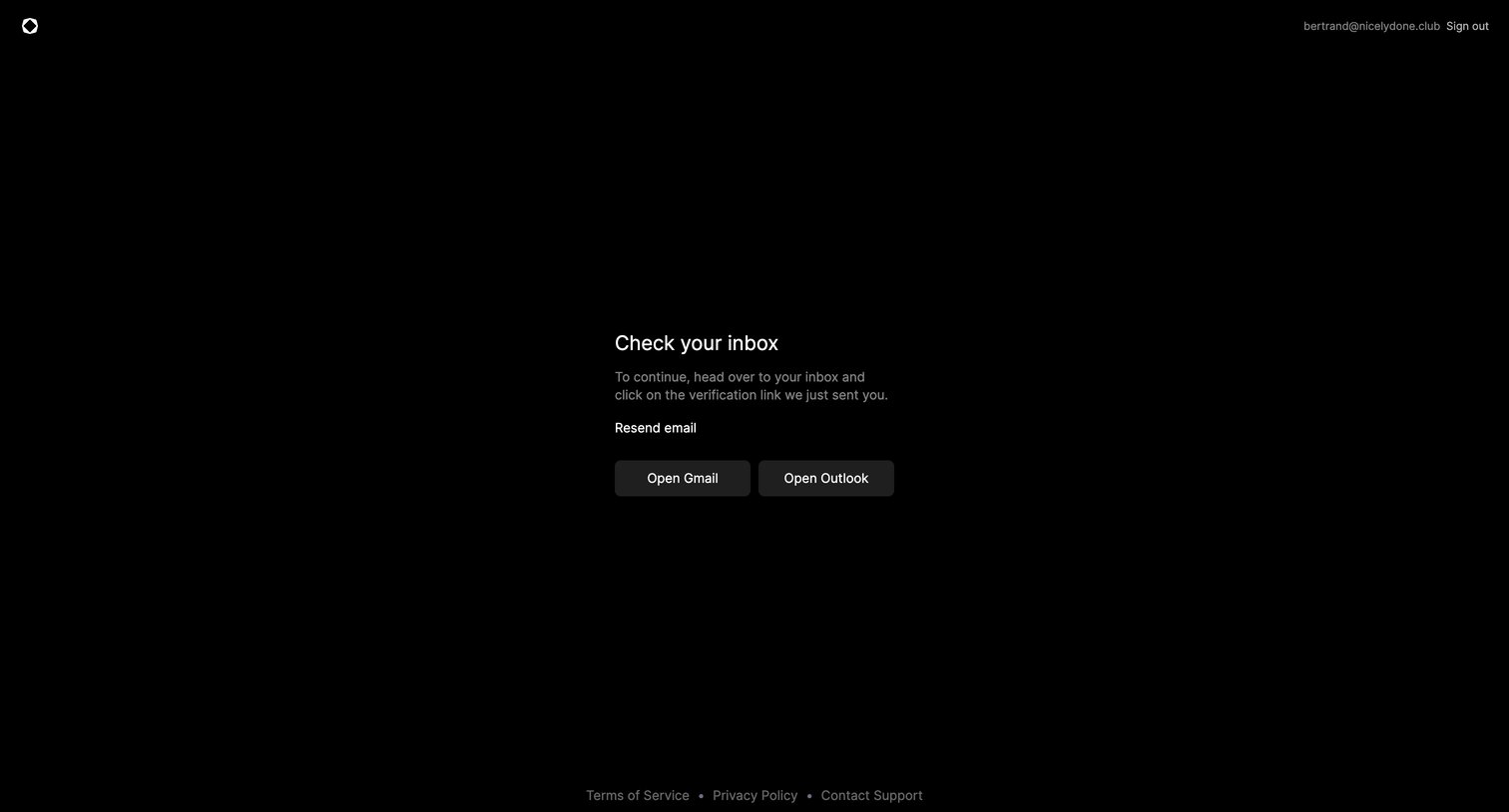

Verification screen prompting the user to check their inbox for a link, offering quick buttons to open Gmail or Outlook and an option to resend the email.
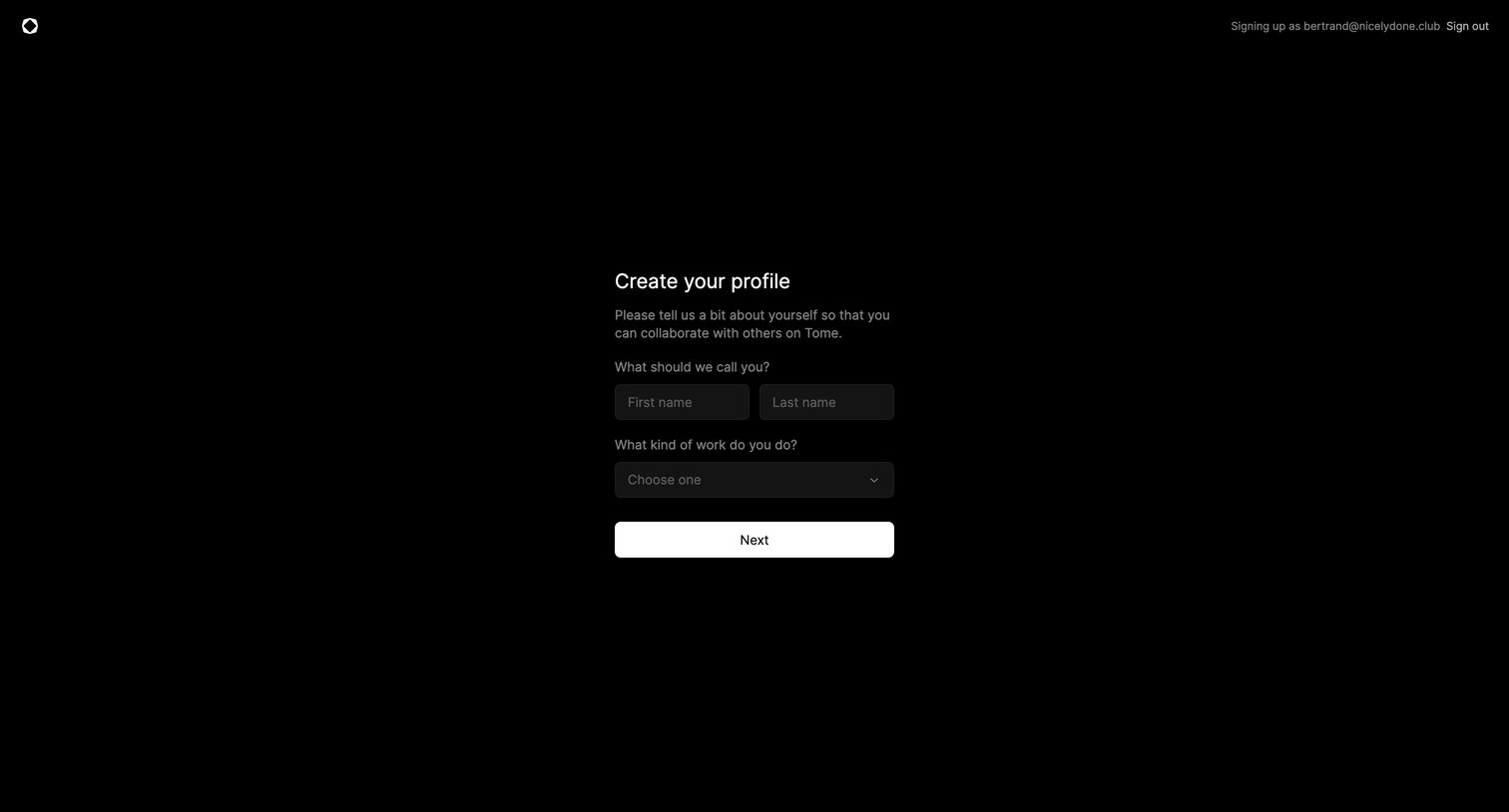
Onboarding step where the user enters their first and last name and selects their type of work to create their profile.
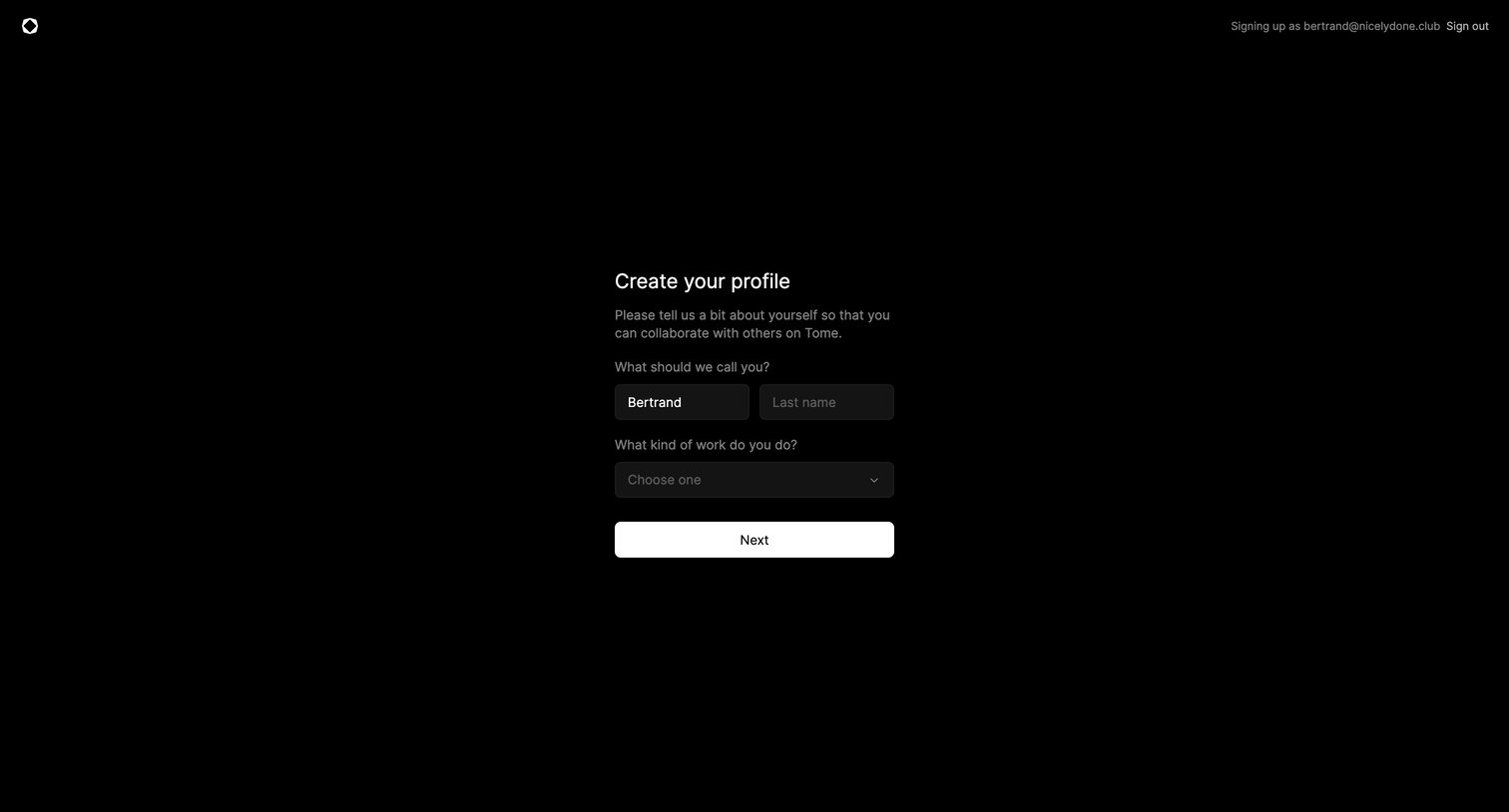
Onboarding step where the user enters their name and selects their role to create their profile.
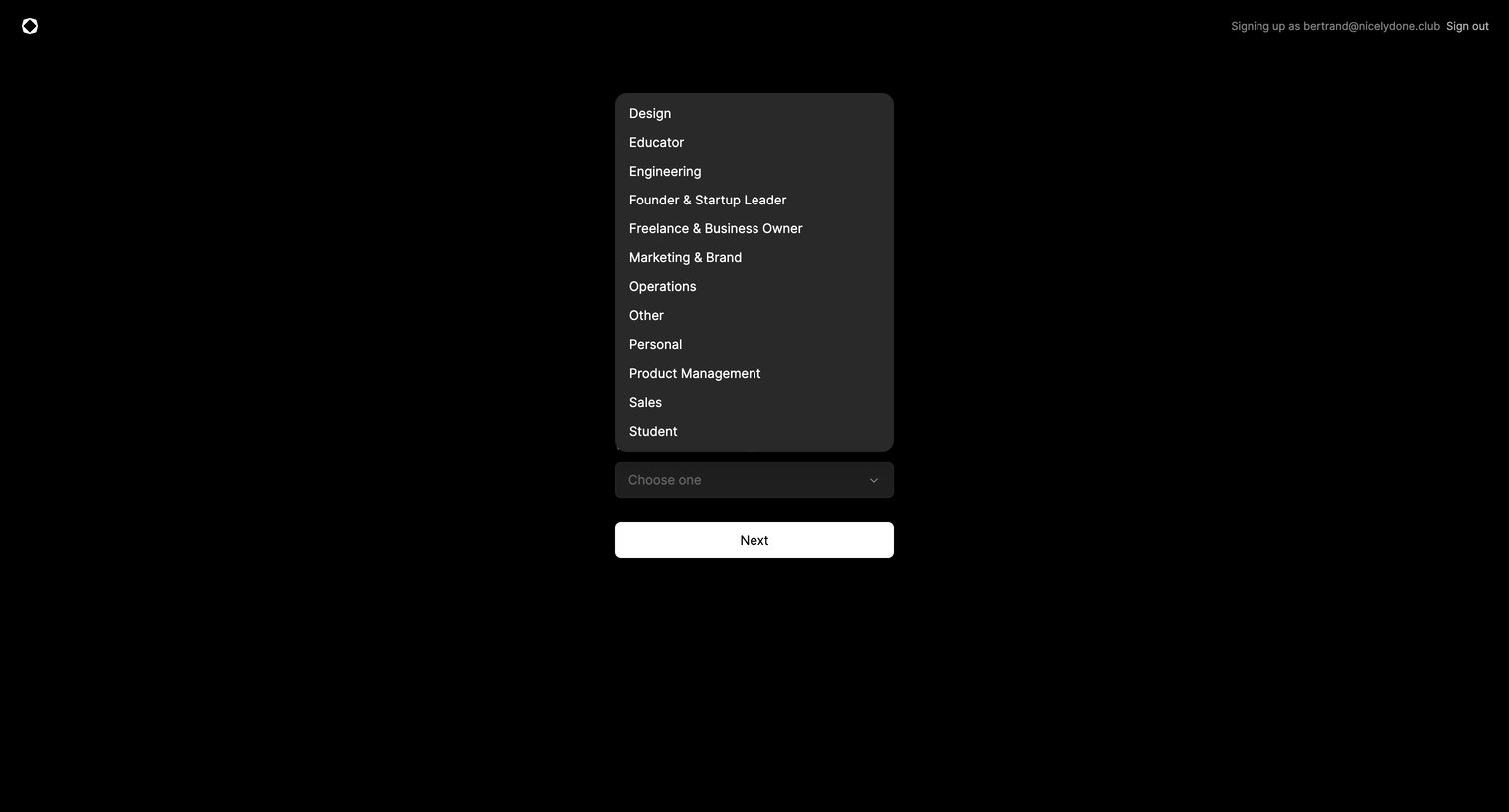
Onboarding step where the user selects their profession or industry to customize their new account.
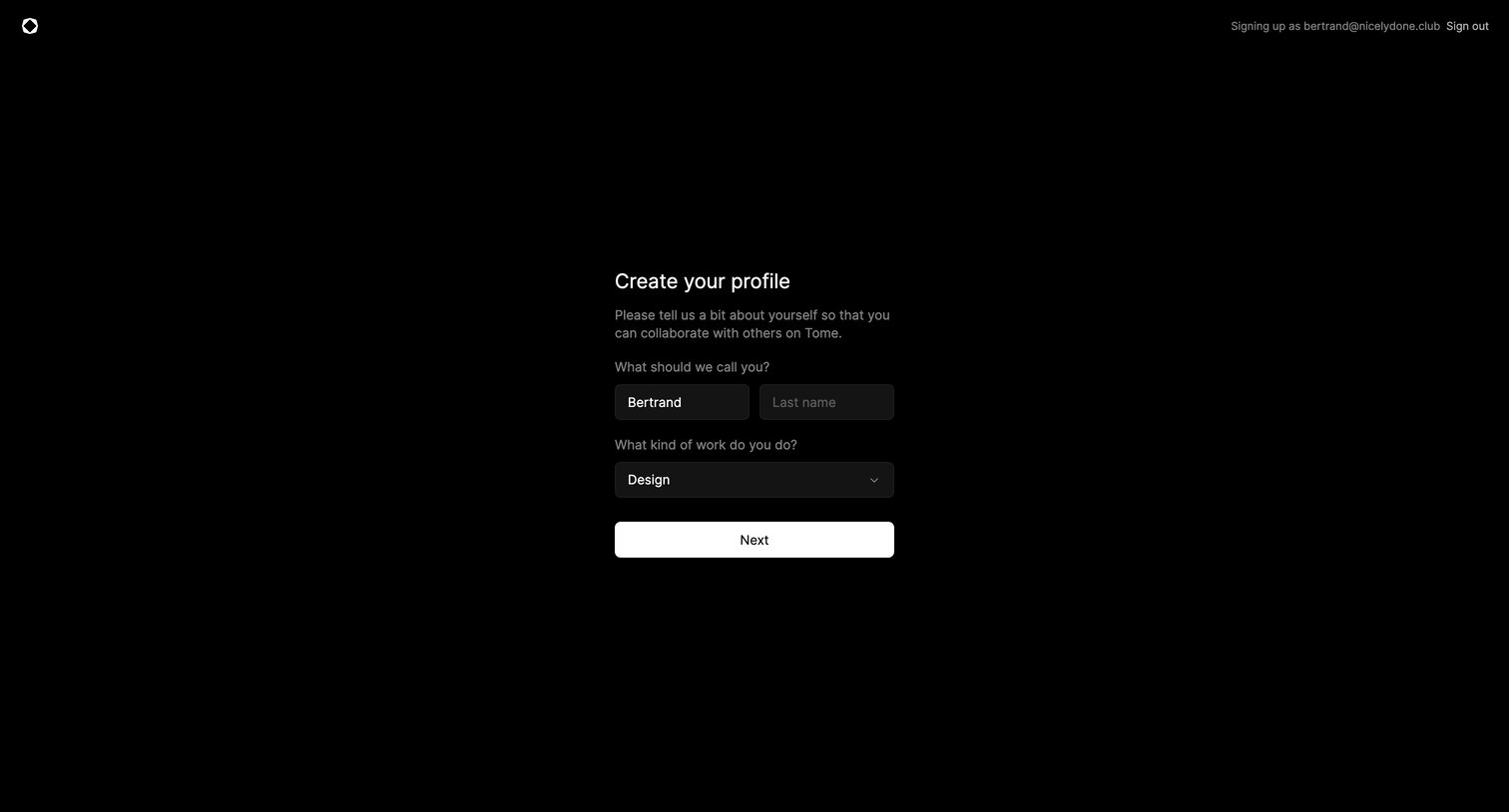
Onboarding step where the user enters their name and selects their role to complete their profile.
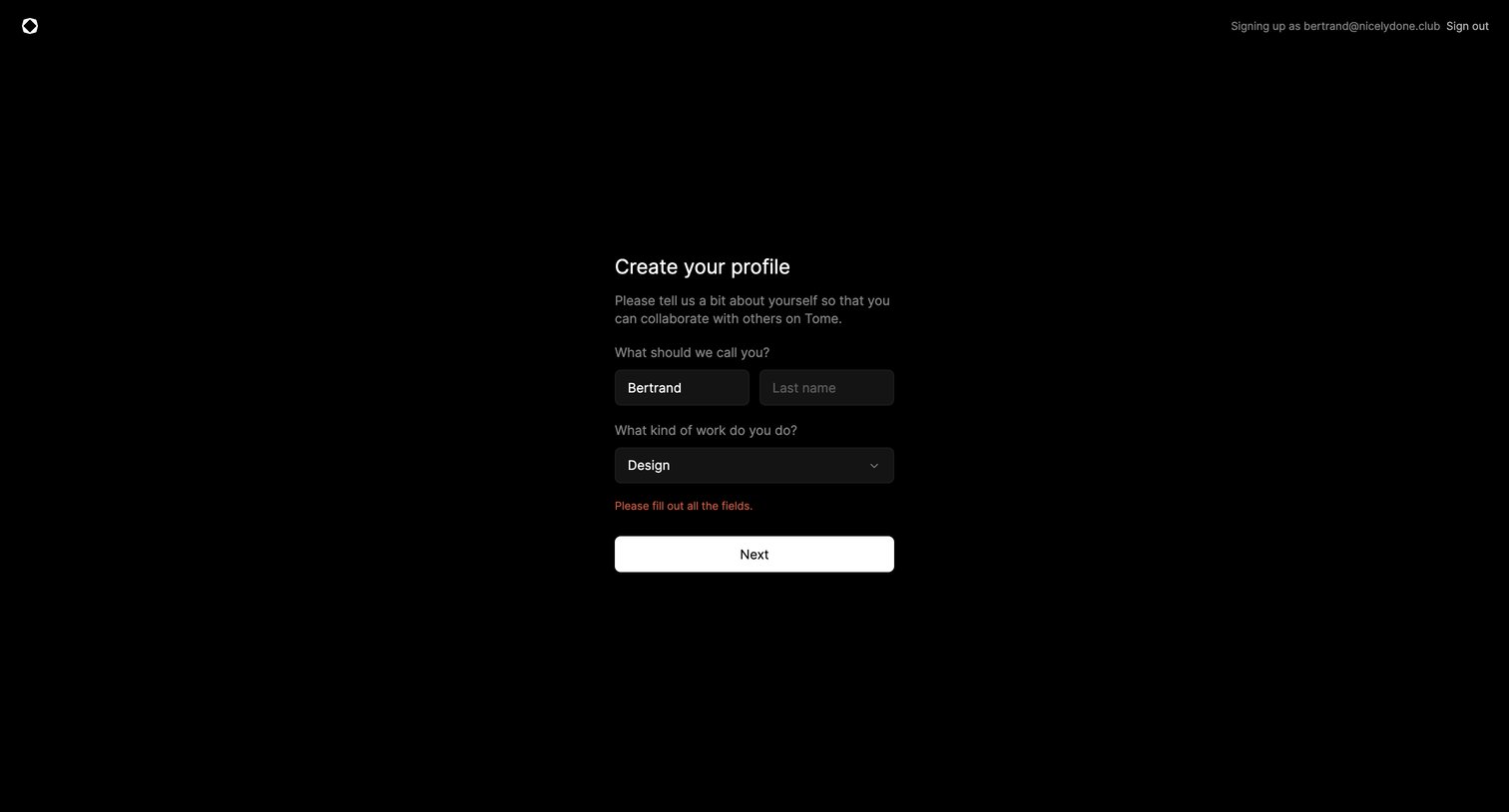
Onboarding step where the user enters their name and selects their role to create their profile, currently showing a validation error.
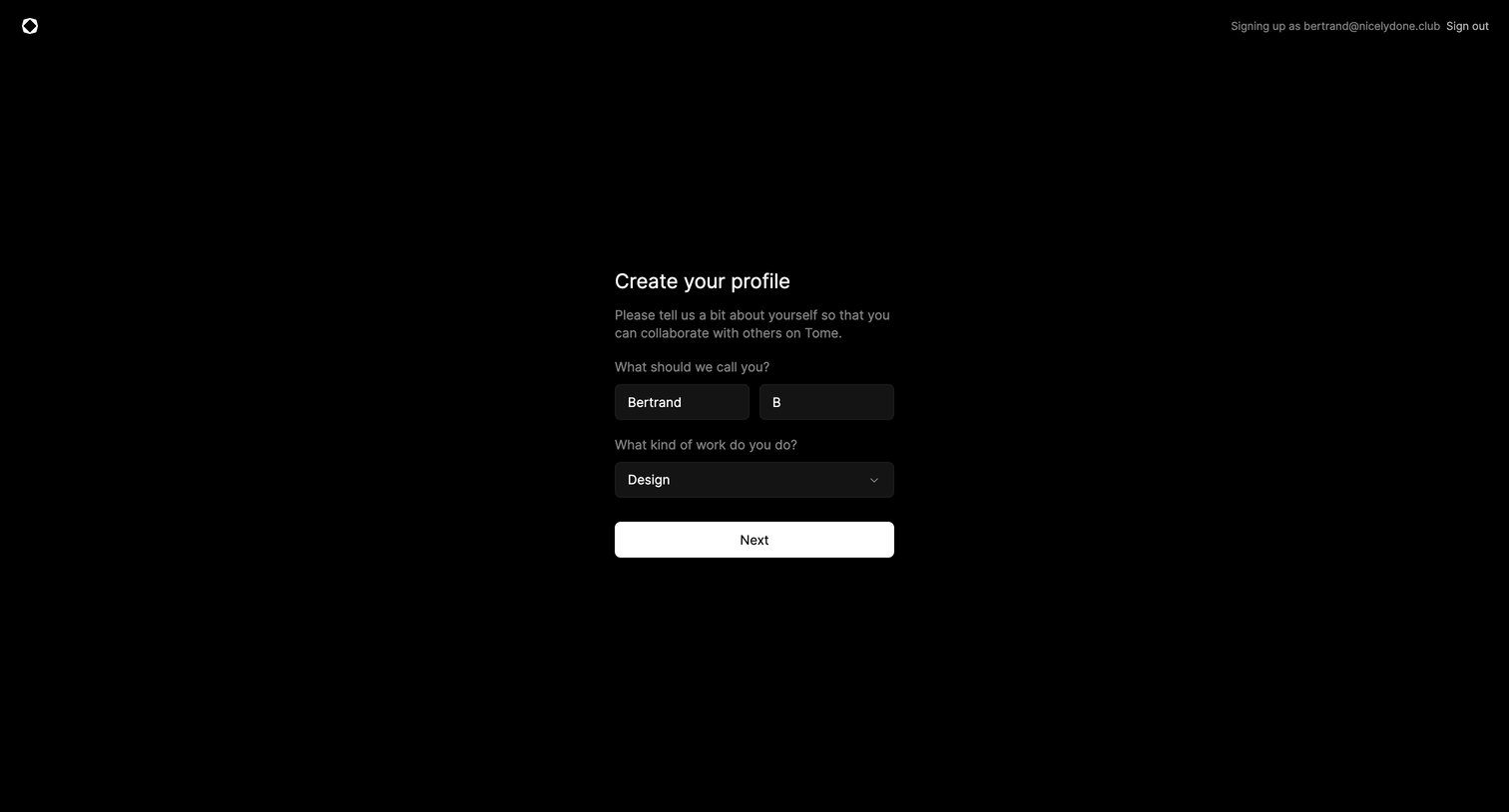
Onboarding step where the user provides their name and selects their role to finish setting up their account.
Browse the full SaaS app library
Explore real SaaS apps with their product screens, marketing screens, flows, and components.
Trusted by the best teams







