Tome user flows examples
Explore Tome user flow examples. Preview the opening screens and steps for each task. The storytelling tool for work
Preview these flows


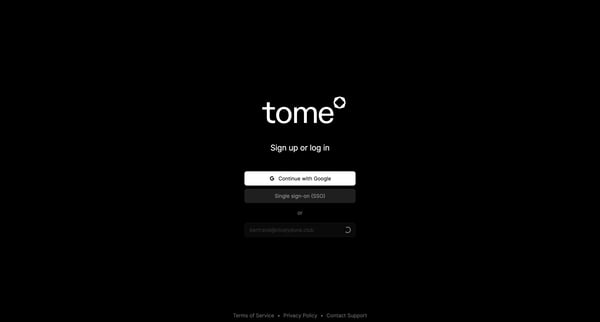
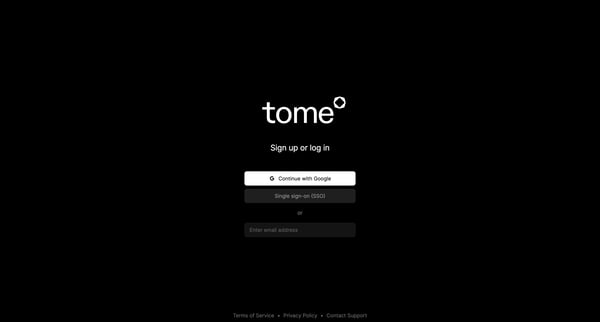
This user flow guides a new user through the process of creating an account and setting up their profile in Tome, facilitating both authentication and personalization.
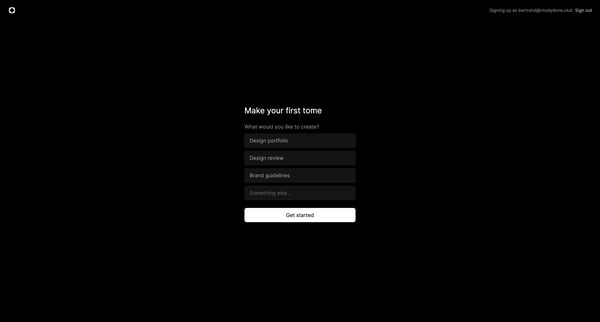
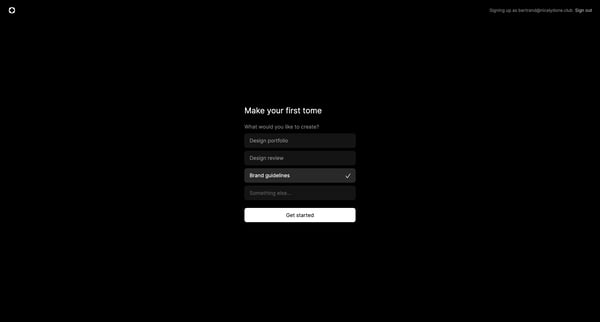
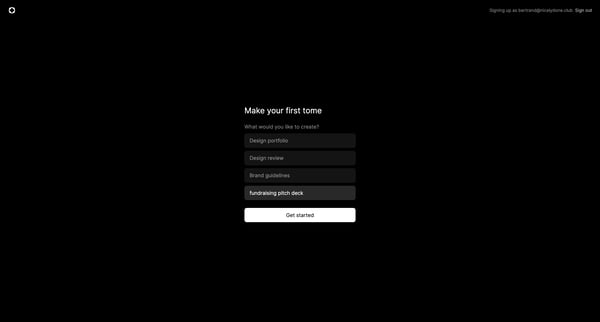
This flow guides a user through the process of setting up their first project by selecting a type and template to create curated content.
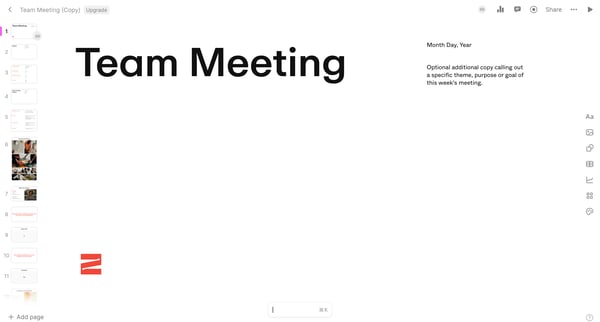
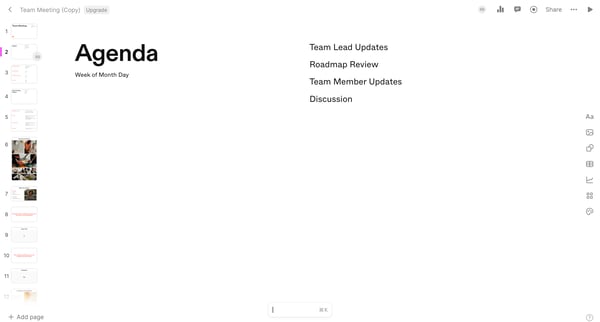
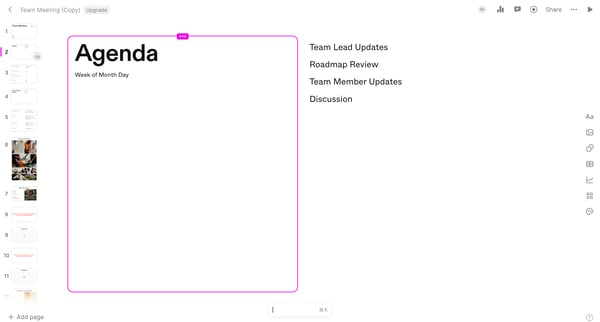
Streamlines the process of updating and sharing components of a team meeting agenda, focusing on metrics, updates, and discussions.
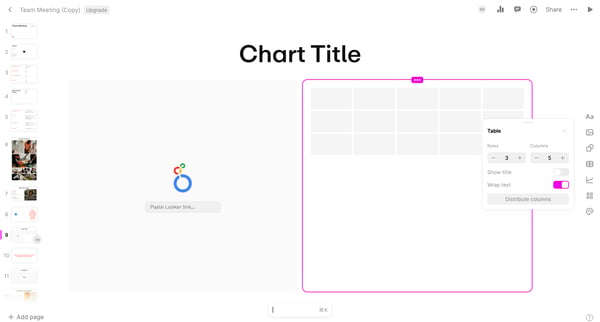
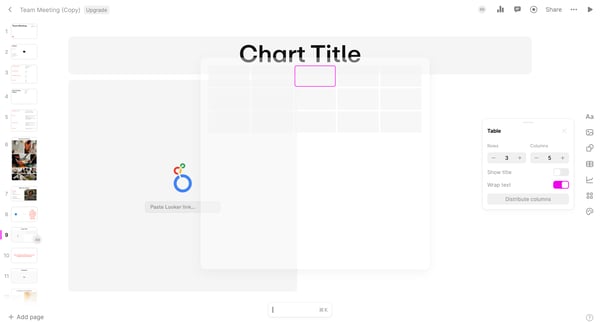
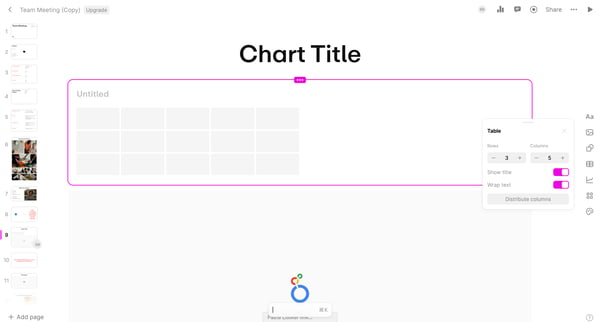
This flow facilitates the process of managing and updating content in a collaborative editing platform by allowing users to navigate through various editing, chart management, and team collab
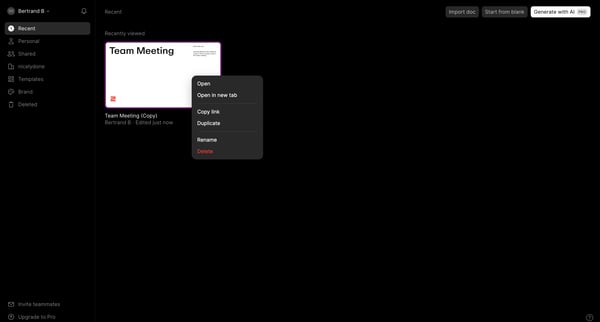
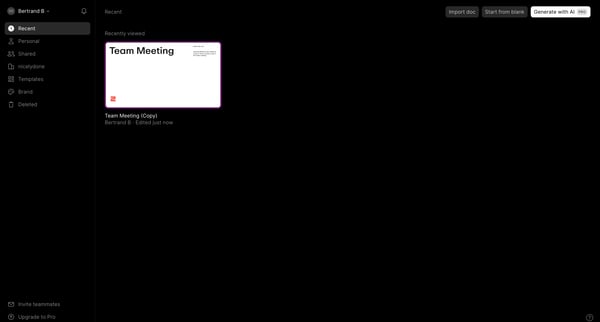
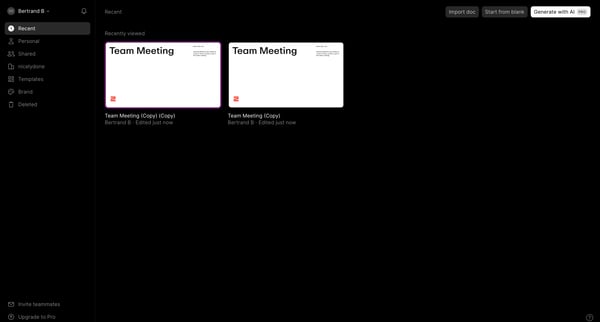
This flow facilitates the duplication and management of a team meeting template, allowing users to efficiently manage and replicate meeting details across their team.
Explore the full SaaS flow library
Browse the full SaaS flow library.
Trusted by the best teams







